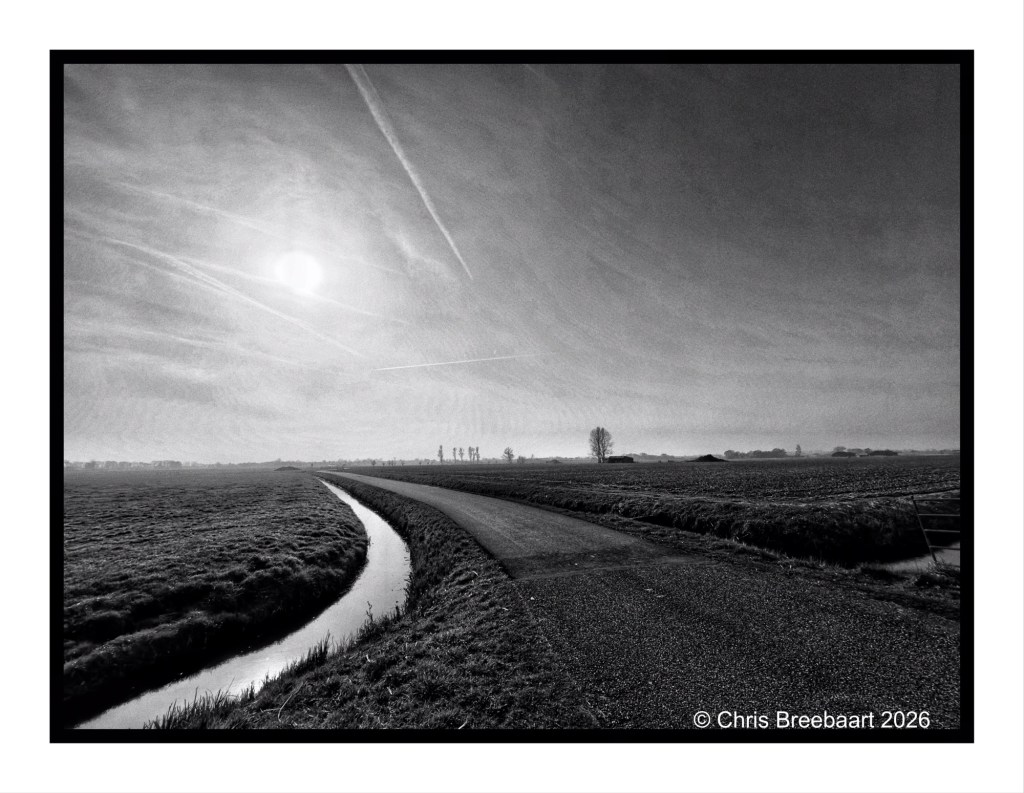
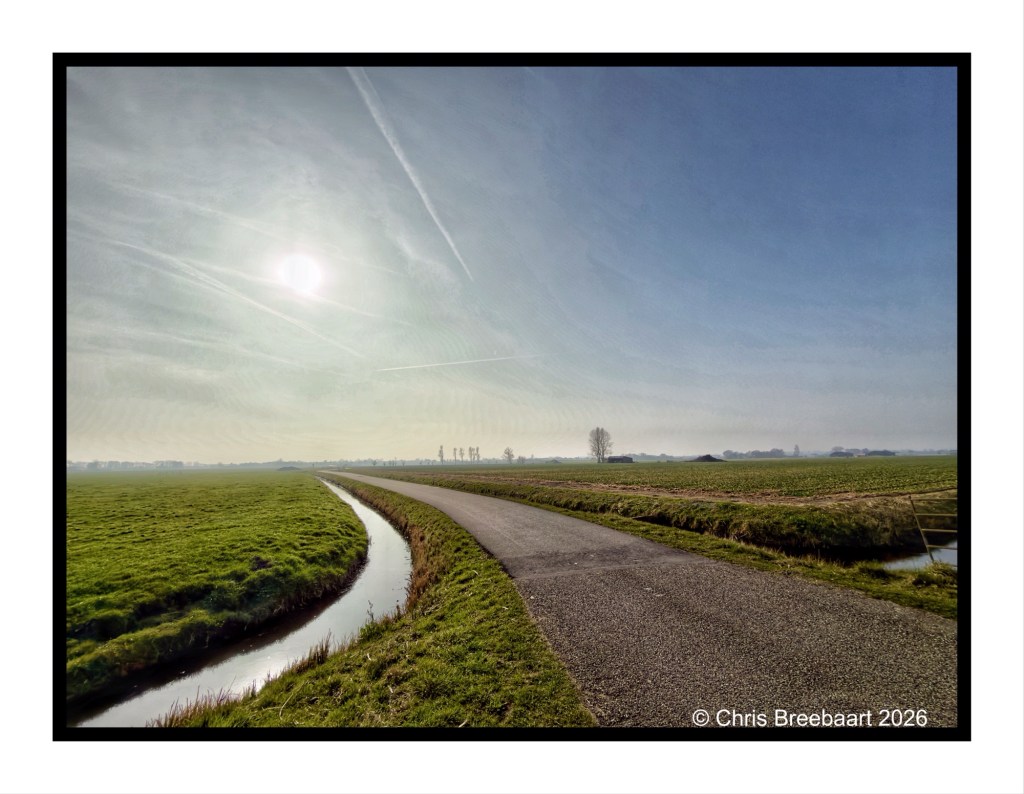
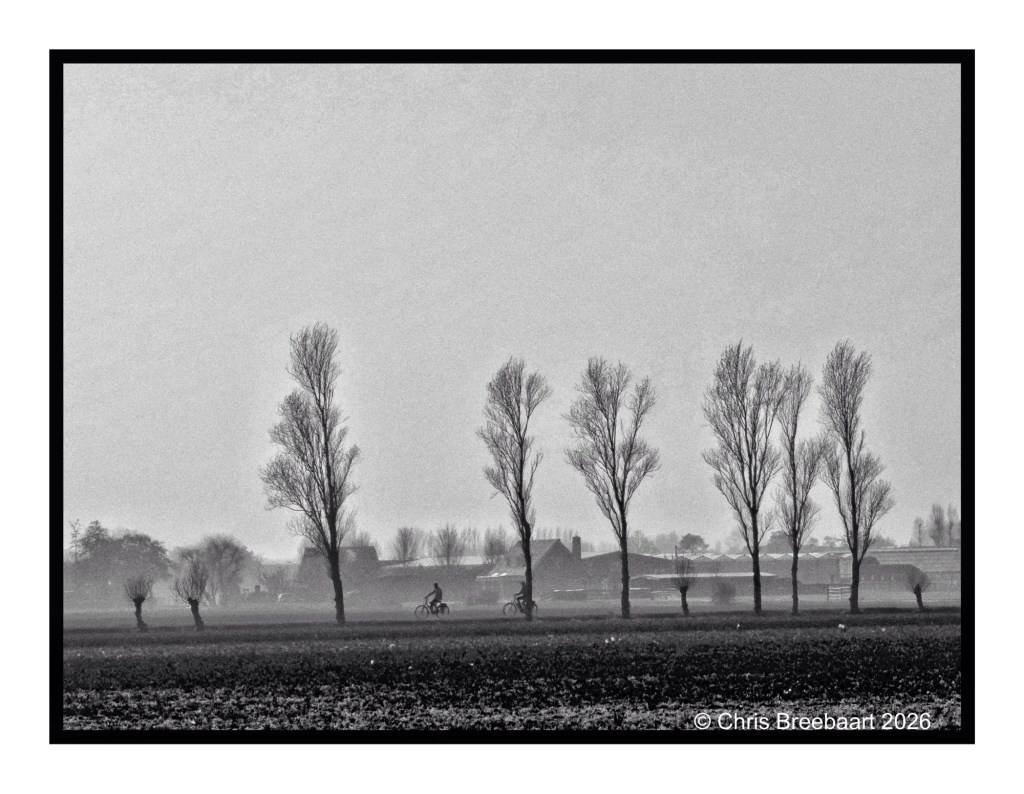
If you visit my blog – like I hope you do or from now start to do – you must have recognized my ‘old’ love for monochrome. When I started this hobby, mono was fashionable and a standard for news photography. And it was cheaper. In this series I offer you two versions of a photo. And you can prefer one over the other, or not.
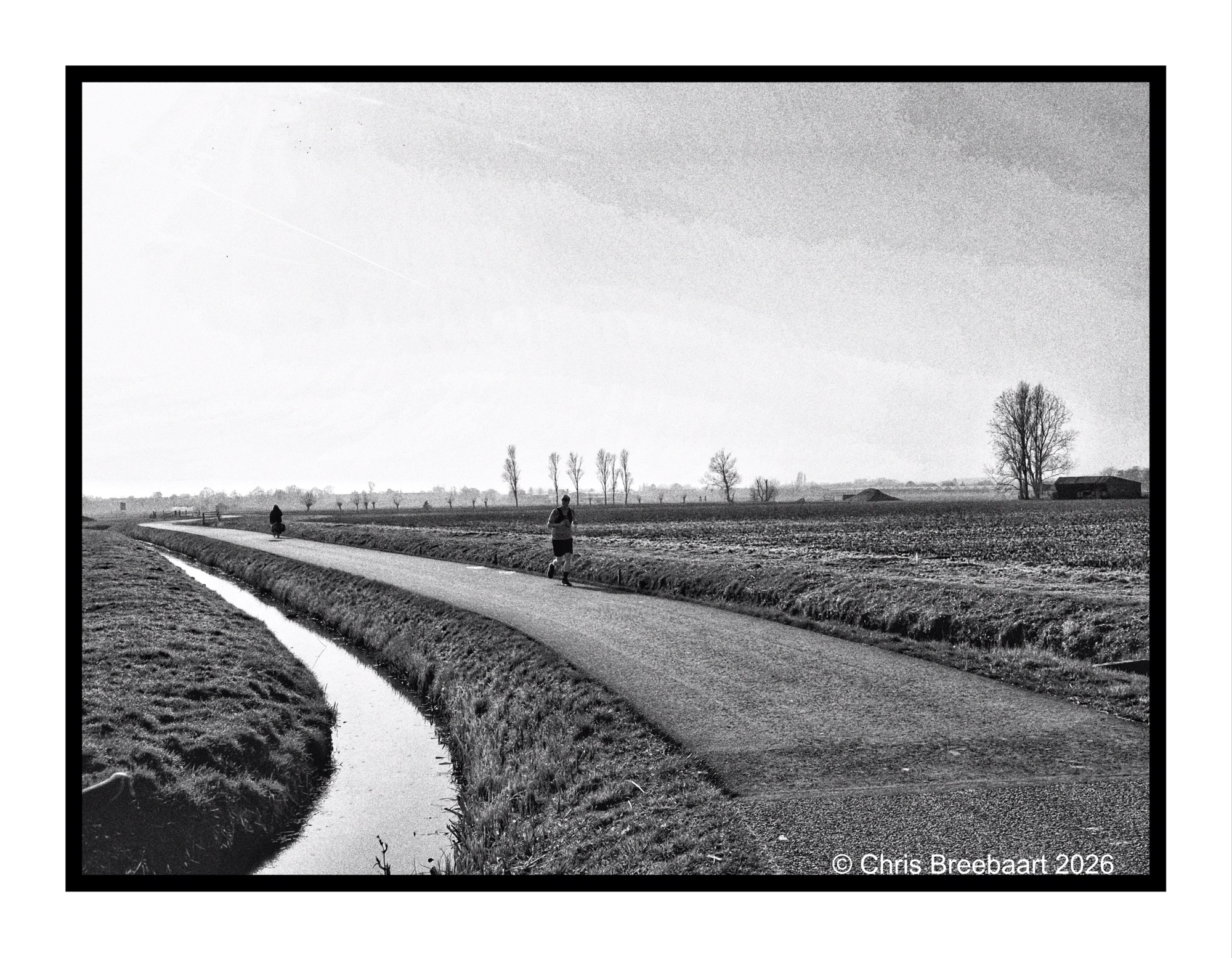
This week’s theme is ‘Time to relax’. On a bicycle ride through fields where soon bulb flowers will pop up, together with other cyclists. This is a piece of a polder showing the low horizon in the sun.
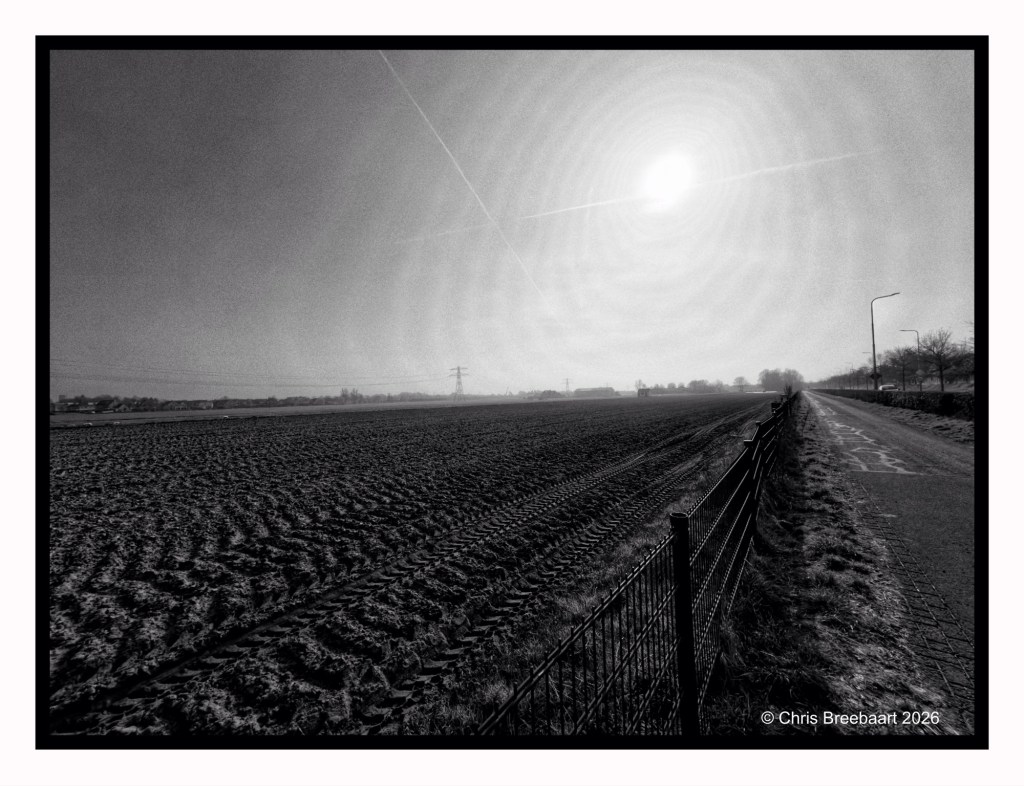
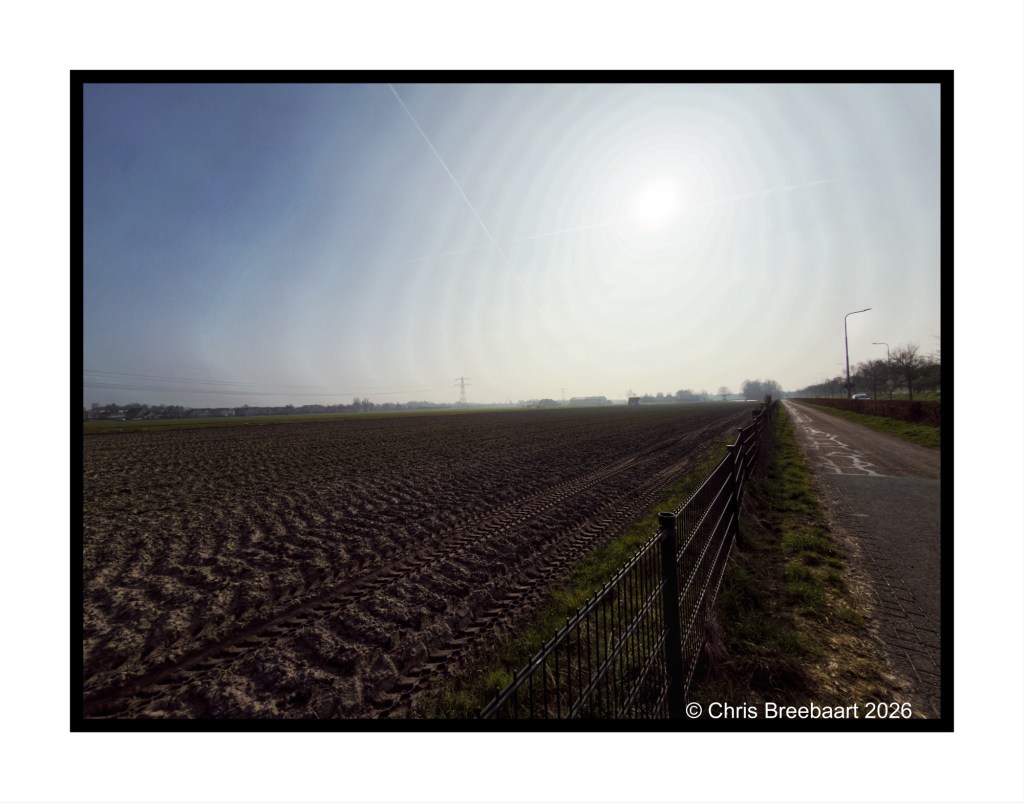
If you visit my blog – like I hope you do or from now start to do – you must have recognized my ‘old’ love for monochrome. When I started this hobby, mono was fashionable and a standard for news photography. And it was cheaper. In this series I offer you two versions of a photo. And you can prefer one over the other, or not.
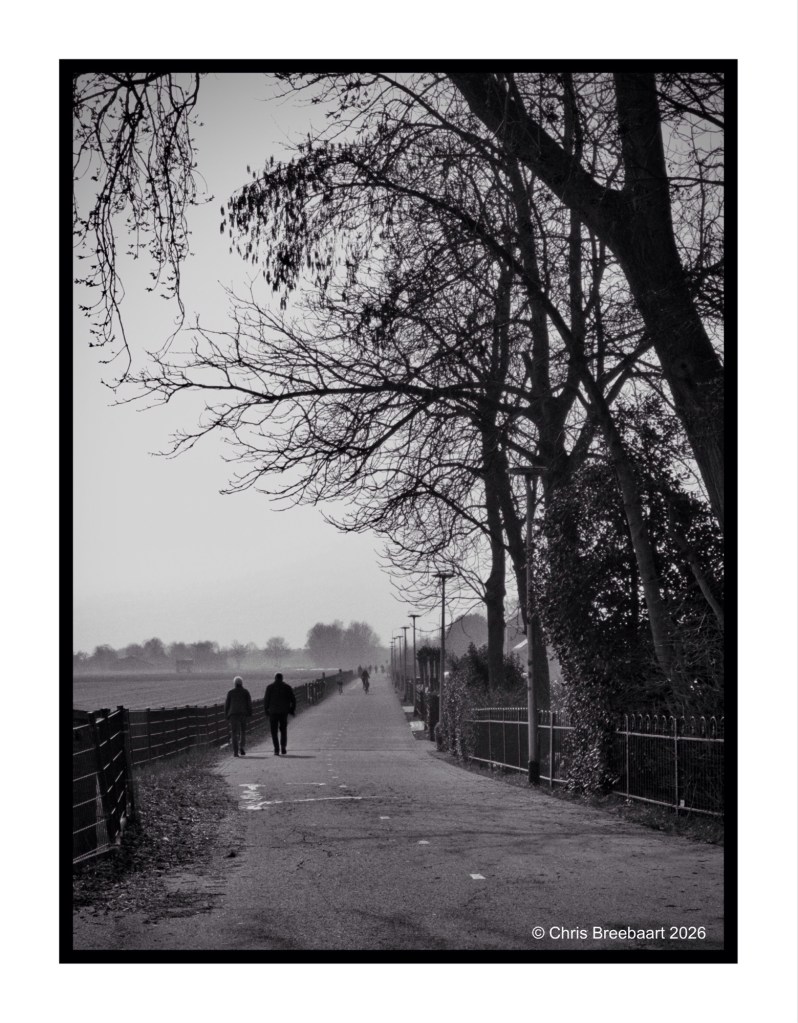
This week’s theme is ‘Time to relax’. On a bicycle ride through fields where soon bulb flowers will pop up, together with other cyclists. Thought I am not really sure about this piece of land, it is just been plowed it seems.
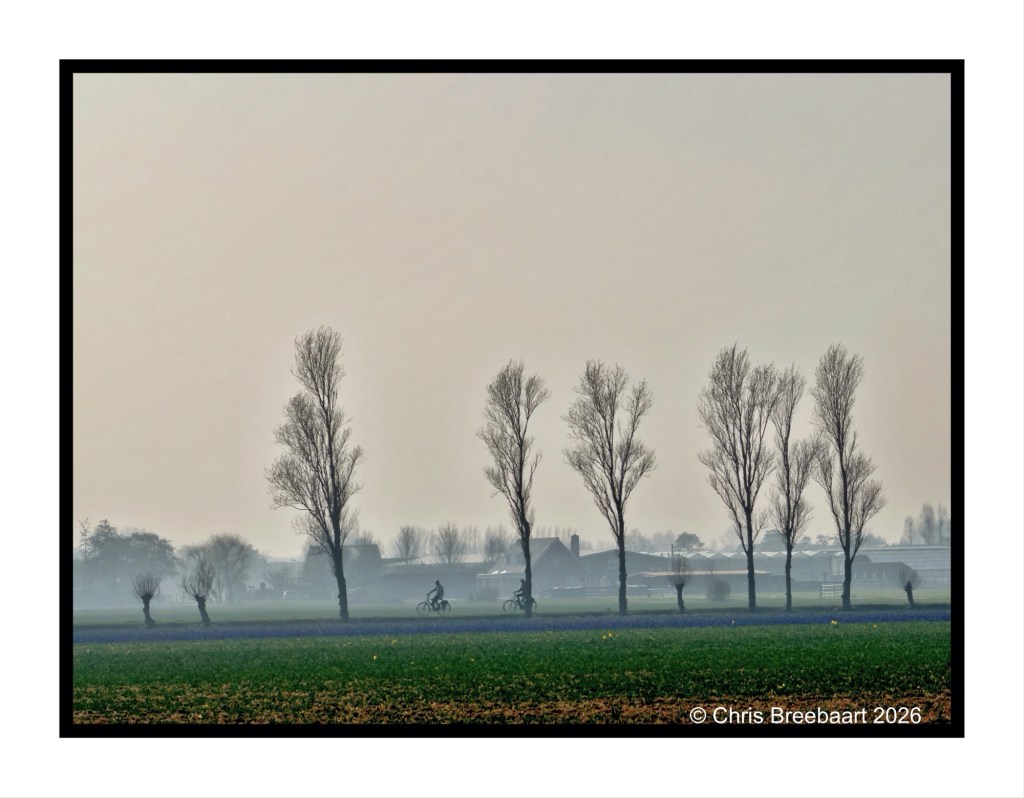
If you visit my blog – like I hope you do or from now start to do – you must have recognized my ‘old’ love for monochrome. When I started this hobby, mono was fashionable and a standard for news photography. And it was cheaper. In this series I offer you two versions of a photo. And you can prefer one over the other, or not.
This week’s theme is ‘Time to relax’. On a bicycle ride through fields where soon bulb flowers will pop up, together with other cyclists. On the color version you can see the deep purple of early hyacinths. With Some yellow late Daffodils.
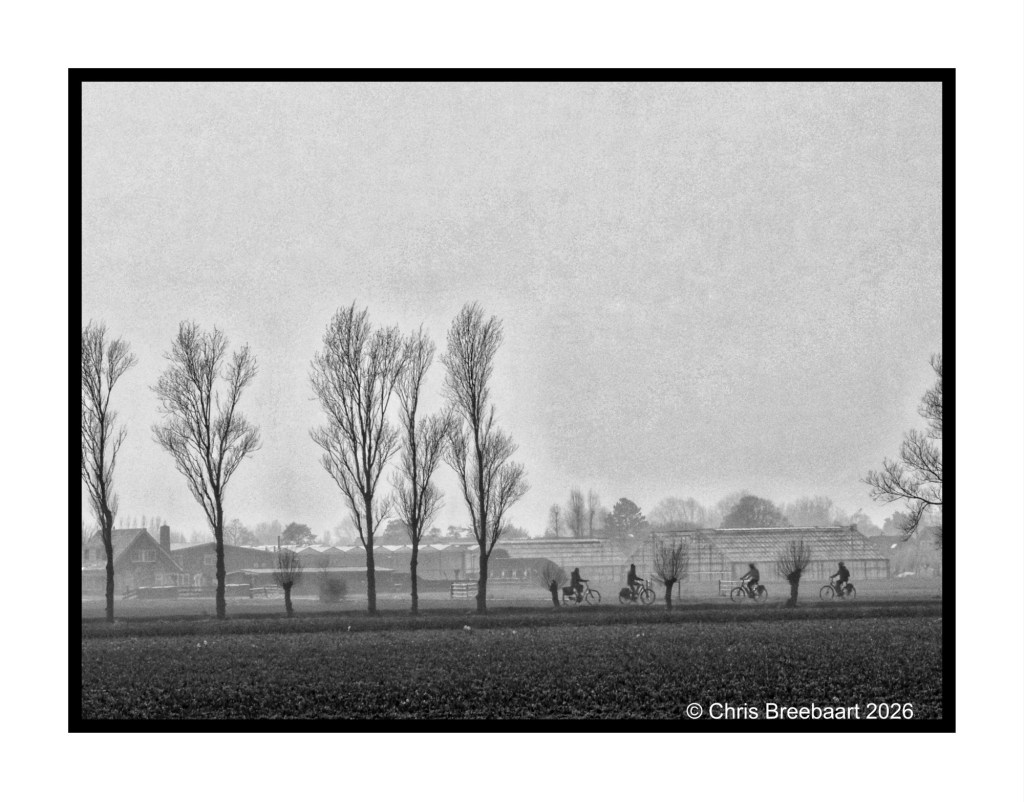
If you visit my blog – like I hope you do or from now start to do – you must have recognized my ‘old’ love for monochrome. When I started this hobby, mono was fashionable and a standard for news photography. And it was cheaper. In this series I offer you two versions of a photo. And you can prefer one over the other, or not.
This week’s theme is ‘Time to relax’. On a bicycle ride through fields where soon bulb flowers will pop up, together with other cyclists. On the color version you can see the deep purple of early hyacinths. With Some yellow late Daffodils.
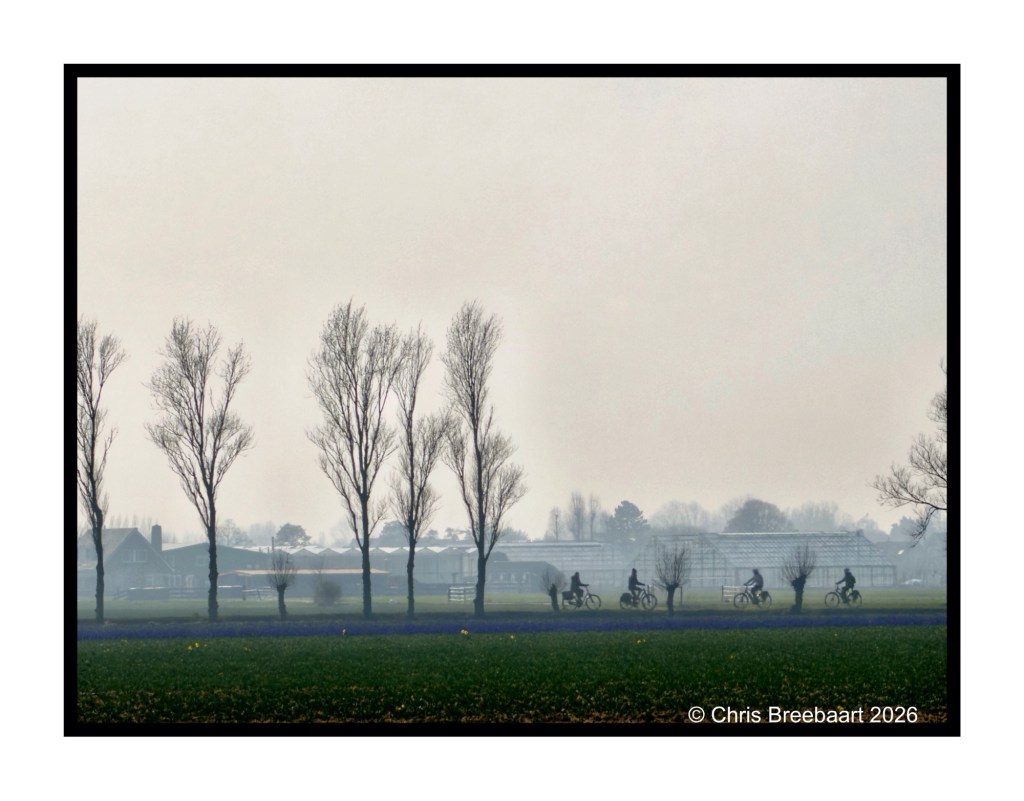
This week’s theme is ‘Time to relax’. On a bicycle ride through fields where soon bulb flowers will pop up, together with other cyclists and the occasional runner.
Spring is here and last weekend I made a little bicycle ride to check out the bulb flower fields. Daffodils where coming up, and at odd places hyacinths started to show. A nice way to relax and enjoy the lovely day outside. As did others by walking, running or cycling. Fitting this week’s theme ‘Time to relax’.
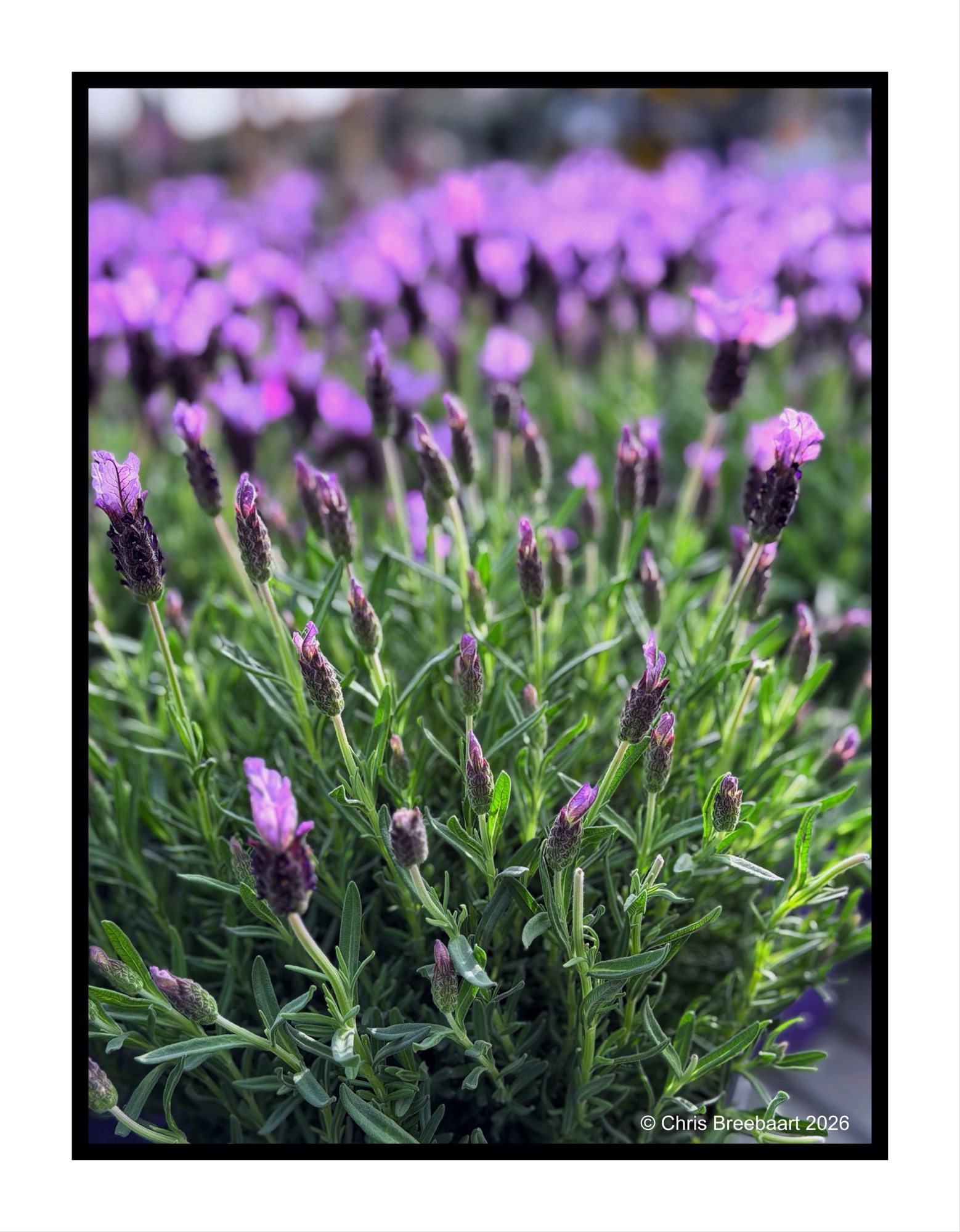
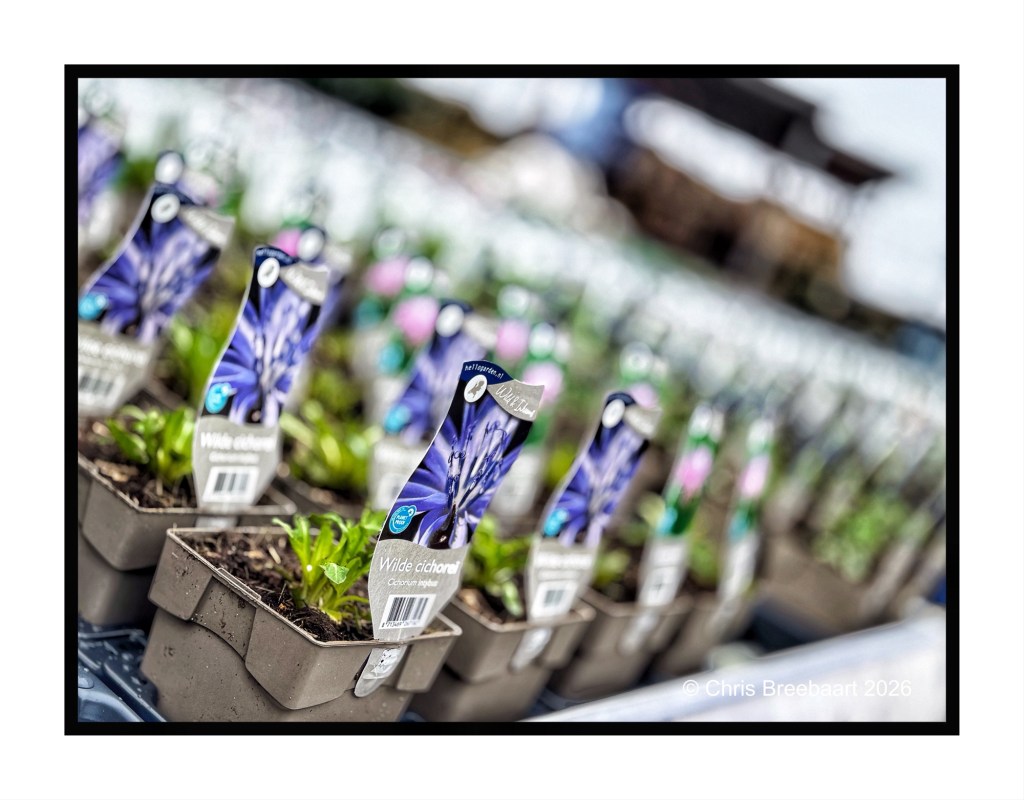
Long ago each season had its own indicators: vegetables, flowers, products. But nowadays in a world economy you can eat vegetables all year round. And now you can have lavender all year round as well. Not the whole year but starting from Spring.
Lavender for me is a ride through the Provence, with the scent in the air as you oversee fields of purple. In Summer.
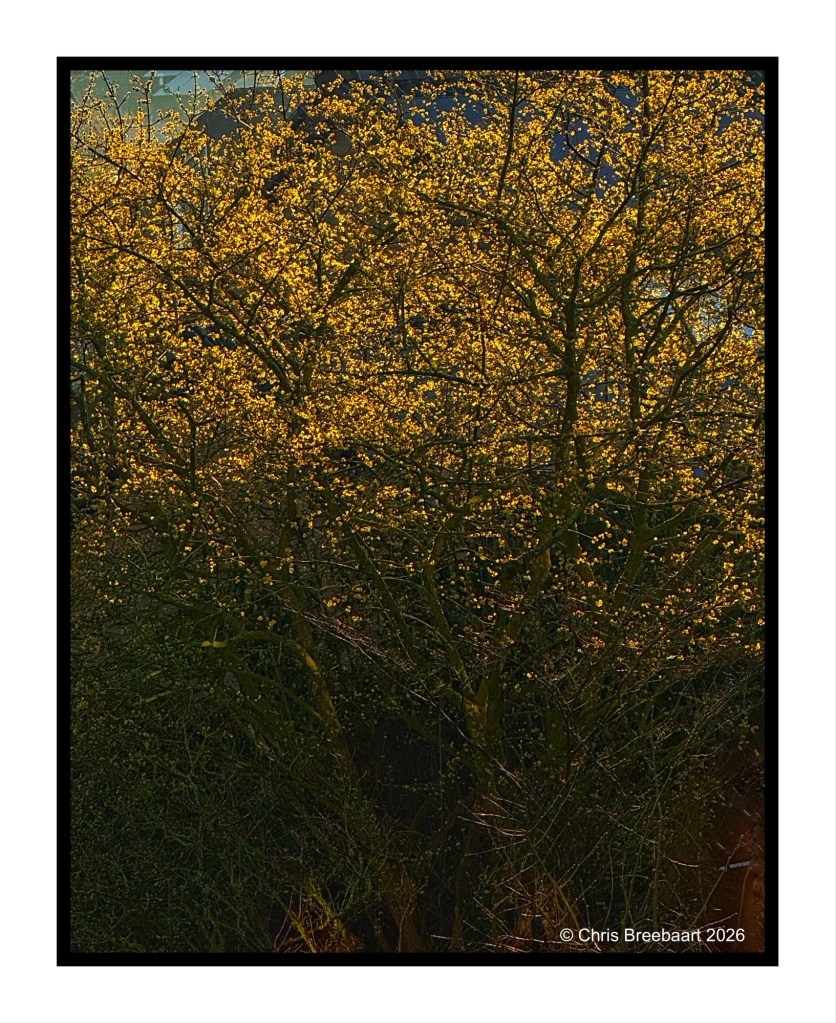
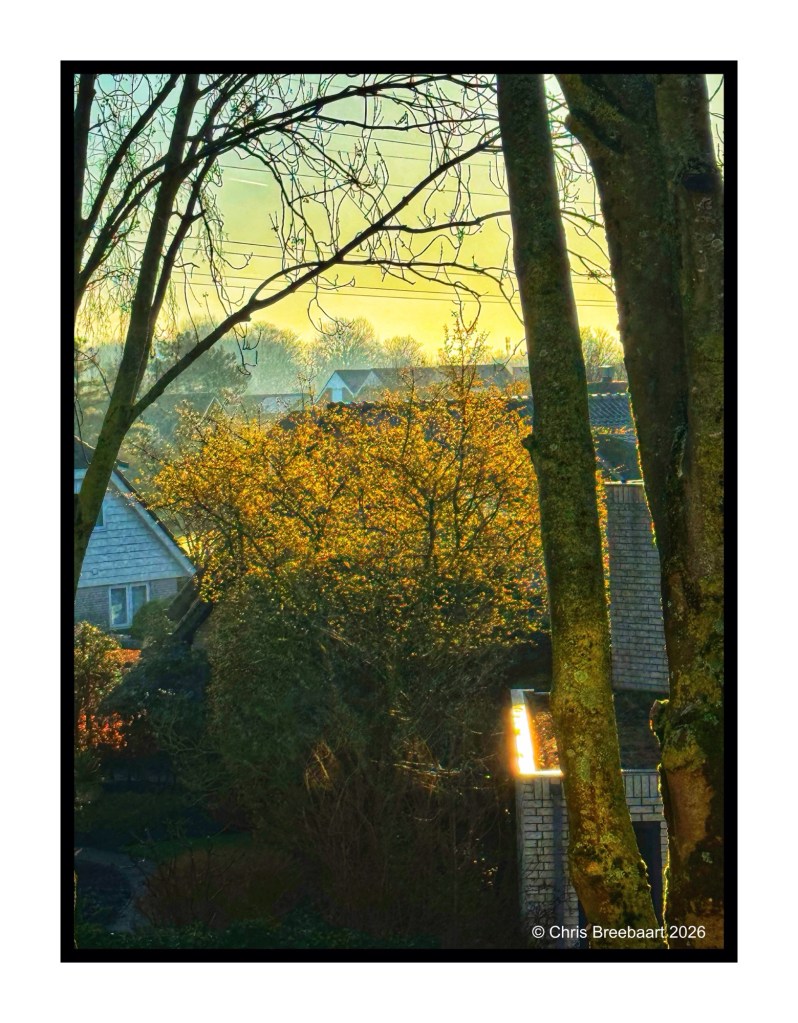
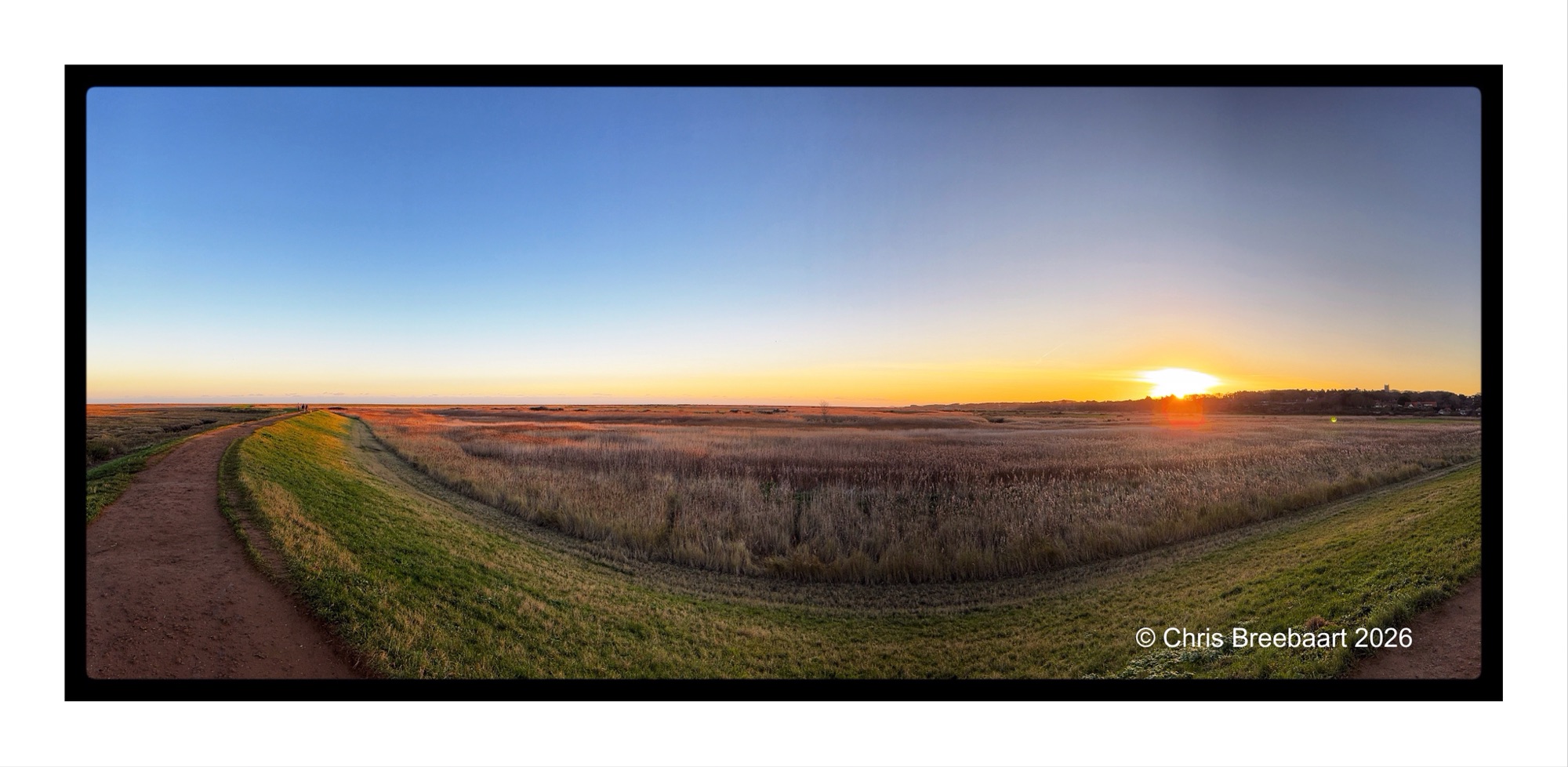
Spring knocks on the door. Sunrises through young leaves, creating golden slumbers in the early sunlight. Vanishing as the sun climbs higher in the sky.
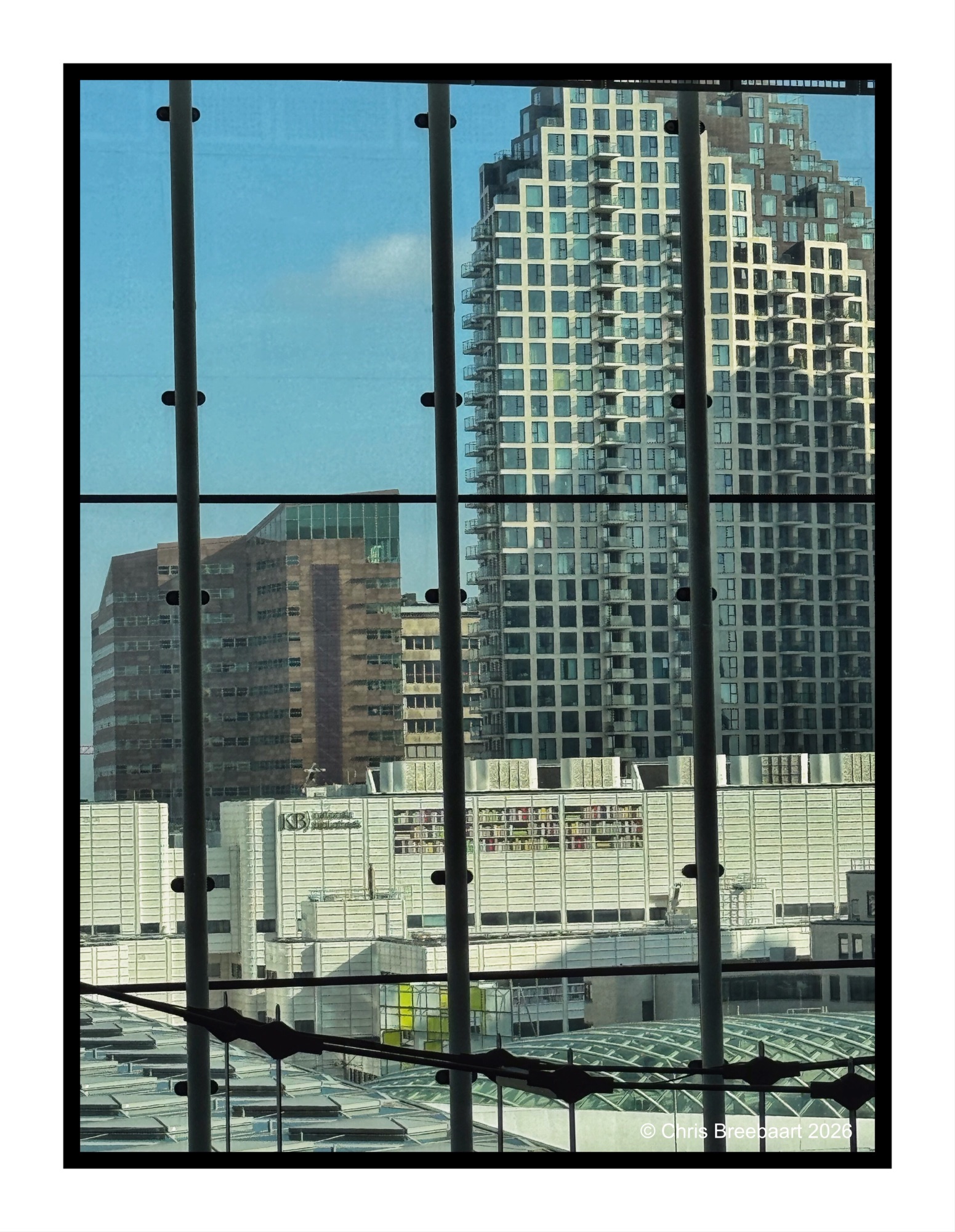
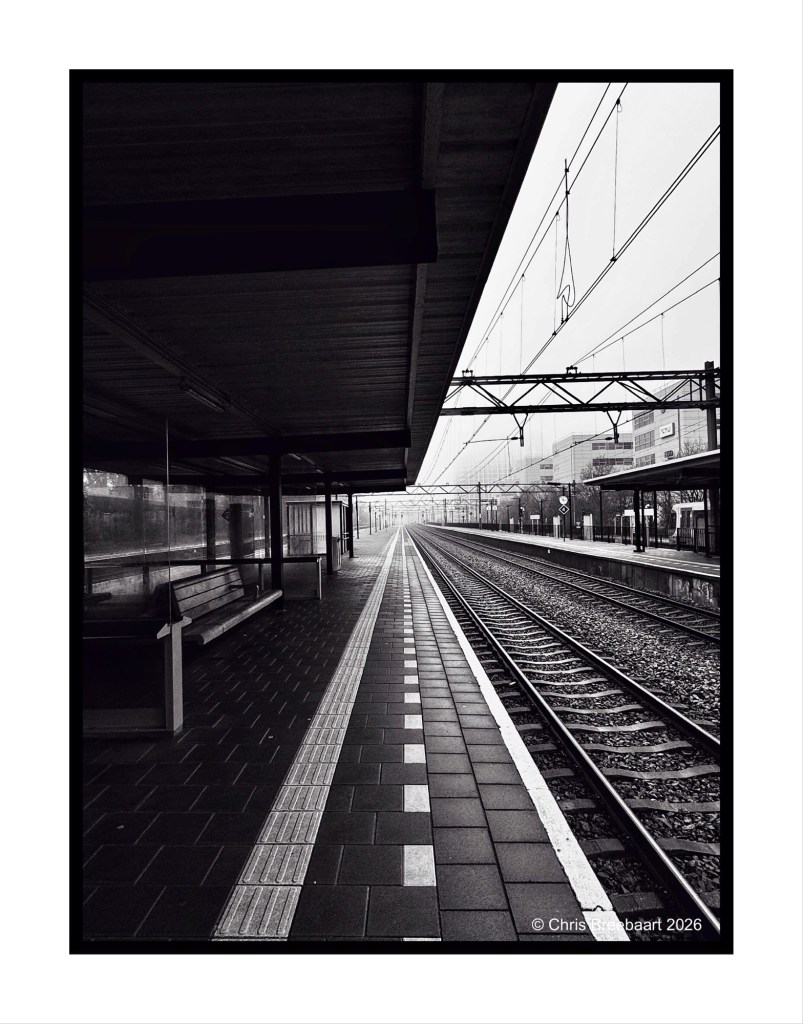
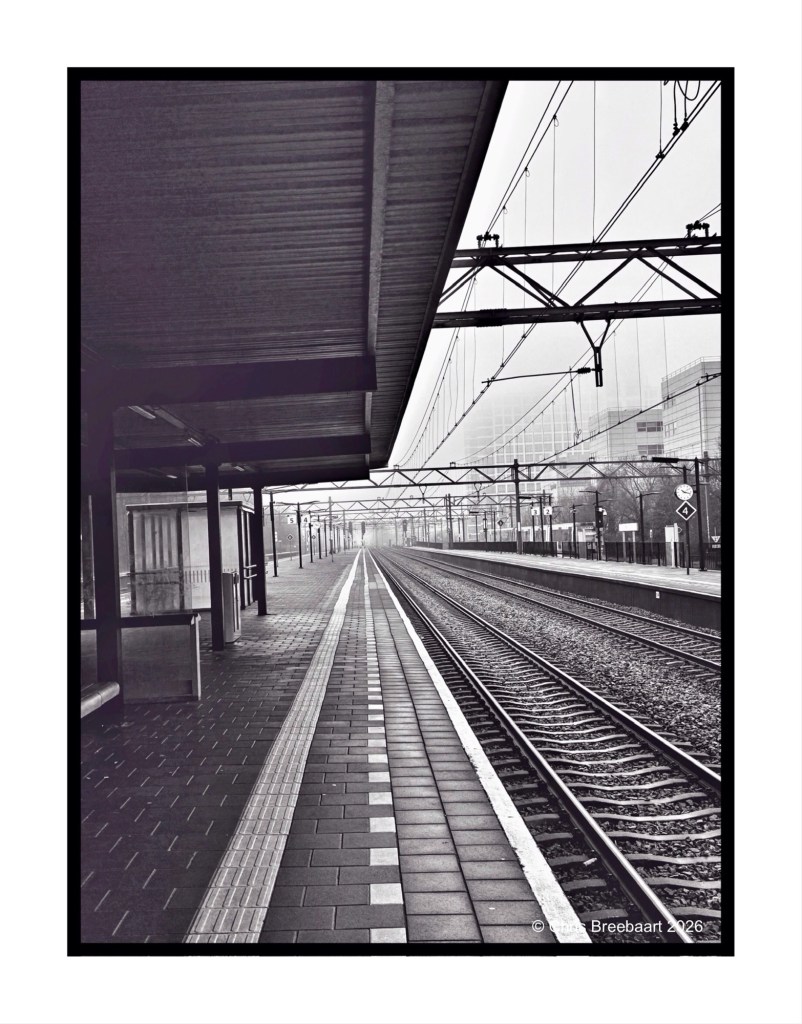
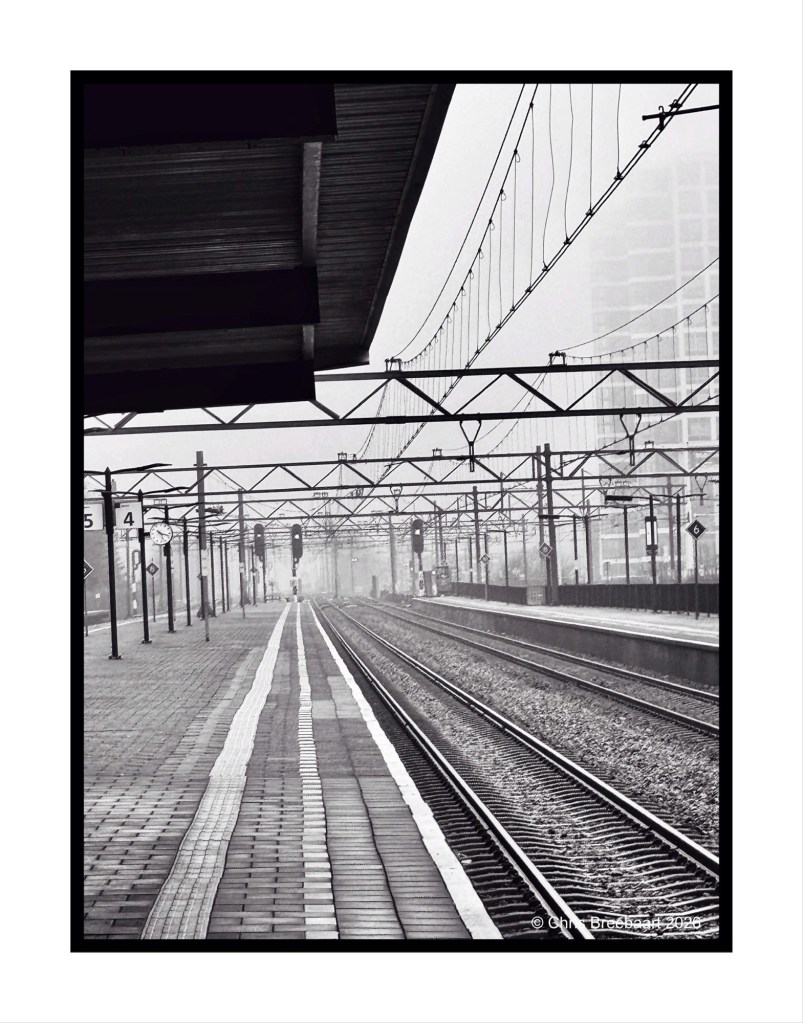
The LAPC theme #385 is ‘unusual crop’. Station Den Haag – Laan van Nieuw Oost-Indië (that is a throat breaker for most of you non-Dutch speakers). Tracking the tracks.
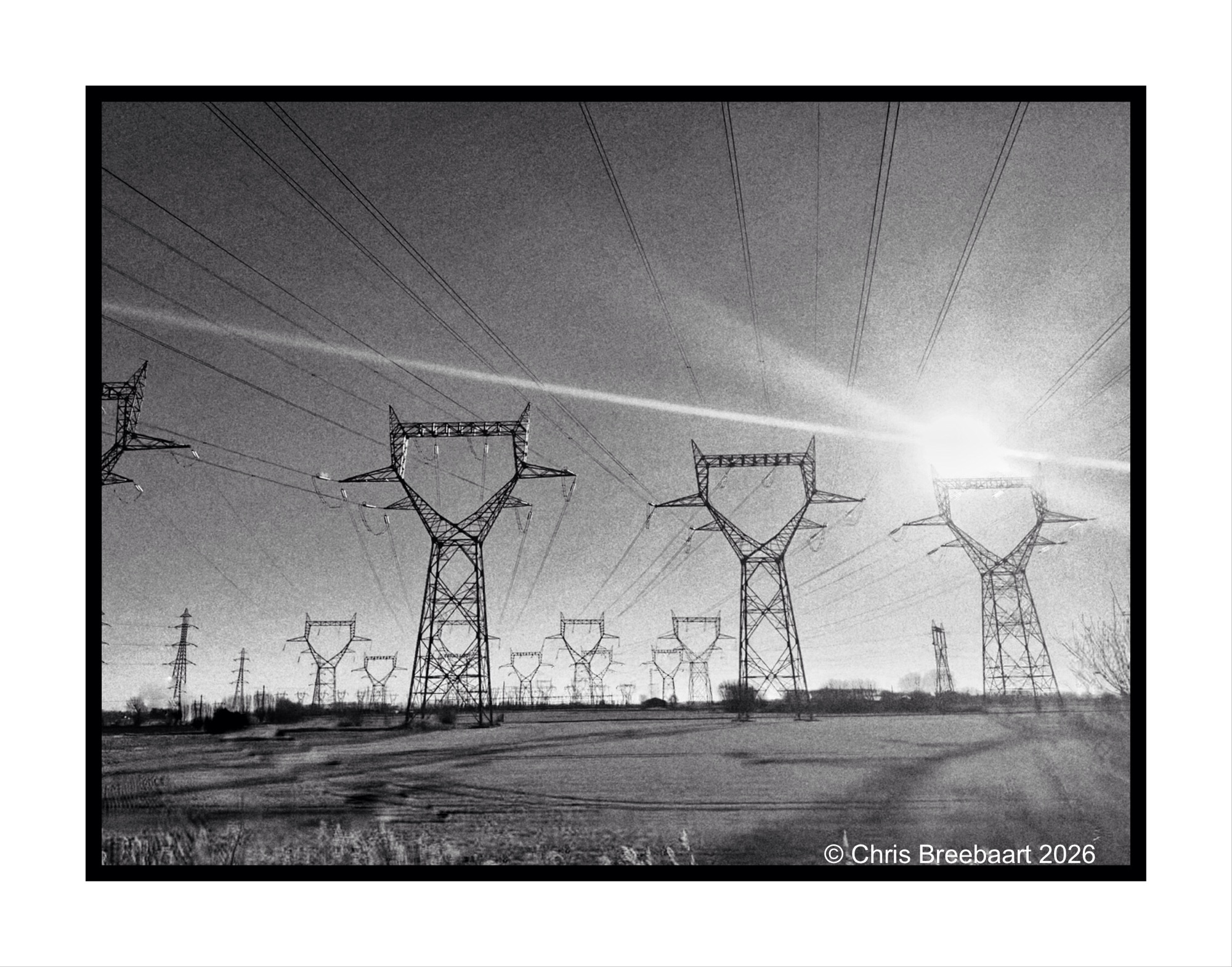
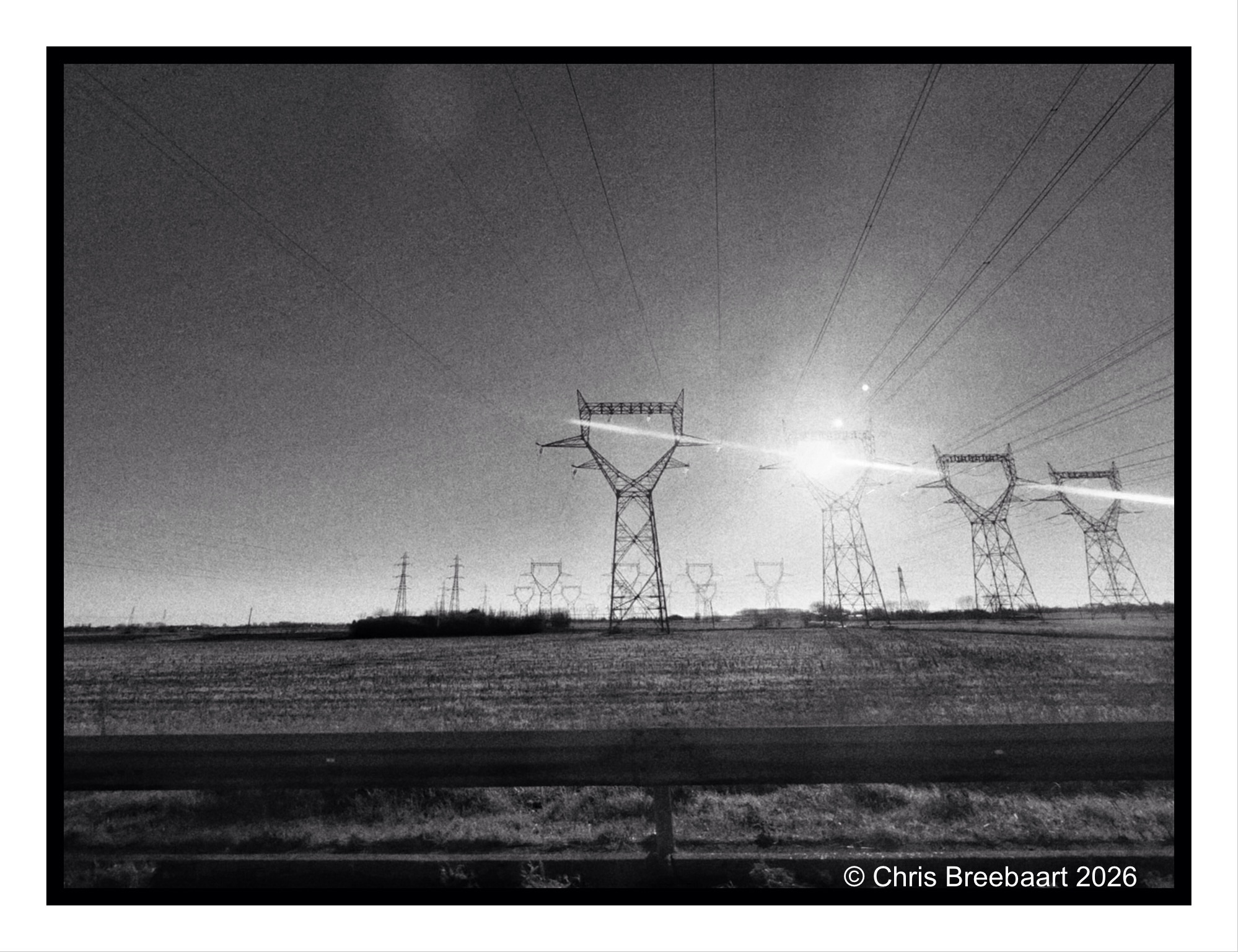
Every time we travel to the UK via the Channel Tunnel, I try to take photos of these steel giants. The same goes for when we return from there. They carry power lines in the area of St. Georges-sur-l’Aa. No worries, I’m in the passenger seat.
They remind me of mythical knights, marching in line over the fields. In the archive you find a set of photos over the years.
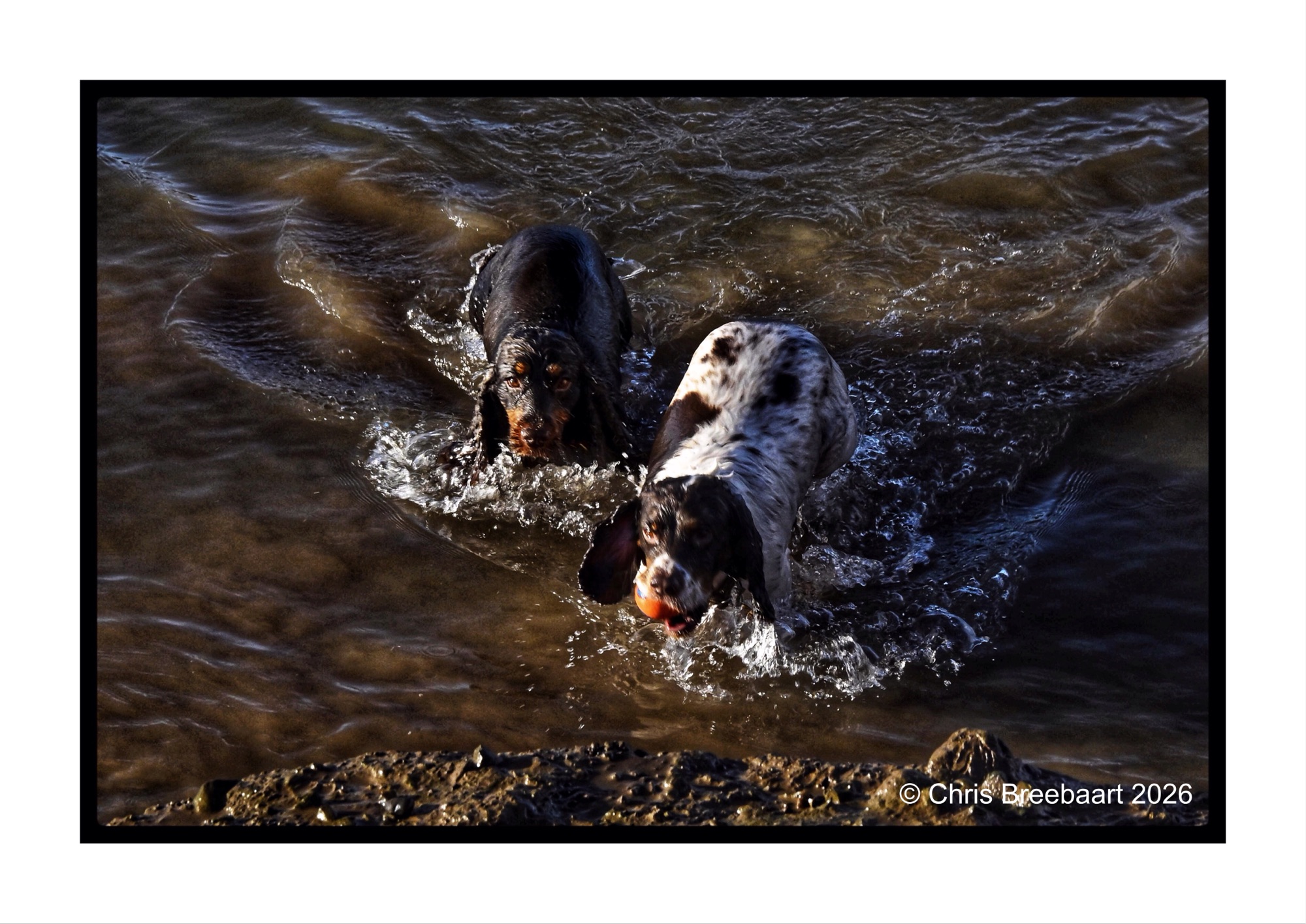
Lens-Artist’s Photo Challenge #384 is ‘astonishment’. The brief is to show in a photo a feeling of surprise or wonder. These two dogs (Murphy left and Cooper right) keep me wondering for years already. It is about their addiction to water in general. If there is water anywhere (preferably muddy) they dive in. Here they have a bath hunting for the ball in at the quayside of Blakeney.
Lens-artists Photo Challenge #382 is about rejected photos. What do you do with photos you do not like? You can throw them away, or you can keep them. And if you keep them what can you do with them? First a story of myself, how I work. And in the end an example.
I am a snap shooter for a long time. When looking at this question for myself, I have to distinguish between the analog age and the digital age. But in both ages it is about quality, how you can assess that and what instruments are available after shooting. And above all: how can you be creative, and how much room is there to experiment?
The analog age was expensive: film was expensive, darkroom materials were expensive too. And being a poor student I shot as efficient as possible. You had to be patient while shooting, and selective. You also needed to trust your skills. Experience was essential to figure out what worked and what not. To produce good prints you needed to develop darkroom skills. And some negatives were impossible to print. But you kept them all. I never threw away negatives. That decision was beneficial in the digital age. After scanning my negatives, I properly made them look like what I had in mind when shooting them. What the darkroom did not deliver, software did.
In the digital age the cost of a photo is nearly non existent. The original photo (the former negative) can be copied lots of times. From the start technology offers instruments to oversee the quality of the photos. What you shoot is instantly visible on the camera. You can try different changes in the photo. Adjustments like shutter time, focus, and shutter opening can be tested most of the time. The RAW format offers flexibility for editing the ‘negative’ after the shoot. Software offers lots of creative tools to change the photo, or create new images.
So, do you keep rejected (bad) photos or not? I do reject photos, overseeing the result on my camera. I keep photos that can come to a good result after editing. The rest I remove straight away (e.g. bracketing shots).What I keep is stored on my NAS, where I use Lightroom as my archiving tool. I use editing tools to tweak a photo slightly. My favorite is Snapseed for web and social media publication. And Lightroom and Photoshop for prints.
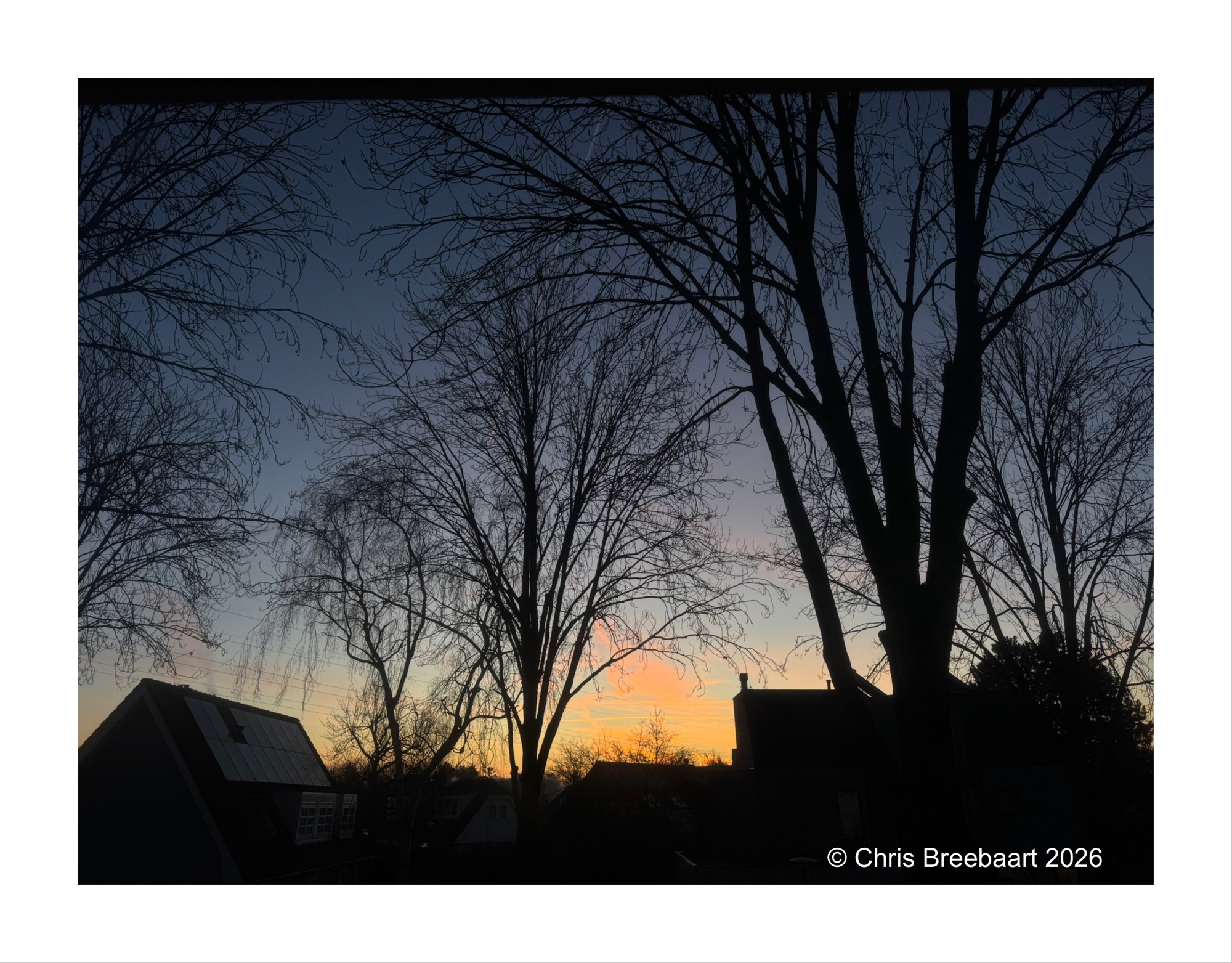
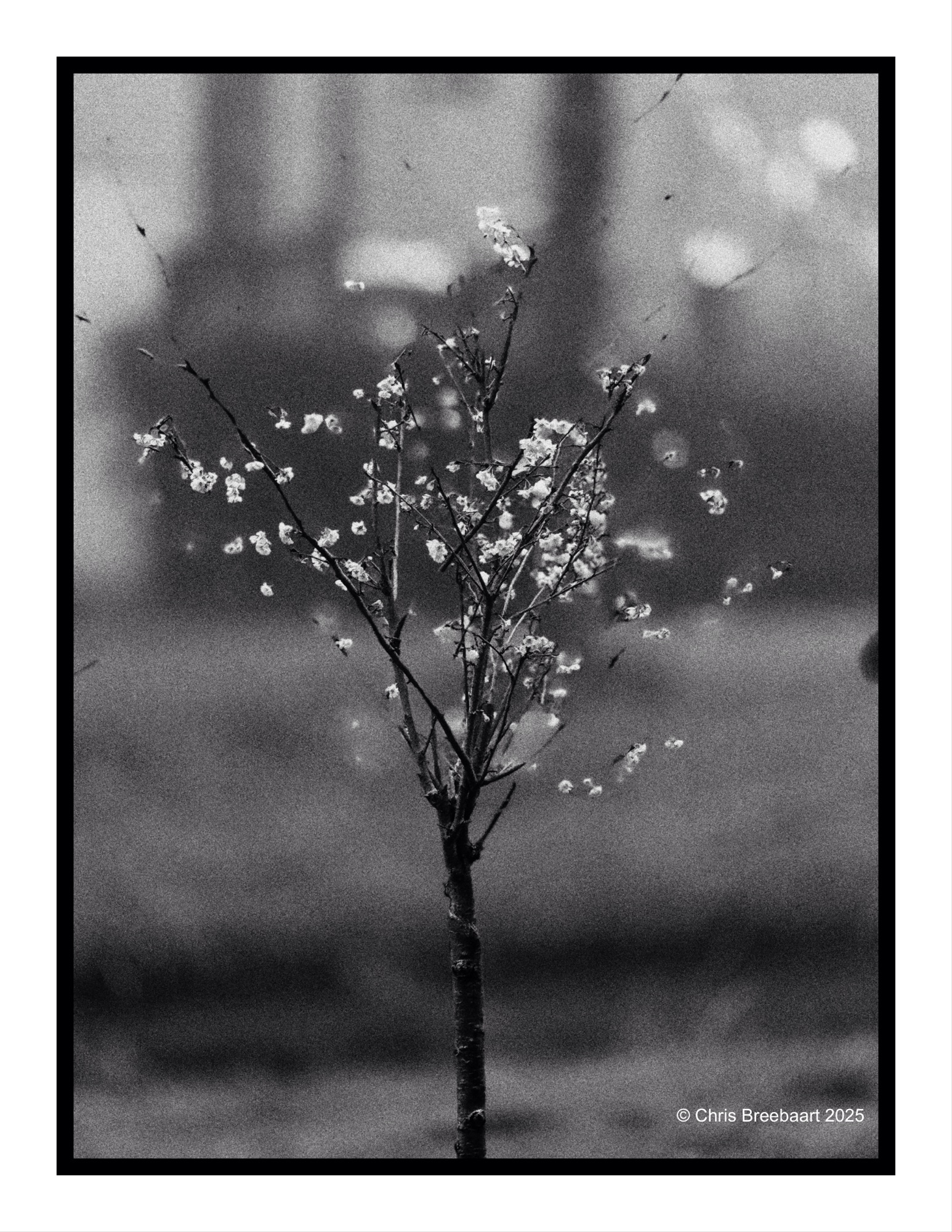
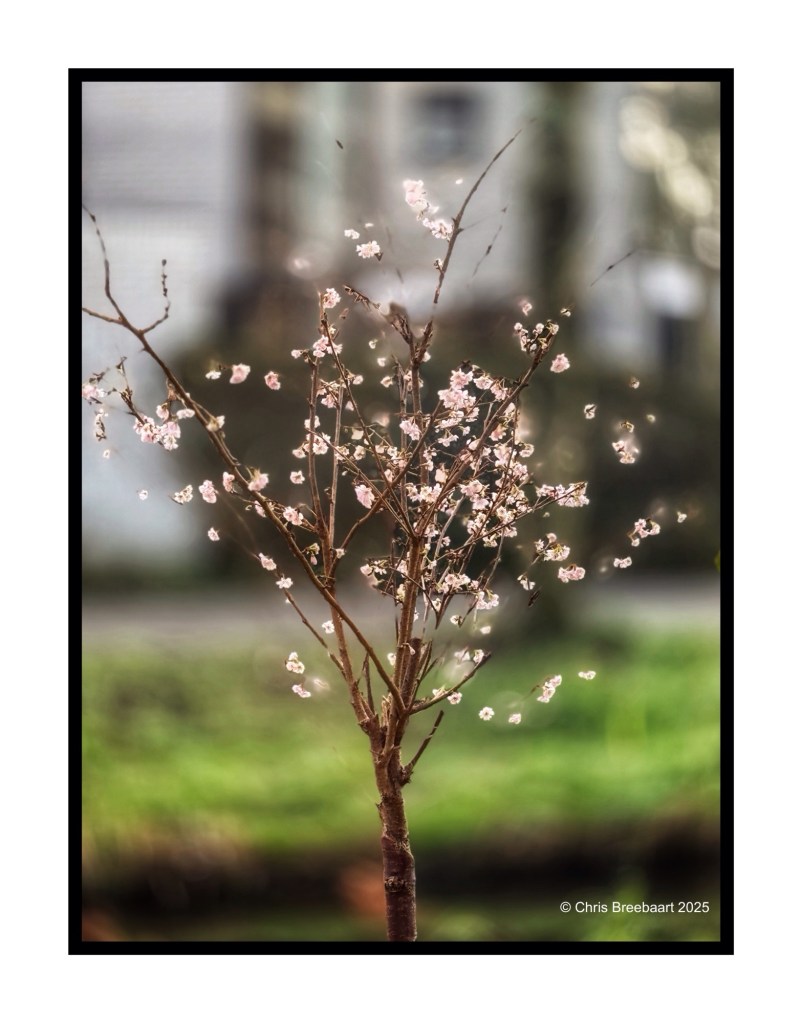
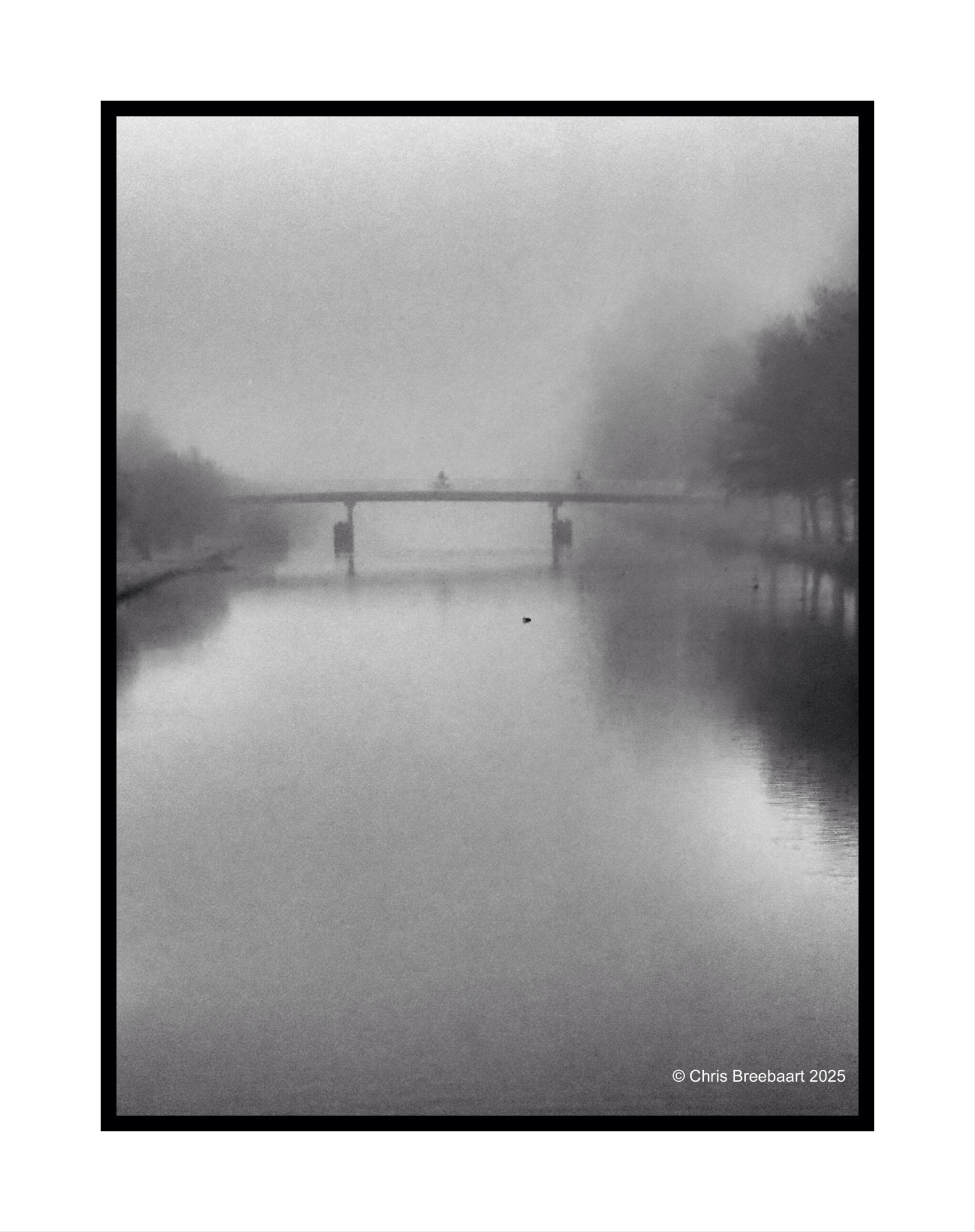
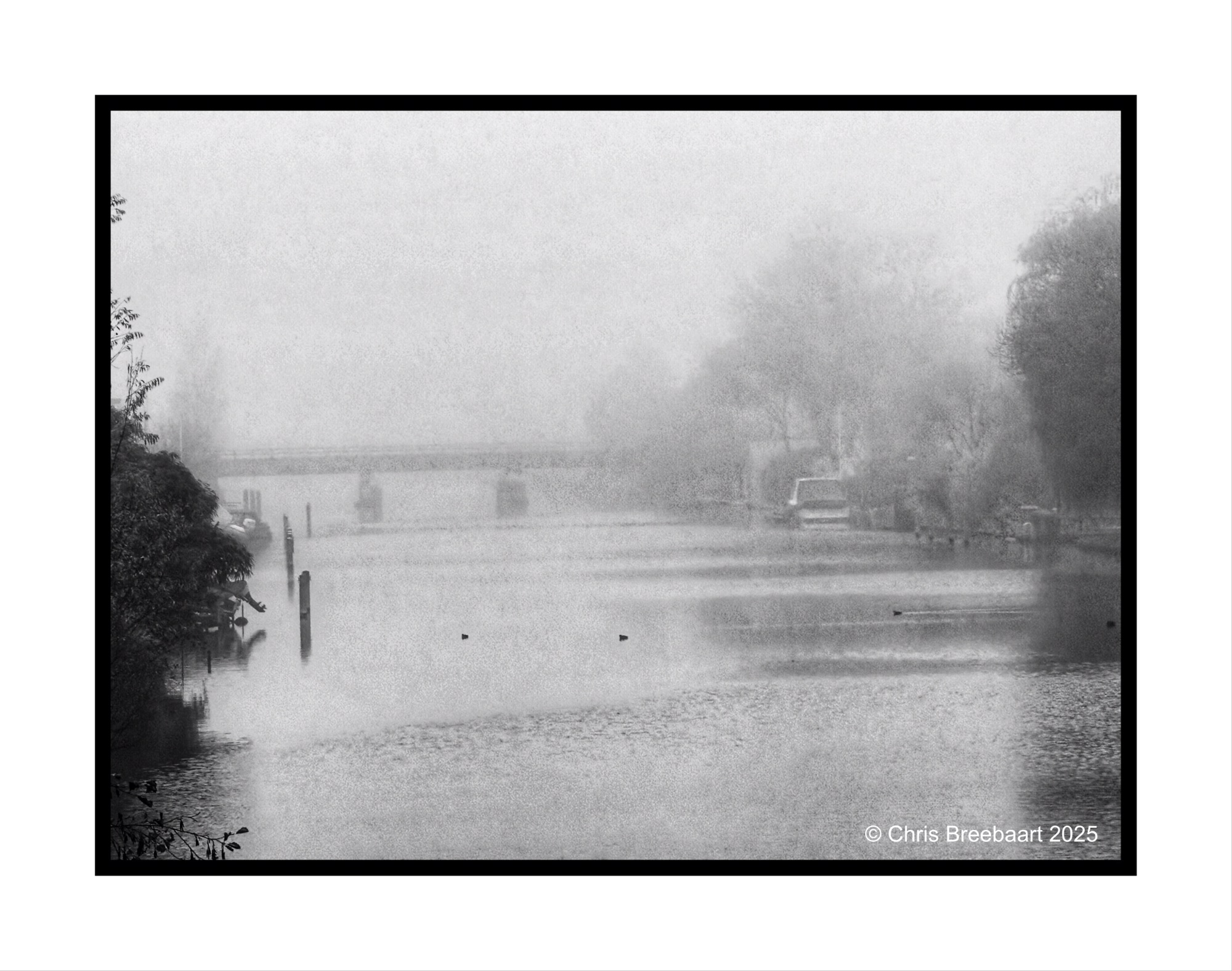
The year 2025 ends and we cross over to 2026. I hope the new year will be a good one. I wish it brings some of the desires I cherish in my heart. I am sure others cherish these desires as well.



 What's (in) the Picture?