Bicycle Passing By
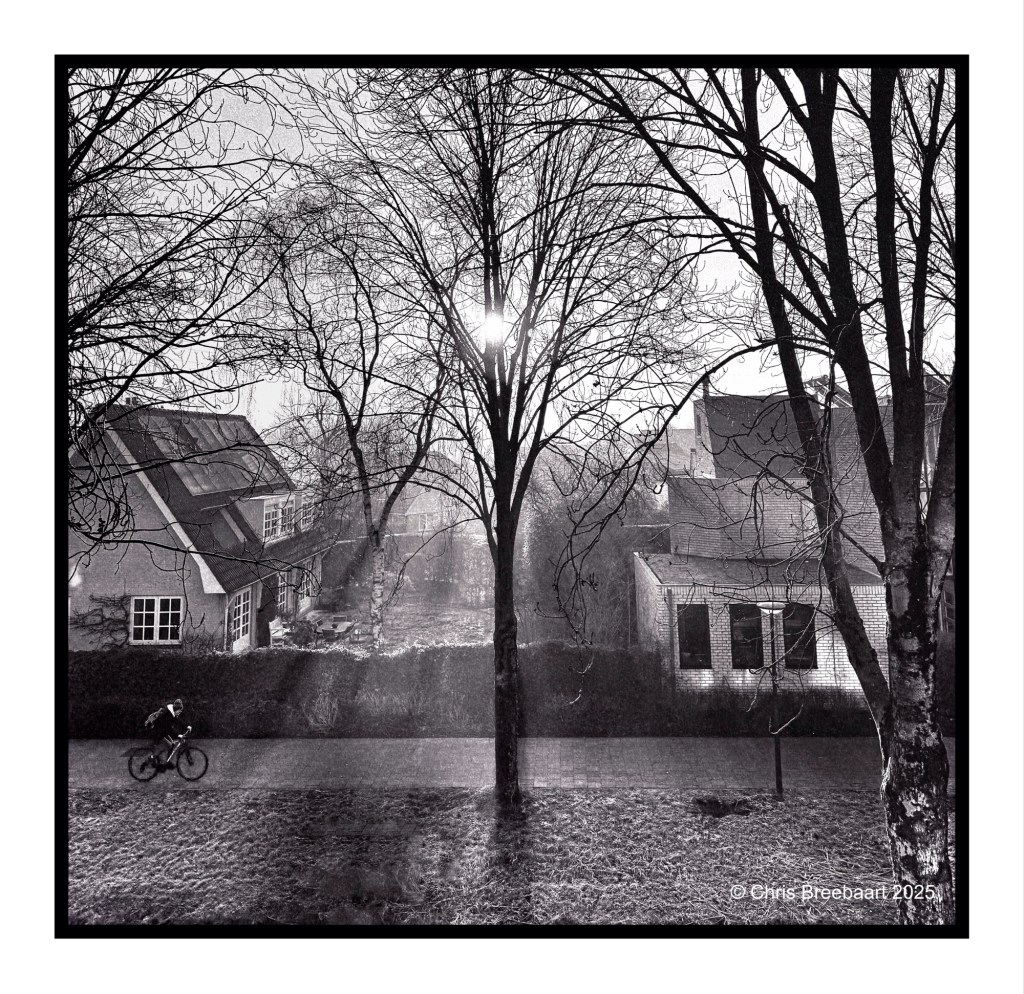
Shot with iPhone 15 Pro Max, edited using Snapseed, GrainLab and Marksta. Click the picture for a larger version.
Shot with iPhone 15 Pro Max, edited using Snapseed, GrainLab and Marksta. Click the picture for a larger version.
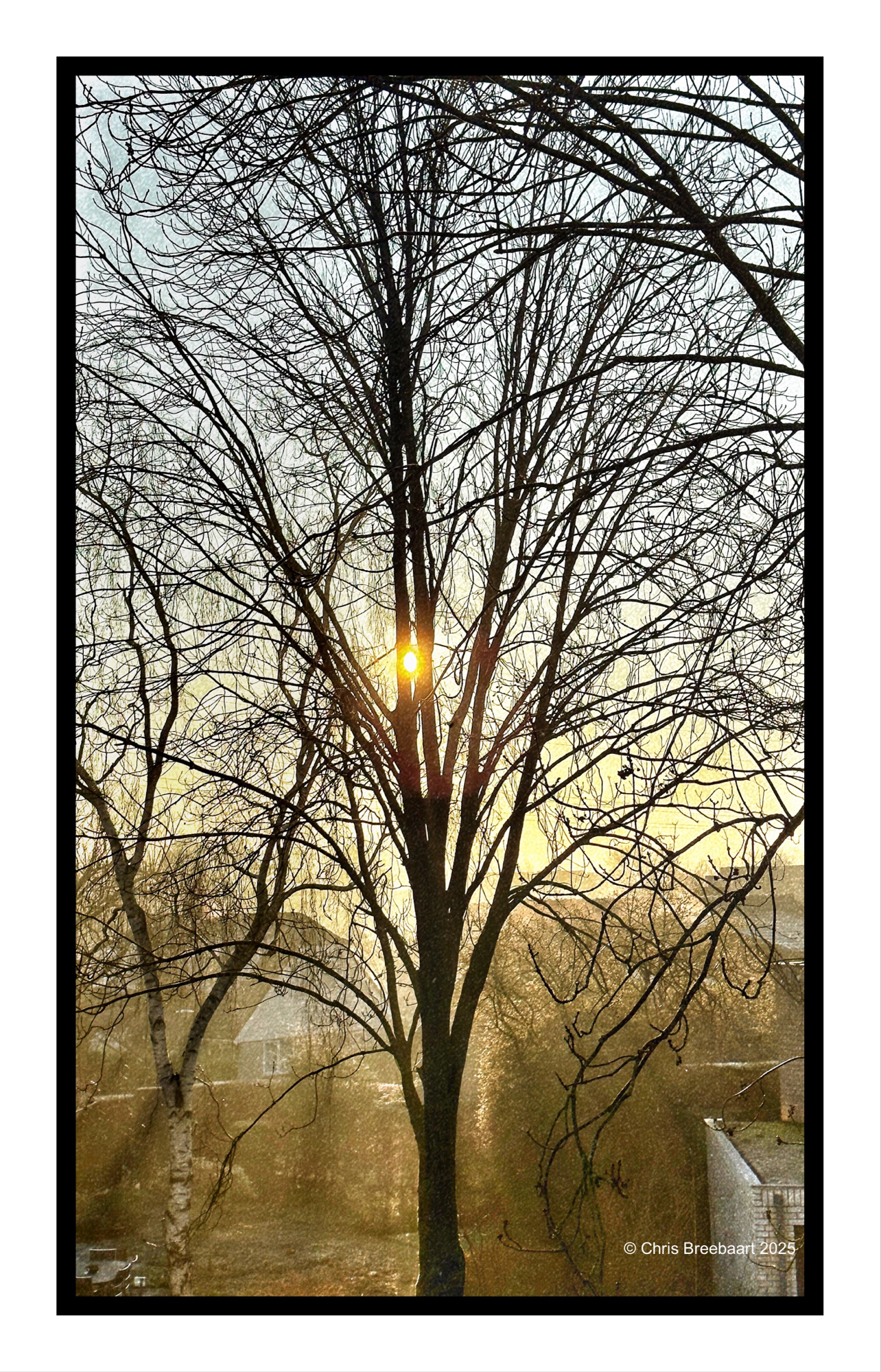
Shot with iPhone 15 Pro Max, edited using Snapseed, GrainLab and Marksta. Click the picture for a larger version.
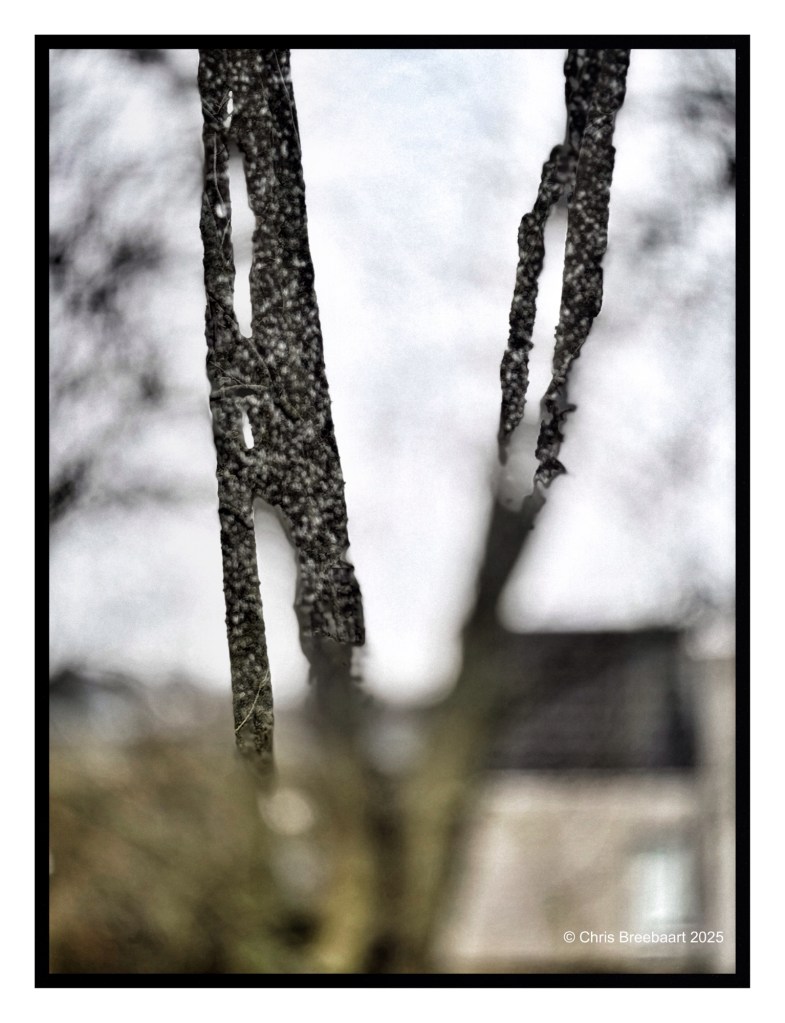
Shot with iPhone 15 Pro Max, edited using Snapseed, GrainLab and Marksta. Click the picture for a larger version.
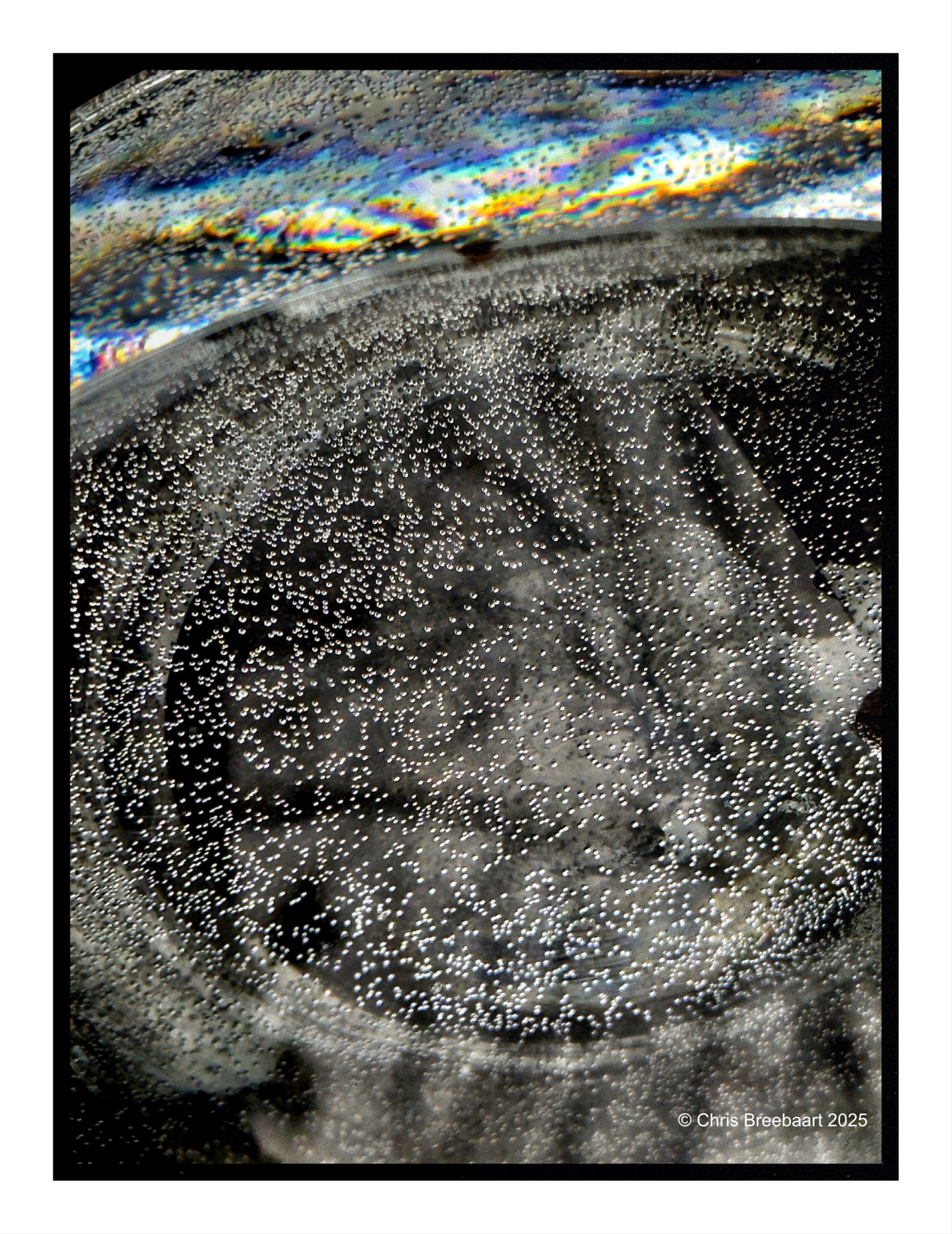
Shot with iPhone 15 Pro Max, edited using Snapseed, GrainLab and Marksta. Click the picture for a larger version.
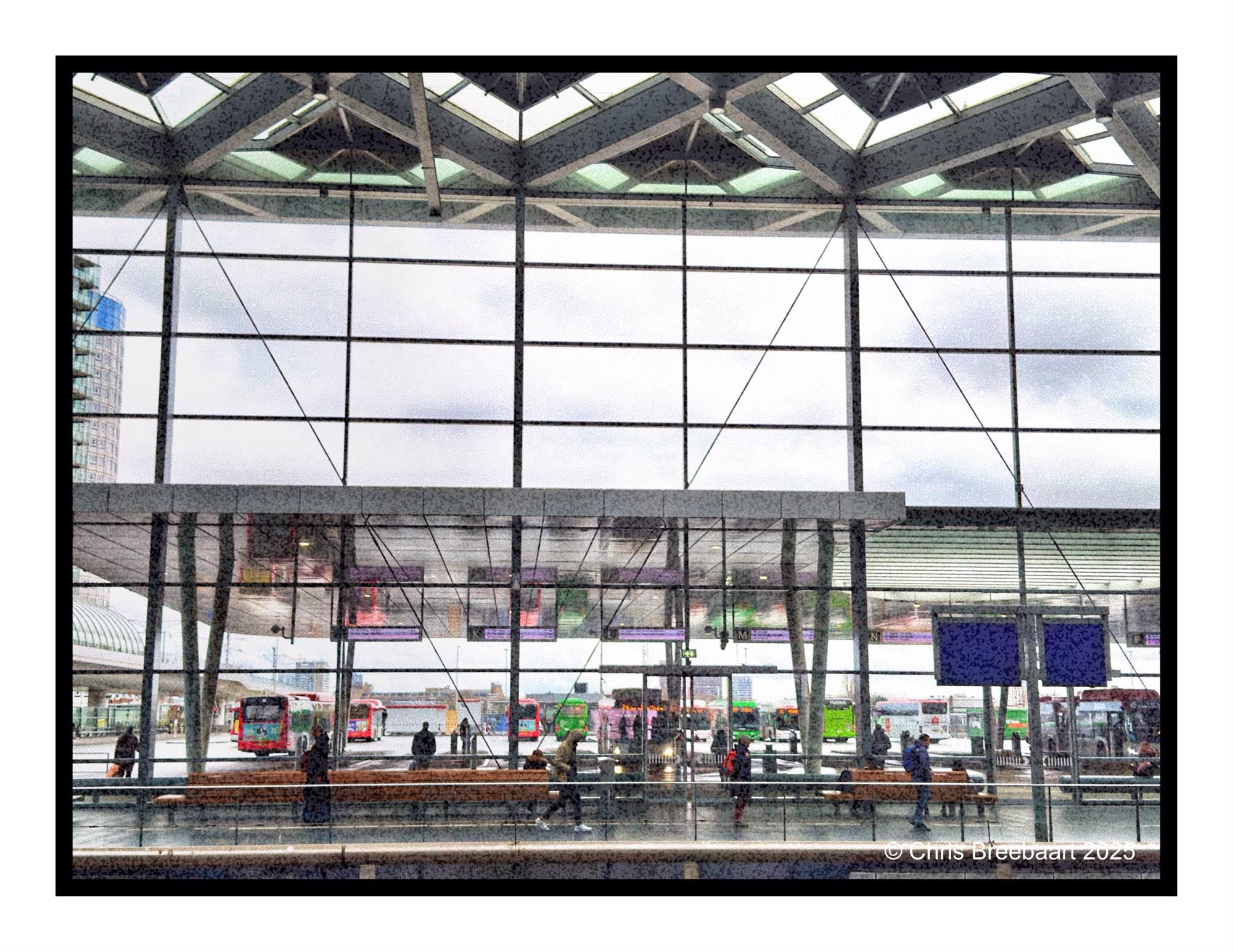
The mobility hub above Den Haag Central Station.
Shot with iPhone 15 Pro Max edited using Snapseed, GrainLab and Marksta. Click the picture for a larger version.
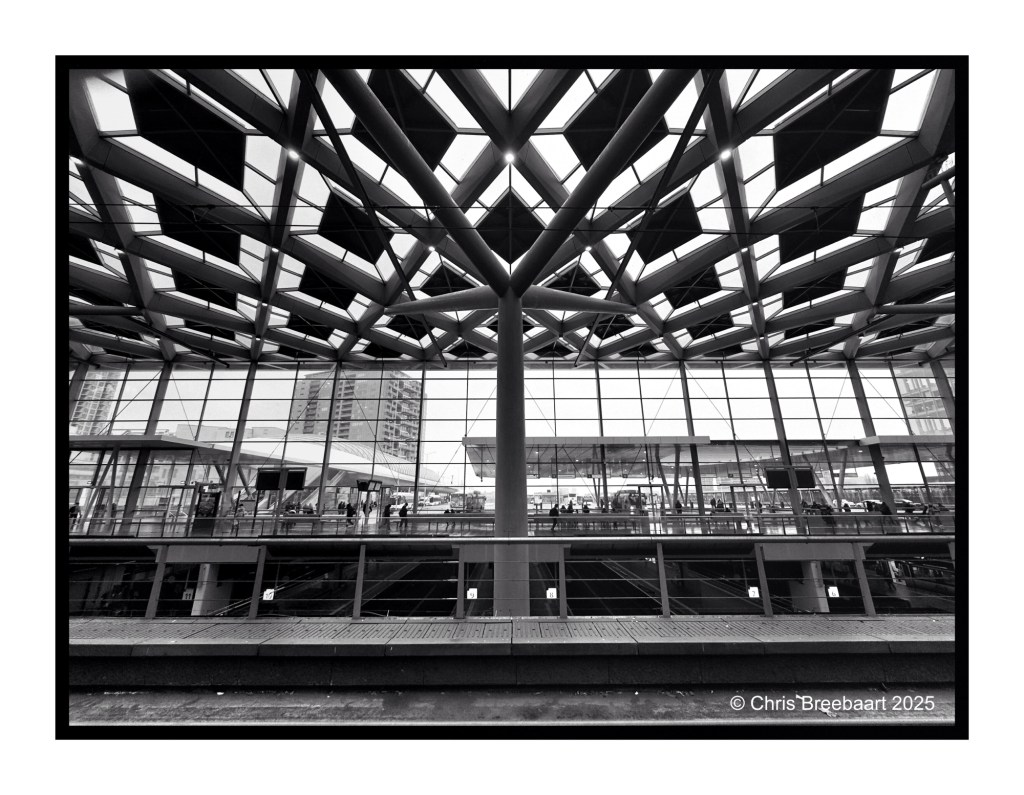
The mobility hub above Den Haag Central Station.
Shot with iPhone 15 Pro Max edited using Snapseed, GrainLab and Marksta. Click the picture for a larger version.
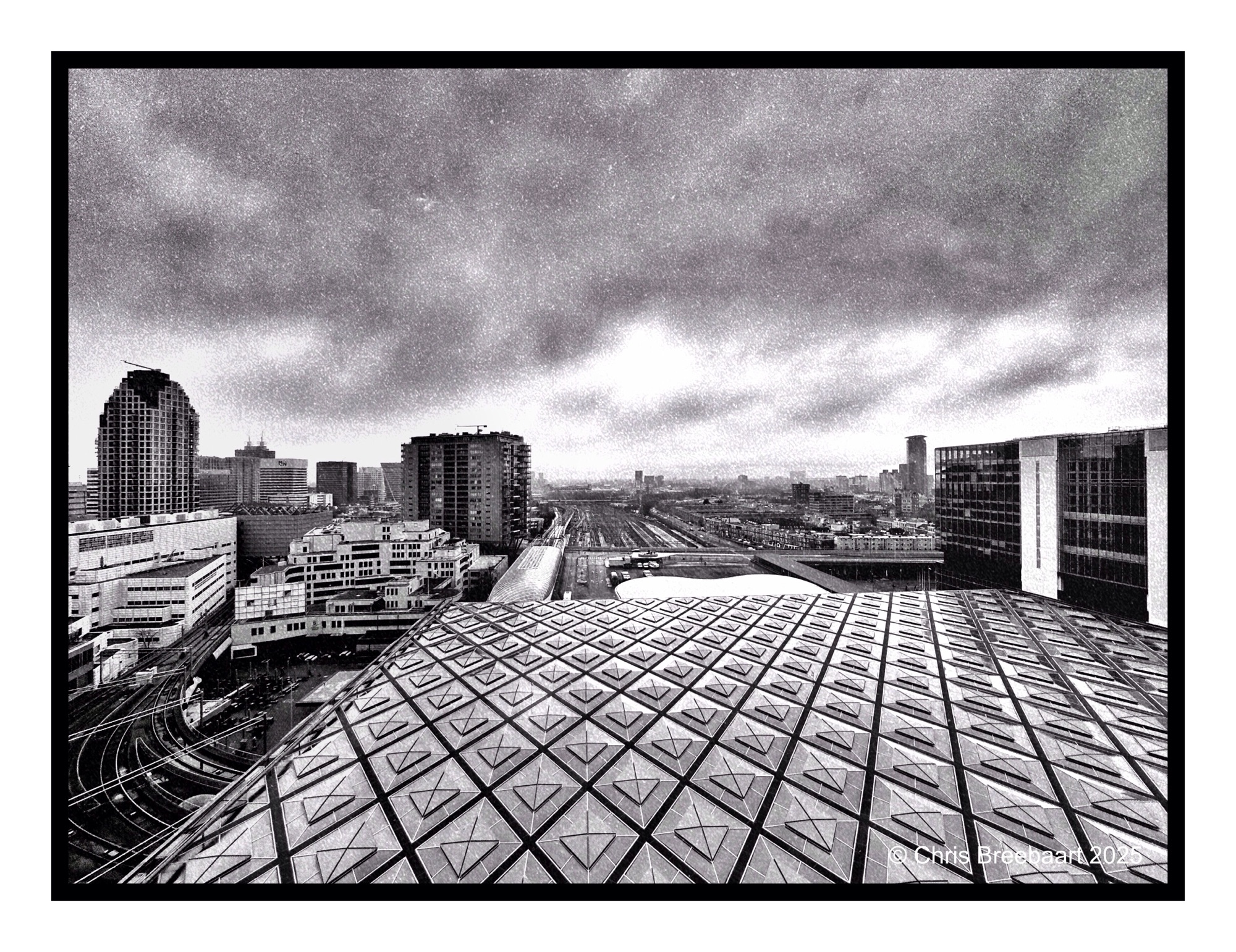
Shot with iPhone 15 Pro Max edited using Snapseed, GrainLab and Marksta. Click the picture for a larger version
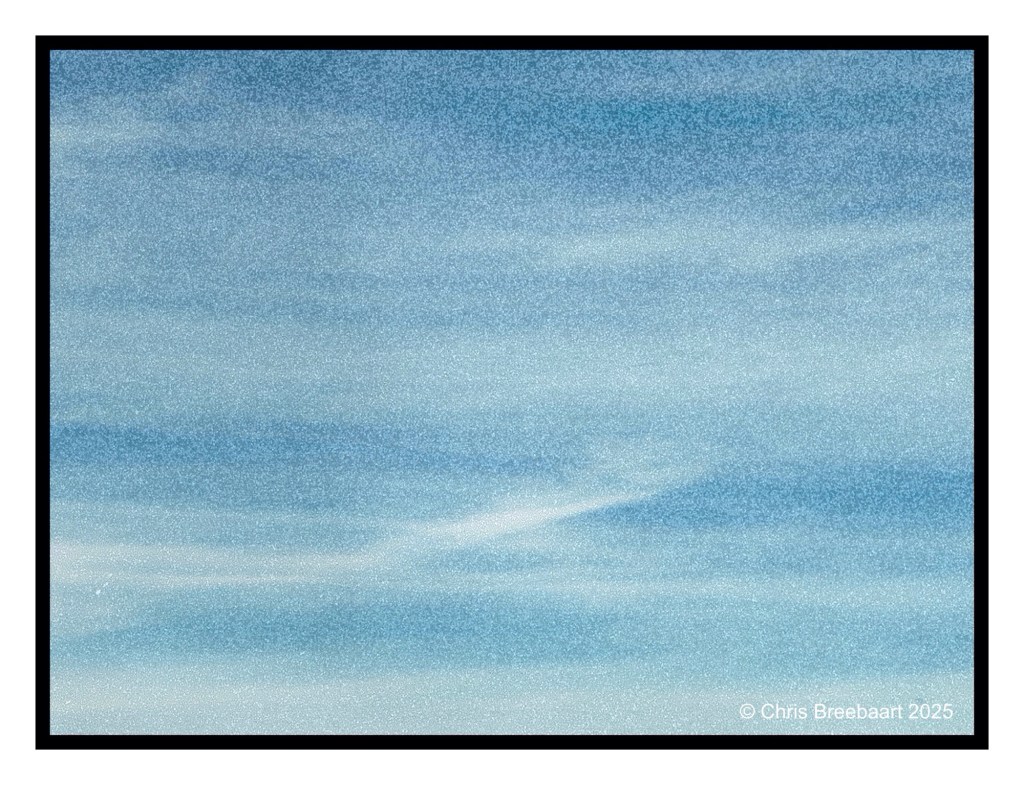
Shot with iPhone 15 Pro Max edited using Snapseed, GrainLab and Marksta. Click the picture for a larger version.
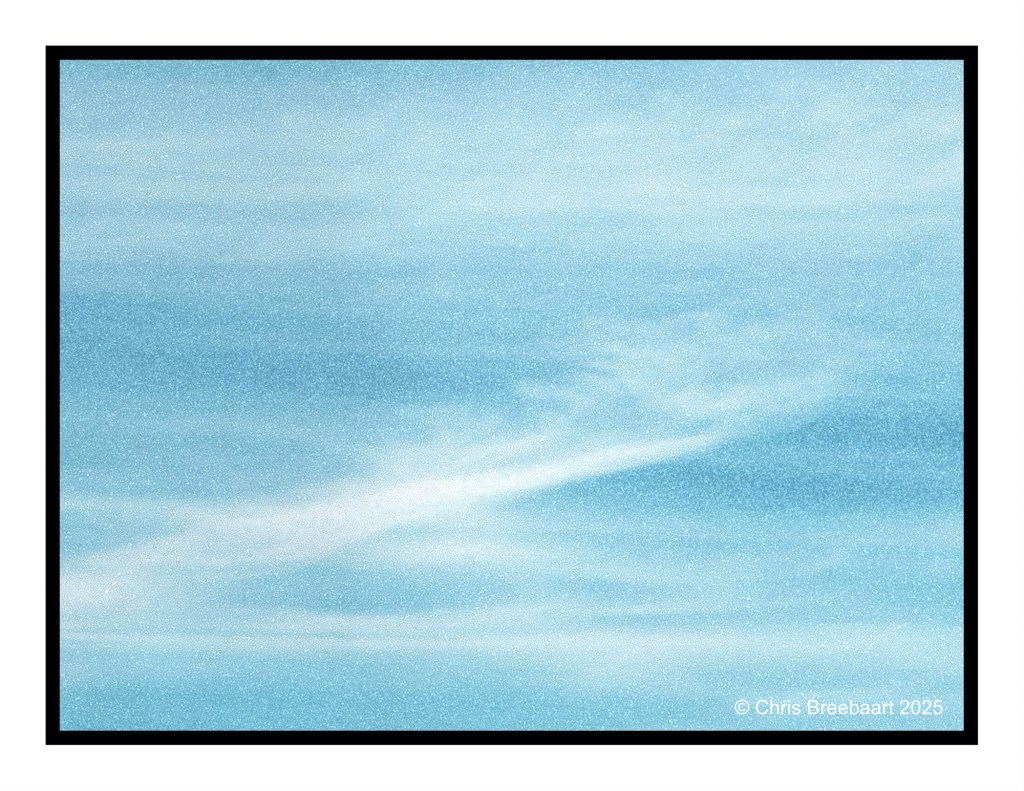
Shot with iPhone 15 Pro Max edited using Snapseed, GrainLab and Marksta. Click the picture for a larger version.
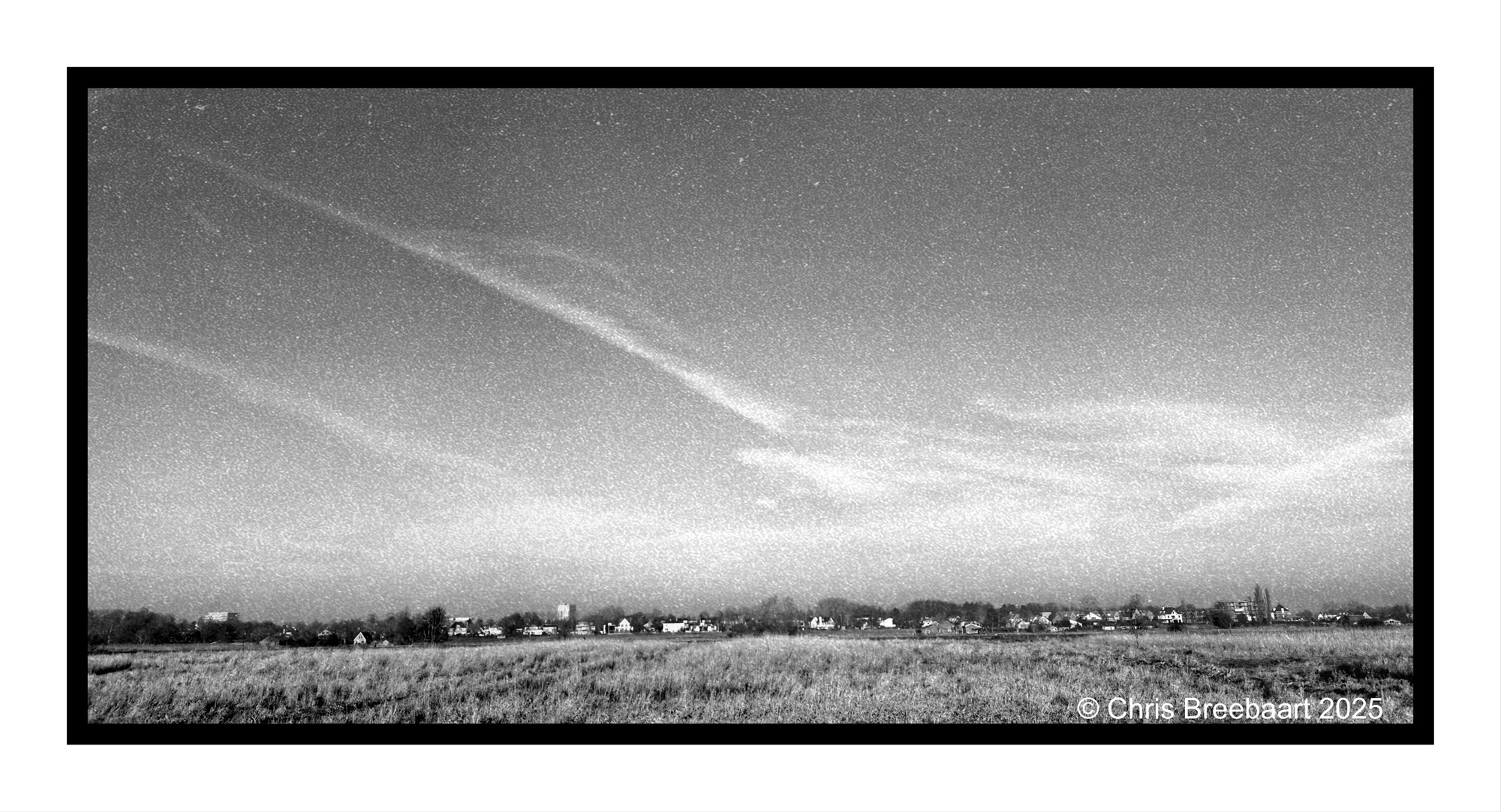
Shot with iPhone 15 Pro Max edited using Snapseed, GrainLab and Marksta. Click the picture for a larger version.
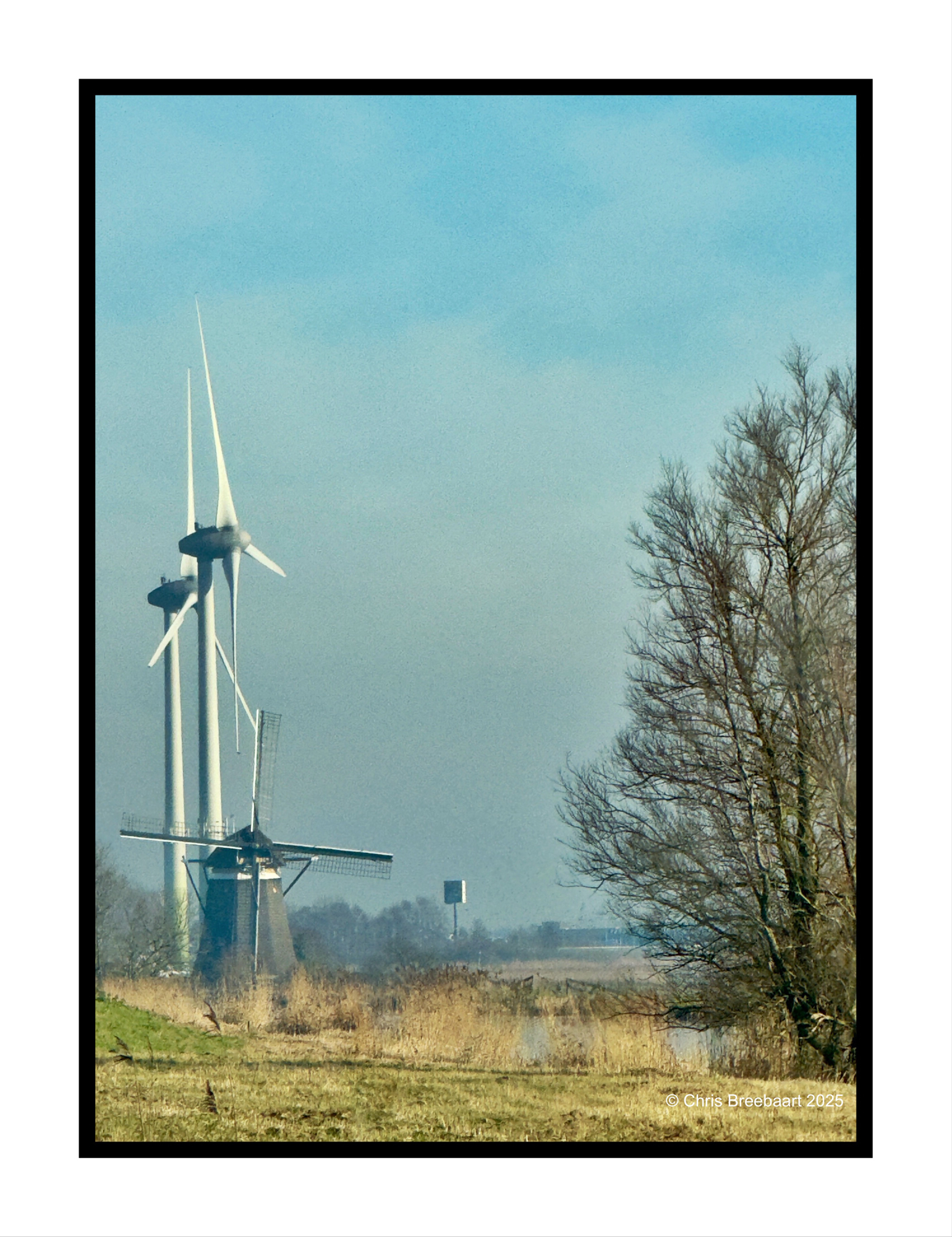
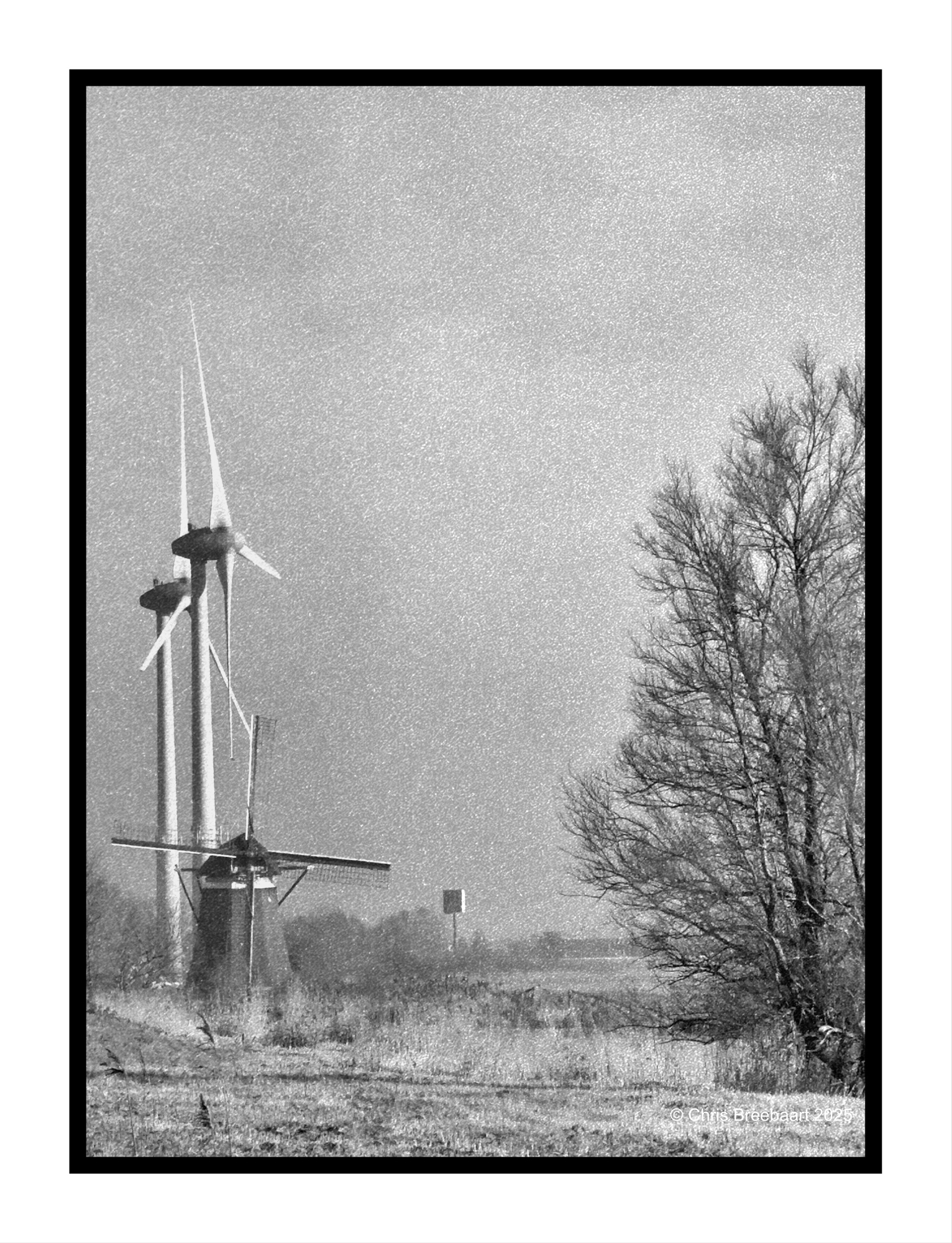
This week Lens Artist Photo Challenge #335 is exploring color versus monochrome aka black and white. Compare a color photo with a monochrome print of it. What works better?
A few days ago I published a resembling shot in color and mono. This post differs from the earlier ones. The tree on the right went out of the frame. And a very modern advertising pole pops up in the background.
My love for the bleak colors of Winter’s light are the same. But I prefer this mono version, even if it was originally shot in color. GrainLab is a great tool, and the atmosphere of the photo is ‘old’ but the view is modern.
Shot with iPhone 15 Pro Max edited using Snapseed, GrainLab and Marksta. Click the picture for a larger version.
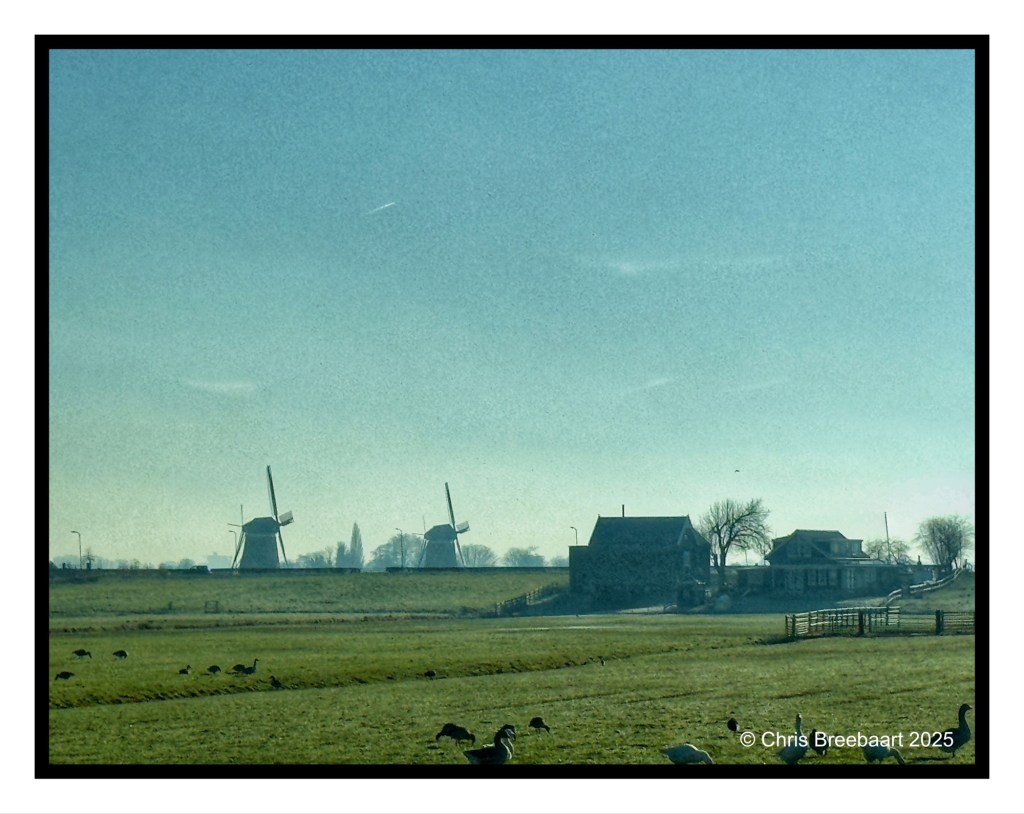
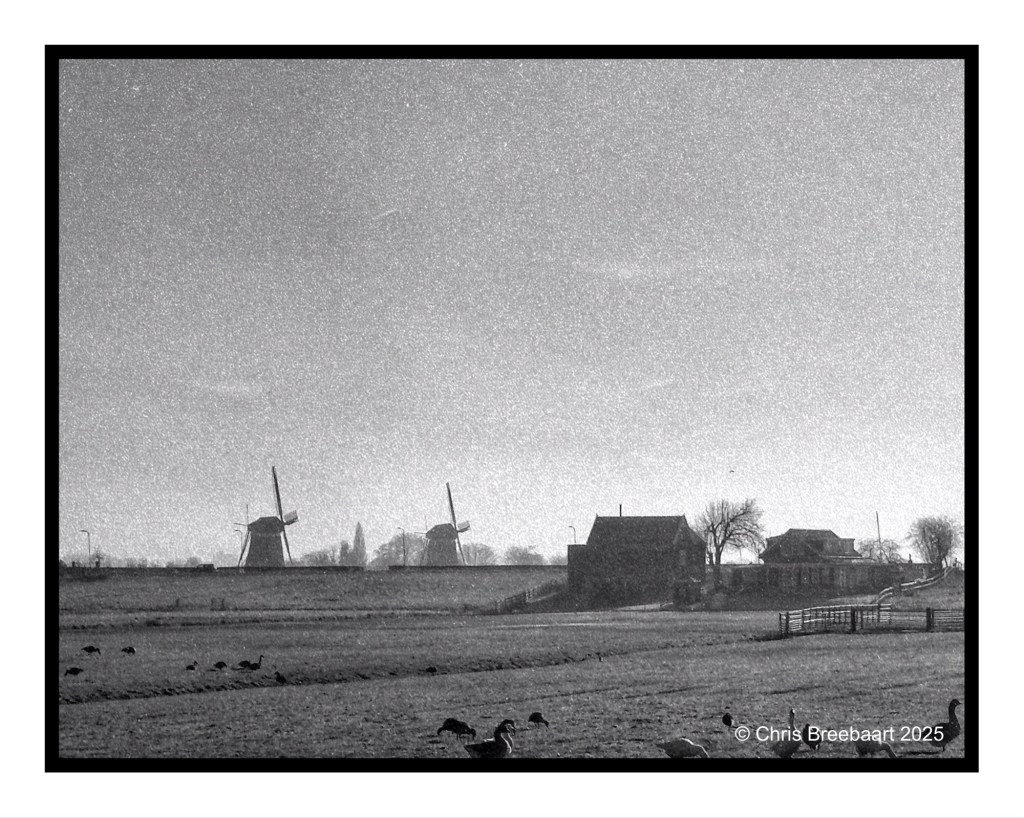
This week Lens Artist Photo Challenge #335 is exploring color versus monochrome aka black and white. Compare a color photo with a monochrome print of it. What works better?
Two landscapes, originally shot in color. I do prefer the monochrome version. That was tweaked with GrainLab.
Yesterday I publiced this one in color. I do like it, the bleak colors of Winter light are nice. But I prefer this mono version, even if it was originally shot in color. The dark spots are much more toned and I do like the grain feel of Kodak Tri X.
Shot with iPhone 15 Pro Max edited using Snapseed, GrainLab and Marksta. Click the picture for a larger version.
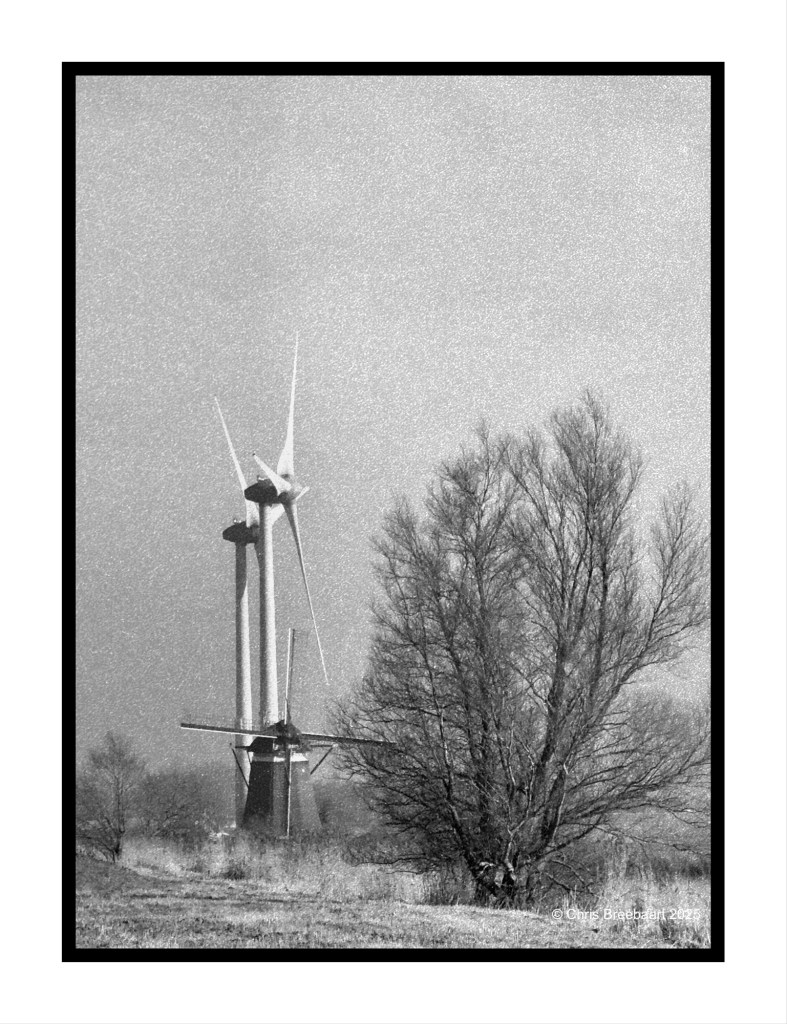
This week Lens Artist Photo Challenge #335 is exploring color versus monochrome aka black and white. Compare a color photo with a monochrome print of it. What works better?
I tend to think in black and white at most moments. Just my preference. And if I can I shoot just in a mono mode on my iPhone or my recent purchased Nikon Zf.
Yesterday I publiced this one in color. I do like it, the bleak colors of Winter light are nice. But I prefer this mono version, even if it was originally shot in color,
Shot with iPhone 15 Pro Max edited using Snapseed, GrainLab and Marksta. Click the picture for a larger version.
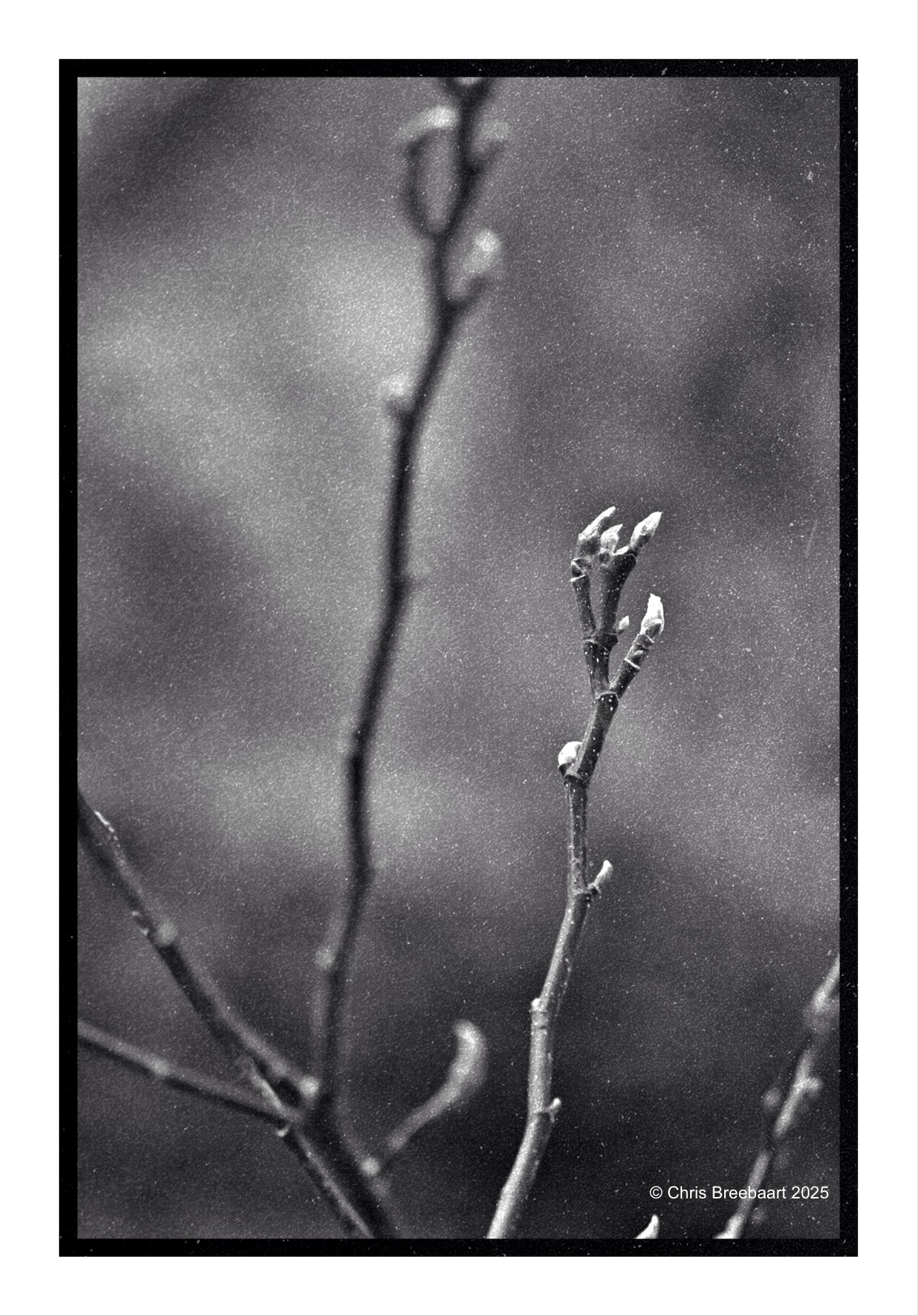
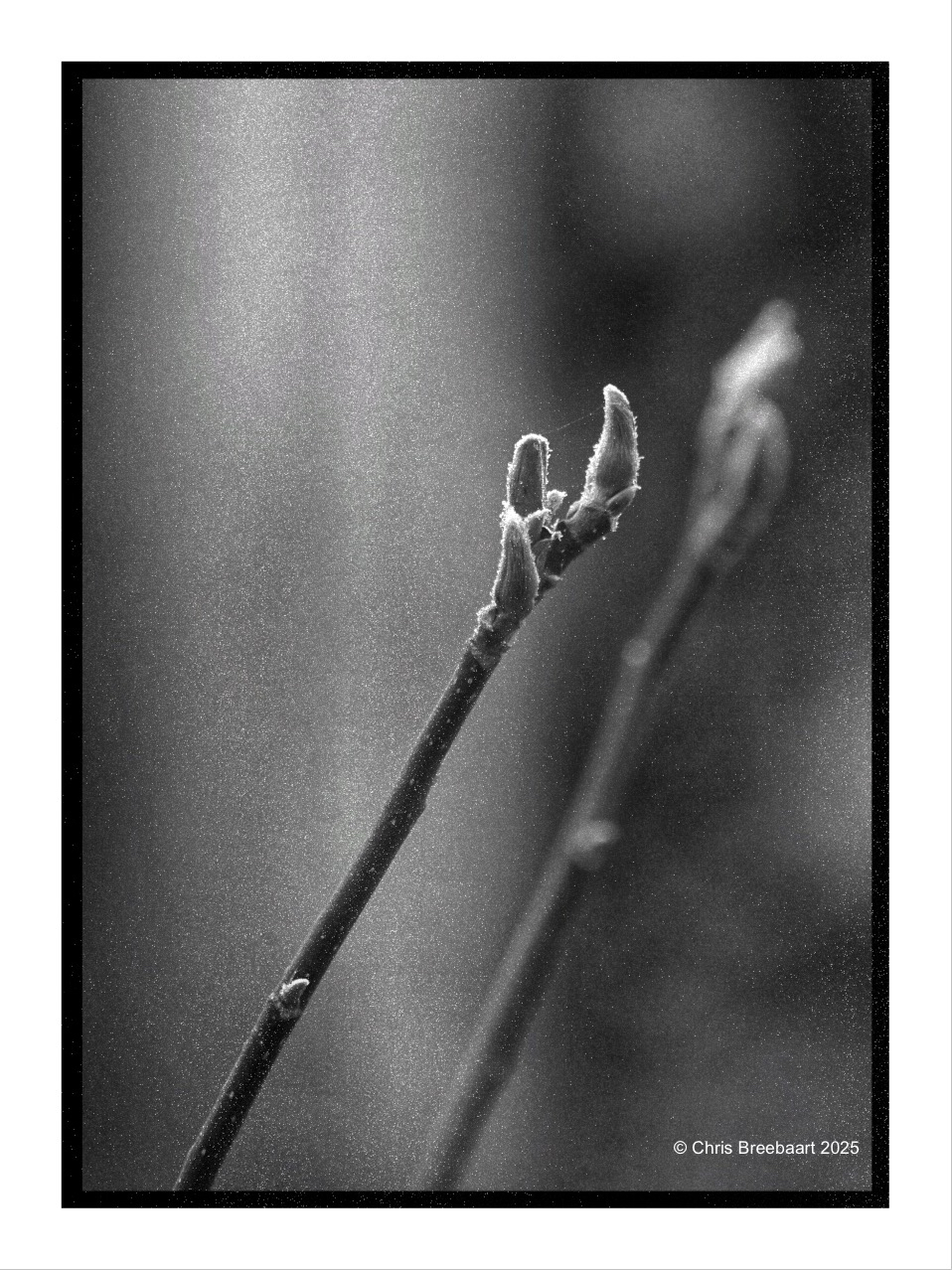
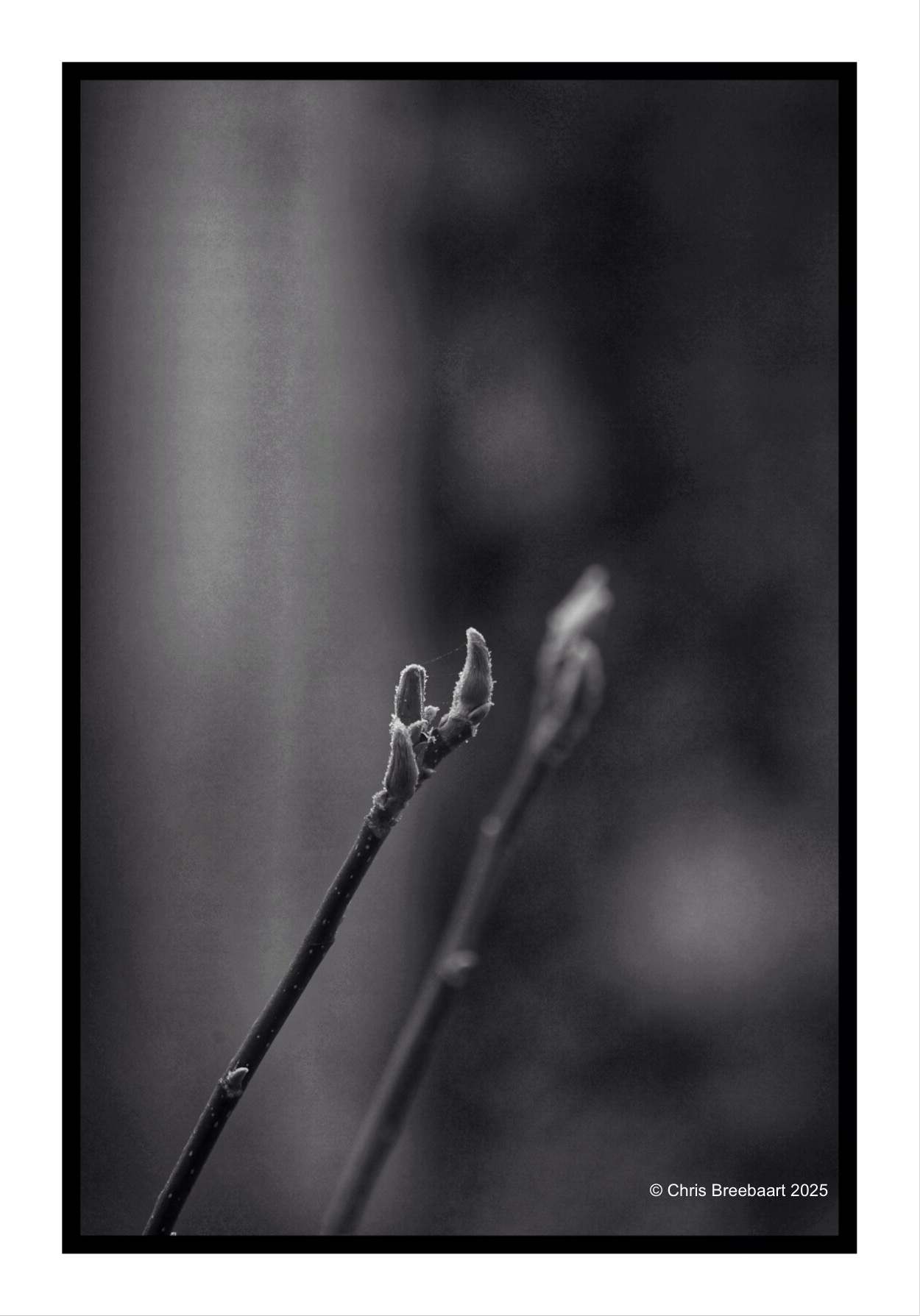
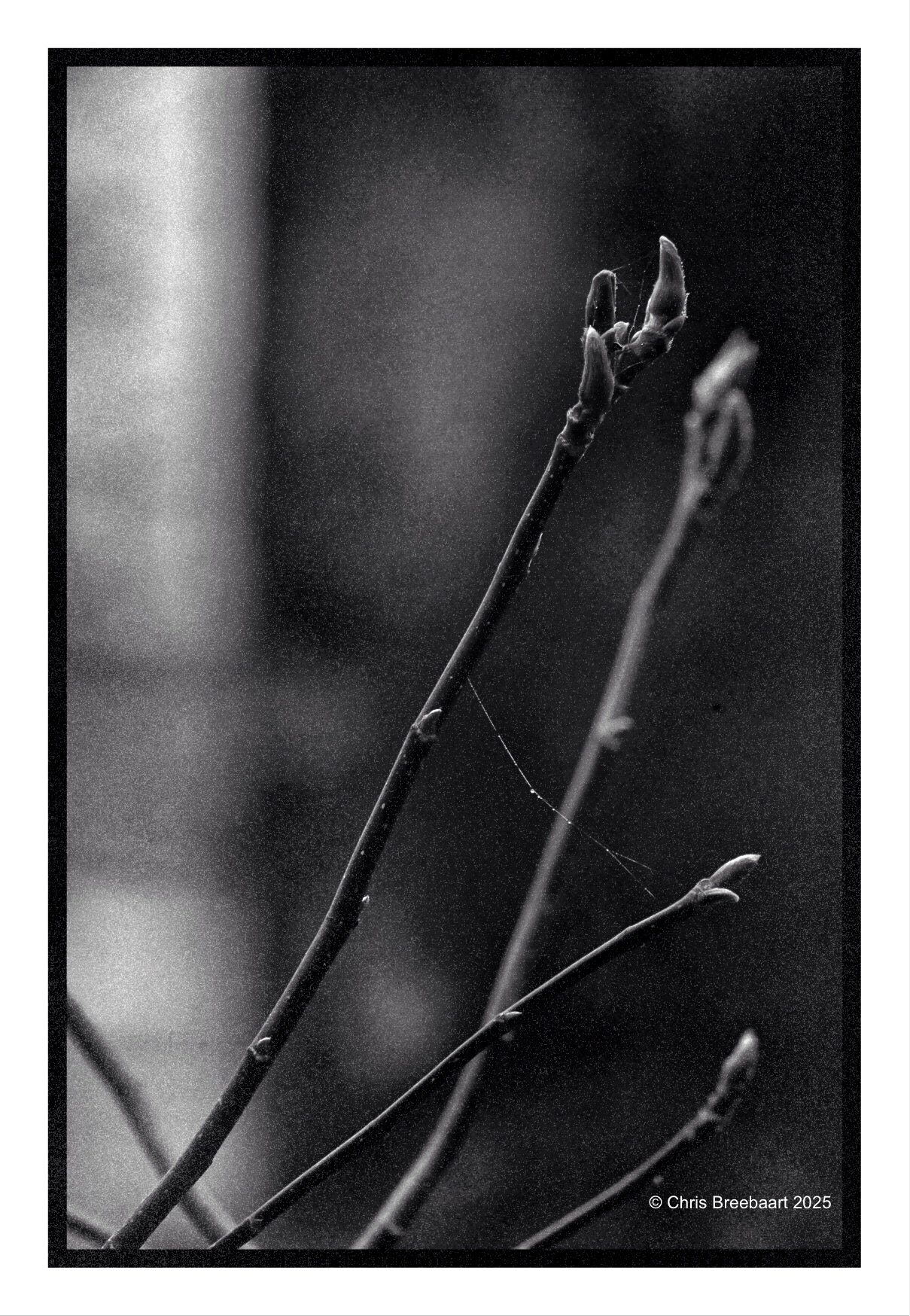
The Magnolia in the front garden is slowly waking up from Winter.
Shot with Nikon Zf, edited using Snapseed, GrainLab and Marksta. Click the picture for a larger version.

A wet Winter.
Shot with Nikon Zf, edited using Snapseed, GrainLab and Marksta. Click the picture for a larger version.

Shot with iPhone 15 Pro Max edited using Snapseed, GrainLab and Marksta. Click the picture for a larger version
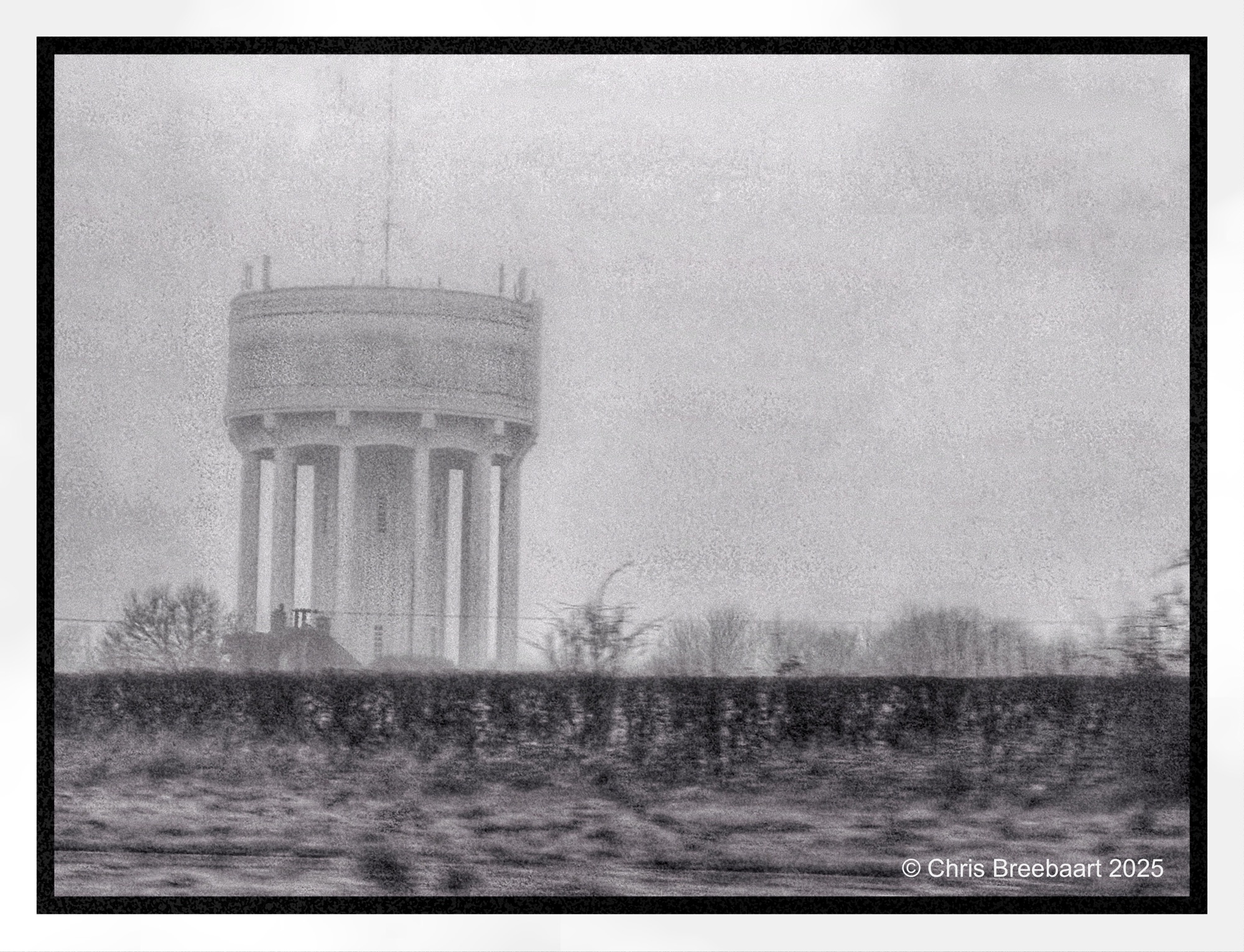
Ending the year in the UK, a roadside view from the car over a foggy Essex countryside. Hence the sharpness is not optimal.
Shot with iPhone 15 Pro Max edited using Snapseed, GrainLab and Marksta Click the picture for a larger version

Ending the year in the UK, a roadside view from the car over a foggy countryside. Hence the sharpness is not optimal.
Shot with iPhone 15 Pro Max edited using Snapseed, GrainLab and Marksta Click the picture for a larger version

Ending the year in the UK, a roadside view from the car over a foggy Norfolk countryside. Hence the sharpness is not optimal.
Shot with iPhone 15 Pro Max edited using Snapseed, GrainLab and Marksta Click the picture for a larger version

Ending the year in the UK, a roadside view from the car over a foggy Suffolk countryside. Hence the sharpness is not optimal. This is another one I used GrainLab to put in an analogue grain feeling. It softened the darks and gave the photo a more balanced view in the highlights. Snapseed tends to distort big surfaces in the sky, and this is a nice retouch effect to repair that.
Shot with iPhone 15 Pro Max edited using Snapseed, GrainLab and Marksta Click the picture for a larger version
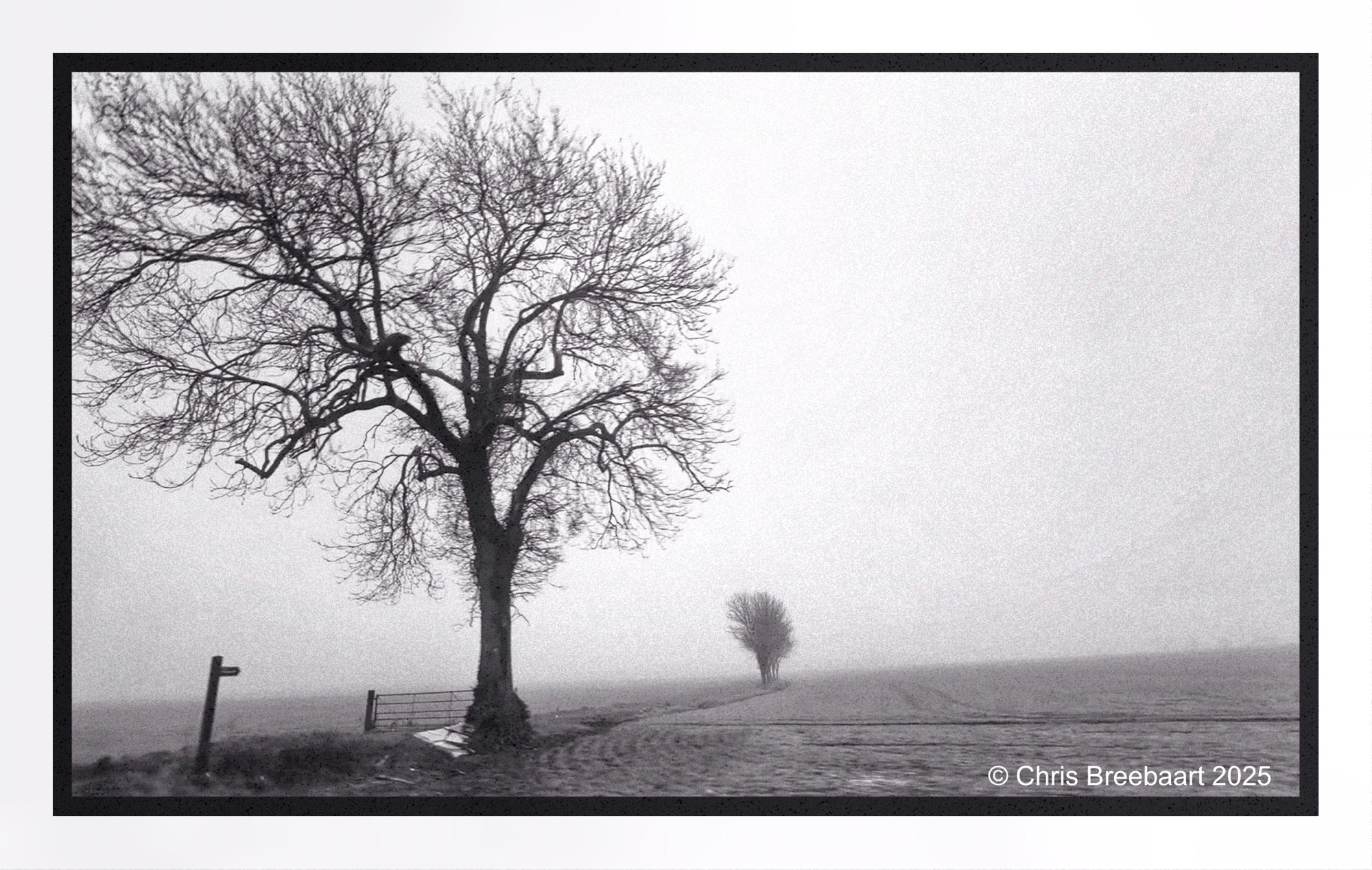
Ending the year in the UK, a roadside view from the car over a foggy Suffolk countryside. Hence the sharpness is not optimal. This is the first time I used GrainLab to put in an analogue grain feeling. It softened the darks and gave the photo a more balanced view in the highlights. Snapseed tends to distort big surfaces in the sky, and this is a nice retouch effect to repair that.
Shot with iPhone 15 Pro Max edited using Snapseed, GrainLab and Marksta Click the picture for a larger version
 What's (in) the Picture?