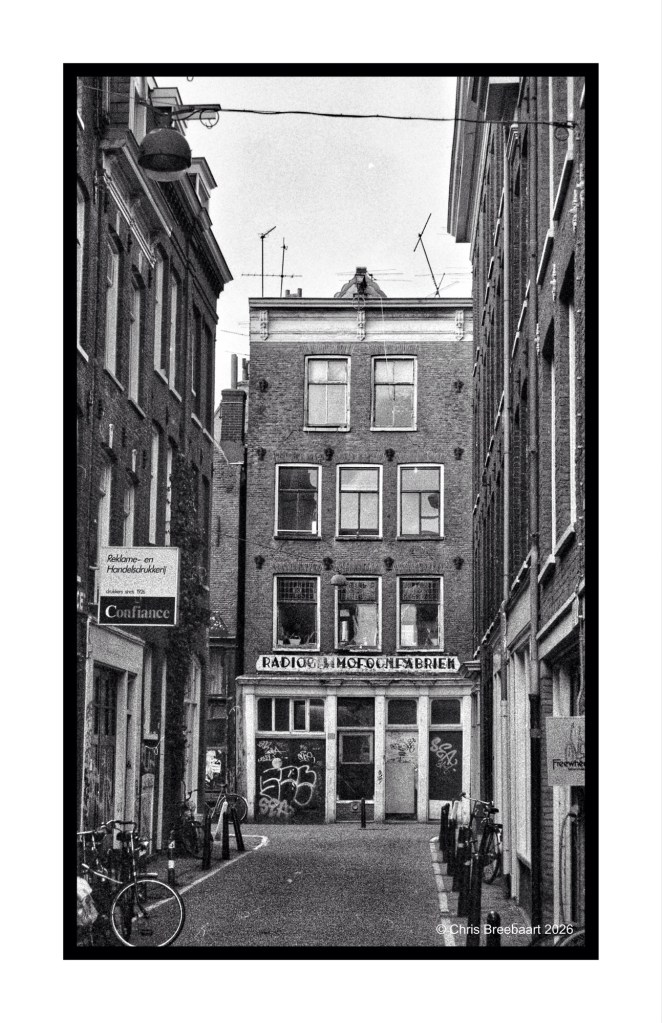
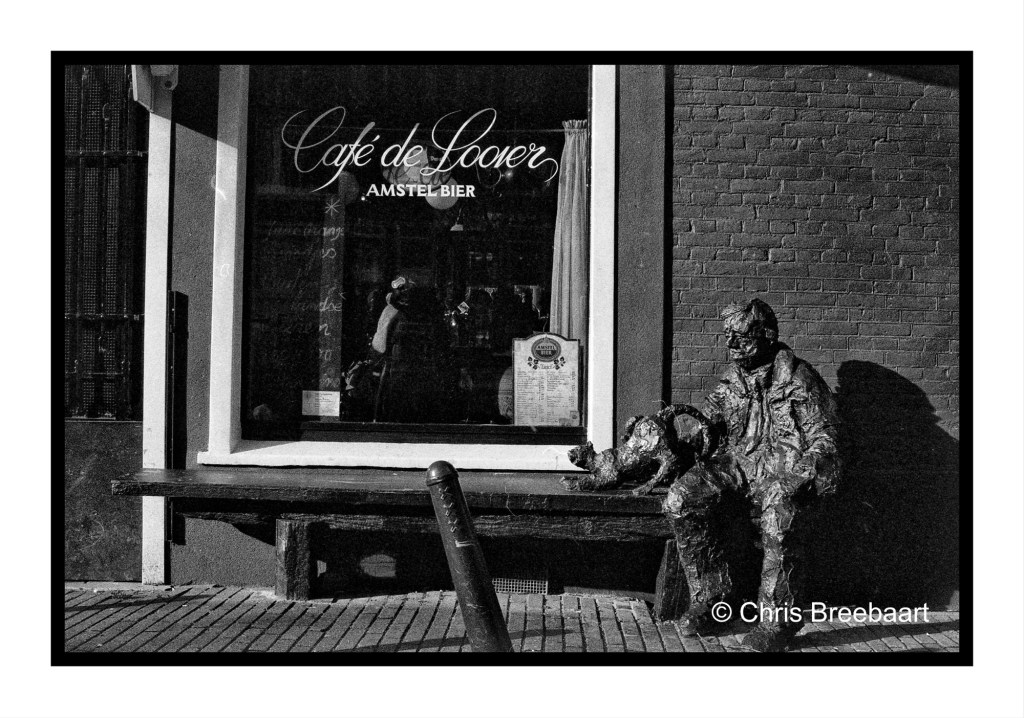
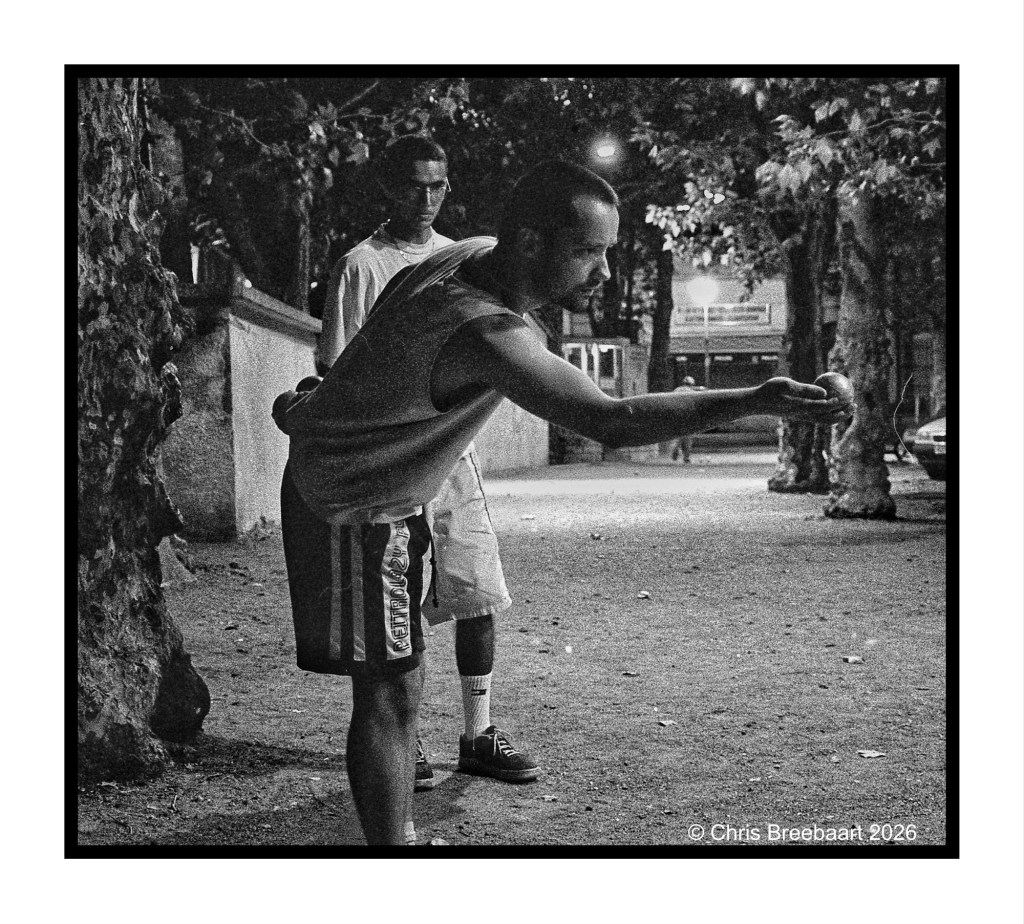
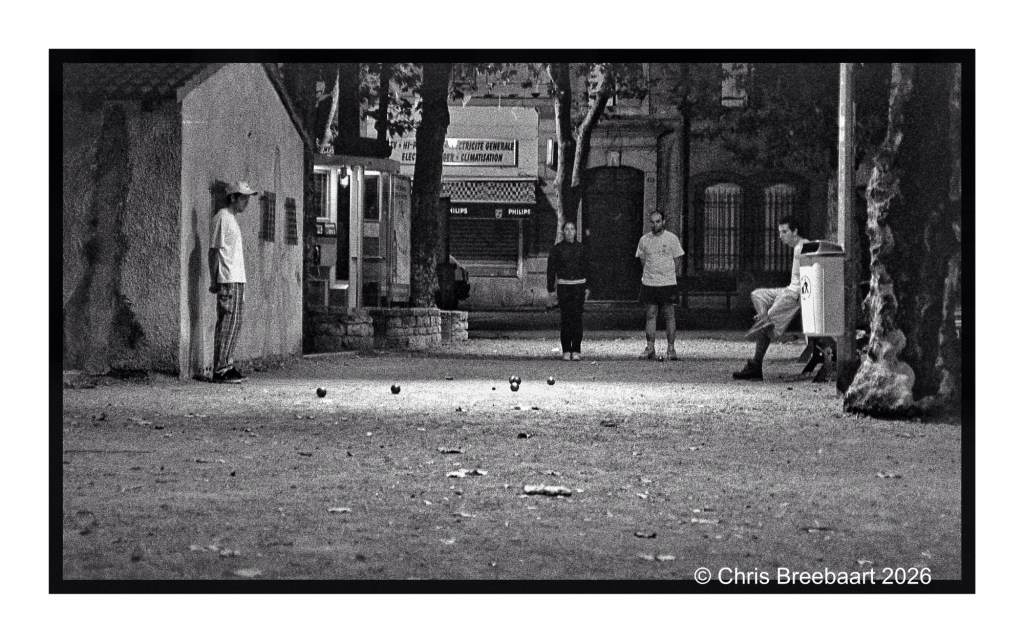
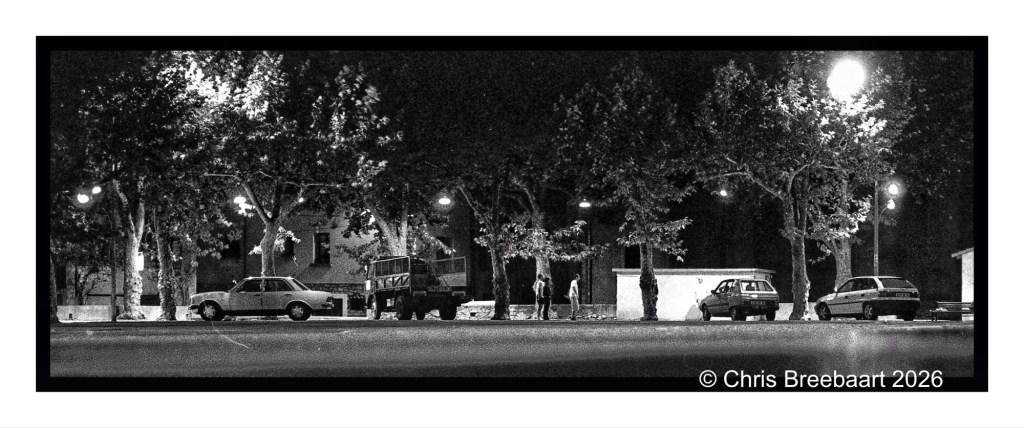
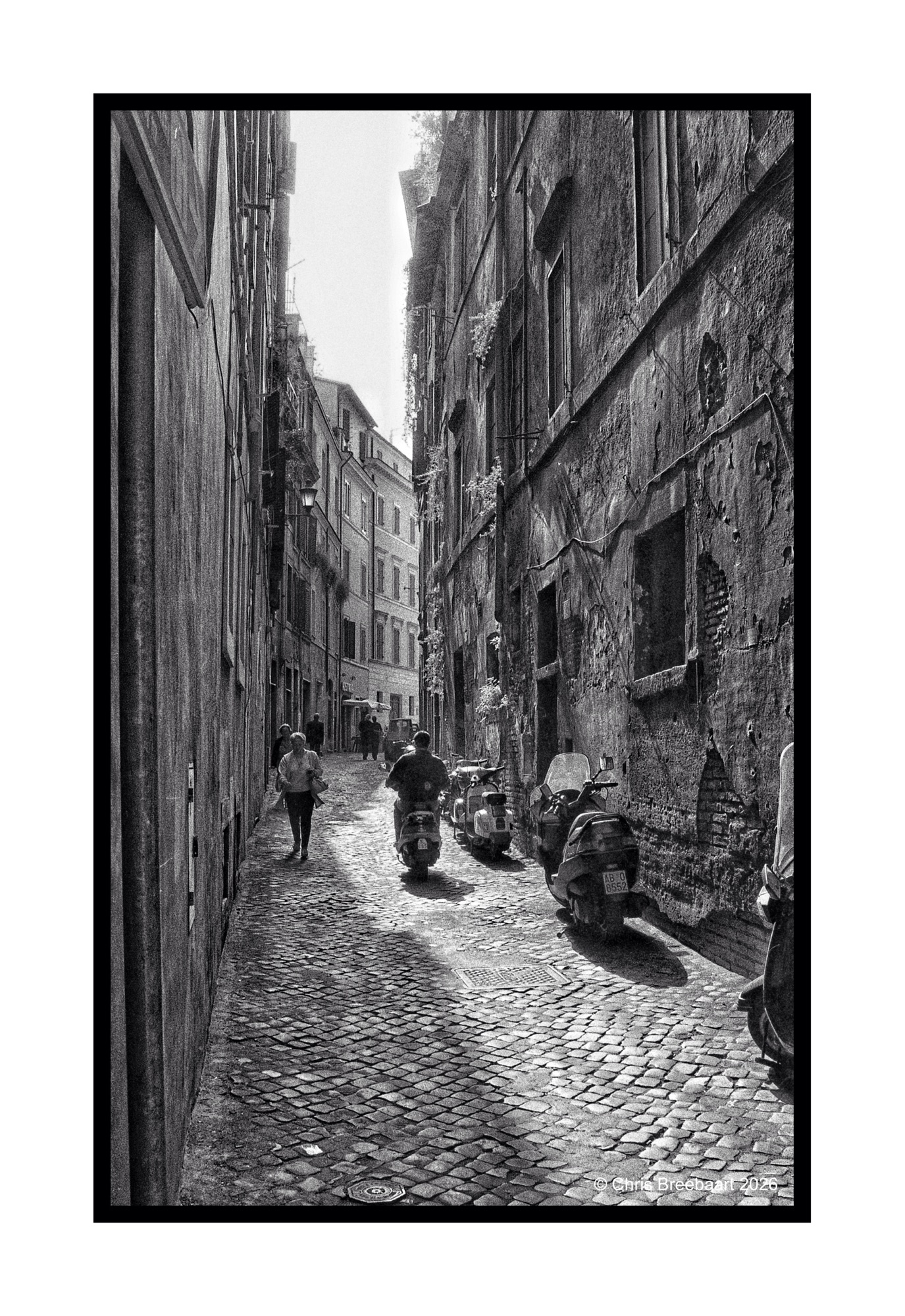
About the B4 retouch series: I browsed my archive for pictures to publish. Some of them are partly retouched but most do have scratches, dust and stains.
Shot with Nikon F90 on Kodak TriX, scanned from film and edited using Snapseed and Marksta. Click the picture for a bigger version.
About the B4 retouch series: I browsed my archive for pictures to publish. Some of them are partly retouched but most do have scratches, dust and stains.
Shot with Nikon F90 on Kodak TriX, scanned from film and edited using Snapseed and Marksta. Click the picture for a bigger version.
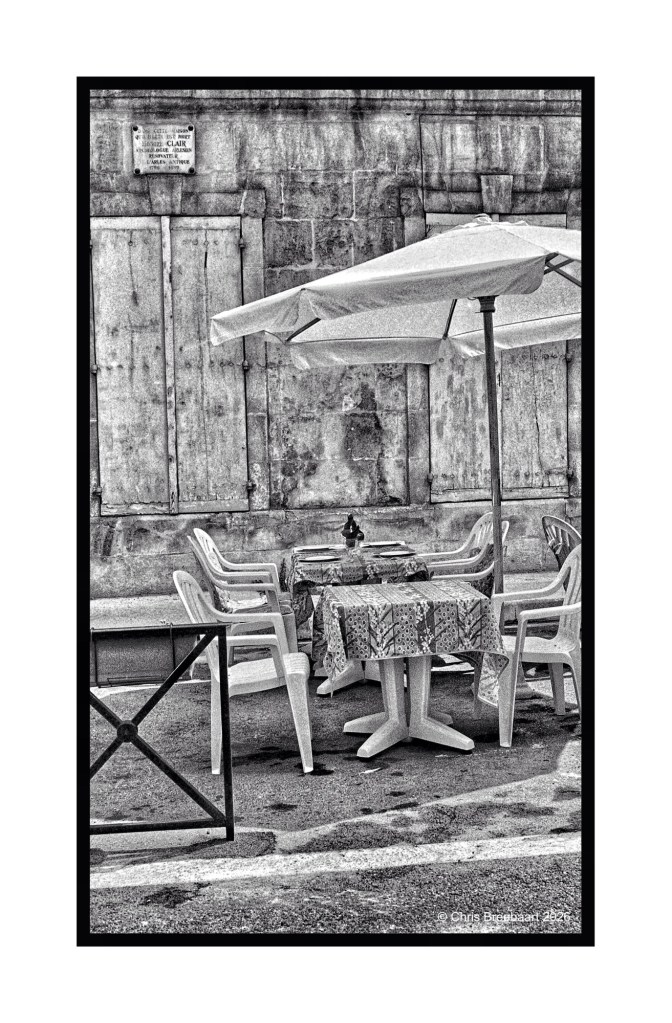
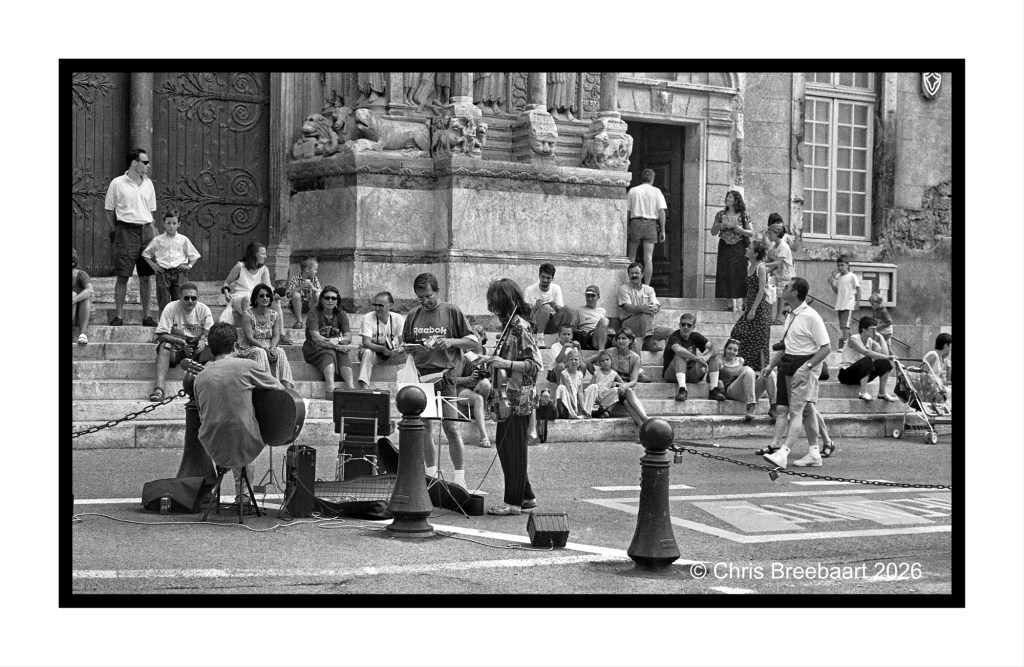
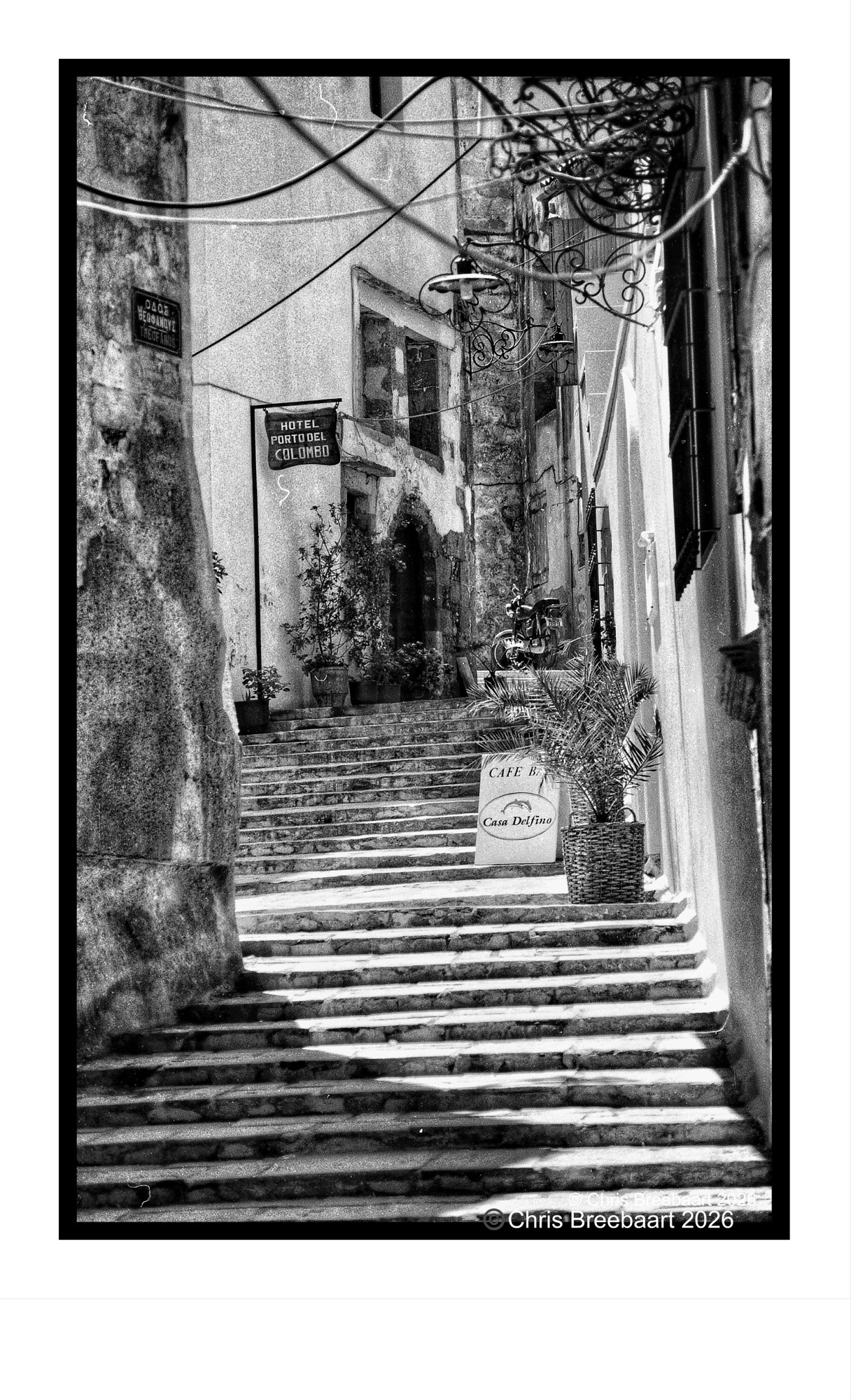
A terrace inArles. Everyone has a memory of a terrace I bet.
LAPC #417 is ‘Memories’. Sometimes the LAPC themes coincide with my ‘planning’ for my blog. The last weeks I am looking back into my archive of photographic memories. And this is one of them.
About the B4 retouch series: I browsed my archive for pictures to publish. Some of them are partly retouched but most do have scratches, dust and stains.
Shot with Nikon F90 on Kodak TriX, scanned from film and edited using Snapseed and Marksta. Click the picture for a bigger version.
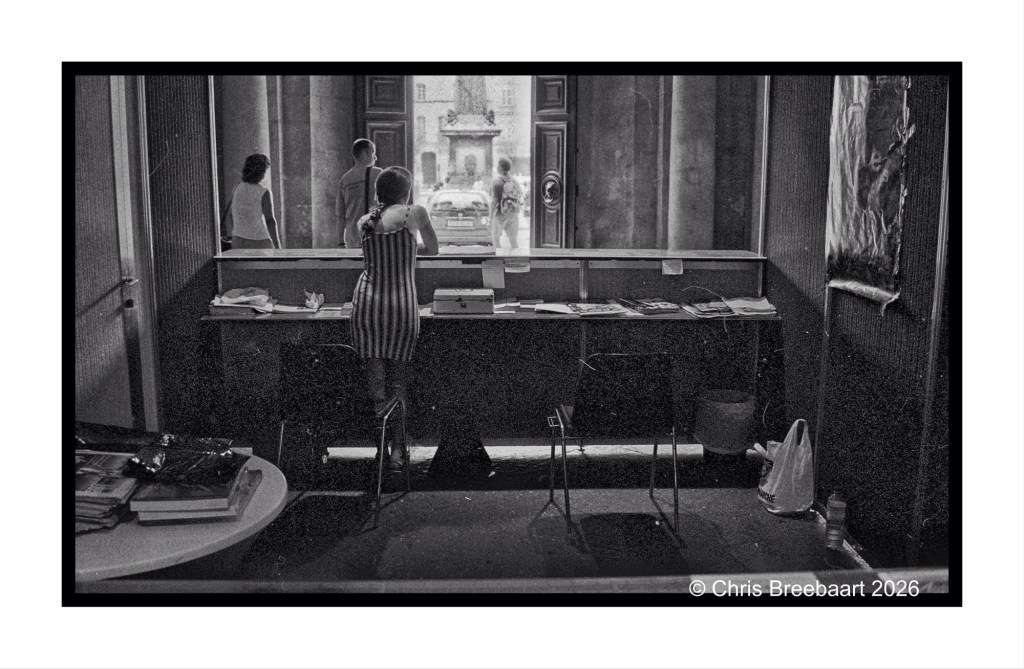
The Bureau de Tourisme in the Hotel de Ville at the Rencontres d’Arles in 1997. Arles is a beautiful town, with a long history dating back to the Romans. Not only with a famous annual photographic exhibition, but with a rich cultural history.
LAPC #417 is ‘Memories’. Sometimes the LAPC themes coincide with my ‘planning’ for my blog. The last weeks I am looking back into my archive of photographic memories. And this is one of them.
About the B4 retouch series: I browsed my archive for pictures to publish. Some of them are partly retouched but most do have scratches, dust and stains.
Shot with Nikon F90 on Kodak TriX, scanned from film and edited using Snapseed and Marksta. Click the picture for a bigger version.
LAPC #417 is ‘Memories’. Sometimes the LAPC themes coincide with my ‘planning’ for my blog. The last weeks I am looking back into my archive of photographic memories. And this is one of them.
About the B4 retouch series: I browsed my archive for pictures to publish. Some of them are partly retouched but most do have scratches, dust and stains.
Shot with Nikon F90 on Kodak TriX, scanned from film and edited using Snapseed and Marksta. Click the picture for a bigger version.
About the B4 retouch series: I browsed my archive for pictures to publish. Some of them are partly retouched but most do have scratches, dust and stains.
Shot with Nikon F90 on Kodak TriX, scanned from film and edited using Snapseed and Marksta. Click the picture for a bigger version.
About the B4 retouch series: I browsed my archive for pictures to publish. Some of them are partly retouched but most do have scratches, dust and stains.
Shot with Nikon F90 on Kodak TriX, scanned from film and edited using Snapseed and Marksta. Click the picture for a bigger version.
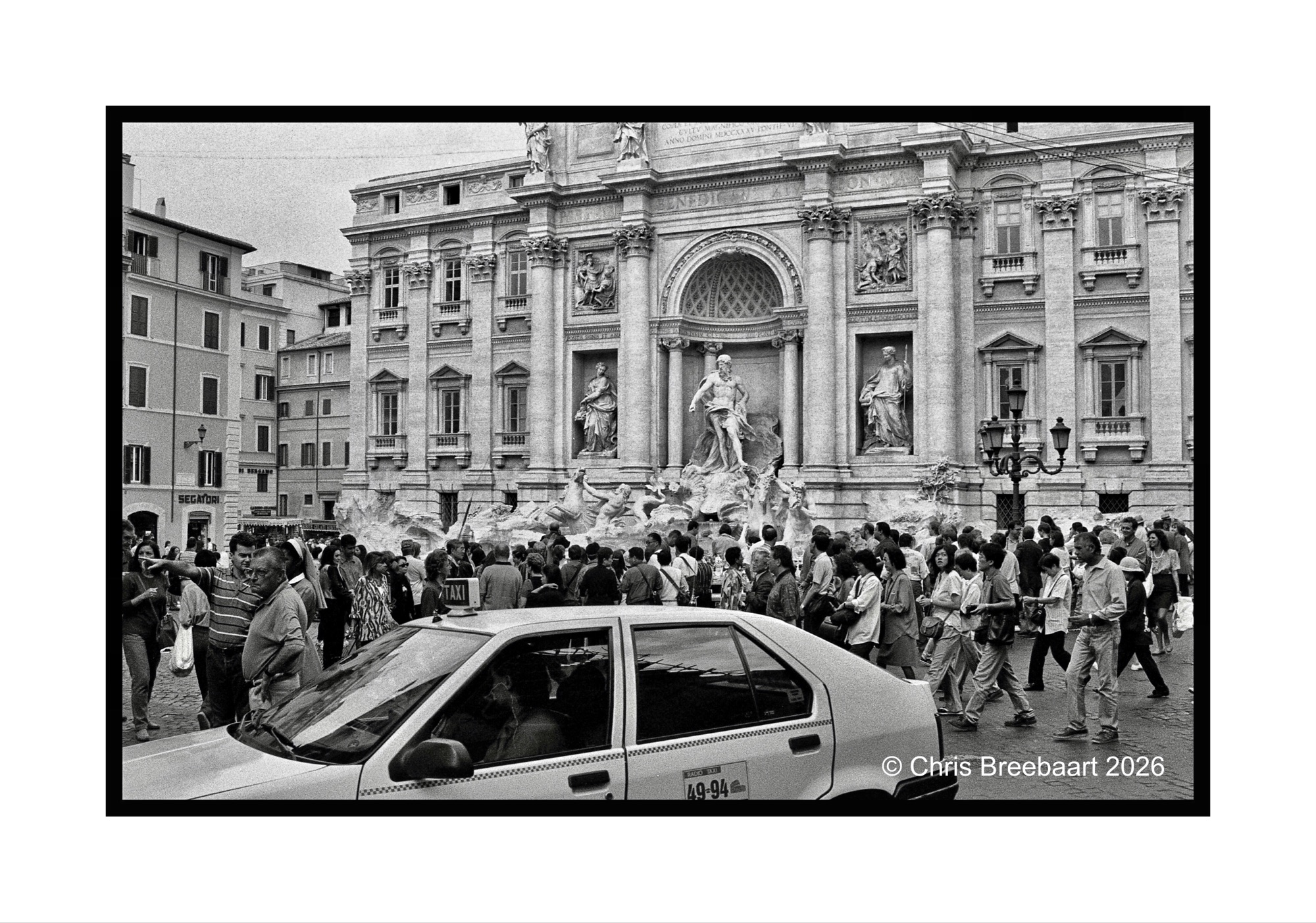
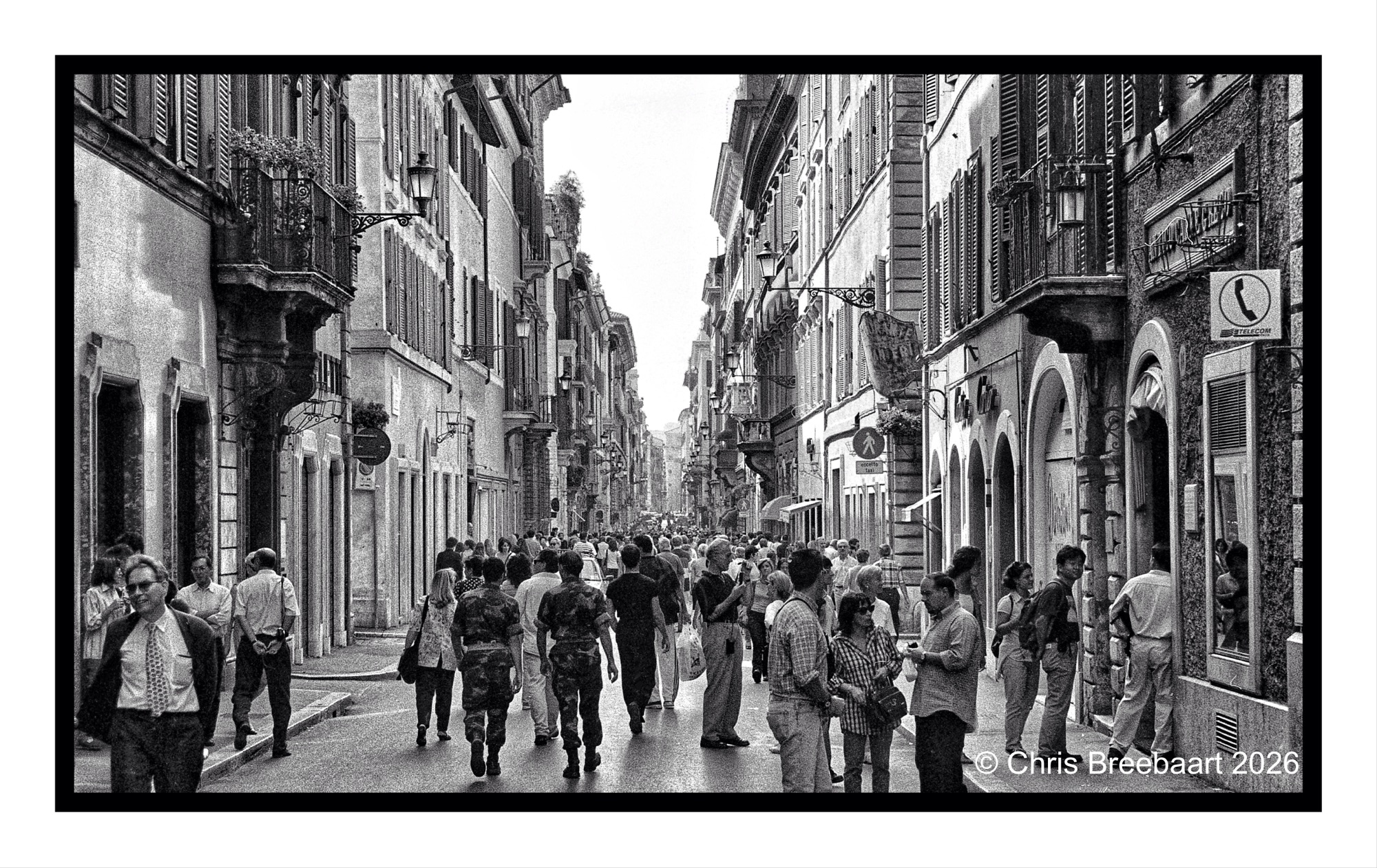
The Trevi Fountain – in Rome. Nowadays one has to pay an entrance fee to see it, trying to mitigate the amount of visitors. The myth is that you throw a coin over your right shoulder in the fountain, and you wish to come back. That worked for me three times already. Albeit long ago. LAPC #416 is ‘where does this lead?’. Mass tourism in big cities is a problem for the locals.
About the B4 retouch series: I browsed my archive for pictures to publish. Some of them are partly retouched but most do have scratches, dust and stains.
About the B4 retouch series: I browsed my archive for pictures to publish. Some of them are partly retouched but most do have scratches, dust and stains.
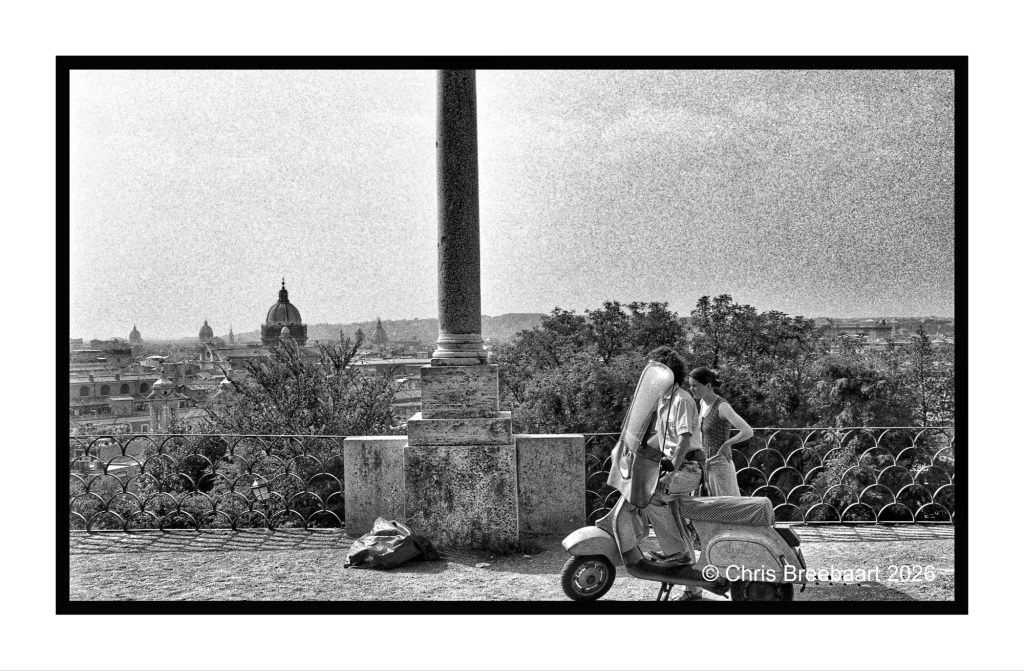
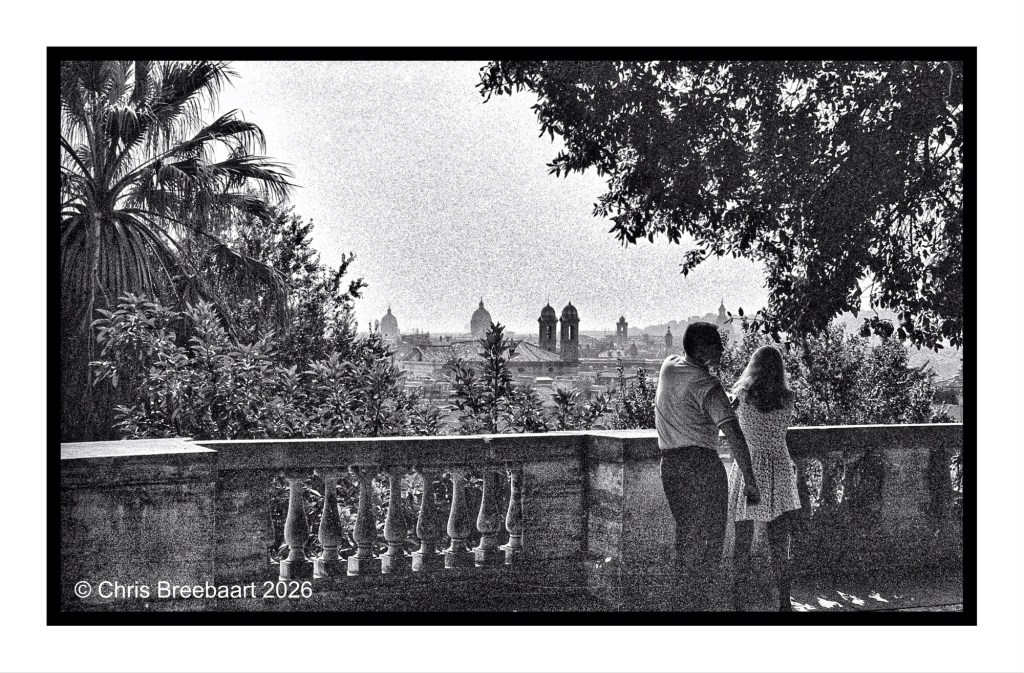
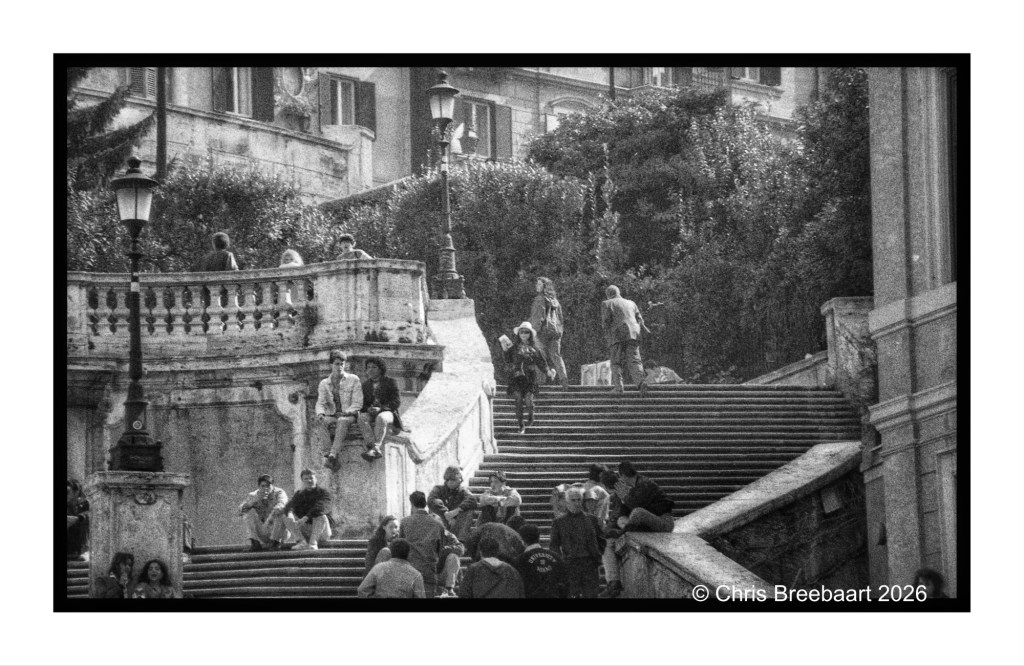
Rome is build on seven hills, but some hills are not counted in that list. One of the non listed hills is the Pincian Hill, that – like all of them – offers beautiful views over the eternal city.
About the B4 retouch series: I browsed my archive for pictures to publish. Some of them are partly retouched but most do have scratches, dust and stains.
Rome is build on seven hills, but some hills are not counted in that list. One of the non listed hills is the Pincian Hill, that – like all of them – offers beautiful views over the eternal city.
About the B4 retouch series: I browsed my archive for pictures to publish. Some of them are partly retouched but most do have scratches, dust and stains.
About the B4 retouch series: I browsed my archive for pictures to publish. Some of them are partly retouched but most do have scratches, dust and stains.
About the B4 retouch series: I browsed my archive for pictures to publish. Some of them are partly retouched but most do have scratches, dust and stains.
Originally shot with Nikon F301 on Kodak TriX, scanned from negative and tweaked using Snapseed and Marksta. Click the picture for a larger version.
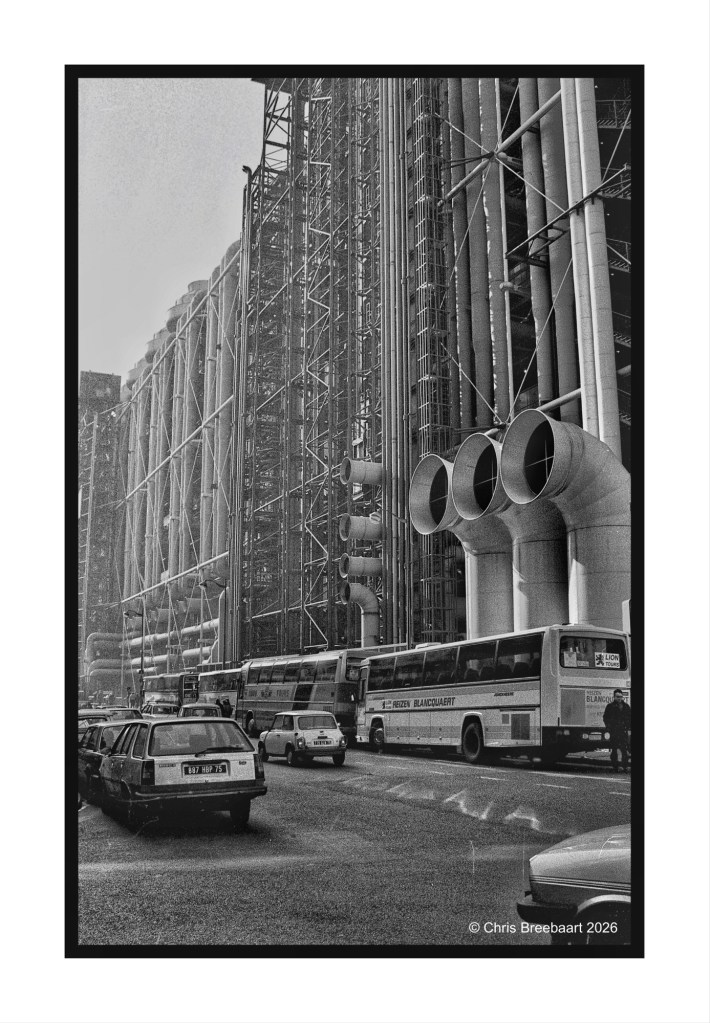
When the Centre Pompidou opened, the Parisians nicknamed it ‘the refinery’. It is a unique construction. But quite hard to maintain given all the angles and open spaces. The art collection inside is nice to walk around when in Paris. Always a place to visit again, when there.
About the B4 retouch series: I browsed my archive for pictures to publish. Some of them are partly retouched but most do have scratches, dust and stains.
Originally shot with Nikon F301 on Kodak TriX, scanned from negative and tweaked using Snapseed and Marksta. Click the picture for a larger version.
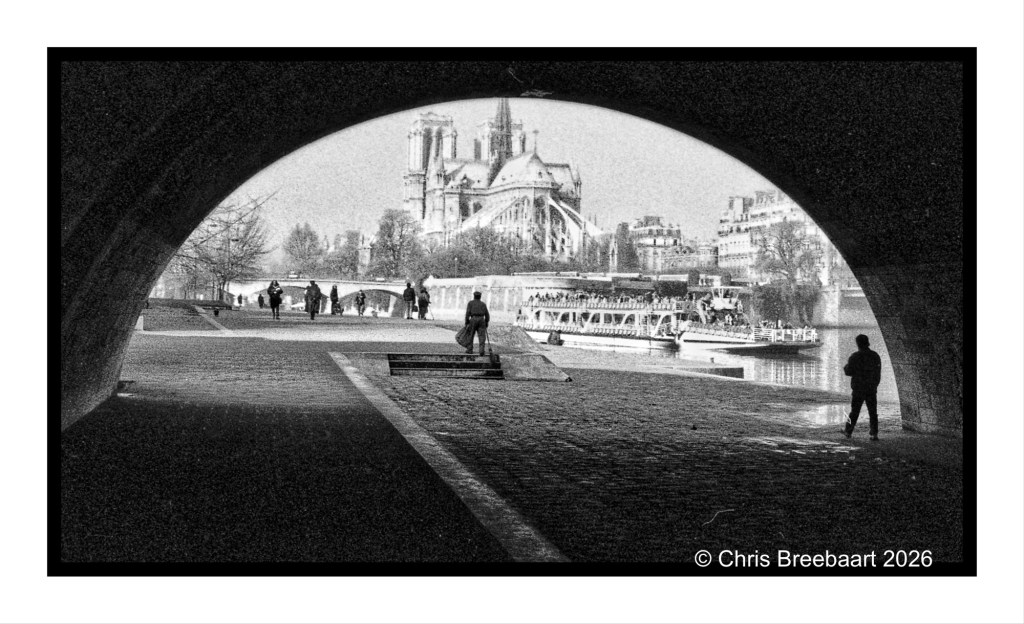
The Notre Dame in Paris before the fire. The bridge arch offers a template on a sunny Winter morning. The first shot in a set of shots of three. The second I published yesterday.
About the B4 retouch series: I browsed my archive for pictures to publish. Some of them are partly retouched but most do have scratches, dust and stains.
Originally shot with Nikon F301 on Kodak TriX, scanned from negative and tweaked using Snapseed and Marksta. Click the picture for a larger version.
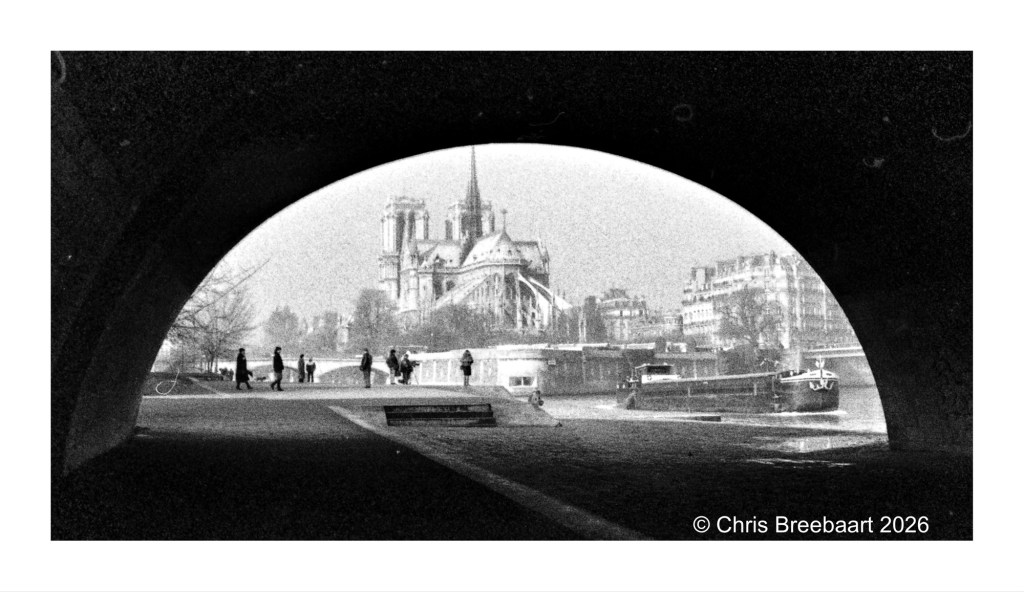
The Notre Dame in Paris before the fire. The bridge arch offers a template on a sunny Winter morning. Earlier published but a bit adjusted. This is the second shot in a set of three. The first one will be on tomorrow, the third the day after.
About the B4 retouch series: I browsed my archive for pictures to publish. Some of them are partly retouched but most do have scratches, dust and stains.
Originally shot with Nikon F301 on Kodak TriX, scanned from negative and tweaked using Snapseed and Marksta. Click the picture for a larger version.
About the B4 retouch series: I browsed my archive for pictures to publish. Some of them are partly retouched but most do have scratches, dust and stains.
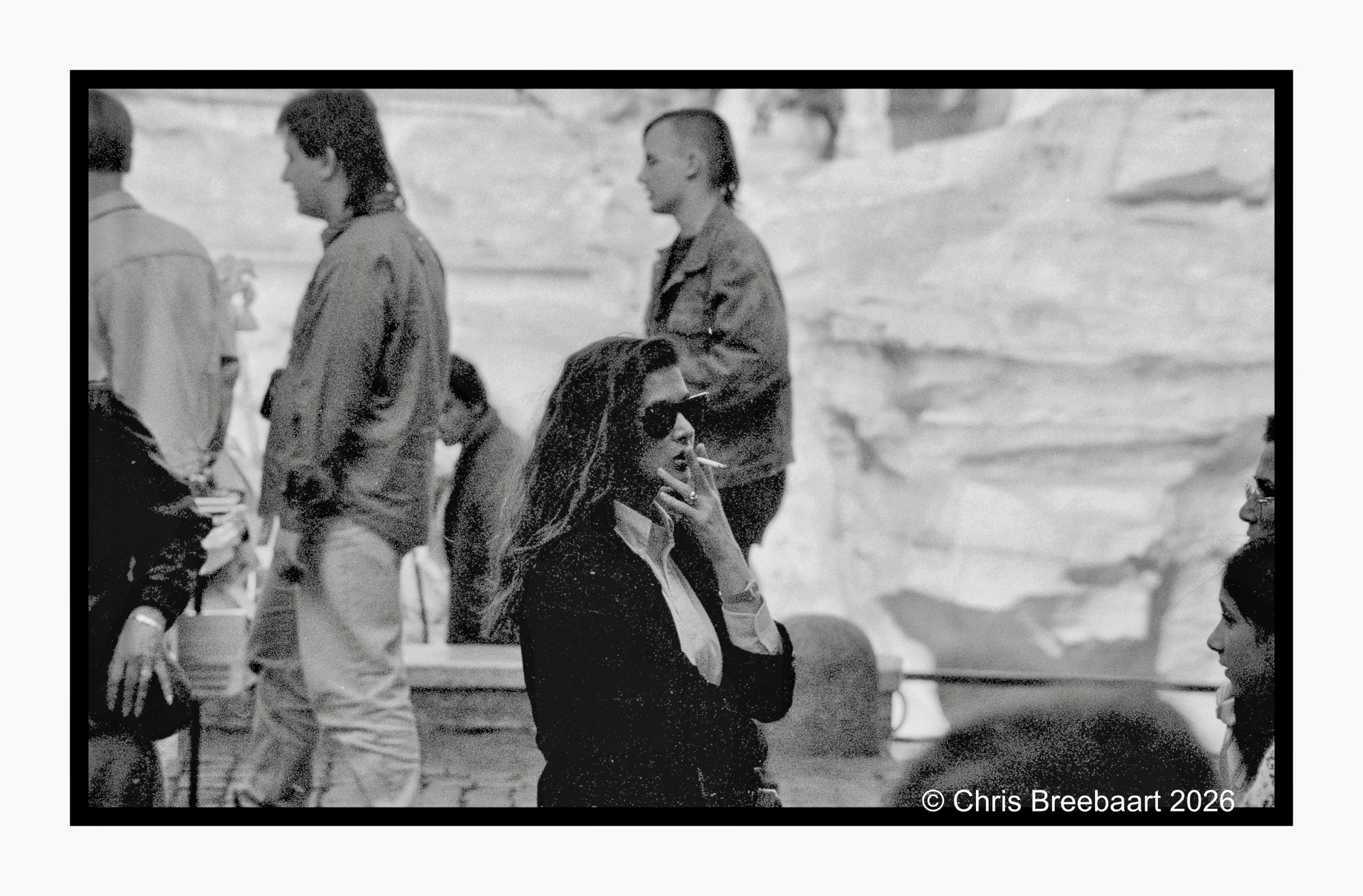
One from the archives, 32 years ago. A street photo of a smoking sunglass wearing young woman in front of the Trevi Fountain in Rome.
About the B4 retouch series: I browsed my archive for pictures to publish. Some of them are partly retouched but most do have scratches, dust and stains.
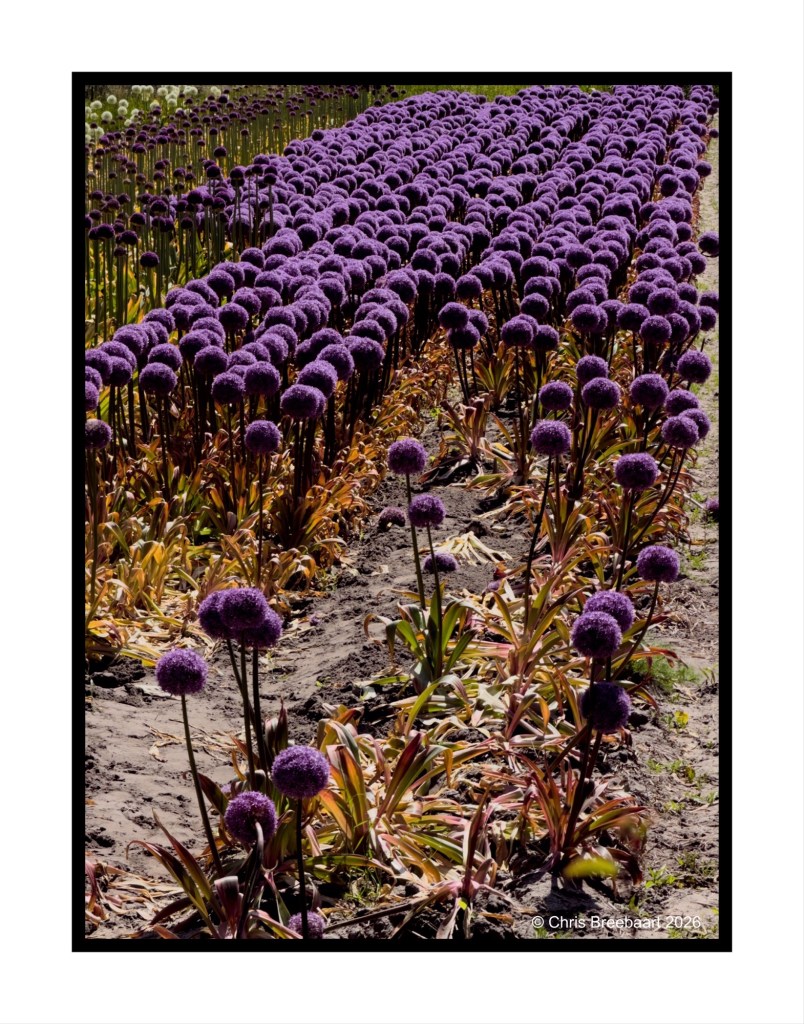
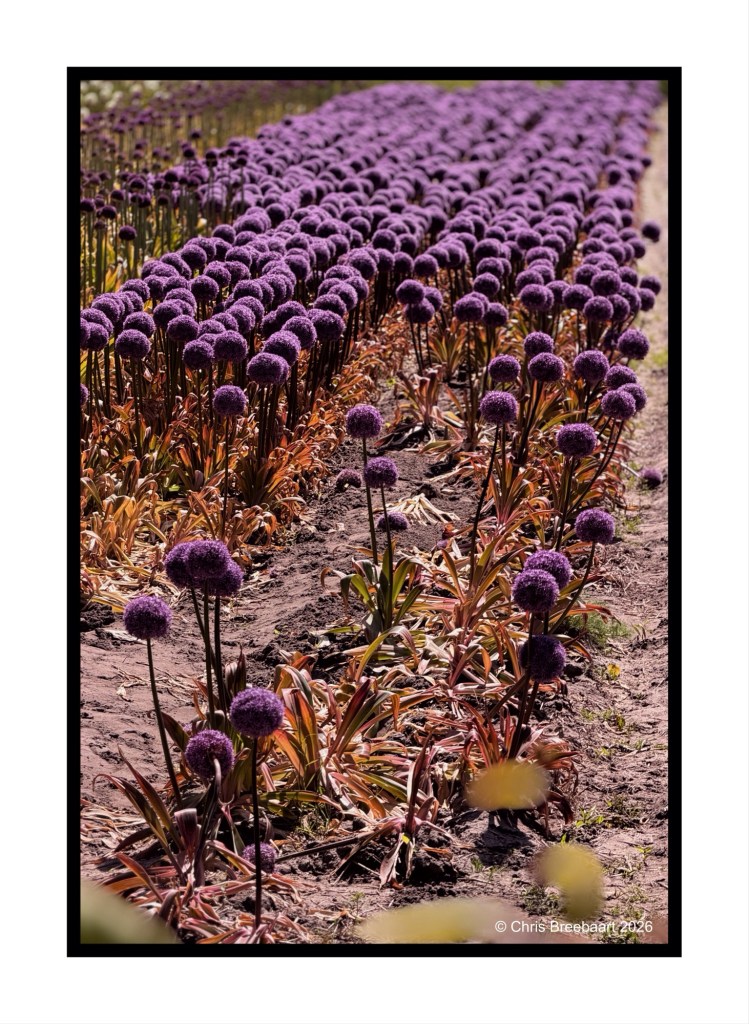
LAPC #403 focuses on photography tools: perspective, depth and scale. Here two photos of the same group of Aliums in a field, slightly different use of depth and framing. The main difference is the use of focus and framing. I am not sure which one is better, so you be the judge of it.
The Netherlands, Voorhout – April 2026 The Netherlands, Voorhout – April 2026
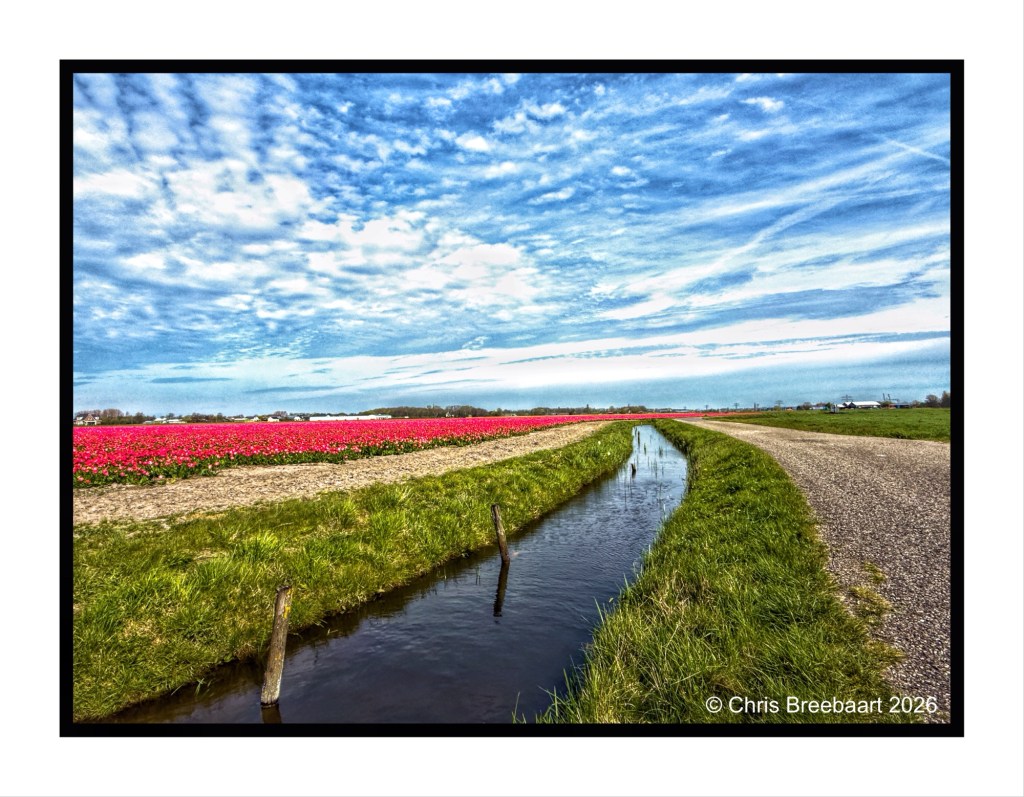
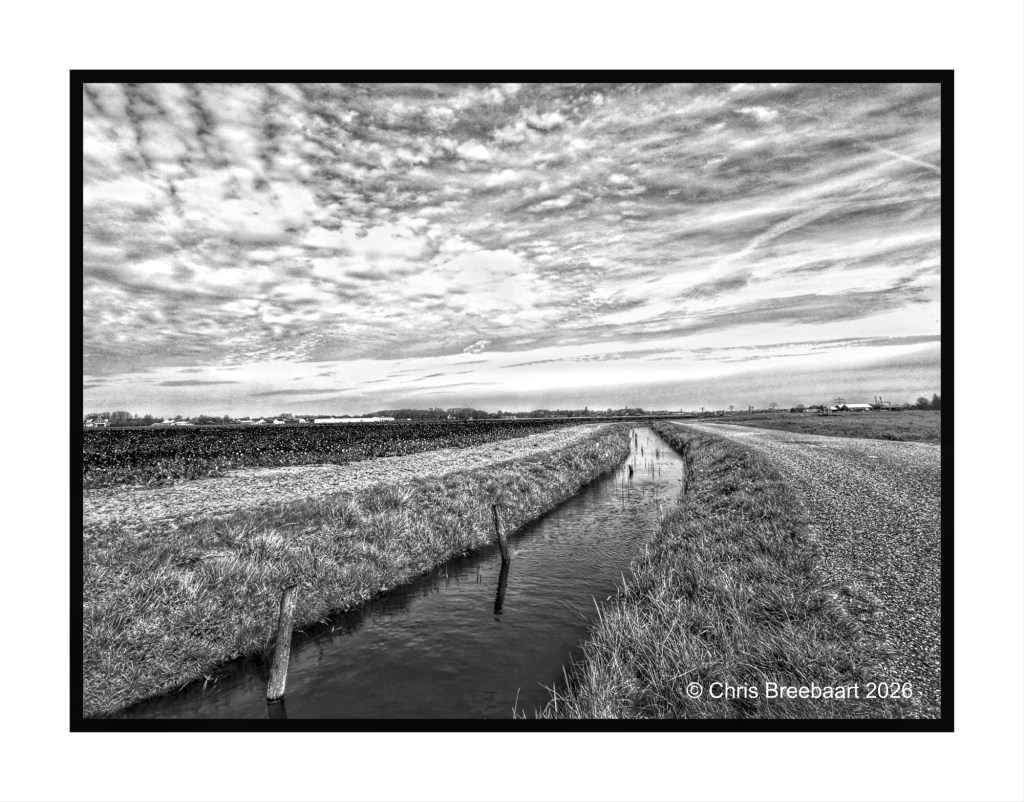
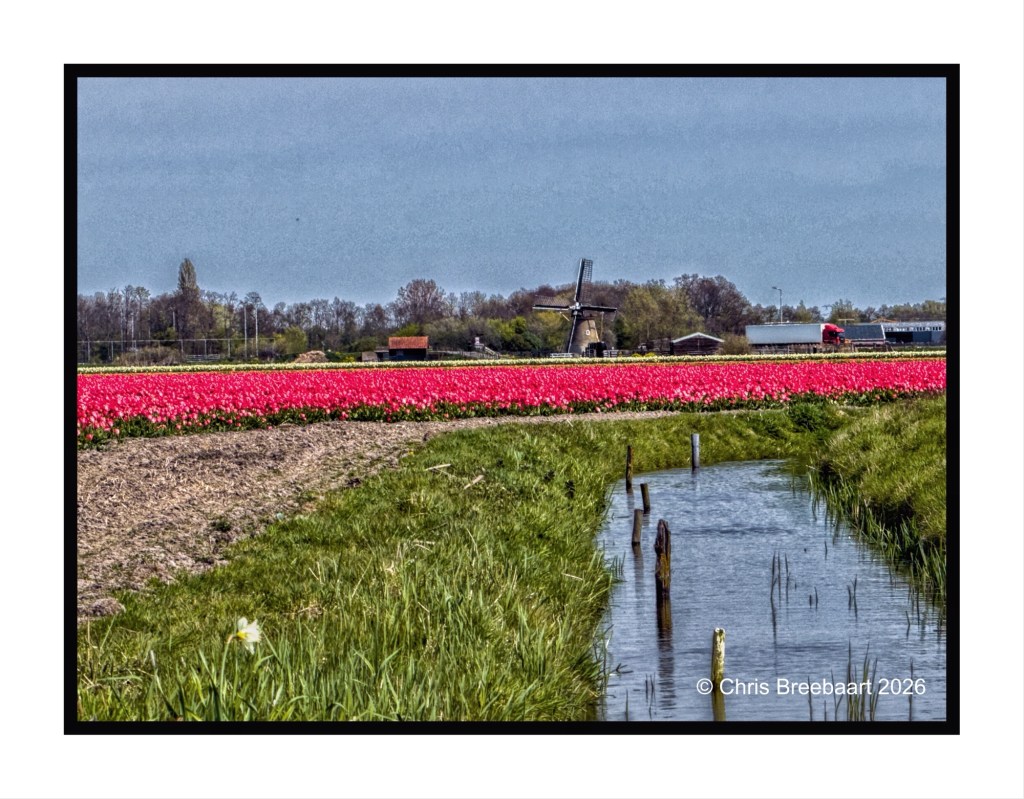
A major part of The Netherlands lies beneath sea level. Water, and the management of it in infrastructure as polders, dams and canals, is normal. We even not think of living under sea level. We feel safe. The flat landscape makes it interesting to look for lines that guide the eyes through the space. In a polder there are always canals that do the trick.
The question here is: which appeals most to your taste buds?
LAPC #395 looks back to LAPC #155 ‘On the water’. Water is not on our minds, but it is mindful to keep defending dry land against rising sea, rivers and soon (thanks to climate change with a bigger financial effort) rain. Meanwhile water is seen in most of the landscapes of The Netherlands.
A major part of The Netherlands lies beneath sea level. Water, and the management of it in infrastructure as polders, dams and canals, is normal. We even not think of living under sea level. We feel safe.
Here a polder with an old windmill (painted by Monet long ago) – originally used to pump water out of a polder- and a small canal in a polder with tulips. Only the clogs are missing!
LAPC #395 looks back to LAPC #155 ‘On the water’. Water is not on our minds, but it is mindful to keep defending dry land against rising sea, rivers and soon (thanks to climate change with a bigger financial effort) rain.
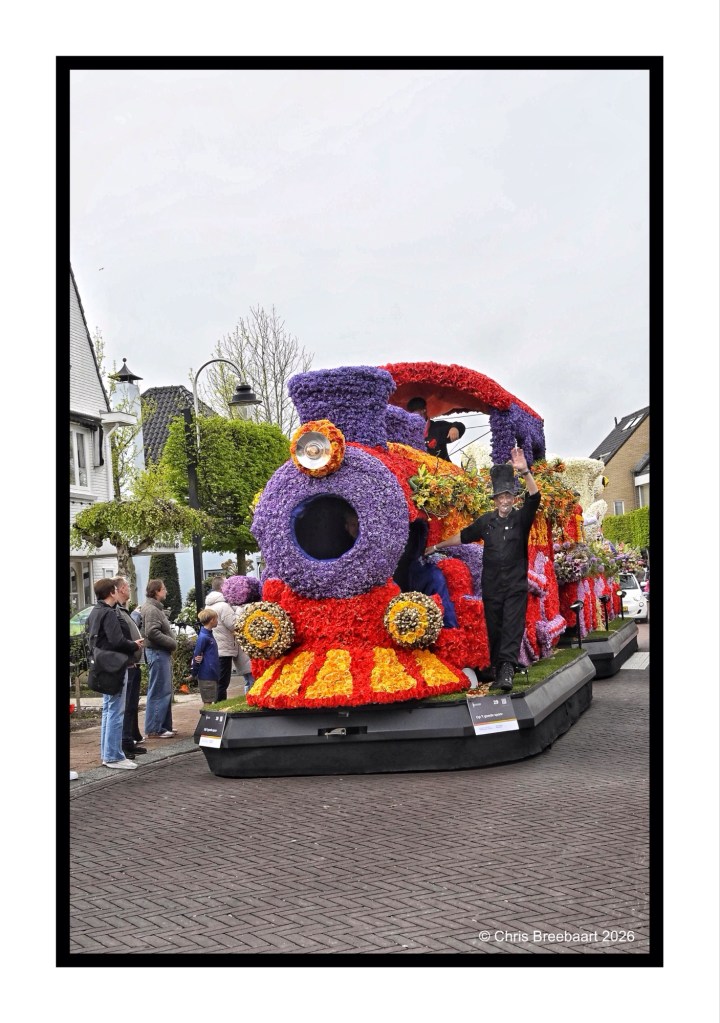
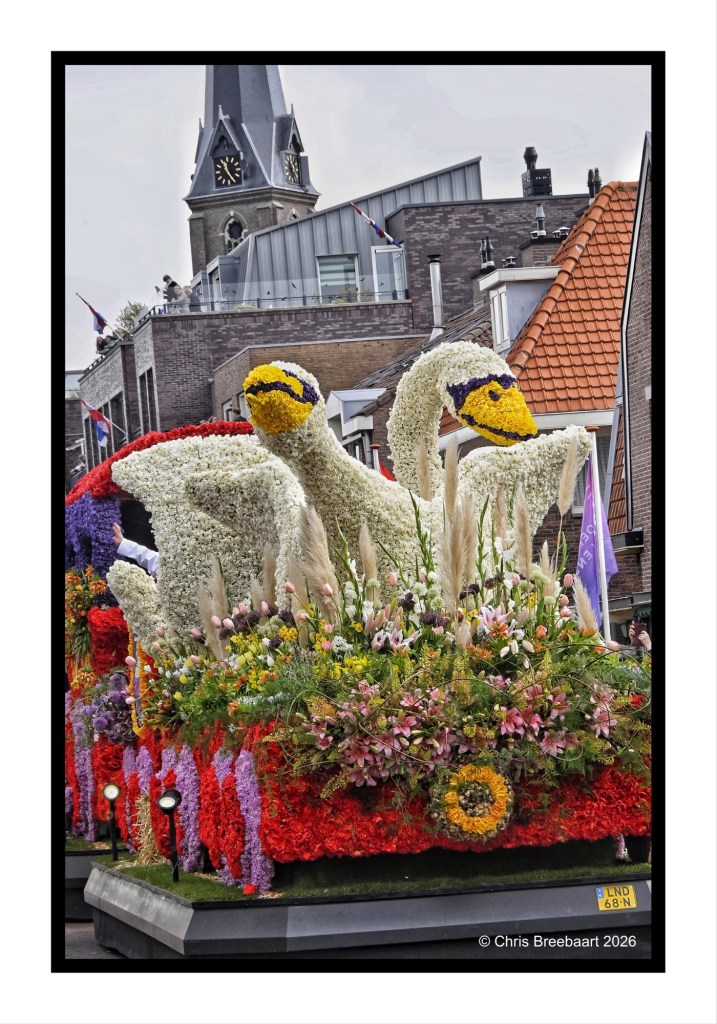
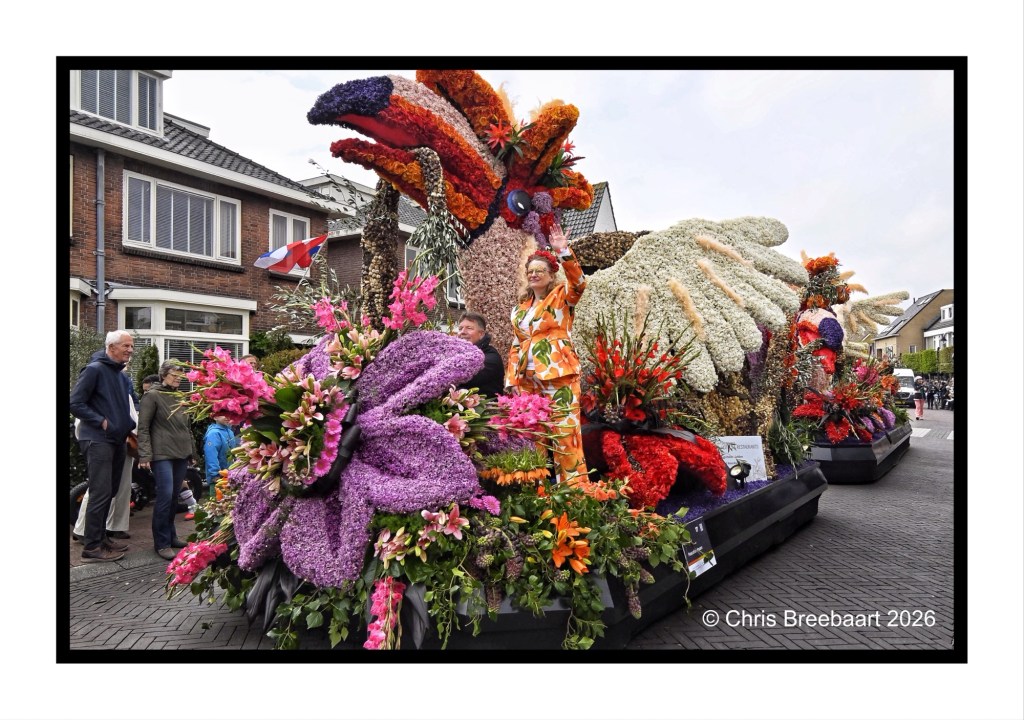
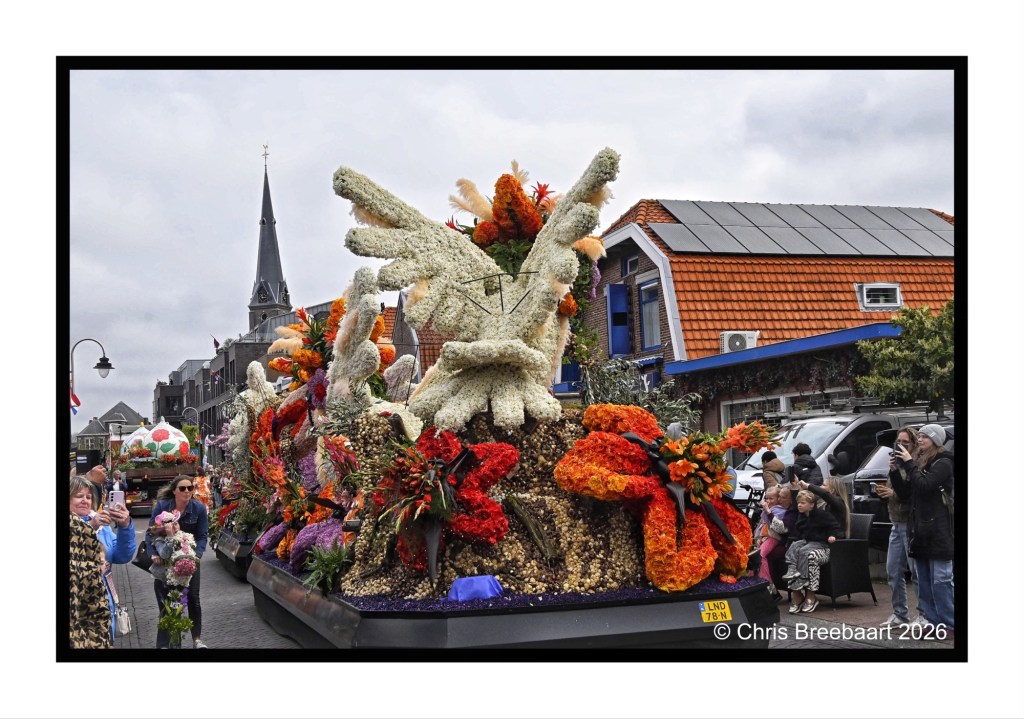
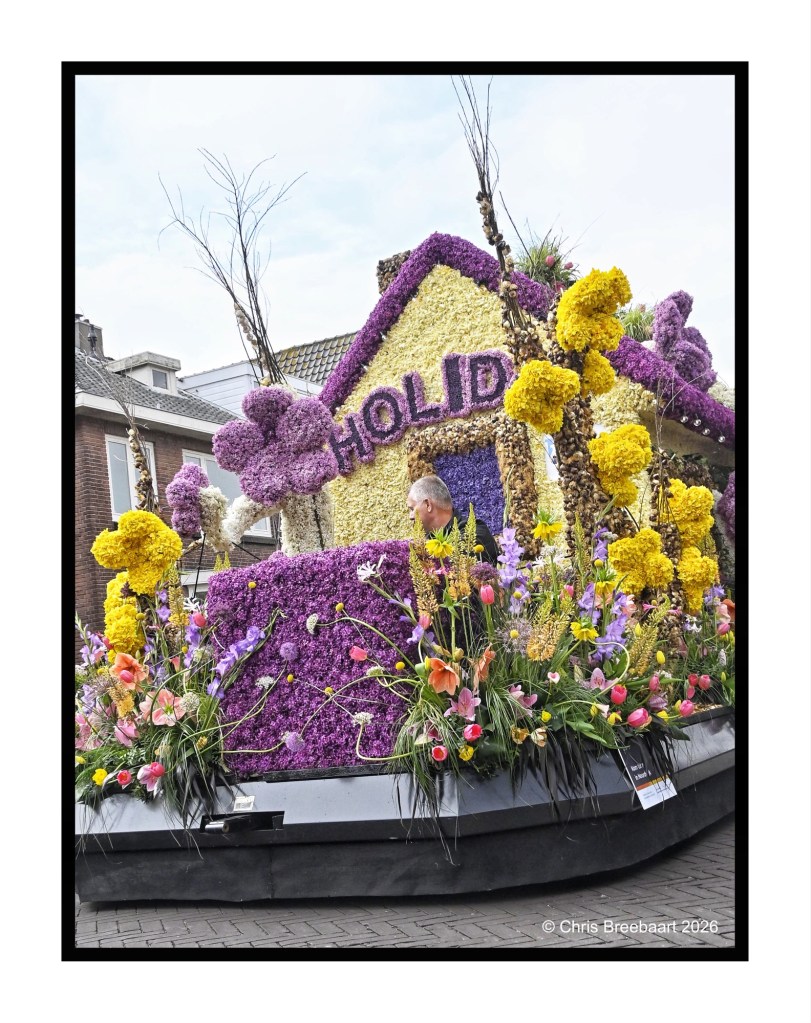
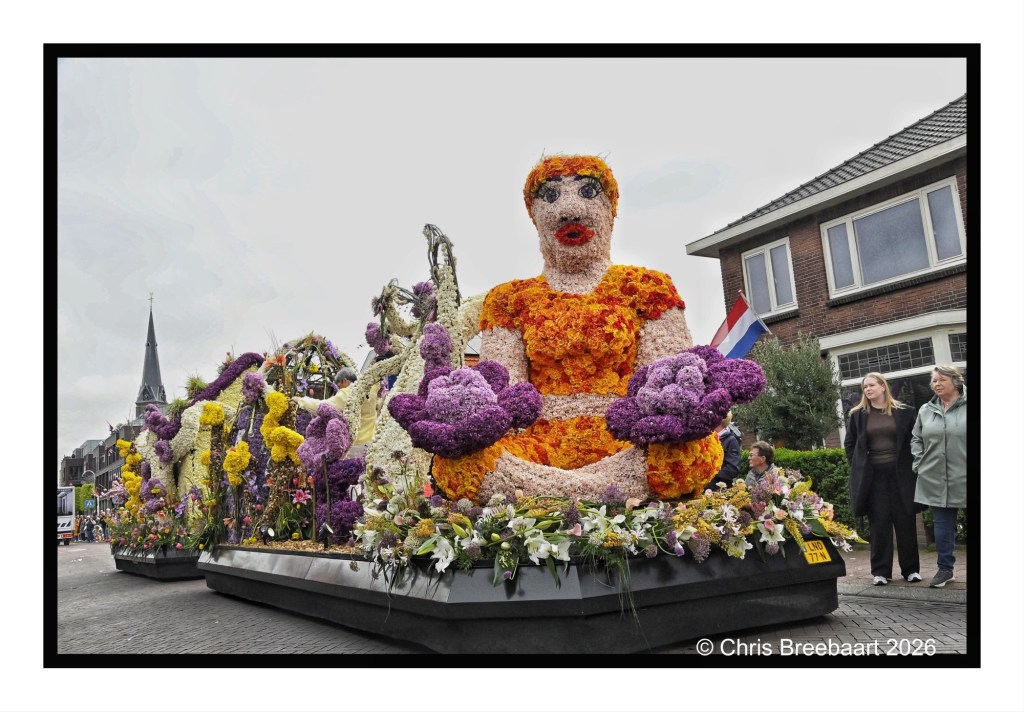
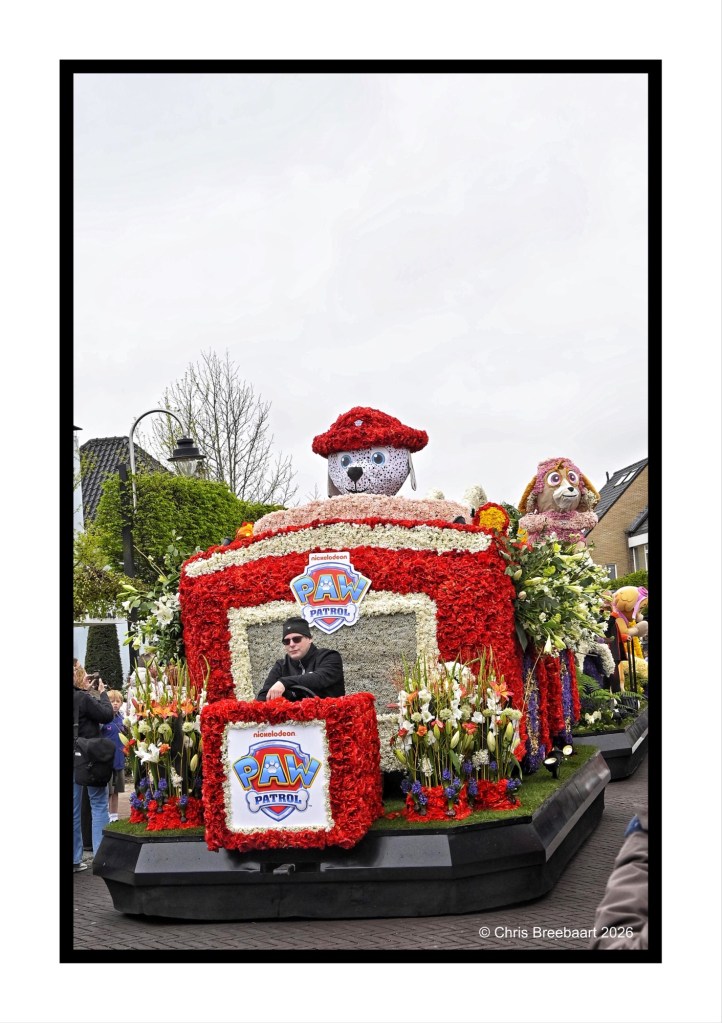
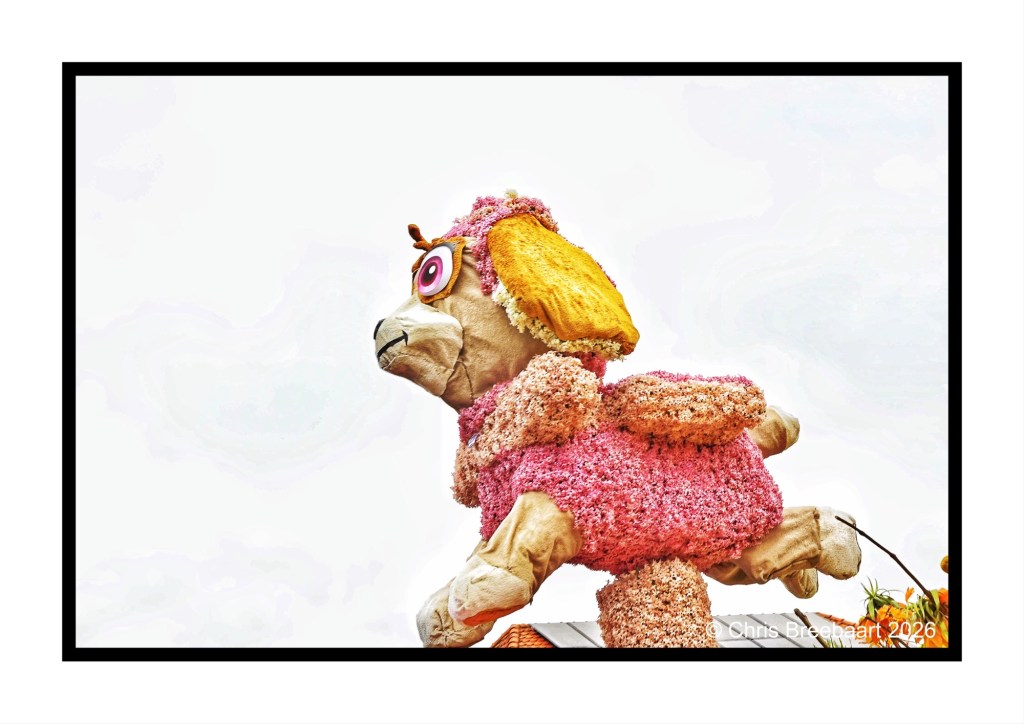
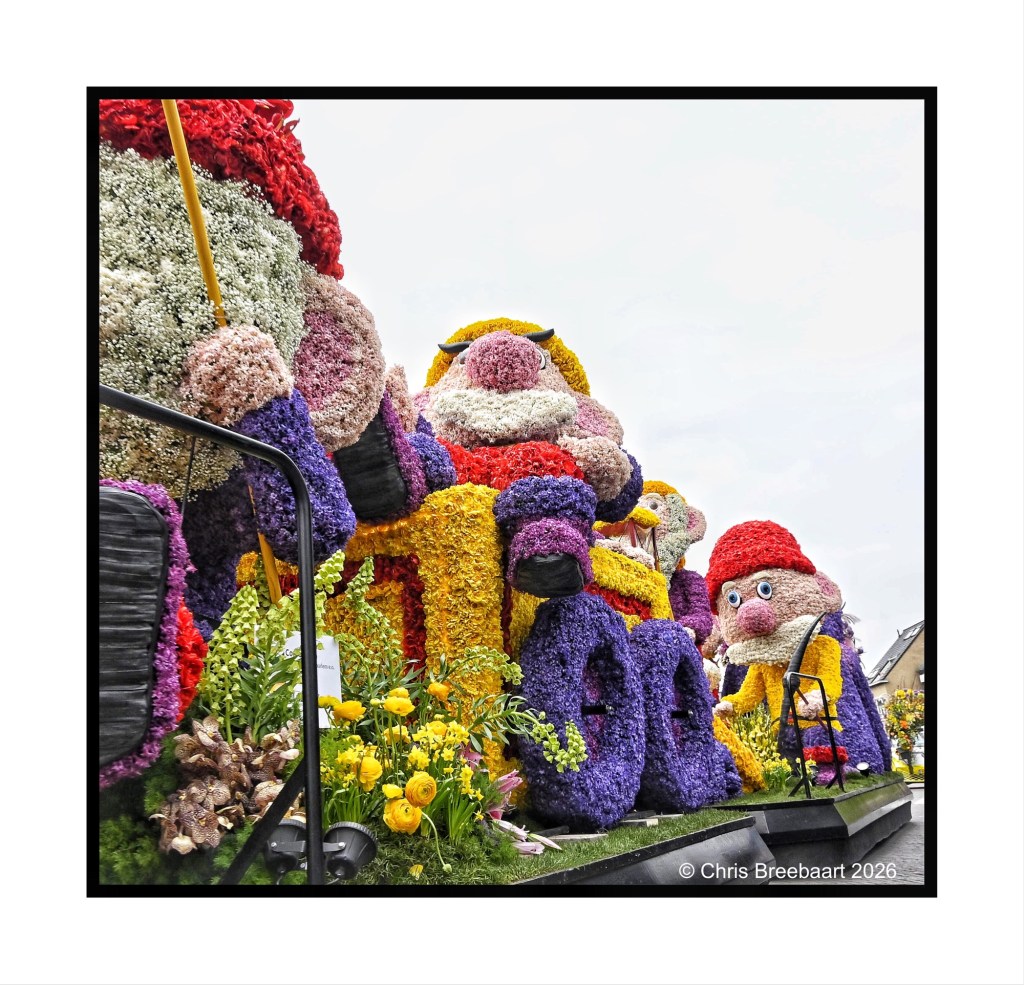
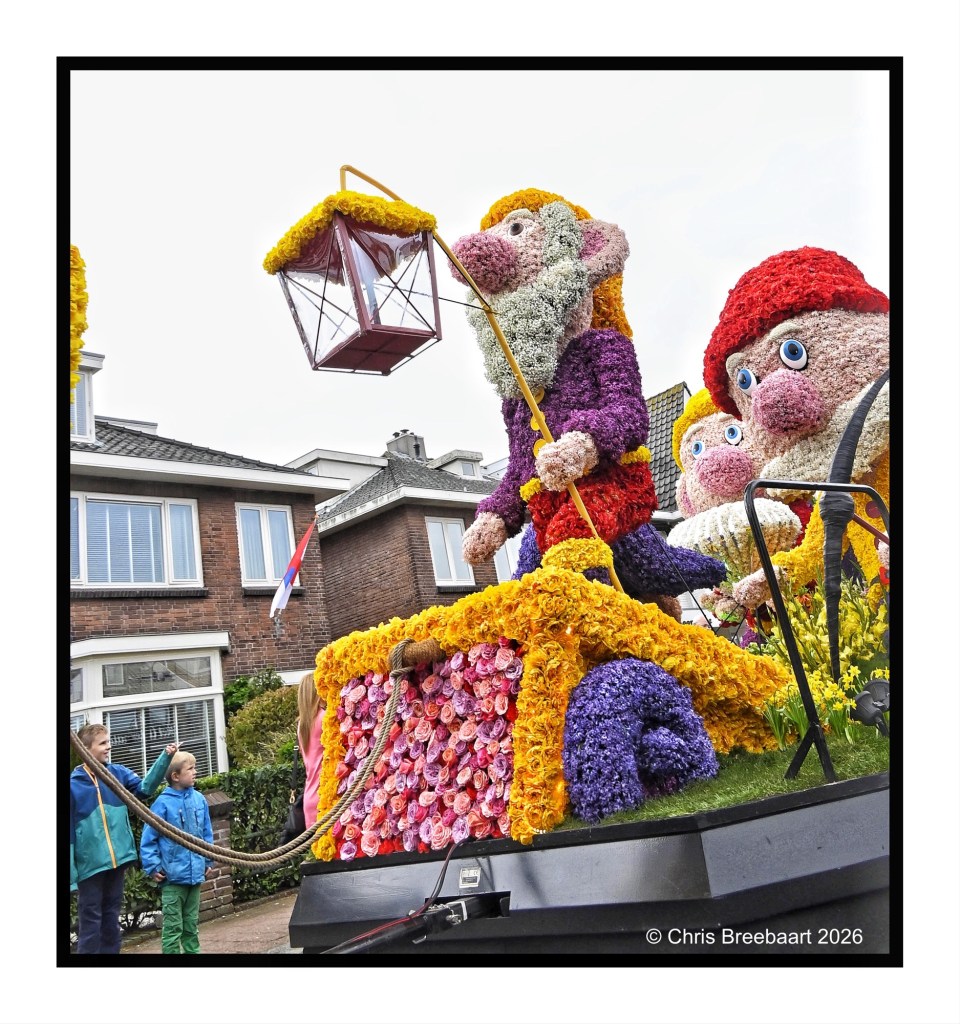
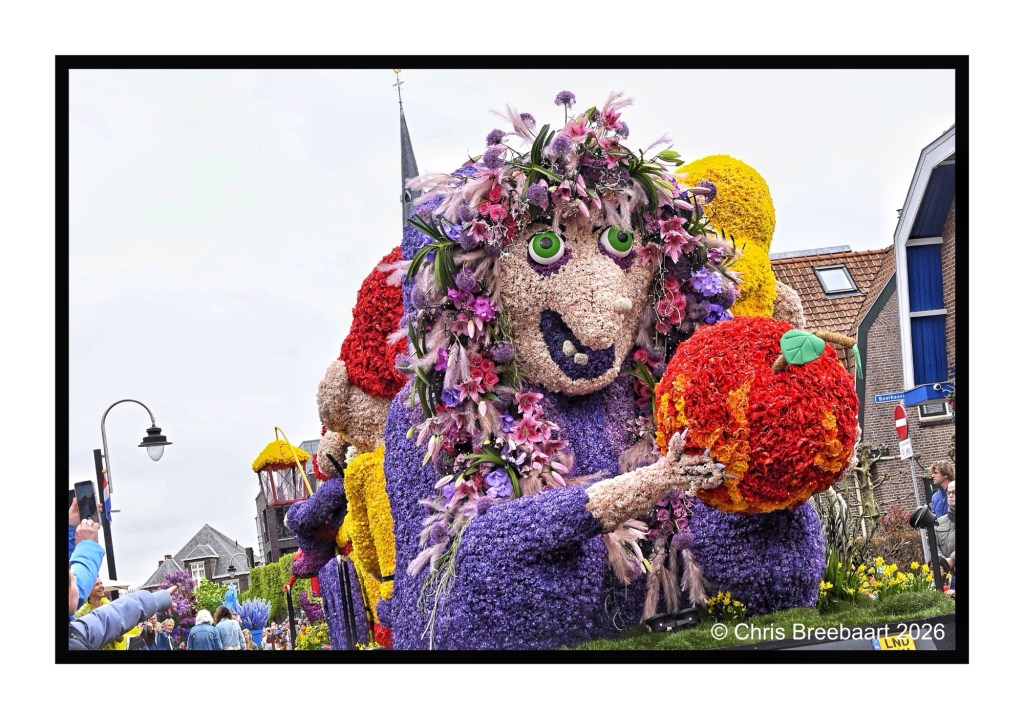
One of the events during Spring is the annual flower parade in the ‘bulbflowerbelt’ the Duin- en Bollenstreek. The parade has a history, it started in 1947, and is one of the biggest in The Netherlands. It is a main event for tourists. And a big presentation of bulbflower producing in this area. The Netherlands is well known for its flower production, all over the world. It is closely knit to the history and culture in this area of The Netherlands.
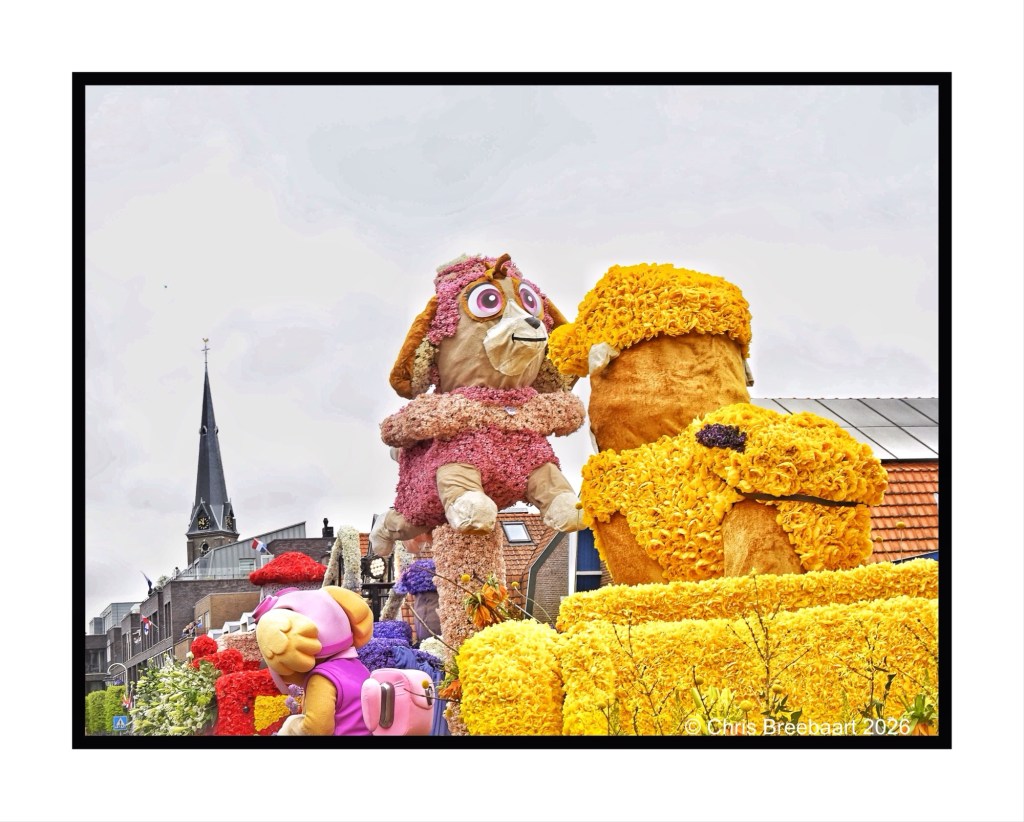
One of the events during Spring is the annual flower parade in the ‘bulbflowerbelt’ the Duin- en Bollenstreek. The parade has a history, it started in 1947, and is one of the biggest in The Netherlands. It is a main event for tourists. And a big presentation of bulbflower producing in this area. The Netherlands is well known for its flower production, all over the world. It is closely knit to the history and culture in this area of The Netherlands.
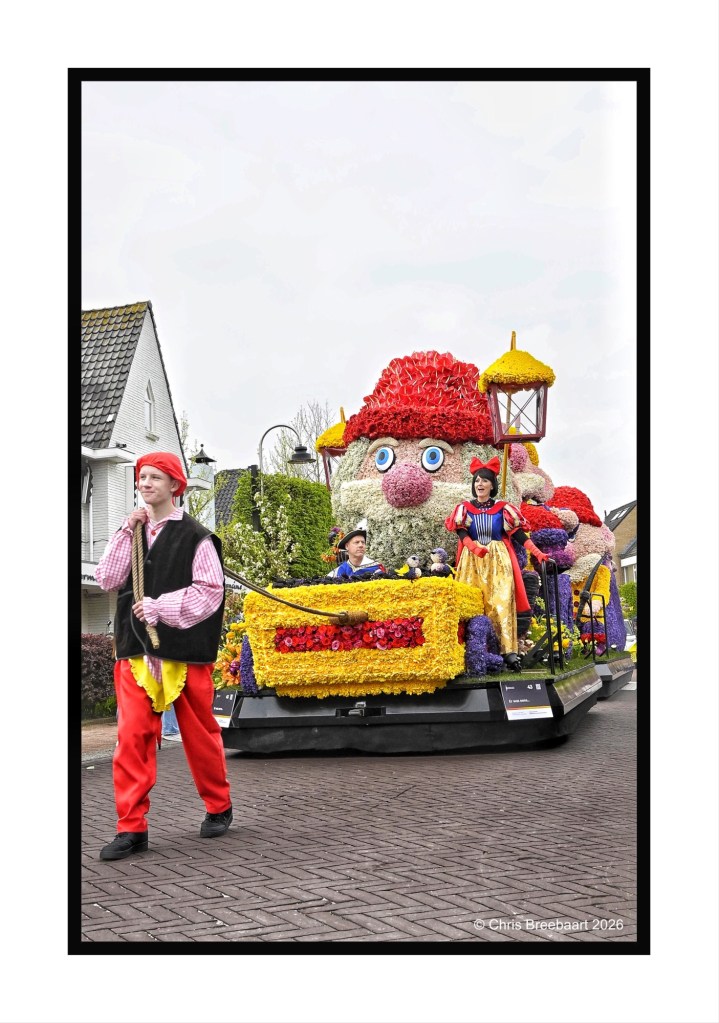
One of the events during Spring is the annual flower parade in the ‘bulbflowerbelt’ the Duin- en Bollenstreek. The parade has a history, it started in 1947, and is one of the biggest in The Netherlands. It is a main event for tourists. And a big presentation of bulbflower producing in this area. The Netherlands is well known for its flower production, all over the world. It is closely knit to the history and culture in this area of The Netherlands.
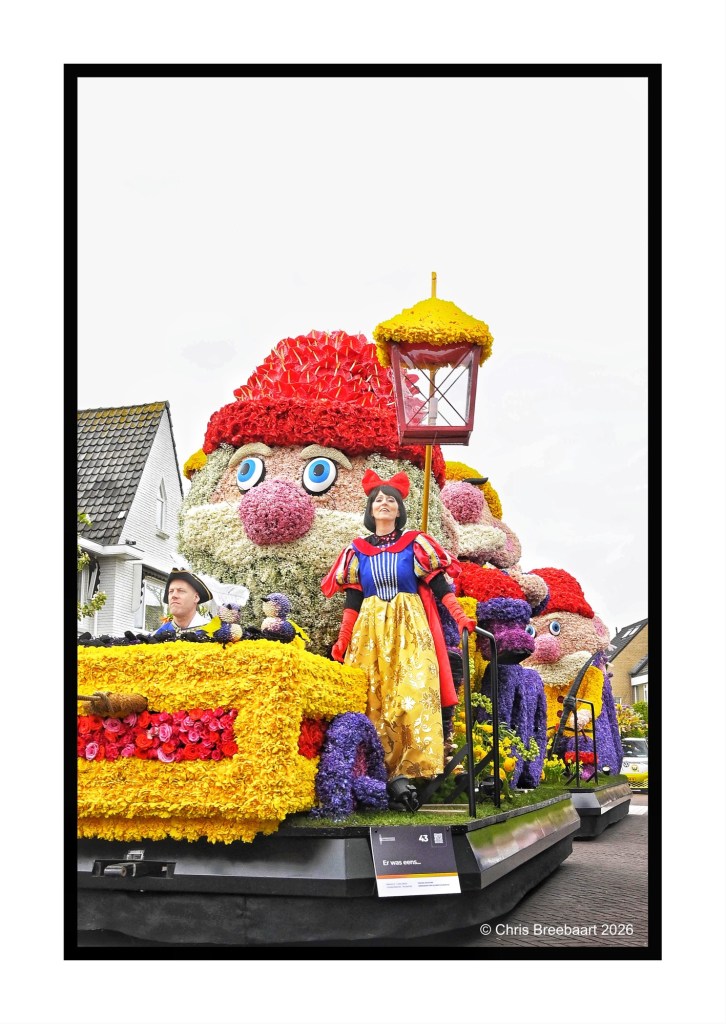
One of the events during Spring is the annual flower parade in the ‘bulbflowerbelt’ the Duin- en Bollenstreek. The parade has a history, it started in 1947, and is one of the biggest in The Netherlands. It is a main event for tourists. And a big presentation of bulbflower producing in this area. The Netherlands is well known for its flower production, all over the world. It is closely knit to the history and culture in this area of The Netherlands.
One of the events during Spring is the annual flower parade in the ‘bulbflowerbelt’ the Duin- en Bollenstreek. The parade has a history, it started in 1947, and is one of the biggest in The Netherlands. It is a main event for tourists. And a big presentation of bulbflower producing in this area. The Netherlands is well known for its flower production, all over the world. It is closely knit to the history and culture in this area of The Netherlands.
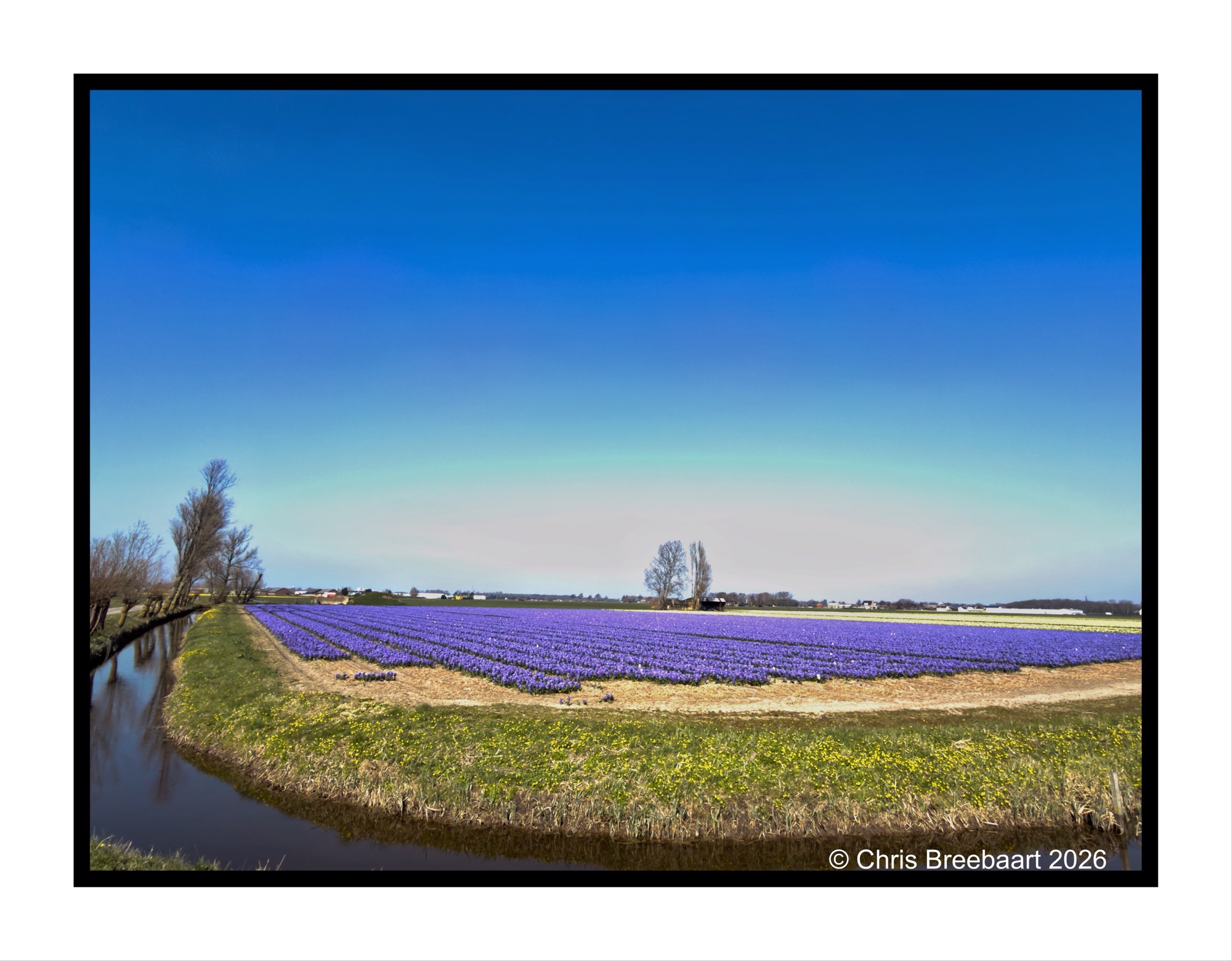
Fortunately, this is really just around the corner. This time of year it is fun to take the bicycle and check out the flowers in the area. Especially when the sun shines. As most of my photos on here are taken on iPhone I do fit the brief of this week’s LAPC theme week (#391) ‘Phone photography’ easy.
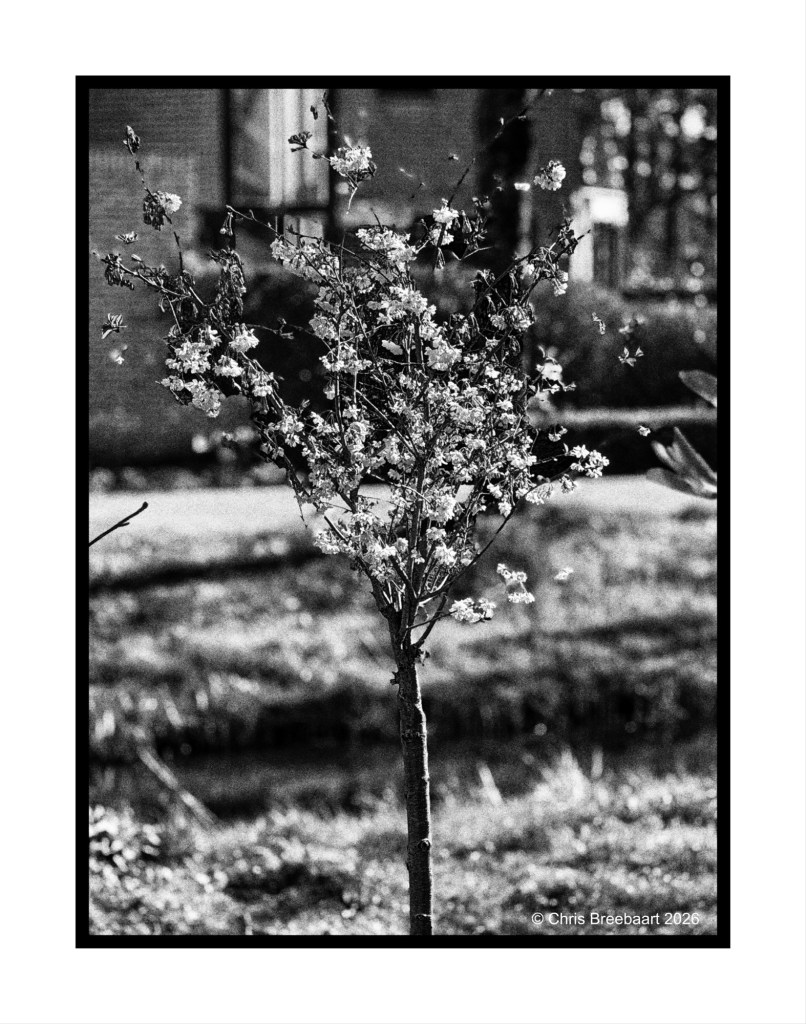
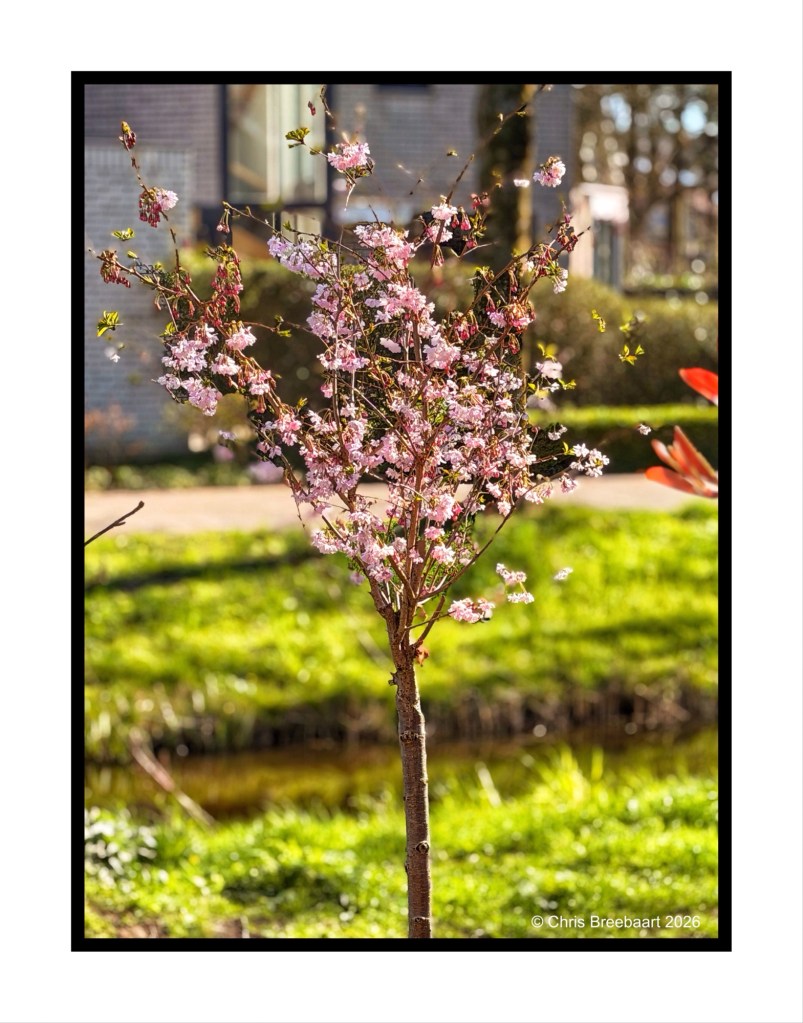
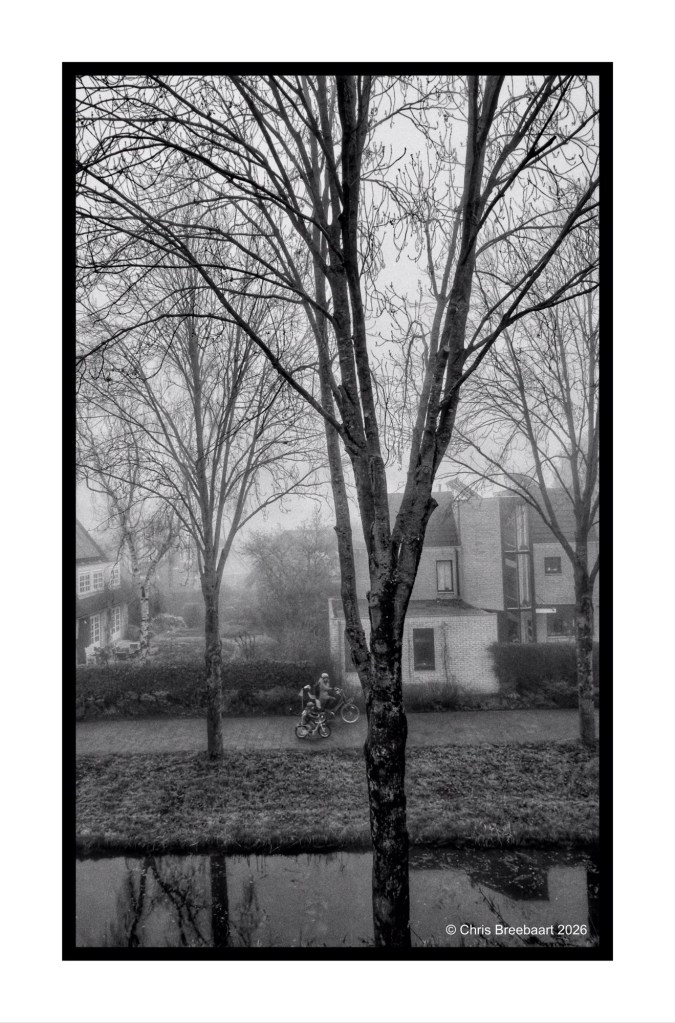
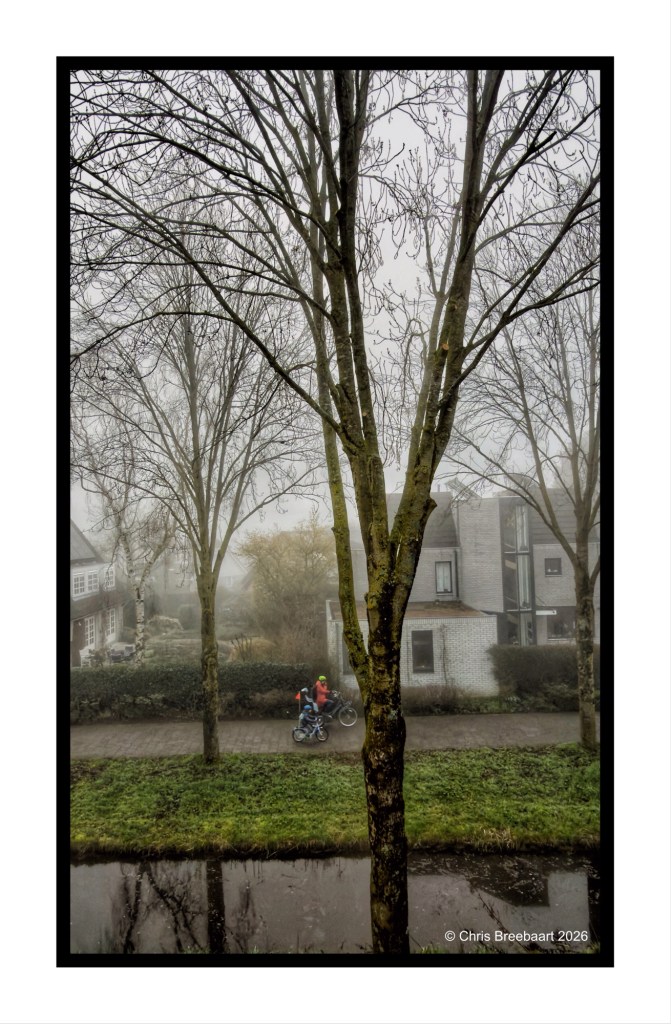
This week’s theme #390 is ‘color in black and white’. The theme focuses on the cognitive fact that our brains still know a color, even if it is in a grey tone. So the sky is blue, the grass green etc. Here you can see what colors do in greys, and if that is appealing or not to your taste pallet. For me this challenge is a bit of fun: most of the time I am looking at the world translating colors straight into grey tones, seeing if a photo is working in monochrome or not. Thanks Egidio for this challenge.
If you visit my blog – like I hope you do or from now start to do – you must have recognized my ‘old’ love for monochrome. When I started this hobby, mono was fashionable and a standard for news photography. And it was cheaper. In this series I offer you two versions of a photo. And you can prefer one over the other, or not.
If you visit my blog – like I hope you do or from now start to do – you must have recognized my ‘old’ love for monochrome. When I started this hobby, mono was fashionable and a standard for news photography. And it was cheaper. In this series I offer you two versions of a photo. And you can prefer one over the other, or not.
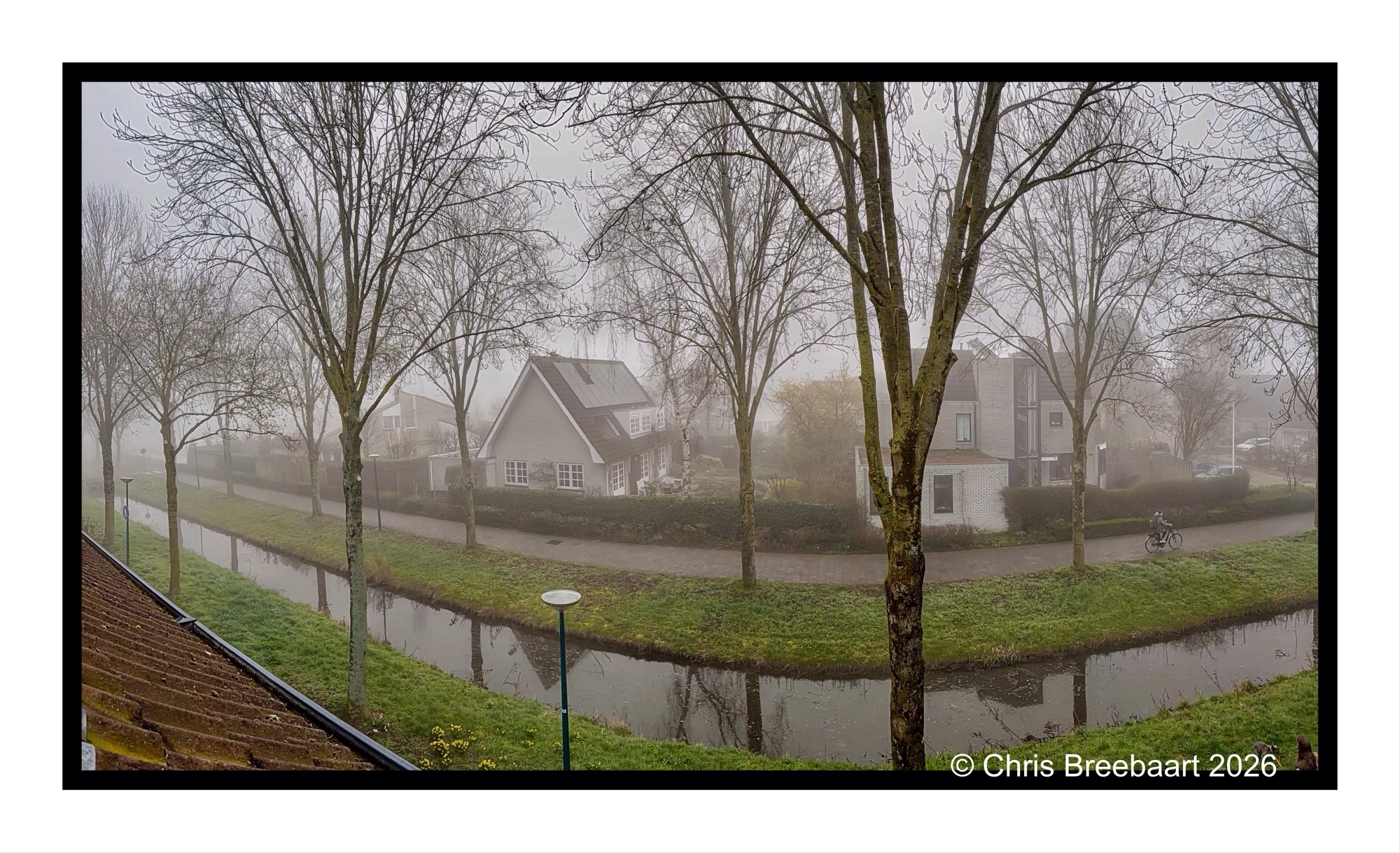
This week’s theme #390 is ‘color in black and white’. What an appropiate theme, to show the last of the series. A view out of the window. Egidio’s theme focused on the cognitive fact that our brains still know a soccer pitch is green, even in grey tones. Here you can see what colors do in greys, and if that is appealing or not to your taste pallet.
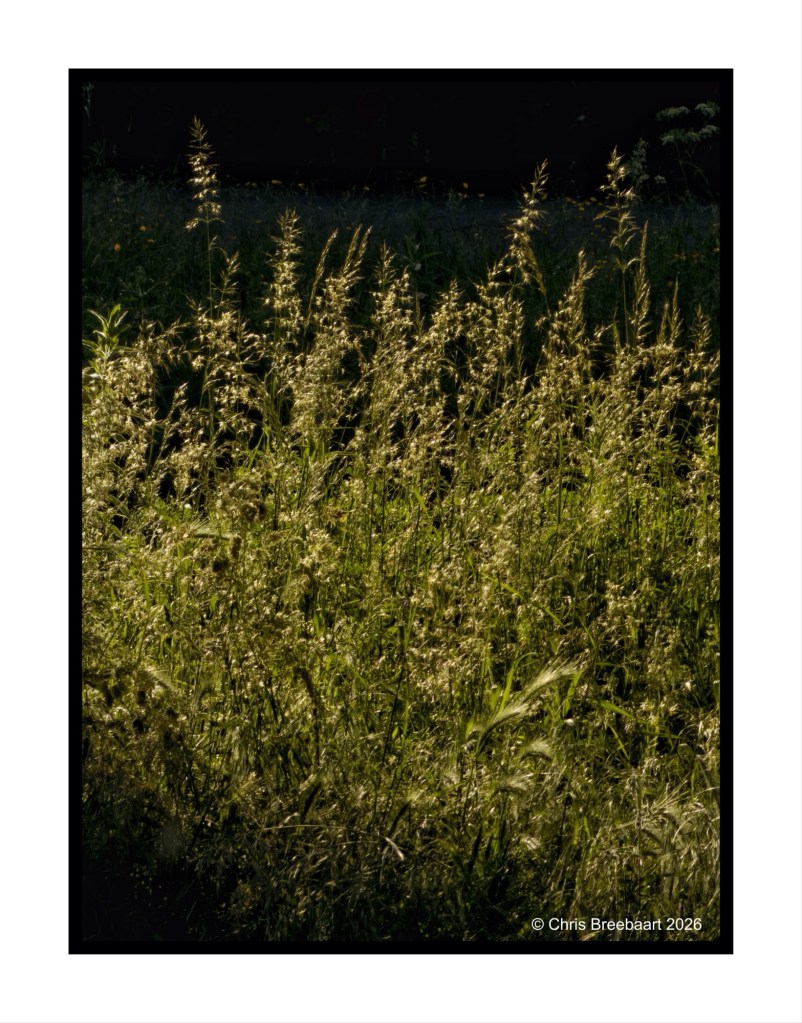
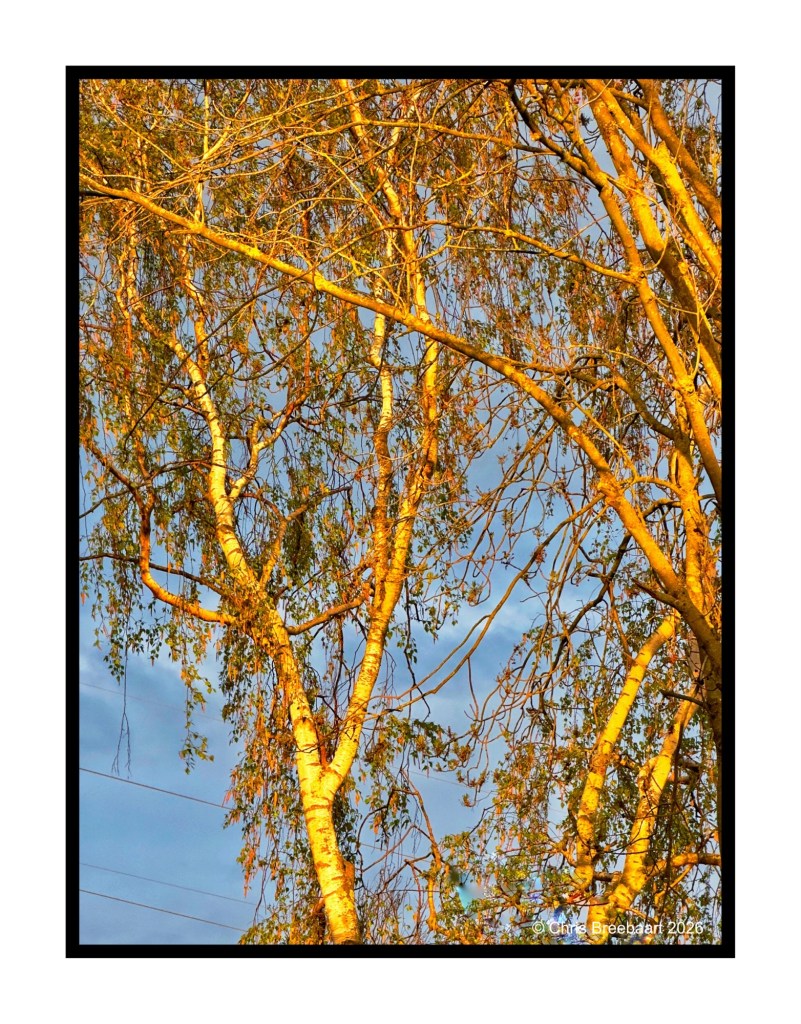
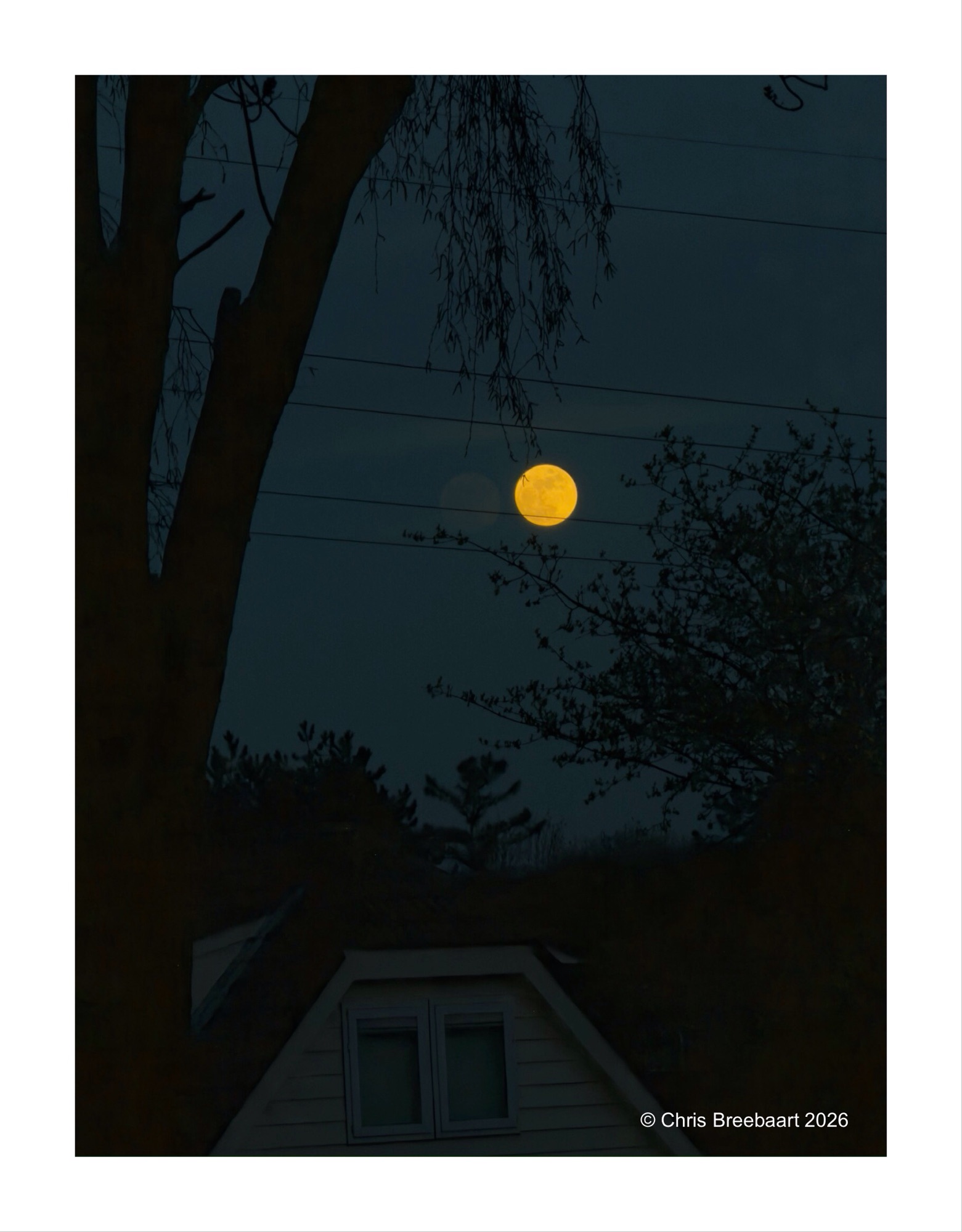
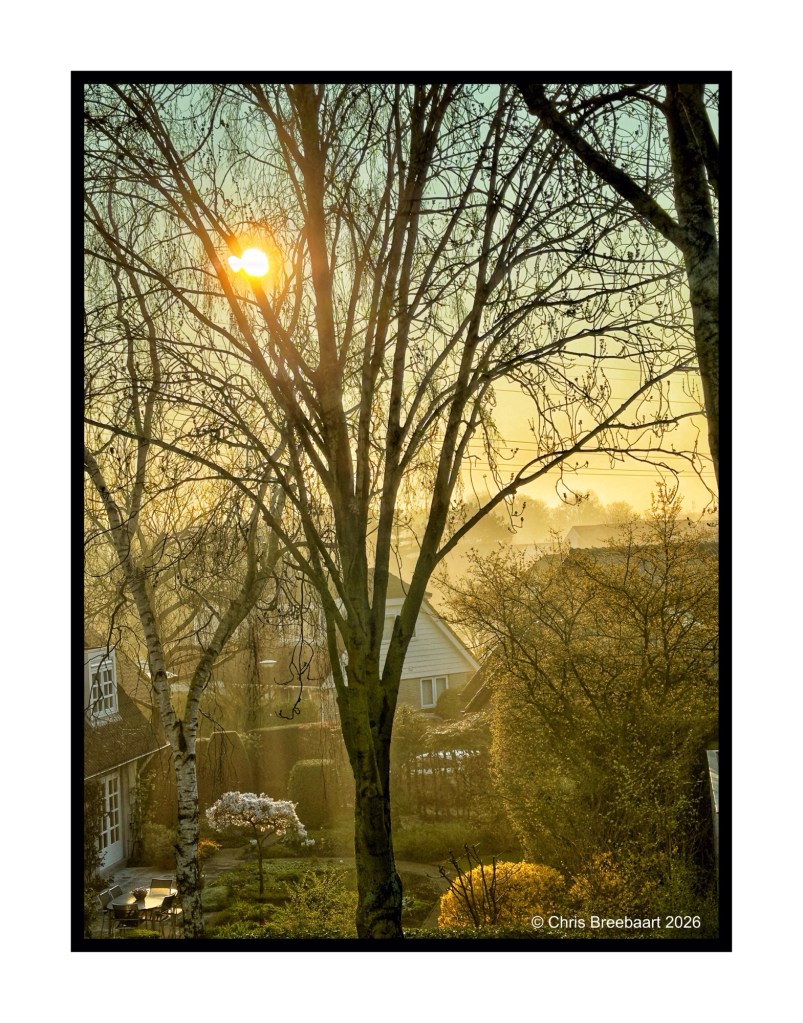
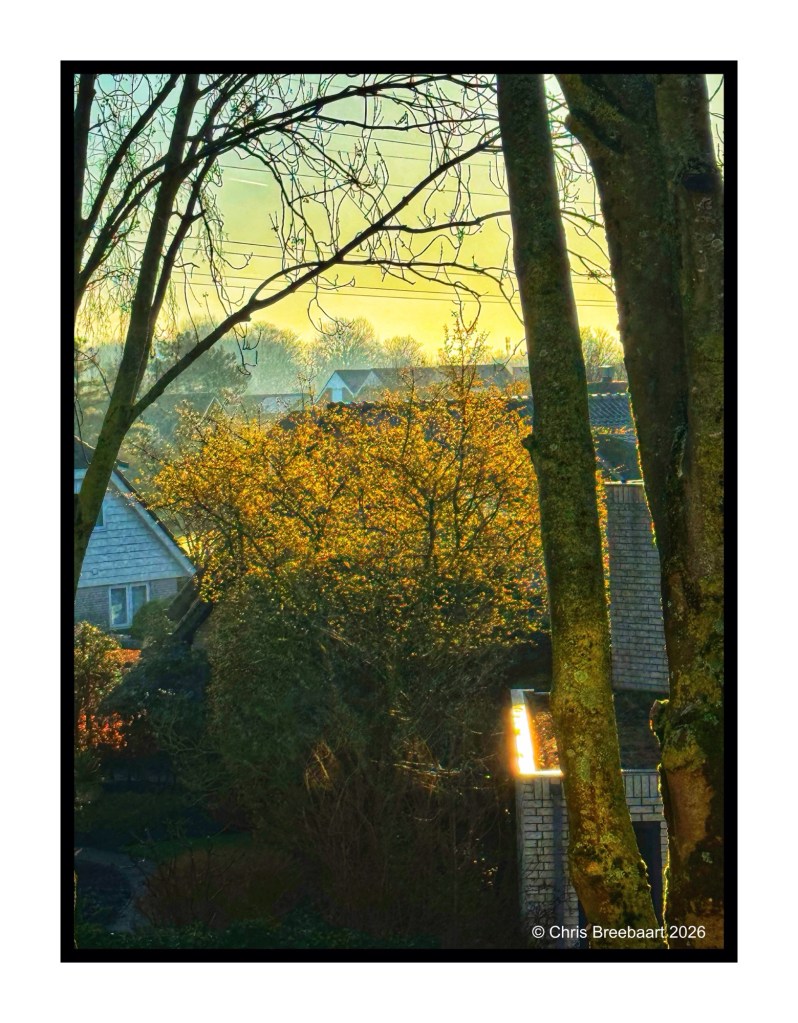
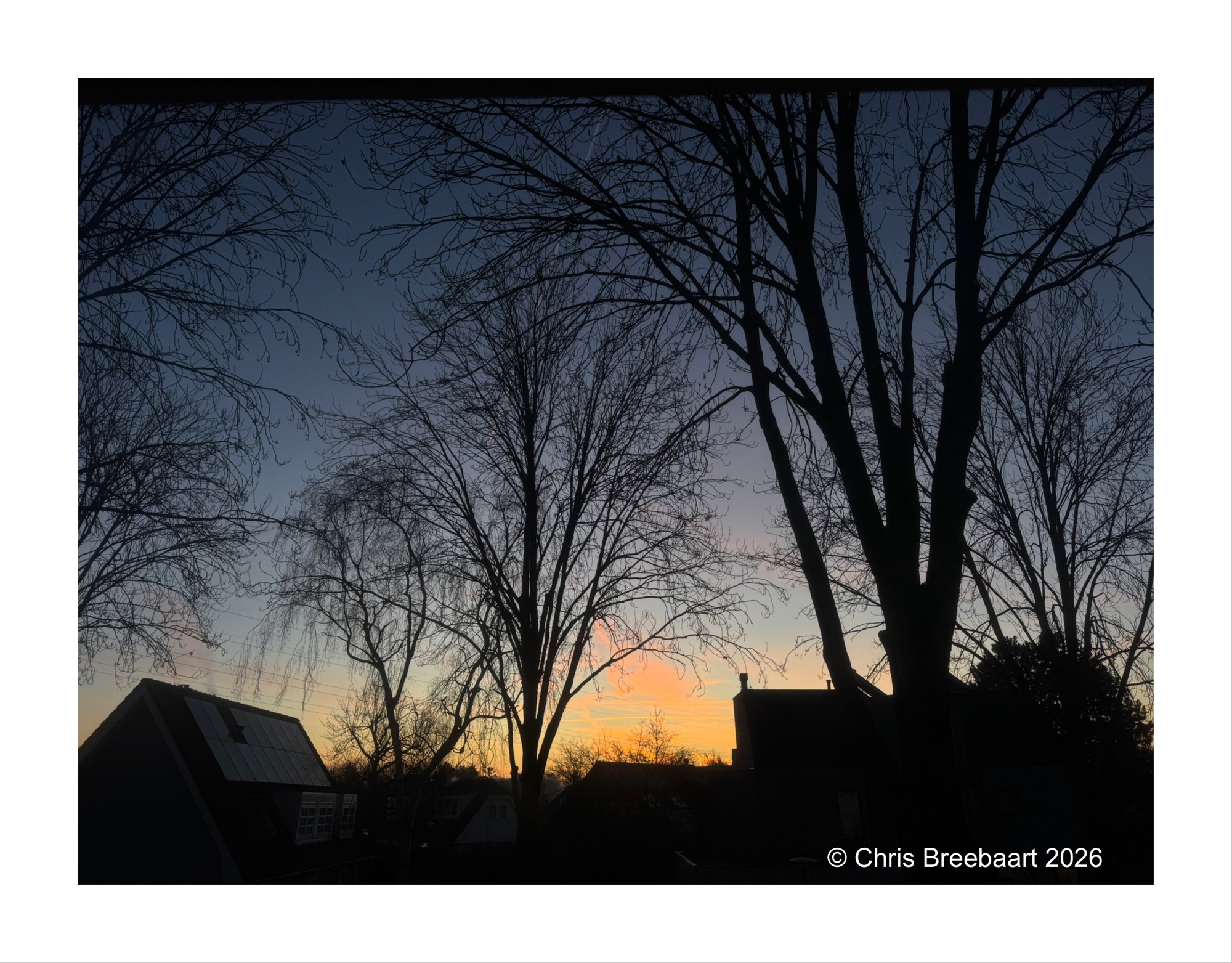
Spring knocks on the door. Sunrises through young leaves, creating golden slumbers in the early sunlight. Vanishing as the sun climbs higher in the sky.