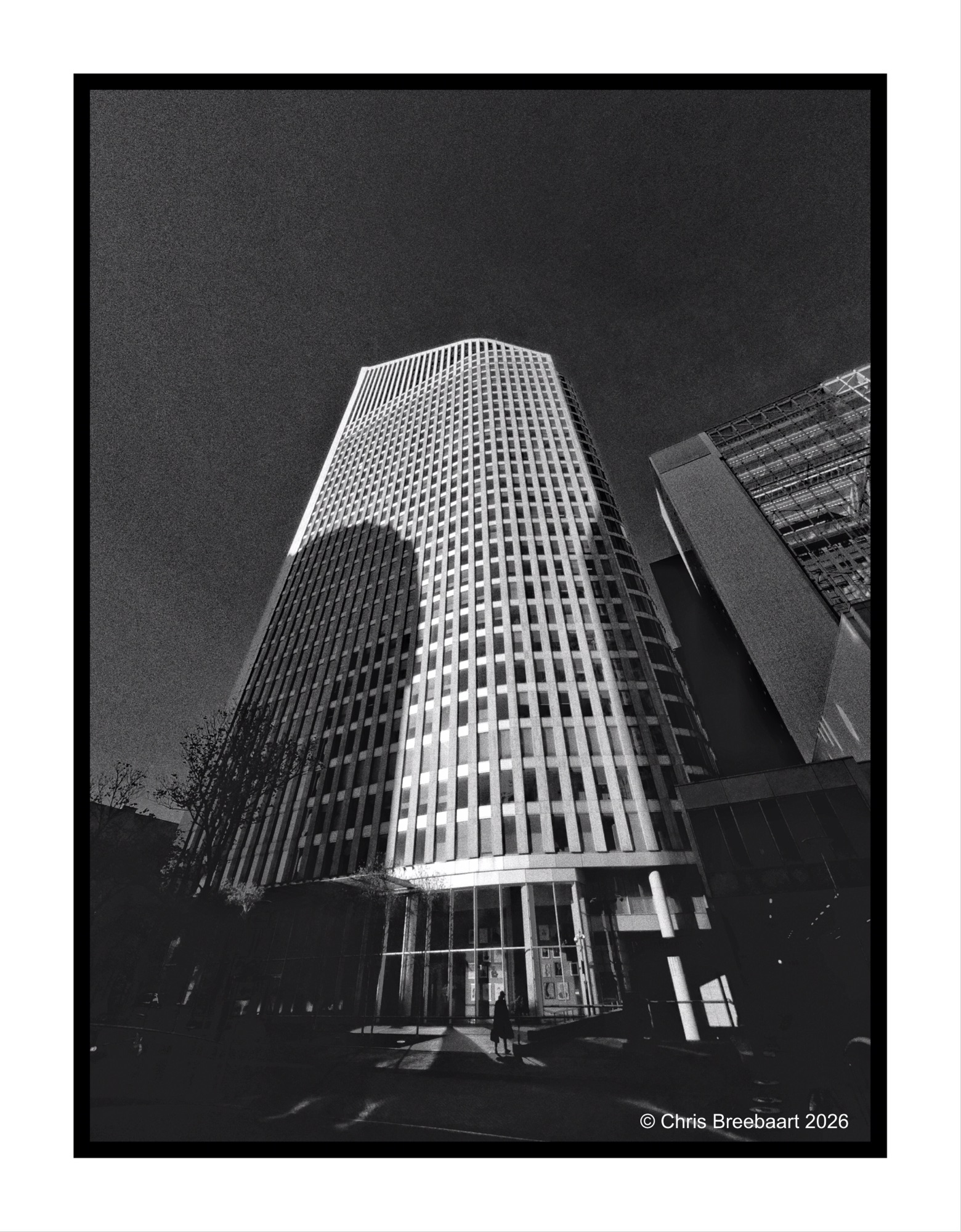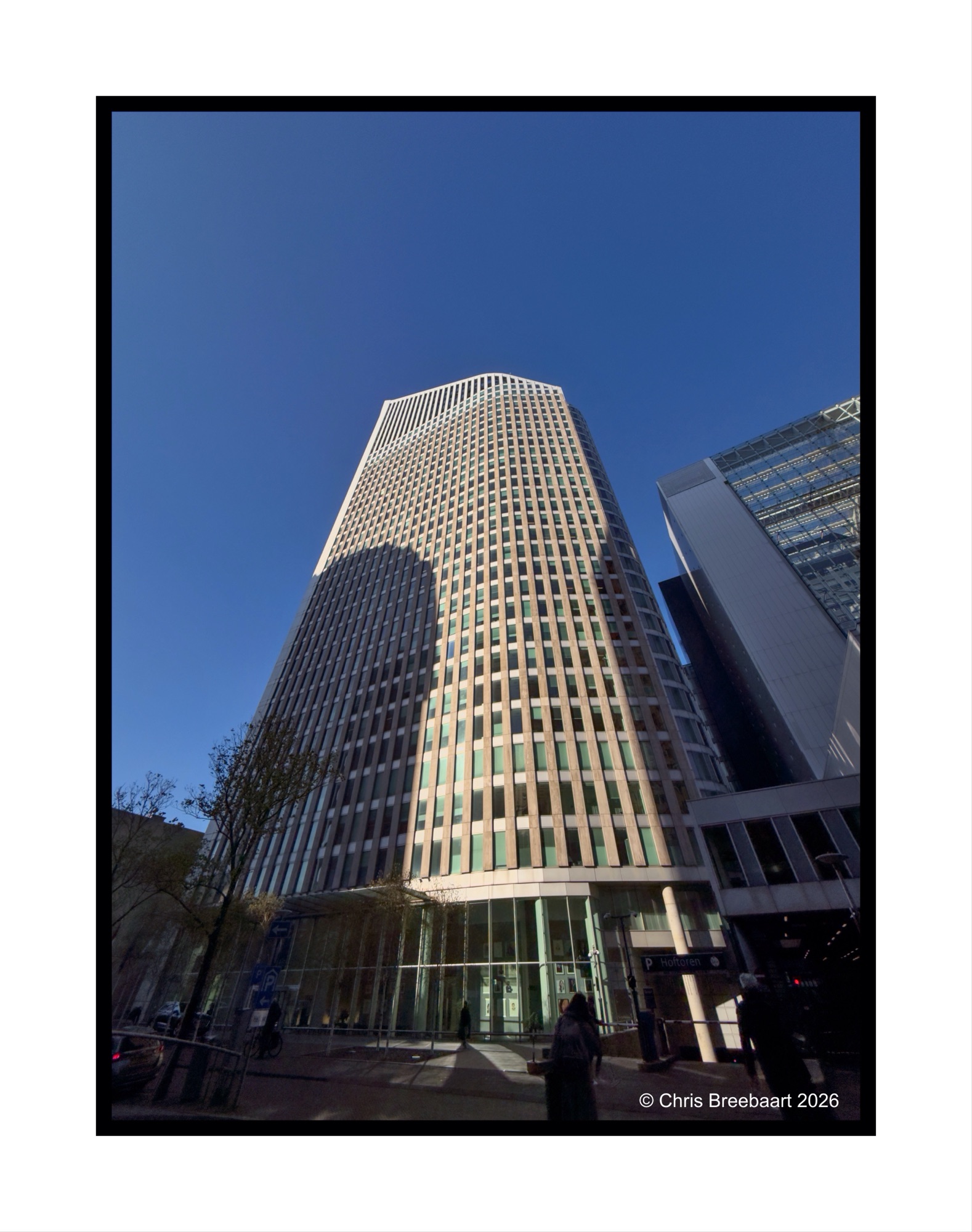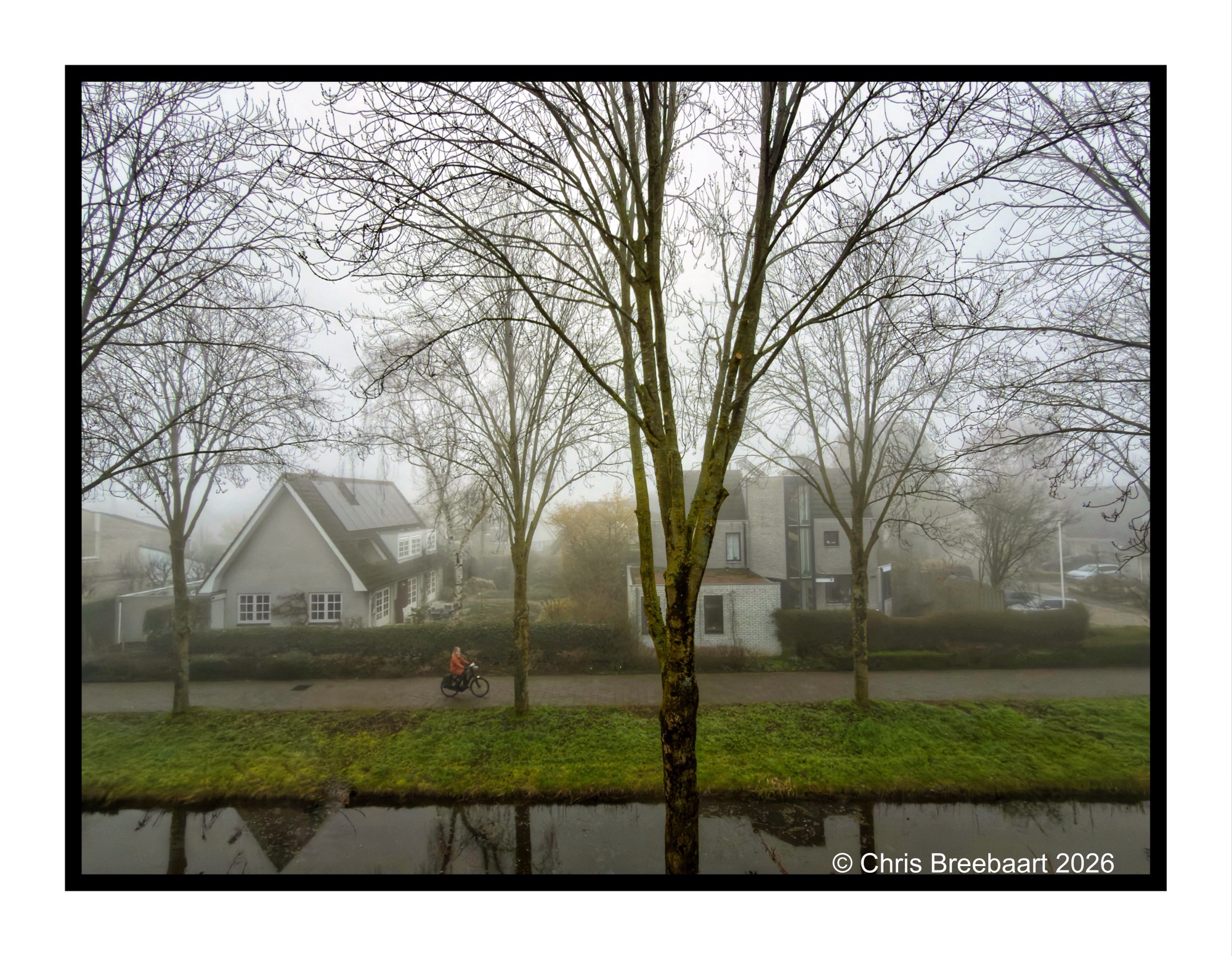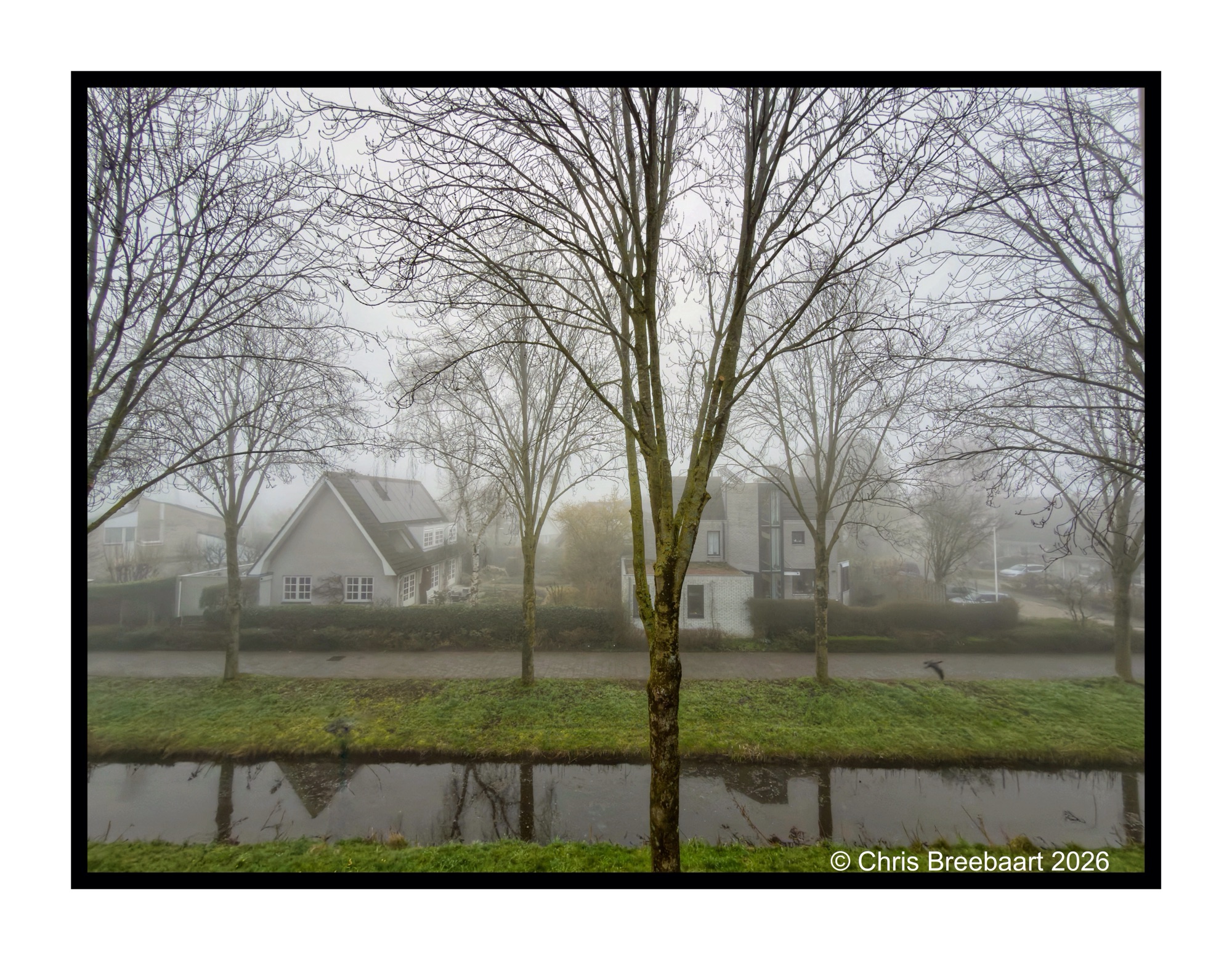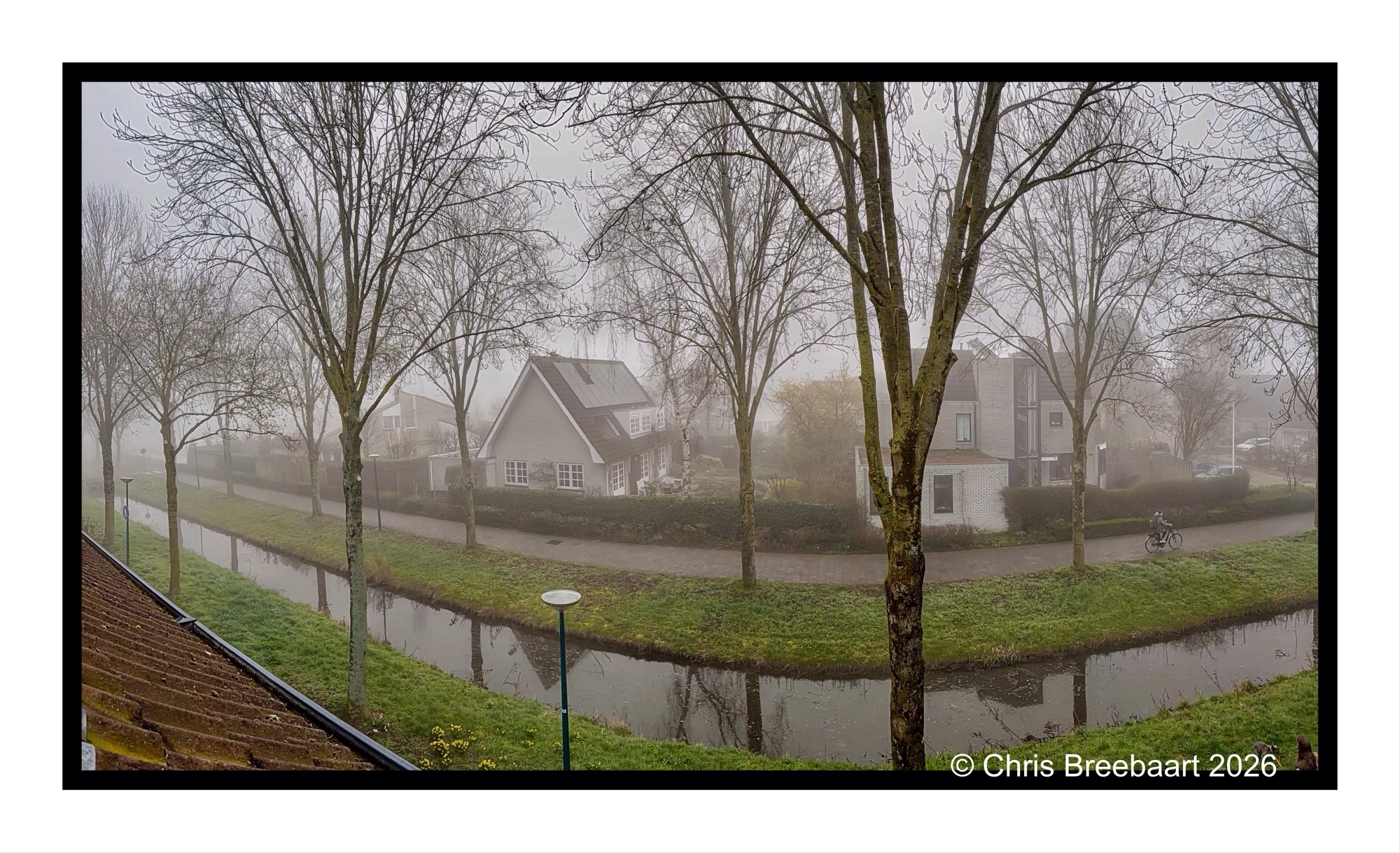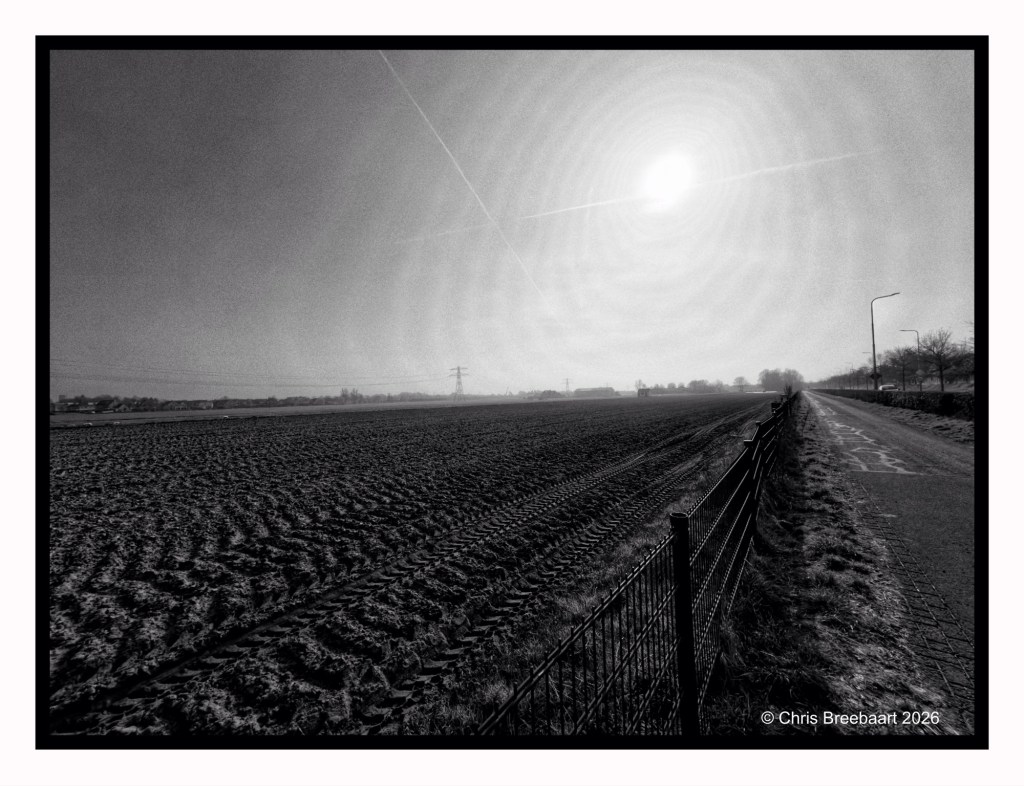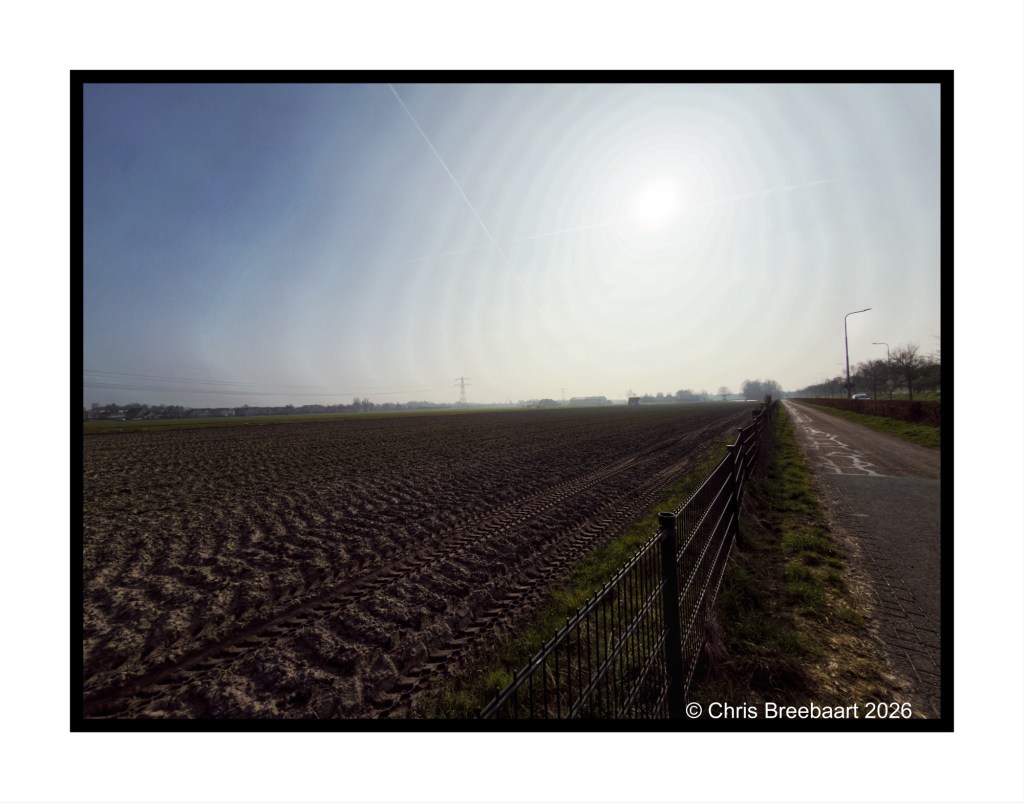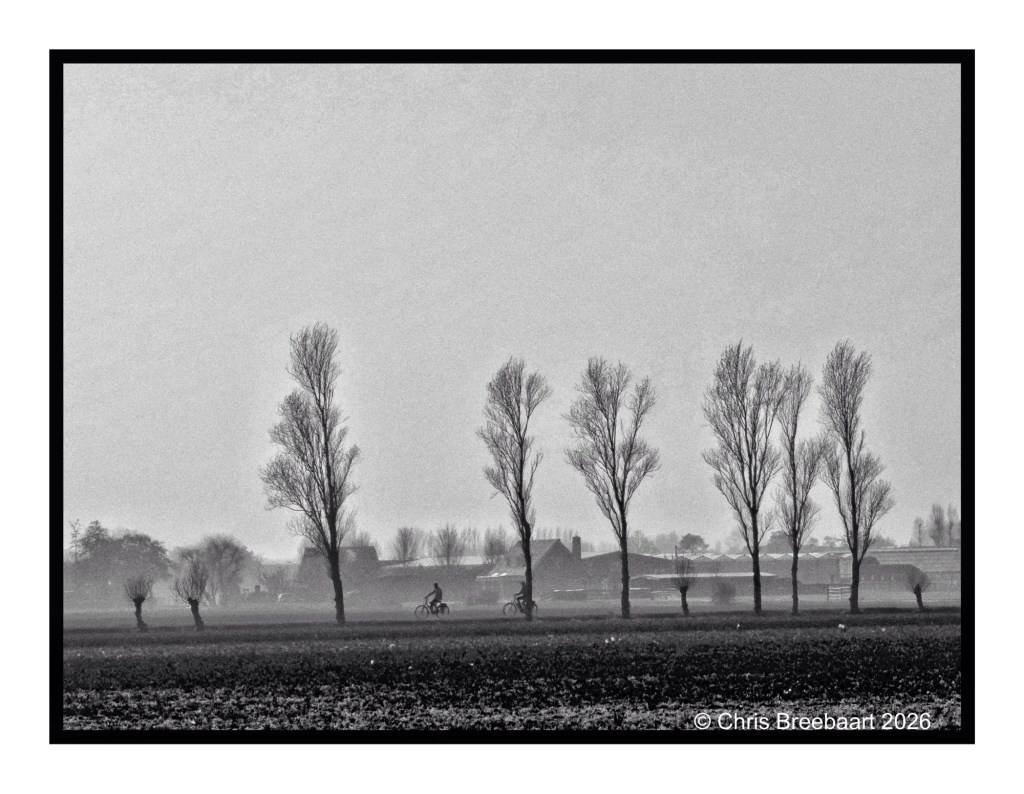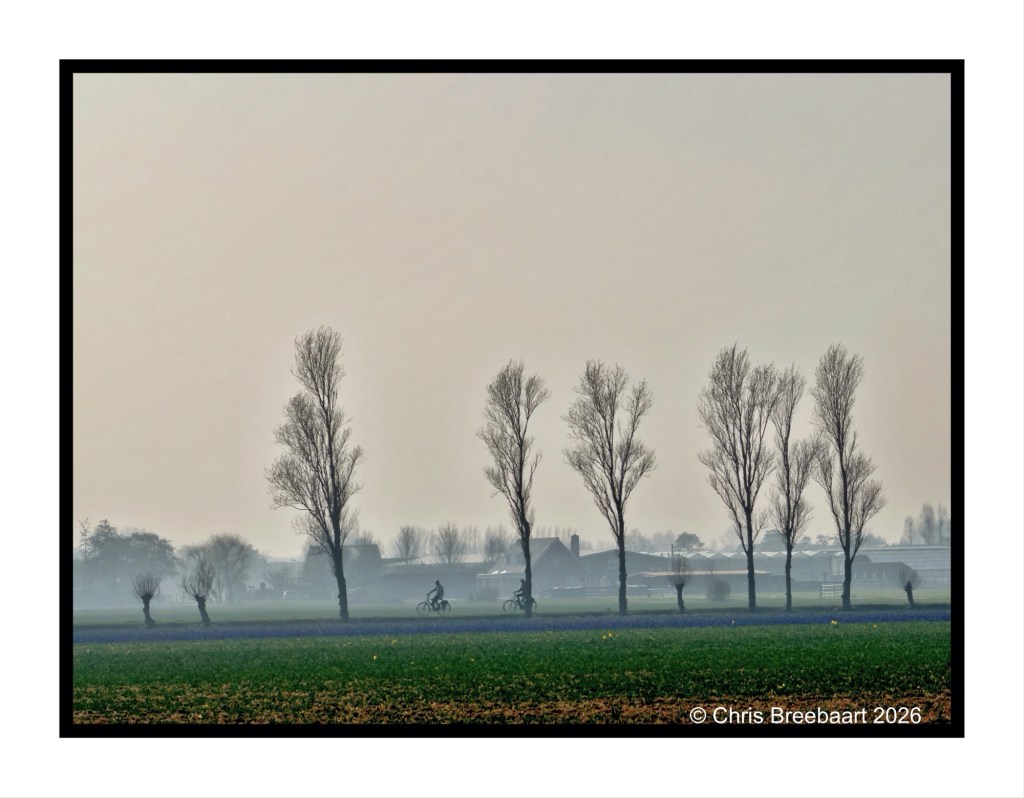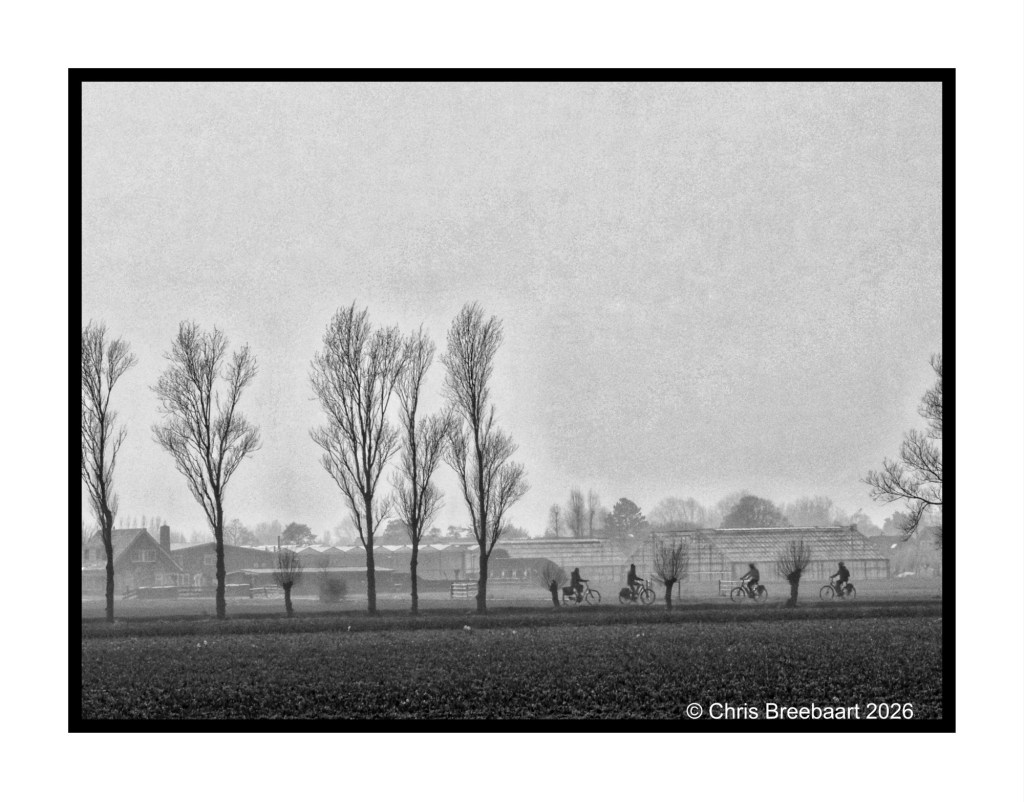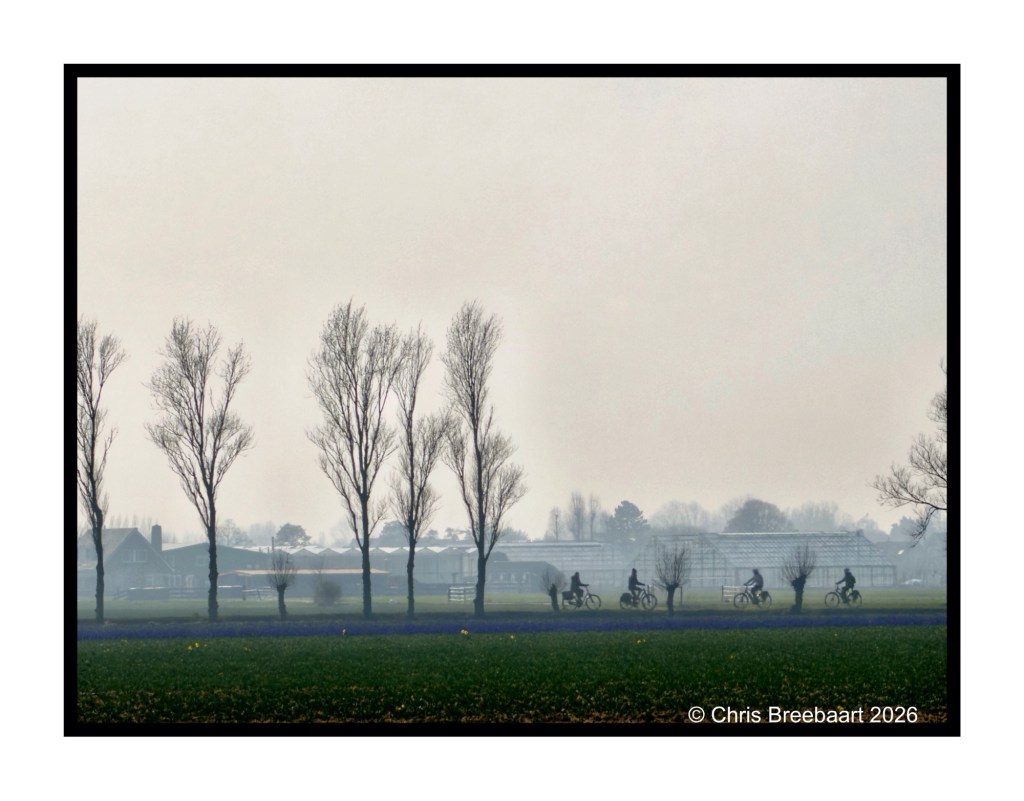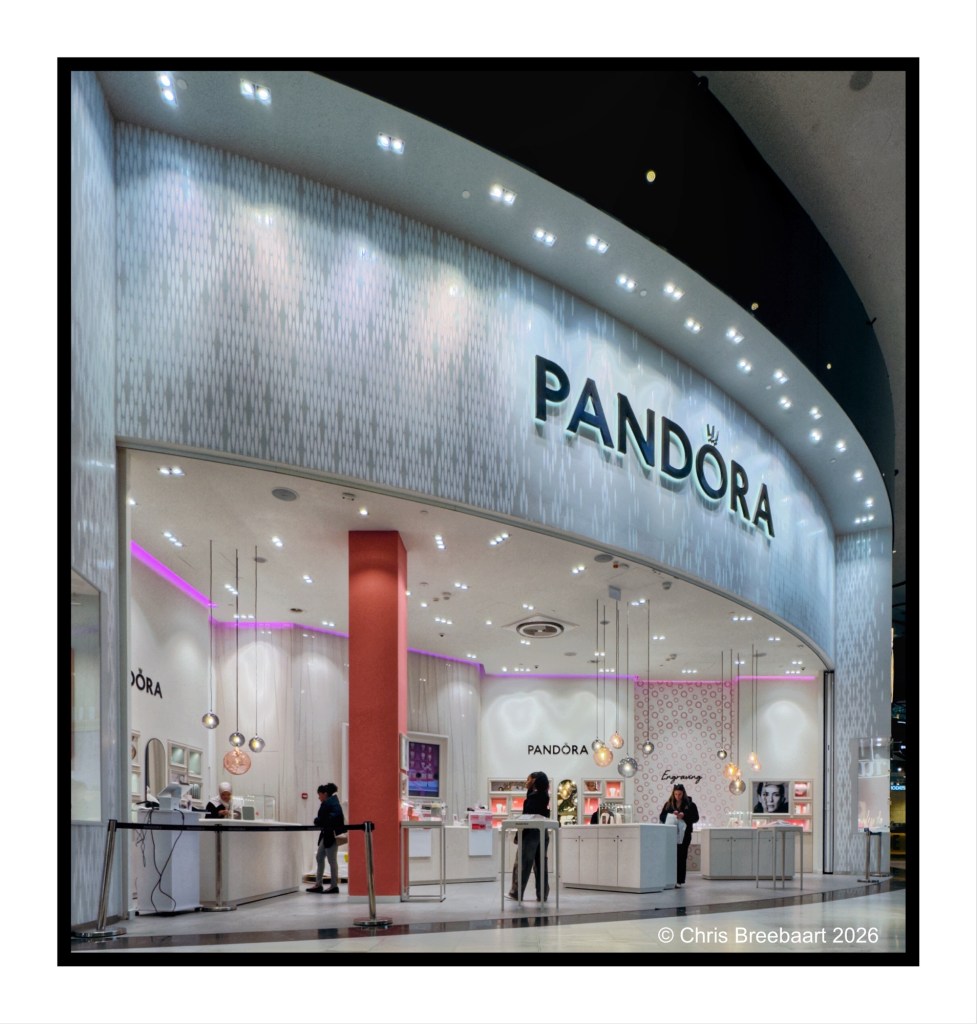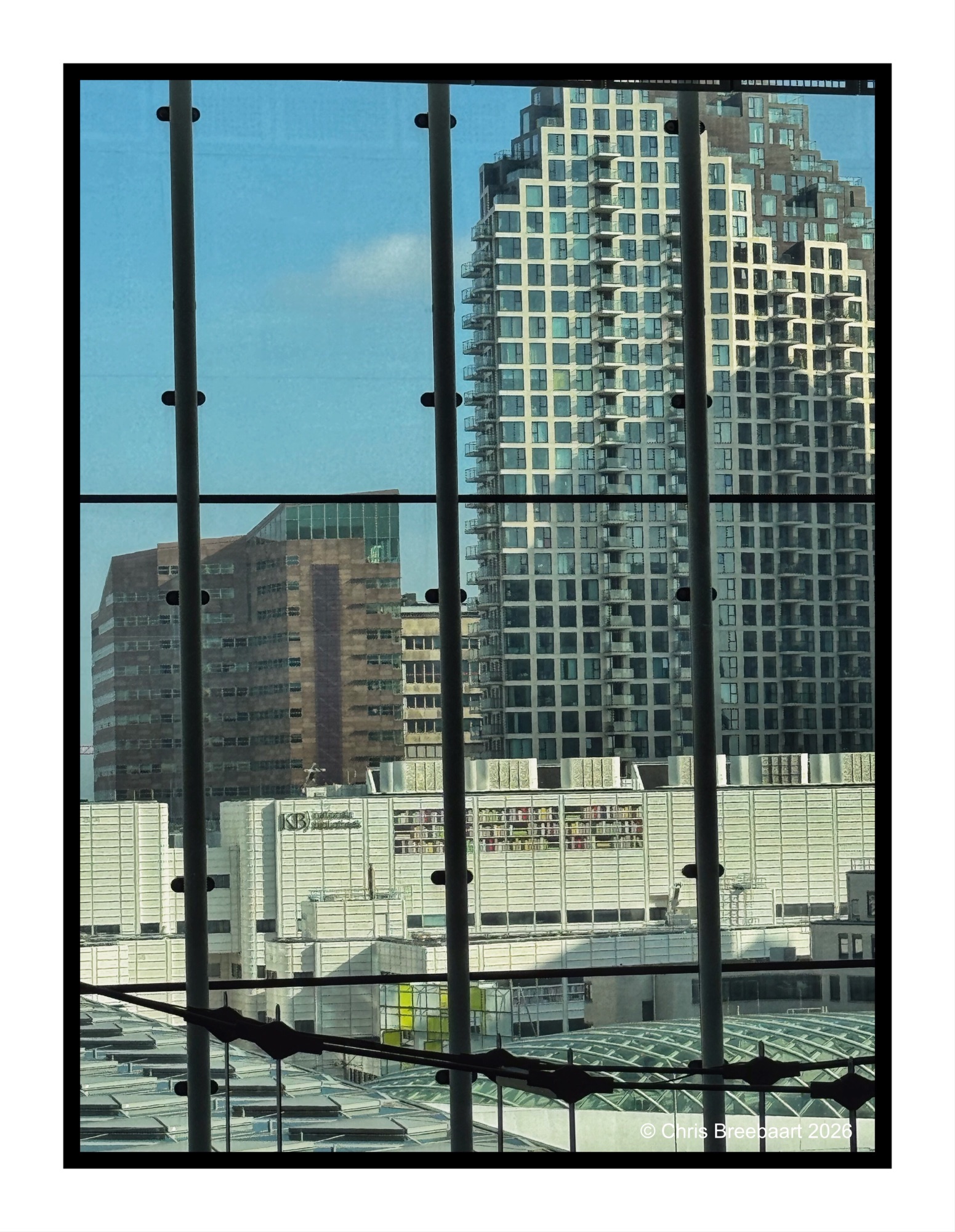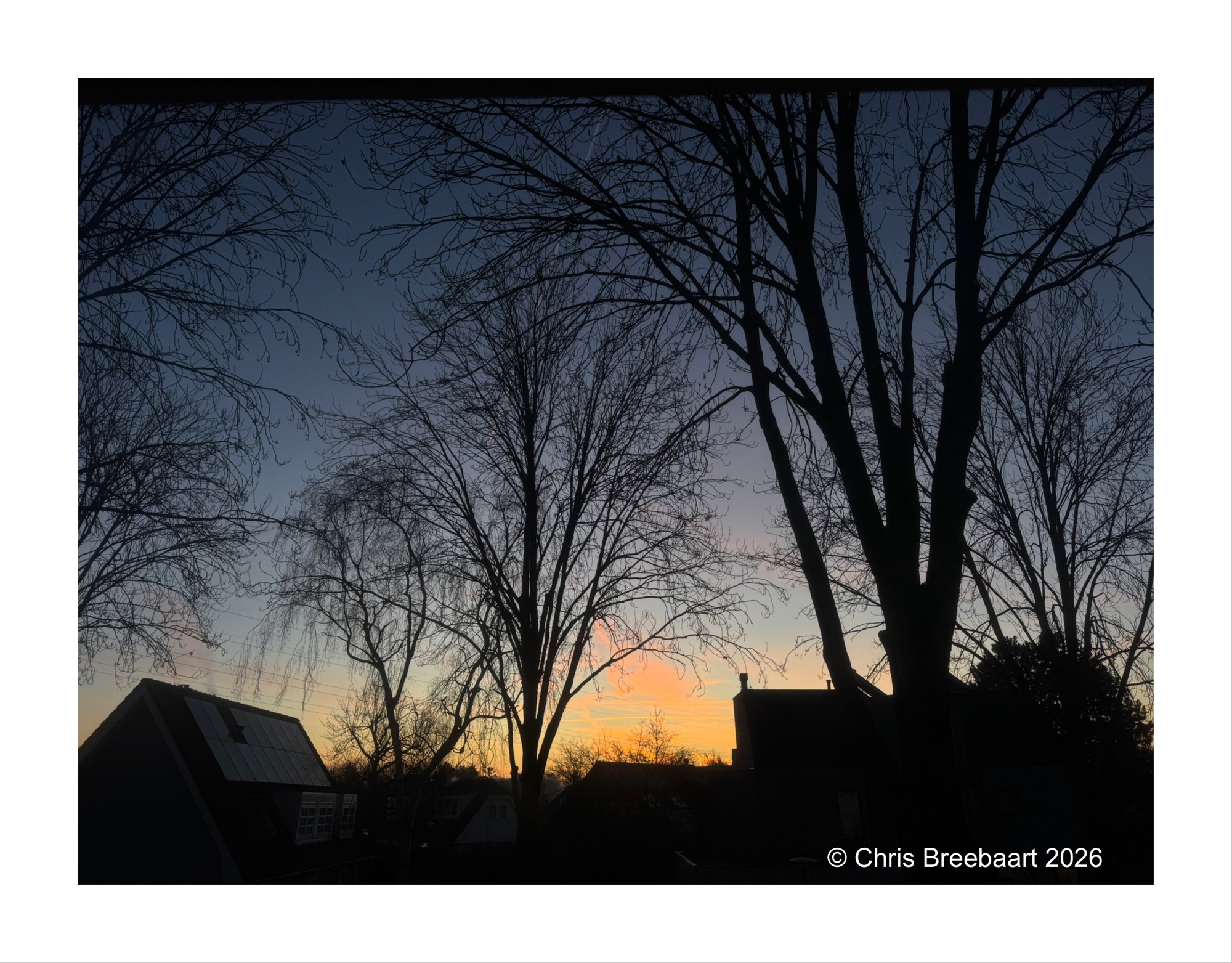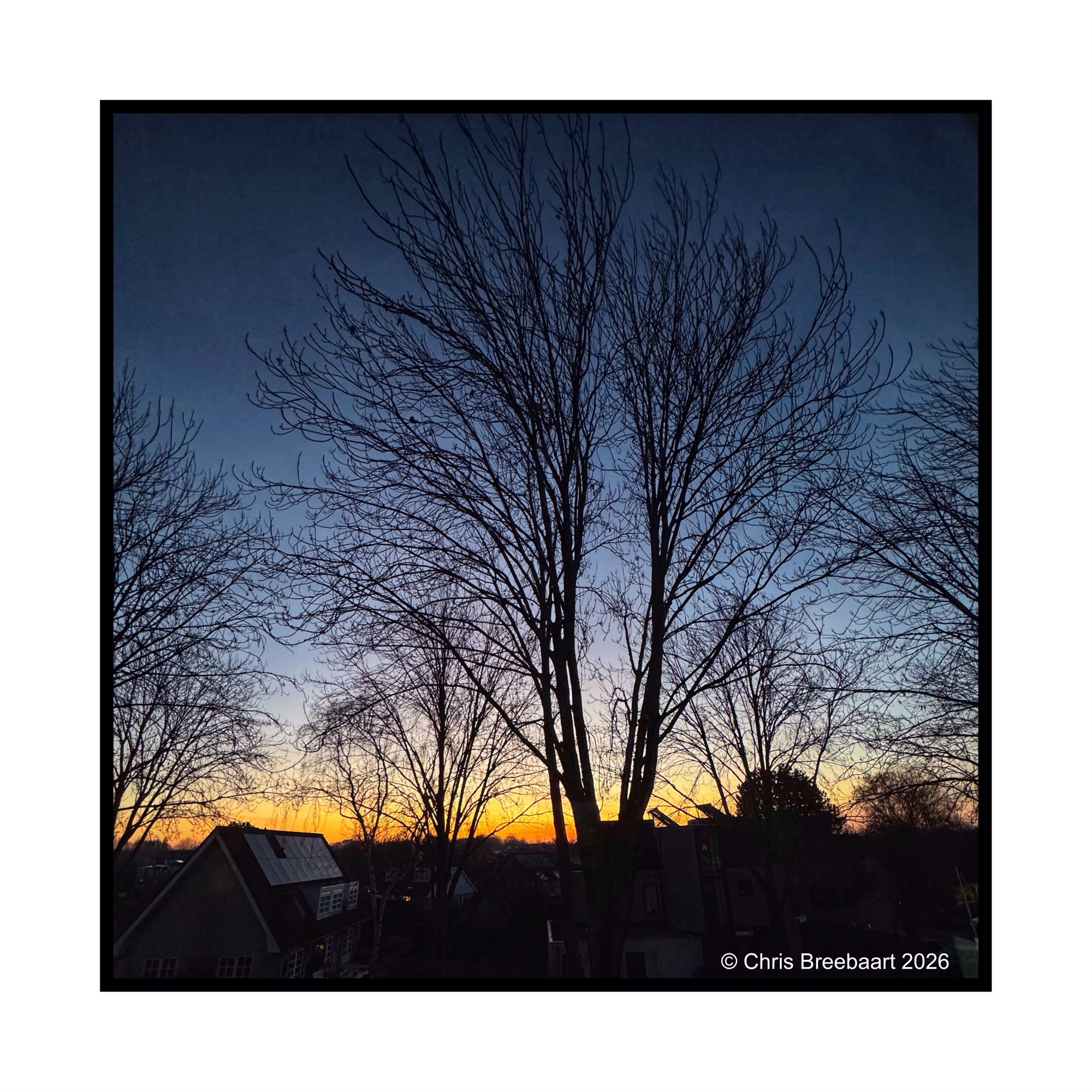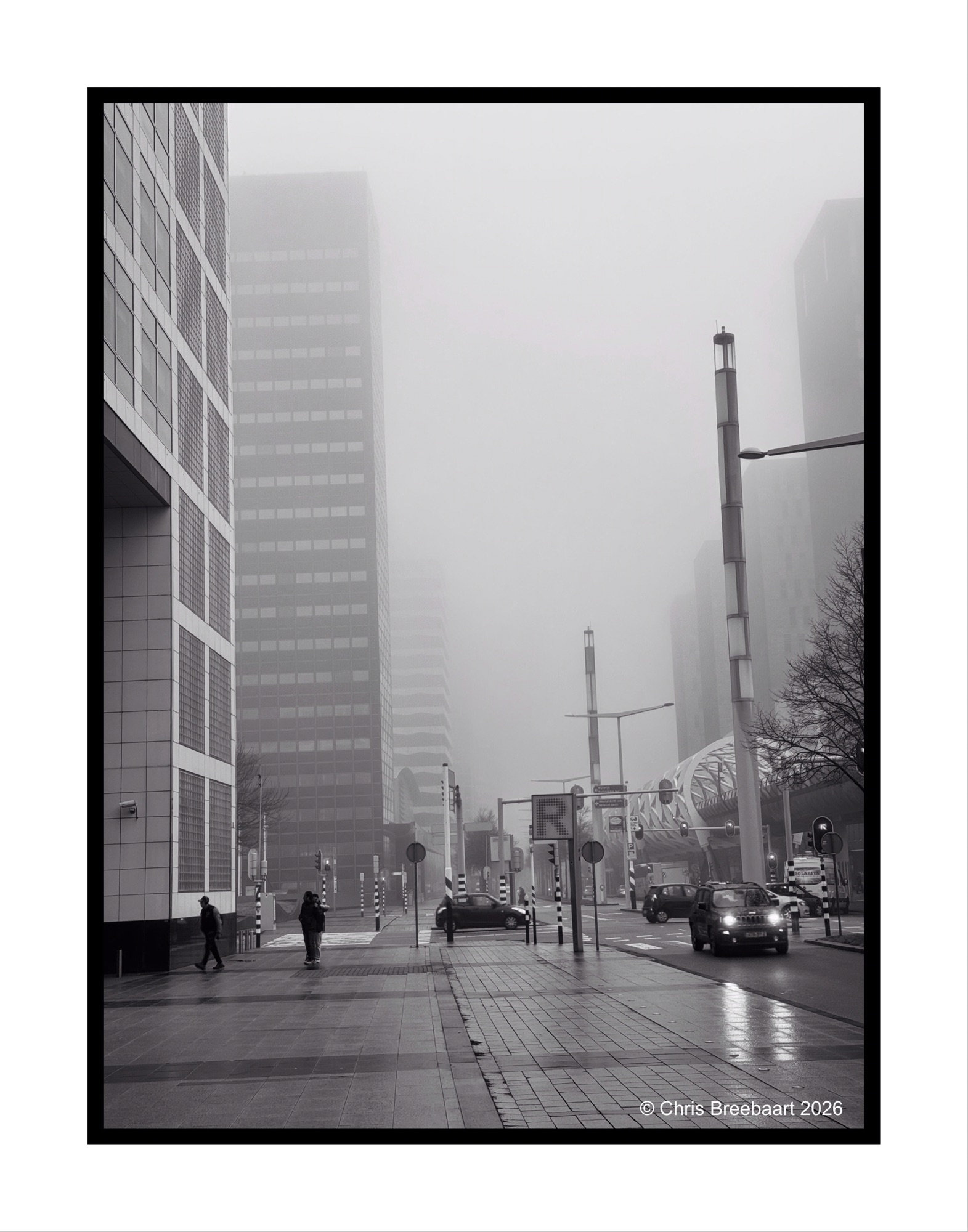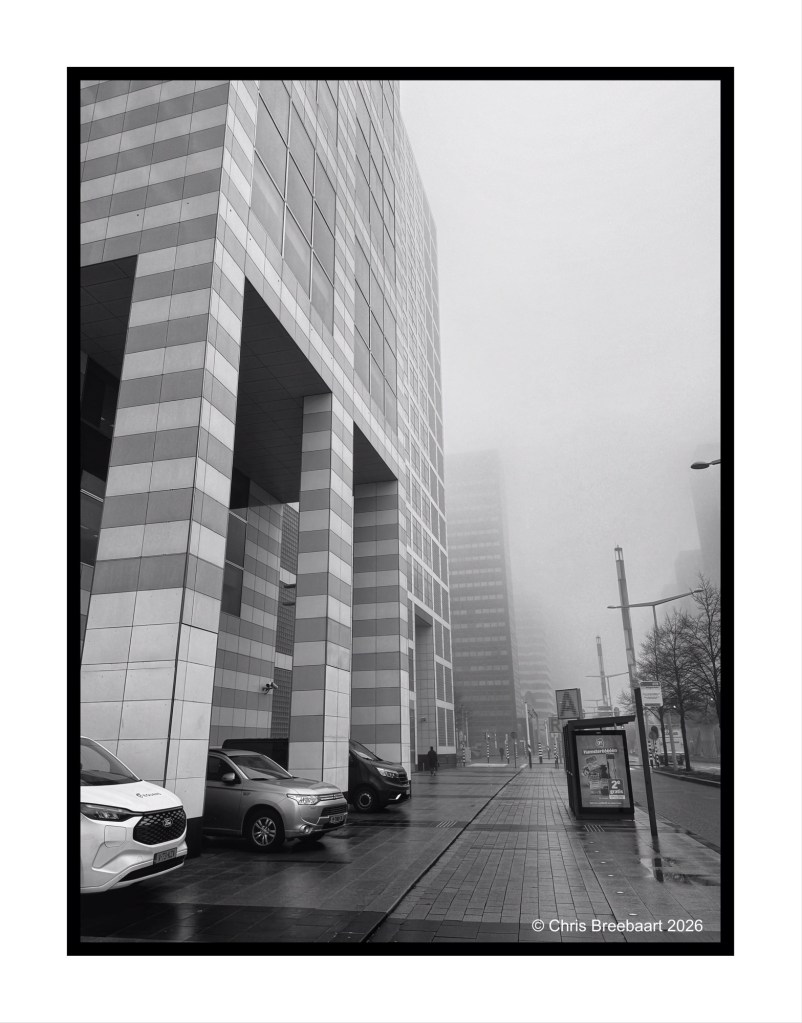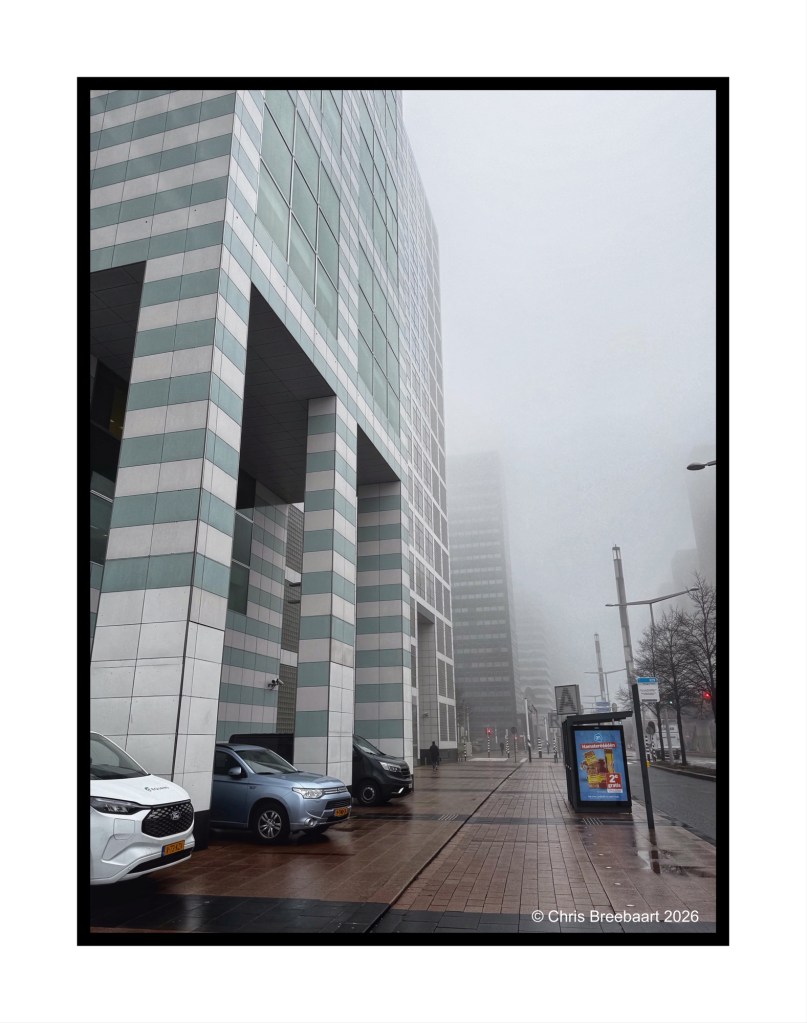
Den Haag Haagse Poort
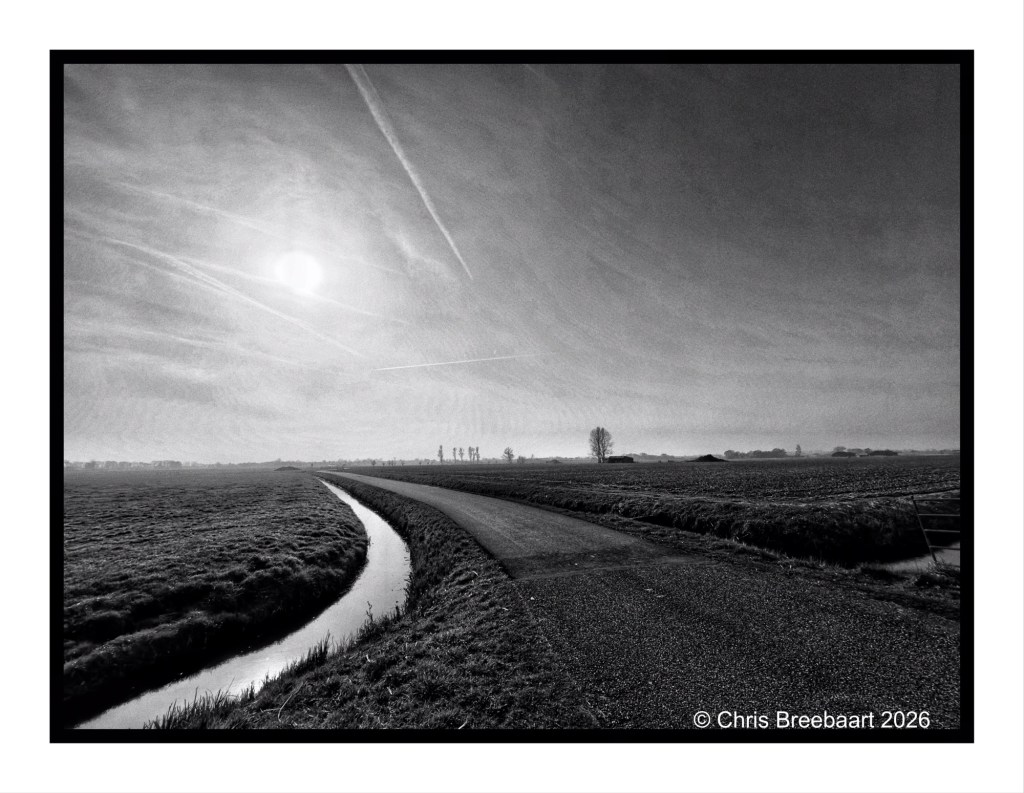
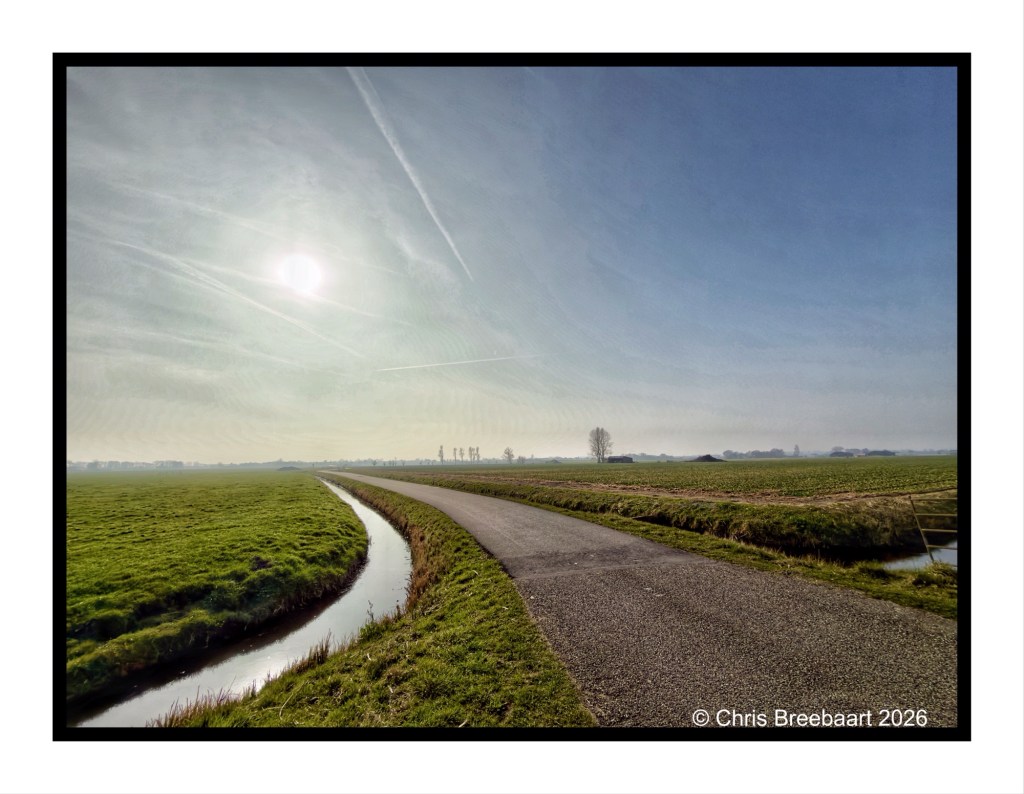
Den Haag Haagse Poort on a day with fog. Just a mono.
Shot with iPhone 15 Pro Max edited using Snapseedand Marksta. Click the picture for a larger version.
Den Haag Haagse Poort on a day with fog. Just a mono.
Shot with iPhone 15 Pro Max edited using Snapseedand Marksta. Click the picture for a larger version.


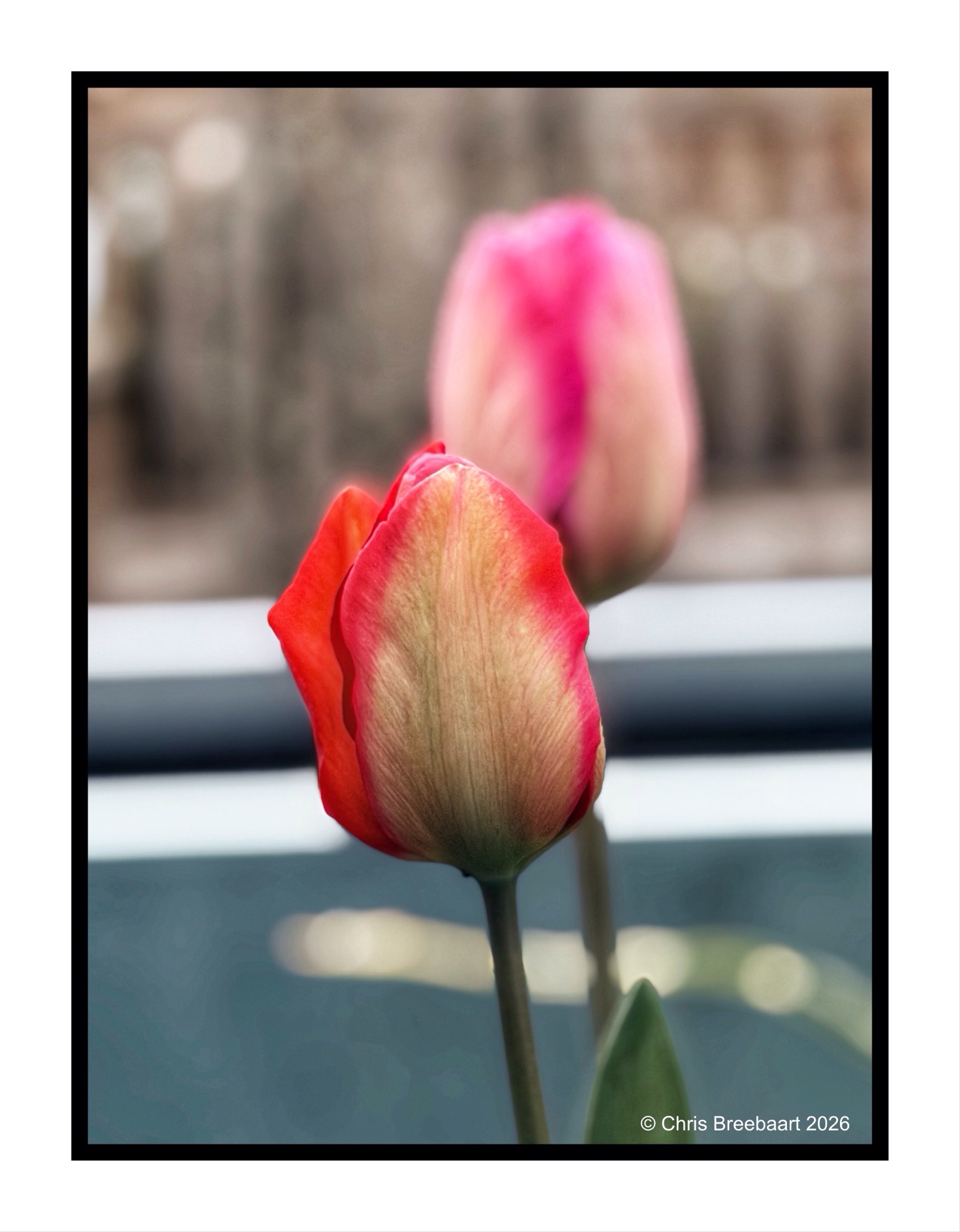
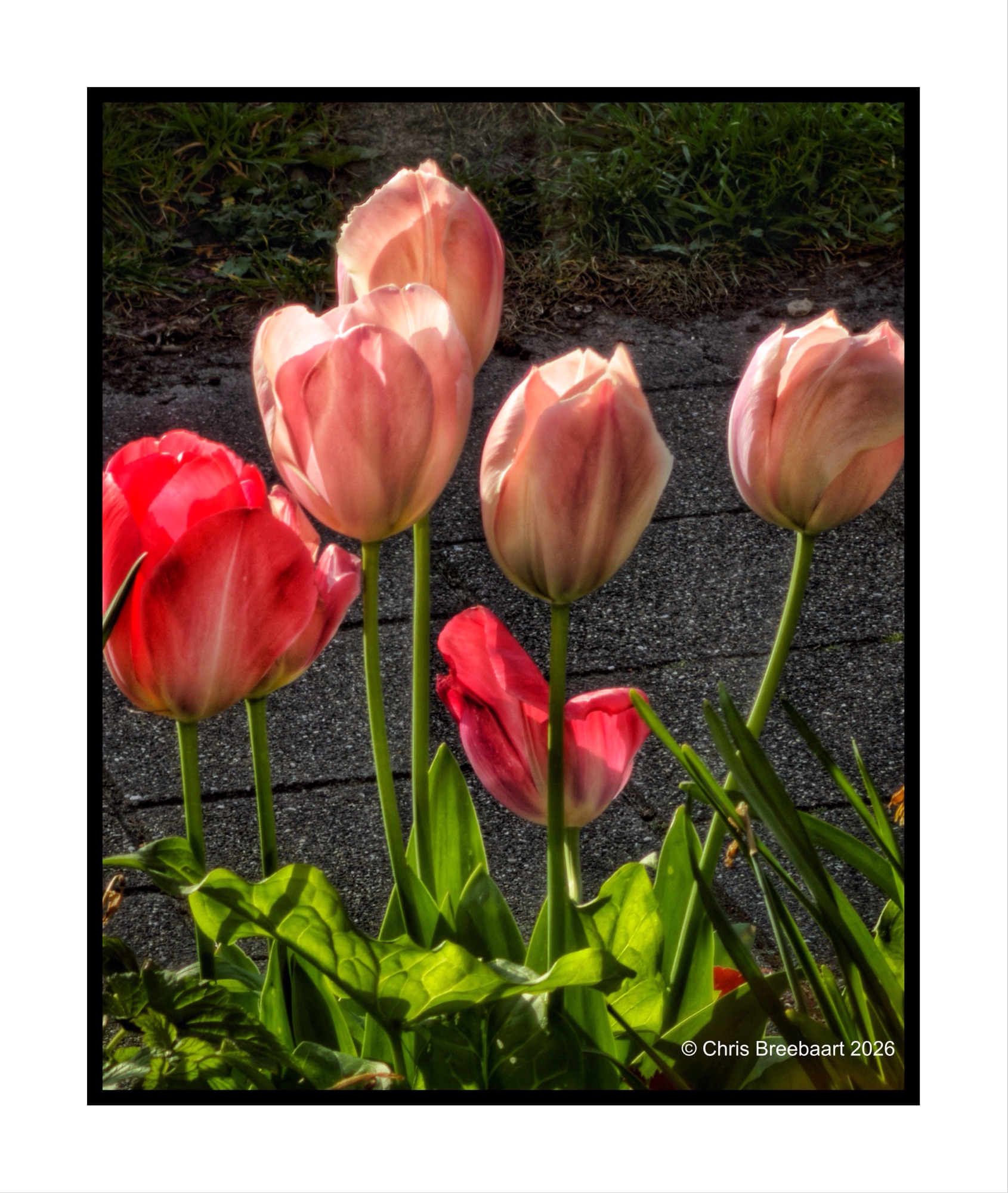
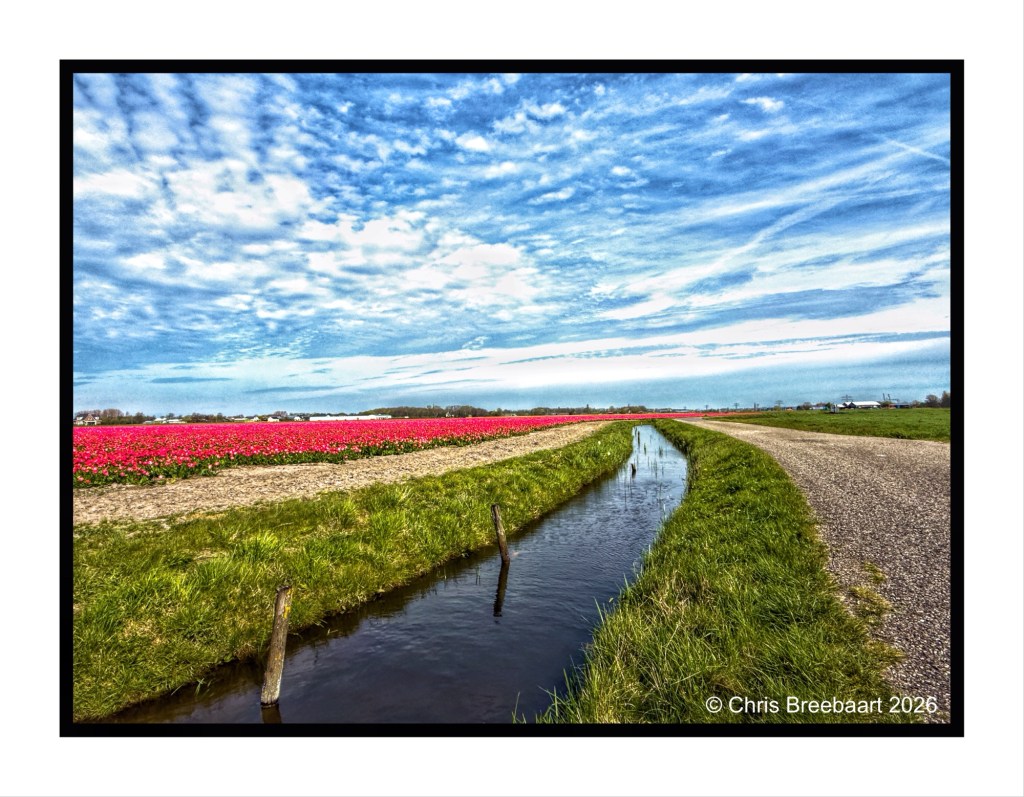
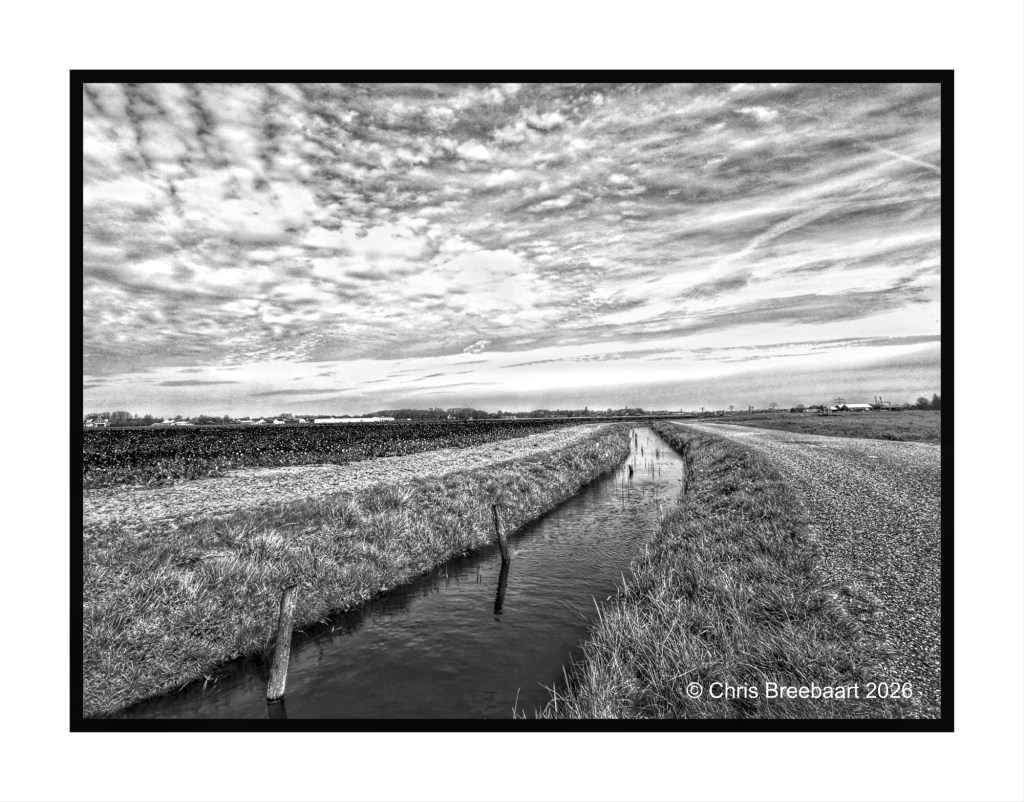
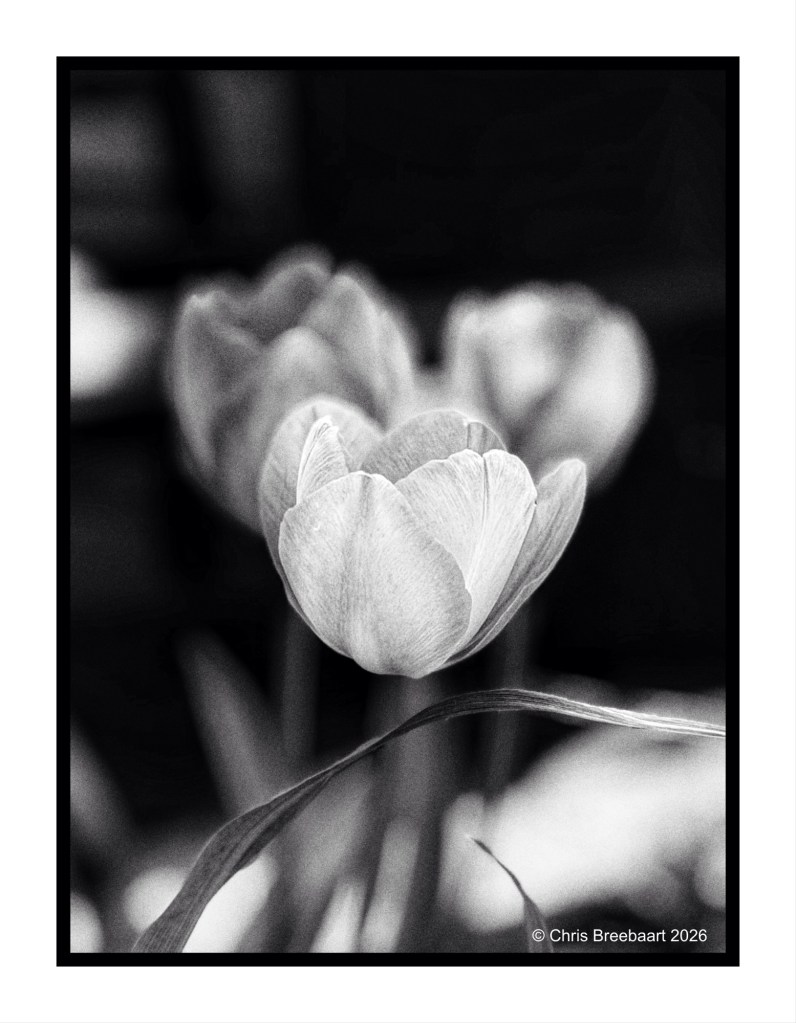
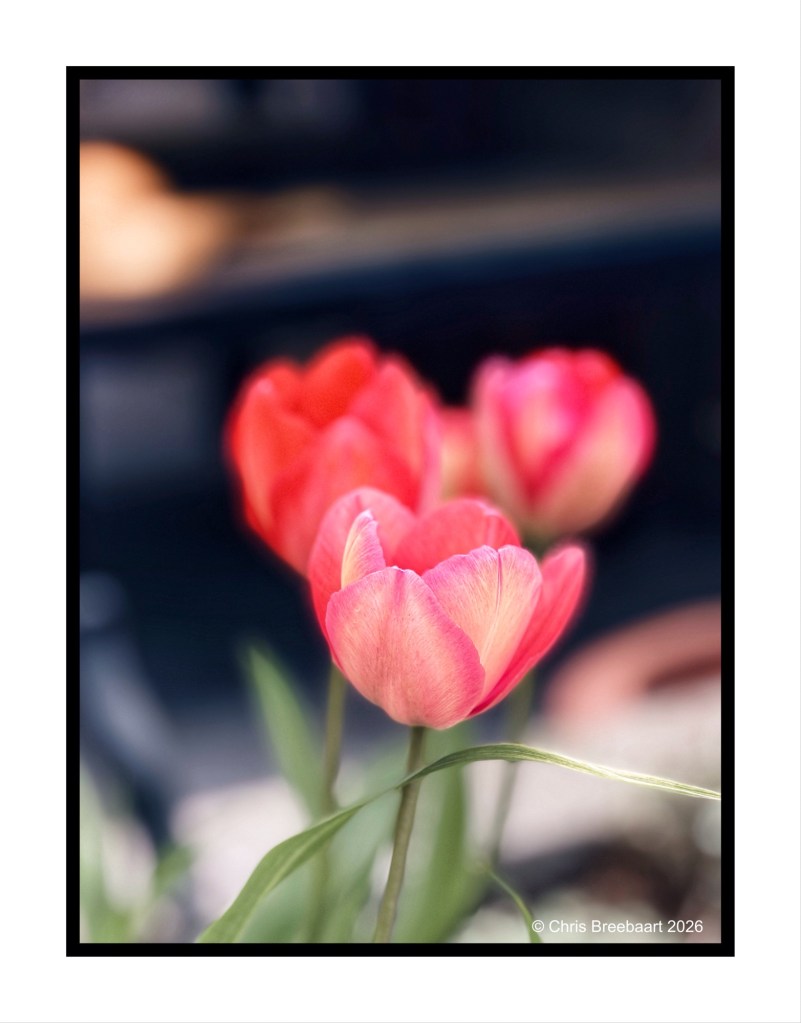
It is quite a simple question to ask. Do you prefer the monochrome version or the colored version of a photo?
I grew up with monochrome. Because it was cheaper. That applied to films as well as darkroom costs.
The mono version emphasizes the background and atmosphere. The colored version is high lighting the front of the frame.
But in the end, as the famous nr. 14 Johan Cruyff said: every advantage has its disadvantages. And the choice is as always subjective.
Shot with iPhone 15 Pro Max edited using Snapseedand Marksta. Click the picture for a larger version.


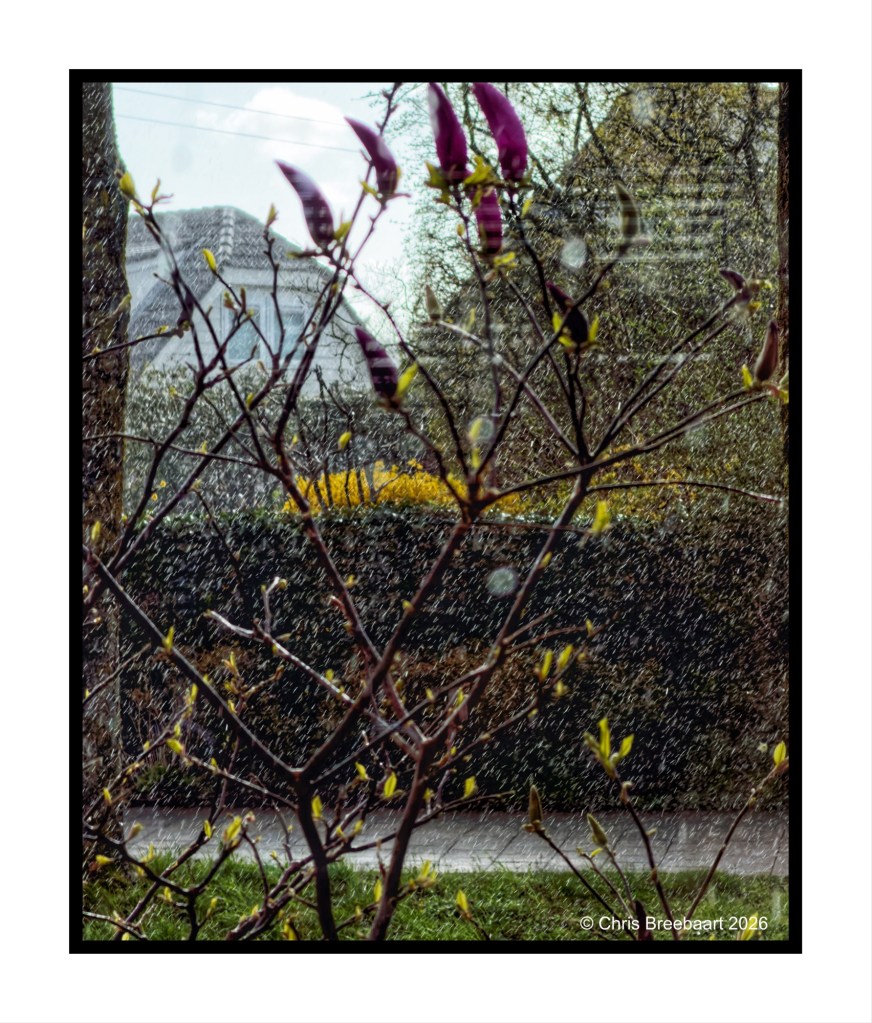
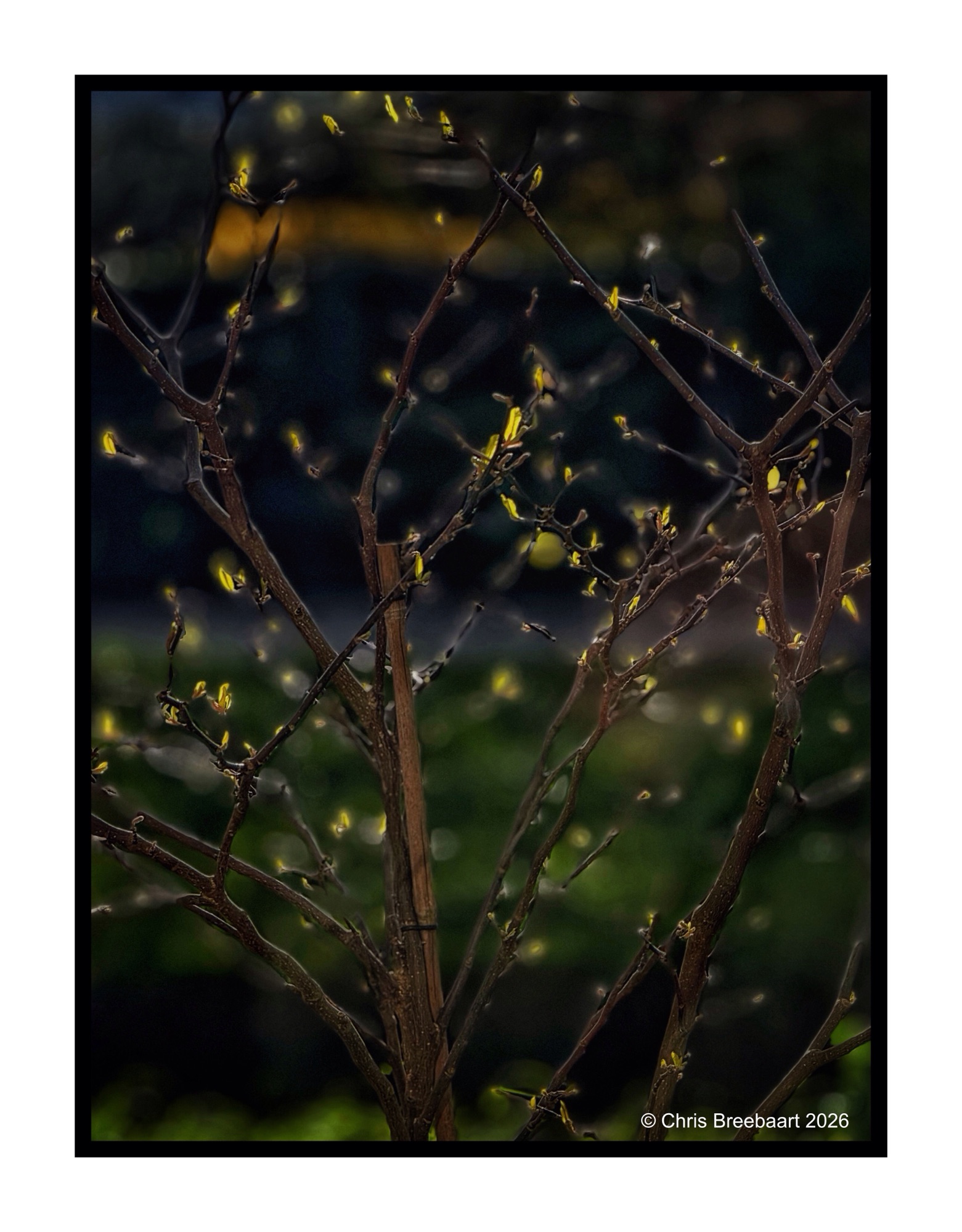
LAPC #386 invites to use the power of juxtaposition. I give the brief a bit more room for experiment, and put two pictures next to another. They both have a narrative of their own. It is basically the same subject (trees) but framed in a different way.
Shot with iPhone 15 Pro Max edited using Snapseed and Marksta. Click the picture for a larger version.
LAPC #386 invites to use the power of juxtaposition. Basically put two objects in a frame to create a narrative or reaction about their relation. A street lamp and two poles.
Shot with iPhone 15 Pro Max edited using Snapseed and Marksta. Click the picture for a larger version.
LAPC #386 invites to use the power of juxtaposition. Basically put two objects in a frame to create a narrative or reaction about their relation. Here the story of two sunflowers.
Shot with iPhone 15 Pro Max edited using Snapseed and Marksta. Click the picture for a larger version.
The LAPC theme #385 is ‘unusual crop’. Geese in a pretty big V.
Shot with iPhone 15 Pro Max edited using Snapseed and Marksta. Click the picture for a larger version.


The LAPC theme #385 is ‘unusual crop’. Station Den Haag – Laan van Nieuw Oost-Indië (that is a throat breaker for most of you non-Dutch speakers). Tracking the tracks.
Shot with iPhone 15 Pro Max edited using Snapseed and Marksta. Click the picture for a larger version.
The LAPC theme #385 is ‘unusual crop’. The skyline over Den Haag, building activities and old spires.
Shot with iPhone 15 Pro Max edited using Snapseed and Marksta. Click the picture for a larger version.
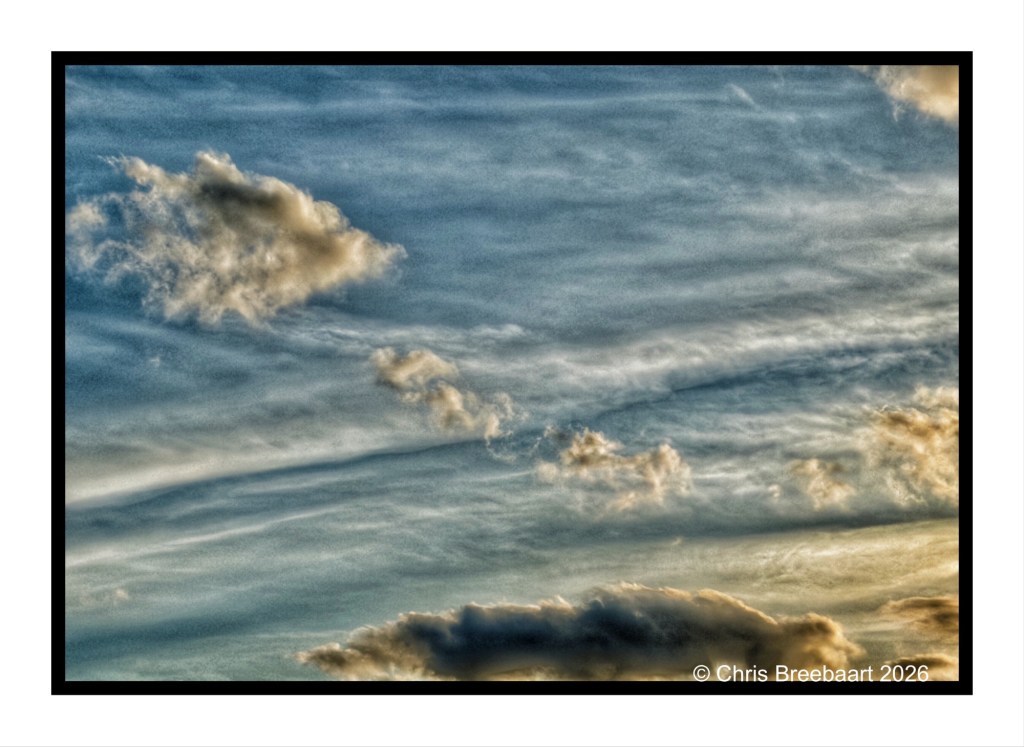
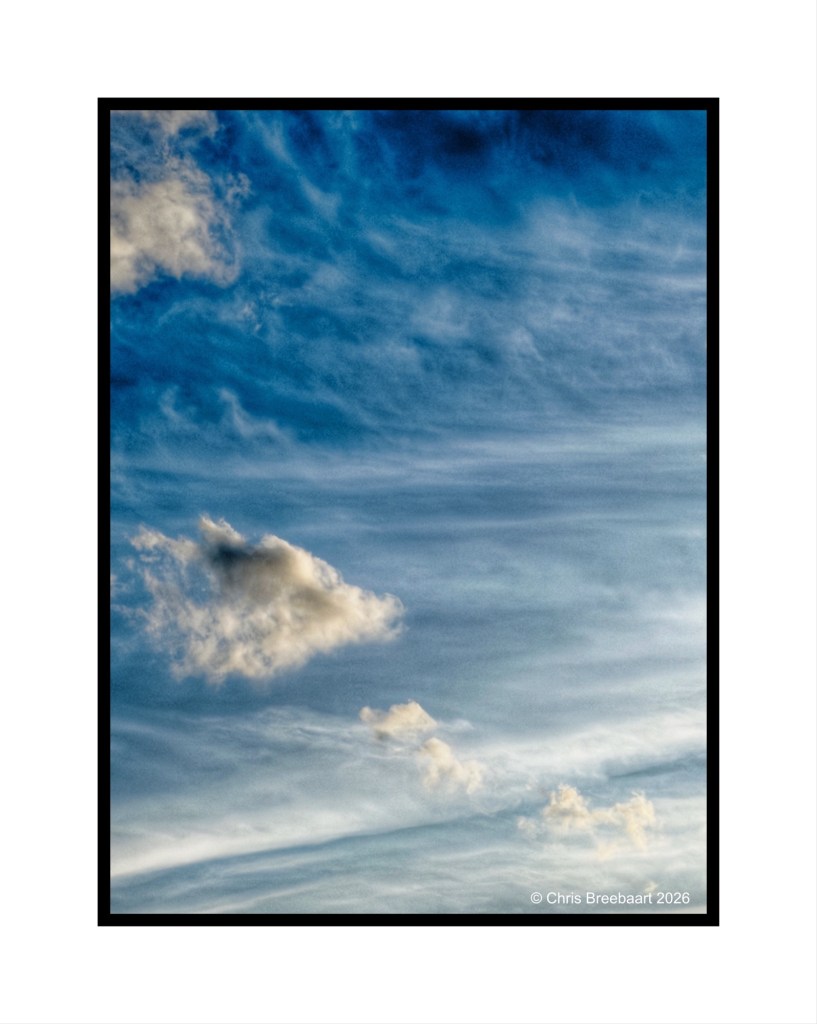
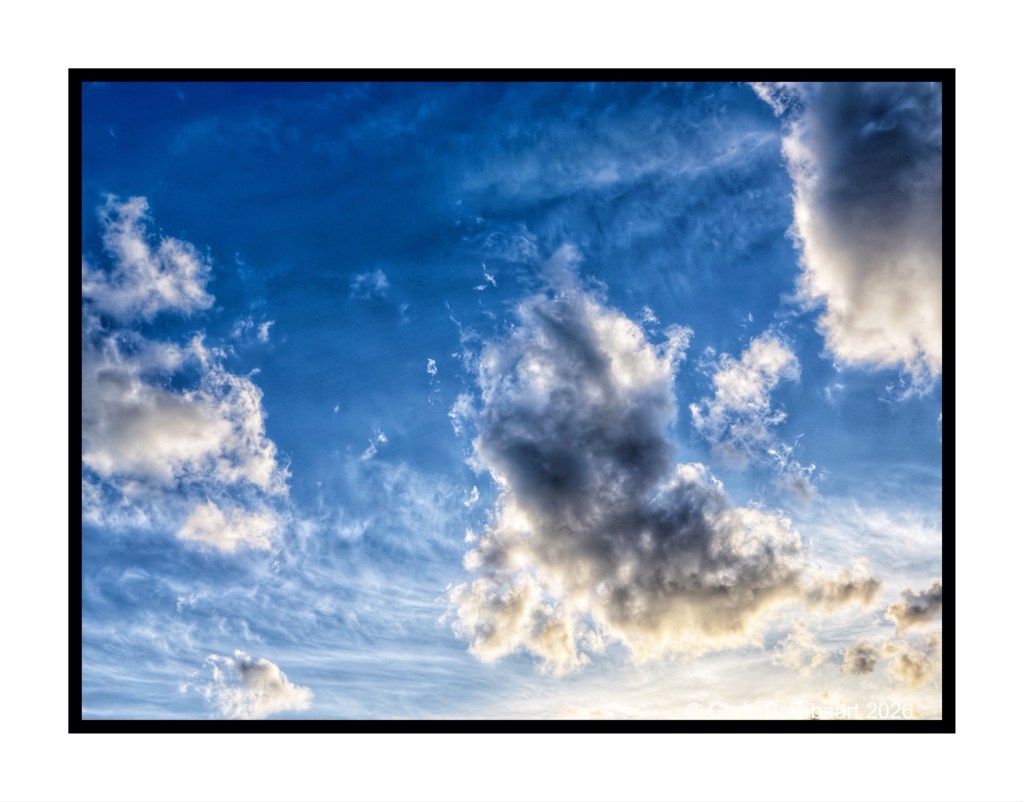
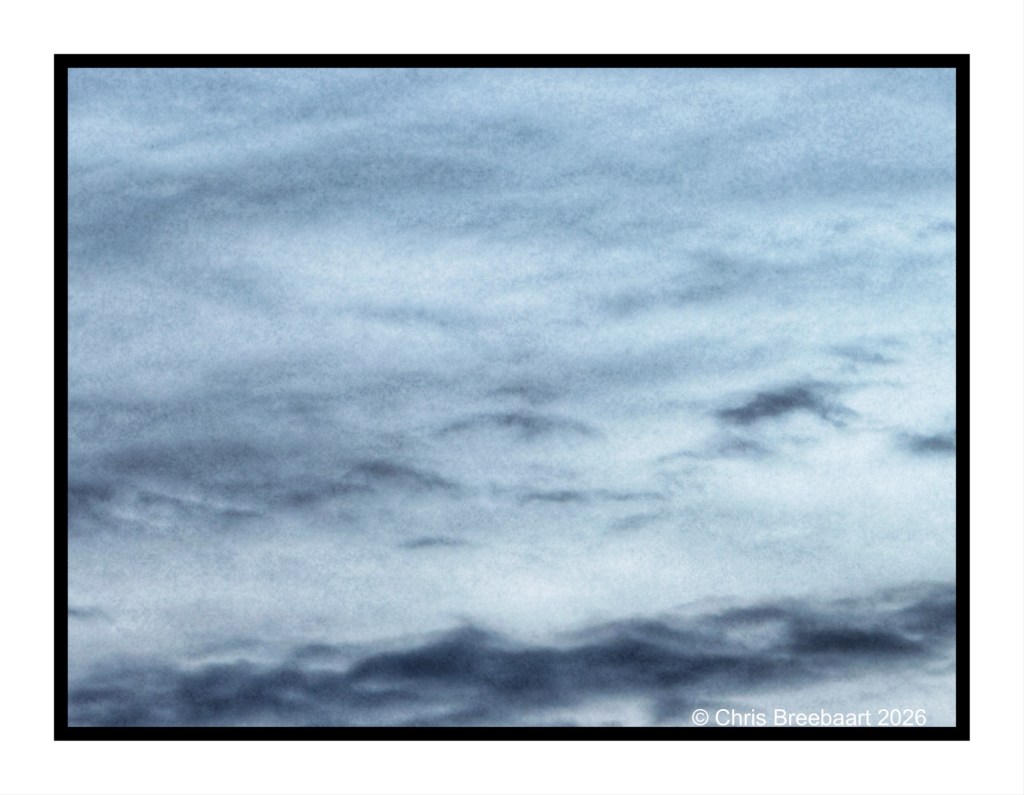
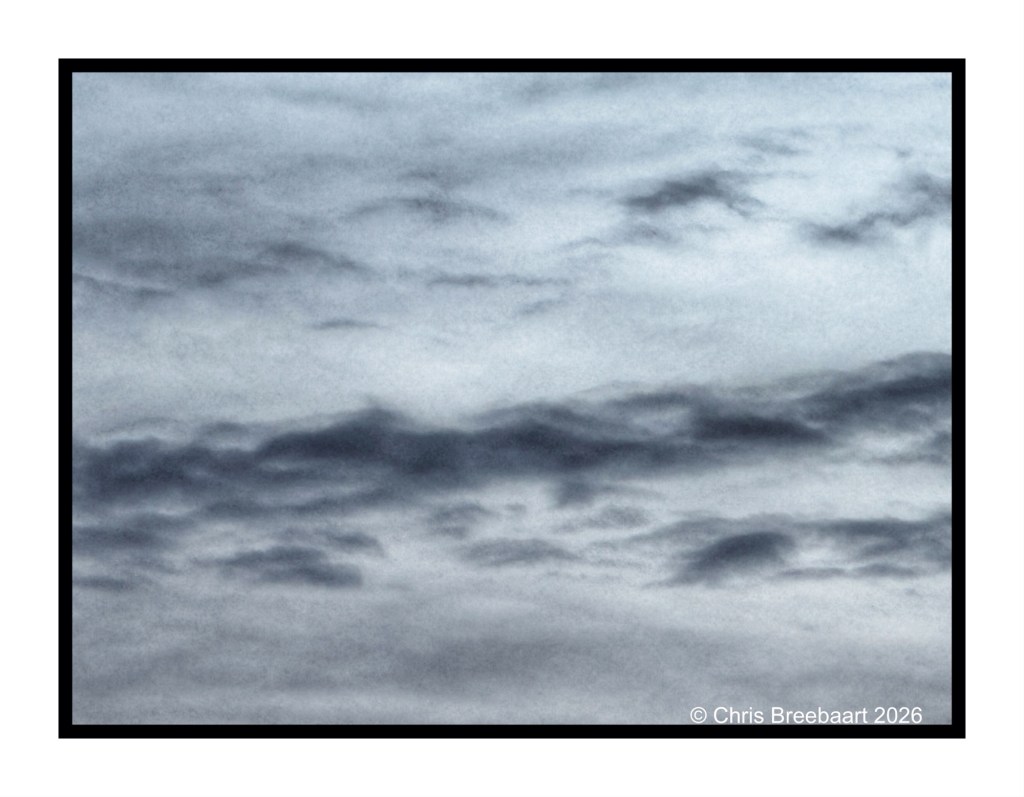
The LAPC theme #385 is ‘unusual crop’. Sky shots of clouds are mostly abstract. Framing them in a way that makes sense is a challenge at times.
Shot with iPhone 15 Pro Max edited using Snapseed and Marksta. Click the picture for a larger version.


The LAPC theme #385 is ‘unusual crop’. Here the cropping process in-camera using a zoom.
Shot with iPhone 15 Pro Max edited using Snapseed and Marksta. Click the picture for a larger version.
The LAPC theme #385 is ‘unusual crop’. This one was cropped/framed by zoom on the iPhone while shooting.
Shot with iPhone 15 Pro Max edited using Snapseed and Marksta. Click the picture for a larger version.


Every time we travel to the UK via the Channel Tunnel, I try to take photos of these steel giants. The same goes for when we return from there. They carry power lines in the area of St. Georges-sur-l’Aa. No worries, I’m in the passenger seat.
They remind me of mythical knights, marching in line over the fields. In the archive you find a set of photos over the years.
Shot with iPhone 15 Pro Max, edited using Snapseed, GrainLab and Marksta. Click the picture for a larger version.
To end a long set of photos of the marshes near Blakeney, a panorama shot.
Shot with iPhone 15 Pro Max edited using Snapseedand Marksta. Click the picture for a larger version.
Lens-Artist’s Photo Challenge #384 is ‘astonishment’. The brief is to show in a photo a feeling of surprise or wonder. The marvel of surprise or wonder is not a big one. For me, it is more in appreciating the day to day events. And sometimes apart of the practical, there is wonder. Like when the Channel Tunnel opened, and a one way trip takes 35 minutes. You can not see much, but it is quite convenient.
Shot with iPhone 15 Pro Max edited using Snapseed and Marksta. Click the picture for a larger version


Lens-Artist’s Photo Challenge #383 is ‘patterns and designs’. Being caught in Winter shower in Blakeney, resultated in a gorgeous full and double rainbow. As we can see here, the story of the pot of gold is probably not true.
Shot with Nikon Zf (the two portrait photos),and iPhone 15 Pro Max (the landscape) edited using Snapseed and Marksta. Click the picture for a larger version
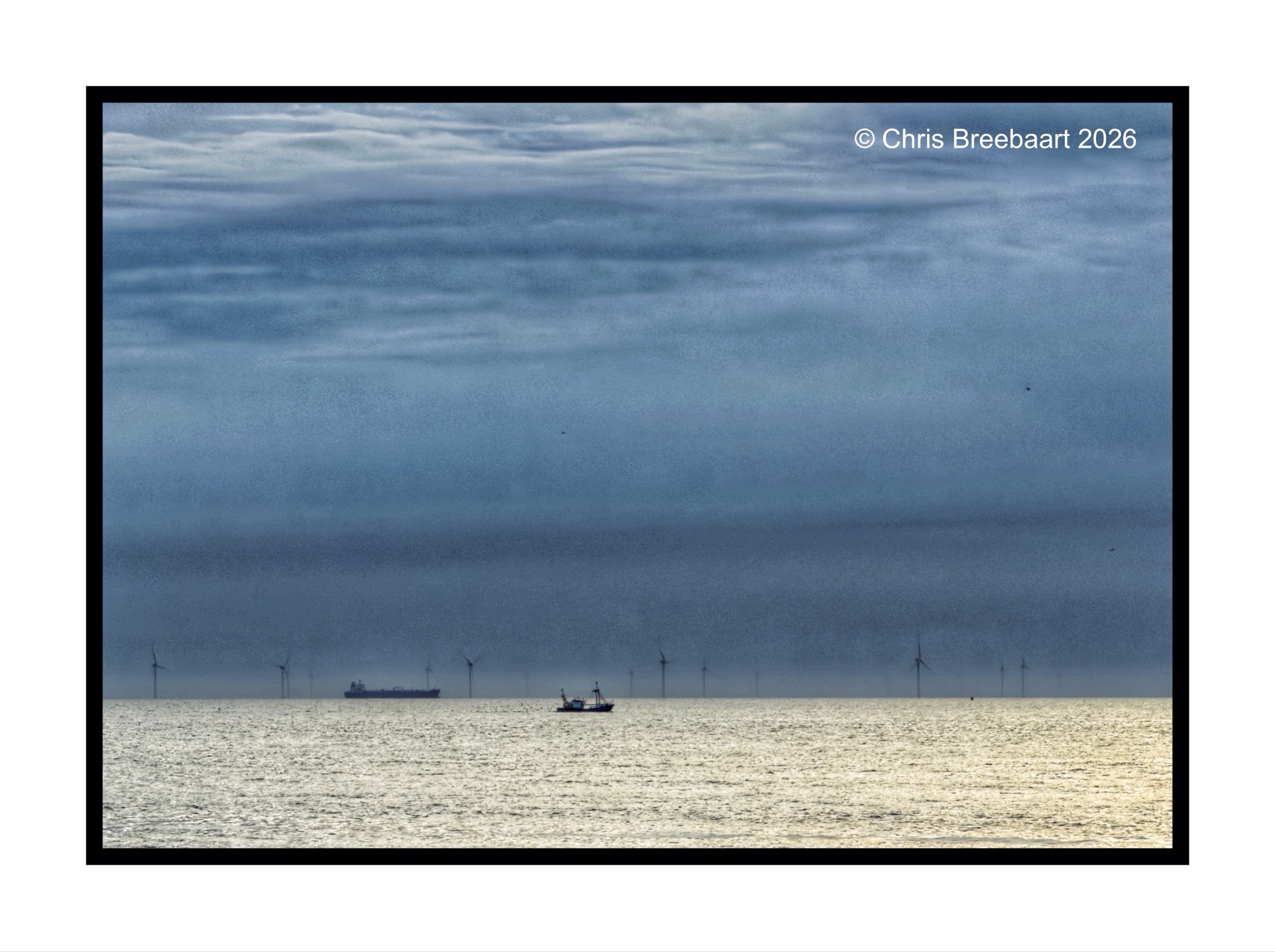
Lens-artists Photo Challenge #382 is about rejected photos. What do you do with photos you do not like? You can throw them away, or you can keep them. And if you keep them what can you do with them? First a story of myself, how I work. And in the end an example.
I am a snap shooter for a long time. When looking at this question for myself, I have to distinguish between the analog age and the digital age. But in both ages it is about quality, how you can assess that and what instruments are available after shooting. And above all: how can you be creative, and how much room is there to experiment?
The analog age was expensive: film was expensive, darkroom materials were expensive too. And being a poor student I shot as efficient as possible. You had to be patient while shooting, and selective. You also needed to trust your skills. Experience was essential to figure out what worked and what not. To produce good prints you needed to develop darkroom skills. And some negatives were impossible to print. But you kept them all. I never threw away negatives. That decision was beneficial in the digital age. After scanning my negatives, I properly made them look like what I had in mind when shooting them. What the darkroom did not deliver, software did.
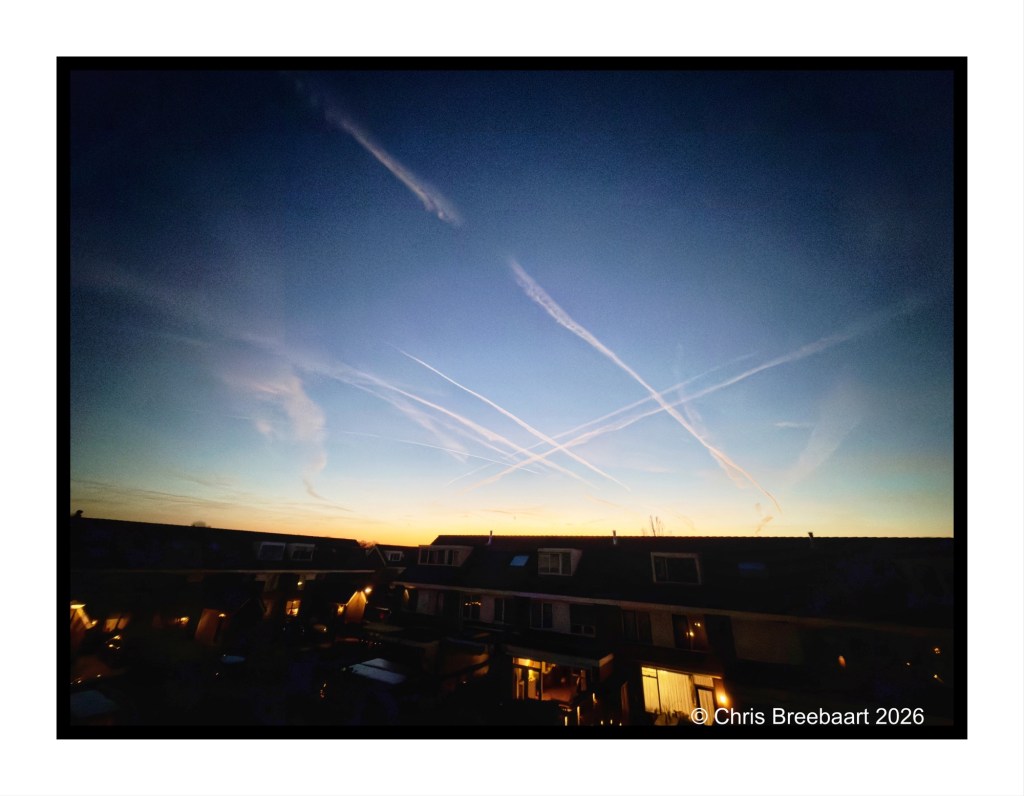
In the digital age the cost of a photo is nearly non existent. The original photo (the former negative) can be copied lots of times. From the start technology offers instruments to oversee the quality of the photos. What you shoot is instantly visible on the camera. You can try different changes in the photo. Adjustments like shutter time, focus, and shutter opening can be tested most of the time. The RAW format offers flexibility for editing the ‘negative’ after the shoot. Software offers lots of creative tools to change the photo, or create new images.
So, do you keep rejected (bad) photos or not? I do reject photos, overseeing the result on my camera. I keep photos that can come to a good result after editing. The rest I remove straight away (e.g. bracketing shots).What I keep is stored on my NAS, where I use Lightroom as my archiving tool. I use editing tools to tweak a photo slightly. My favorite is Snapseed for web and social media publication. And Lightroom and Photoshop for prints.
The digital age is a time for unlimited creativity. The photos of ‘dinner at Wiveton Bell’ are an example of testing out the iPhone in a very dark situation. I shot about 8 frames, I kept them all but had my doubts. At home I worked them in Lightroom and Snapseed. And was surprised by what came out. And the ones that did not work were indeed deleted.
On the left the photo published and on the right the original RAW file.


Lens artists photo challenge #381 is ‘minimalism in black and white photography’. Overlooking the marshes at first sunlight in the direction of Cley next the sea.
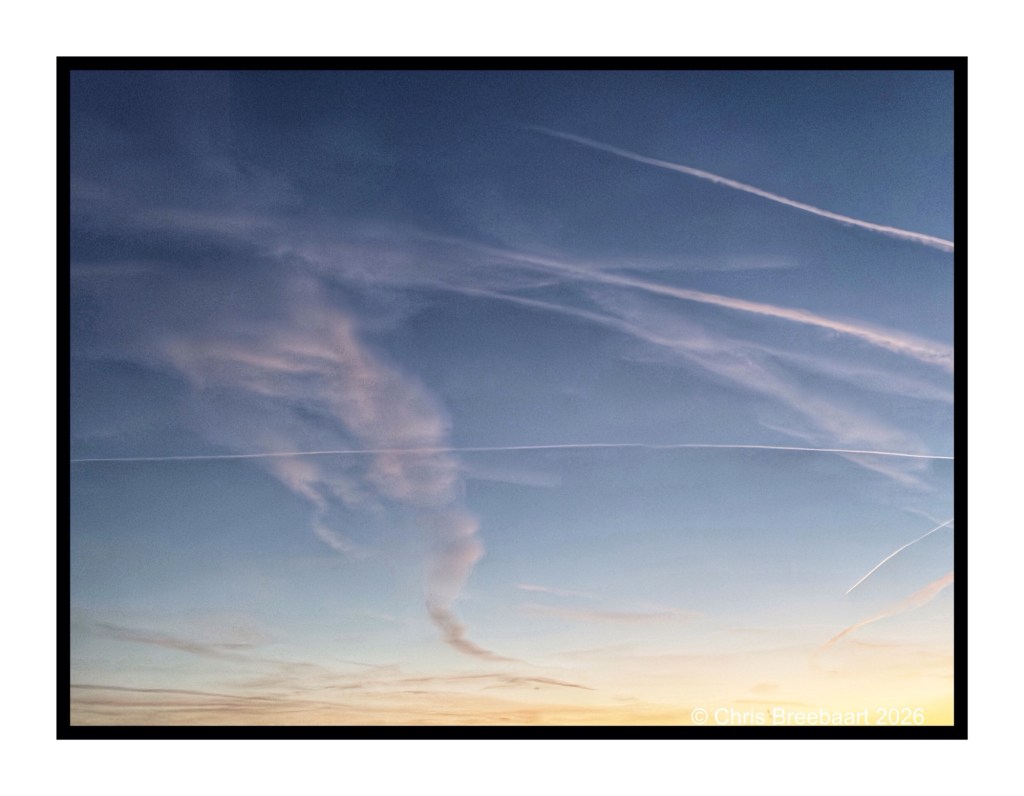
Shot with Nikon Zf,edited using Snapseed and Marksta. Click the picture for a larger version.
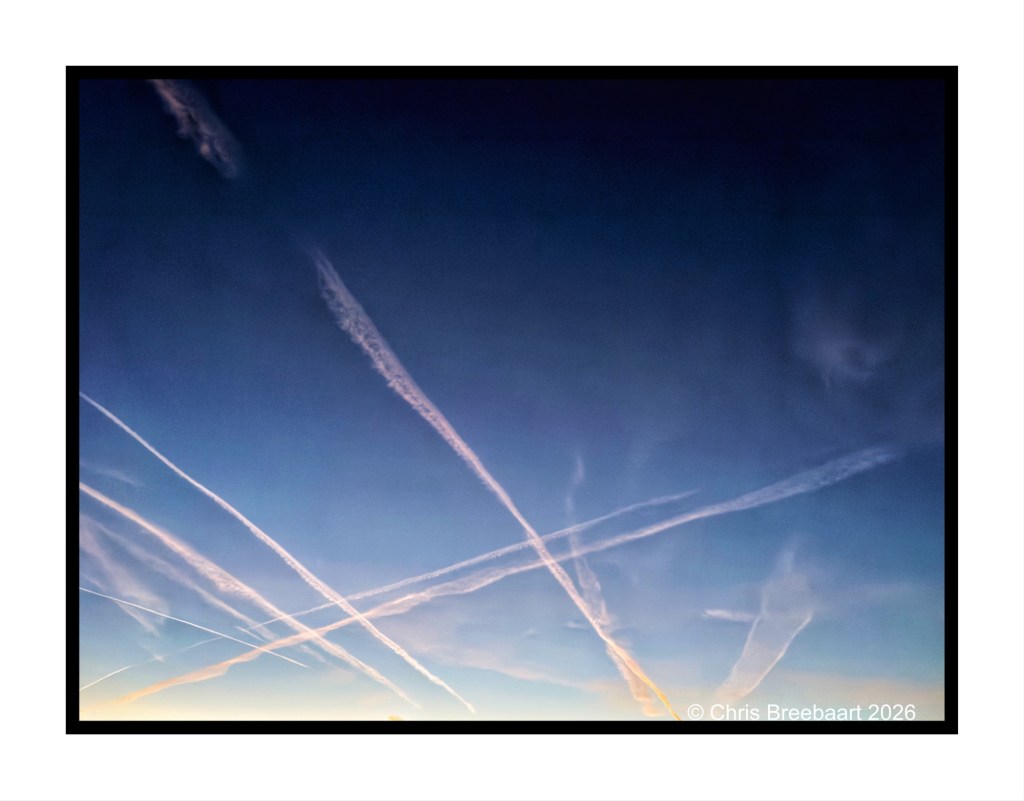
An old boat, slowly decaying on the marshes near Blakeney. Lens artists photo challenge #381 is ‘minimalism in black and white photography’.
Shot with iPhone 15 Pro Max edited using Snapseed and Marksta. Click the picture for a larger version.


Having dinner at the Wiveton Bell. A beautiful moonlight night, an open invitation to play with the iPhone. The results did surprise me.
The bottom right photo is taken with the night modus. The rest with the manual mode of ‘real light’.
The one of the church reminds me of a medieval painting.
Shot with iPhone 15 Pro Max edited using Snapseed and Marksta. Click the picture for a larger version.
Theme for Lens-Artists Photo Challenge #380 is ‘what’s around the corner’.
Shot with iPhone 15 Pro Max edited using Snapseed and Marksta Click the picture for a larger version.
Theme for Lens-Artists Photo Challenge #380 is ‘what’s around the corner’. A grey Heron in falling snow.
Shot with iPhone 15 Pro Max edited using Snapseed and Marksta Click the picture for a larger version.
Theme for Lens-Artists Photo Challenge #380 is ‘what’s around the corner’. Snow, no ice.
Shot with iPhone 15 Pro Max edited using Snapseed and Marksta Click the picture for a larger version.
Theme for Lens-Artists Photo Challenge #380 is ‘what’s around the corner’. Last week we had snow in the village.
Shot with iPhone 15 Pro Max edited using Snapseed and Marksta Click the picture for a larger version.
The year 2025 ends and we cross over to 2026. I hope the new year will be a good one. I wish it brings some of the desires I cherish in my heart. I am sure others cherish these desires as well.
Shot with iPhone 15 Pro Max edited using Snapseed and Marksta Click the picture for a larger version.
The canal in the fog.
Shot with iPhone 15 Pro Max edited using Snapseed and Marksta Click the picture for a larger version.
A small milestone maid: yesterday I passed the 300.000 views on this blog. Thank you.
Shot with iPhone 15 Pro Max edited using Snapseed and Marksta Click the picture for a larger version.


Moorhens in the canal.
Shot with iPhone 15 Pro Max edited using Snapseed and Marksta Click the picture for a larger version.
Autumn colors color the village.
Shot with iPhone 15 Pro Max edited using Snapseed and Marksta Click the picture for a larger version.
Autumn colors color the village.
Shot with iPhone 15 Pro Max edited using Snapseed and Marksta Click the picture for a larger version.
There is not a wall or hill, or other side. It is just green.
Shot with iPhone 15 Pro Max edited using Snapseed and Marksta Click the picture for a larger version.
Sunrise on an Autumn morning, from a car (not driving).
Shot with iPhone 15 Pro Max edited using Snapseed and Marksta. Click the picture for a larger version.
Sunrise on an Autumn morning, from a car (not driving).
Shot with iPhone 15 Pro Max edited using Snapseed and Marksta. Click the picture for a larger version.
An iPhone long lens shot of a heavy rain sky. This was the first of the three photos I published the last three days.
Shot with iPhone 15 Pro Max edited using Snapseed and Marksta Click the picture for a larger version.
An iPhone long lens shot of the horizon, catching geese by accident, against a heavy rain sky. I cropped the motorway A44 out on this one.
Shot with iPhone 15 Pro Max edited using Snapseed and Marksta Click the picture for a larger version.
A long shot with an iPhone; a heavy rain sky with birds over motorway A44.
Shot with iPhone 15 Pro Max edited using Snapseed and Marksta Click the picture for a larger version.
Who says chimneys are boring?
Shot with iPhone 15 Pro Max edited using Snapseed and Marksta Click the picture for a larger version.
Who says chimneys are boring?
Shot with iPhone 15 Pro Max edited using Snapseed and Marksta Click the picture for a larger version.


Shot with iPhone 15 Pro Max edited using Snapseed and Marksta. Click the picture for a larger version.
Christmas sales have kicked off, and you even can change your toilet area into a Christmas atmosphere. If it is tasteful? I am not sure about that.
Shot with iPhone 15 Pro Max edited using Snapseed and Marksta. Click the picture for a larger version.
The garden at night. The Lens-Artists Photo Challenge #375 is ‘where to find the mysterious’.
Shot with iPhone 15 Pro Max edited using Snapseed and Marksta Click the picture for a larger version.


Autumn skies at sunset.
Shot with iPhone 15 Pro Max edited using Snapseed and Marksta. Click the picture for a larger version.


Shot with iPhone 15 Pro Max edited using Snapseed and Marksta. Click the picture for a larger version.
A dinner in our favorite restaurant, exquisite food with an excellent wine arrangement.
Shot with iPhone 15 Pro Max edited using Snapseed and Marksta. Click the picture for a larger version.