Reflection

Shot with iPhone 13 Pro Max edited using Snapseed and Marksta Click the picture for a larger version
Shot with iPhone 13 Pro Max edited using Snapseed and Marksta Click the picture for a larger version
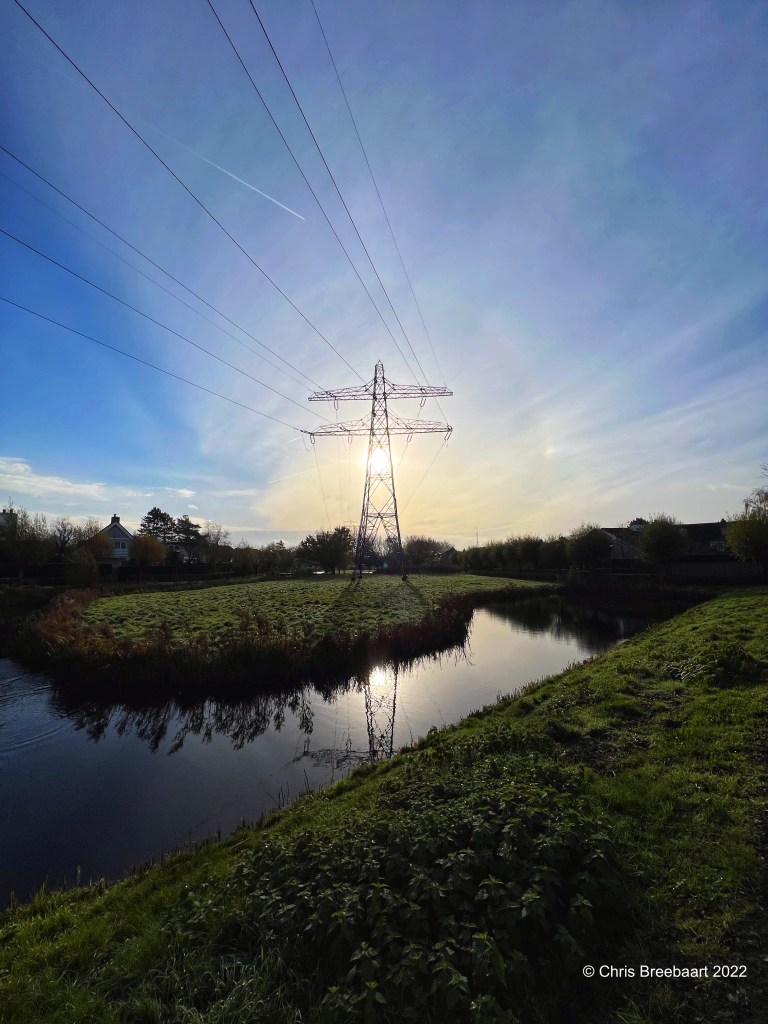
The theme for the weekly lens artists challenge is ‘diagonals‘.
Shot with iPhone 13 Pro Max edited using Snapseed and Marksta Click the picture for a larger version
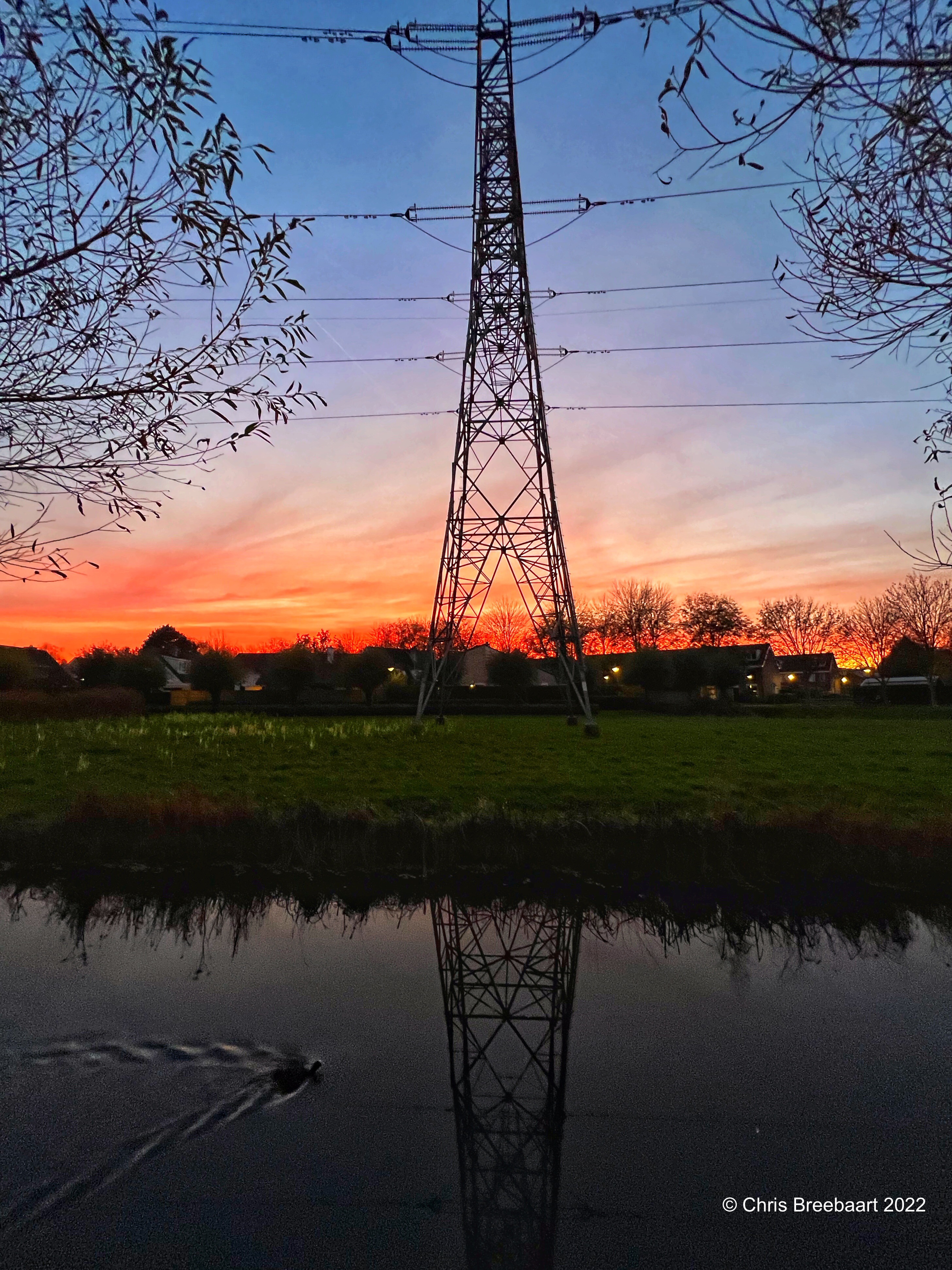
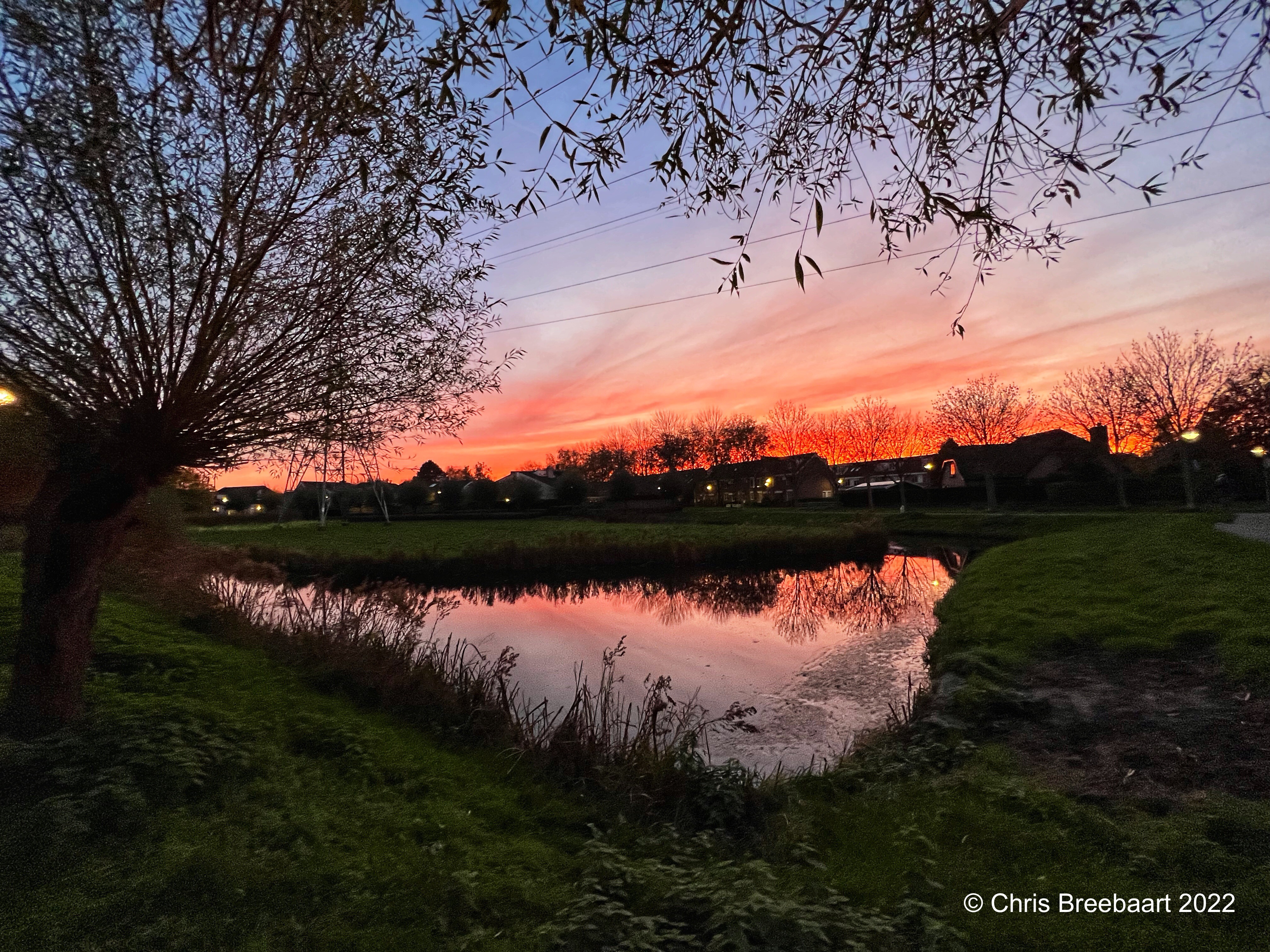
Shot with iPhone 13 Pro Max edited using Snapseed and Marksta Click the picture for a larger version
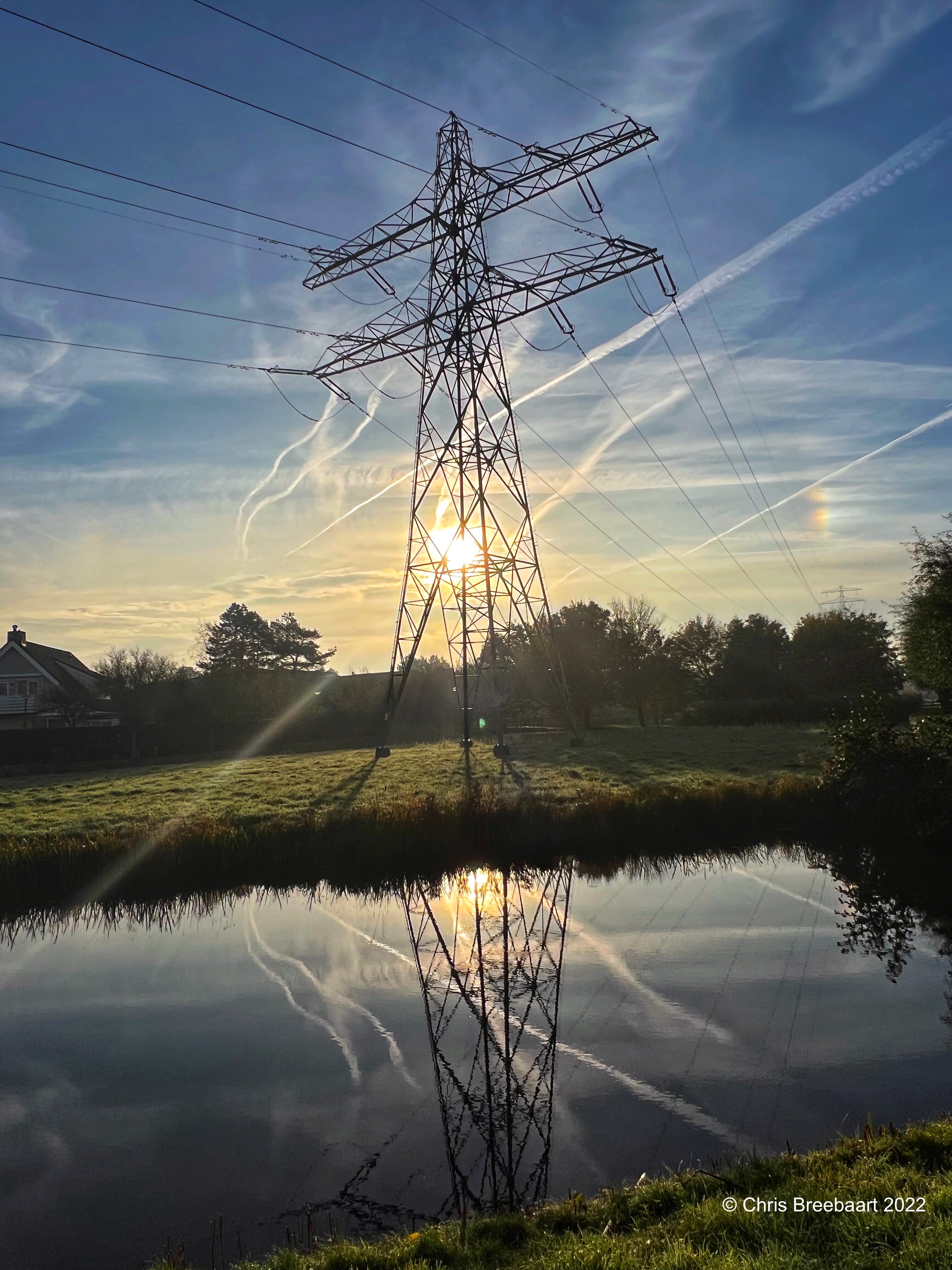
Autumn 2022.
Shot with iPhone 13 Pro Max edited using Snapseed and Marksta Click the picture for a larger version.

The theme for this week Lens-artists challenge #156 is ‘black and white’.
I am happy I am old enough to have worked with film and negatives. I still shoot black and white digital, but film is something different.
About the B4 retouch series:
I browsed my archive for pictures to publish. Some of them are partly retouched but most do have scratches, dust and stains.
Shot with Nikon F90 on Kodak TriX, scanned from film and edited using Snapseed and Marksta. Click the picture for a bigger version
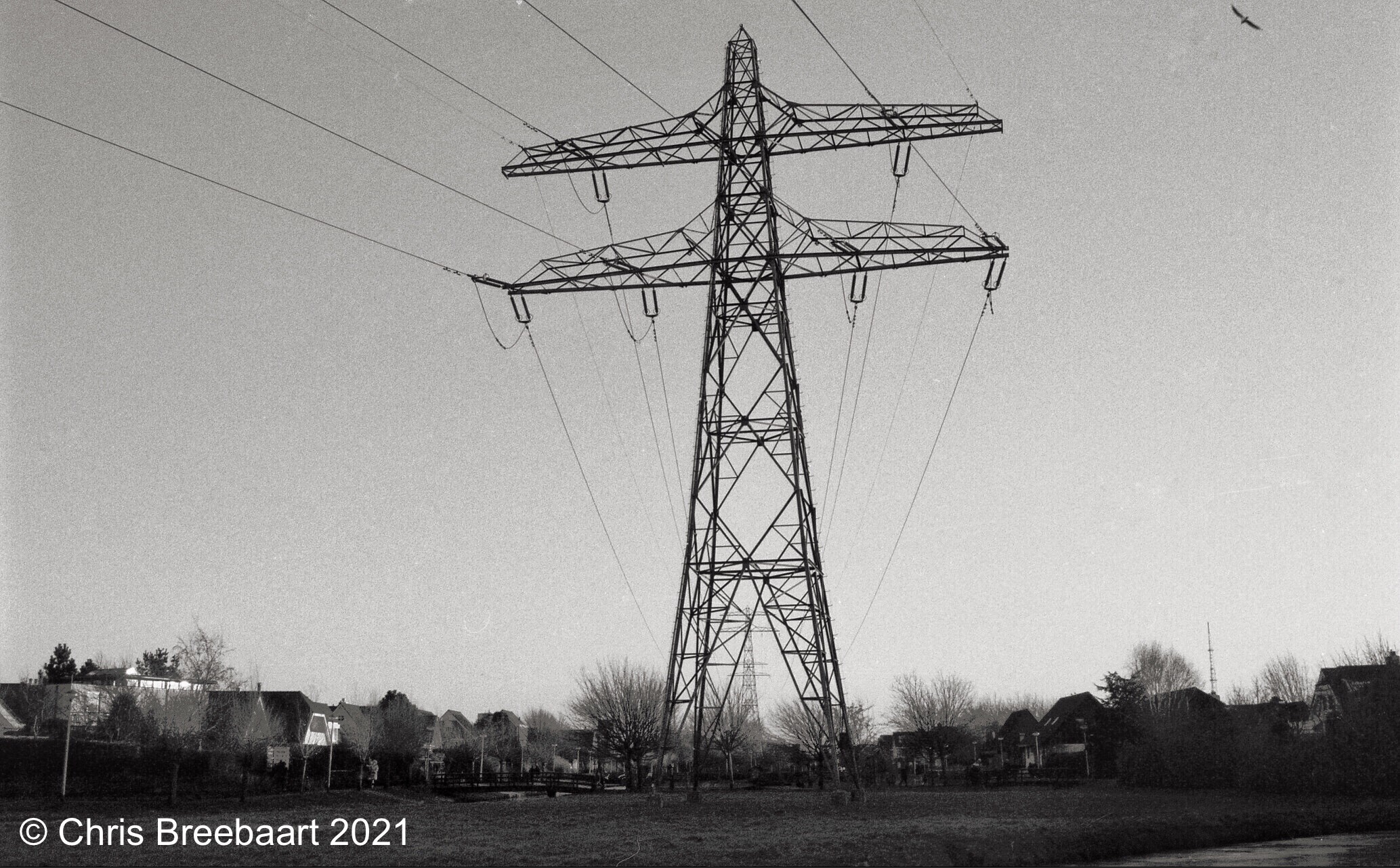
The Lens Artists Photo Challenge#142 for this week is ‘you pick it’. From the archive, a mono pylon photo.
About the B4 retouch series:
I browsed my archive for pictures to publish. Some of them are partly retouched but most do have scratches, dust and stains.
Shot with Nikon F90 on Kodak TriX, scanned from film and edited using Snapseed and Marksta. Click the picture for a bigger version
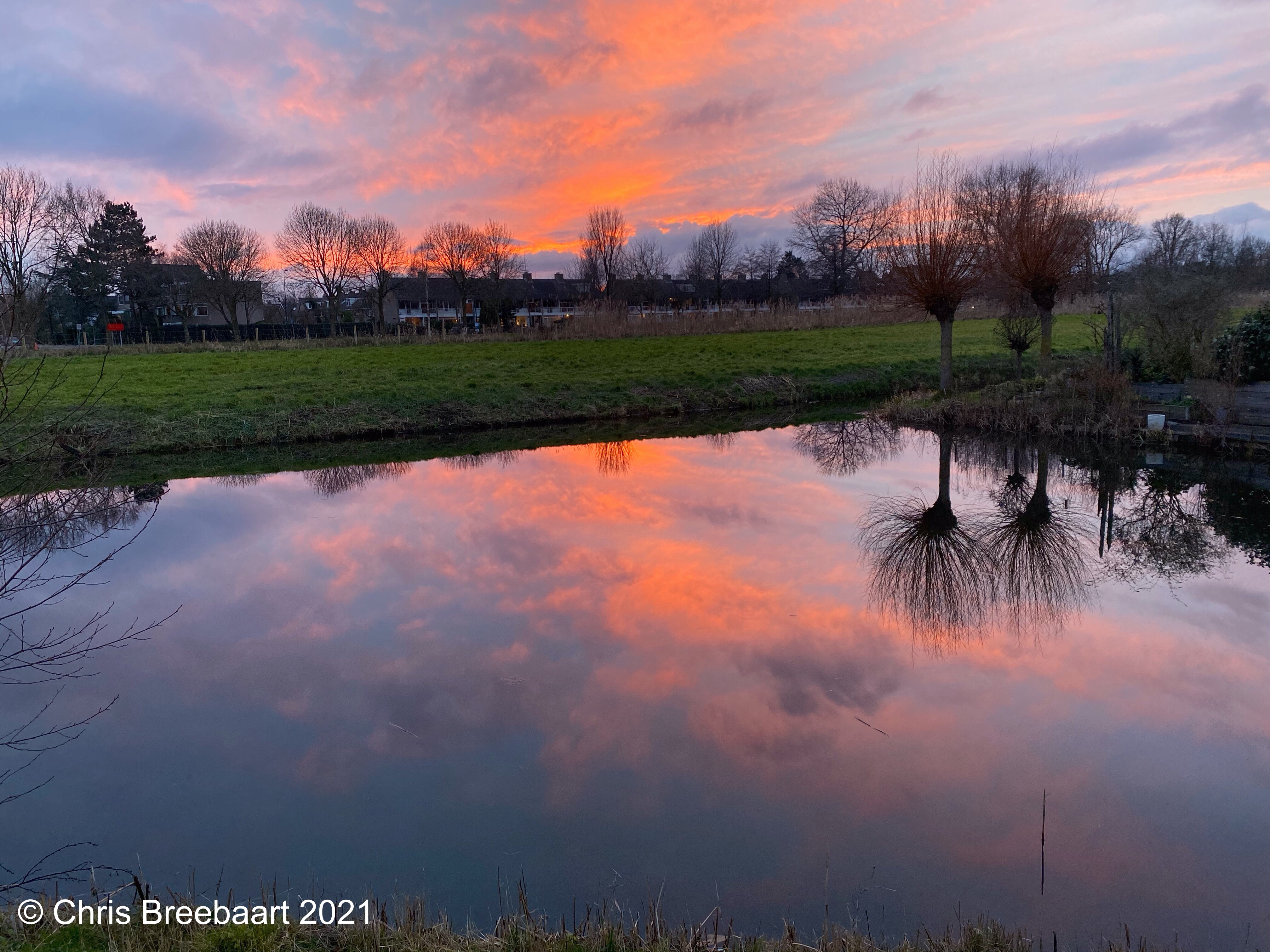

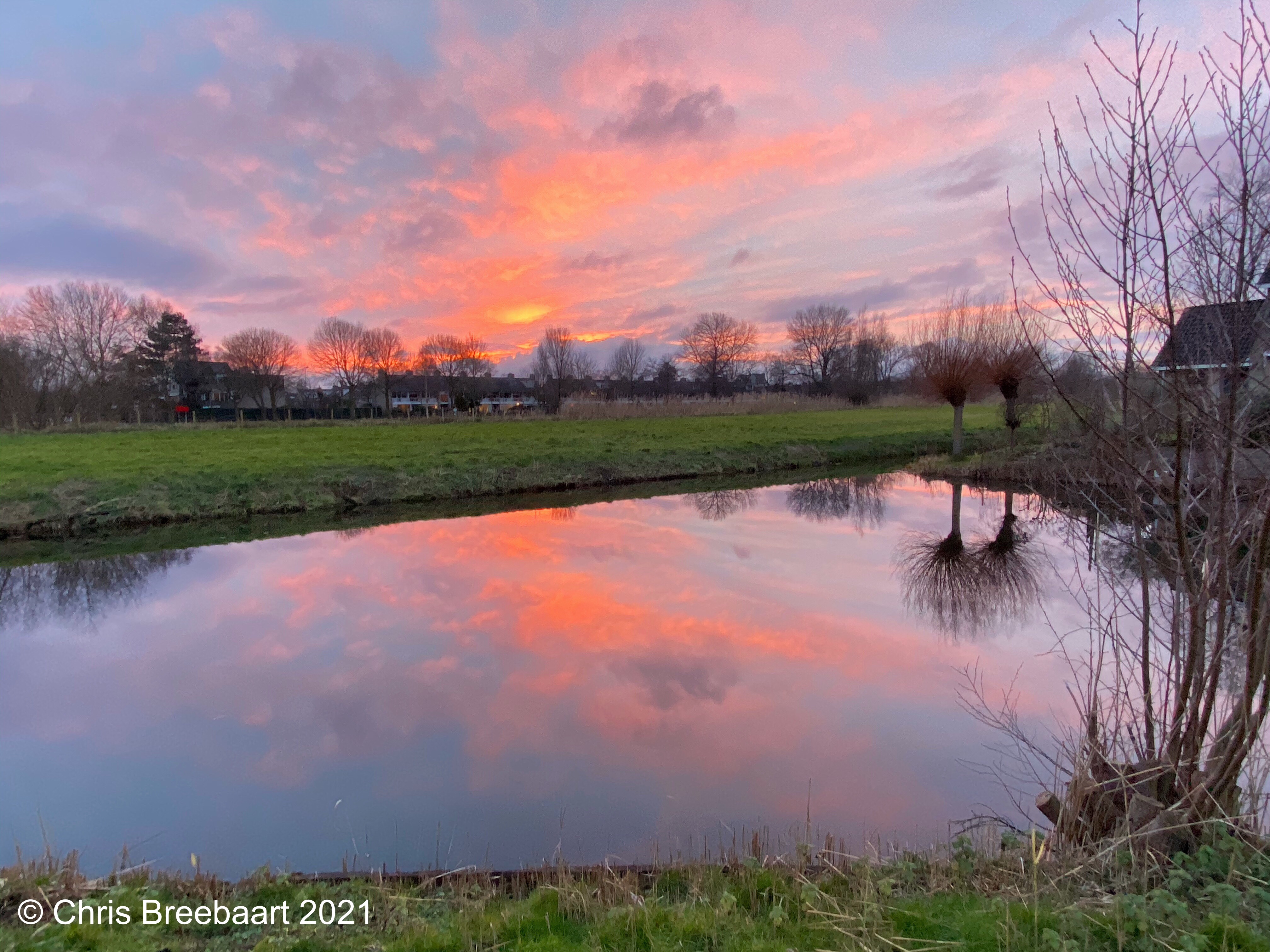
Shot with iPhone 11 Pro Max edited using Snapseed and Marksta Click the picture for a larger version

The theme for the lens-artists #132 is ‘striped and checked’.
Shot with iPhone 11 Pro Max edited using Snapseed and Marksta Click the picture for a larger version
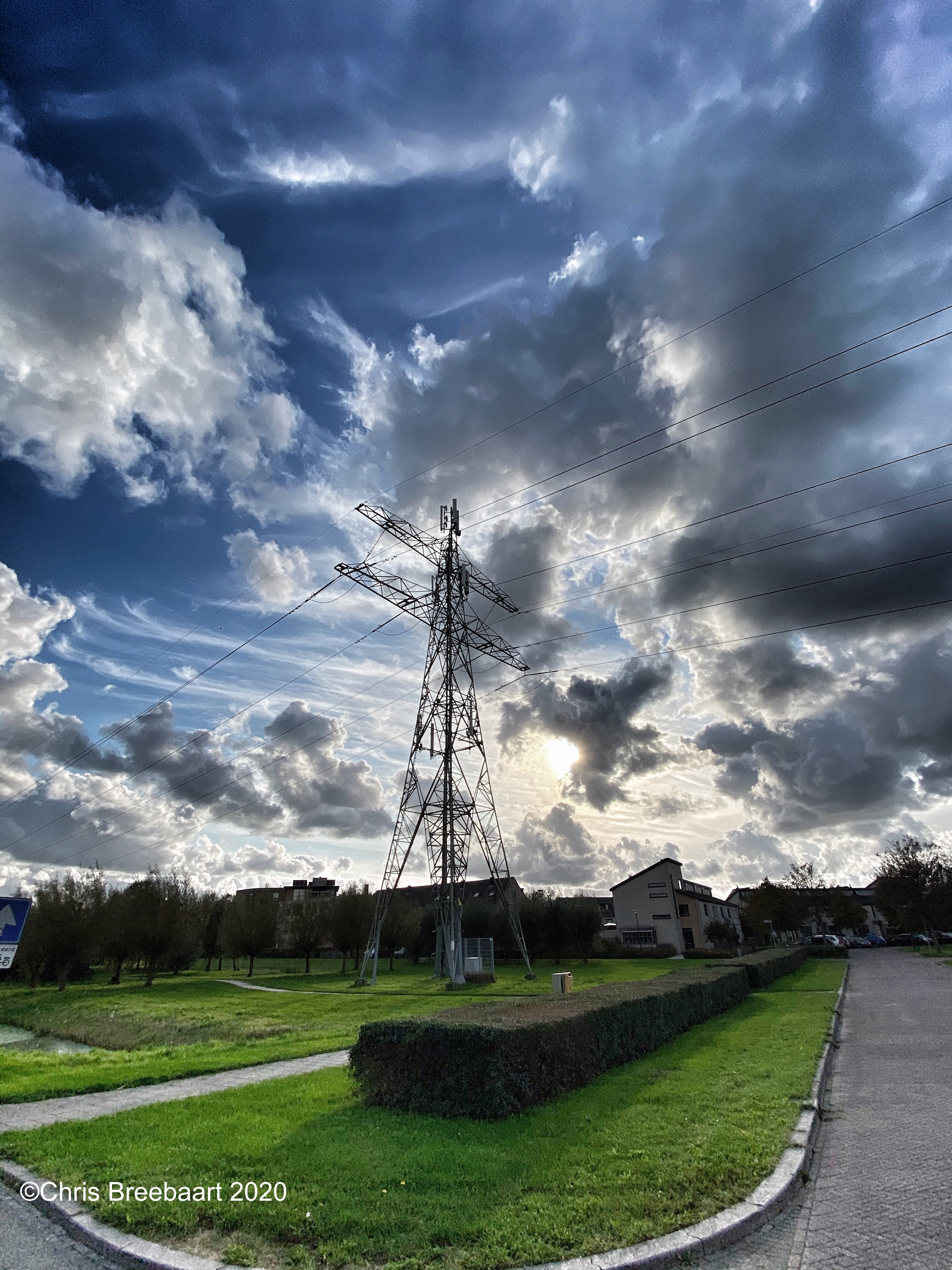
A pylon against a back drop of clouds and sunrays for the Weekly Sky Challenge.
Shot with iPhone 11 Pro Max edited using Snapseed and Marksta. Click the picture for a larger version
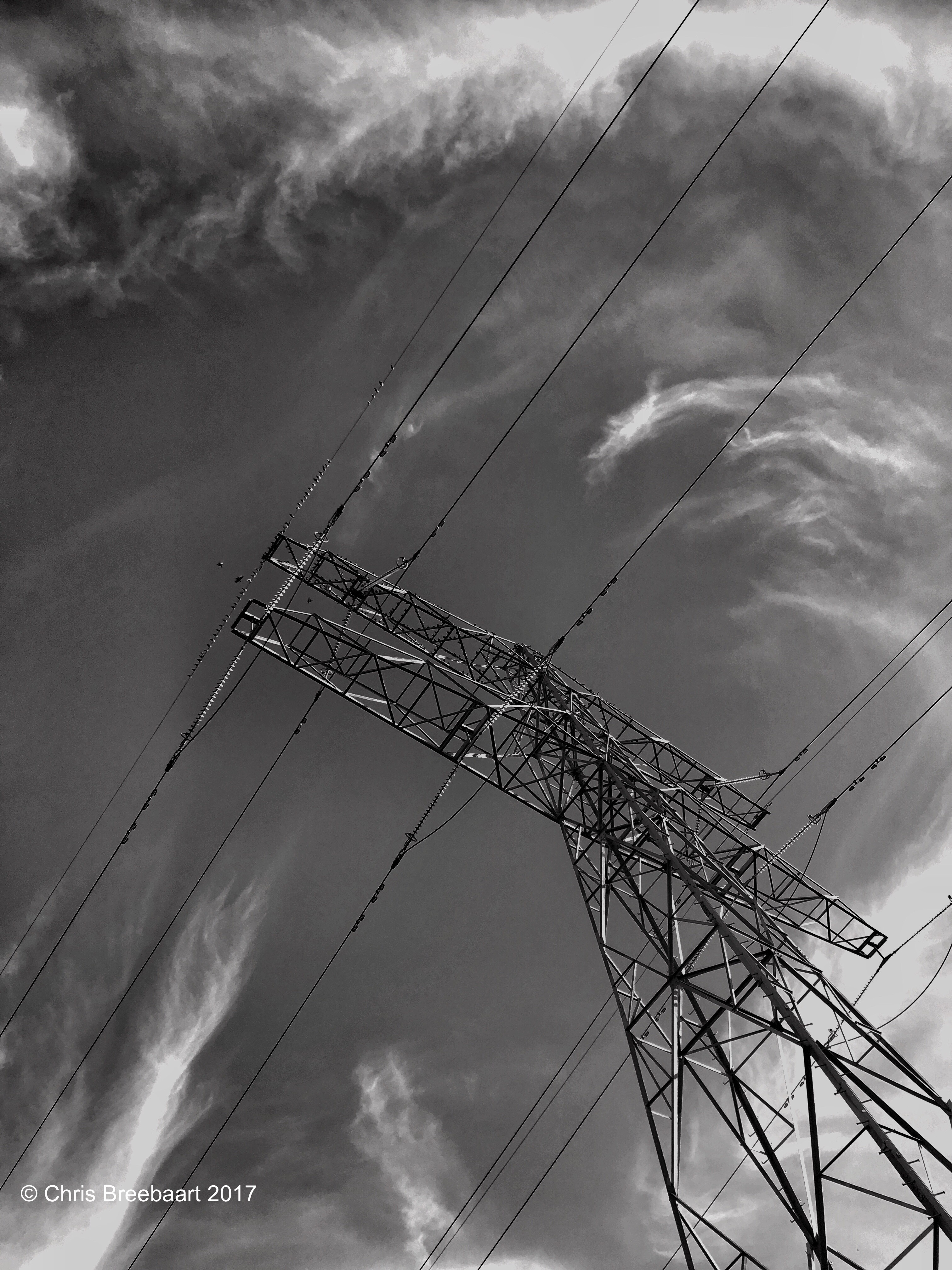
The Netherlands, Oegstgeest – July 2017
shot with iPhone 6s plus using Hueless, edited using Snapseed and Marksta, click the picture for a larger version
 What's (in) the Picture?