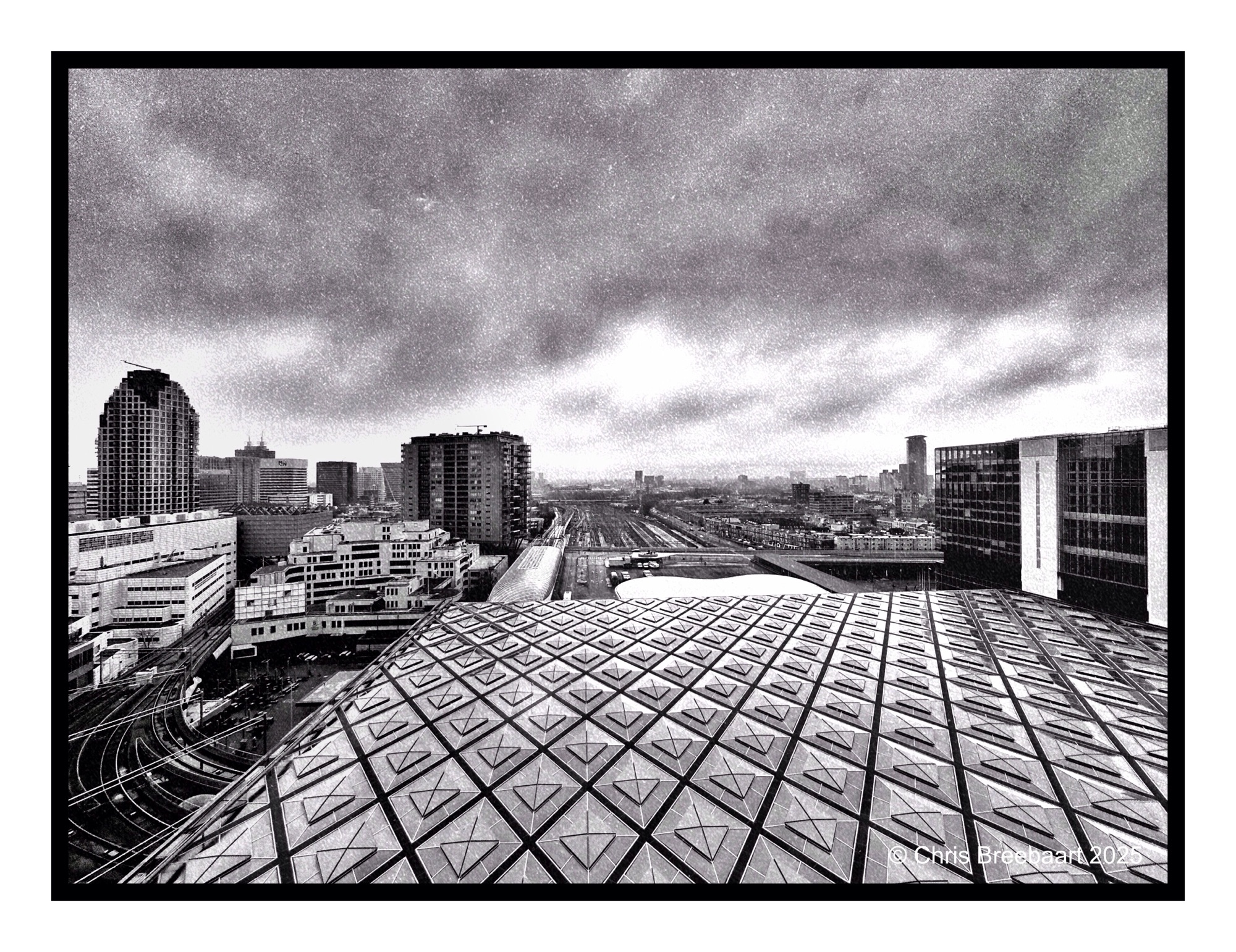
Den Haag Central Station
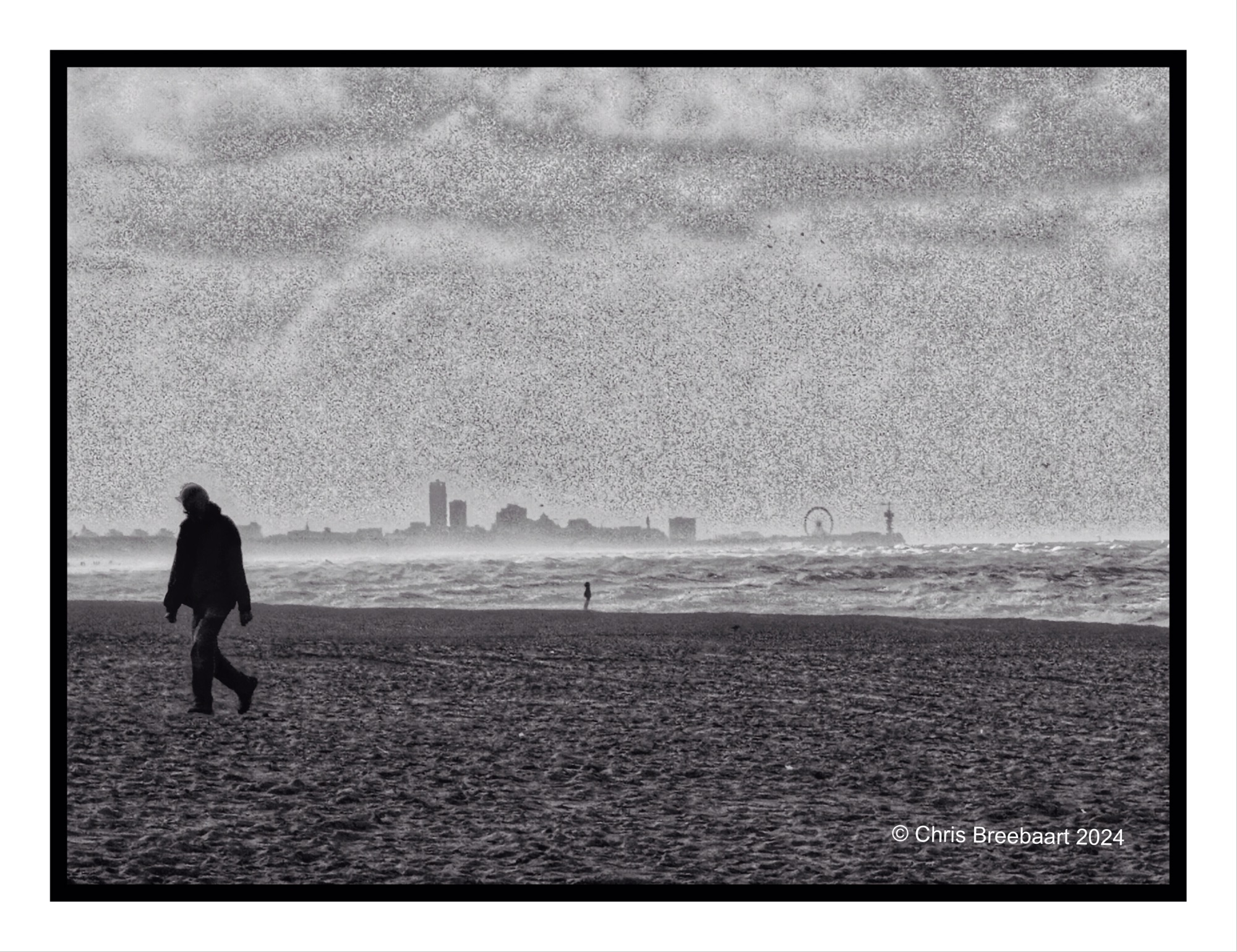
Shot with iPhone 15 Pro Max edited using Snapseed, GrainLab and Marksta. Click the picture for a larger version
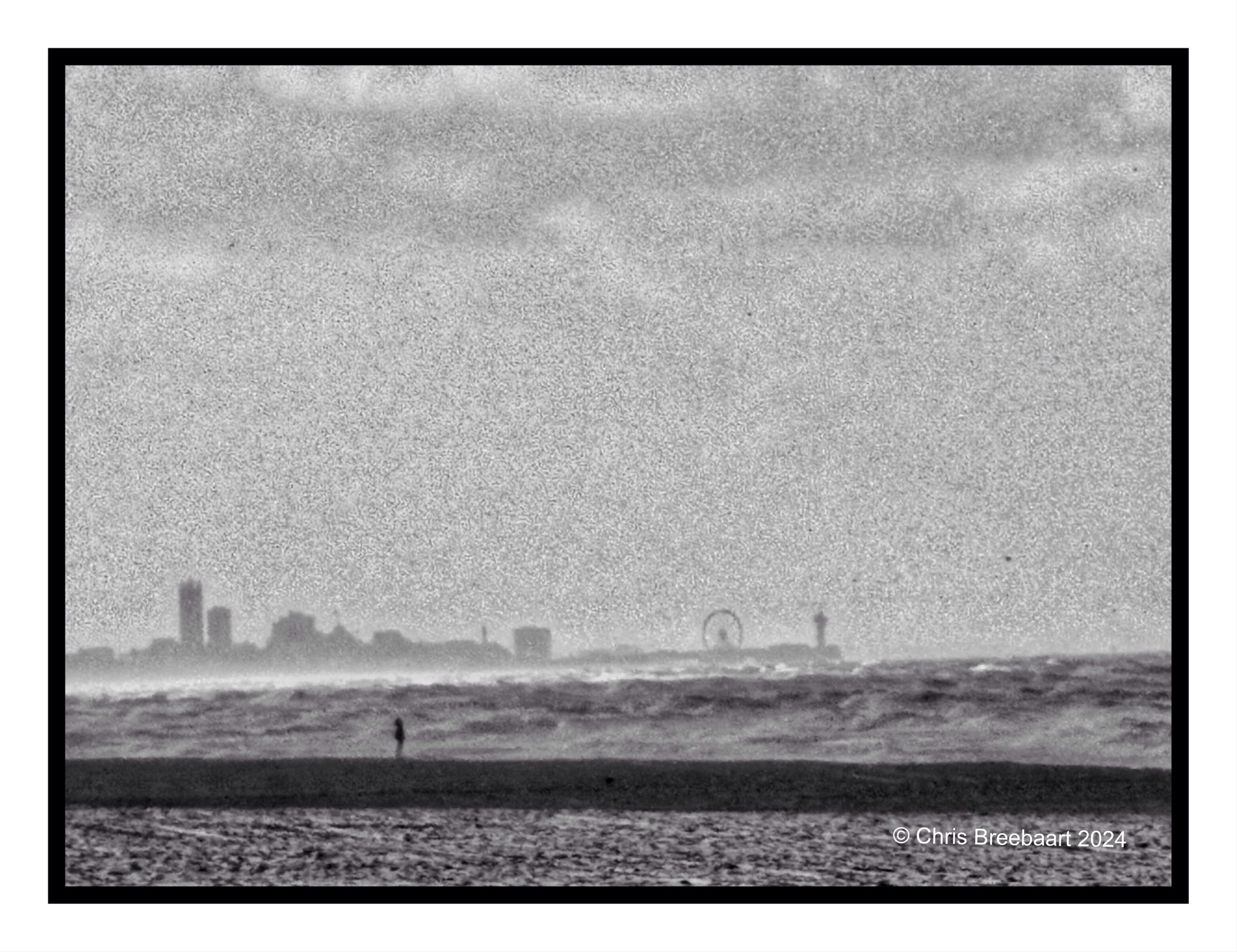
Shot with Nikon Zf, edited using Snapseed, GrainLab and Marksta. Click the picture for a larger version.
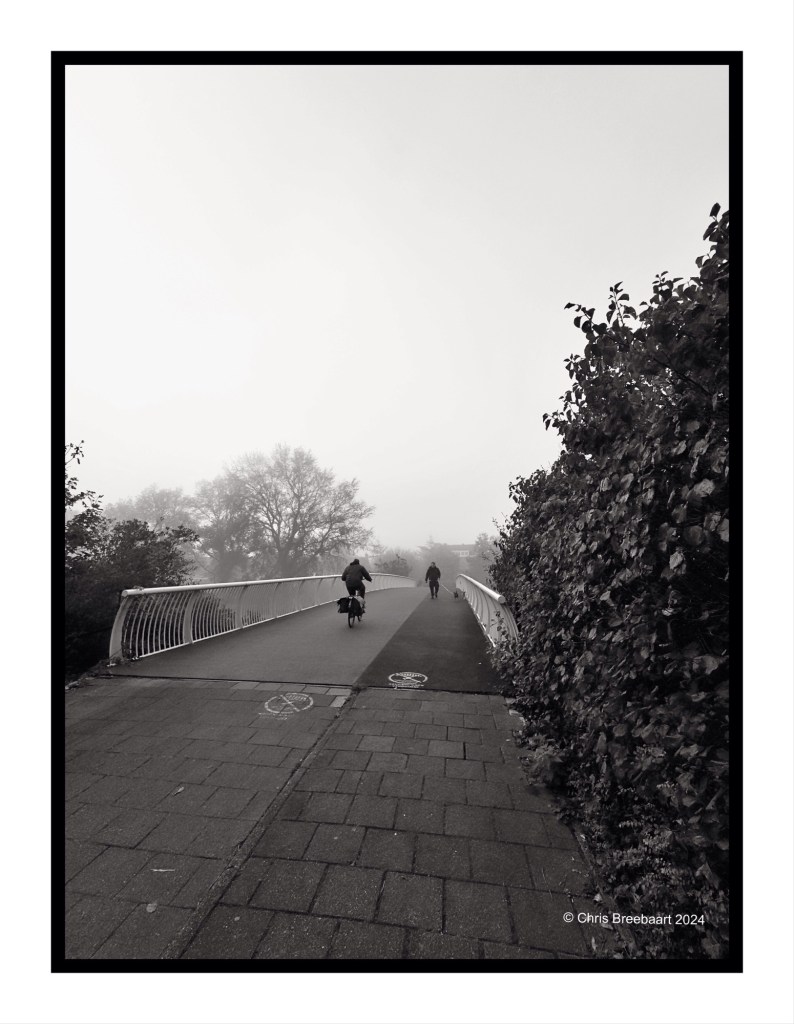
Shot with iPhone 15 Pro Max edited using Snapseed, GrainLab and Marksta. Click the picture for a larger version.


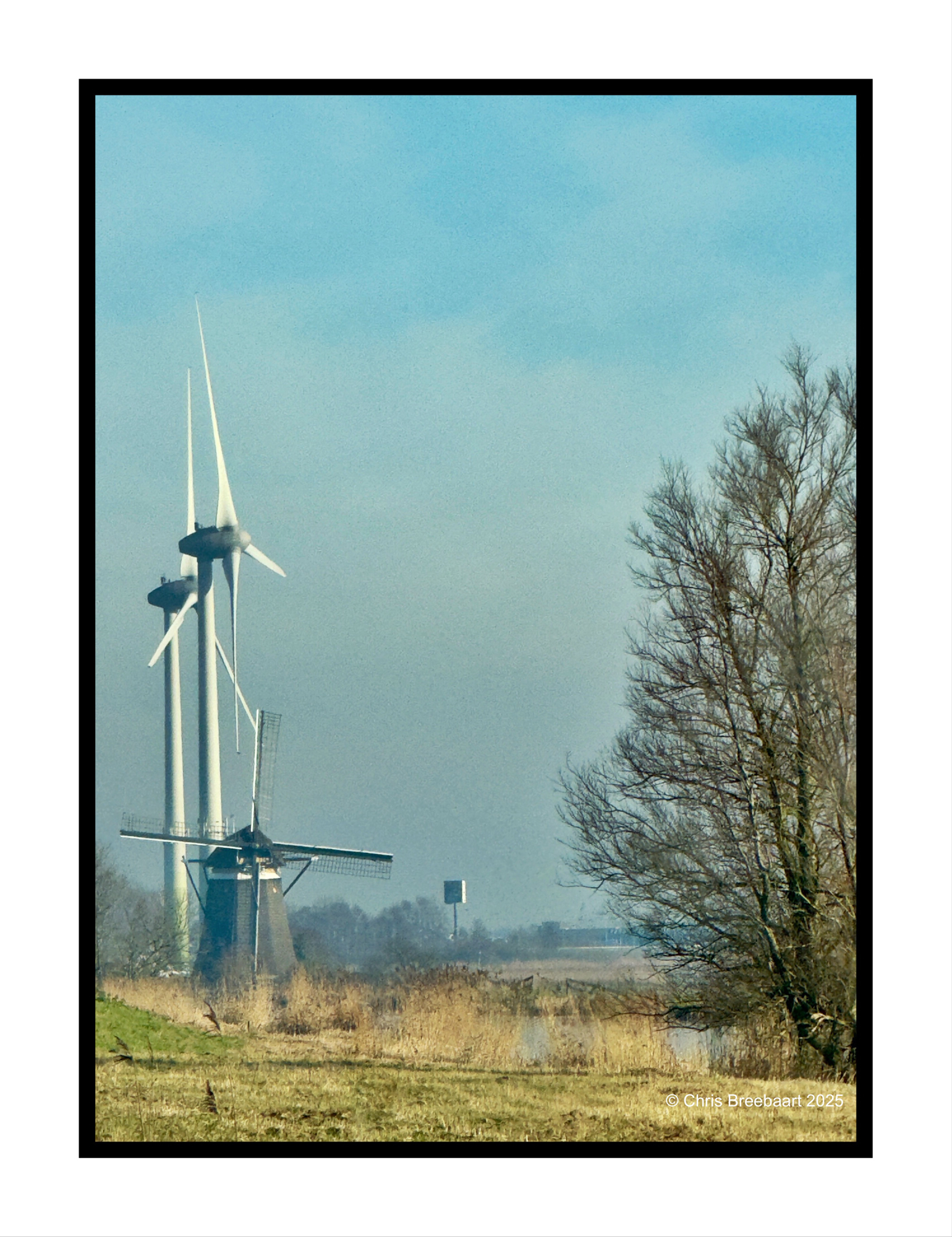
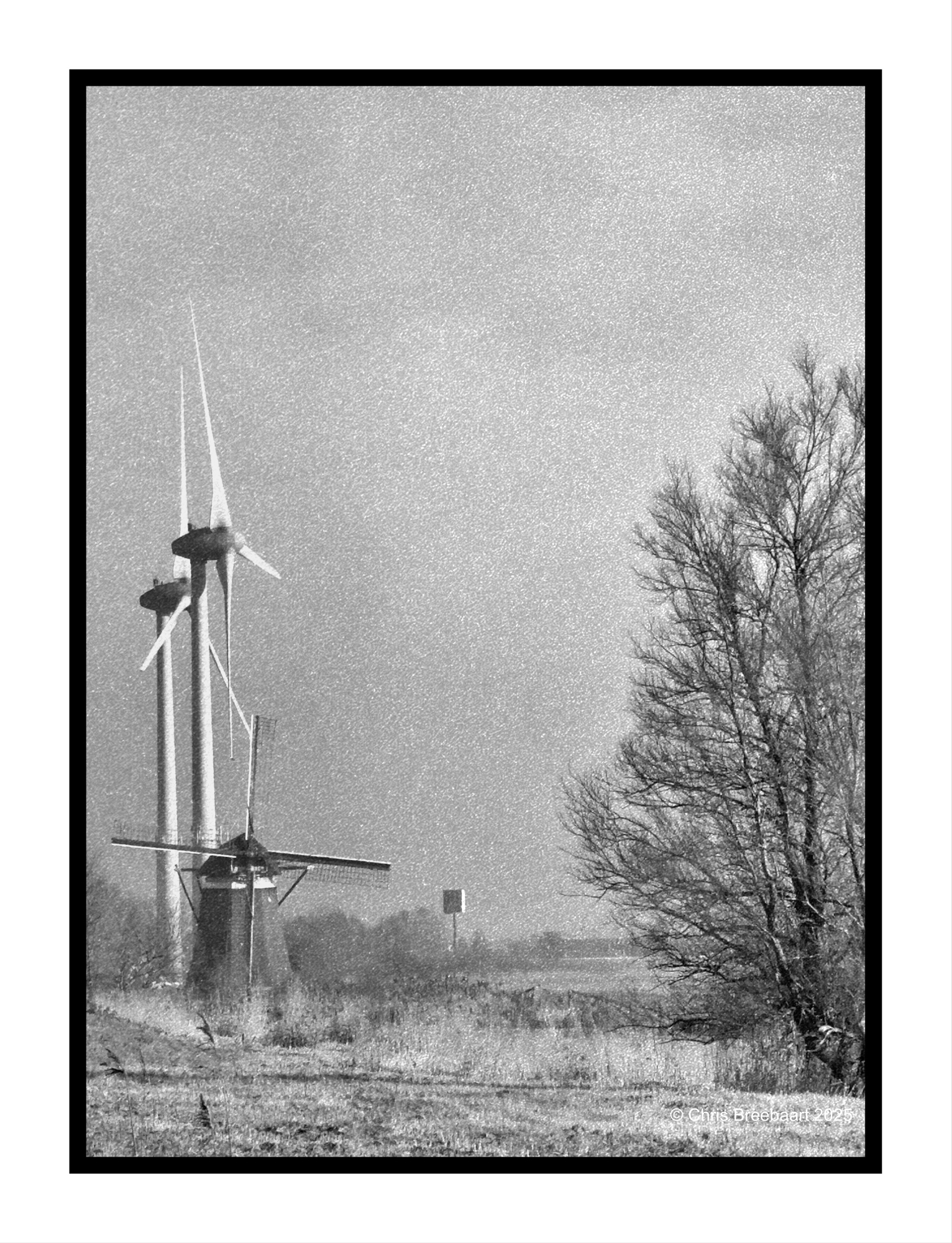
This week Lens Artist Photo Challenge #335 is exploring color versus monochrome aka black and white. Compare a color photo with a monochrome print of it. What works better?
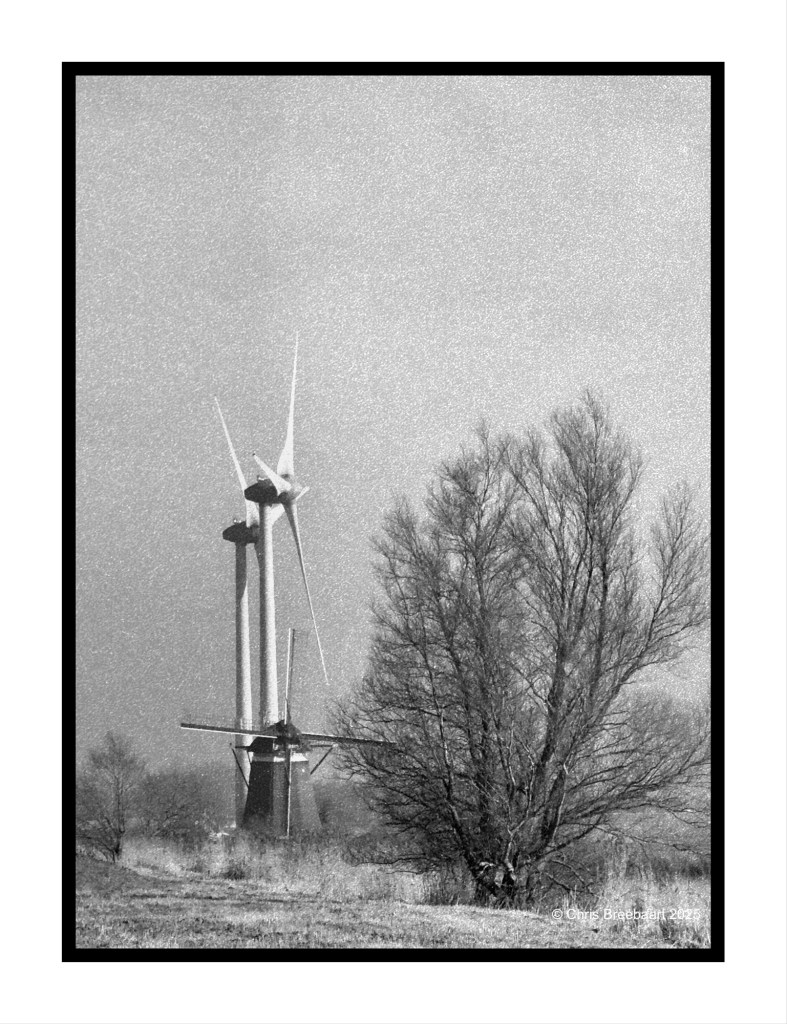
A few days ago I published a resembling shot in color and mono. This post differs from the earlier ones. The tree on the right went out of the frame. And a very modern advertising pole pops up in the background.
My love for the bleak colors of Winter’s light are the same. But I prefer this mono version, even if it was originally shot in color. GrainLab is a great tool, and the atmosphere of the photo is ‘old’ but the view is modern.
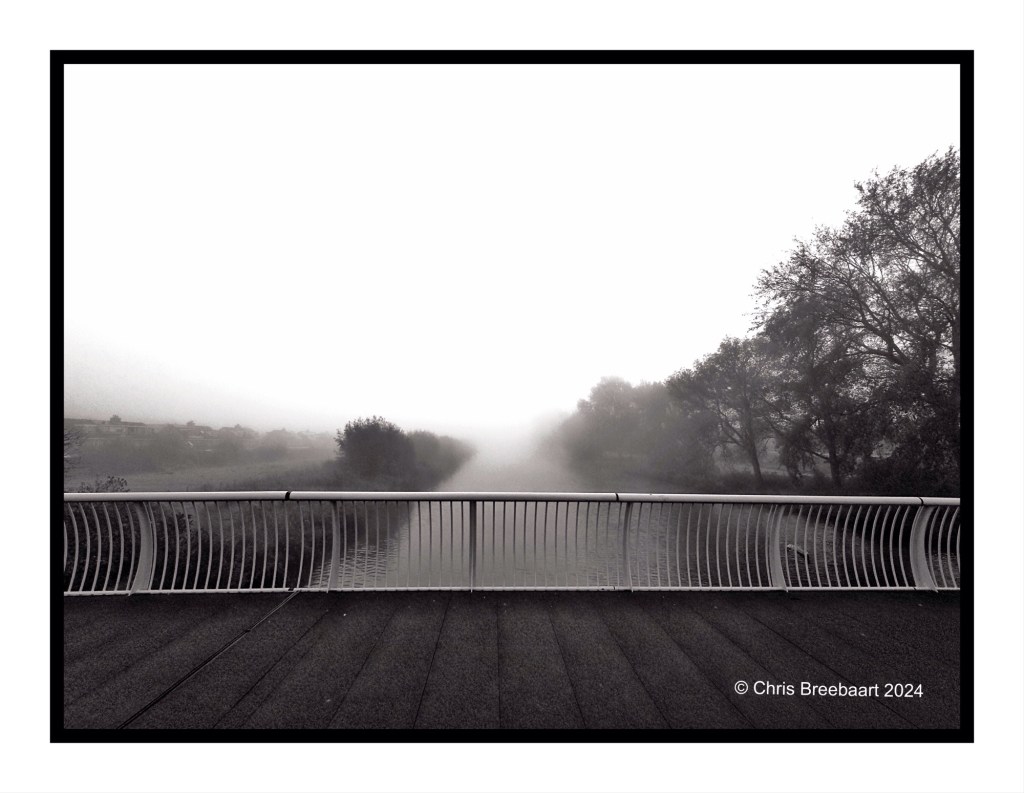
Shot with iPhone 15 Pro Max edited using Snapseed, GrainLab and Marksta. Click the picture for a larger version.
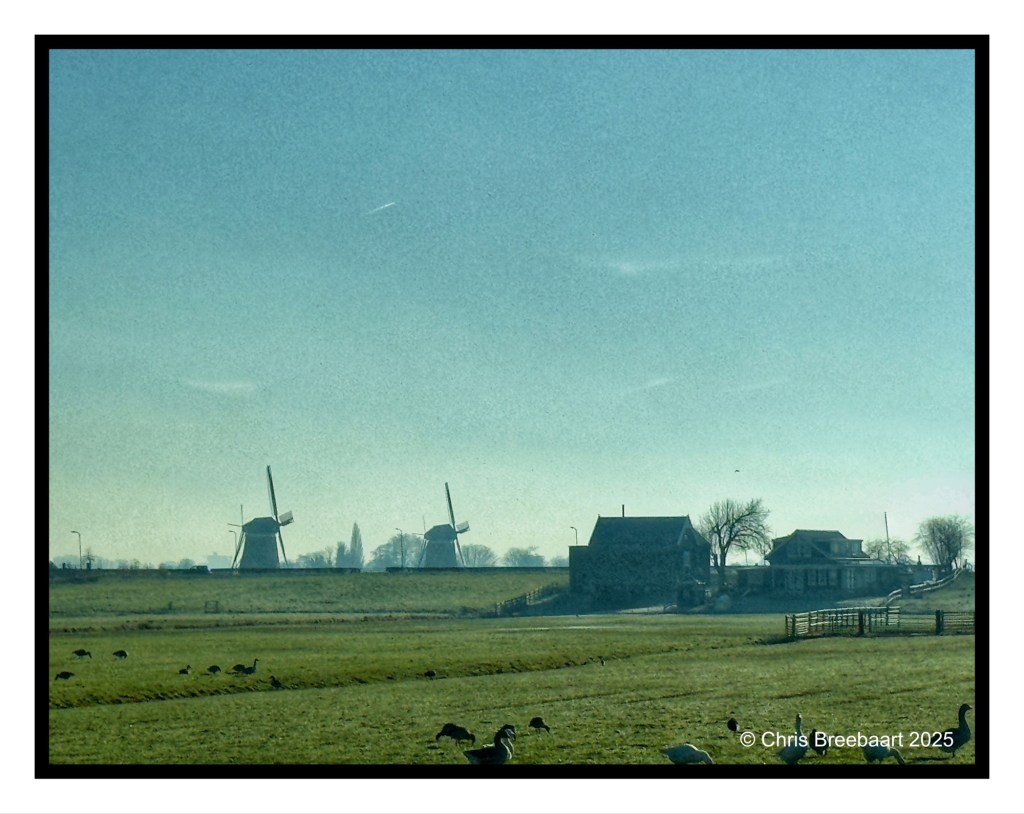
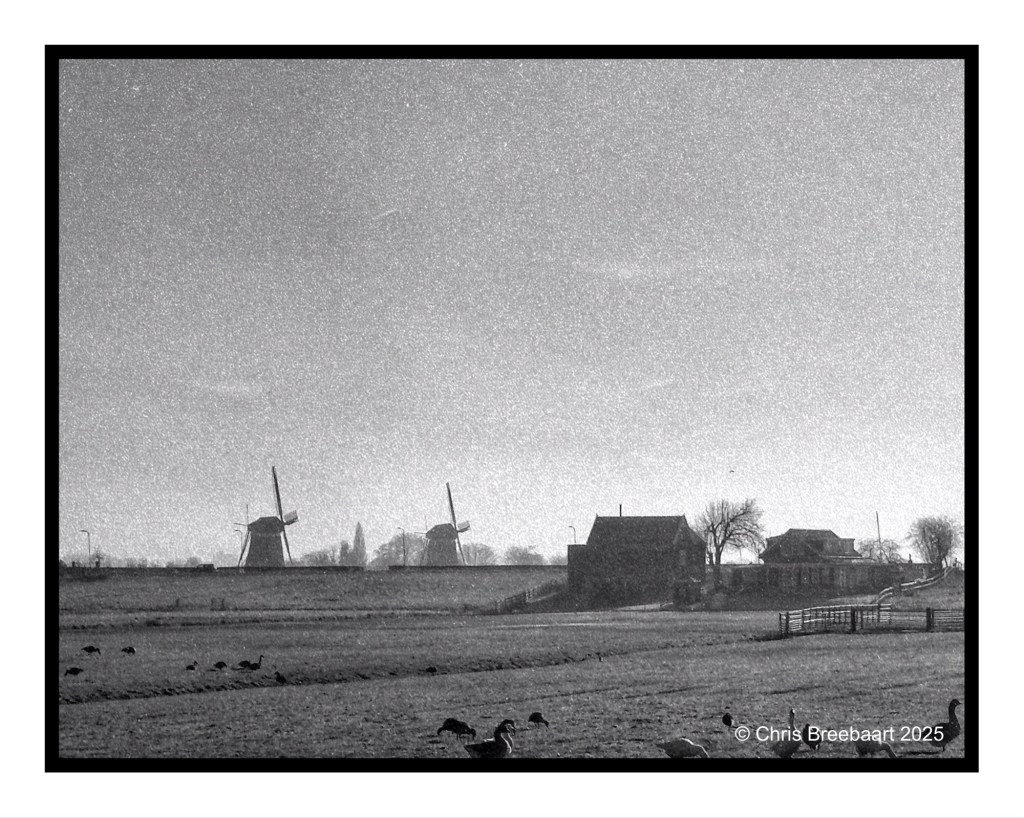
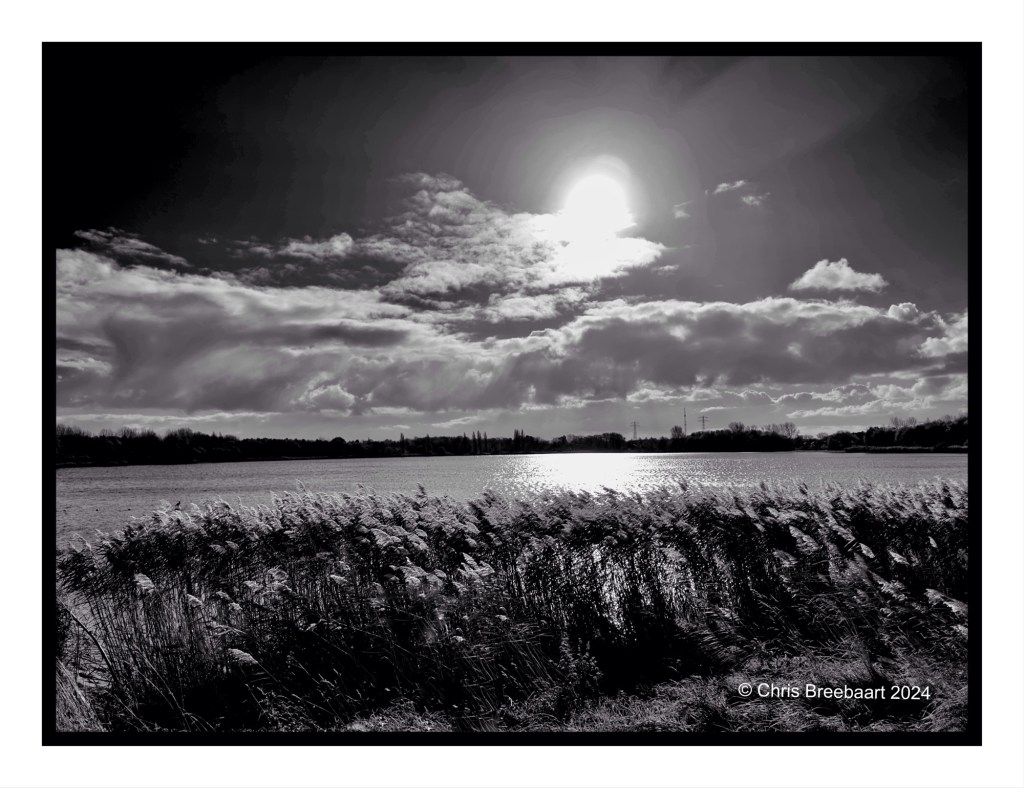
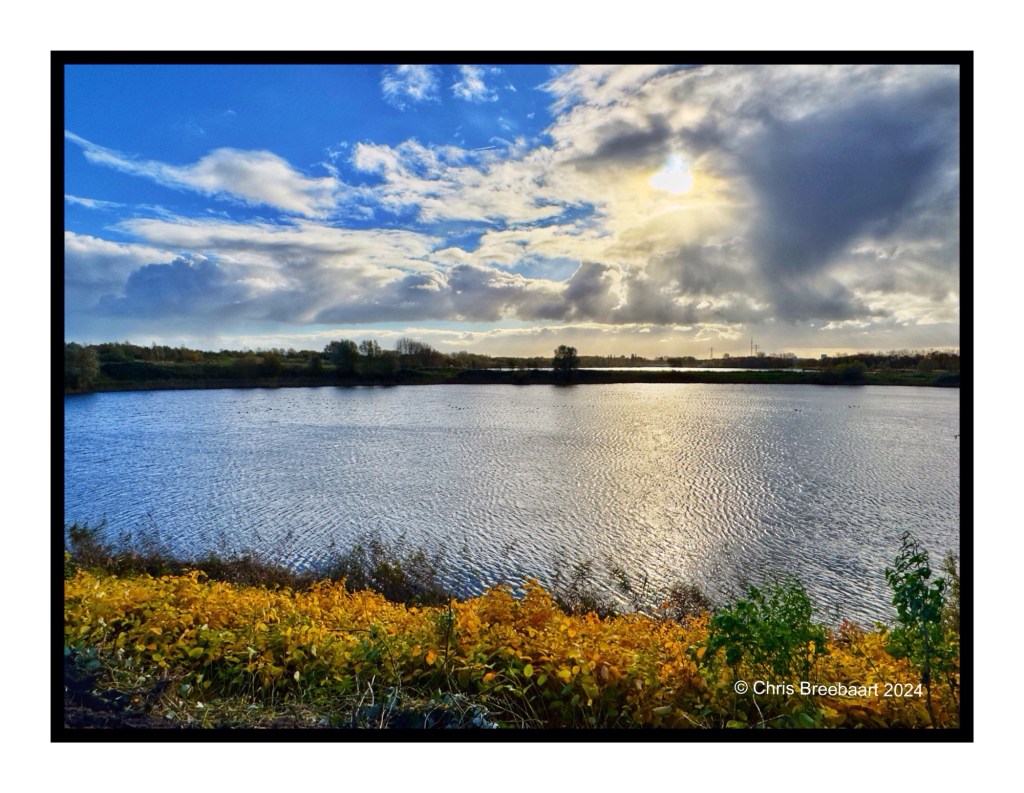
This week Lens Artist Photo Challenge #335 is exploring color versus monochrome aka black and white. Compare a color photo with a monochrome print of it. What works better?
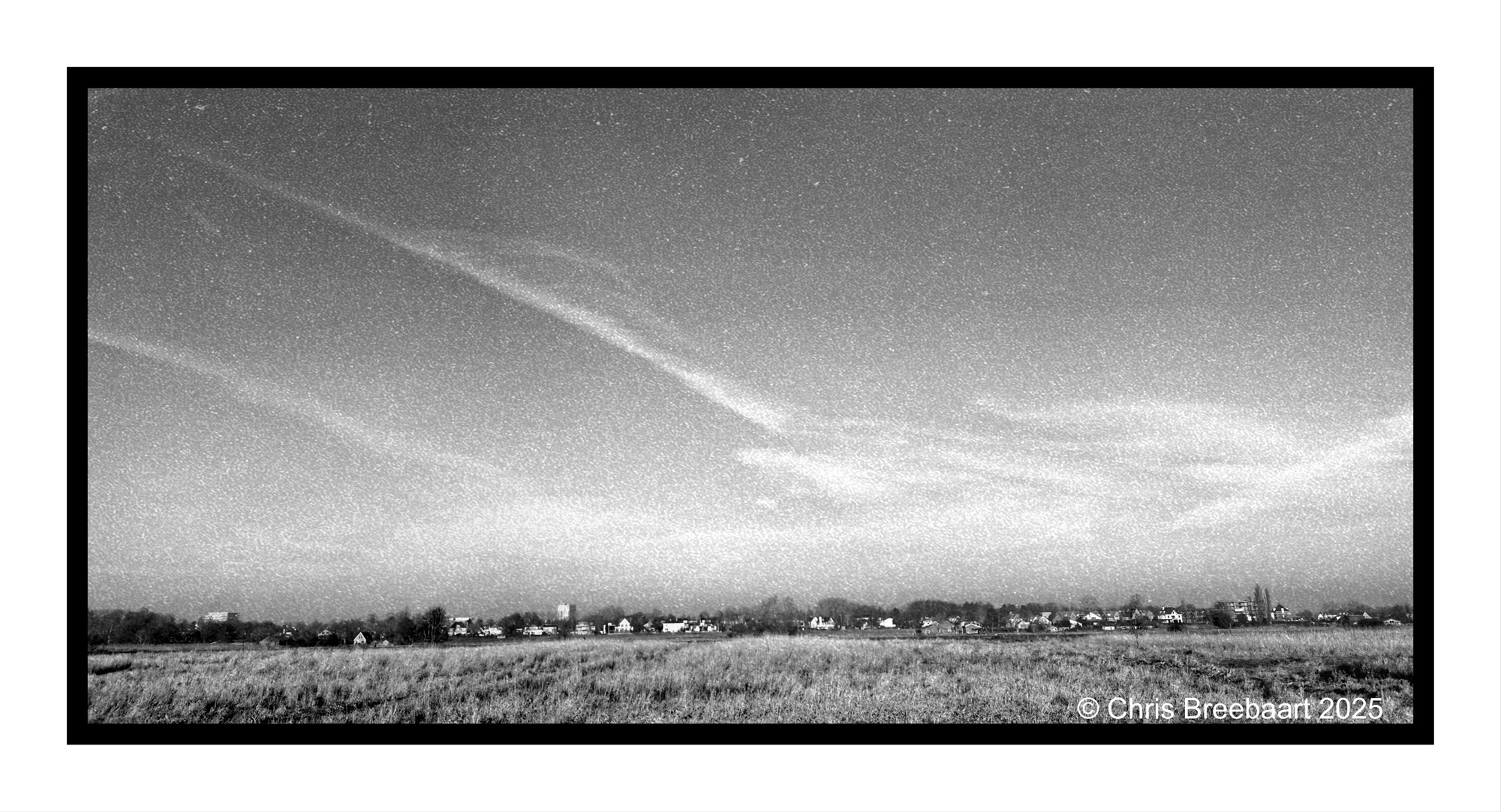
Two landscapes, originally shot in color. I do prefer the monochrome version. That was tweaked with GrainLab.
Yesterday I publiced this one in color. I do like it, the bleak colors of Winter light are nice. But I prefer this mono version, even if it was originally shot in color. The dark spots are much more toned and I do like the grain feel of Kodak Tri X.
Shot with iPhone 15 Pro Max edited using Snapseed, GrainLab and Marksta. Click the picture for a larger version.

This week Lens Artist Photo Challenge #335 is exploring color versus monochrome aka black and white. Compare a color photo with a monochrome print of it. What works better?
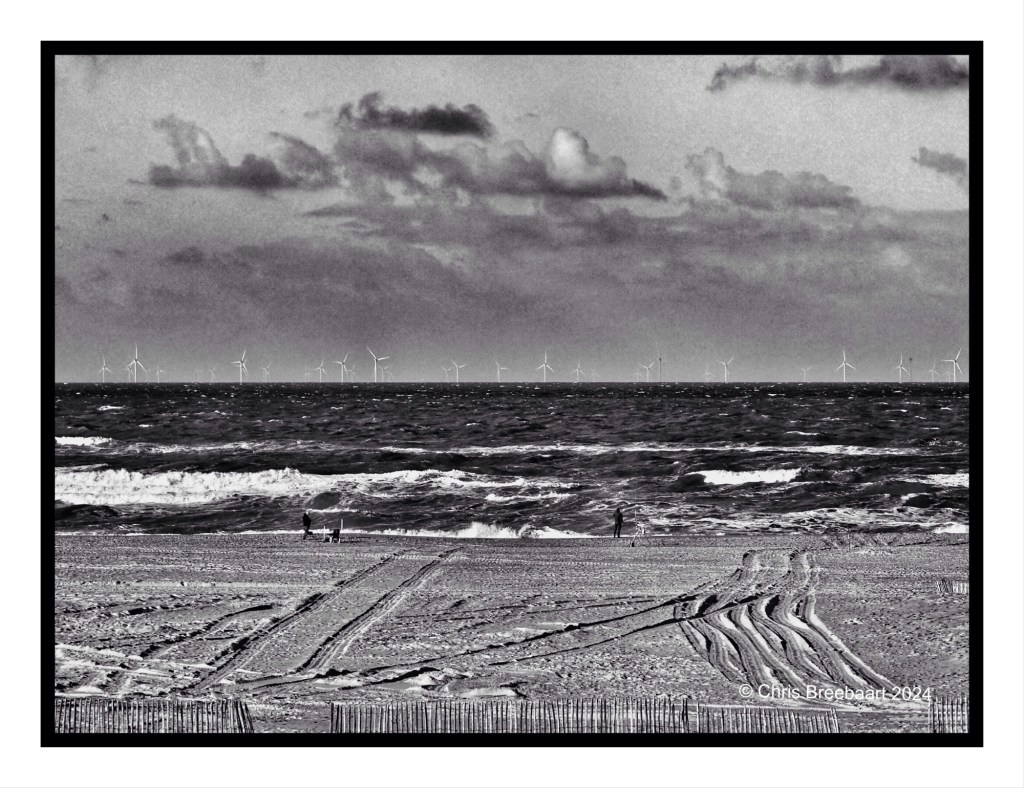
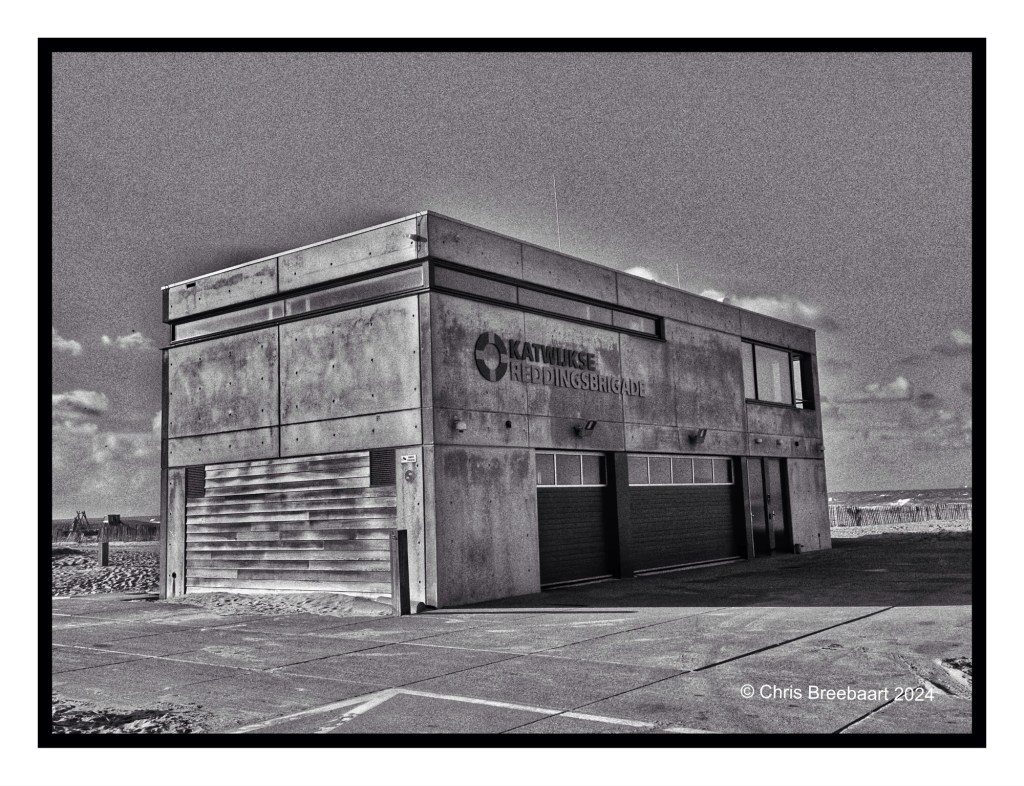
I tend to think in black and white at most moments. Just my preference. And if I can I shoot just in a mono mode on my iPhone or my recent purchased Nikon Zf.
Yesterday I publiced this one in color. I do like it, the bleak colors of Winter light are nice. But I prefer this mono version, even if it was originally shot in color,
Shot with iPhone 15 Pro Max edited using Snapseed, GrainLab and Marksta. Click the picture for a larger version.
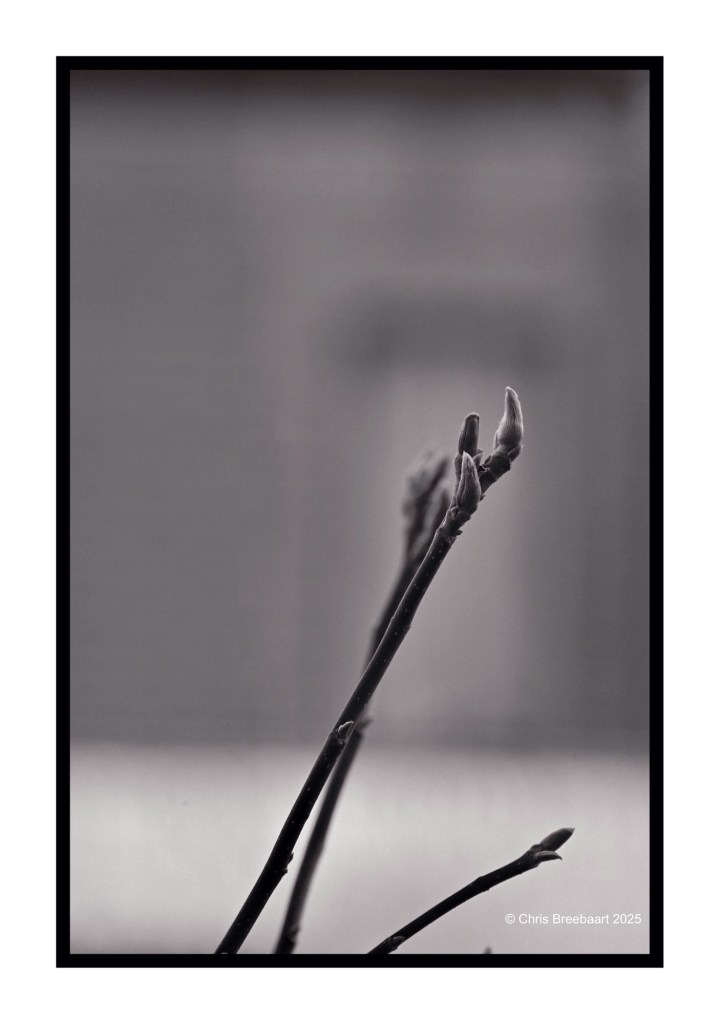
Shot with iPhone 15 Pro Max edited using Snapseed, GrainLab and Marksta. Click the picture for a larger version


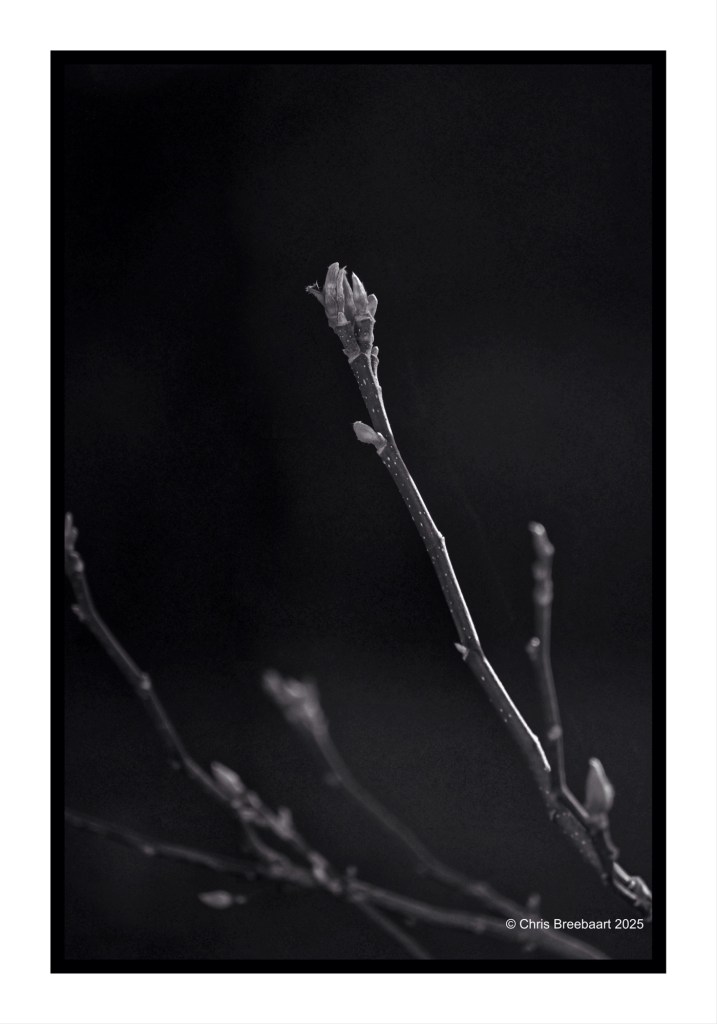
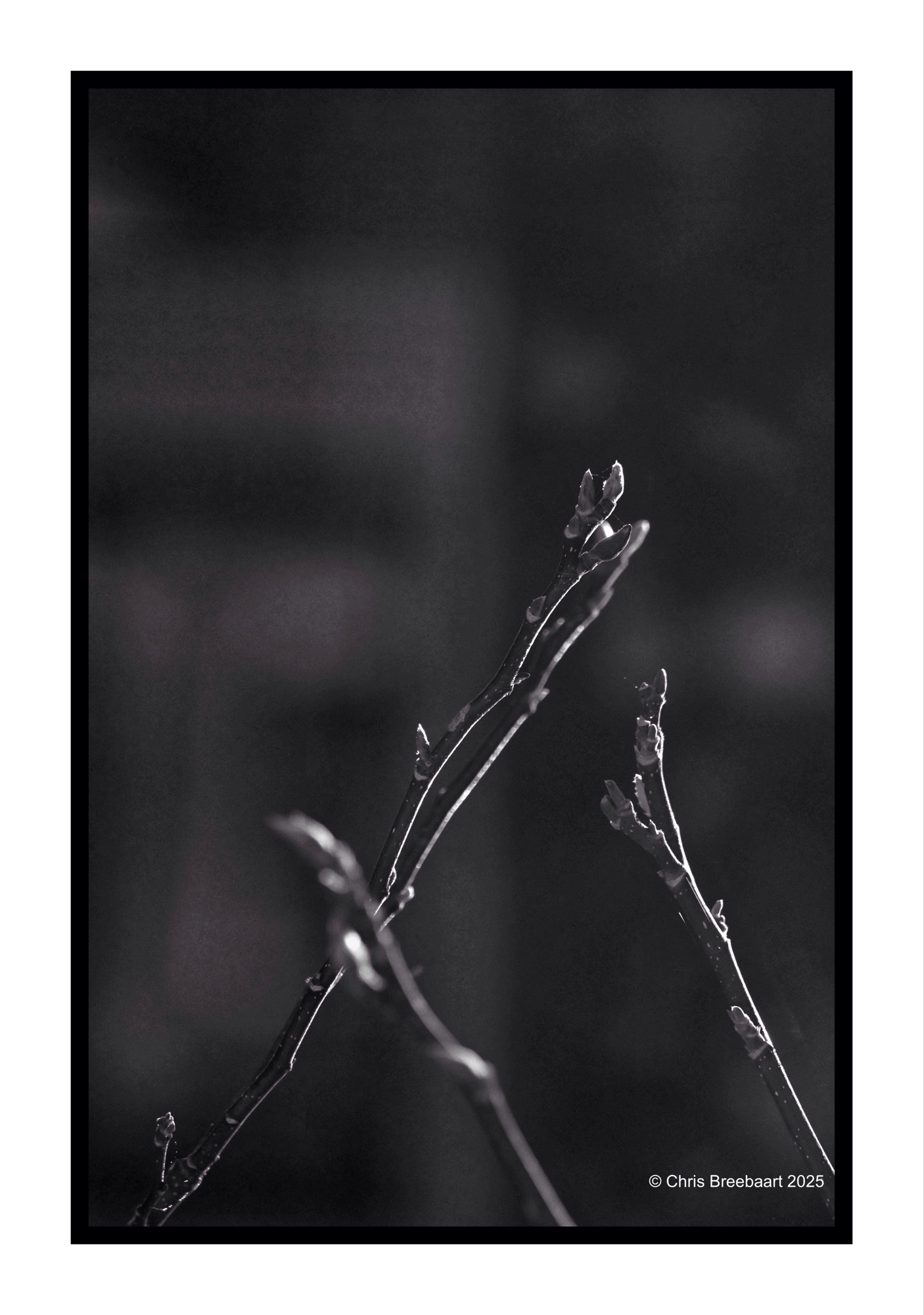
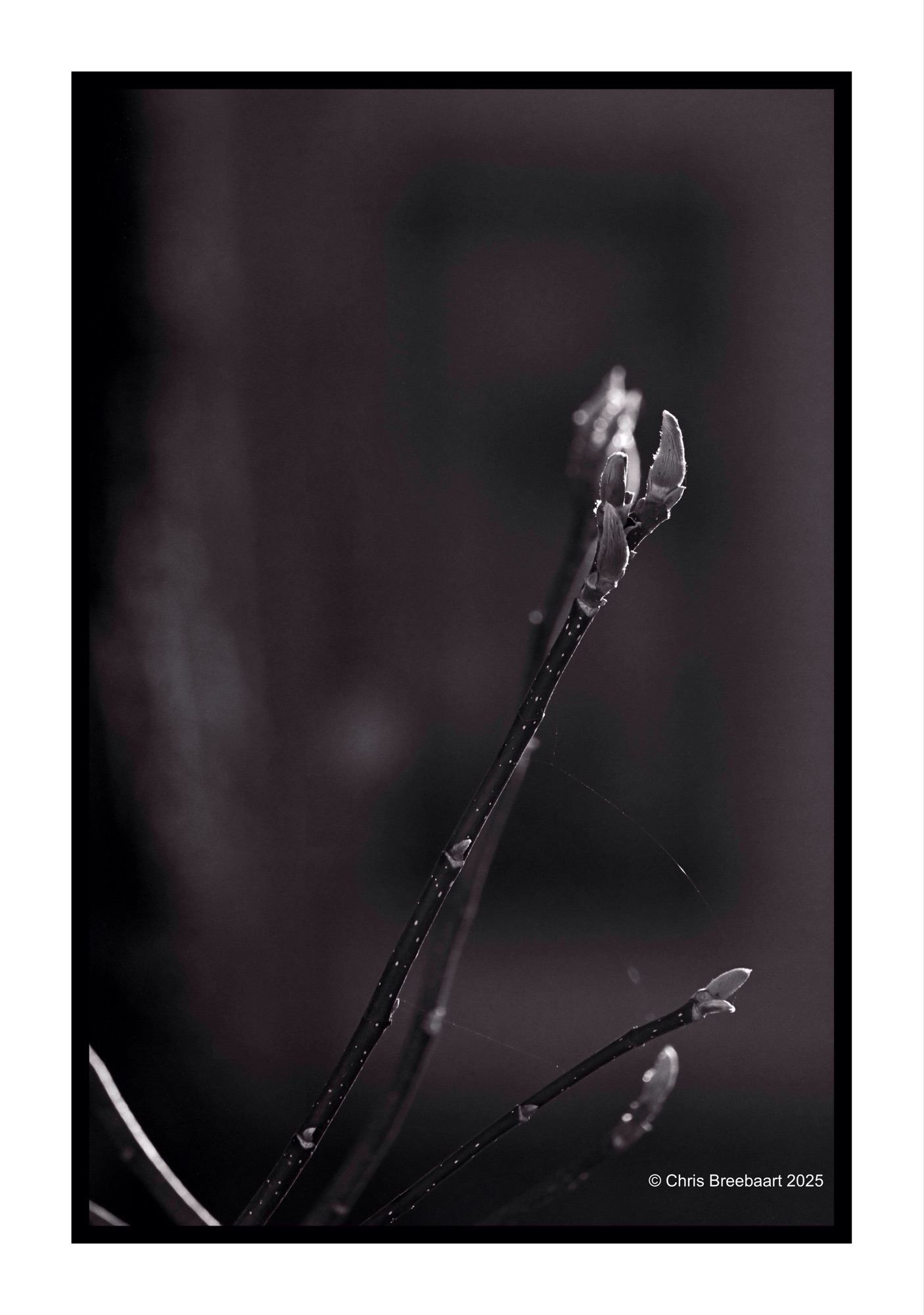
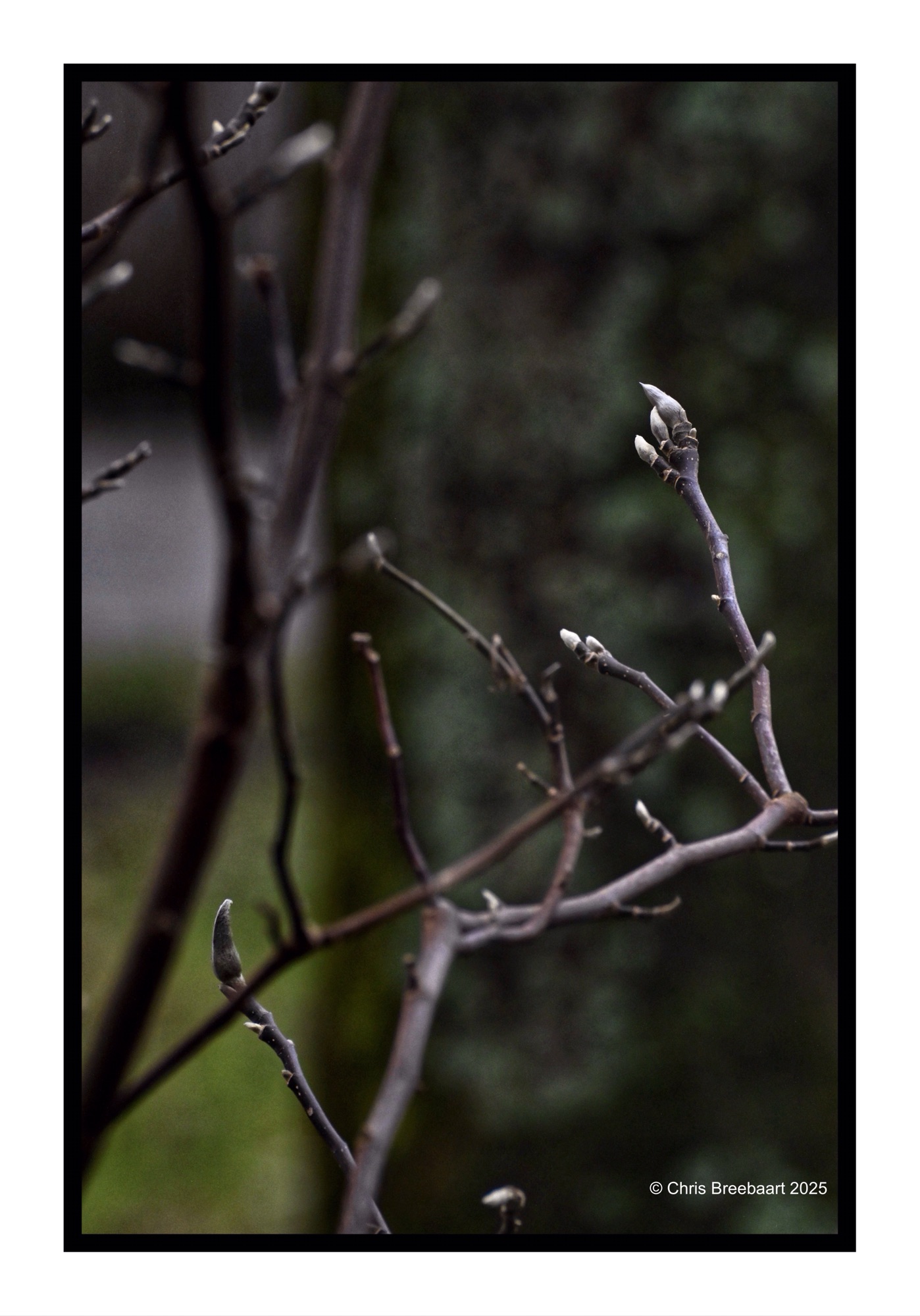
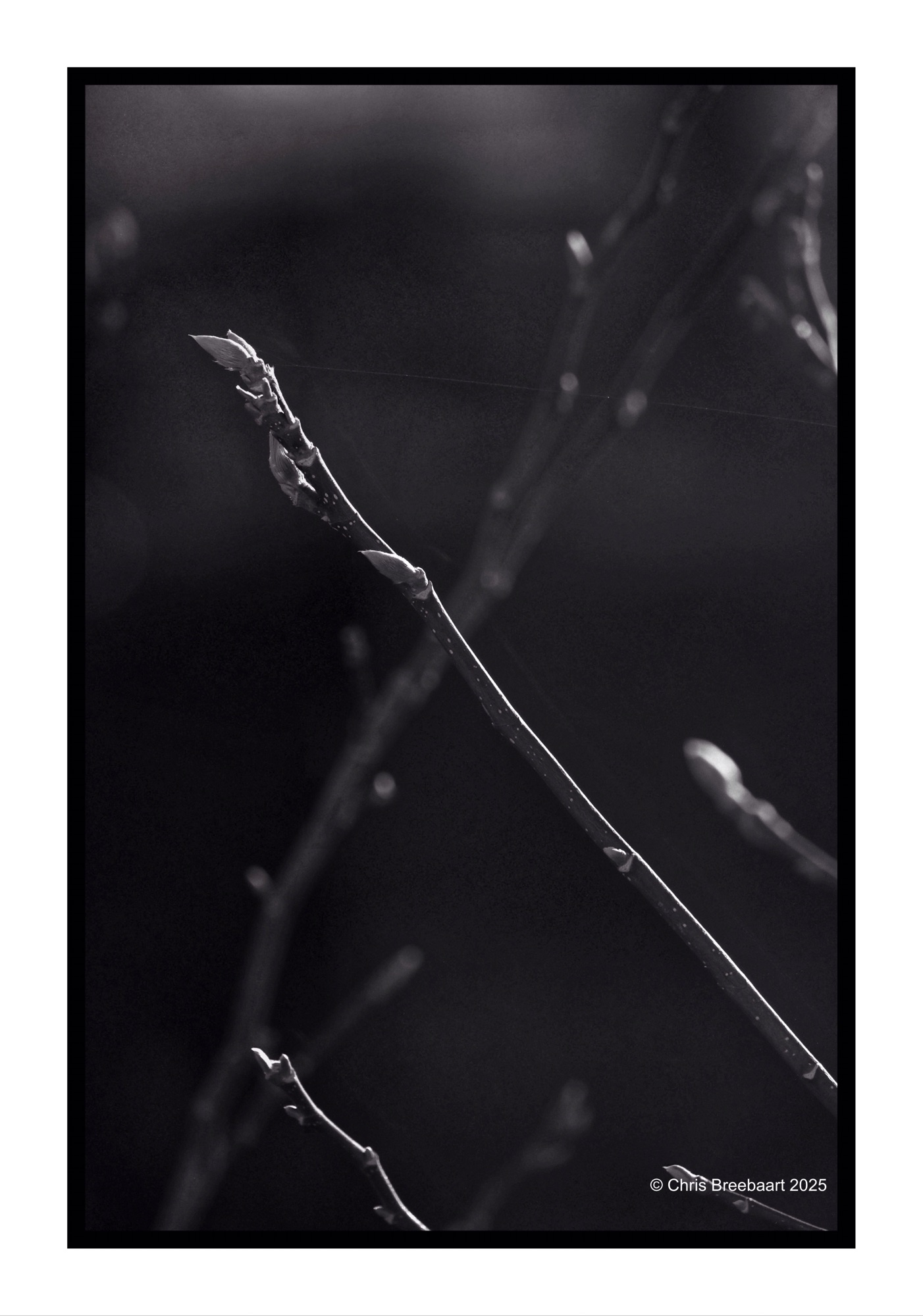
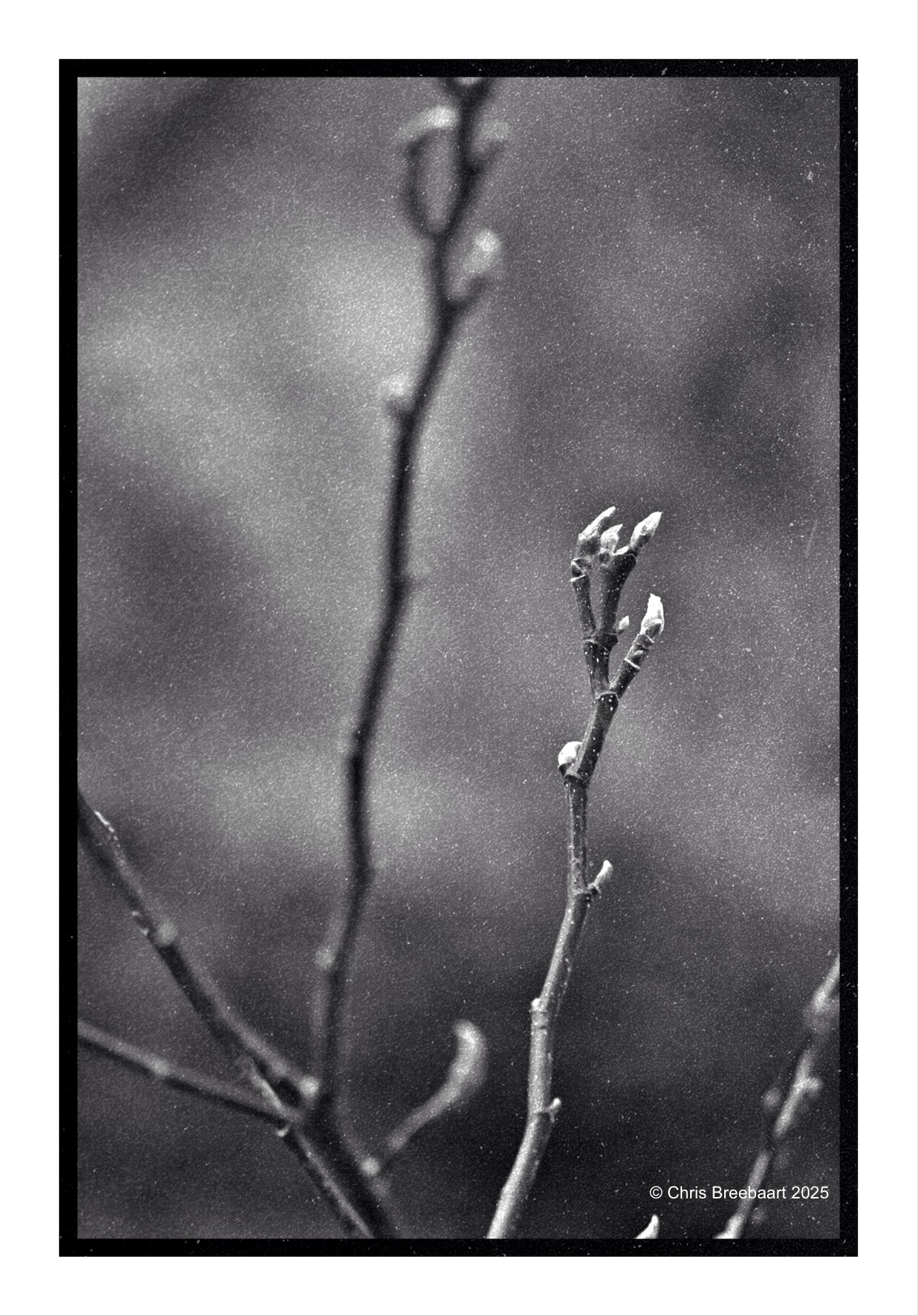
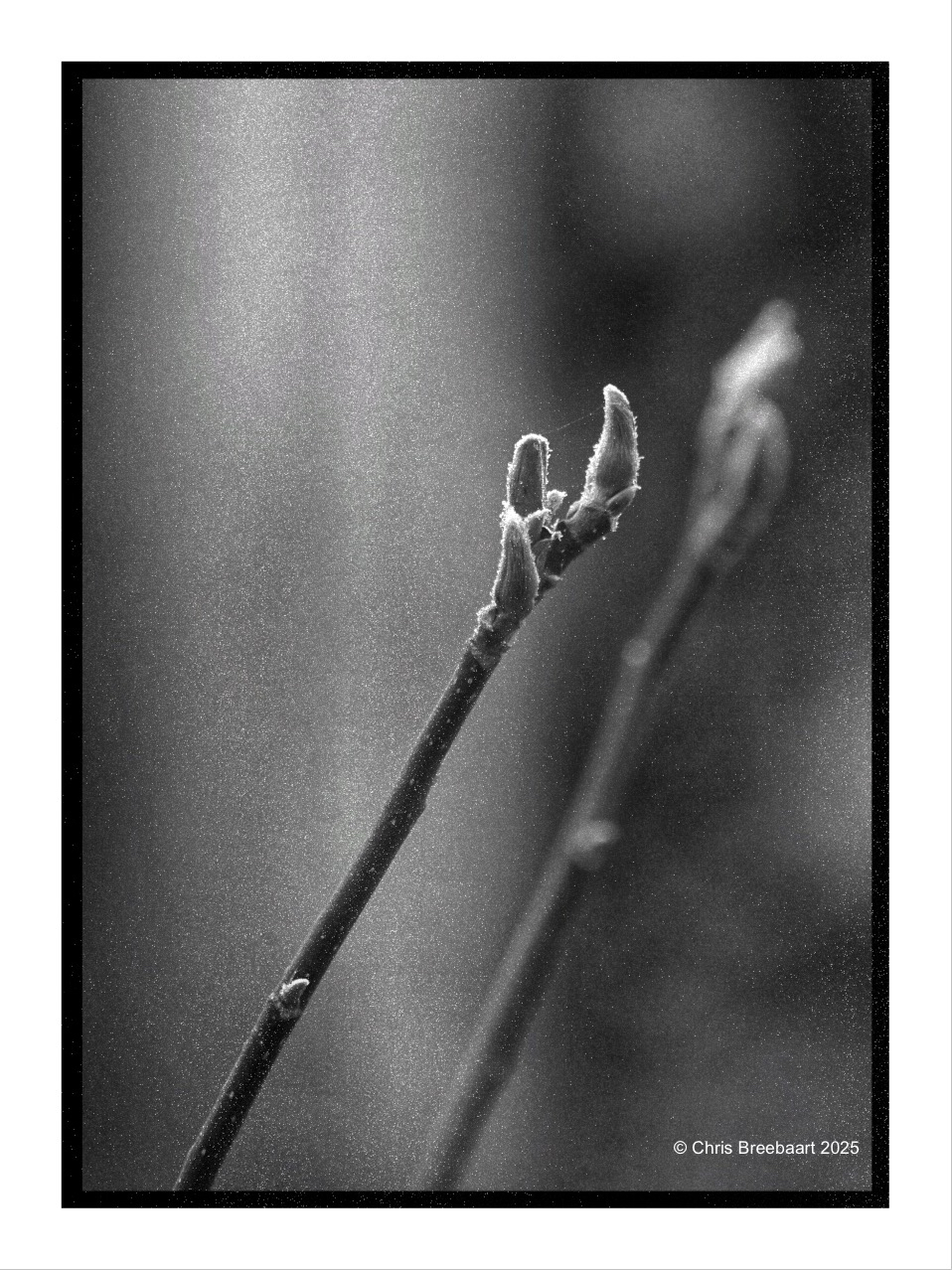
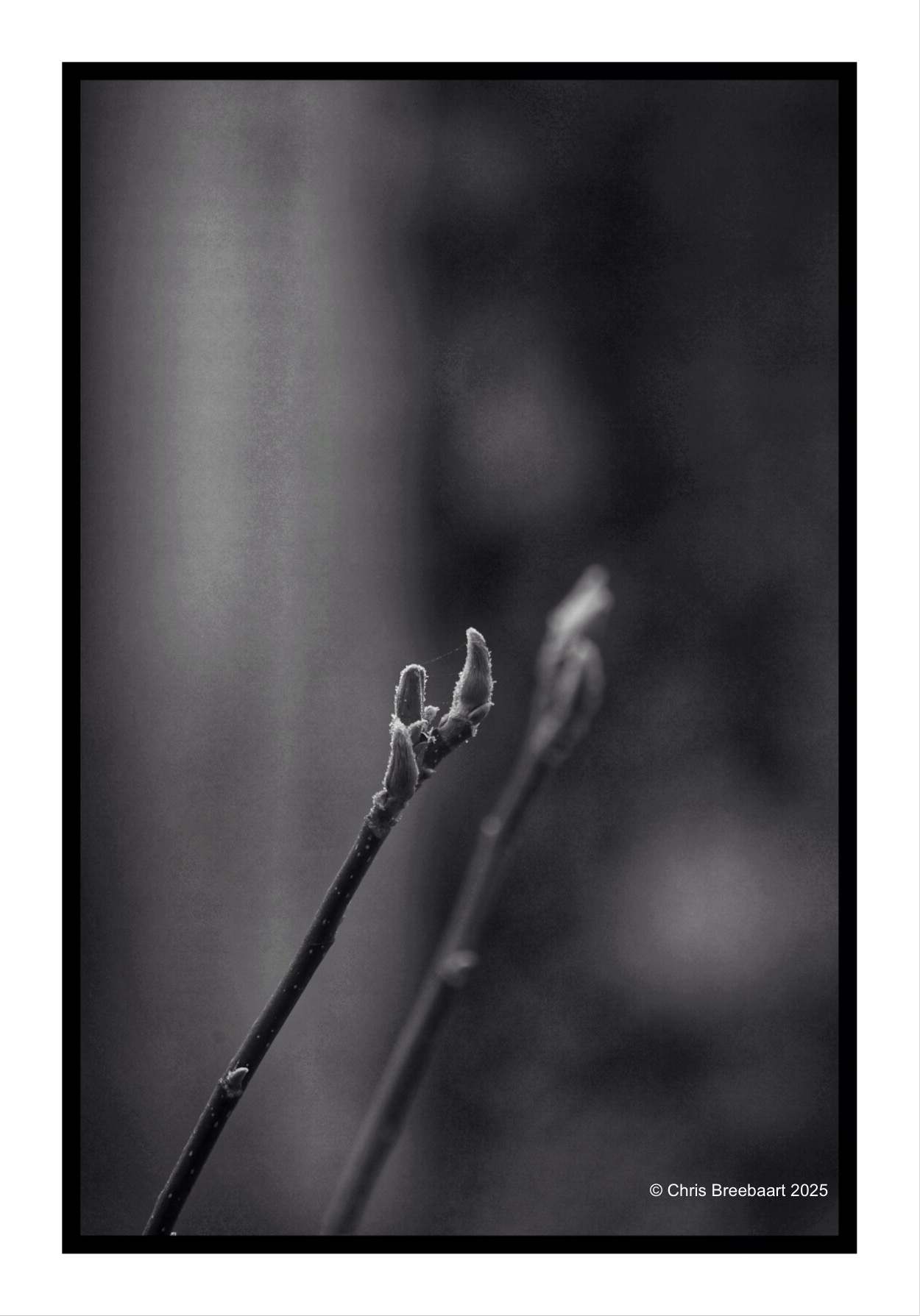
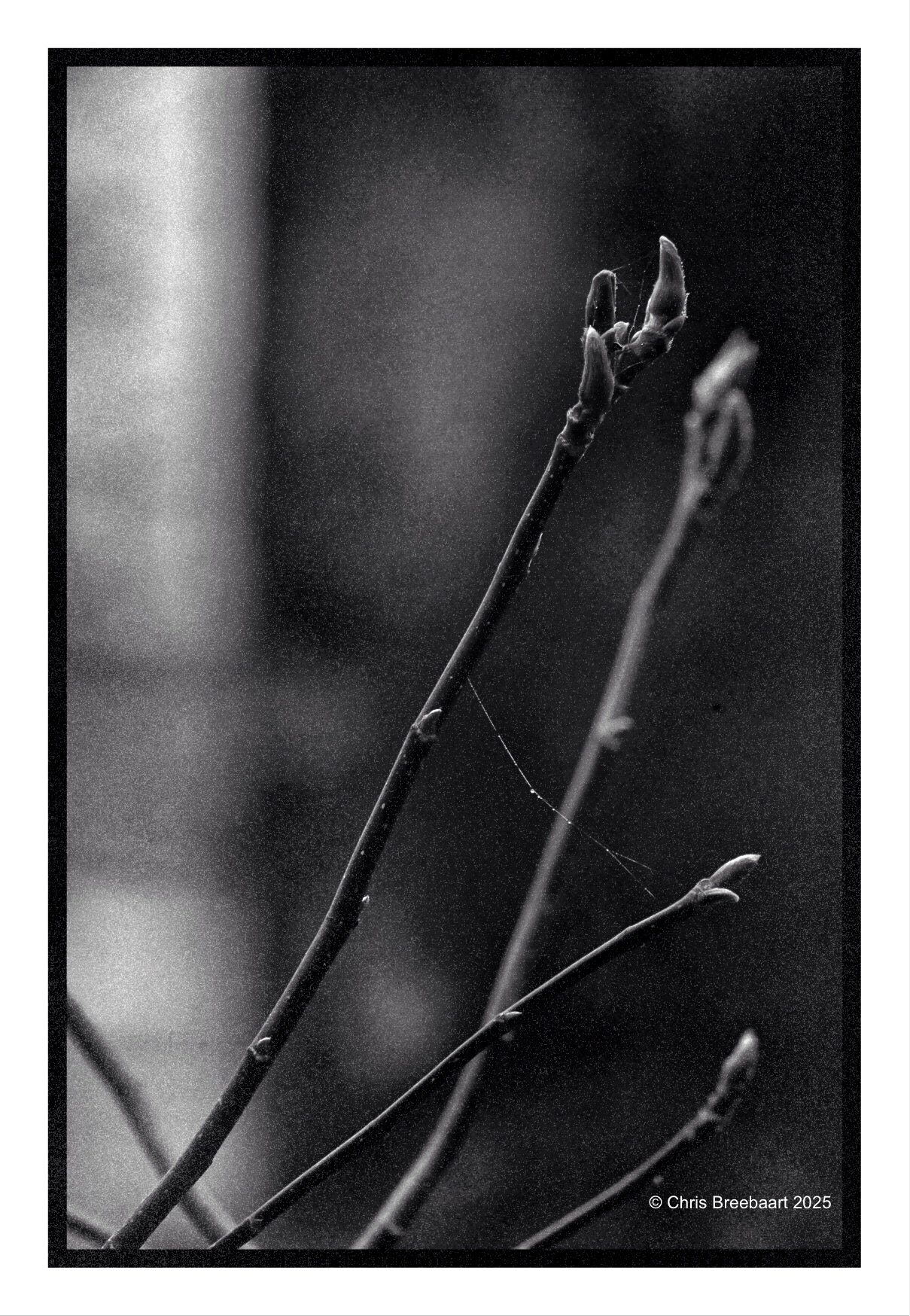
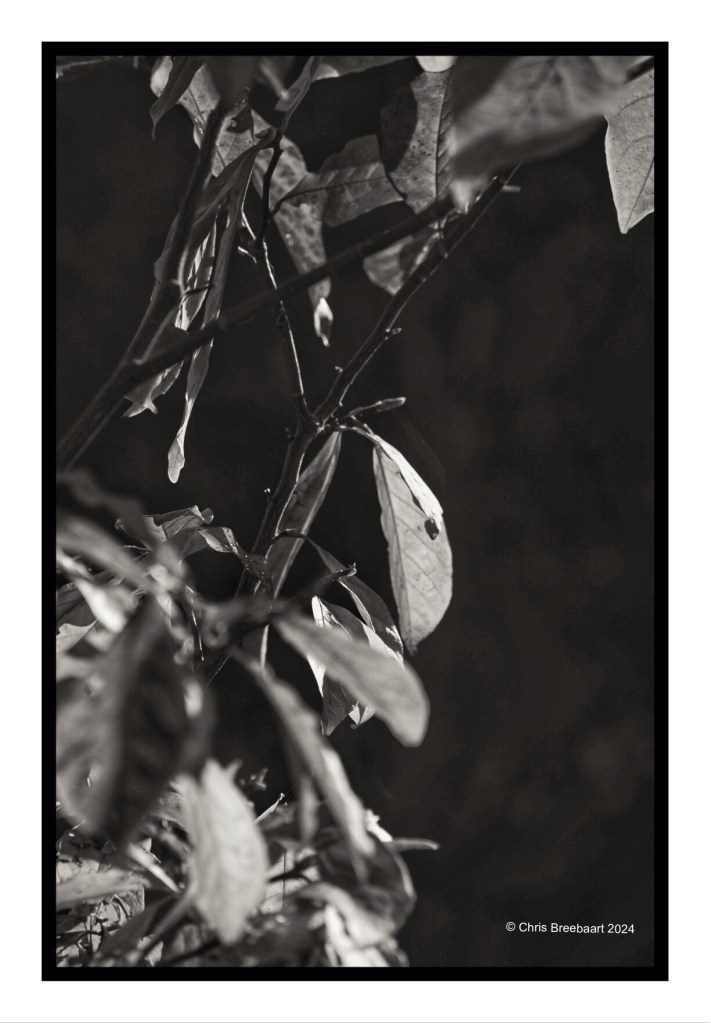
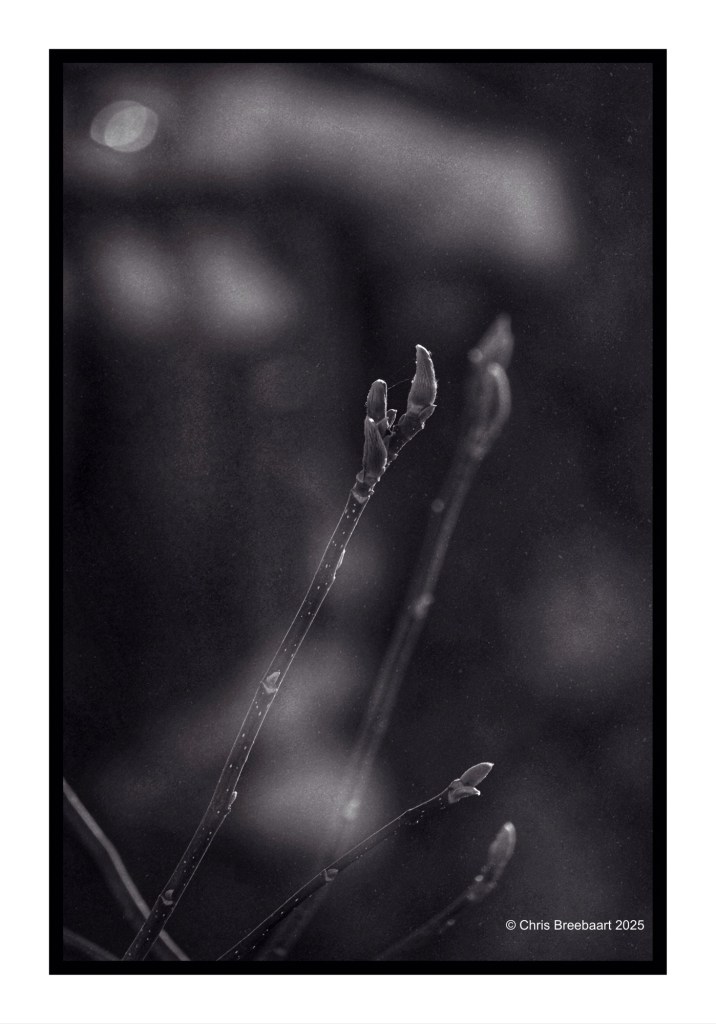
The Magnolia in the front garden is slowly waking up from Winter.
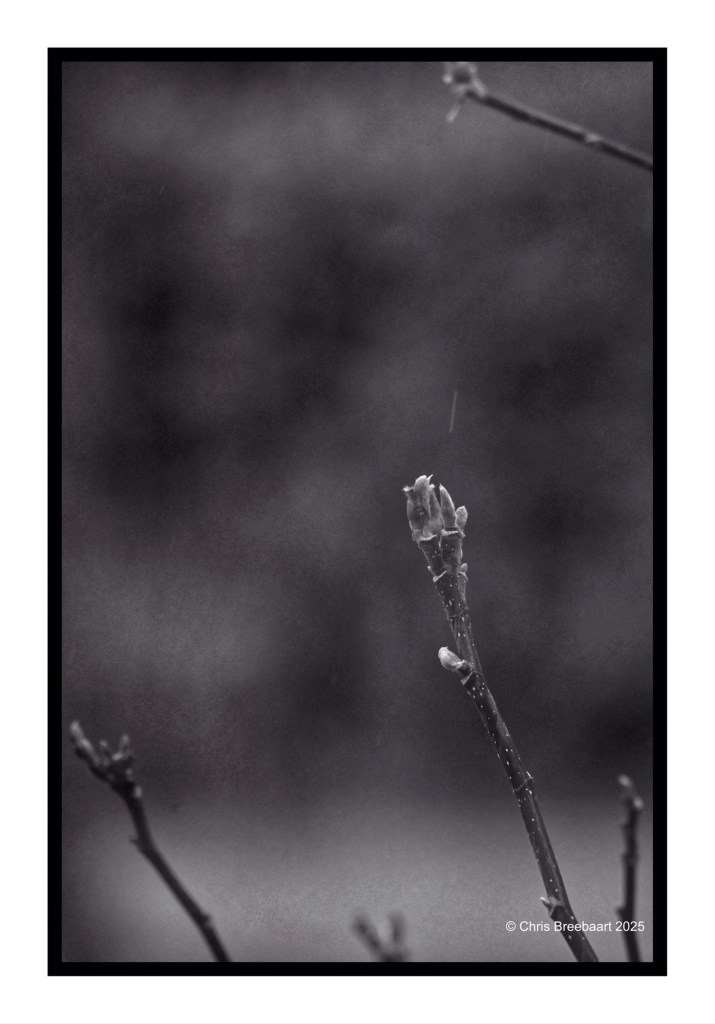
Shot with Nikon Zf, edited using Snapseed, GrainLab and Marksta. Click the picture for a larger version.
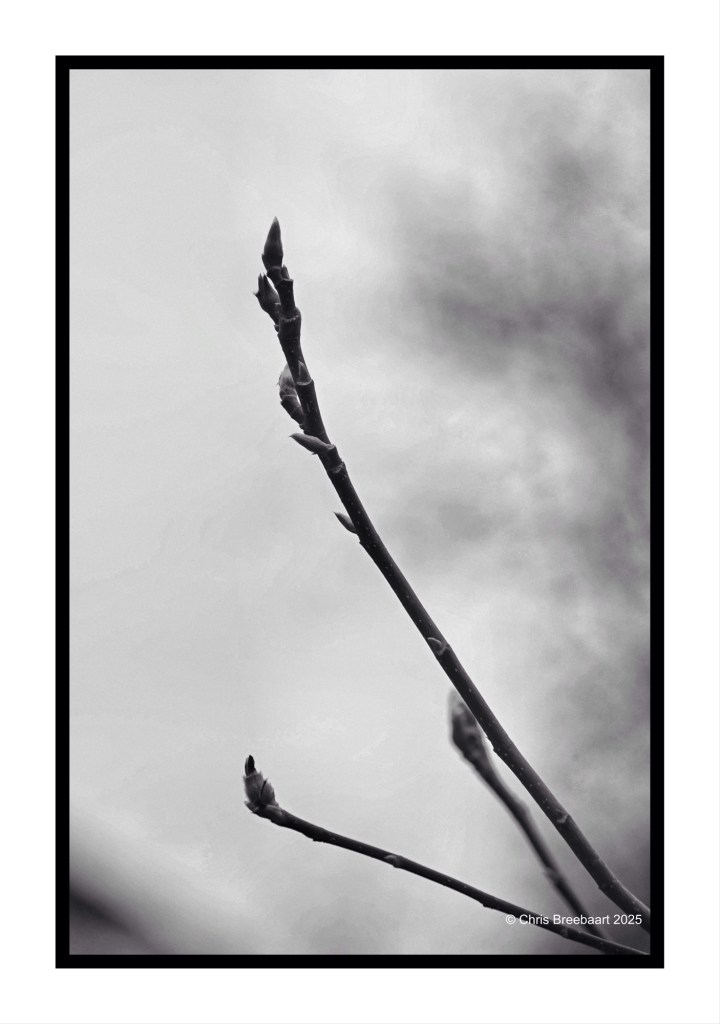
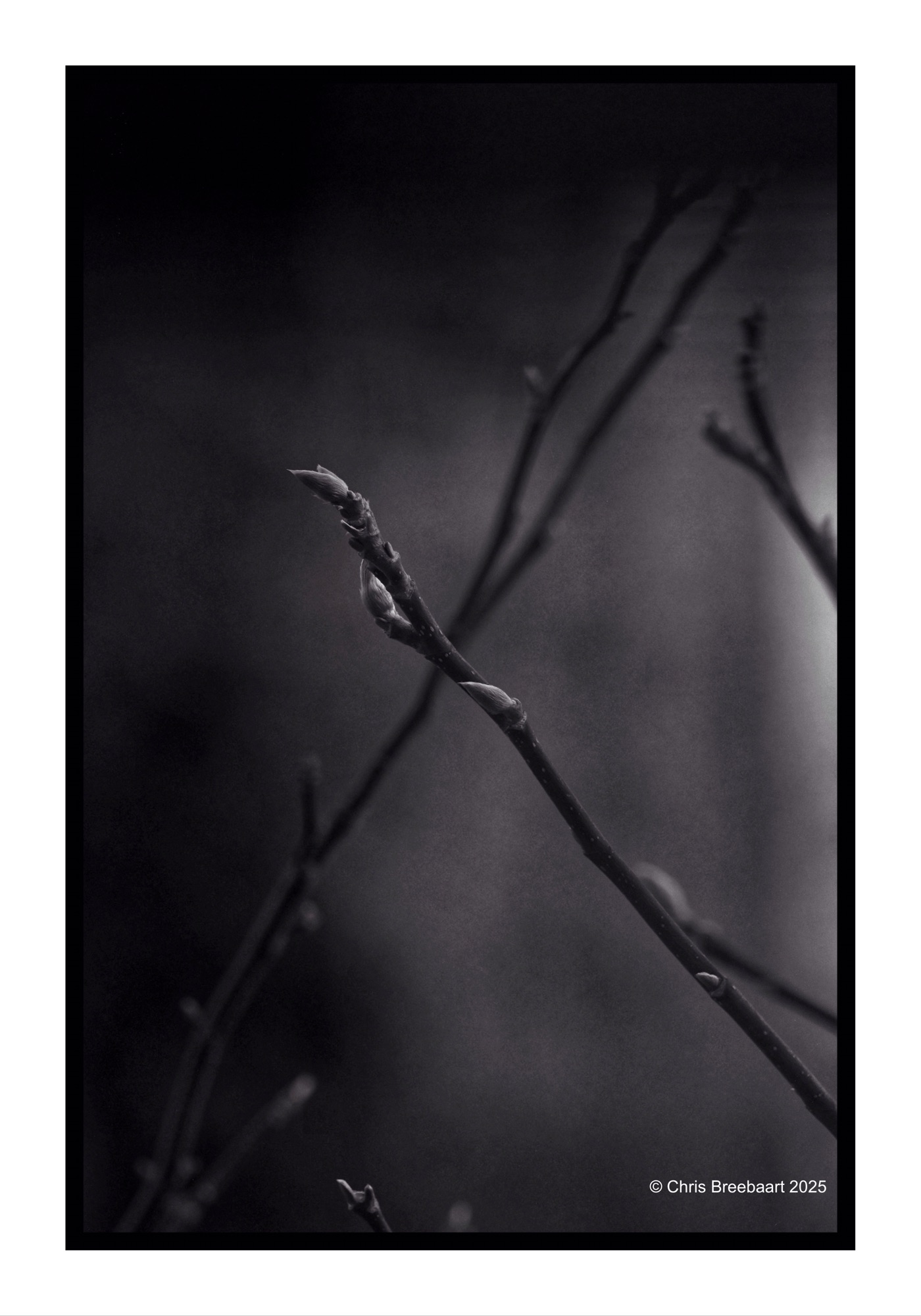
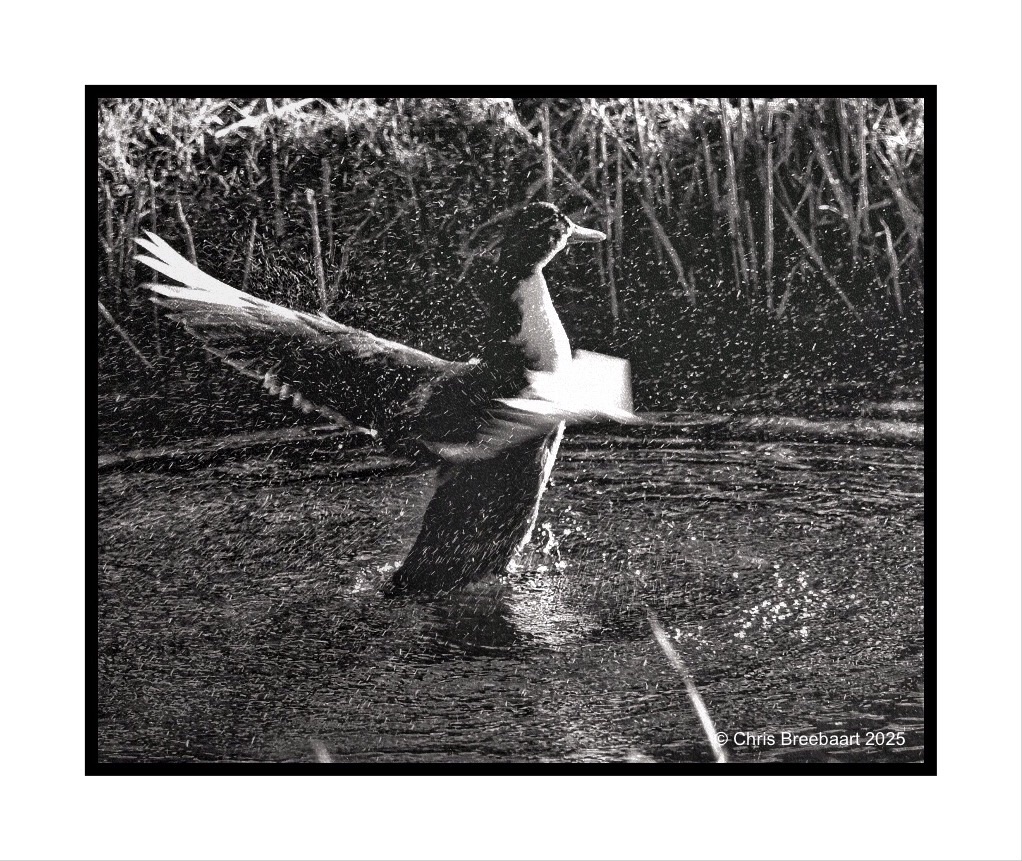
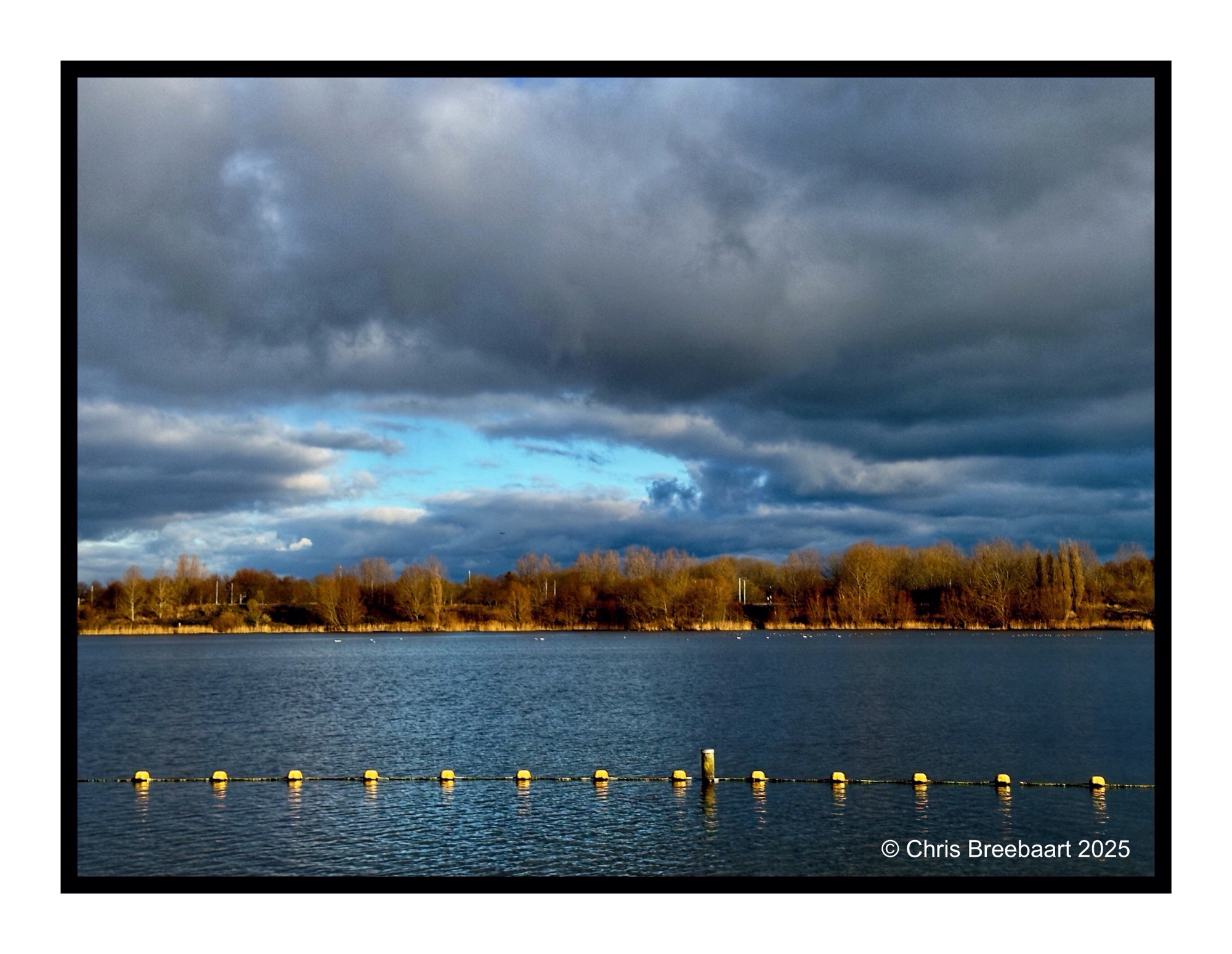
A wet Winter.
Shot with Nikon Zf, edited using Snapseed, GrainLab and Marksta. Click the picture for a larger version.
Shot with iPhone 15 Pro Max edited using Snapseed and Marksta Click the picture for a larger version
Shot with iPhone 15 Pro Max edited using Snapseed, GrainLab and Marksta. Click the picture for a larger version
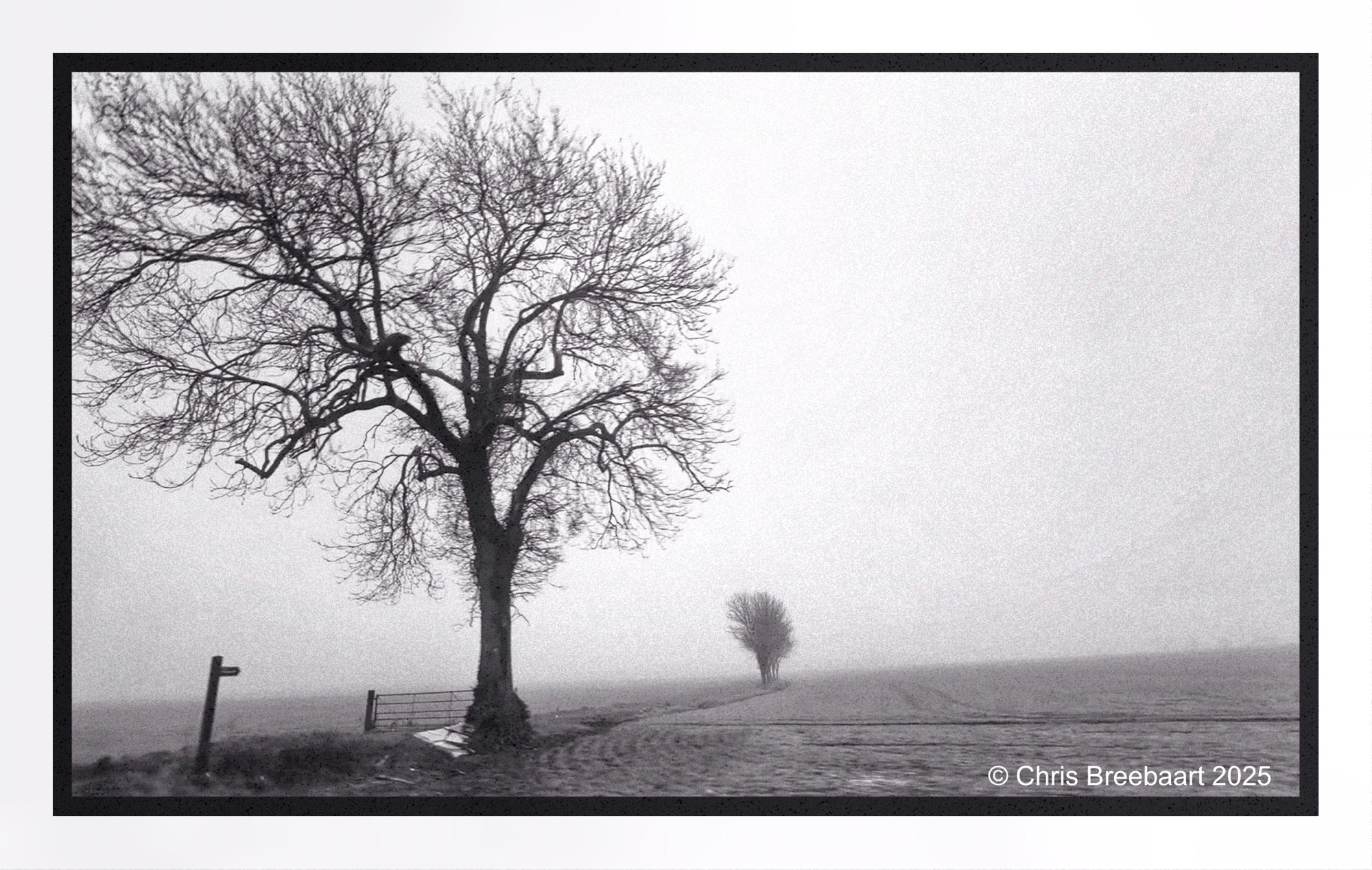
Ending the year in the UK, a roadside view from the car over a foggy Essex countryside. Hence the sharpness is not optimal.
Shot with iPhone 15 Pro Max edited using Snapseed, GrainLab and Marksta Click the picture for a larger version
Ending the year in the UK, a roadside view from the car over a foggy Suffolk countryside. Hence the sharpness is not optimal. This is another one I used GrainLab to put in an analogue grain feeling. It softened the darks and gave the photo a more balanced view in the highlights. Snapseed tends to distort big surfaces in the sky, and this is a nice retouch effect to repair that.
Shot with iPhone 15 Pro Max edited using Snapseed, GrainLab and Marksta Click the picture for a larger version
Ending the year in the UK, a roadside view from the car over a foggy Suffolk countryside. Hence the sharpness is not optimal. This is the first time I used GrainLab to put in an analogue grain feeling. It softened the darks and gave the photo a more balanced view in the highlights. Snapseed tends to distort big surfaces in the sky, and this is a nice retouch effect to repair that.
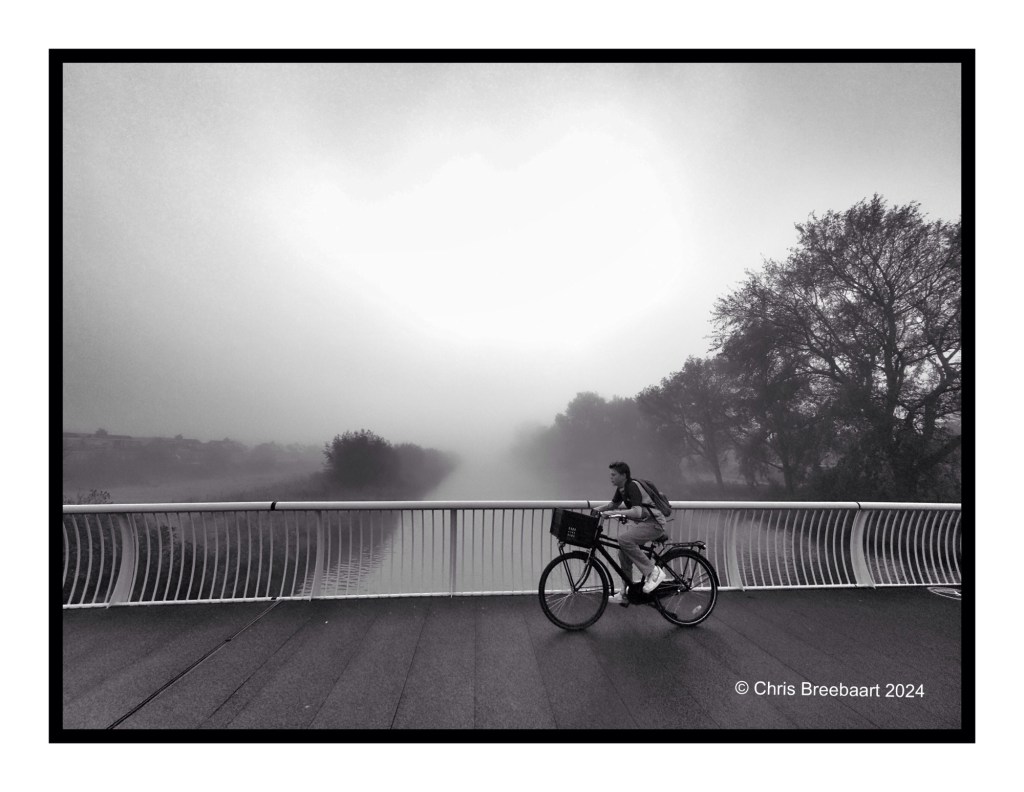
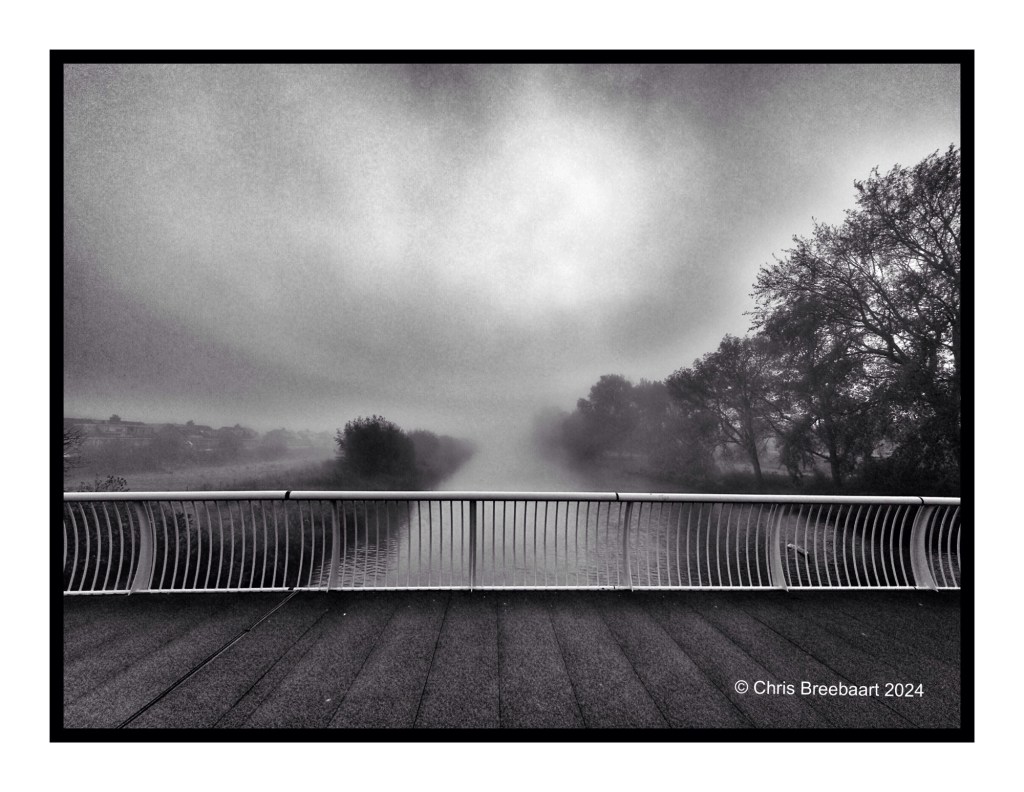
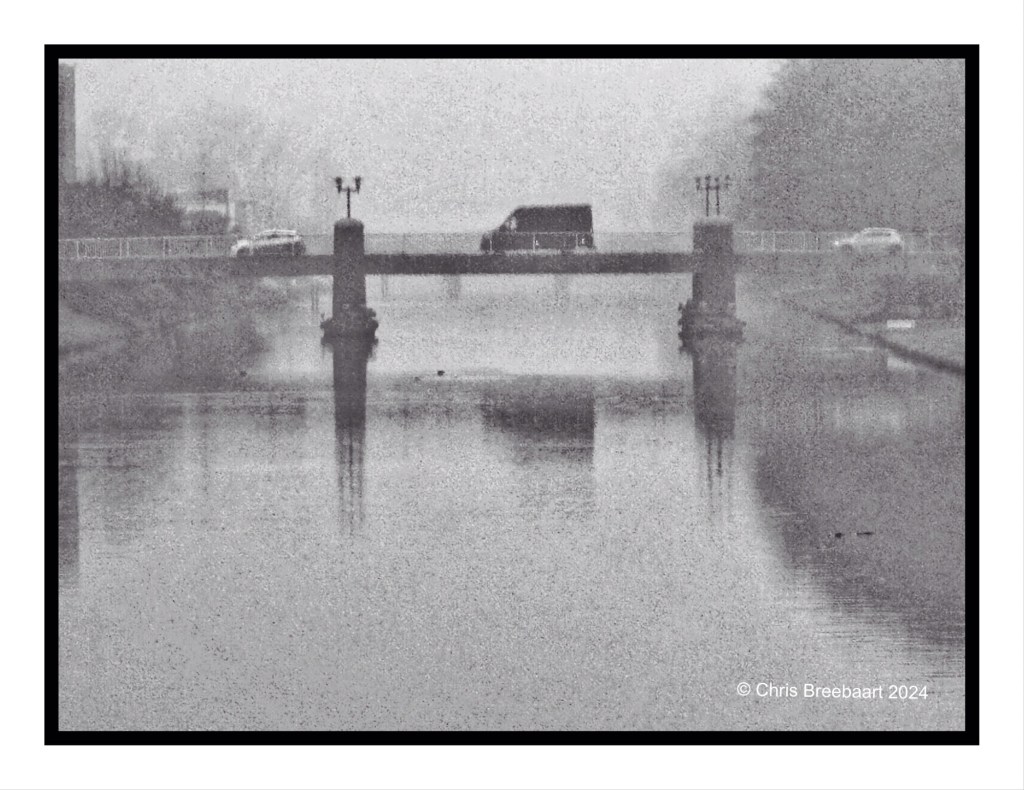
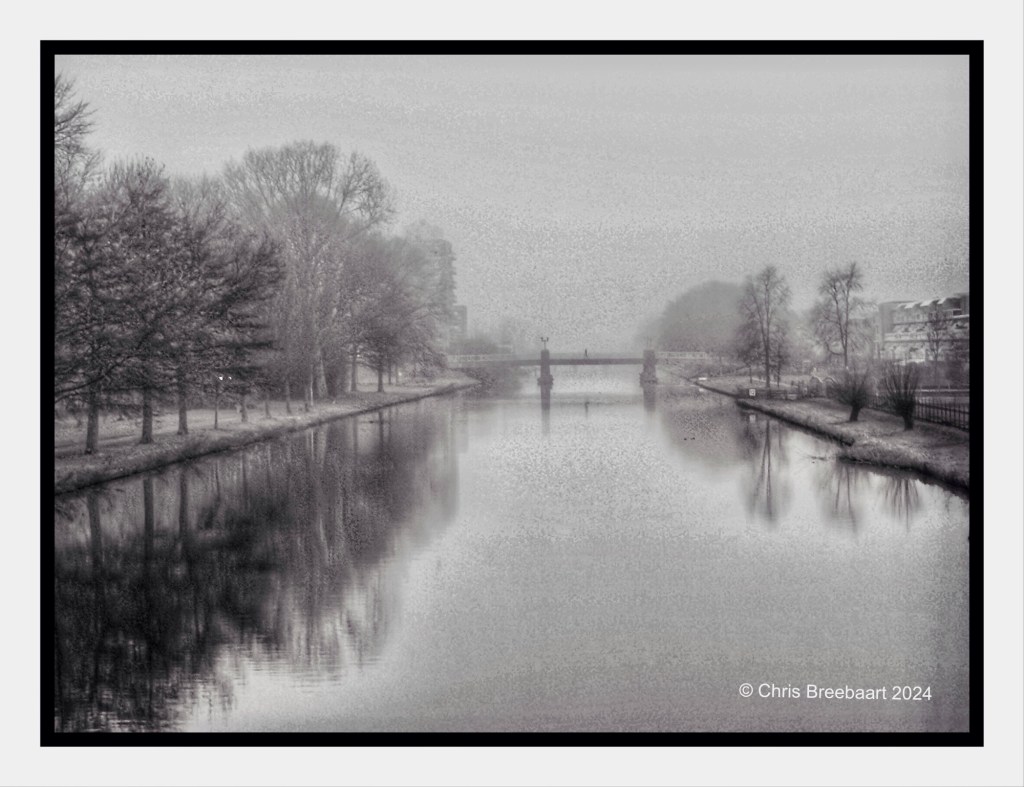
Shot with iPhone 15 Pro Max edited using Snapseed, GrainLab and Marksta Click the picture for a larger version
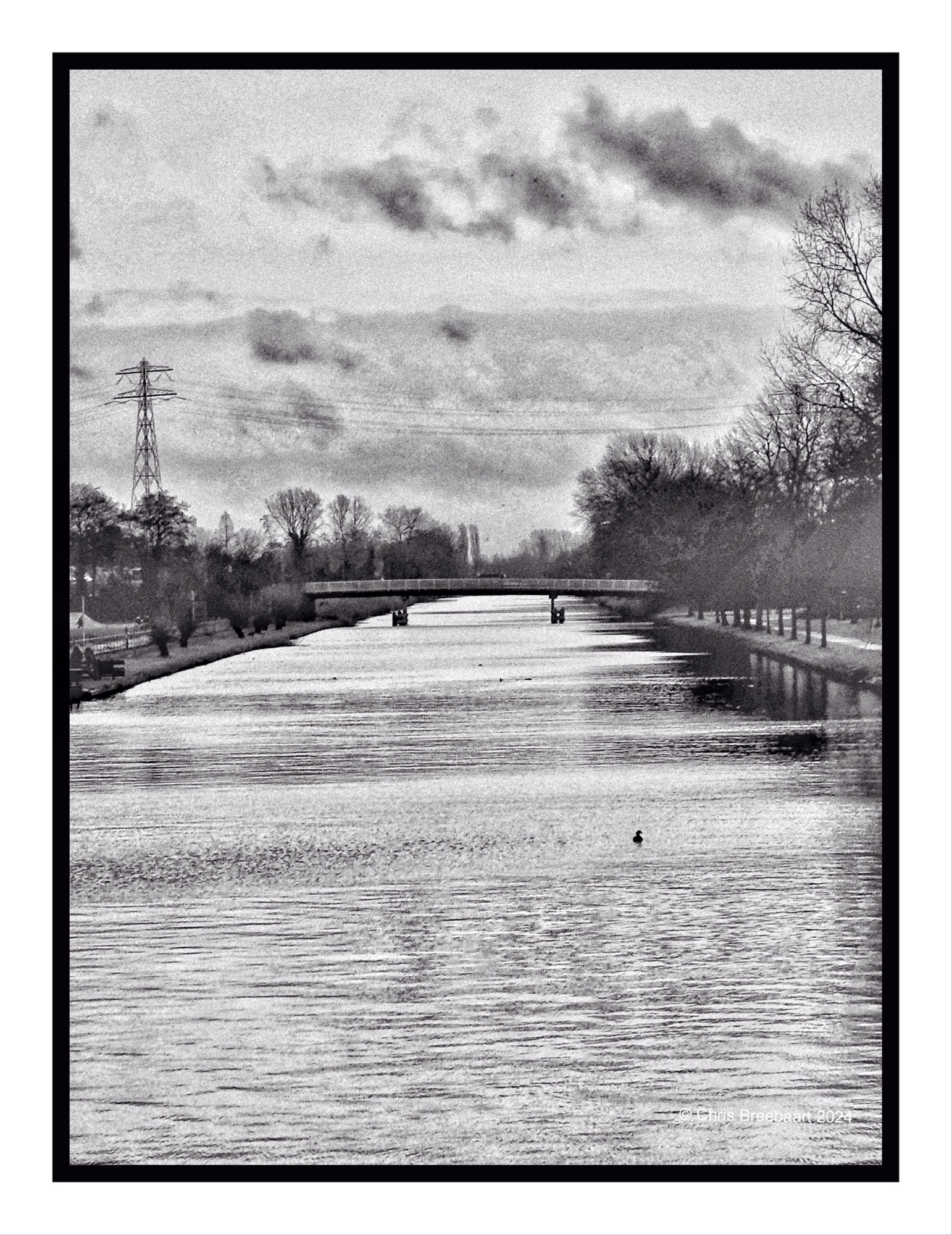
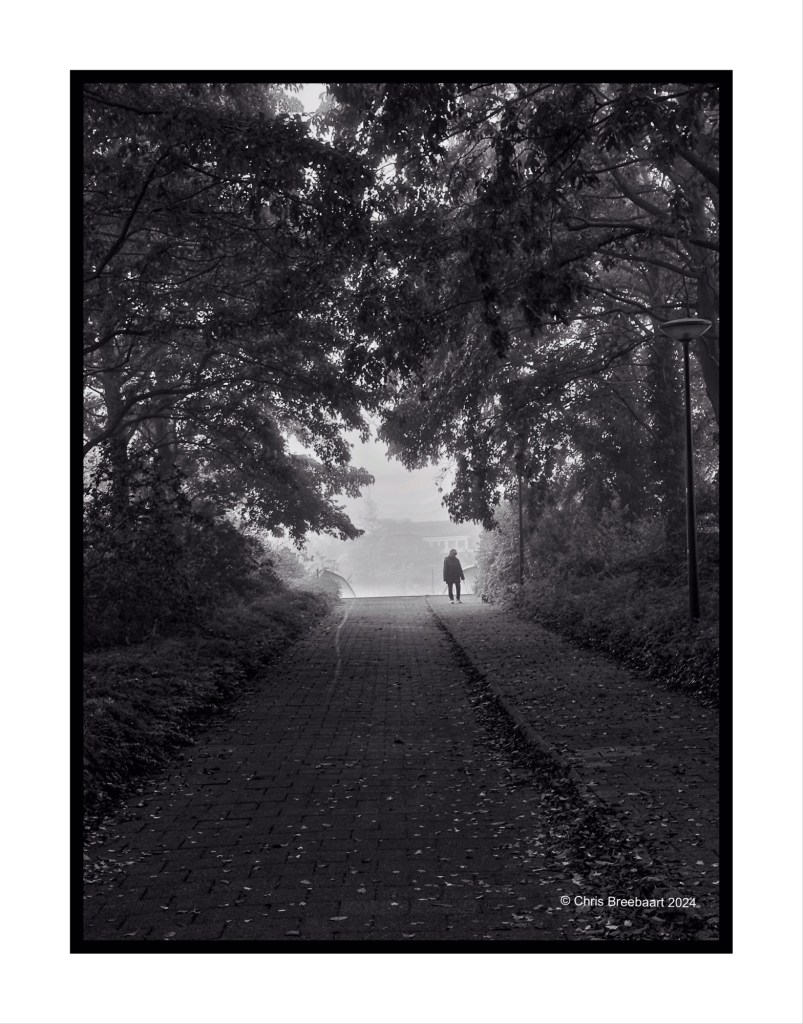
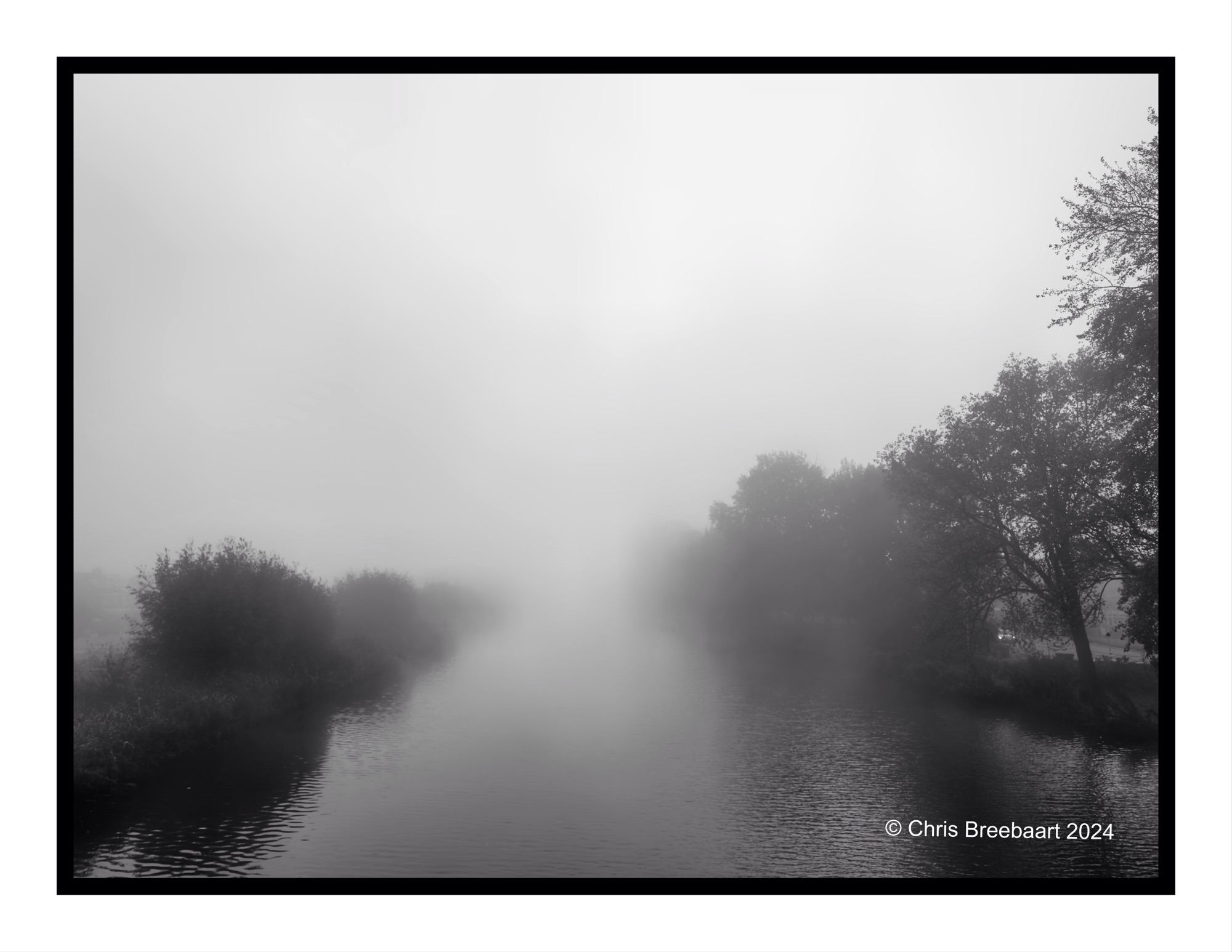
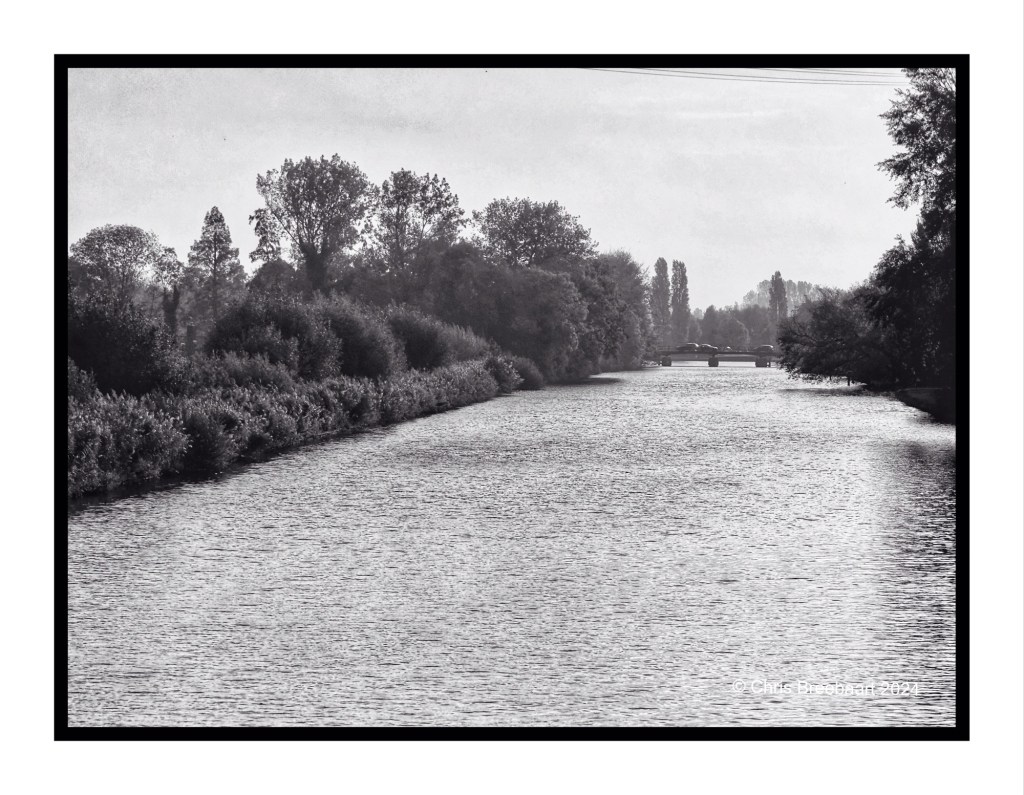
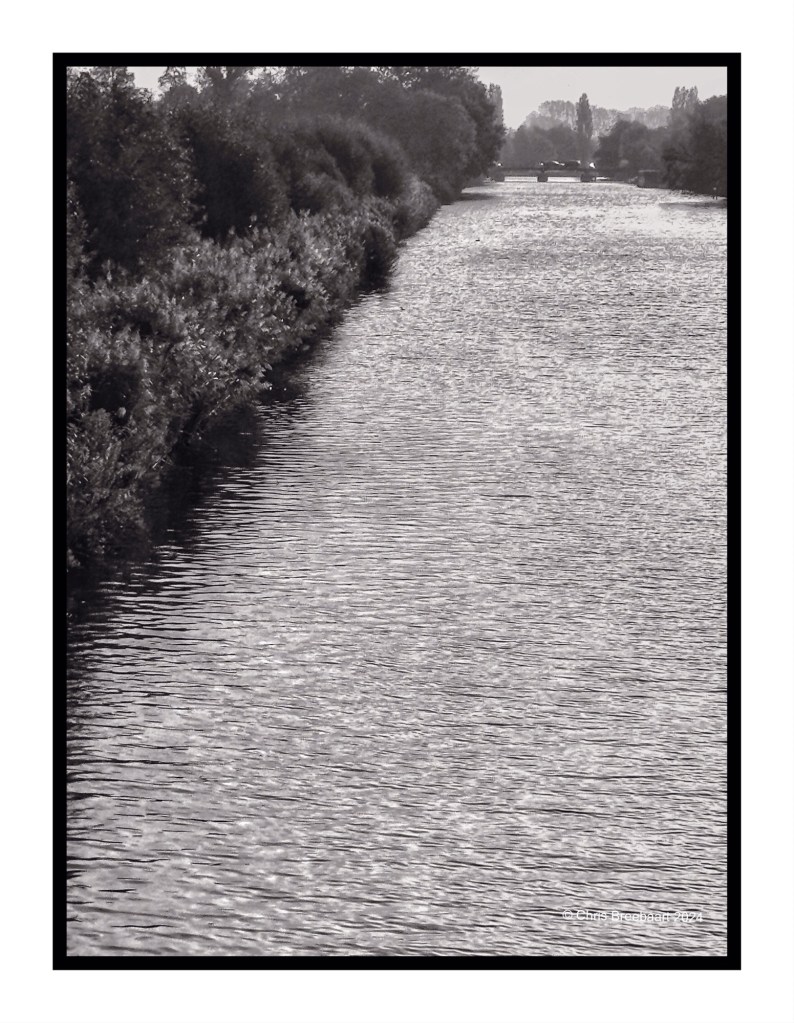
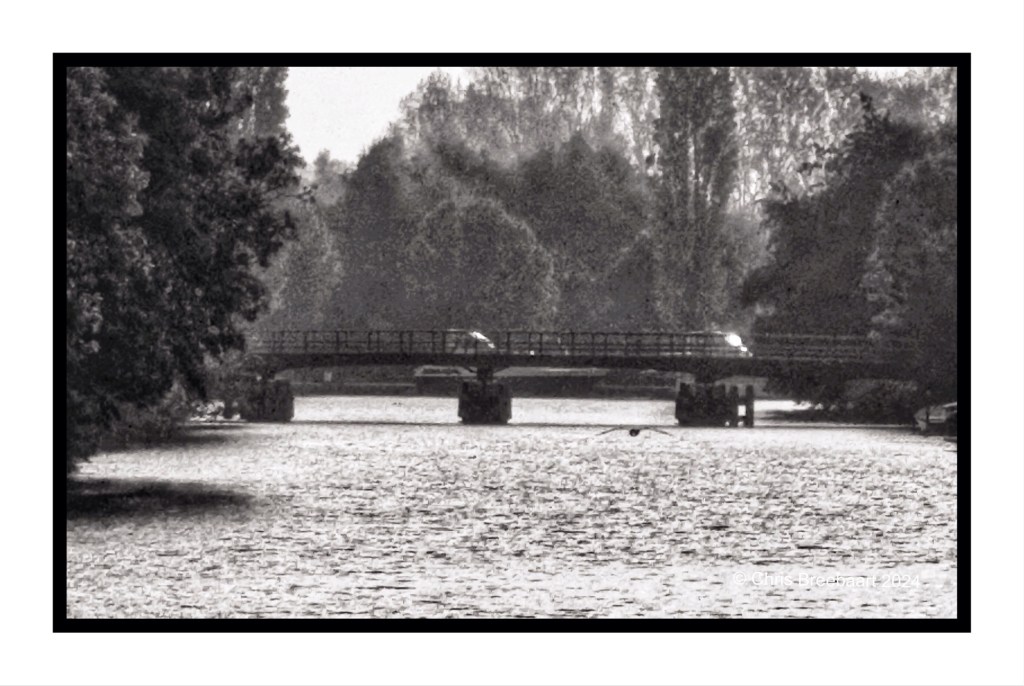
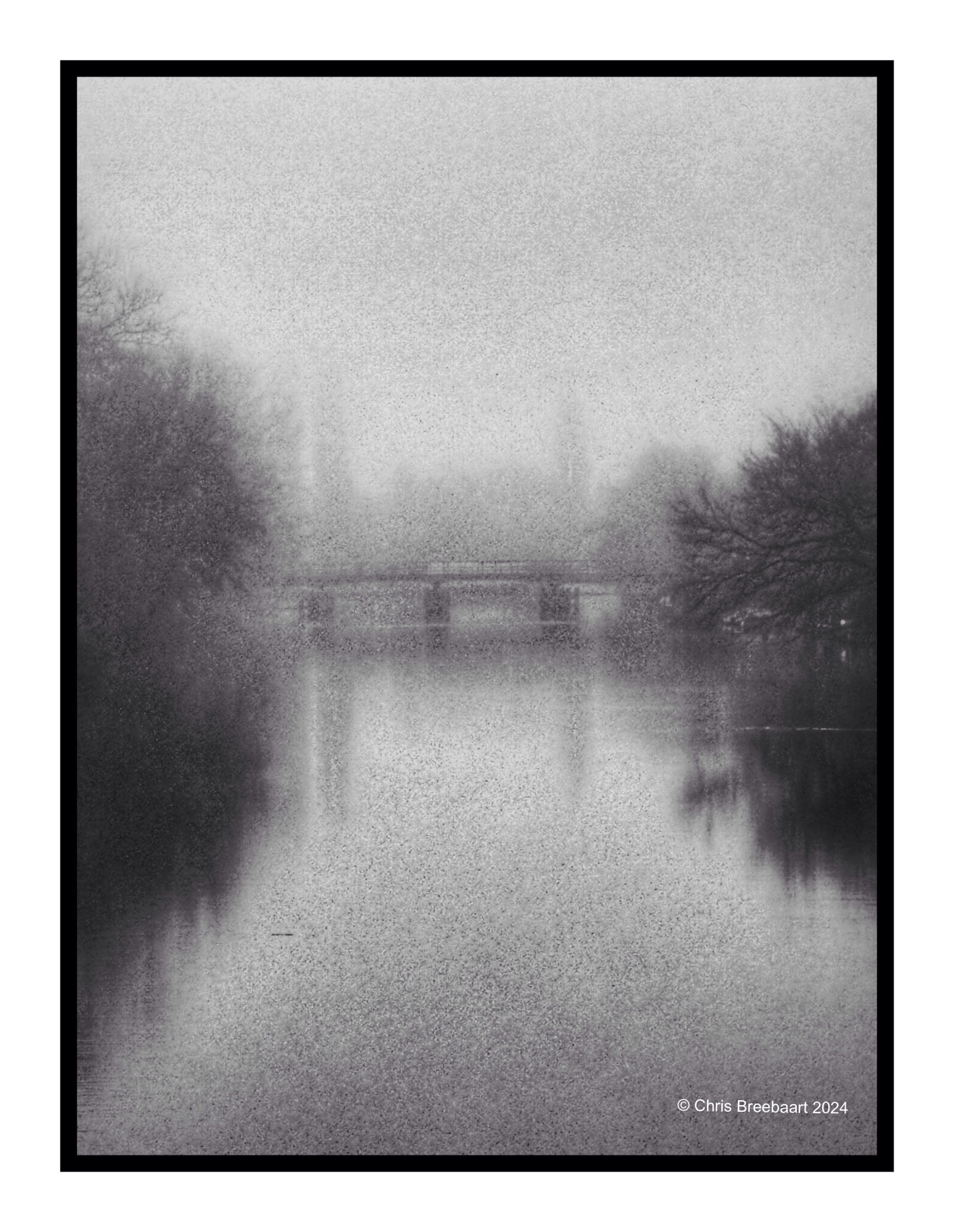
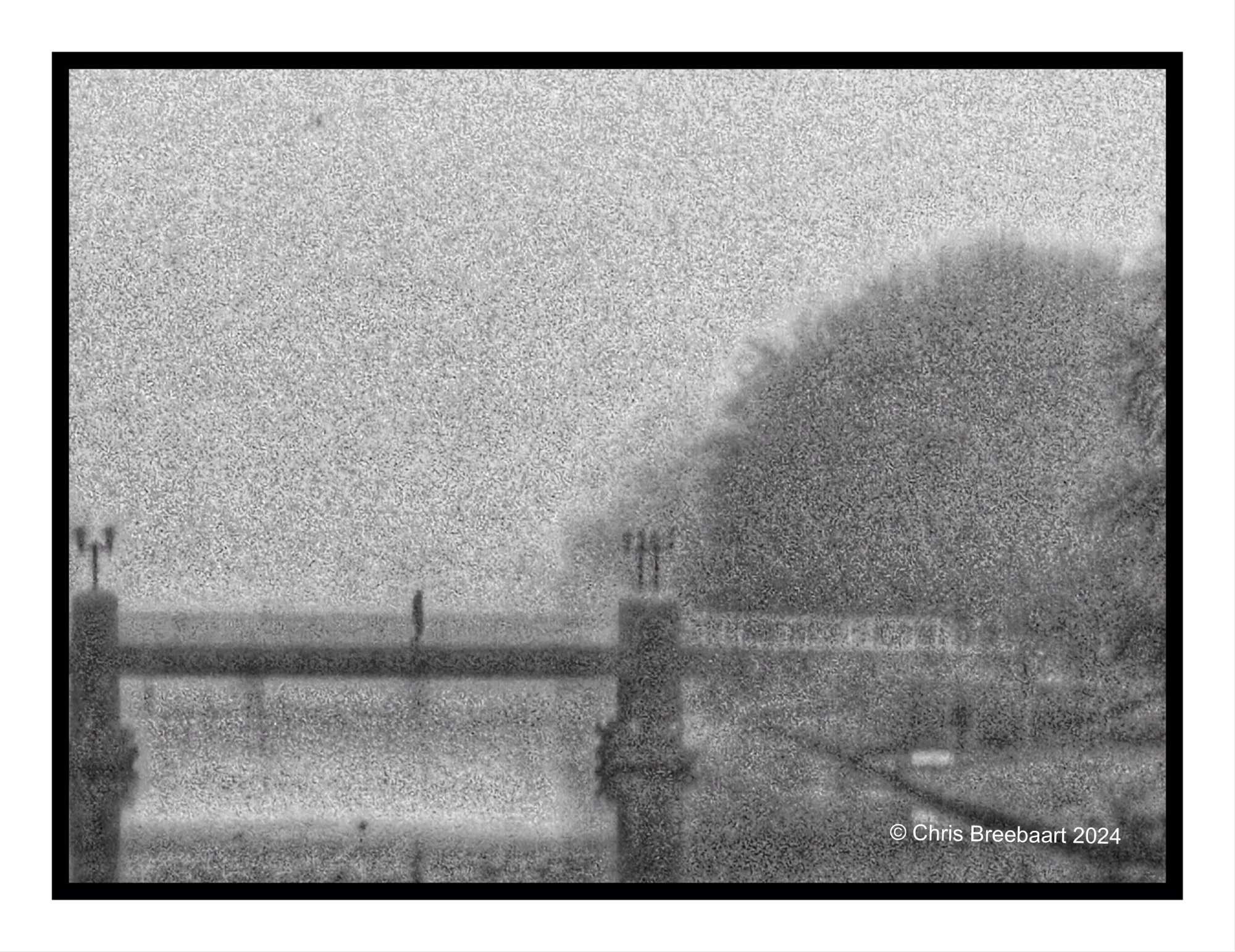
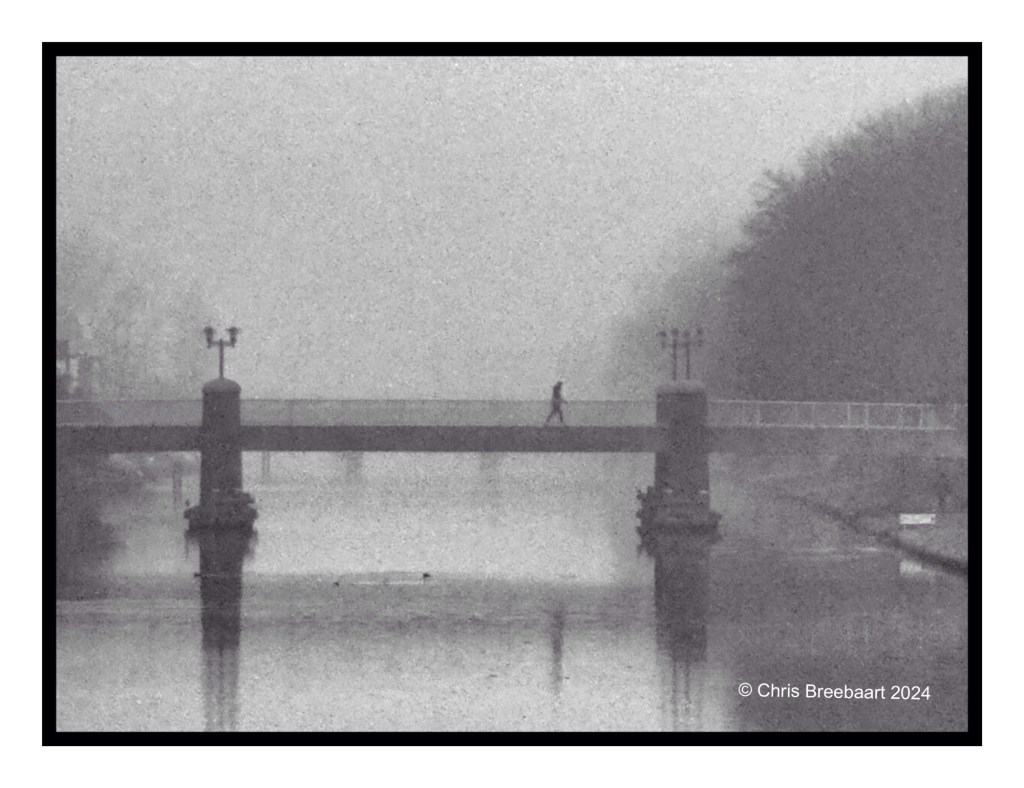
The last in a series of seven photos, taken on a foggy morning from the J.H. Oortbrug in Oegstgeest.
The photos can be found in the archive Oegstgeester Kanaal, link down here.
Shot with iPhone 15 Pro Max edited using Snapseed and Marksta Click the picture for a larger version
One of the first photos of my new camera, the Nikon Zf. A retro FM2 on the outside but on the inside full of brilliant Nikon Z technology. Its a real hands on camera, with manual settings. I’m learning to use it. One of the reasons to buy it was the availability of three monochrome presets.
Shot with Nikon Zf, edited using Snapseed and Marksta Click the picture for a larger version
Crossed to a new year, 2025 is just started. I wish everyone a wonderful 2025 in good health, with loads of love and moments in which wishes become reality. Where we can talk and bridge judgments.
Shot with iPhone 15 Pro Max edited using Snapseed and Marksta Click the picture for a larger version

The first photos of my new camera, the Nikon Zf. A retro FM2 on the outside but on the inside full of brilliant Nikon Z technology. Its a real hands on camera, with manual settings. I’m learning to use it. One of the reasons to buy it was the availability of three monochrome presets.
Shot with Nikon Zf, edited using Snapseed and Marksta Click the picture for a larger version
Shot with iPhone 15 Pro Max edited using Snapseed and Marksta Click the picture for a larger version
The Scheepvaartmuseum/National Maritime Museum in Amsterdam.
Shot with iPhone 15 Pro Max edited using Snapseed and Marksta Click the picture for a larger version
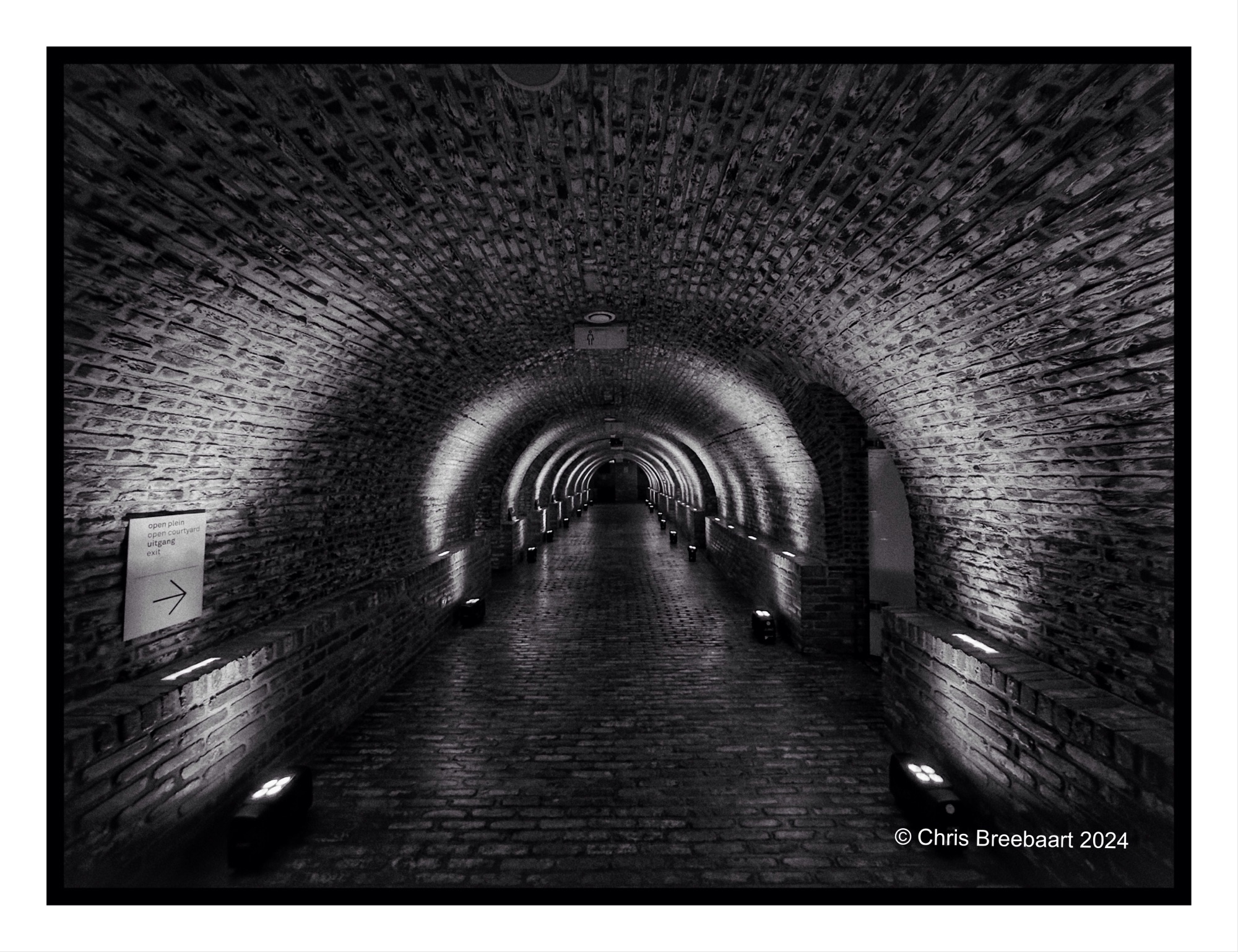
The cellar of the Scheepvaartmuseum/National Maritime Museum in Amsterdam.
Shot with iPhone 15 Pro Max edited using Snapseed and Marksta Click the picture for a larger version


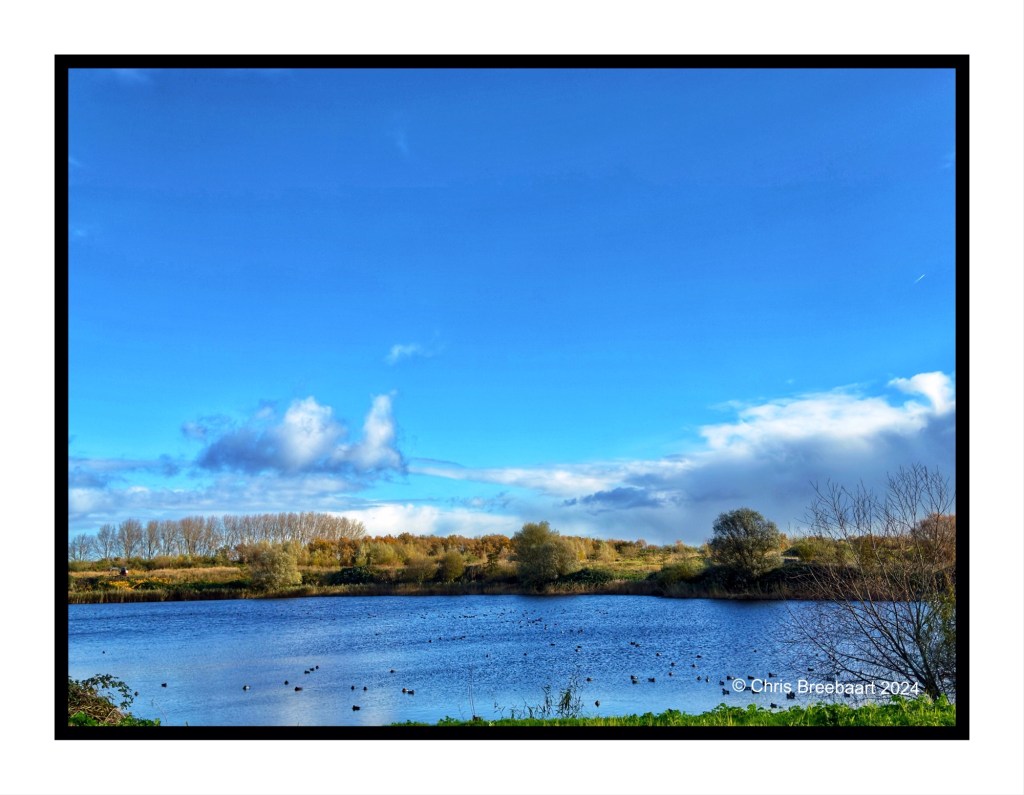
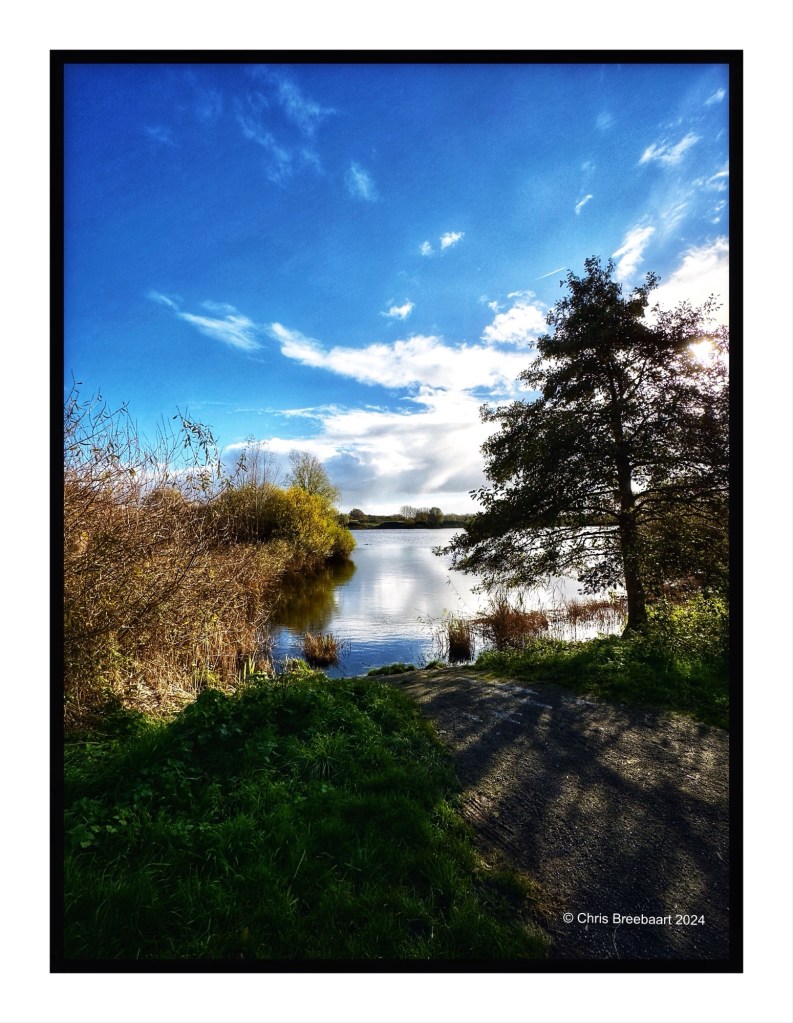
The Klinkenberger Plas in Autumn.
Shot with iPhone 15 Pro Max edited using Snapseed and Marksta Click the picture for a larger version
View on Scheveningen in the distance.
Shot with iPhone 15 Pro Max edited using Snapseed and Marksta Click the picture for a larger version
2341@TCOgst16
Shot with iPhone 15 Pro Max edited using Snapseed and Marksta Click the picture for a larger version
The access to the J.H. Oortbrug.
Shot with iPhone 15 Pro Max edited using Snapseed and Marksta Click the picture for a larger version
This week lens artists challenge #323 is ‘silence’. How to depict silence?
Shot with iPhone 15 Pro Max edited using Snapseed and Marksta Click the picture for a larger version


Shot with iPhone 15 Pro Max edited using Snapseed and Marksta Click the picture for a larger versi


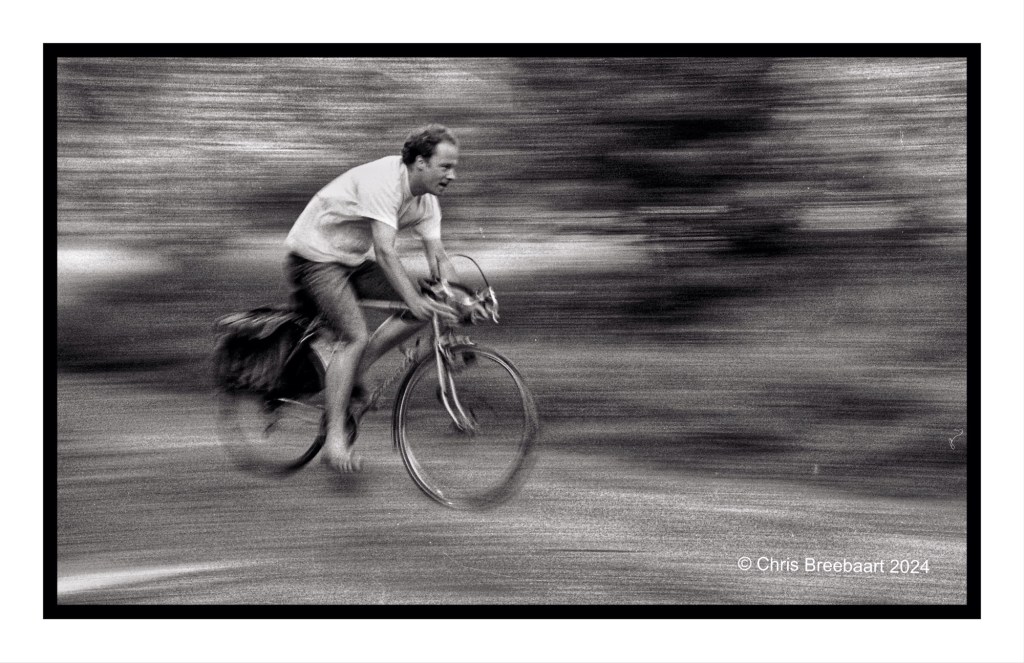
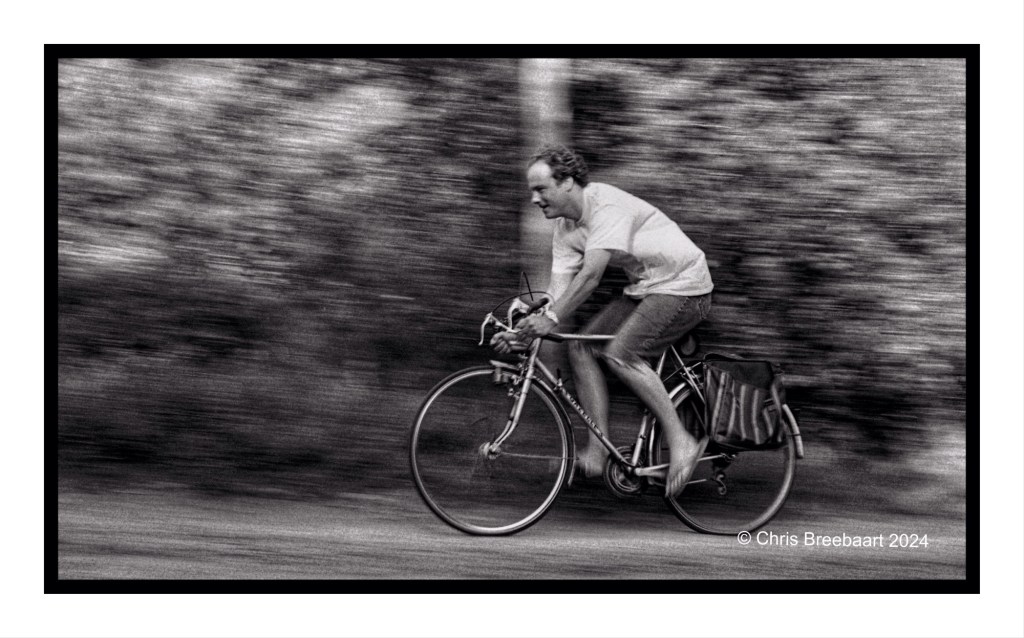
This week’s Lens Artitsts Photo Challenge (#321) is Intentional Camera Movement (ICM). These photos are from a workshop in 1997 in France, where we had to create movement with a low shutter speed while following the subject. Basically a fun excercise but done on film. So the result literally came to light after developing the film. The excitement and anxiety about the possible results were out of scale! Patience.
These film archives are the source of my B4 retouch series.
About the B4 retouch series:
I browsed my archive for pictures to publish. Some of them are partly retouched but most do have scratches, dust and stains.
Shot with Nikon F90 on Kodak TriX, scanned from film and edited using Snapseed andMarksta. Click the picture for a bigger version
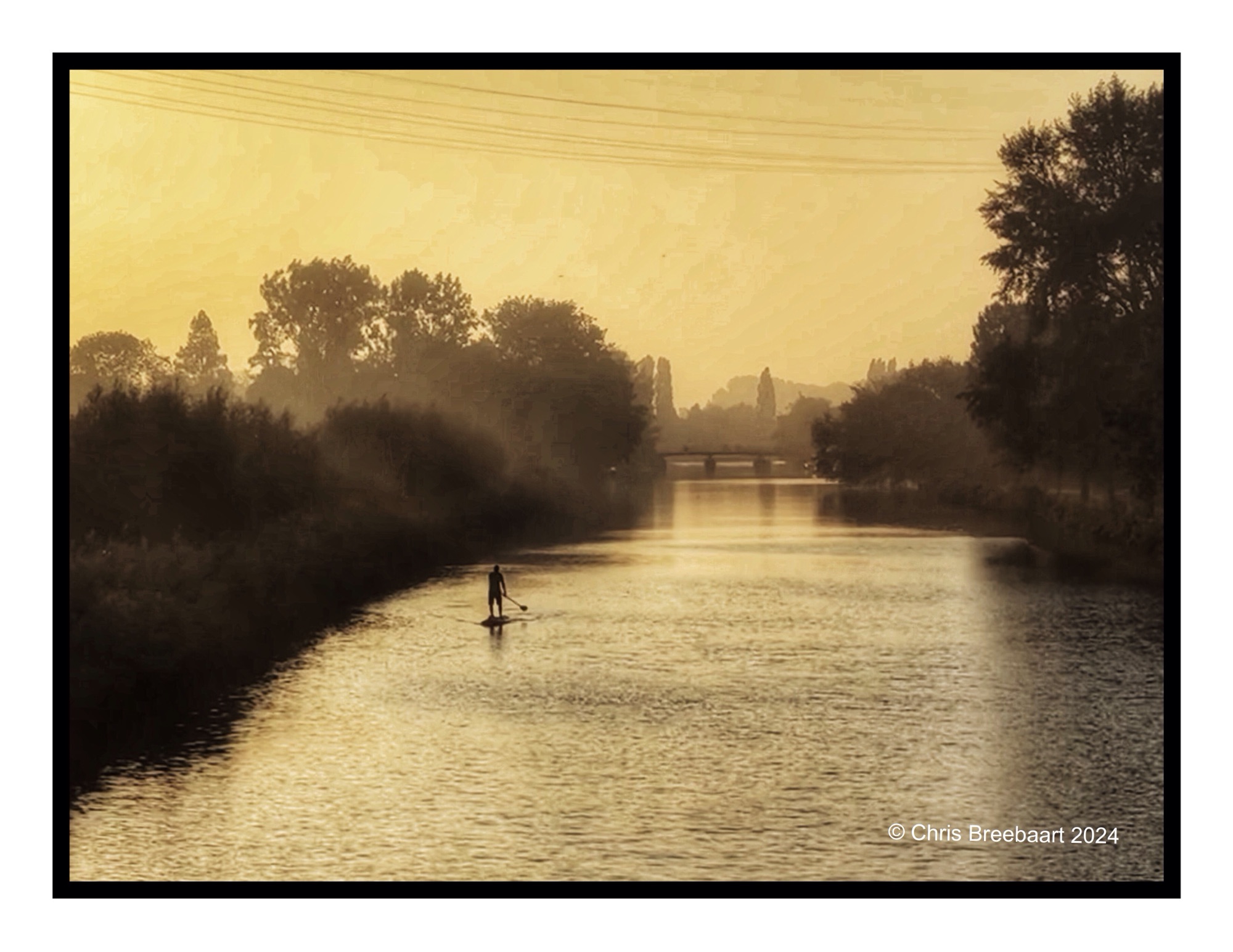
Another – monochrome – photo of the SUP Paddler. The full sunrise colorful one is here.
Shot with iPhone 15 Pro Max edited using Snapseed and Marksta Click the picture for a larger version
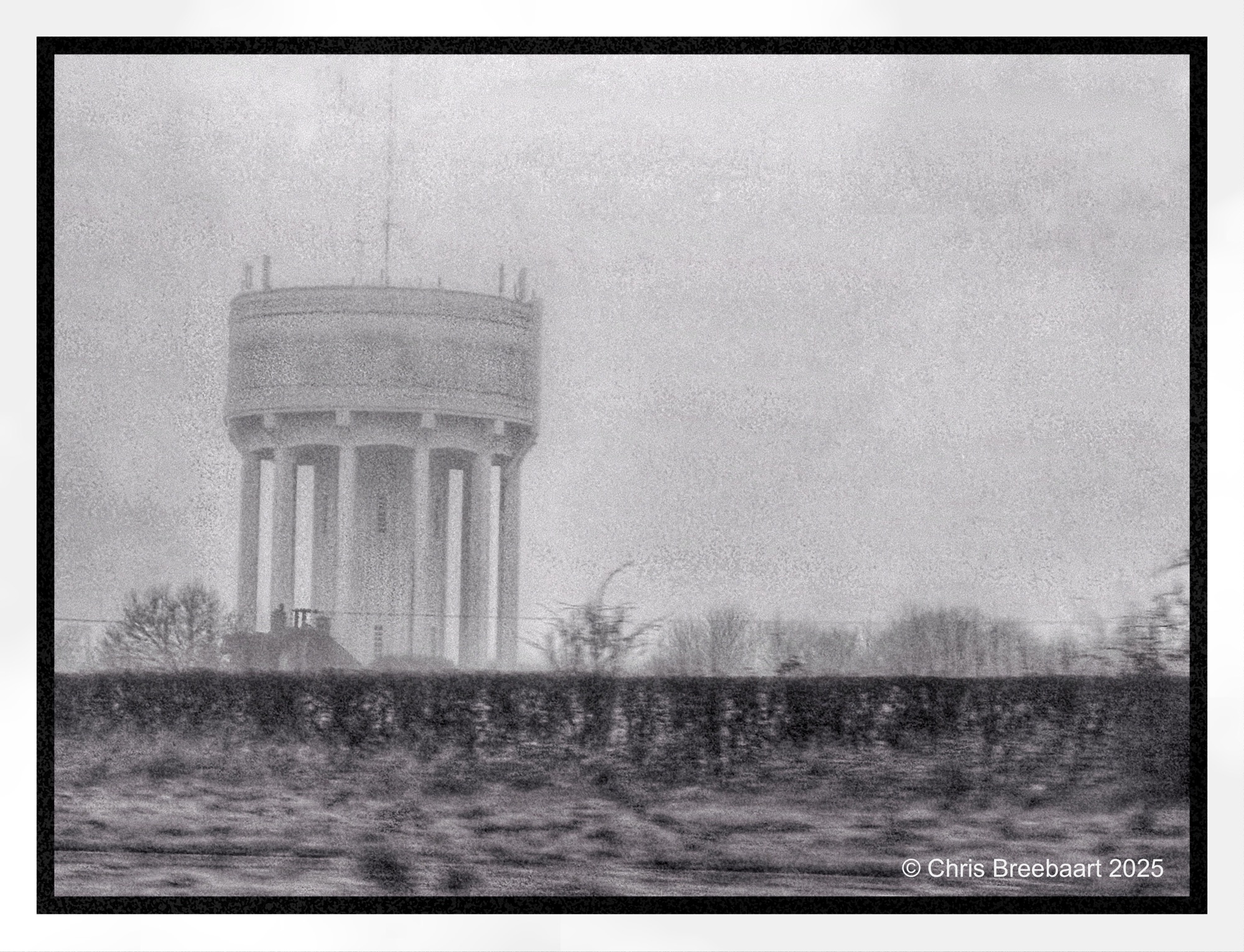

LAPC #316 is ‘Finding beauty in unexpected places’. One of the objects for photographs is the canal that runs through my village. It is quite ordinary, there is a vast amount of small and little canals to dispose of water in The Netherlands. To manage water in a country that is partly under sea level, one has to build infrastructure to keep dry feet. Two pictures taken at the same moment of the day, slightly different in monochrome style. The first is with the silvertone setting, the last with the dark setting on the iPhone. It changes the atmosphere completely. And one may be more beautiful than the other, it is all in the eye of the beholder.
Shot with iPhone 15 Pro Max edited using Snapseed and Marksta Click the picture for a larger version


LAPC #316 is ‘Finding beauty in unexpected places’.
Shot with iPhone 15 Pro Max edited using Snapseed and Marksta Click the picture for a larger version


Incoming and outgoing traffic at Schiphol Amsterdam. Just a drive by, and no worries, I was not driving the car.
Shot with iPhone 15 Pro Max edited using Snapseed and Marksta Click the picture for a larger version
Yesterday I told you about my passion and history in monochrome. And that I do shoot sunsets in black and white. Here is another one of the same sunset, but framed different. I will publish an overview of all those shots of same sunset that evening. Each of them show a bit of it, it’s in my humble opinion nice to see the big picture.
Shot with iPhone 15 Pro Max edited using Snapseed and Marksta Click the picture for a larger version
If you did not notice, I am a big fan of monochrome. In fact, monochrome film was way back the medium I started with. It was cheap and you print your own photos in a darkroom. That was adventurous and frustrating at the same time. Not to sound old, but nowadays with wonderful software, editing images is easier, faster and more fun. And you instantly see what you get! But sometimes I do miss the anxiety of the darkroom, seeing a photo come up in the developer. Back to now. I do shoot sunsets in black and white, and here is one. The atmosphere of the shot is different, more dark and eerie.
Shot with iPhone 15 Pro Max edited using Snapseed and Marksta Click the picture for a larger version
Dramatic morning over the Haarlemmermeerpolder near Abbenes.
Shot with iPhone 15 Pro Max edited using Snapseed and Marksta Click the picture for a larger version
Windmill De Valk is one of few left in the city. It is a museum, but since 2000 is it being used for milling again.
Shot with iPhone 15 Pro Max edited using Snapseed and Marksta Click the picture for a larger version
This obelisk misses his twin, now standing in Paris on the Place de la Concorde, site for a lot of sports during the Paris 2024 Olympics.
The B4 retouch series
I browsed my archive for pictures to publish. All of them are not completely retouched yet. Scratches, dust and stains are not removed.
Shot with Nikon F90 on KodakTriX, scanned from film and edited using Snapseed and Marksta. Click the picture for a bigger version.