Fortunately, this is really just around the corner. This time of year it is fun to take the bicycle and check out the flowers in the area. Especially when the sun shines. As most of my photos on here are taken on iPhone I do fit the brief of this week’s LAPC theme week (#391) ‘Phone photography’ easy.
This time of year it is fun to take the bicycle and check out the flowers in the area. Especially when the sun shines. As most of my photos on here are taken on iPhone I do fit the brief of this week’s LAPC theme week (#391) ‘Phone photography’ easy.
Time is something I sometimes can not grasp. On the one hand it is always the same: a second stays a second, a minute a minute, an hour an hour, a day a day, a week a week, a month a month. On the odd extra day every four years it is a ‘given’ that a year has 365 days. On the other hand time can slip through your hands. It seems to go faster, or slower. It is on your side or not.
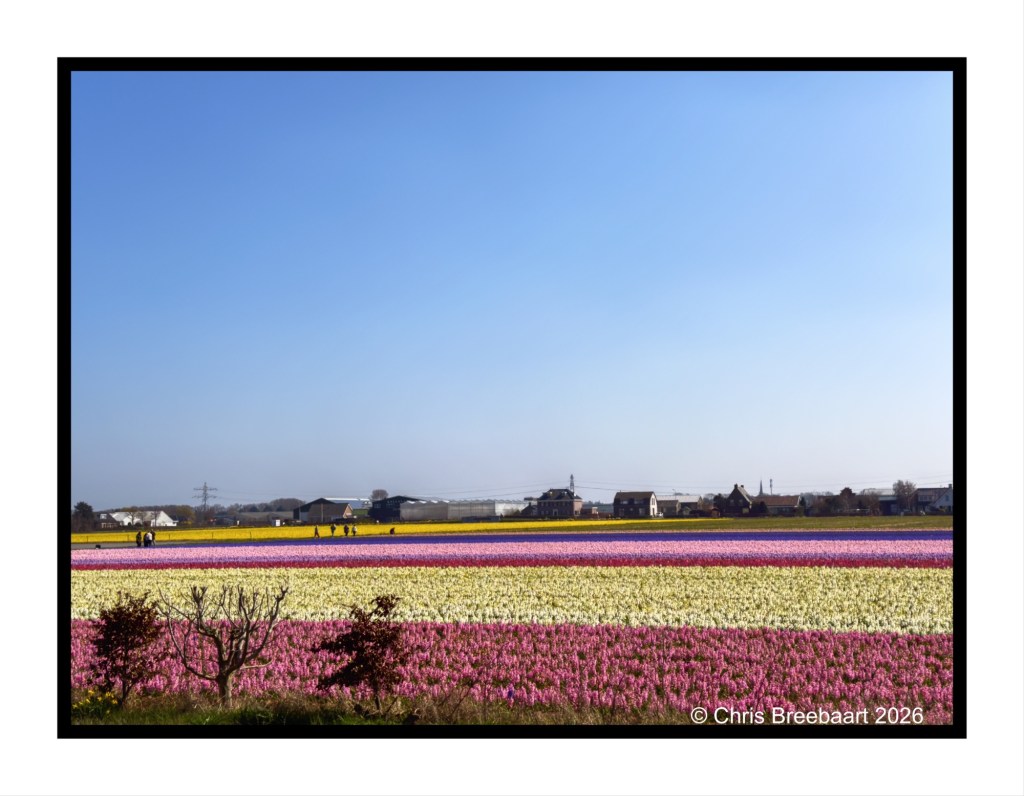
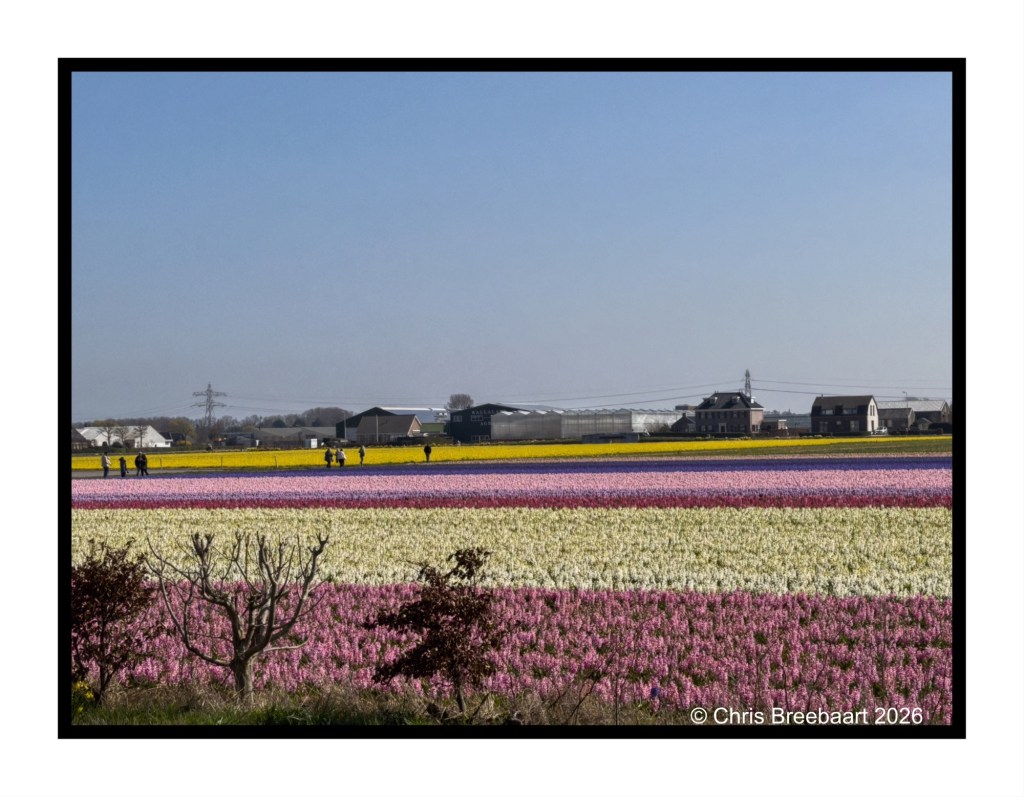
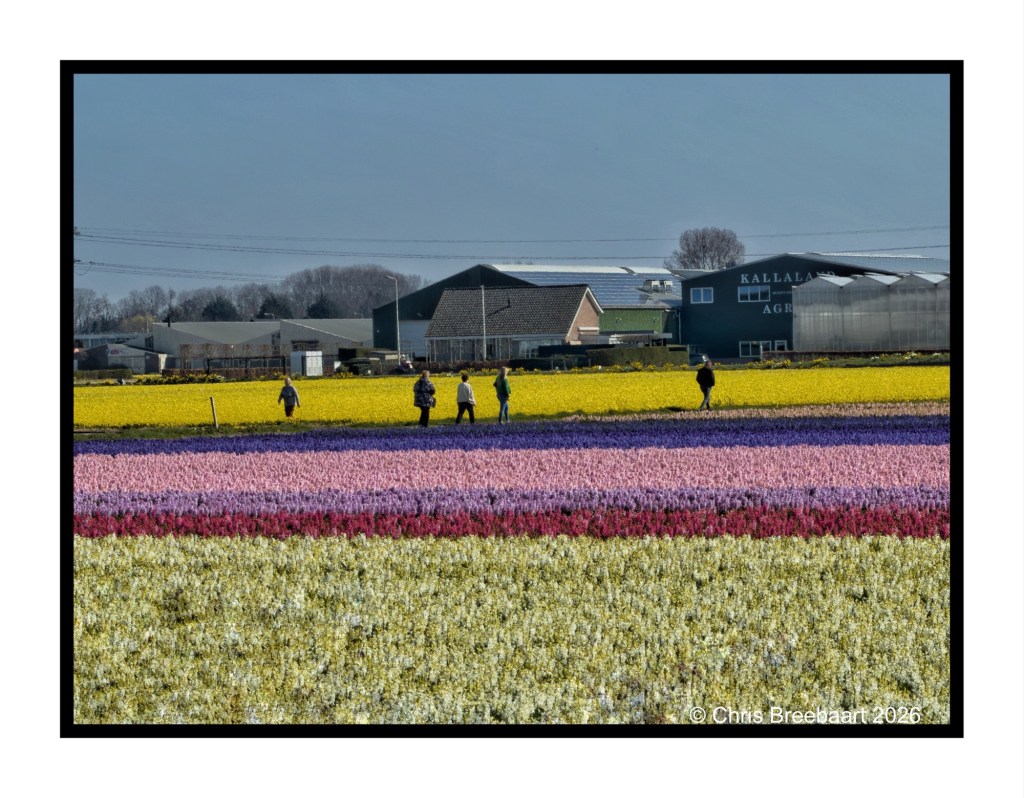
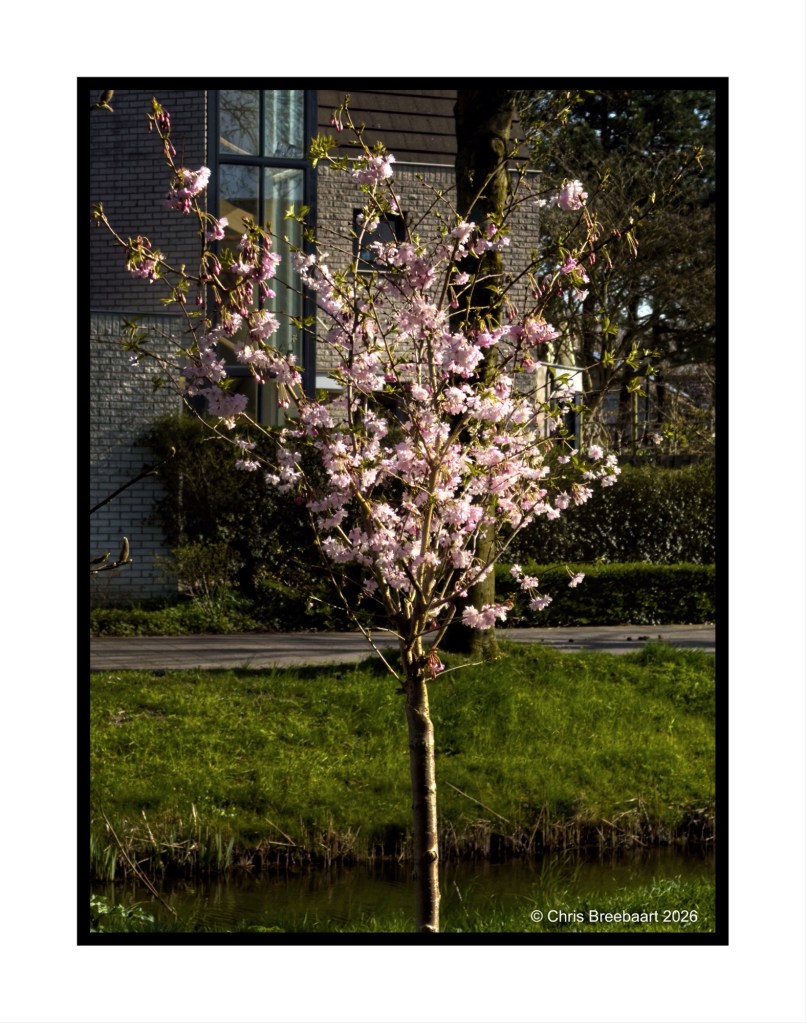
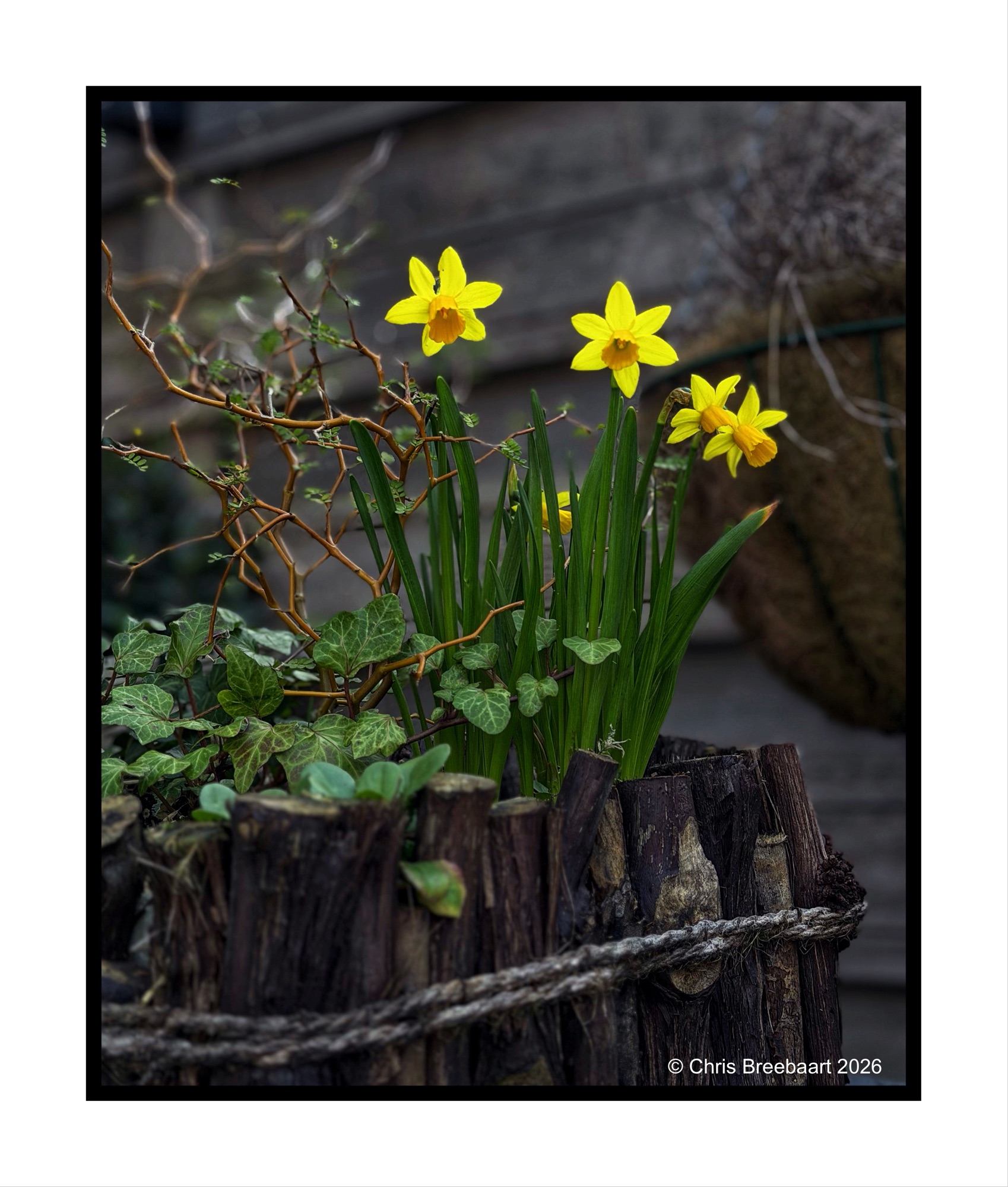
This Spring is one of those moments that makes me wonder about time. There is an order in bulbflowers, but daffodils with hyacinths, while tulips pop up in the garden makes me confused. Is it going faster? But in the end the beauty and scent of flowers stays amazing.
The LAPC theme this week (#391) is ‘Phone photography’. Having a smartphone on me all of the time, with a camera that is getting better and better, is quite normal. As Tina says she rarely shoots other than with her phone. The same applies to me. The Iphone is handy, technology for dummies, always near and light. And it offers more an more quality and creativity. On the other hand it still lacks lots of technology you can find on a system camera. So I am in a hybrid state: daily the phone, on occasion the system camera. Getting on a bicycle enjoying the fields is easier with my iPhone. It produces a nice quality. It is convenient. But shooting the flower parade requires a systemcamera.But that is something for next time.
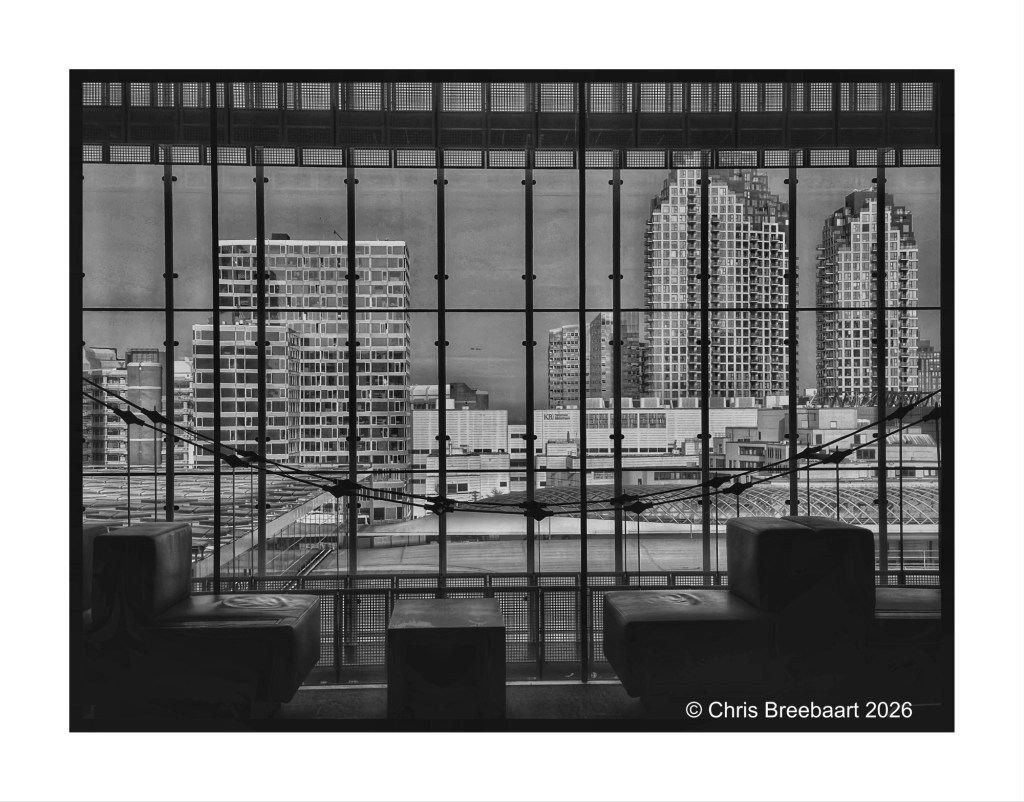
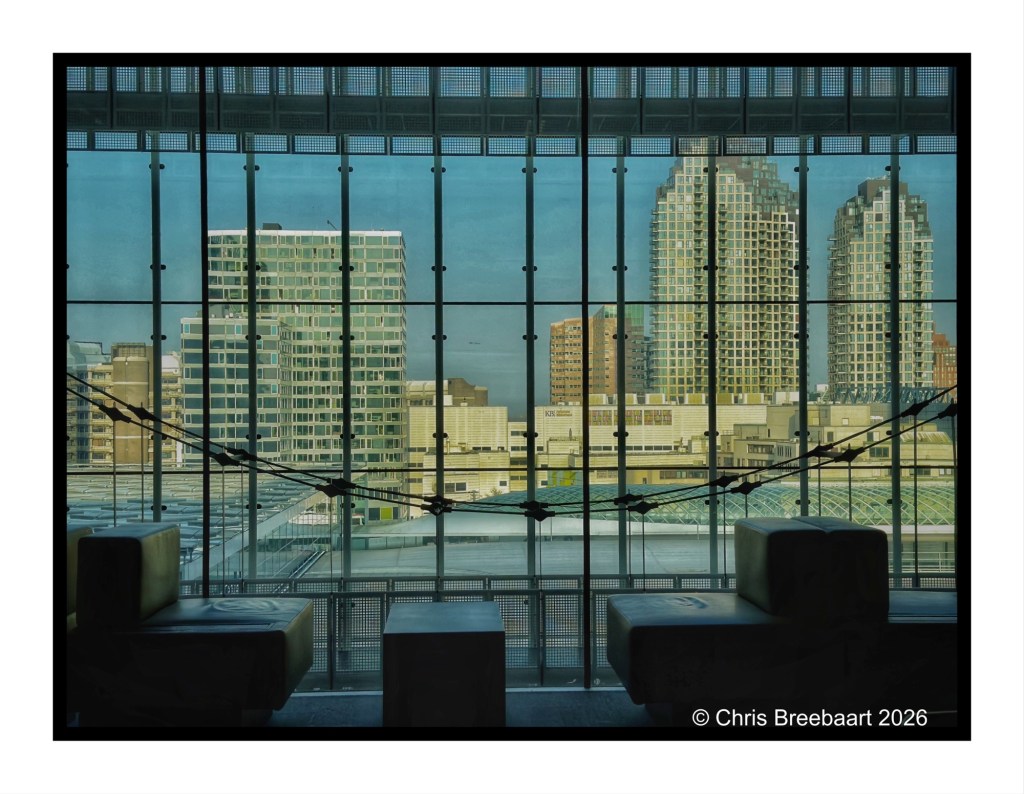
If you visit my blog – like I hope you do or from now start to do – you must have recognized my ‘old’ love for monochrome. When I started this hobby, mono was fashionable and a standard for news photography. And it was cheaper. In this series I offer you two versions of a photo. And you can prefer one over the other, or not.
This week’s theme #390 is ‘color in black and white’. The theme focuses on the cognitive fact that our brains still know a color, even if it is in a grey tone. So the sky is blue, the grass green etc. Here you can see what colors do in greys, and if that is appealing or not to your taste pallet.
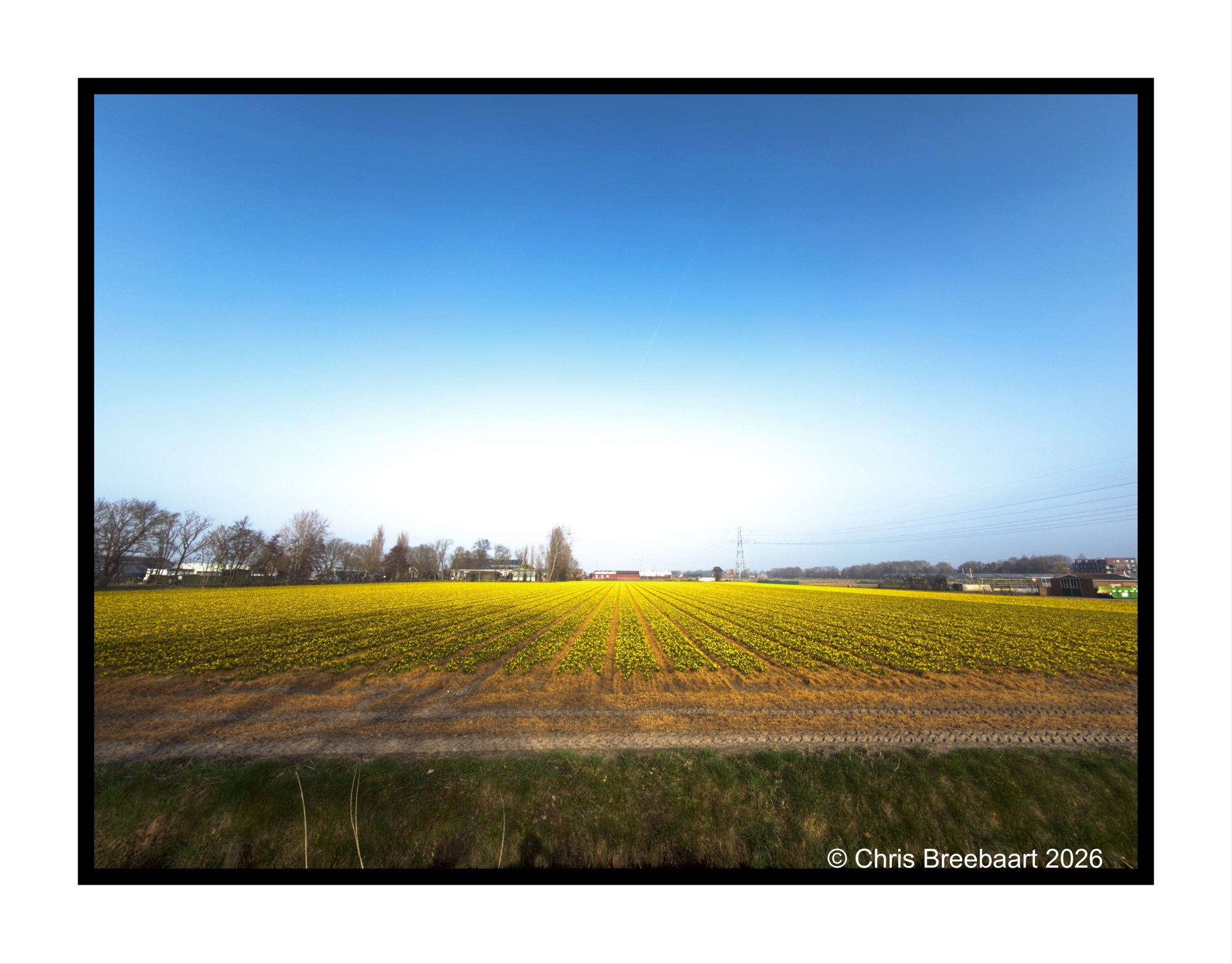
The bulb fields are blooming. And to be honest, it goes quite fast. The daffodils are almost gone, hyacinths start to arrive and there is a lot of fields with tulips, still waiting to pop there heads up. Here a daffodil field.
If you visit my blog – like I hope you do or from now start to do – you must have recognized my ‘old’ love for monochrome. When I started this hobby, mono was fashionable and a standard for news photography. And it was cheaper. In this series I offer you two versions of a photo. And you can prefer one over the other, or not.
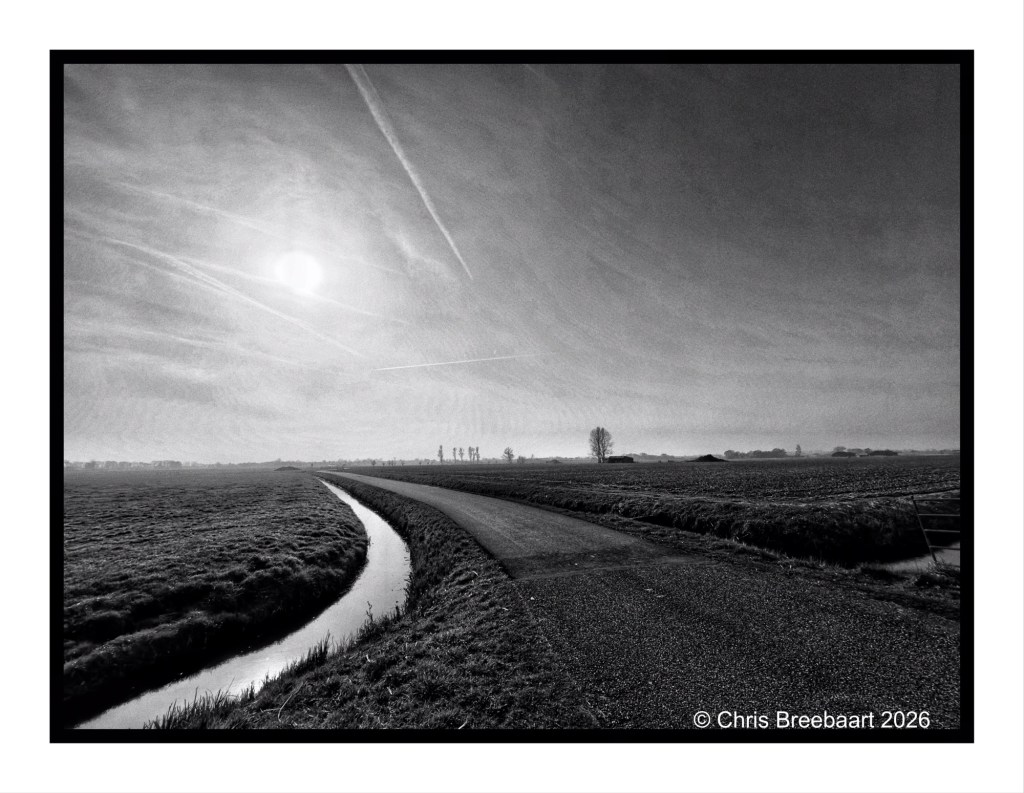
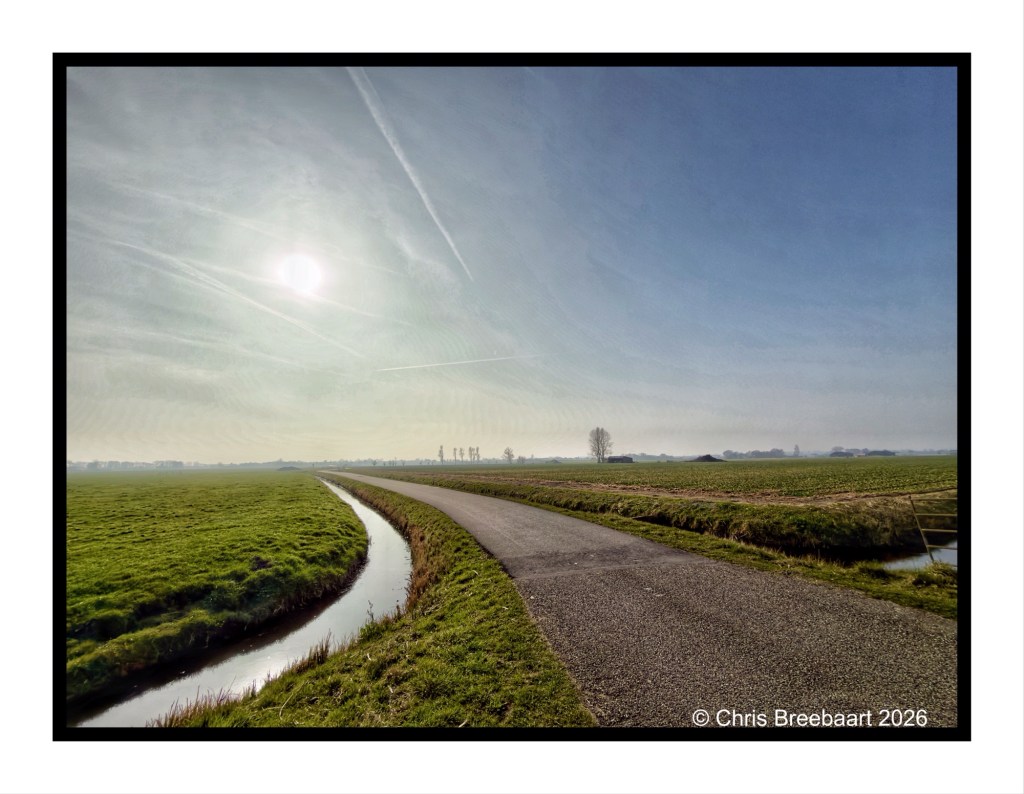
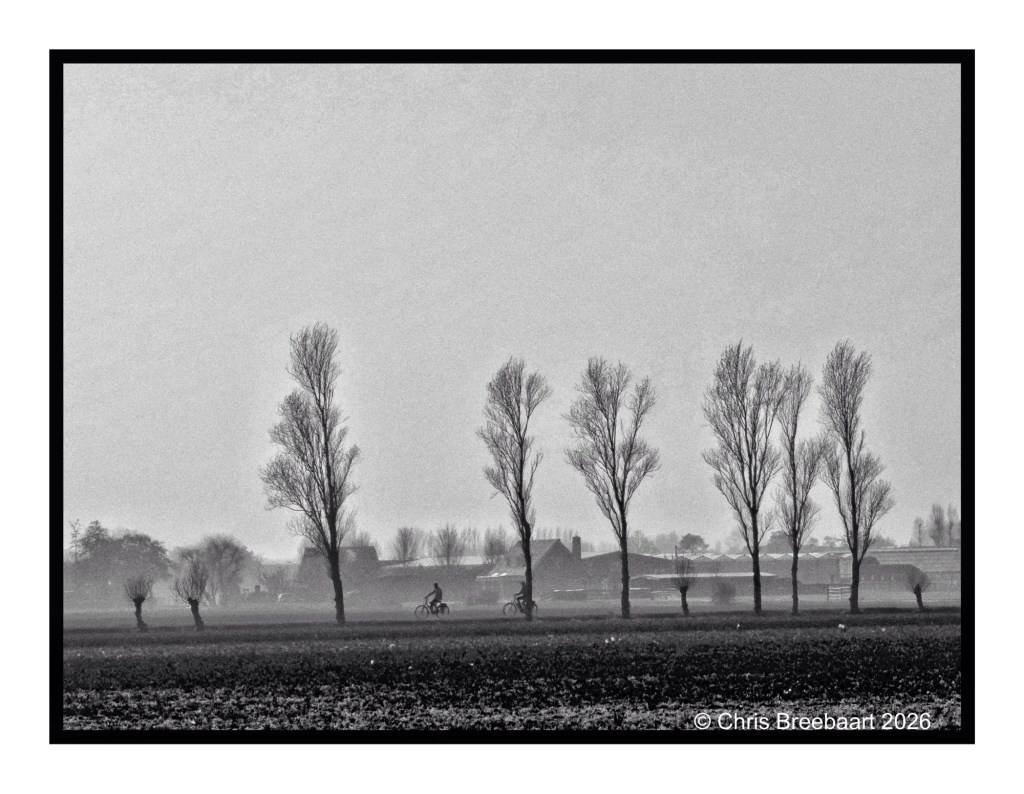
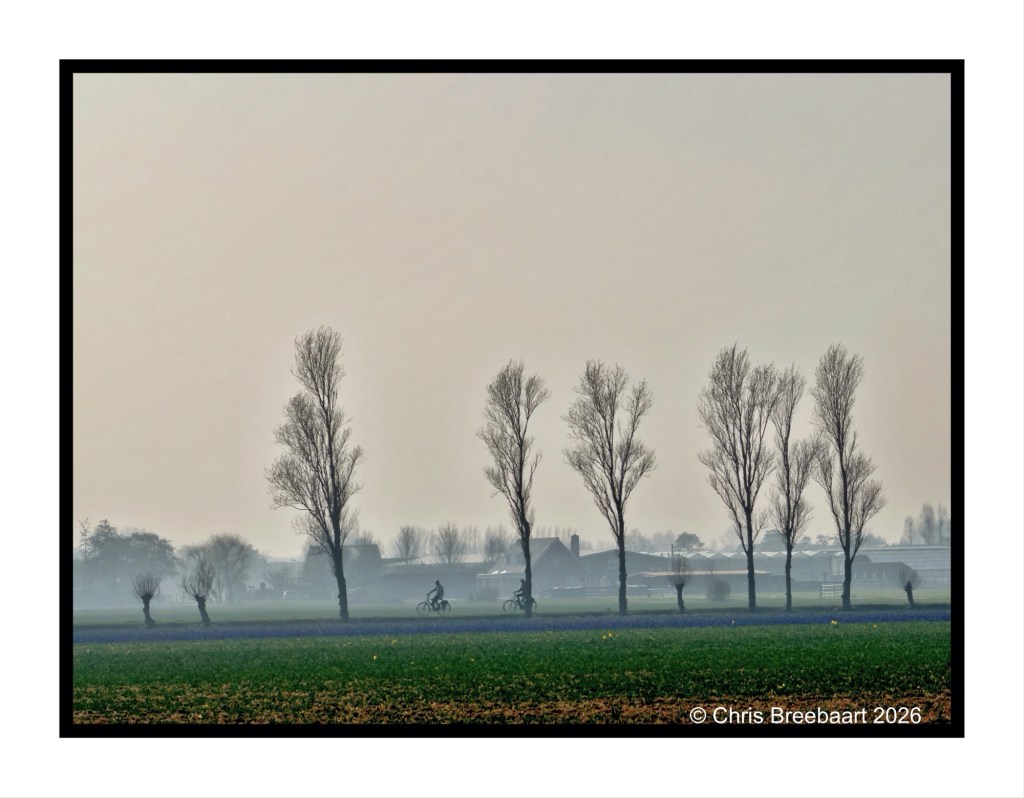
This week’s theme is ‘Time to relax’. On a bicycle ride through fields where soon bulb flowers will pop up, together with other cyclists. This is a piece of a polder showing the low horizon in the sun.
If you visit my blog – like I hope you do or from now start to do – you must have recognized my ‘old’ love for monochrome. When I started this hobby, mono was fashionable and a standard for news photography. And it was cheaper. In this series I offer you two versions of a photo. And you can prefer one over the other, or not.
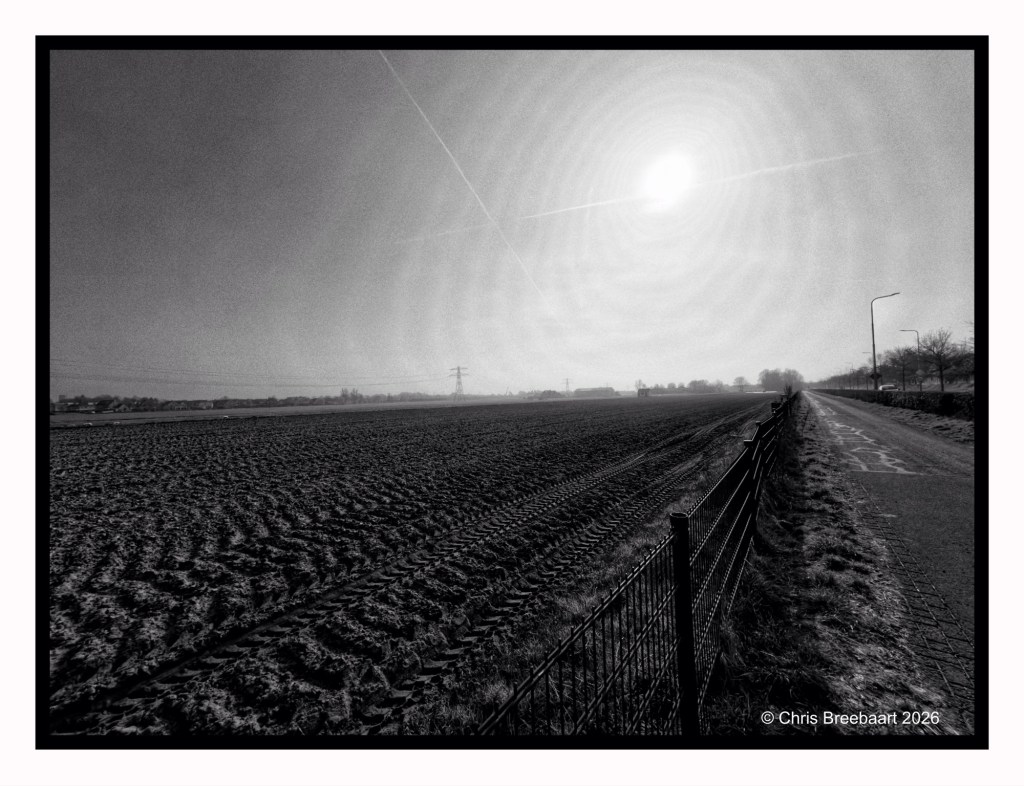
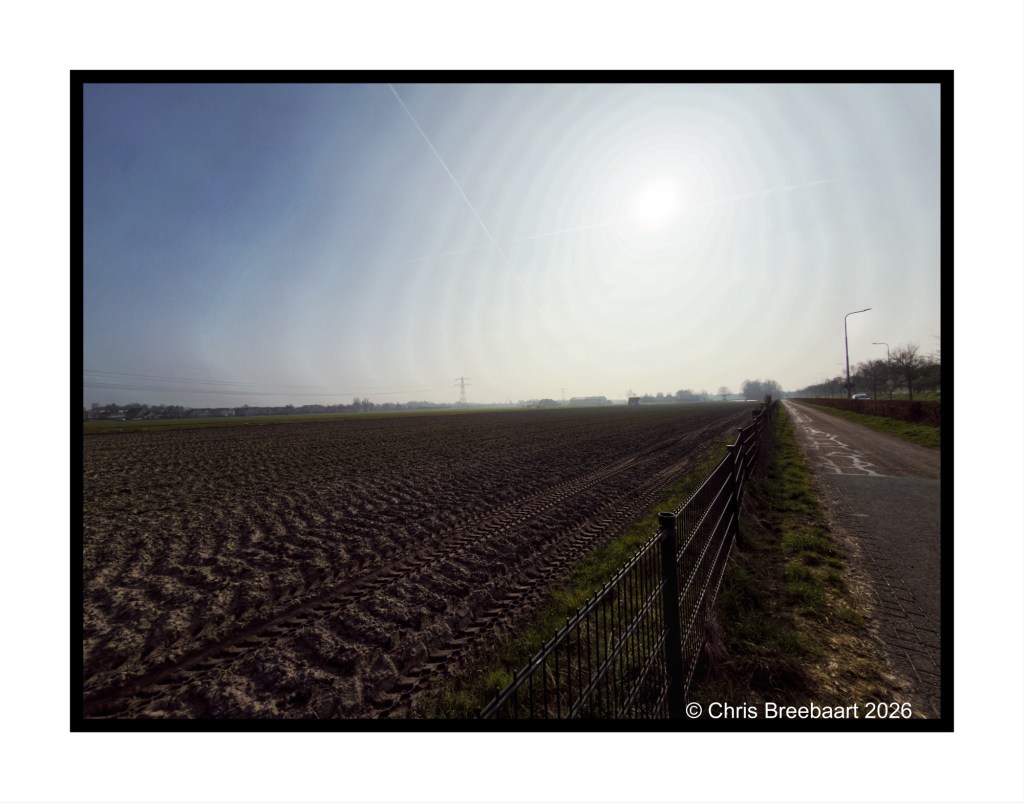
This week’s theme is ‘Time to relax’. On a bicycle ride through fields where soon bulb flowers will pop up, together with other cyclists. Thought I am not really sure about this piece of land, it is just been plowed it seems.
If you visit my blog – like I hope you do or from now start to do – you must have recognized my ‘old’ love for monochrome. When I started this hobby, mono was fashionable and a standard for news photography. And it was cheaper. In this series I offer you two versions of a photo. And you can prefer one over the other, or not.
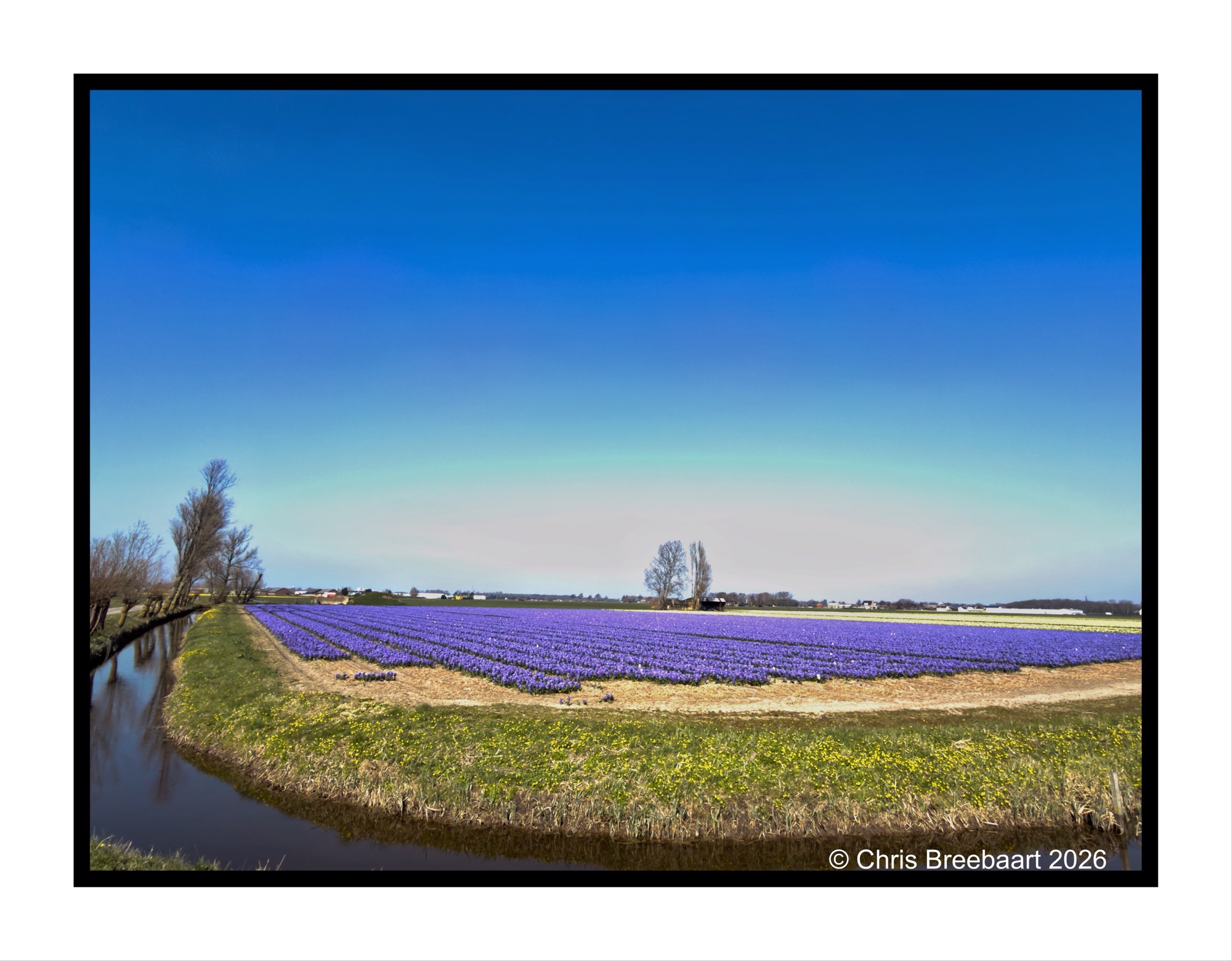
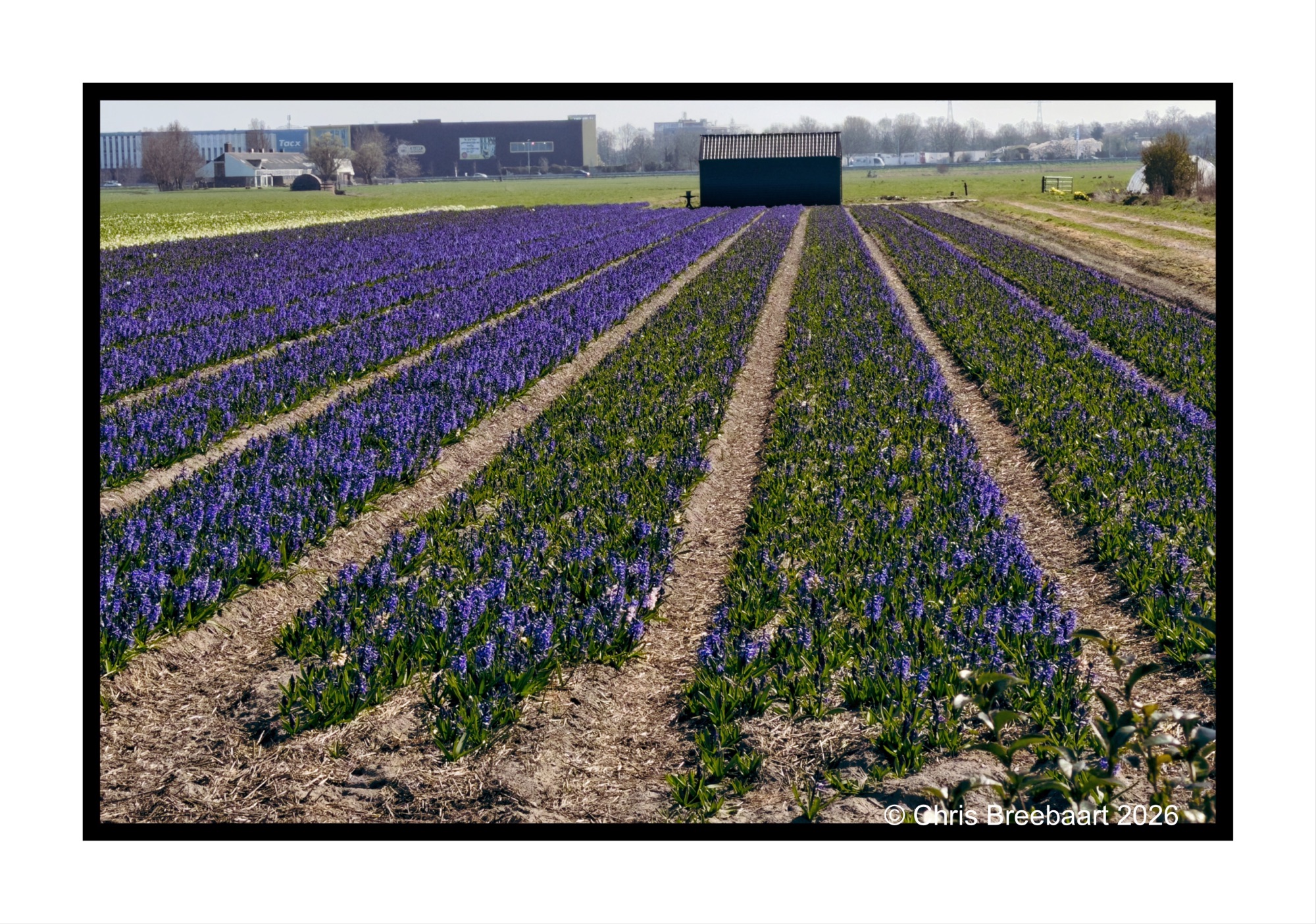
This week’s theme is ‘Time to relax’. On a bicycle ride through fields where soon bulb flowers will pop up, together with other cyclists. On the color version you can see the deep purple of early hyacinths. With Some yellow late Daffodils.
If you visit my blog – like I hope you do or from now start to do – you must have recognized my ‘old’ love for monochrome. When I started this hobby, mono was fashionable and a standard for news photography. And it was cheaper. In this series I offer you two versions of a photo. And you can prefer one over the other, or not.
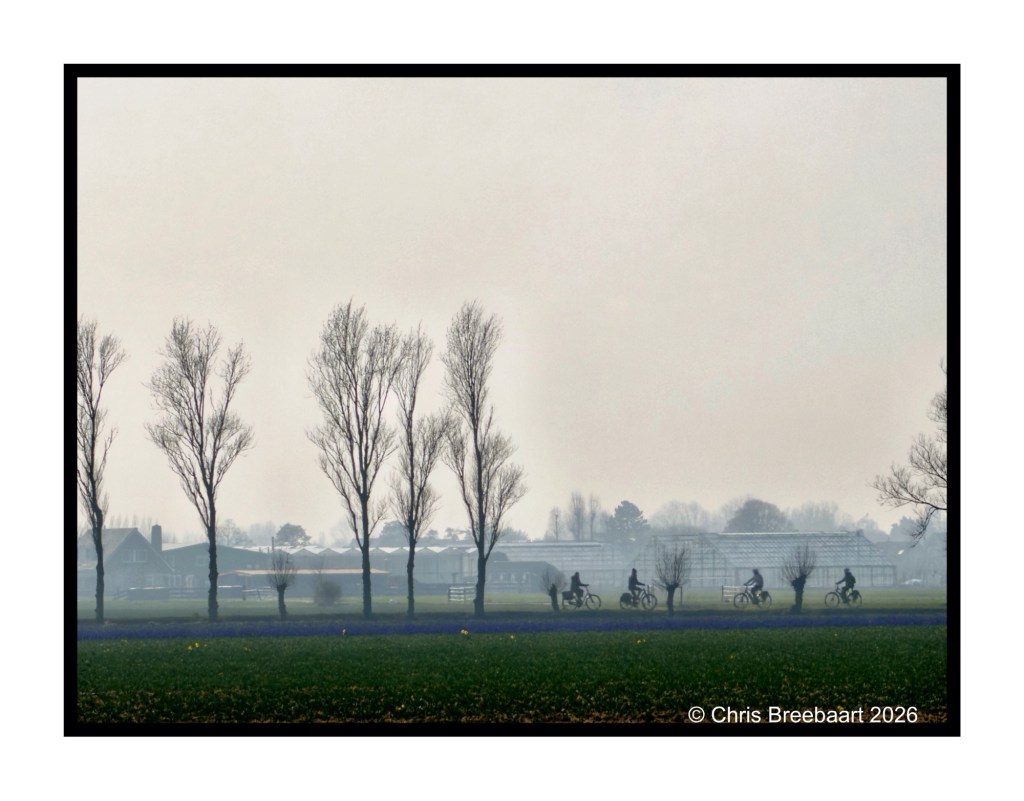
This week’s theme is ‘Time to relax’. On a bicycle ride through fields where soon bulb flowers will pop up, together with other cyclists. On the color version you can see the deep purple of early hyacinths. With Some yellow late Daffodils.
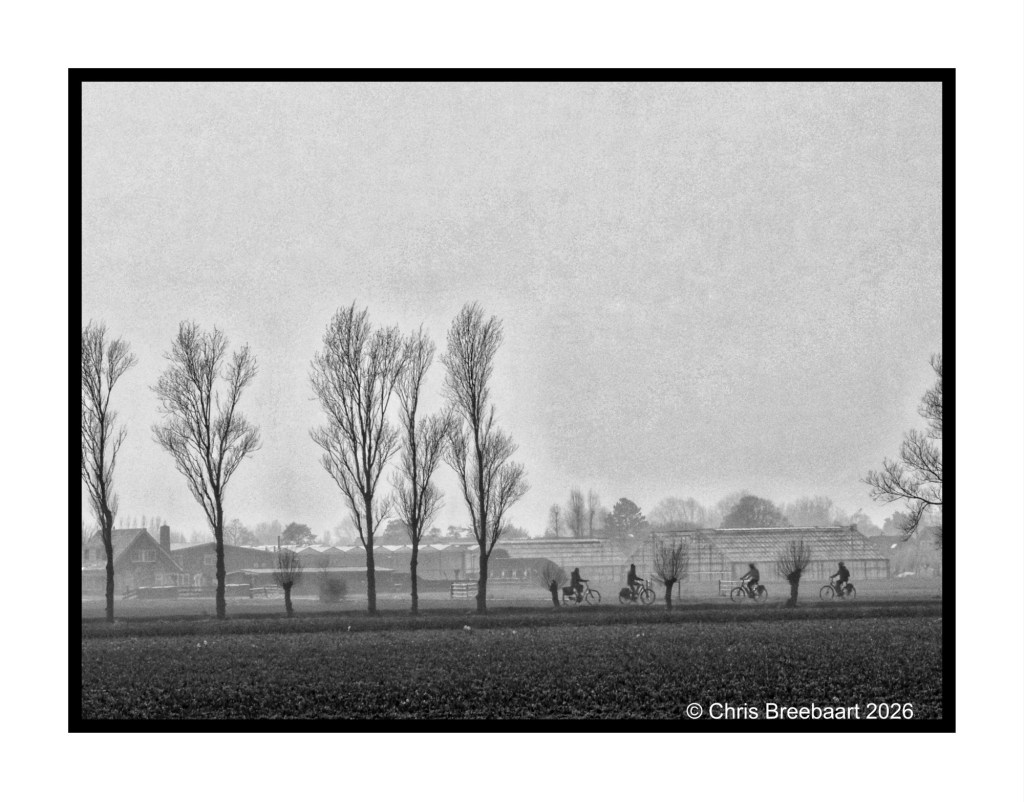
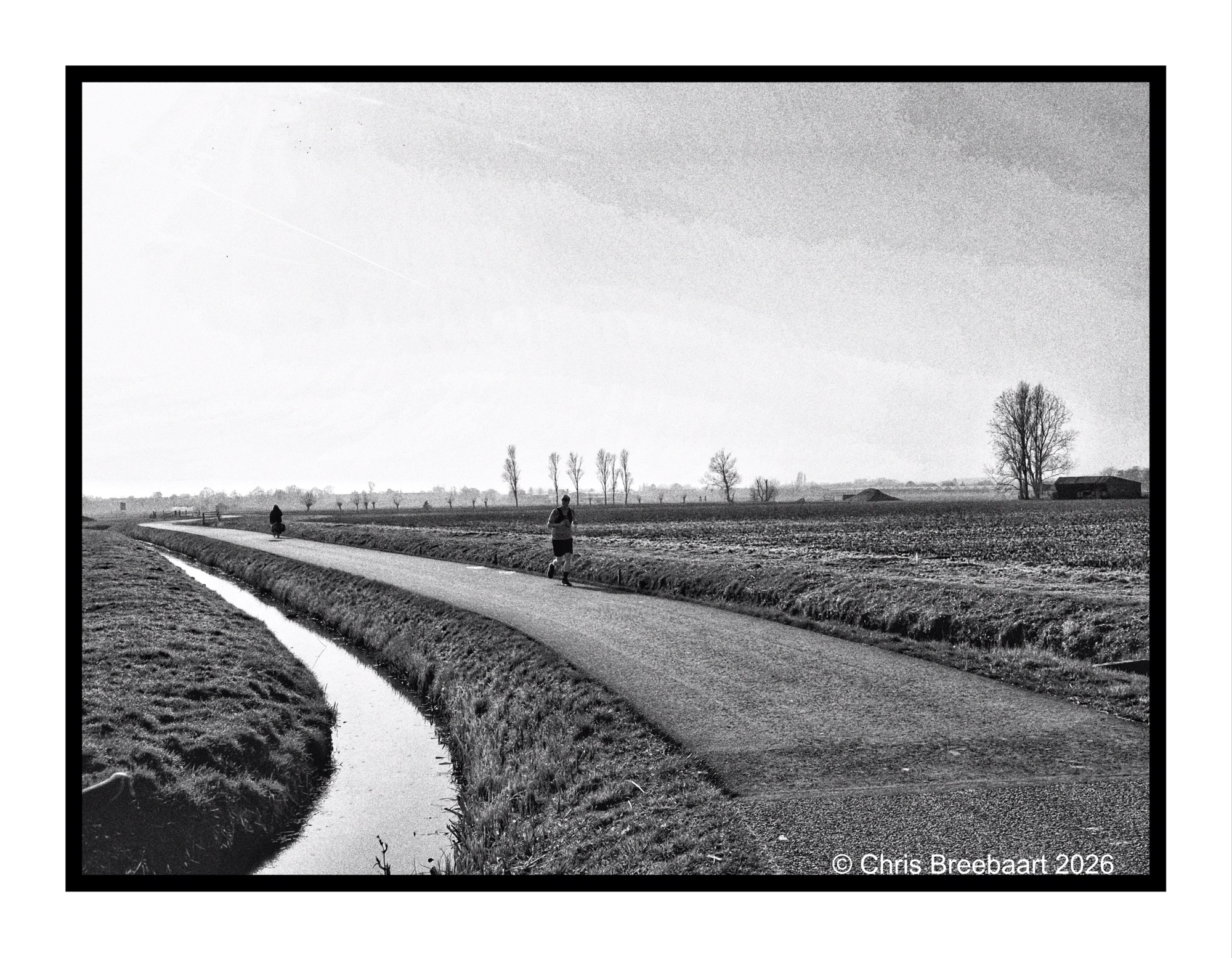
This week’s theme is ‘Time to relax’. On a bicycle ride through fields where soon bulb flowers will pop up, together with other cyclists and the occasional runner.
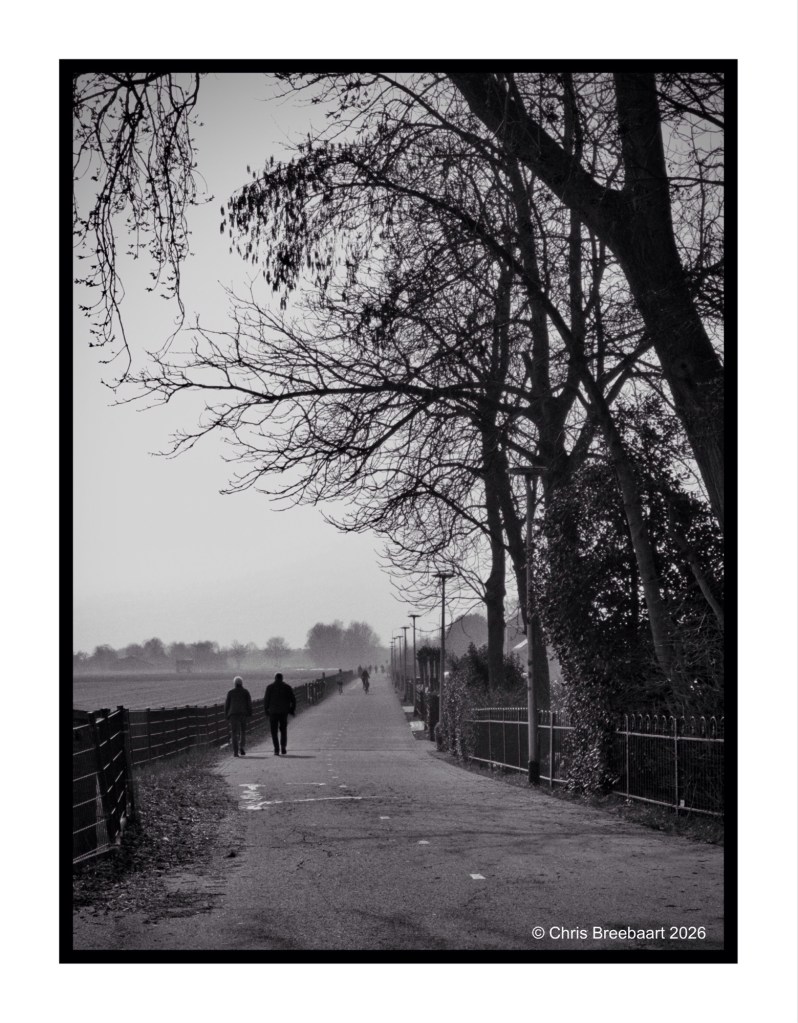
Spring is here and last weekend I made a little bicycle ride to check out the bulb flower fields. Daffodils where coming up, and at odd places hyacinths started to show. A nice way to relax and enjoy the lovely day outside. As did others by walking, running or cycling. Fitting this week’s theme ‘Time to relax’.
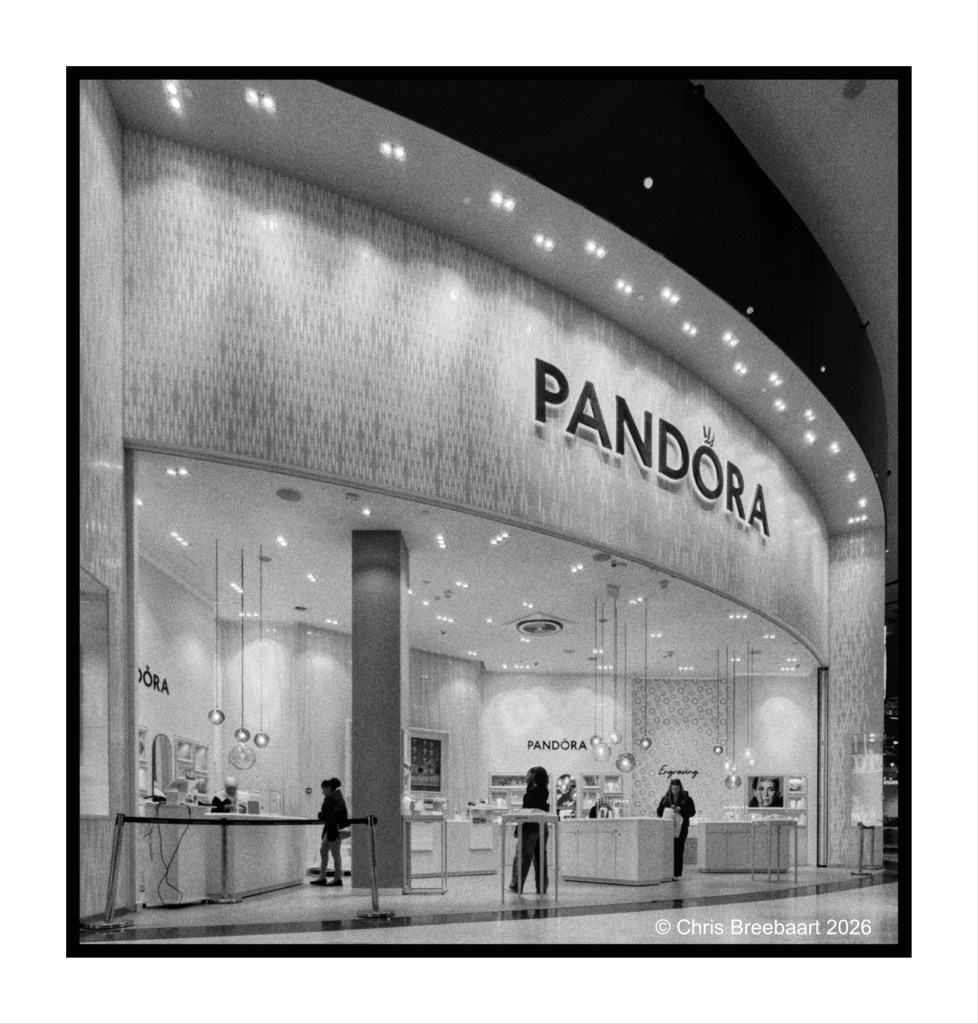
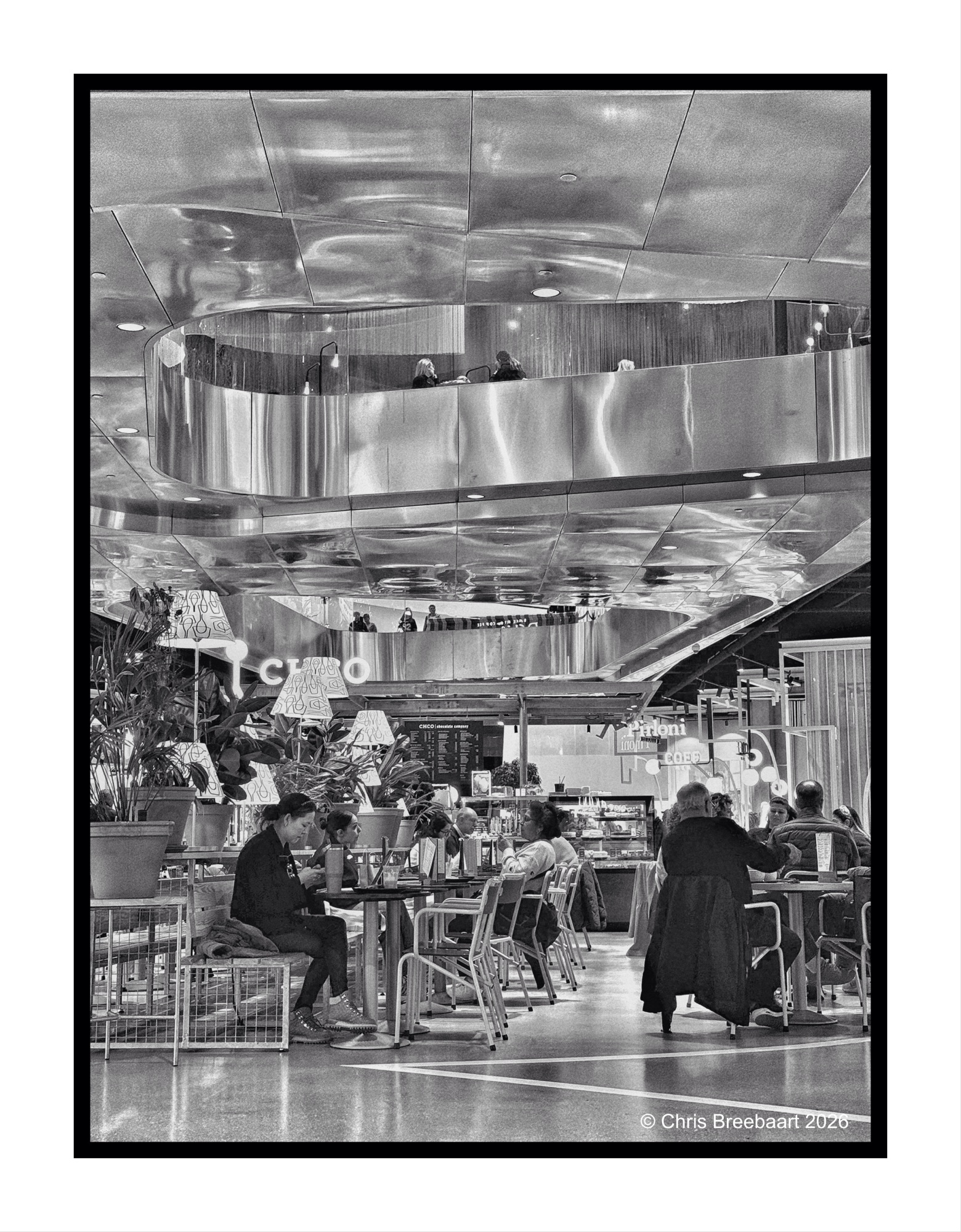
Well, it is not a box, but the association with then name is quite powerful. This ‘box’ holds only sparkly things, instead of the mythological one. Westfield in Leidschendam, Mall of The Netherlands.
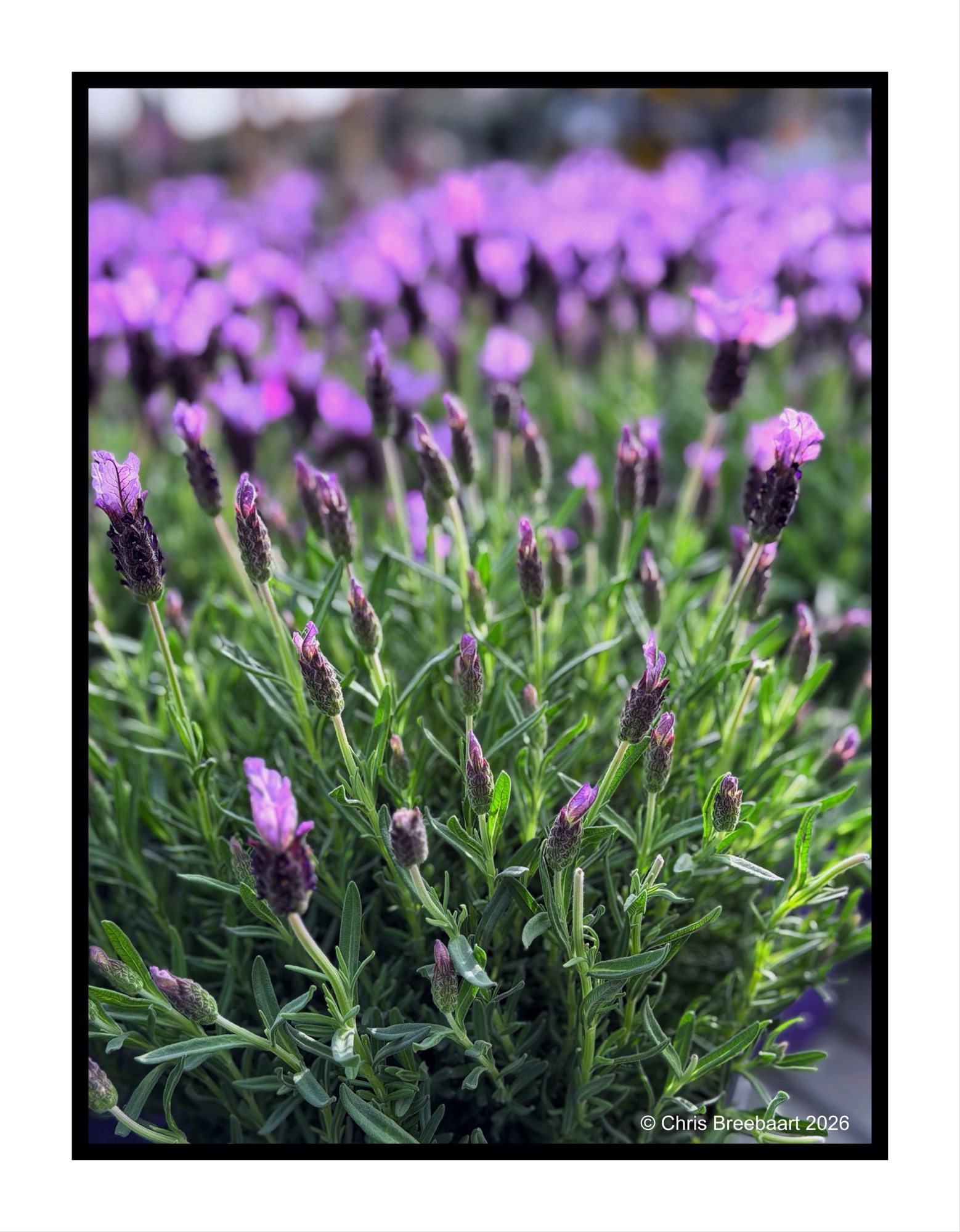
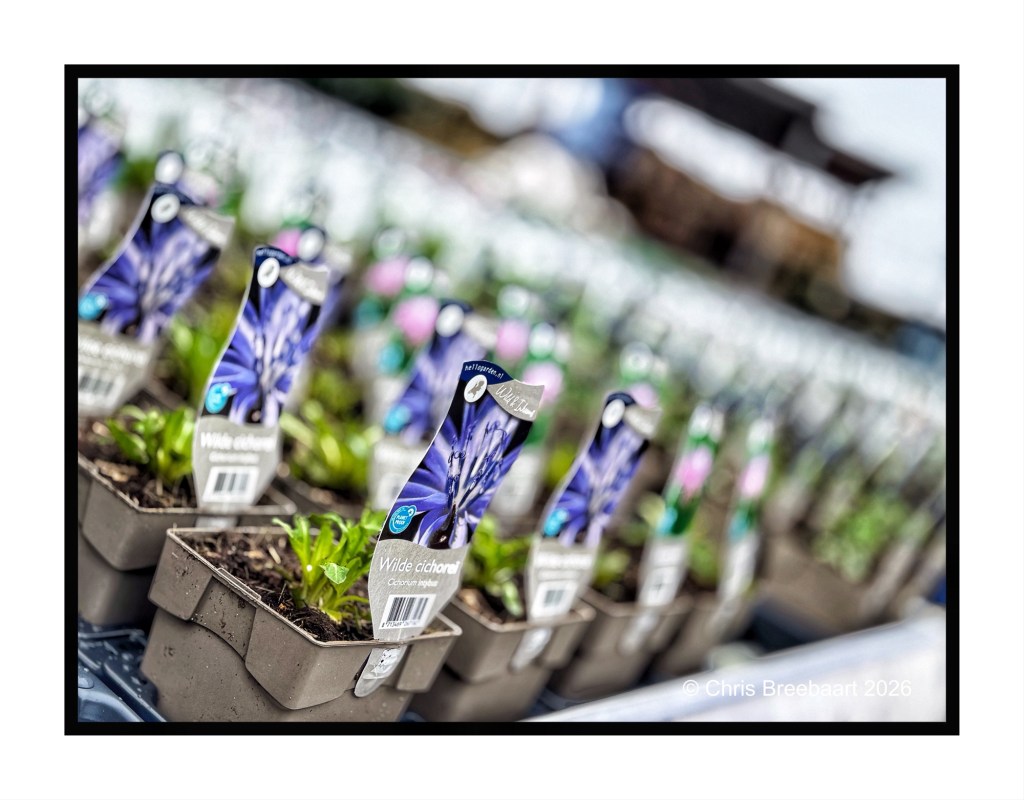
Long ago each season had its own indicators: vegetables, flowers, products. But nowadays in a world economy you can eat vegetables all year round. And now you can have lavender all year round as well. Not the whole year but starting from Spring.
Lavender for me is a ride through the Provence, with the scent in the air as you oversee fields of purple. In Summer.
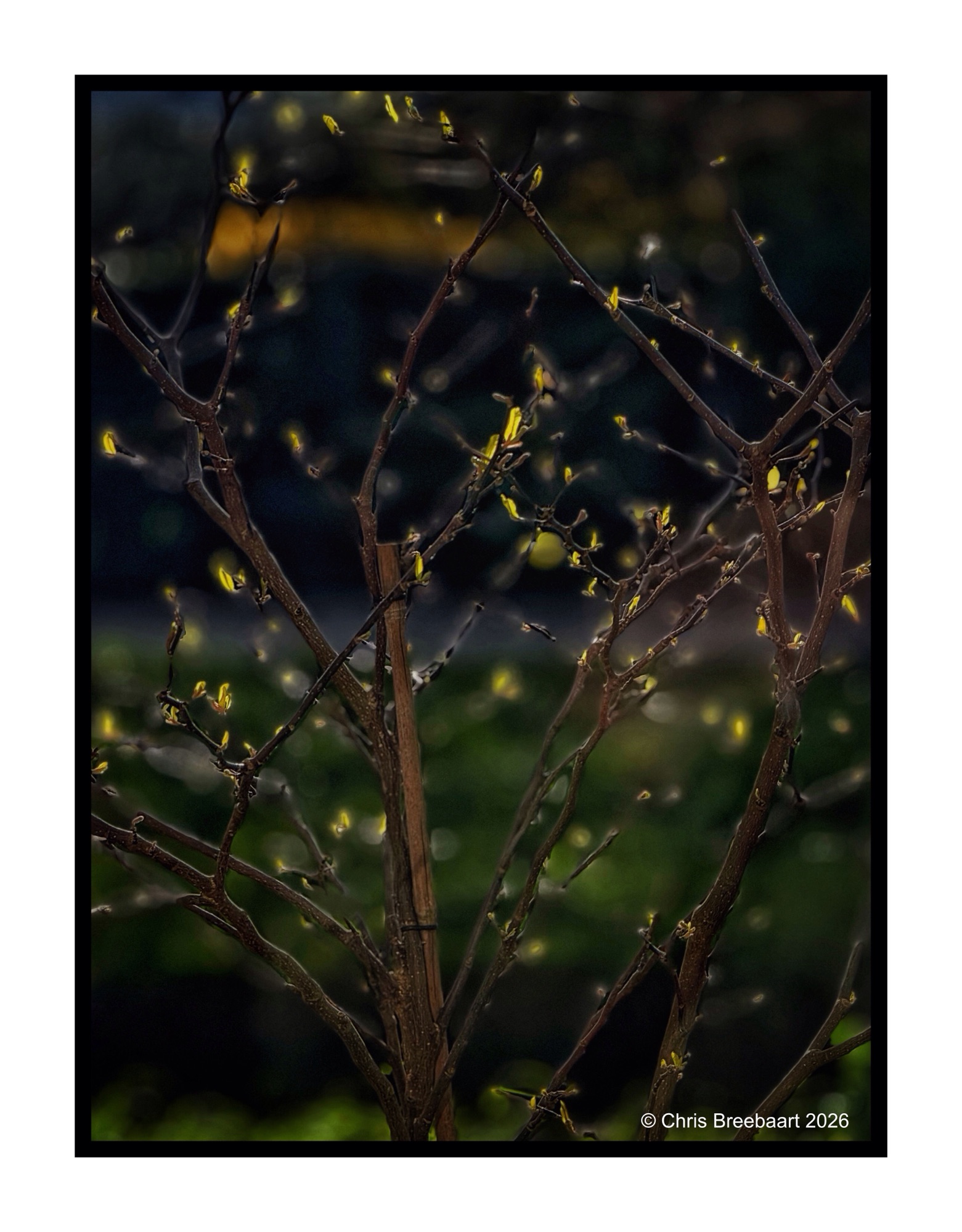
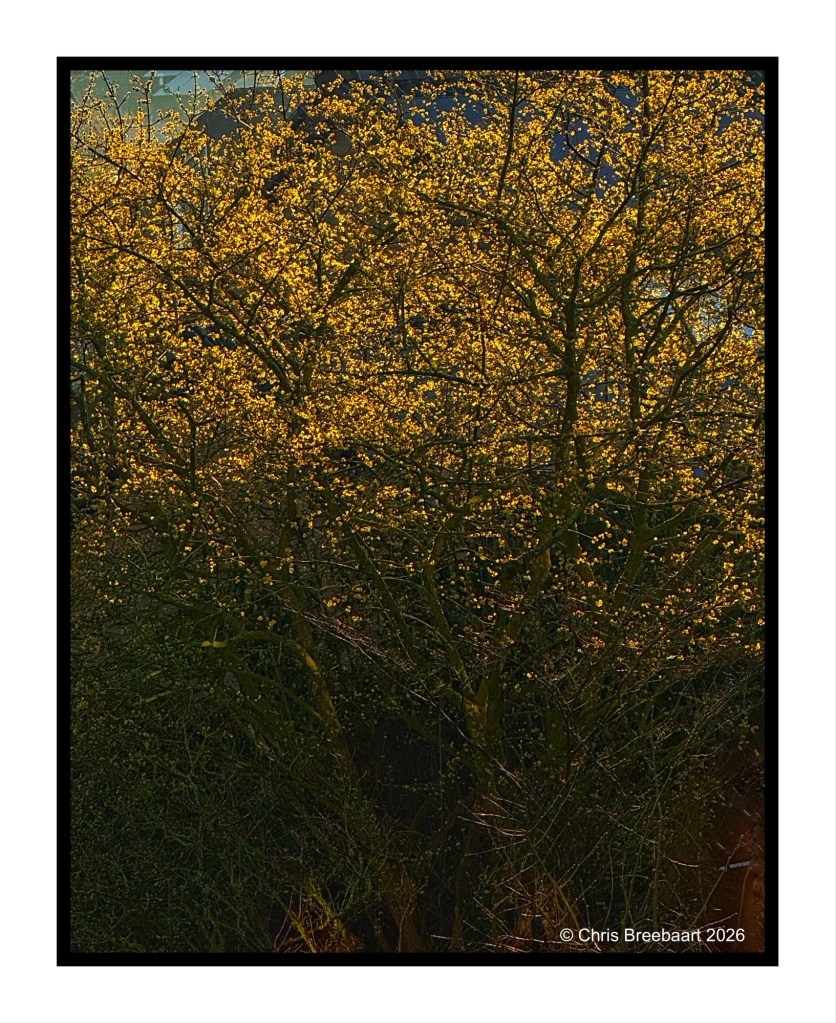
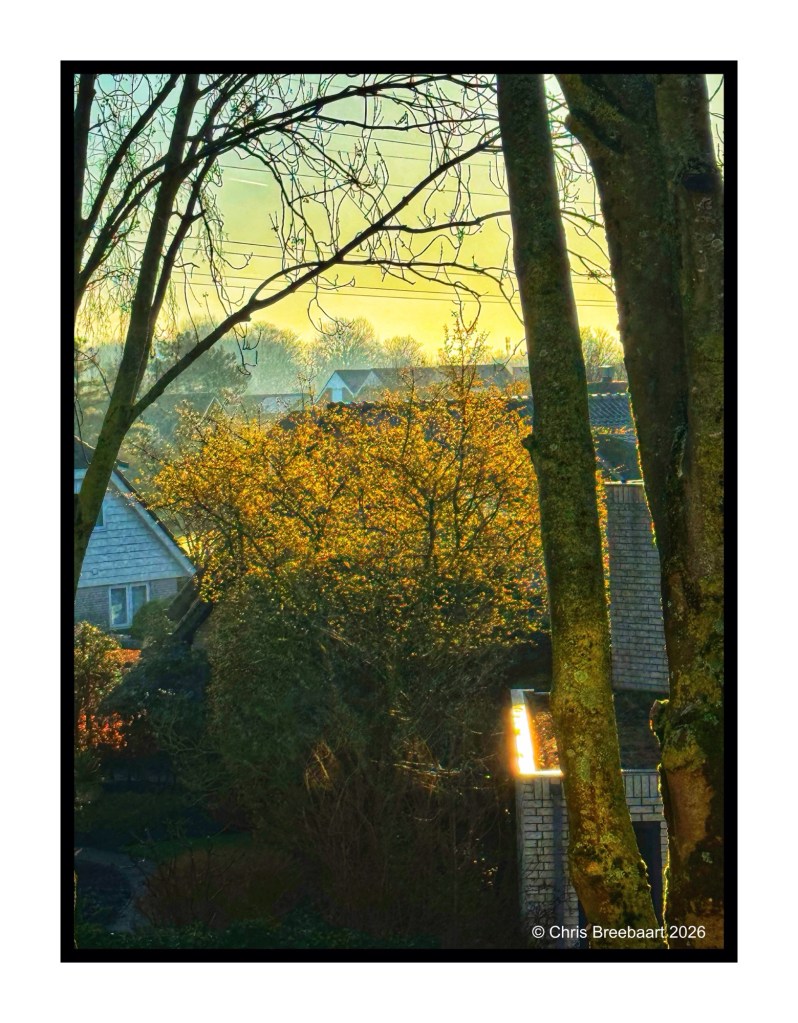
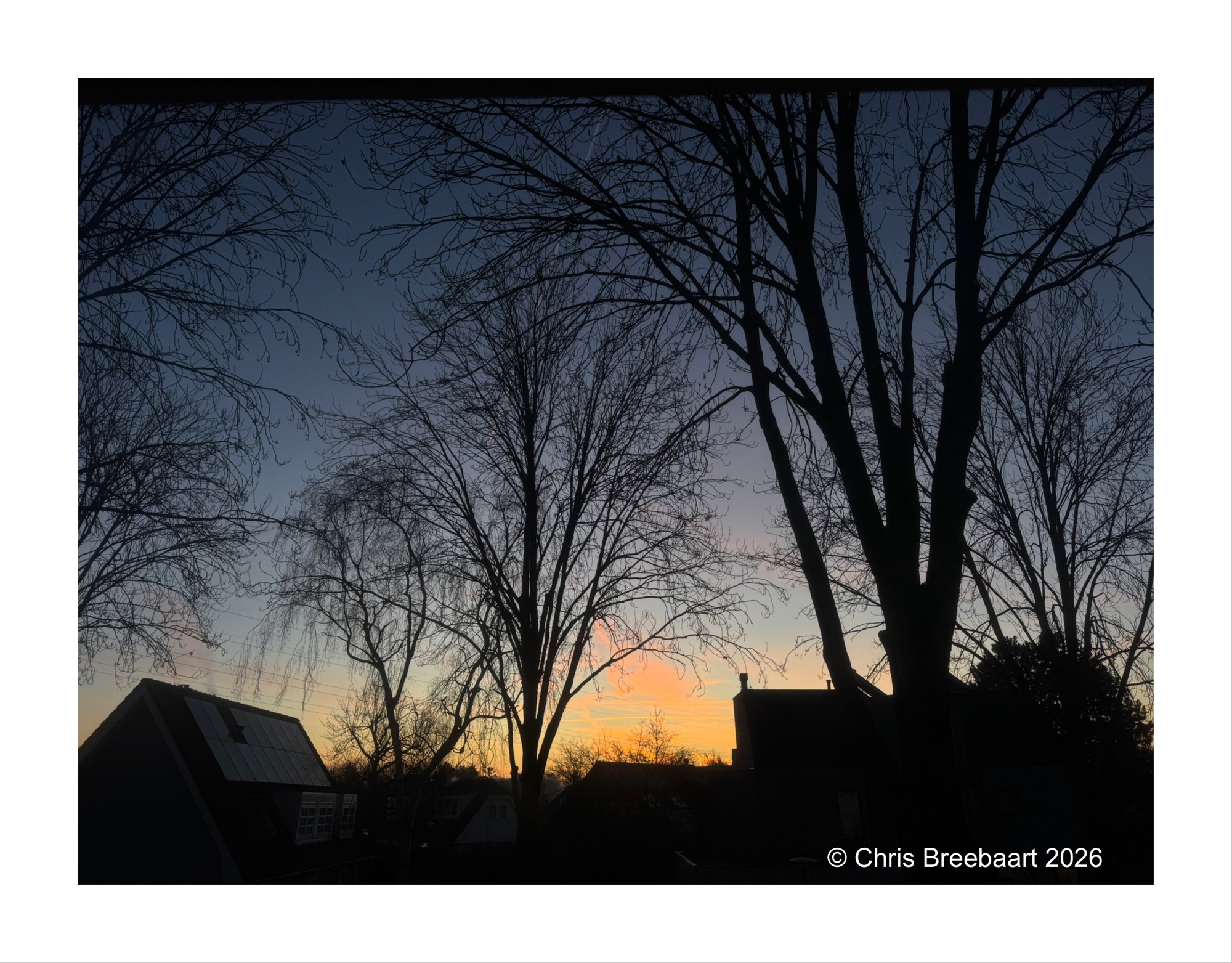
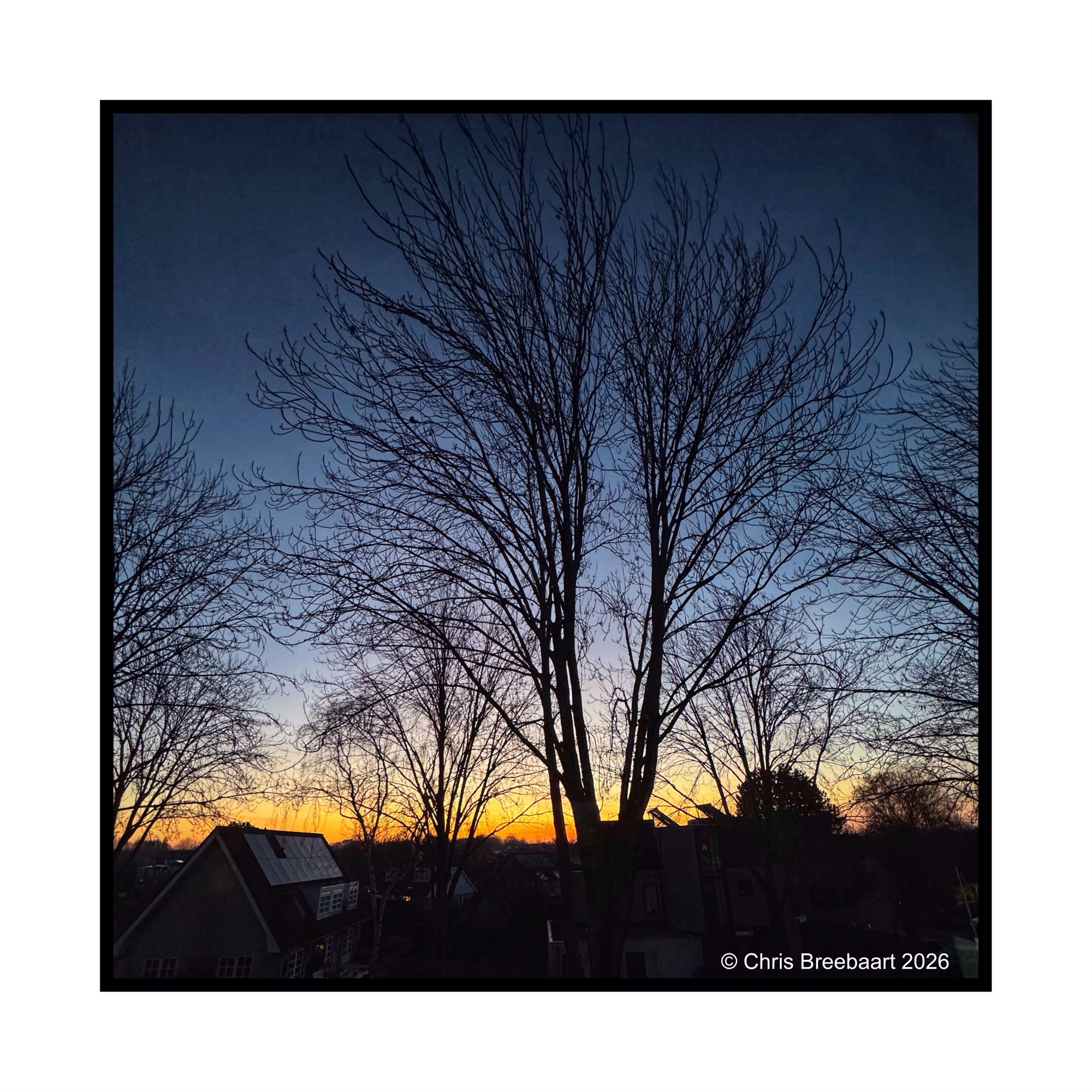
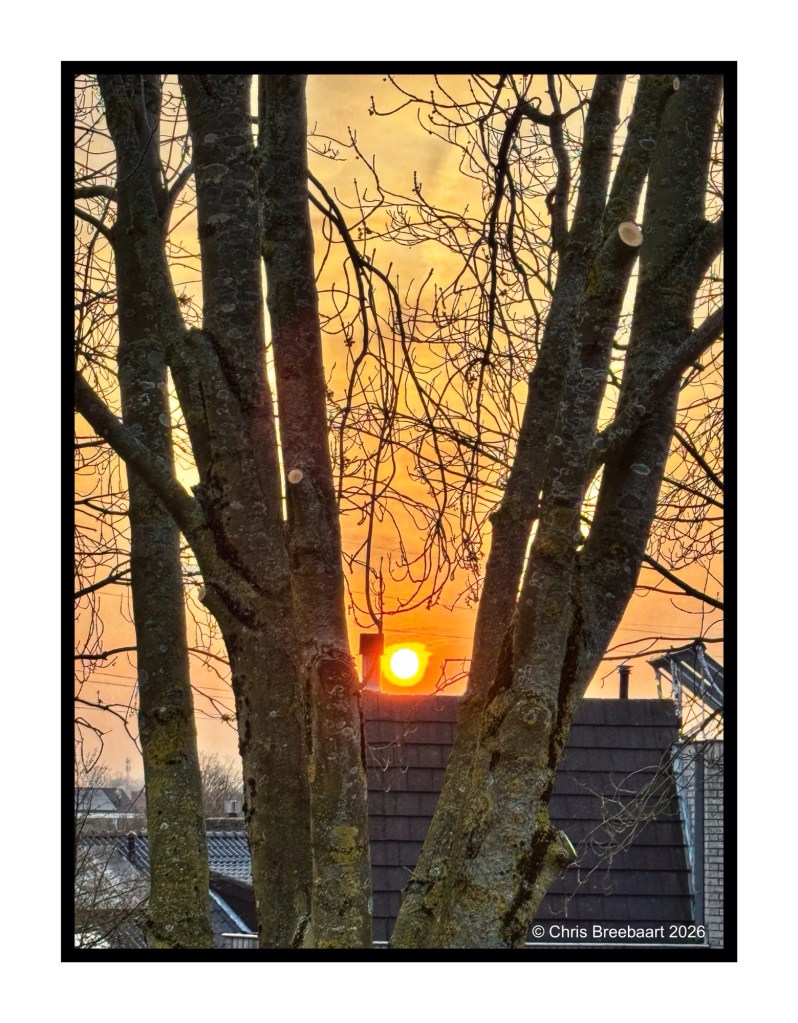
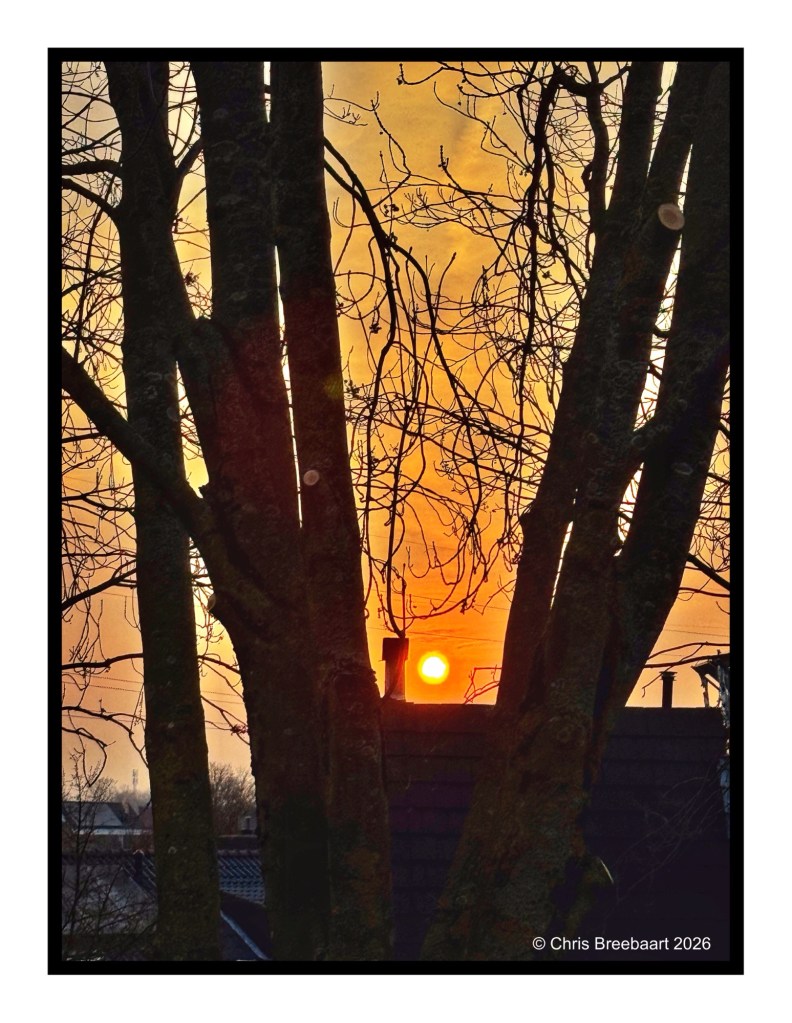
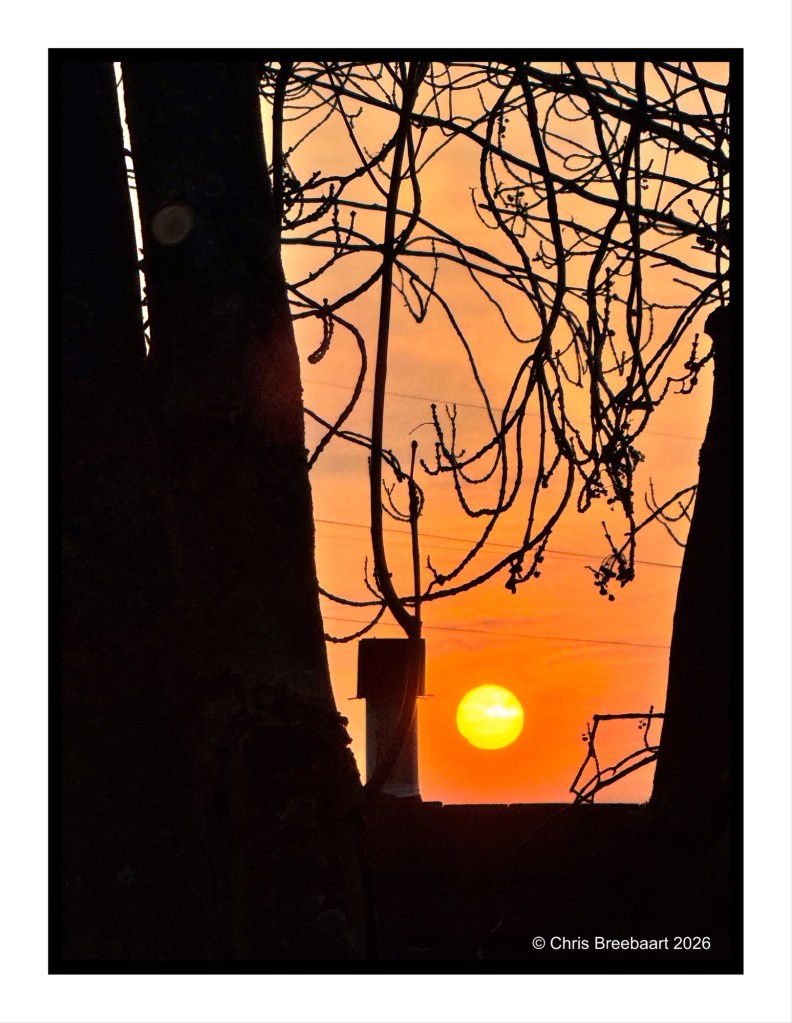
Spring knocks on the door. Sunrises through young leaves, creating golden slumbers in the early sunlight. Vanishing as the sun climbs higher in the sky.
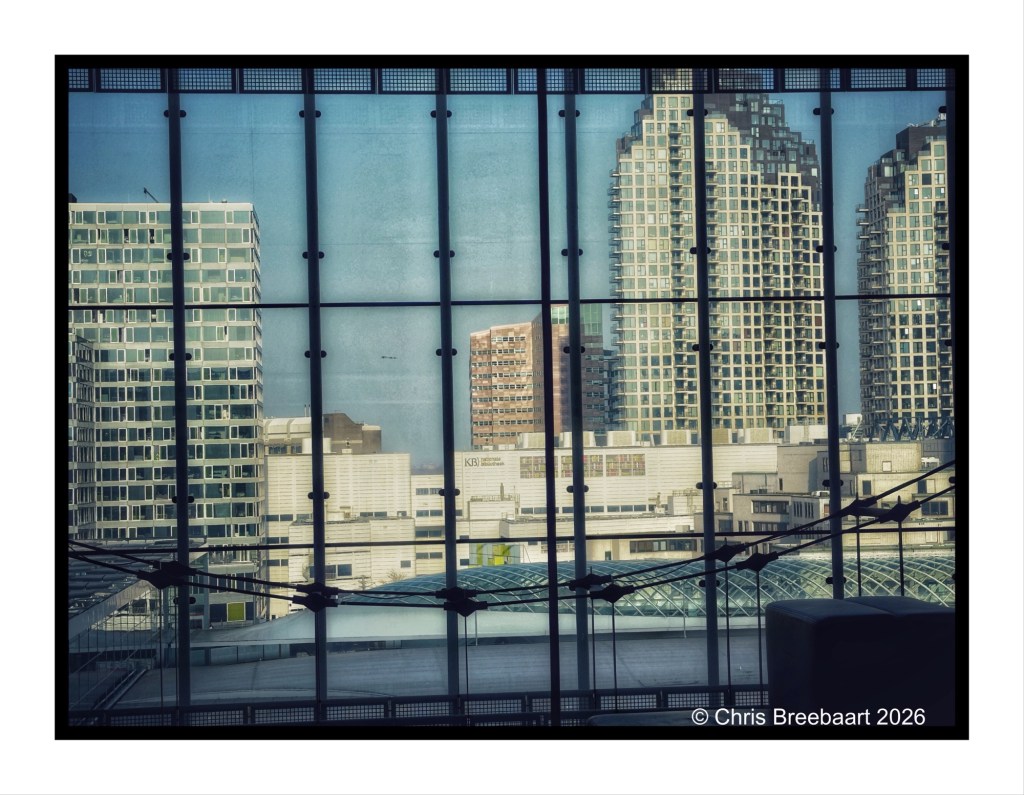
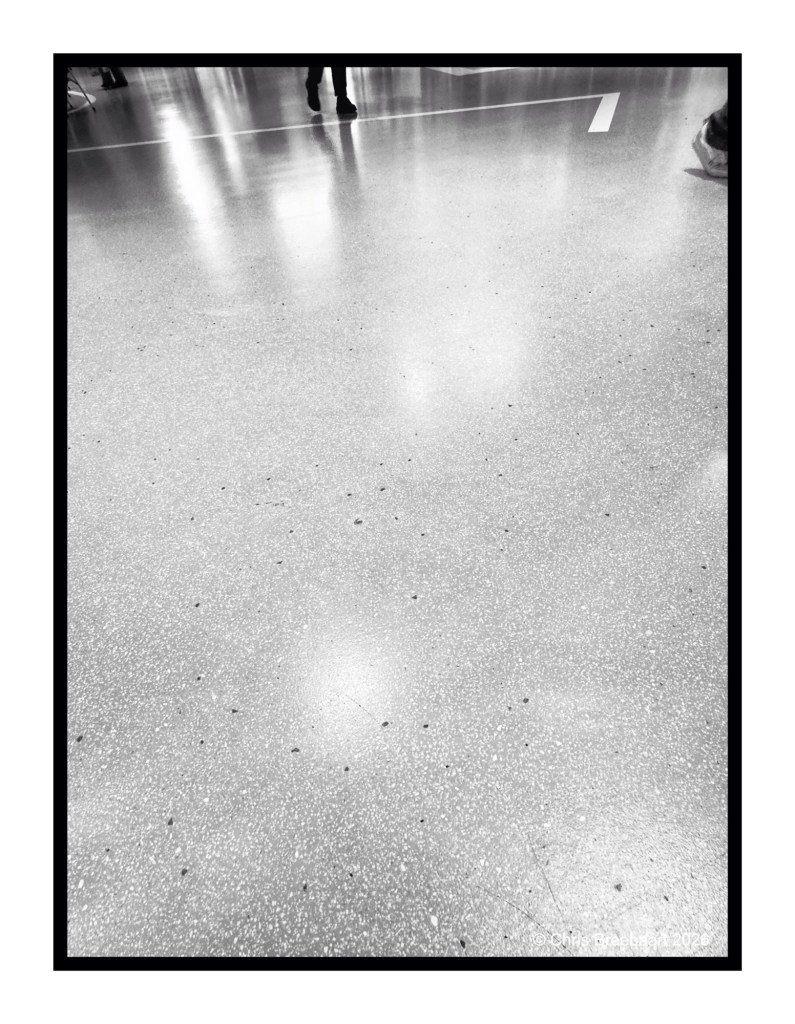
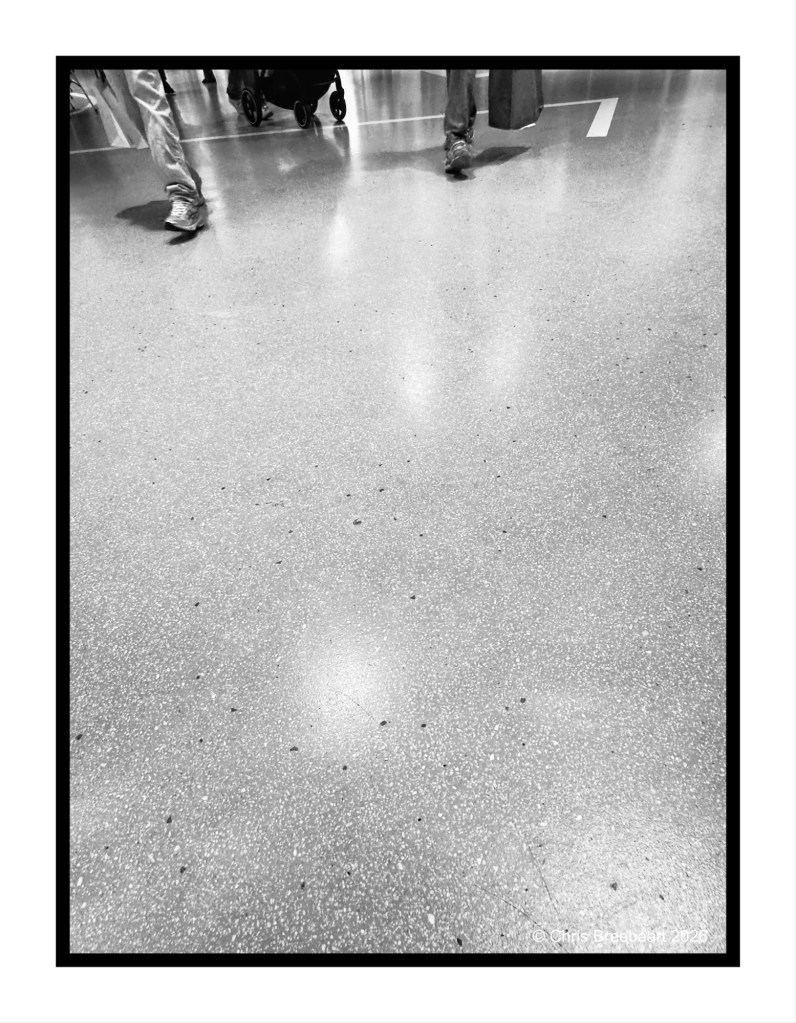
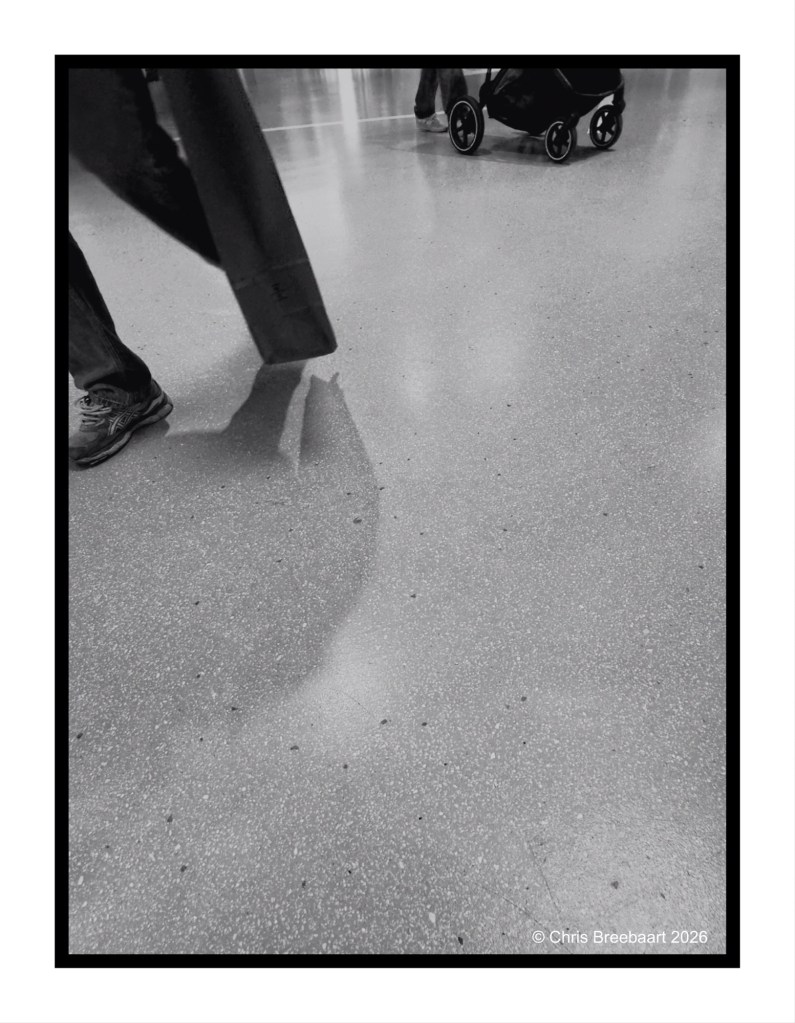
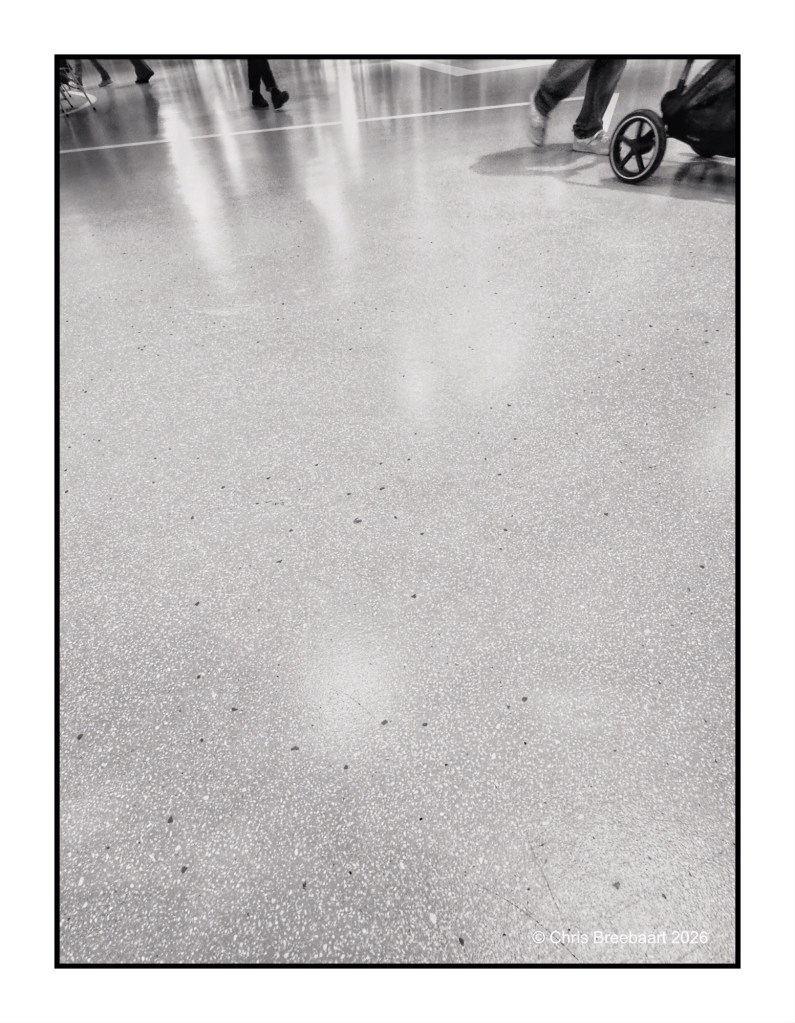
Some of the last photos with the iPhone15 Pro Max. A close view on a shopping floor. Like it is an endless circle of steps lining the floor. what can you do waiting for someone shopping?
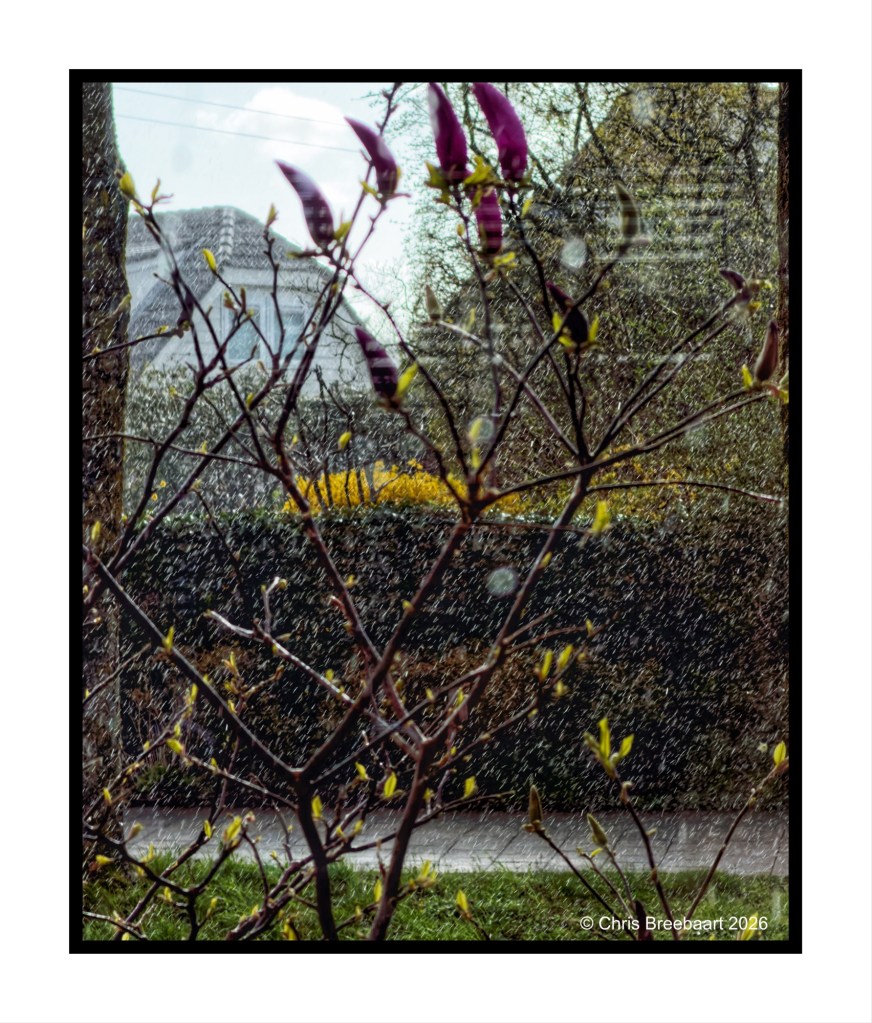
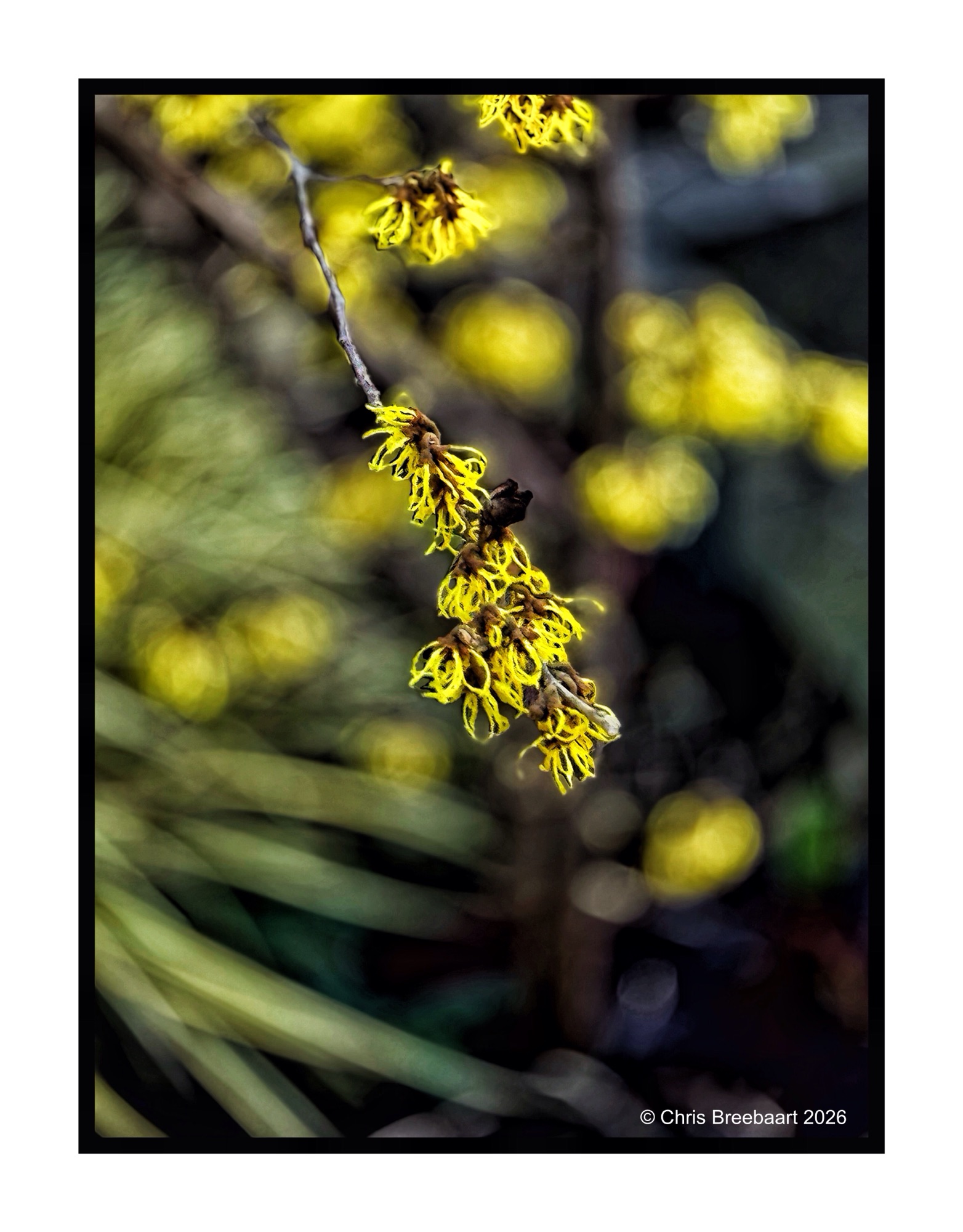
Spring is around the corner. The garden wakes up slowly, with the Forsythia claiming the first flowering spot.The Netherlands, Oegstgeest – February 2026
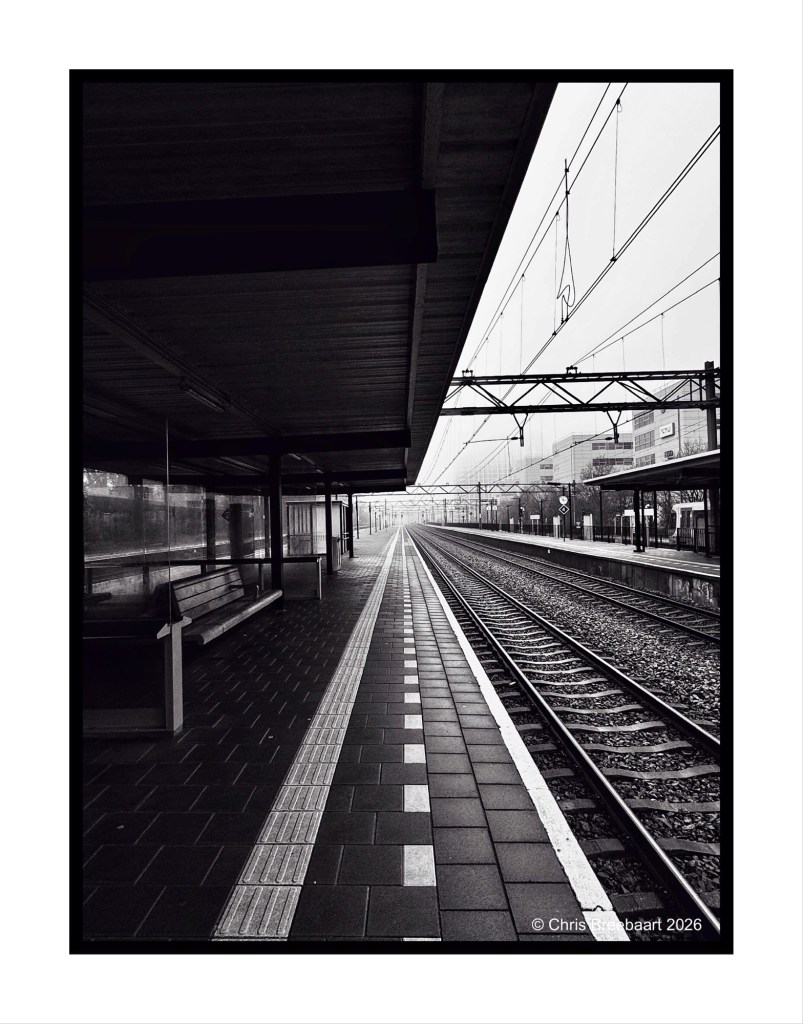
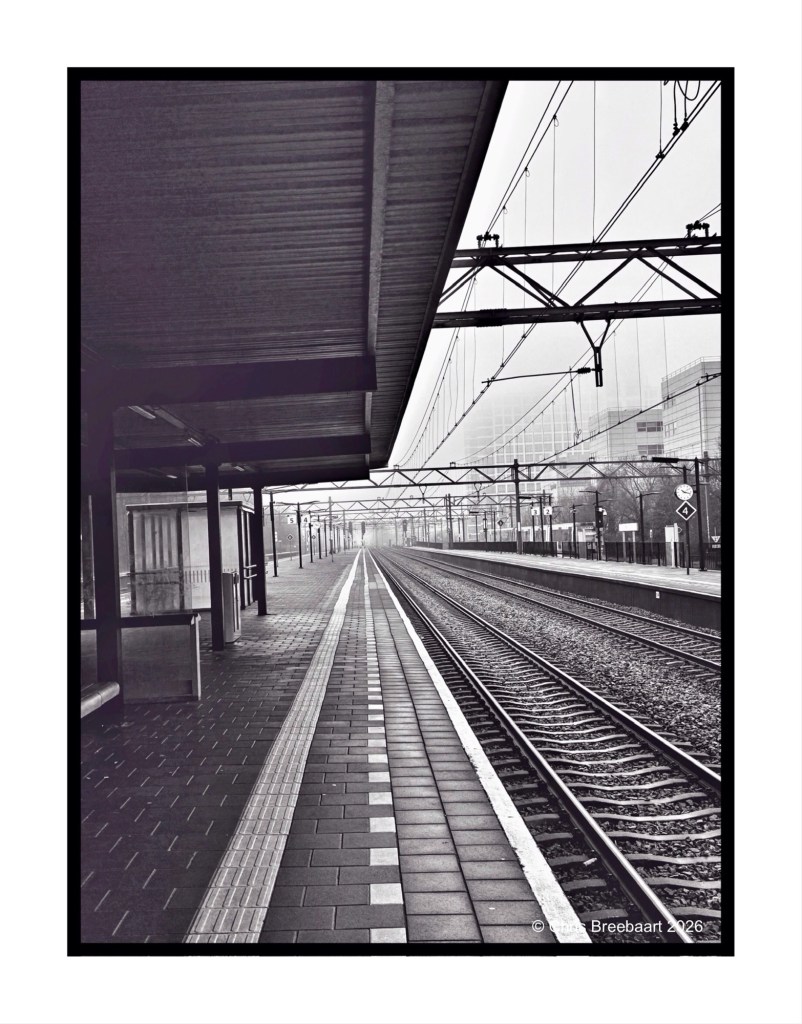
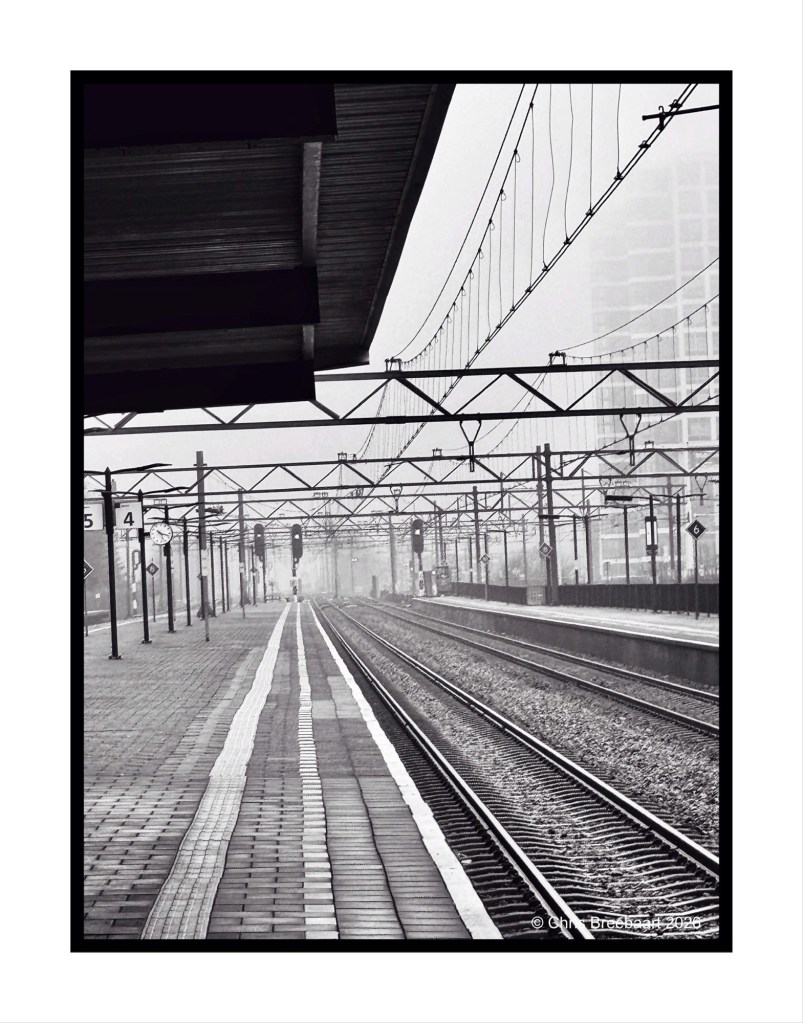
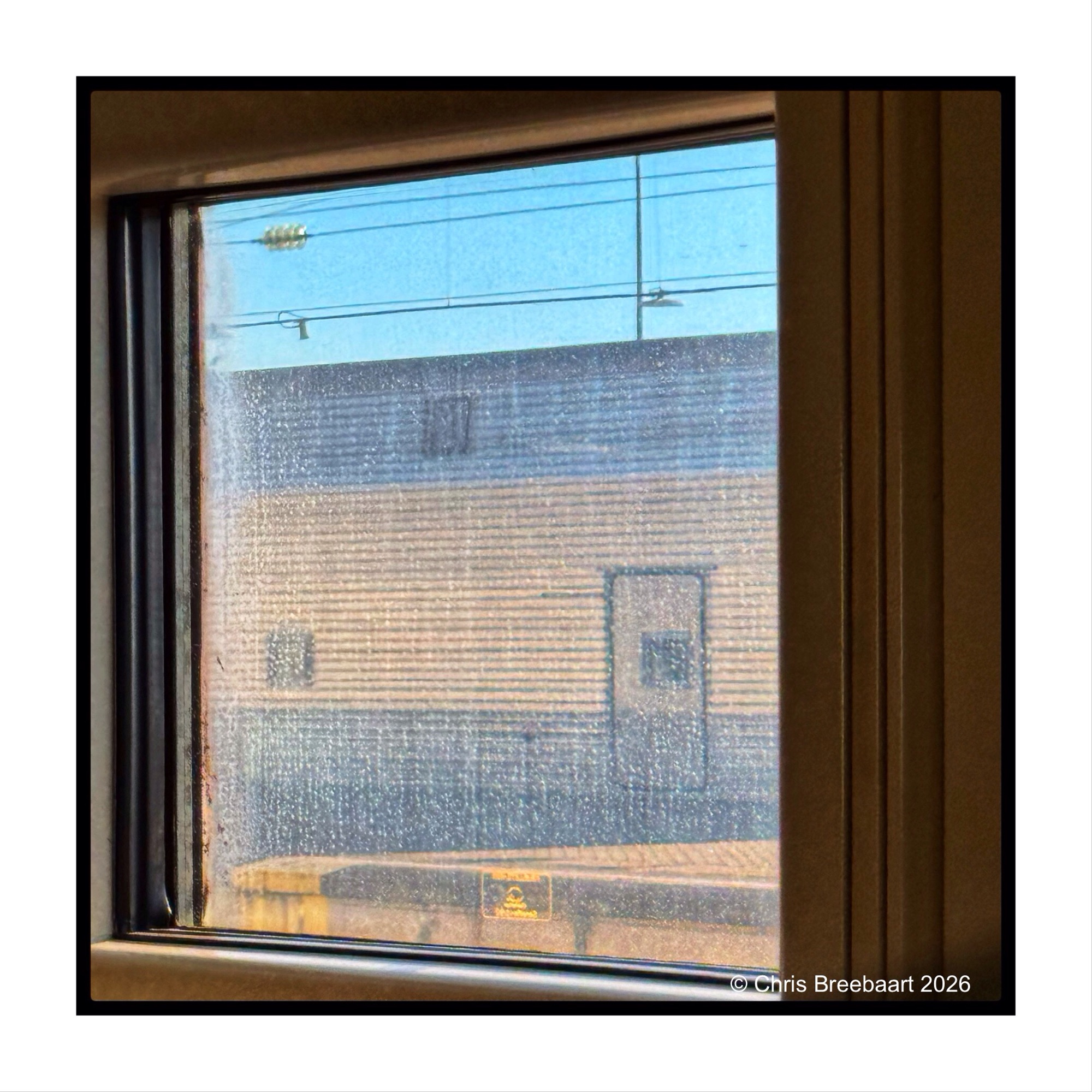
The LAPC theme #385 is ‘unusual crop’. Station Den Haag – Laan van Nieuw Oost-Indië (that is a throat breaker for most of you non-Dutch speakers). Tracking the tracks.
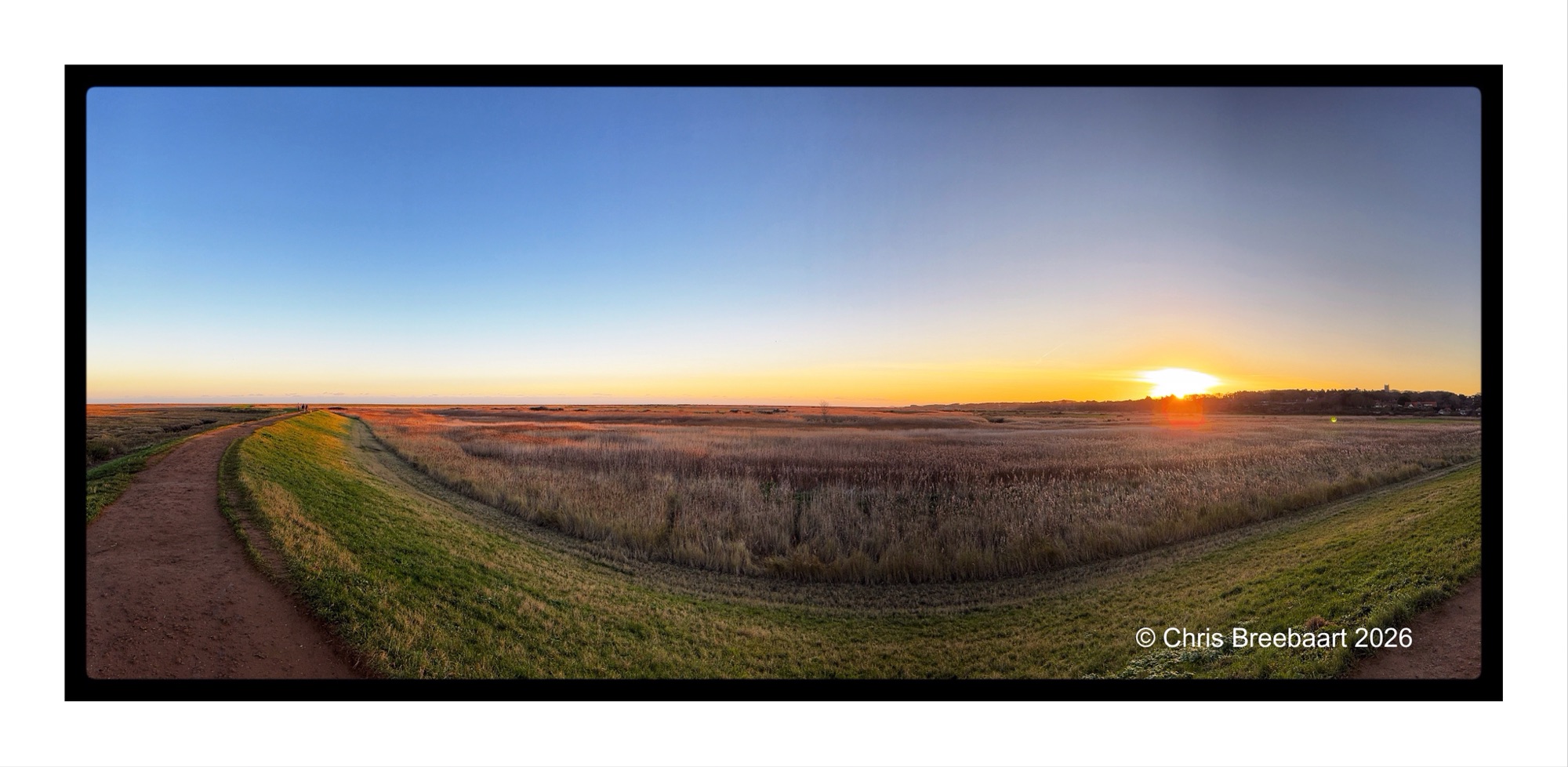
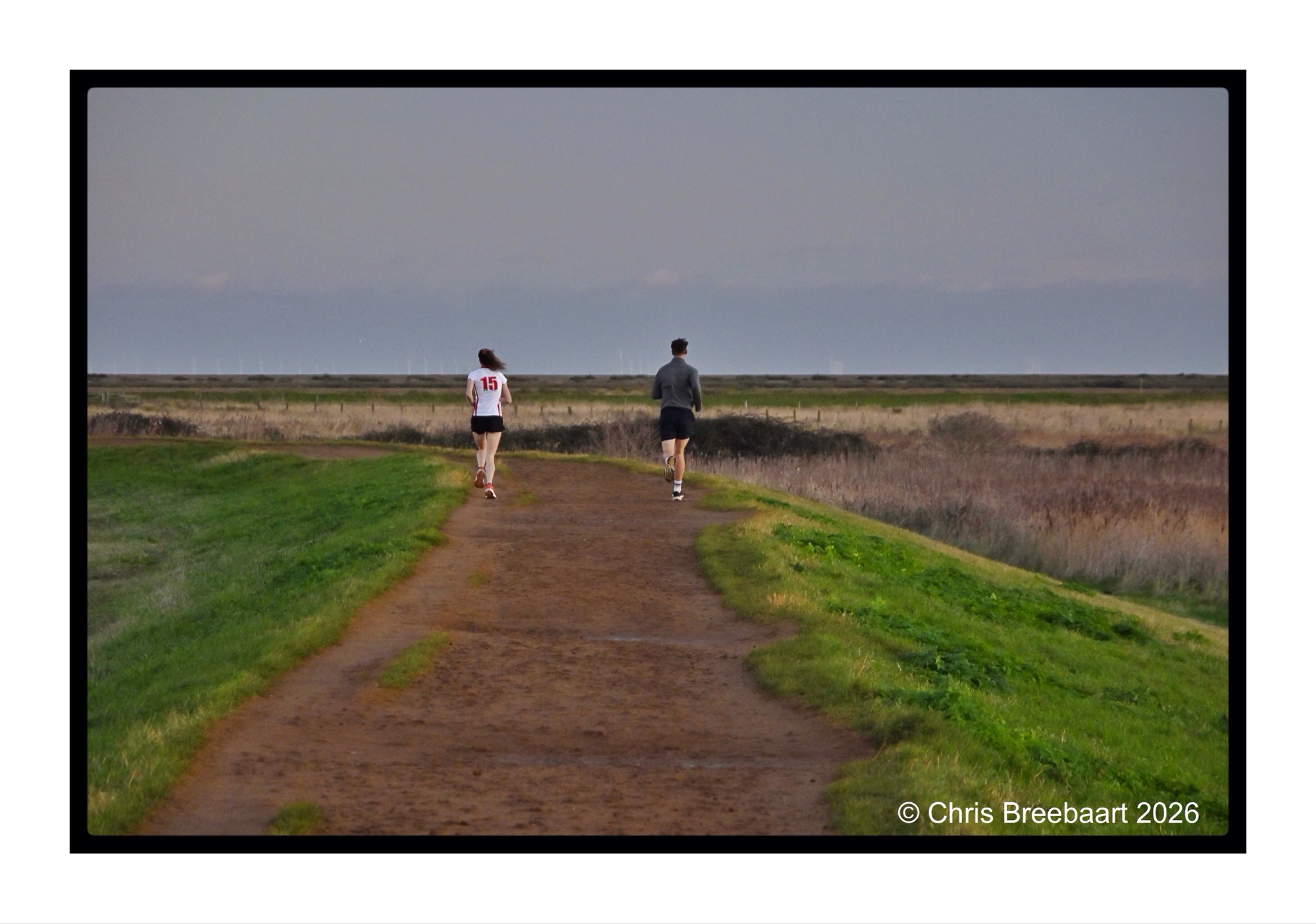
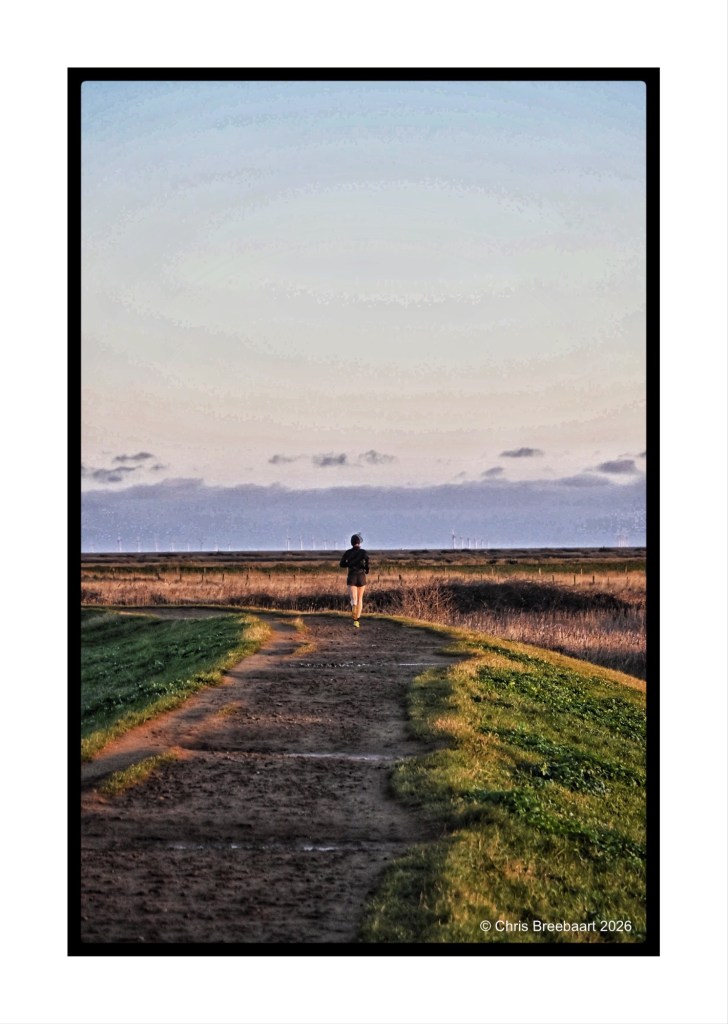
I published this one in a black and white version earlier, but this is the original. The coast path between Blakeney and Cley next the sea is used often by joggers.
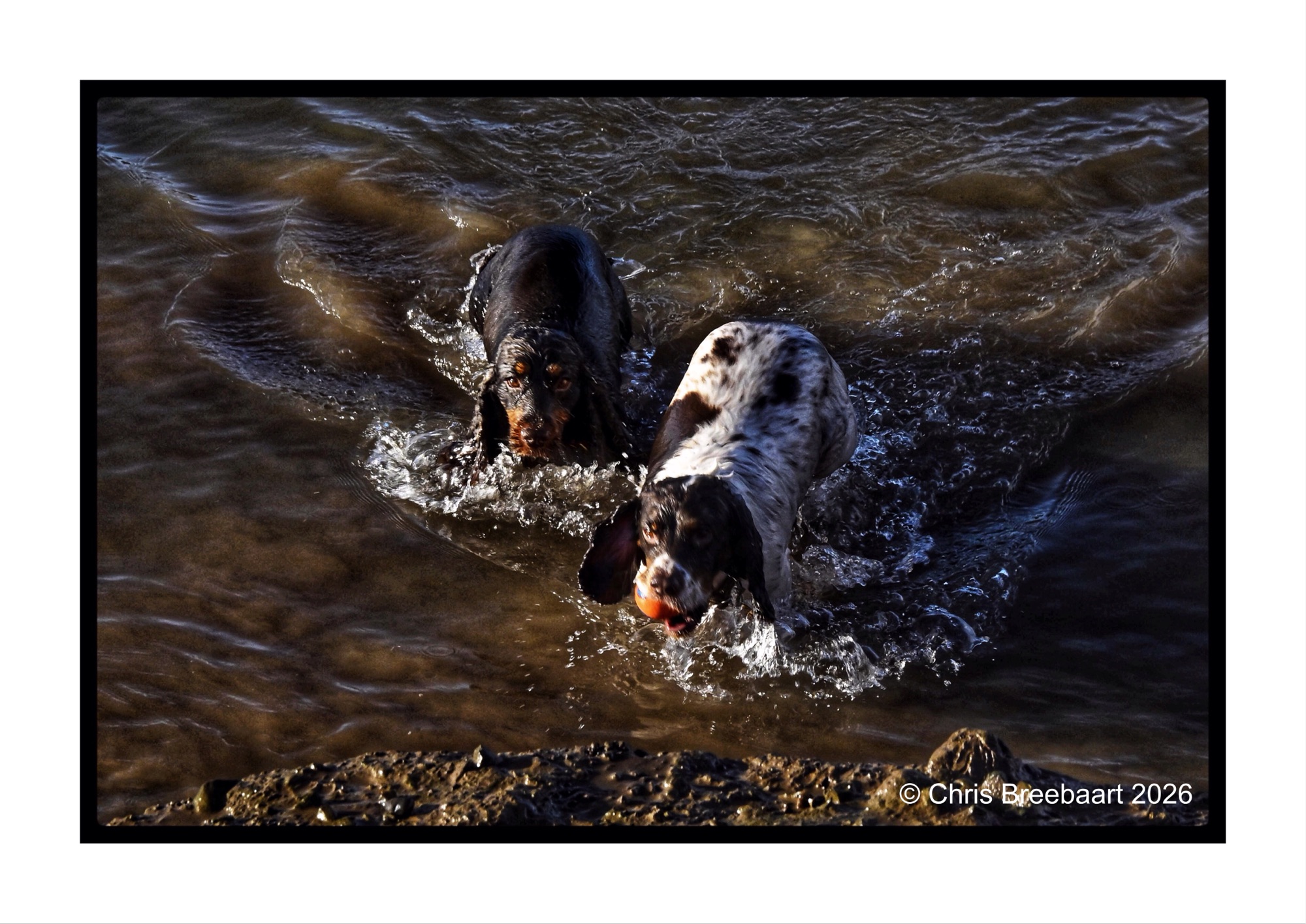
Lens-Artist’s Photo Challenge #384 is ‘astonishment’. The brief is to show in a photo a feeling of surprise or wonder. These two dogs (Murphy left and Cooper right) keep me wondering for years already. It is about their addiction to water in general. If there is water anywhere (preferably muddy) they dive in. Here they have a bath hunting for the ball in at the quayside of Blakeney.
Lens-Artist’s Photo Challenge #384 is ‘astonishment’. The brief is to show in a photo a feeling of surprise or wonder. The marvel of surprise or wonder is not a big one. For me, it is more in appreciating the day to day events. And sometimes apart of the practical, there is wonder. Like when the Channel Tunnel opened, and a one way trip takes 35 minutes. You can not see much, but it is quite convenient.

 What's (in) the Picture?