Haarlem Station
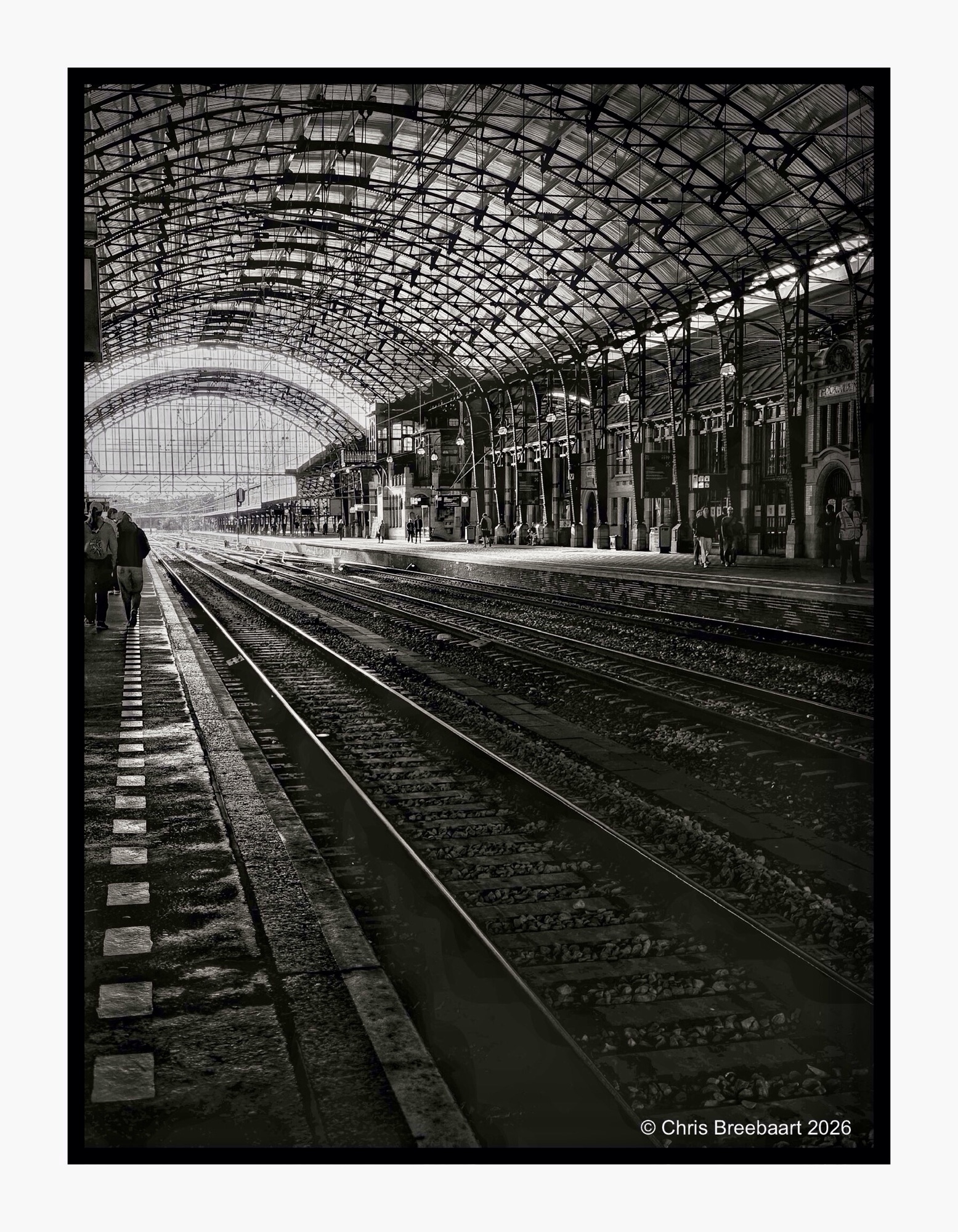
Shot with iPhone 17 Pro Max edited using Snapseed and Marksta. Click the picture for a larger version.
Shot with iPhone 17 Pro Max edited using Snapseed and Marksta. Click the picture for a larger version.
One of the first questions I had buying my first digital DSLR was ‘how do I shoot monochrome photos from now?’. In the past it was just choosing what film I put in a camera. Going digital implied using editing to revert from color to monochrome. More recently black and white modes came back on devices. Not only on iPhone. My choice for Nikon Zf was influenced by it. But it all is a question of taste.
The same photo of the station of Haarlem in color and (edited) monochrome. Pick one or both.
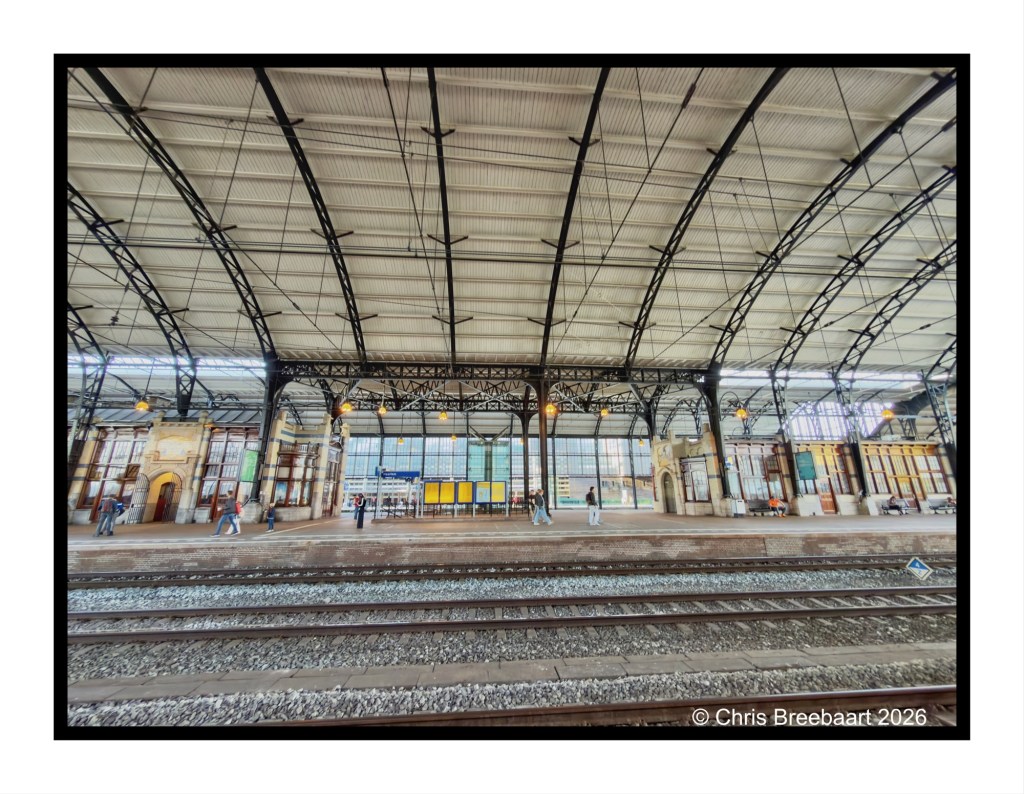
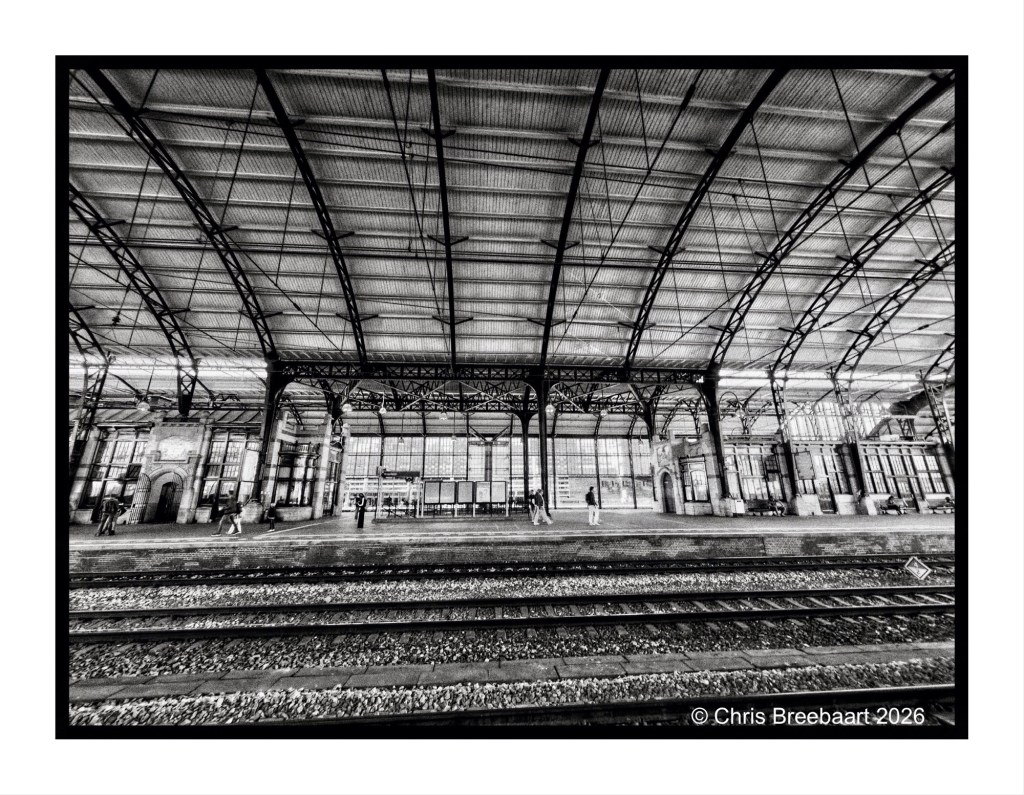
Shot with iPhone 17 Pro Max edited using Snapseed and Marksta. Click the picture for a larger version.

Another one for Weekly Sky Challenge #2. Everywhere in my flat home country the horizon is low, so we see skies all the time. Skies over The Netherlands.
Shot with iPhone 11 Pro Max edited using Snapseed and Marksta. Click the picture for a larger version
One size fits all?
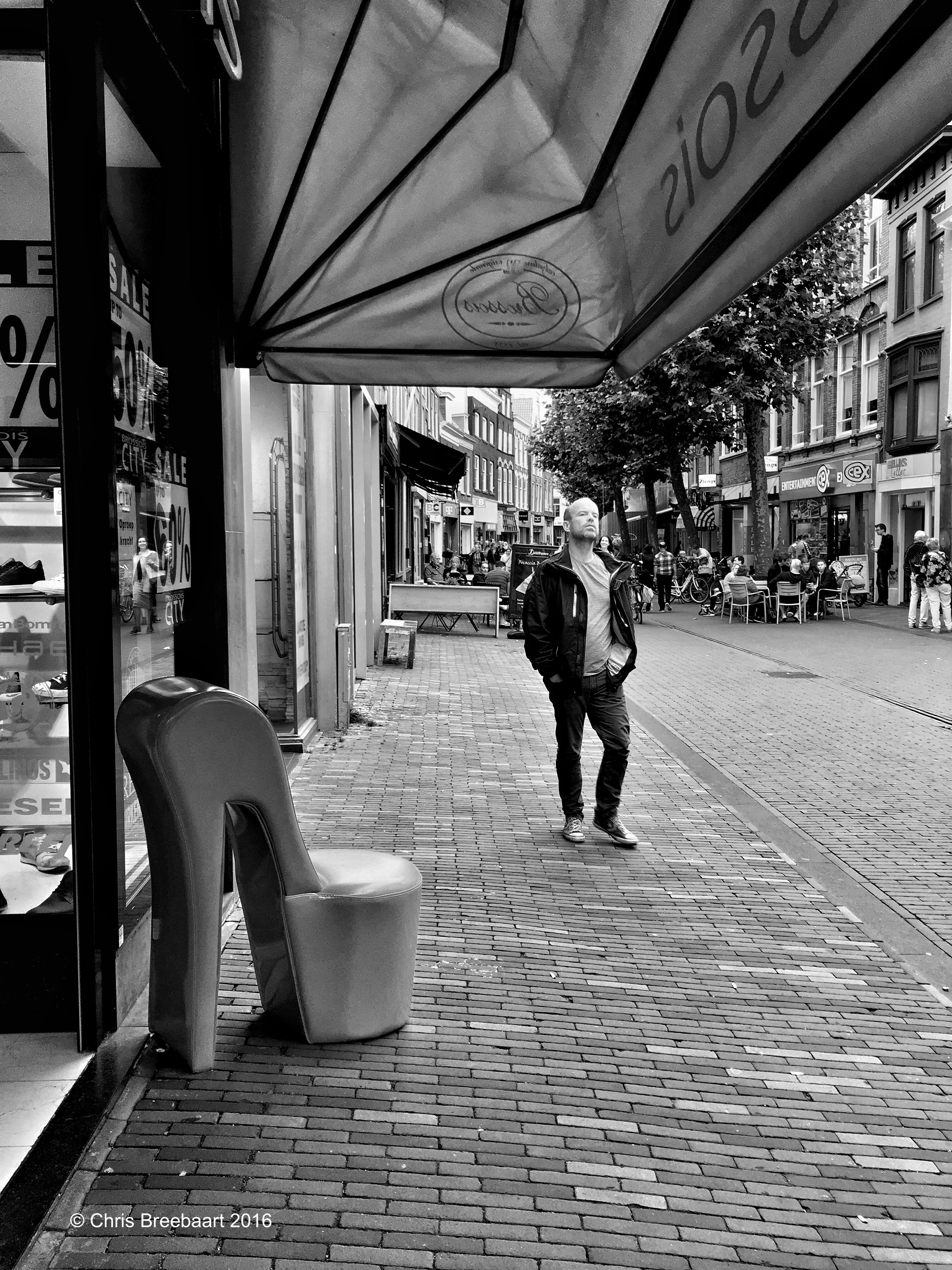
The Netherlands, Haarlem – August 2016
shot with iPhone 6s plus using Hueless, edited using Snapseed and Marksta, click the picture for a larger version
A list of other entries to this theme; if you do not want to be on this list let me know and I remove the link

