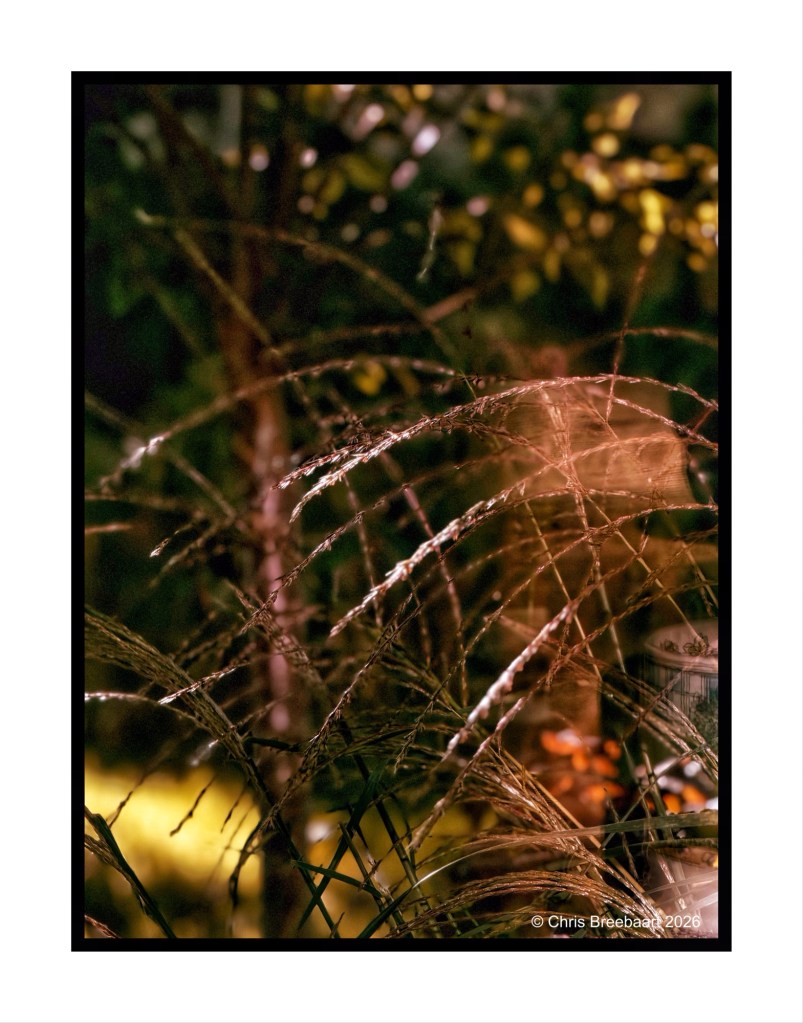
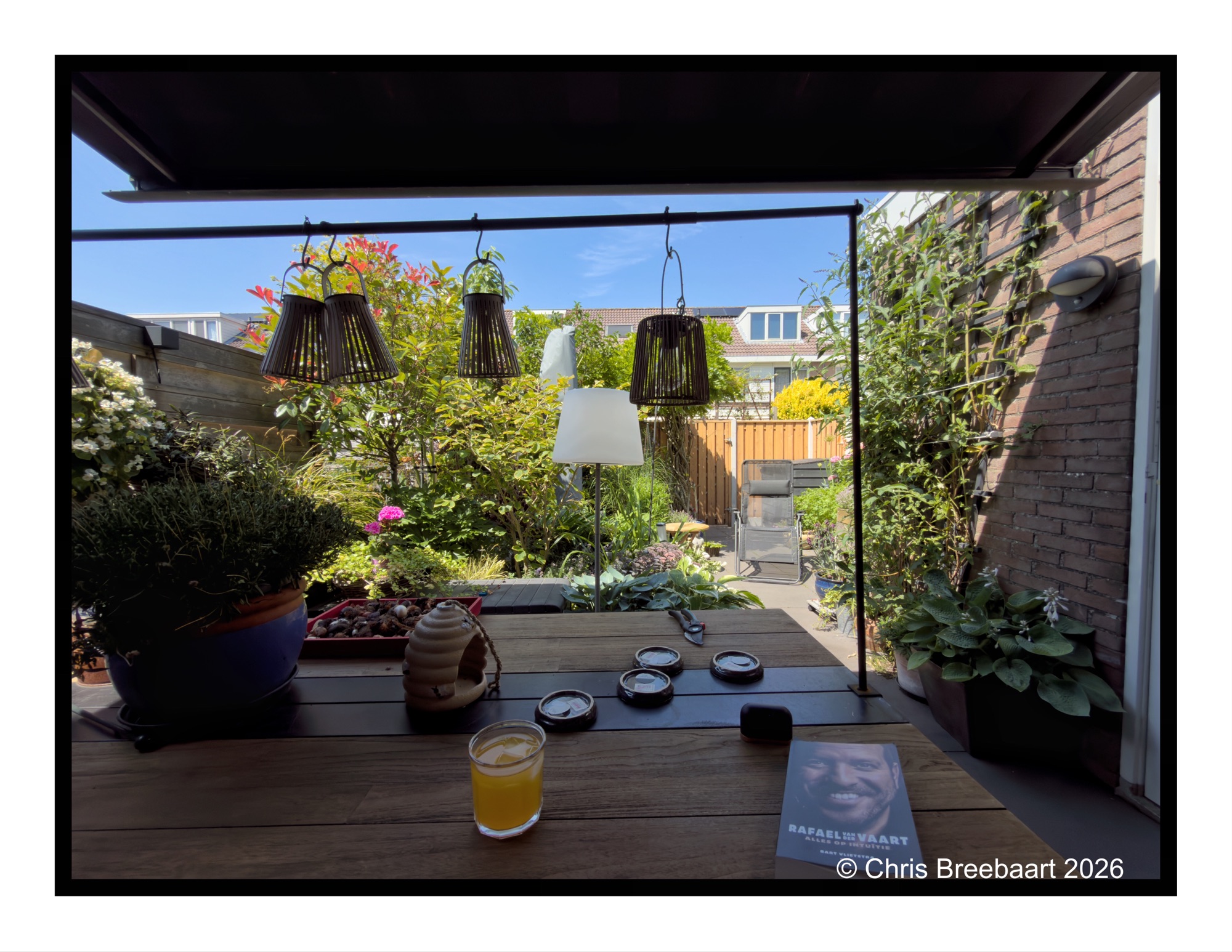
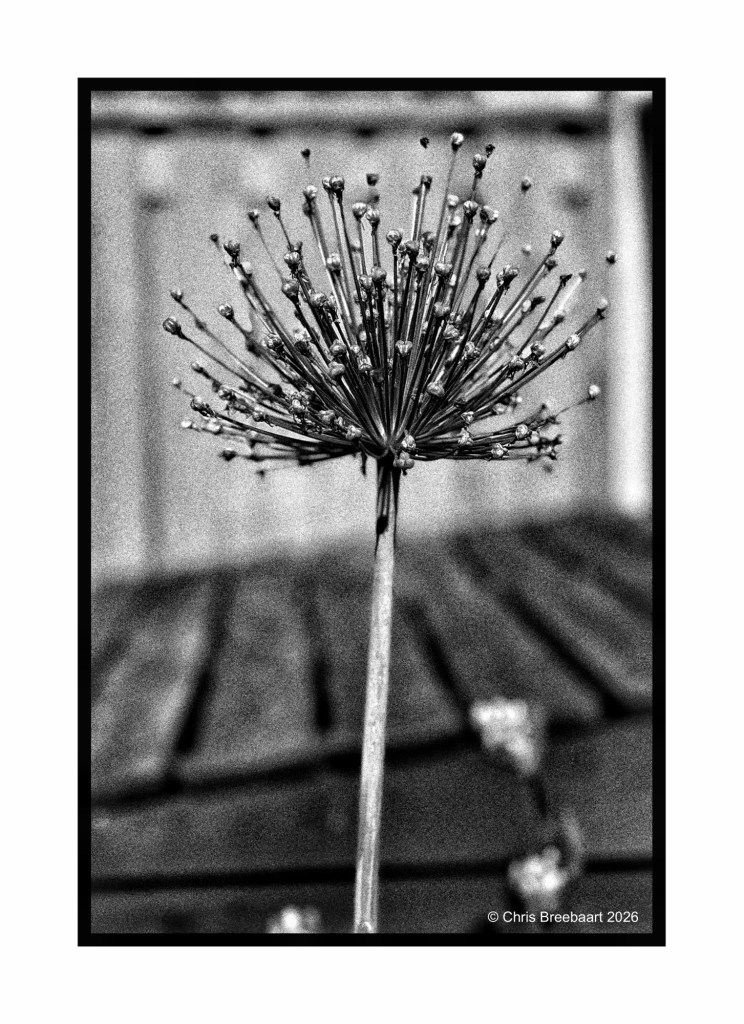
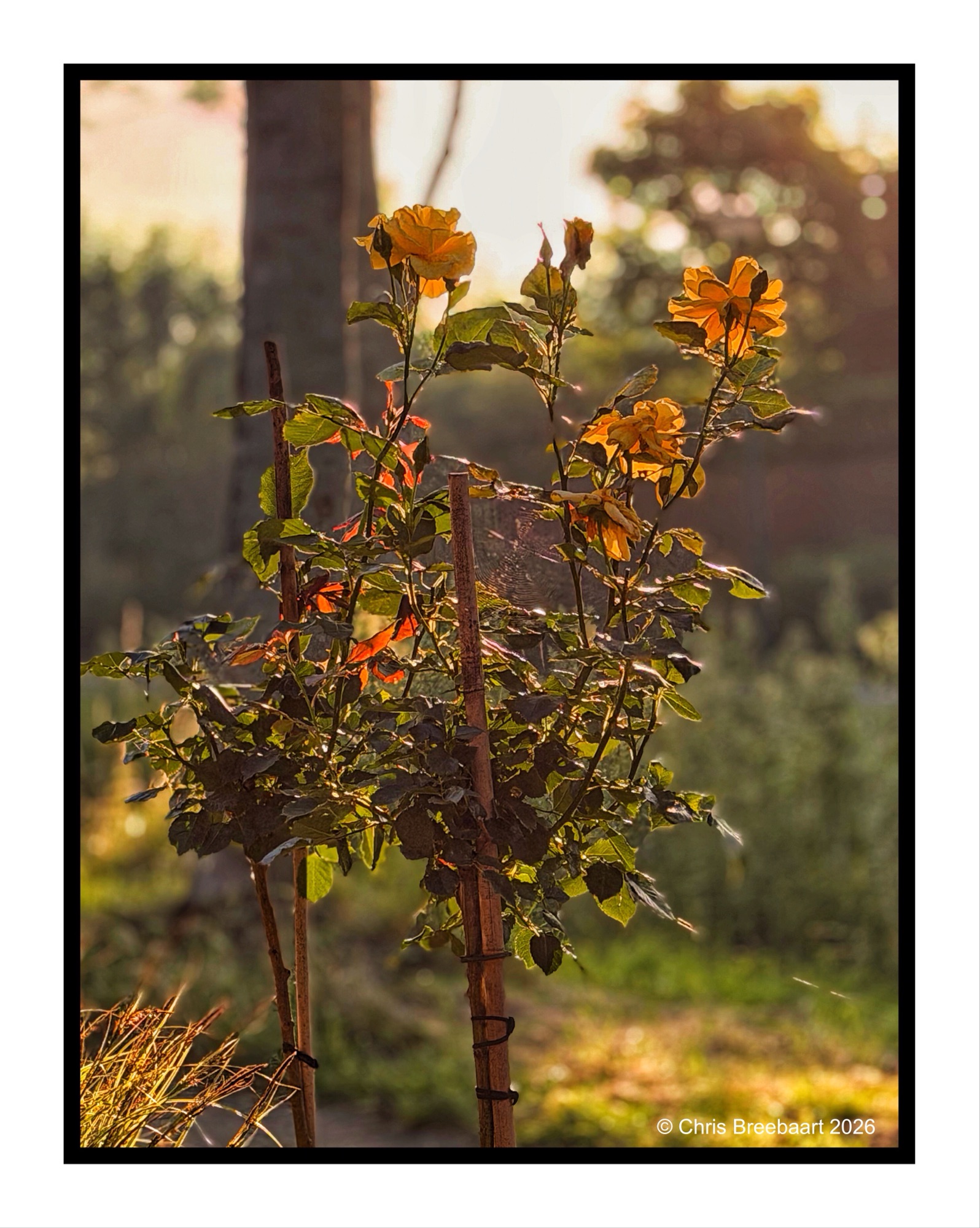
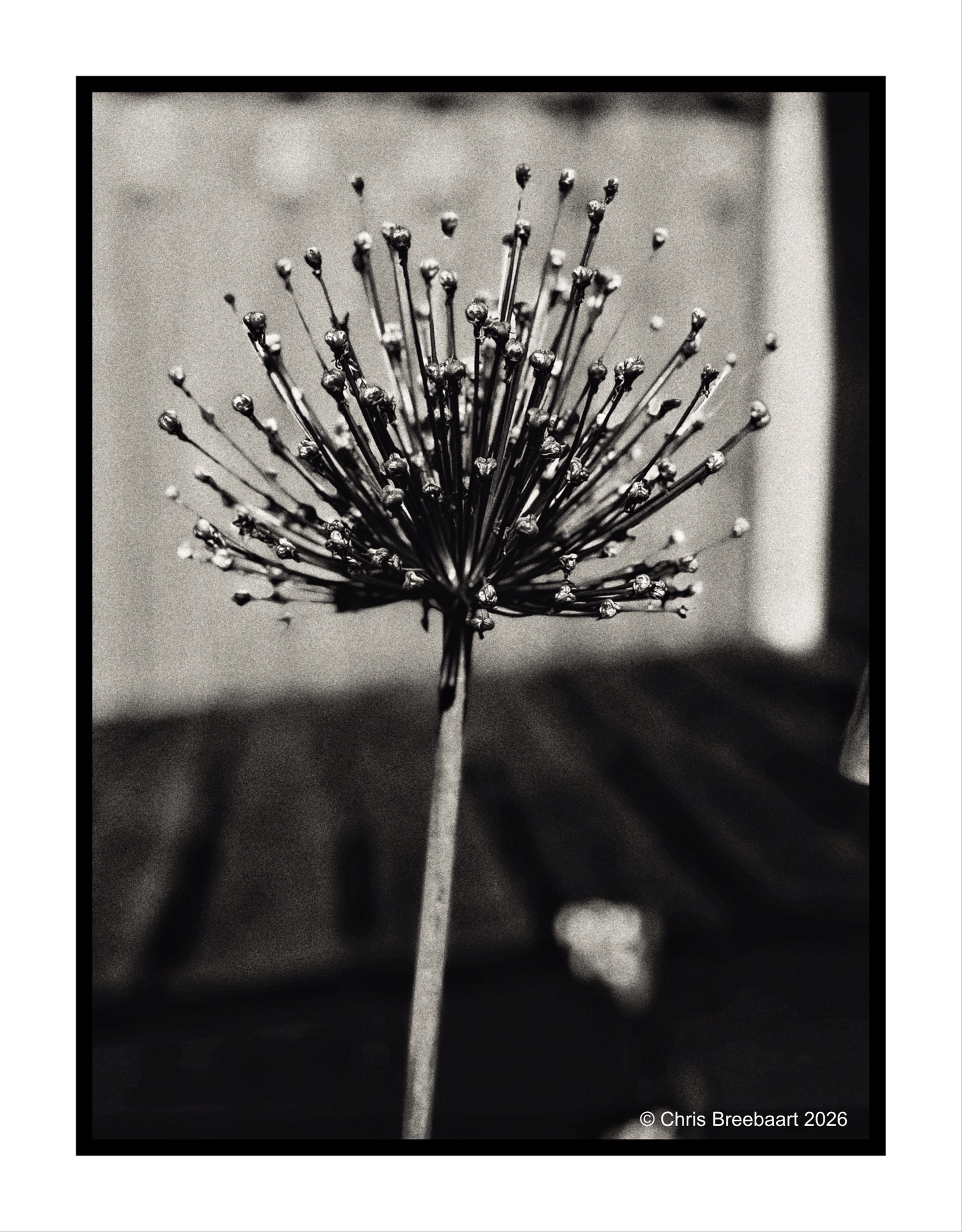
At the back


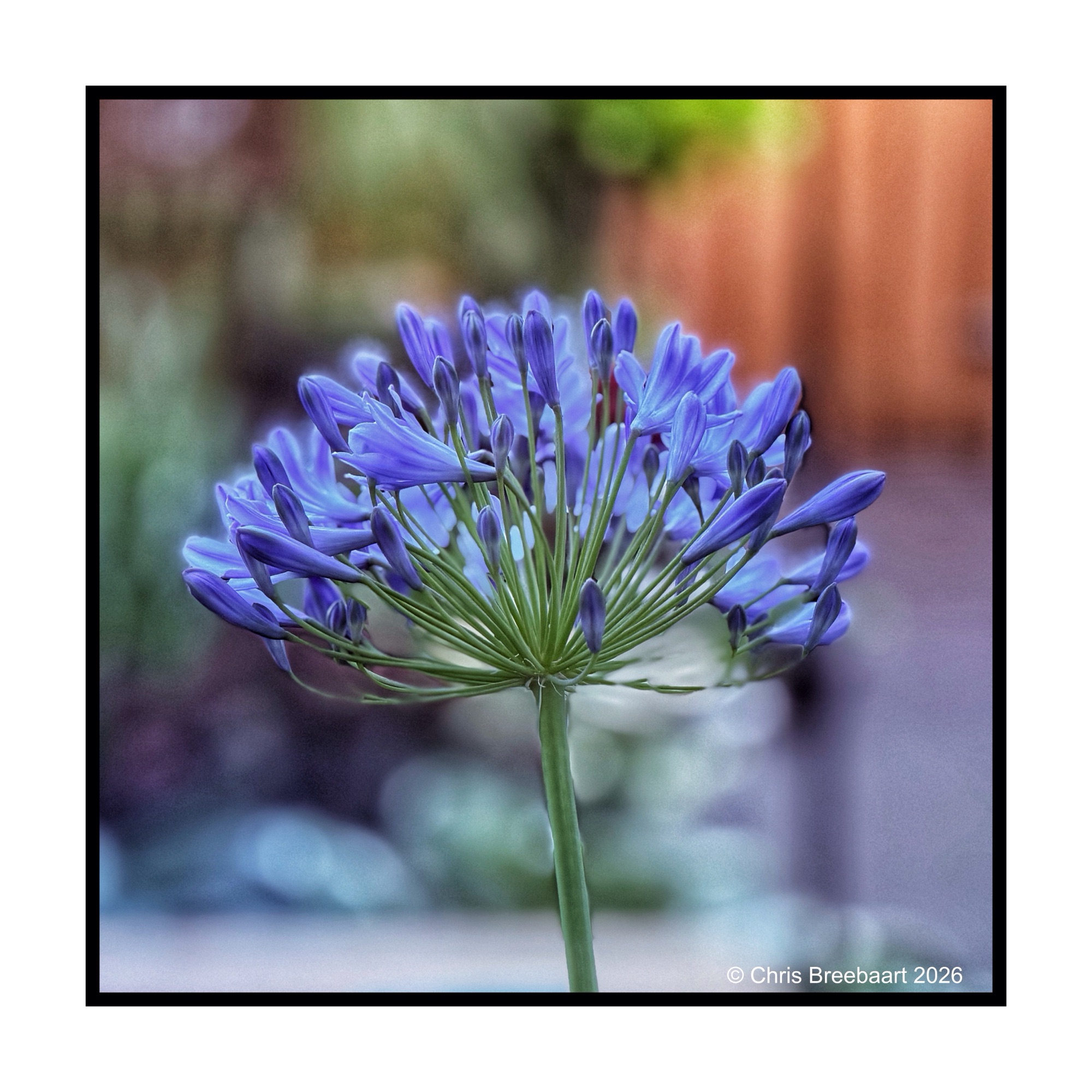
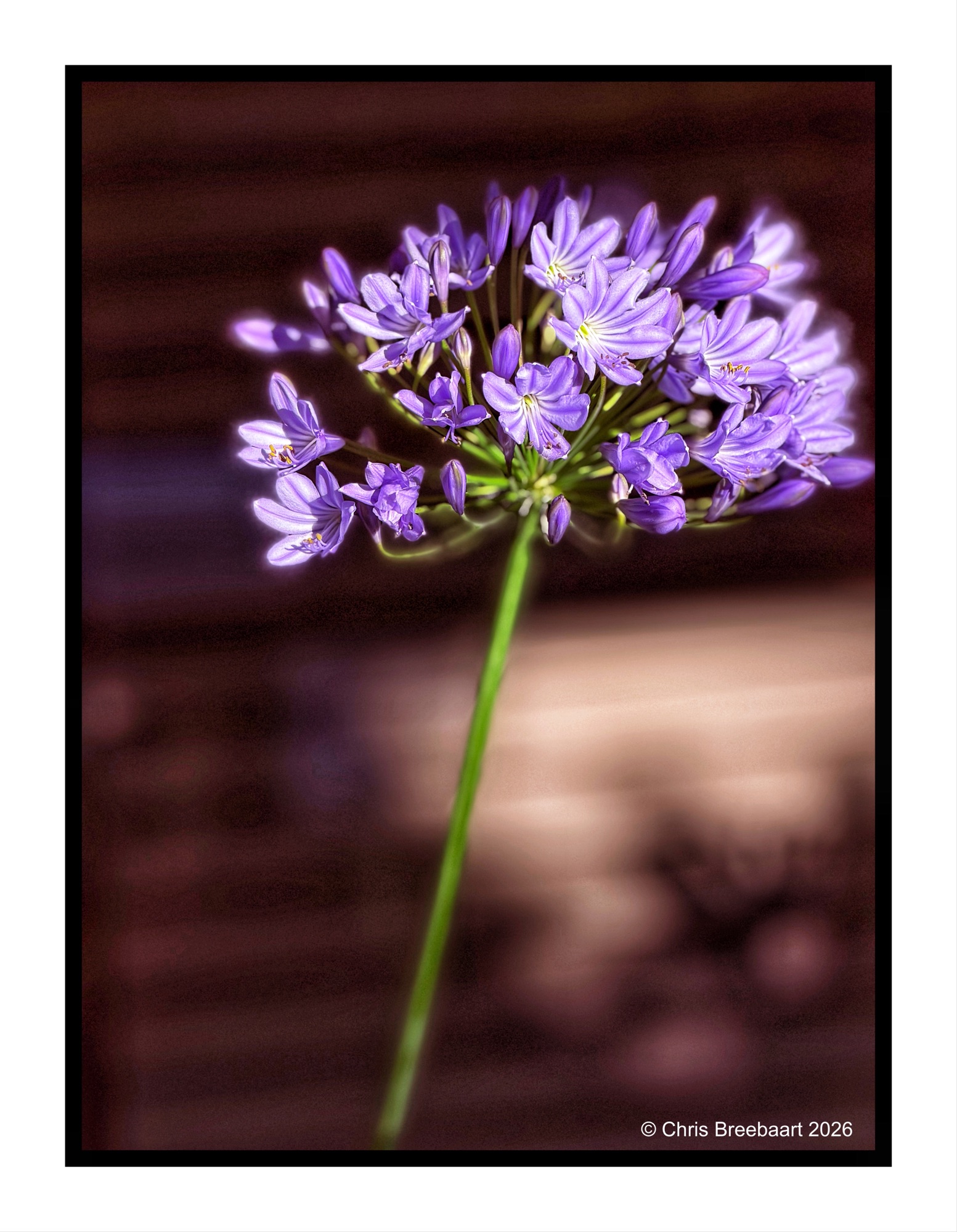
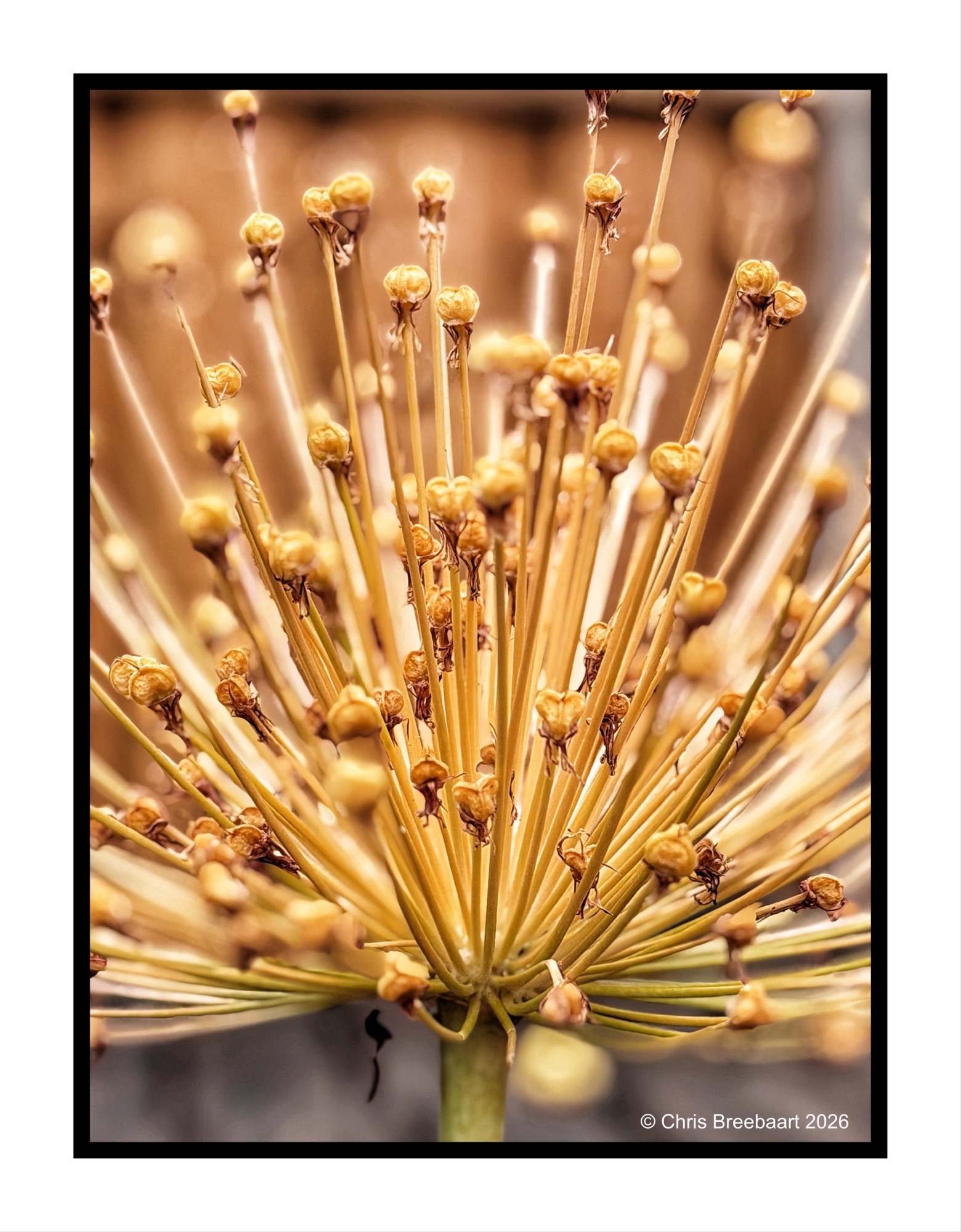
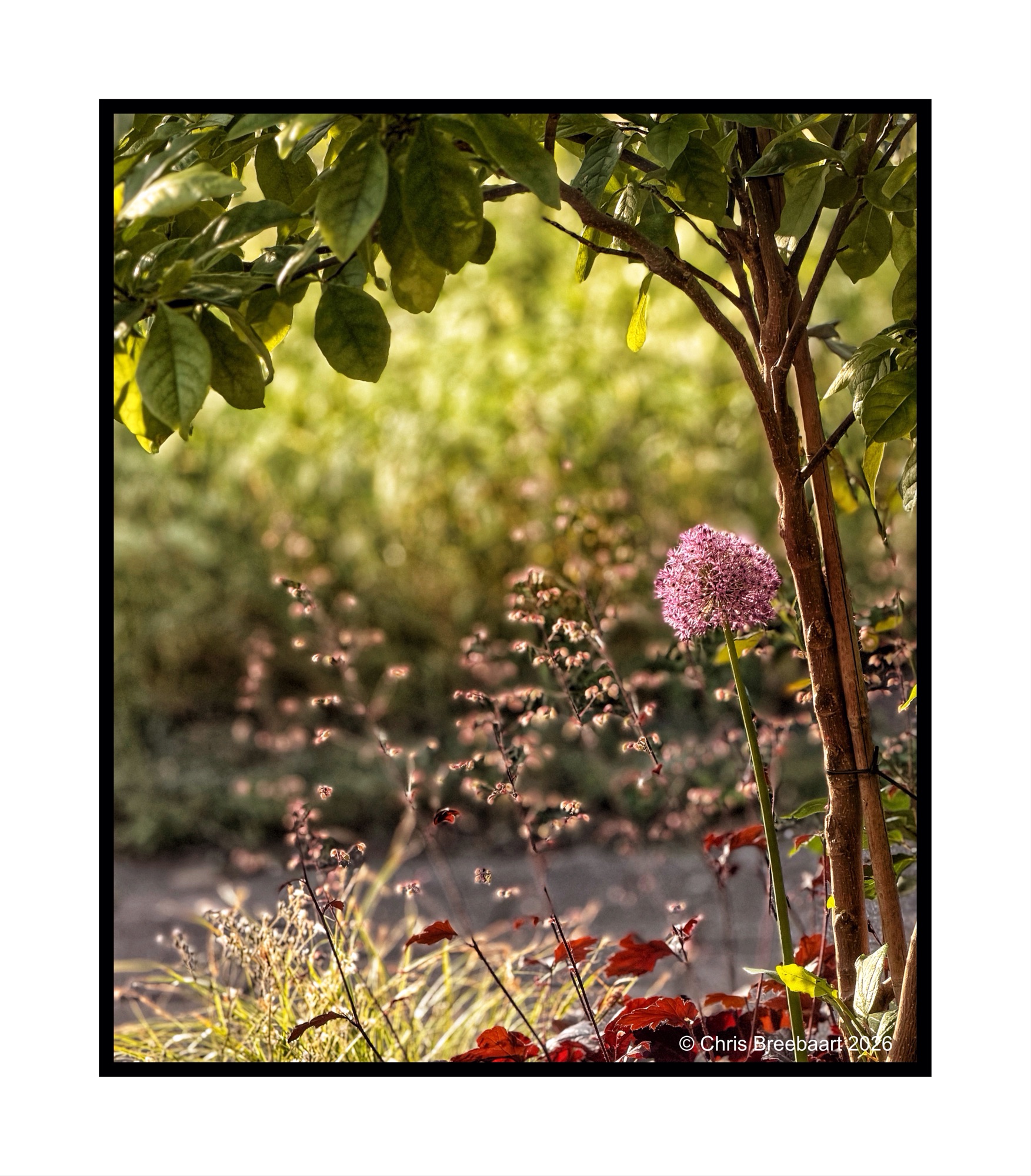
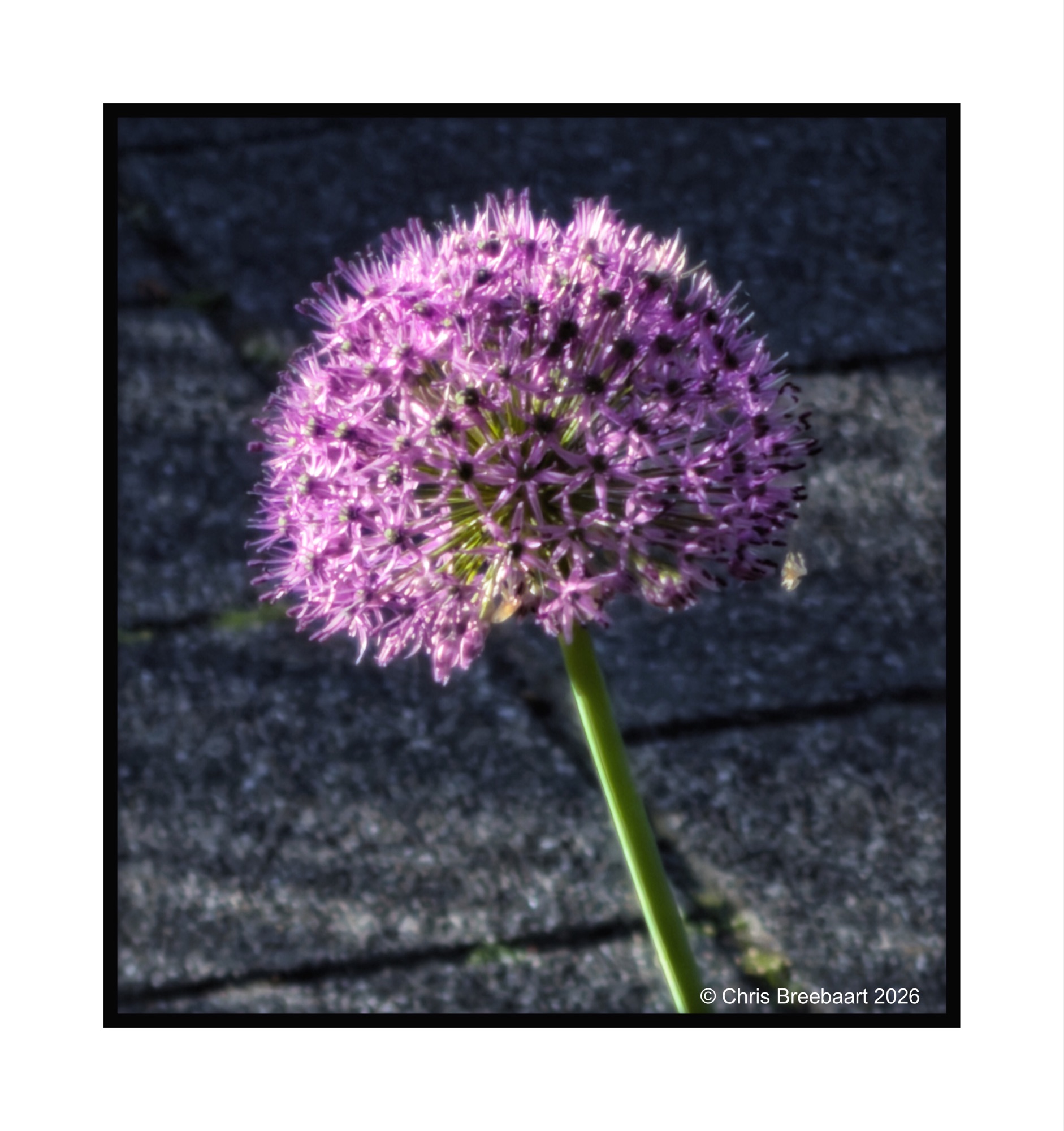
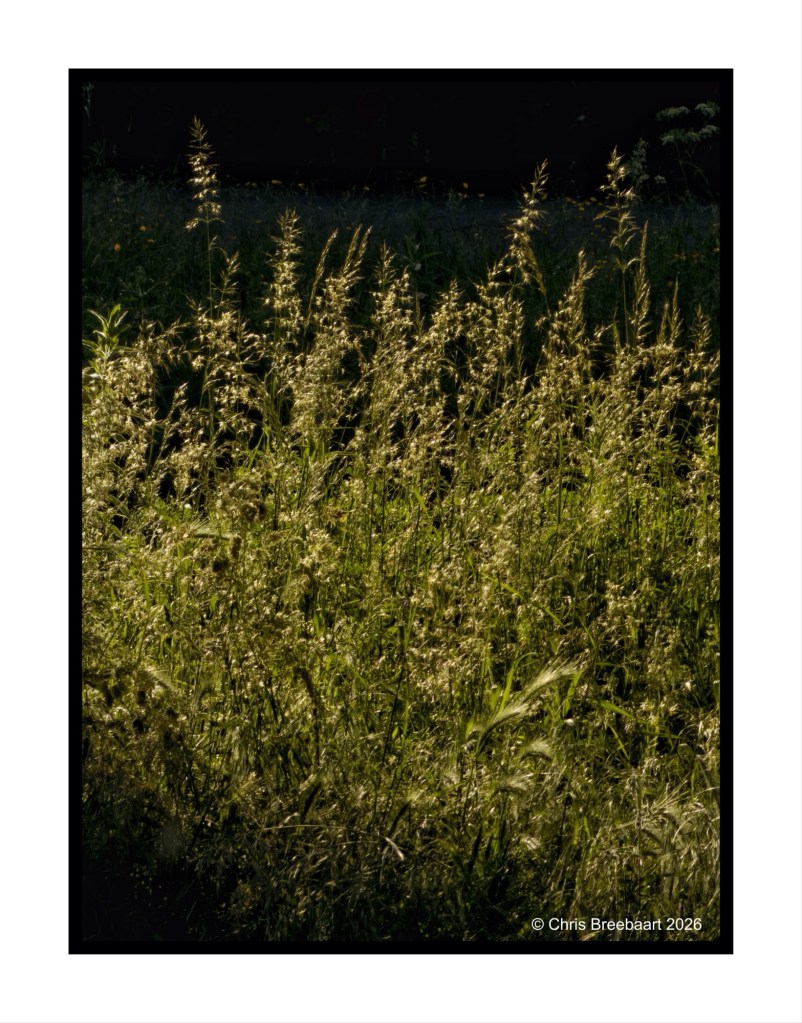
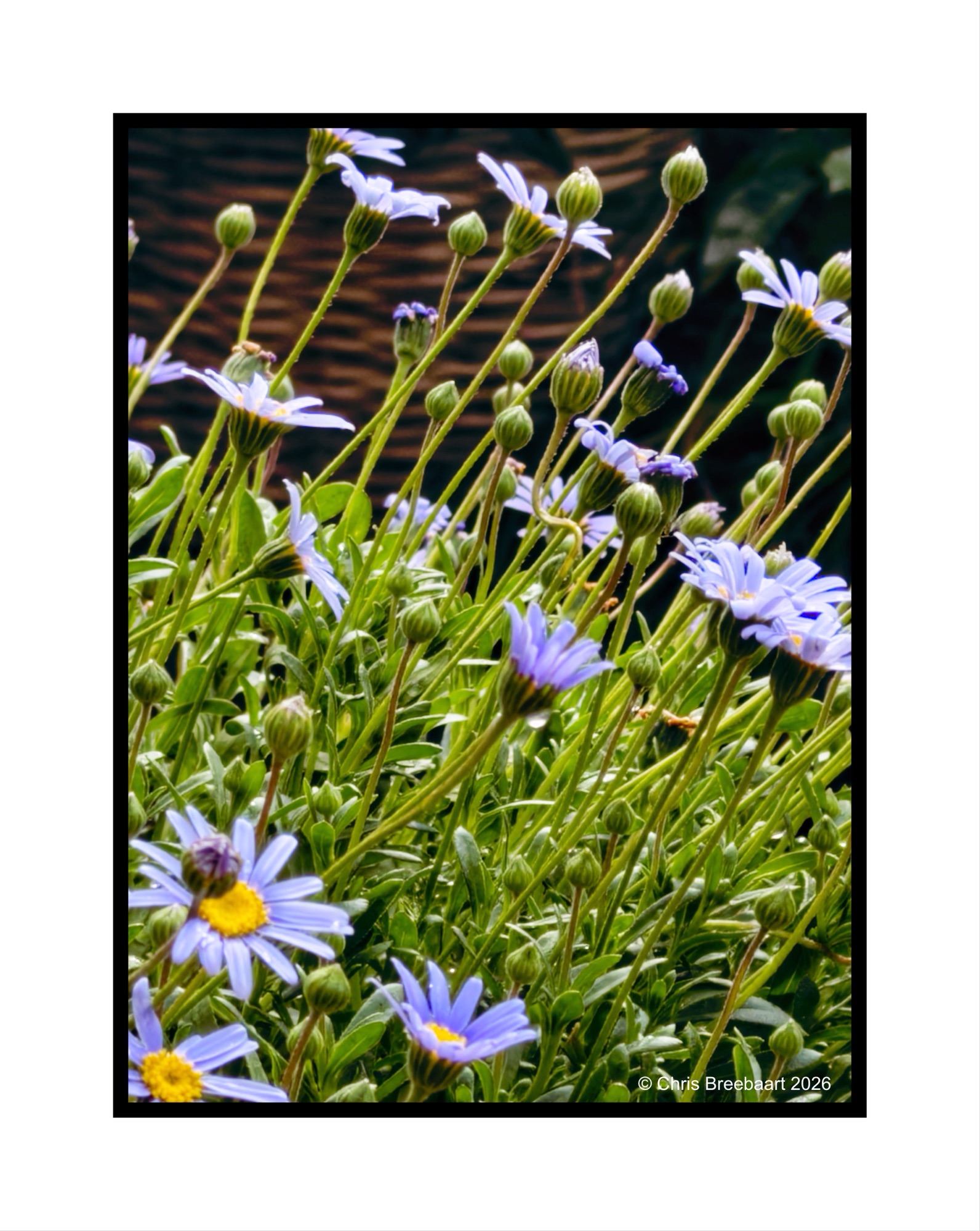
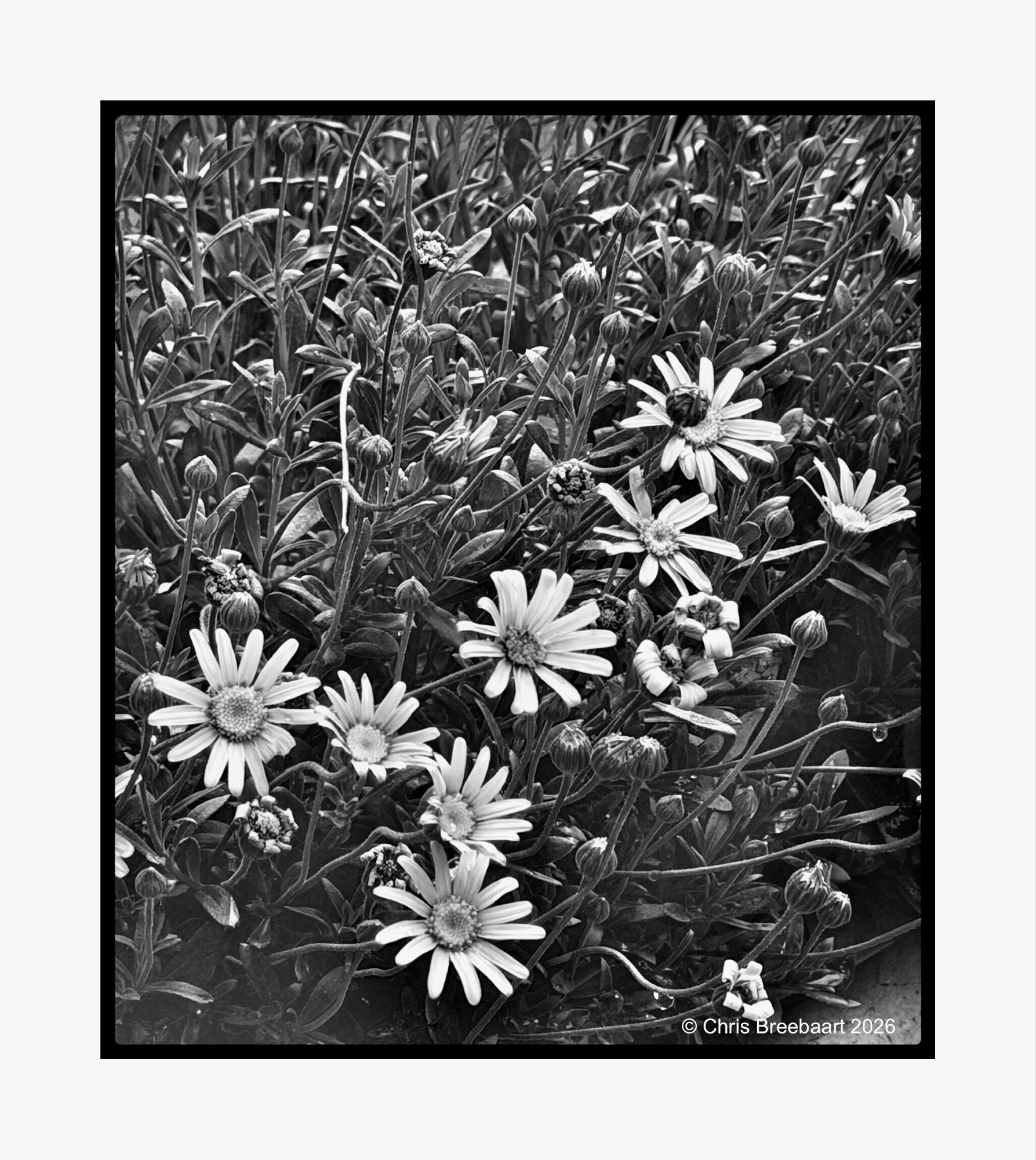
It is not only flowers on fields around the villages, but every garden has its own share of bulbflowers popping out in the Spring.
Shot with iPhone 17 Pro Max edited using Snapseed and Marksta. Click the picture for a larger version.


It is not only flowers on fields around the villages, but every garden has its own share of bulbflowers popping out in the Spring.
Shot with iPhone 17 Pro Max edited using Snapseed and Marksta. Click the picture for a larger version.


It is not only flowers on fields around the villages, but every garden has its own share of bulbflowers popping out in the Spring.
Shot with iPhone 17 Pro Max edited using Snapseed and Marksta. Click the picture for a larger version
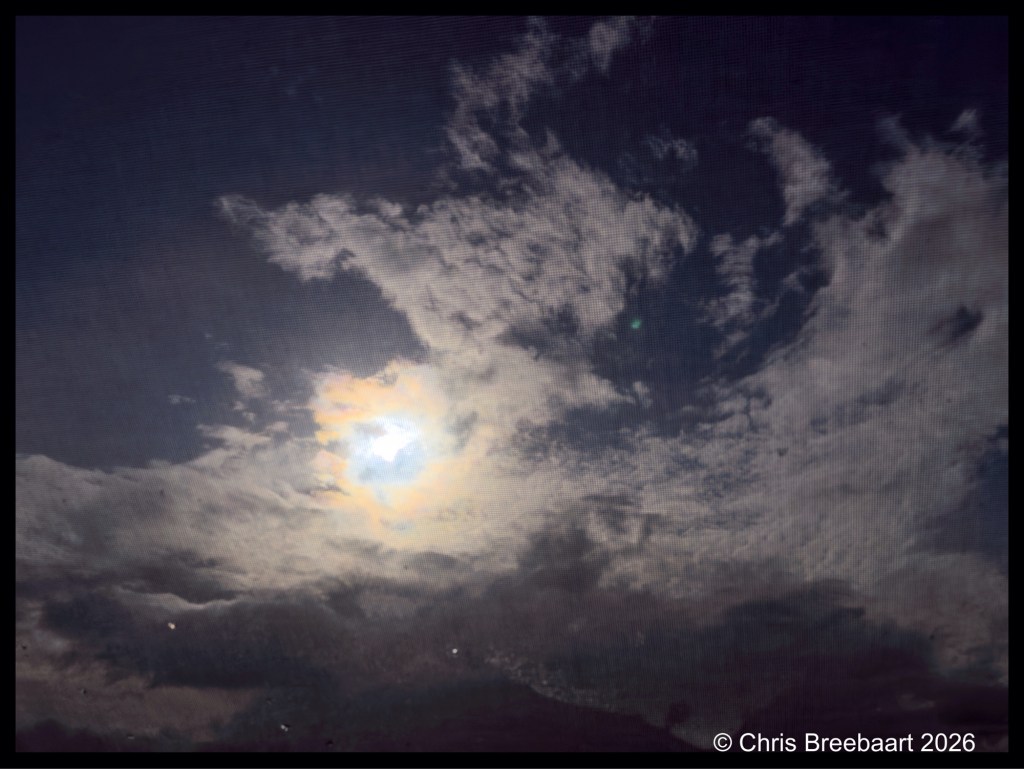
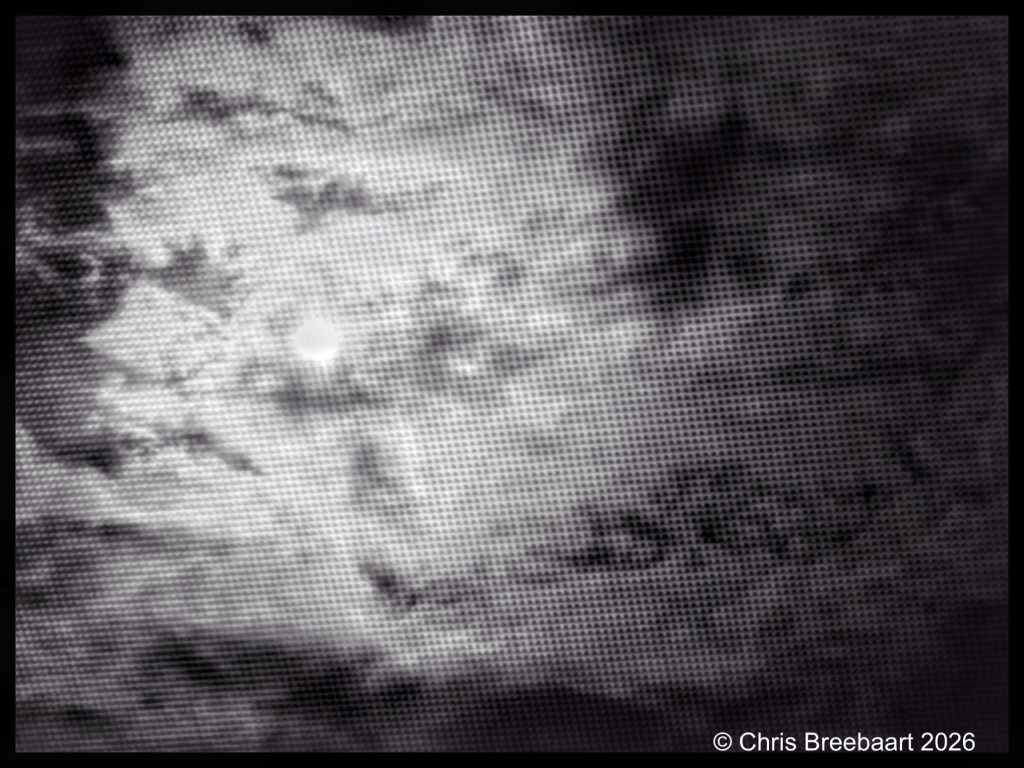
Normally I try to spot the man in the moon, but this time it was Artemis 2 flying around.
Shot with iPhone 17 Pro Max edited using Snapseed and Marksta. Click the picture for a larger version

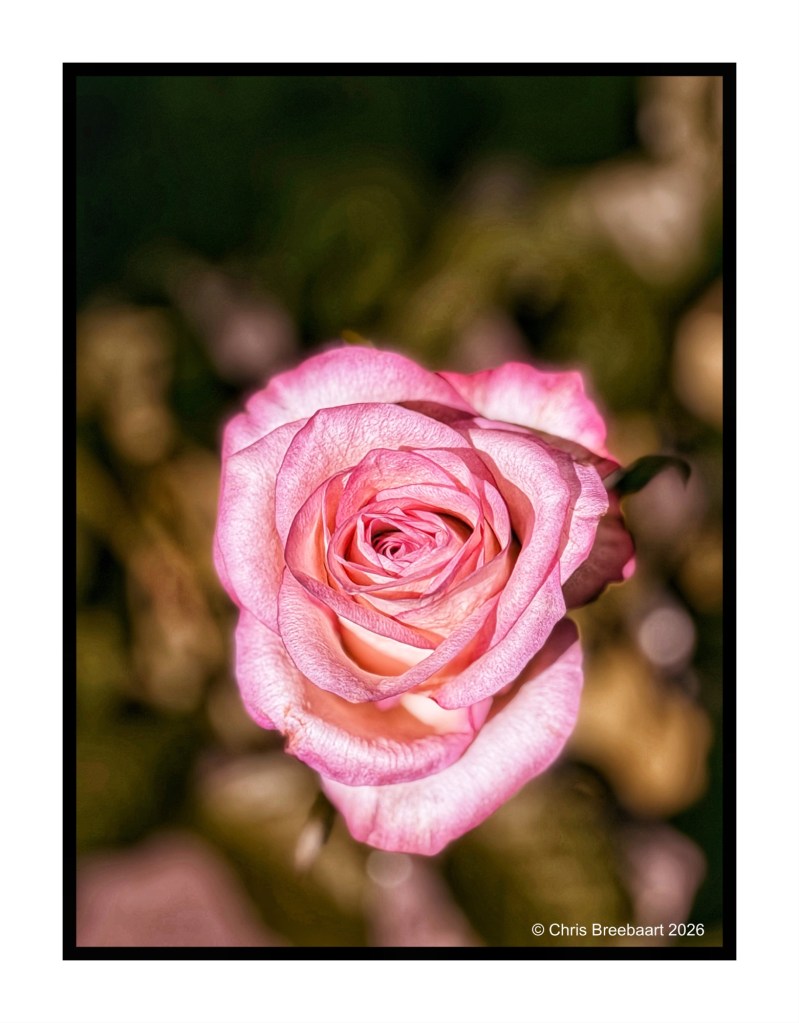
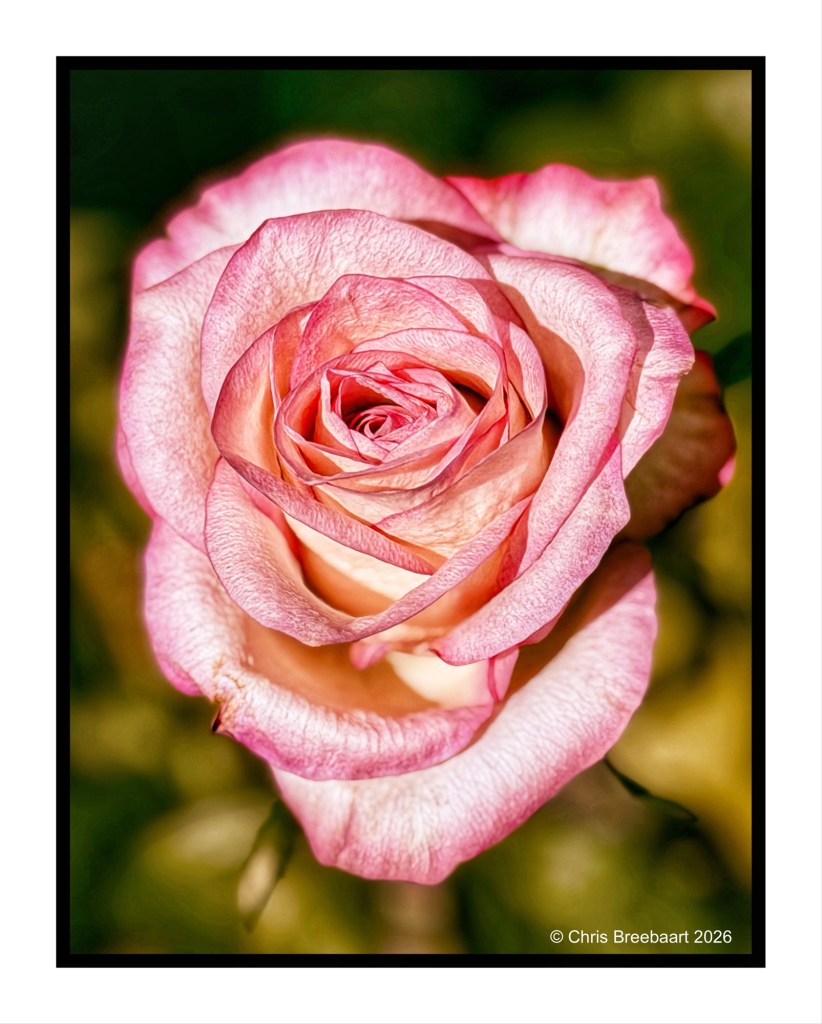
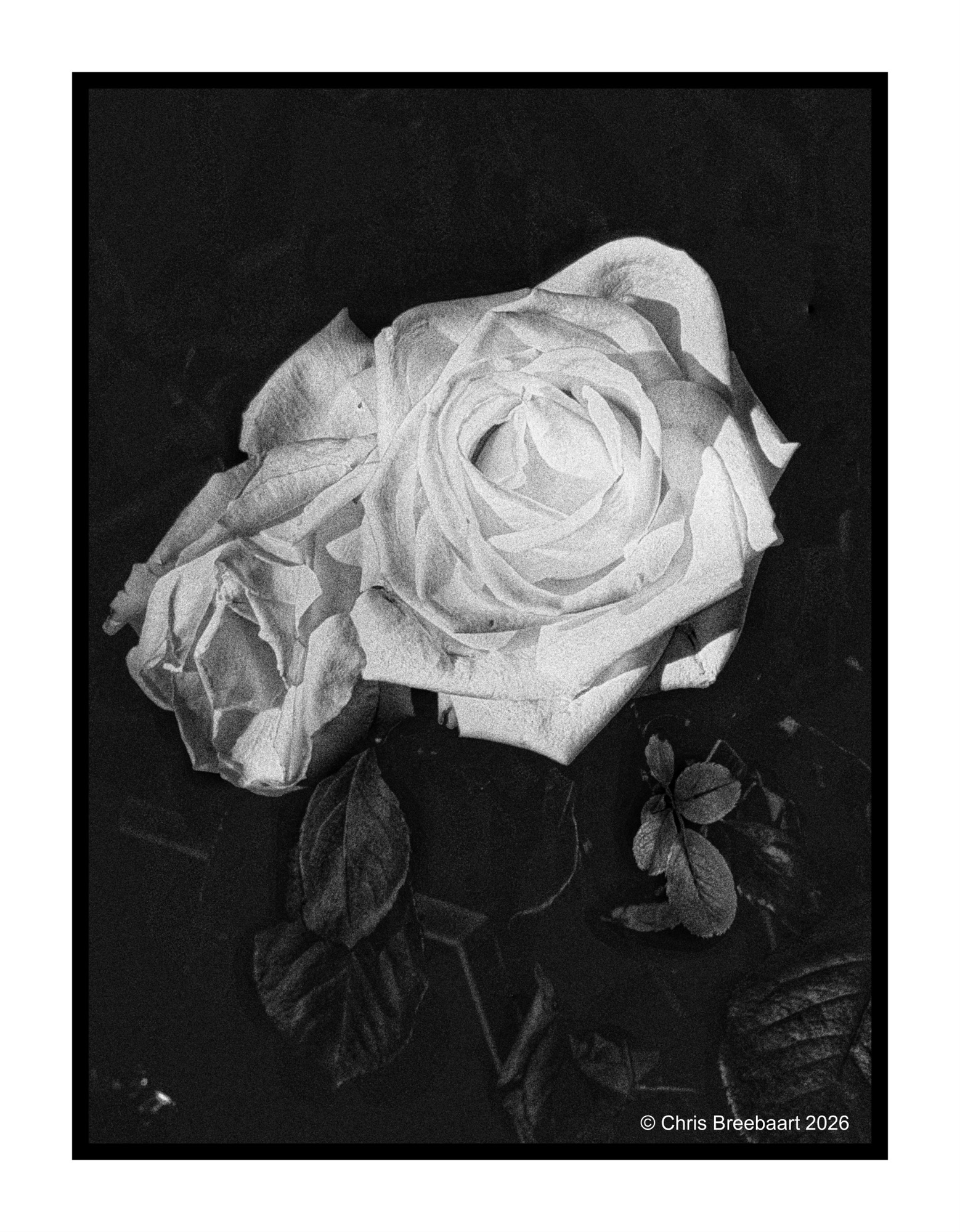
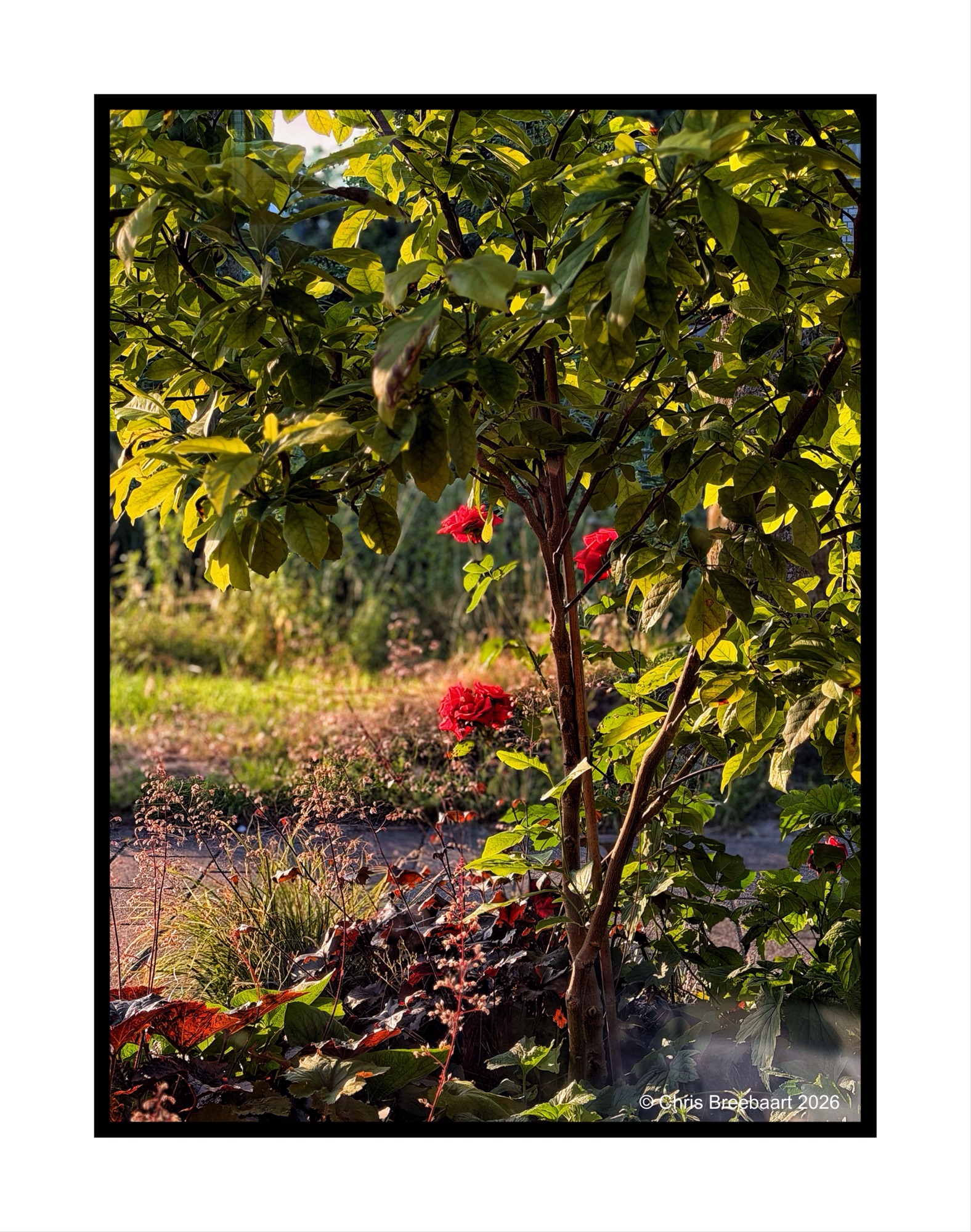
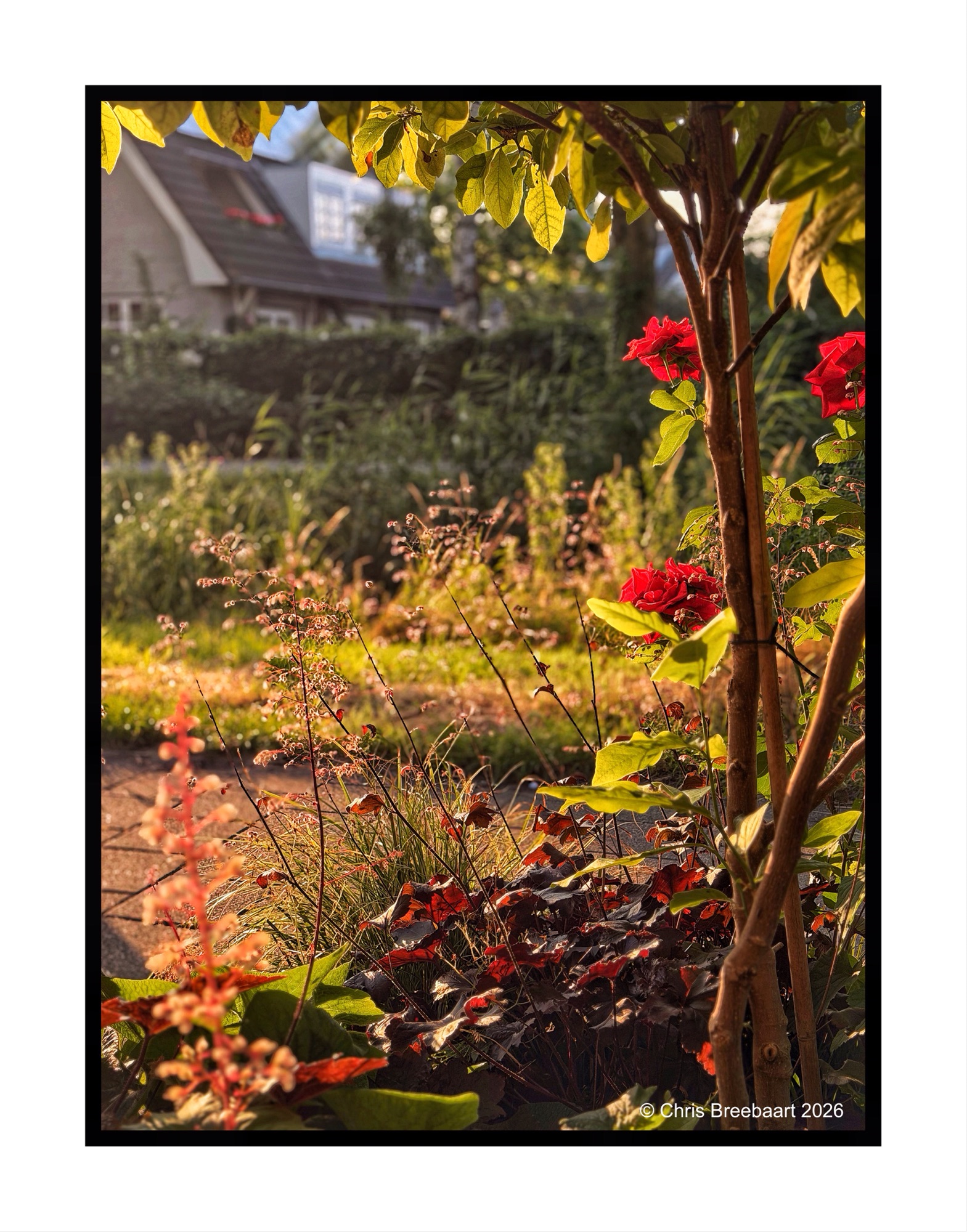
A rose is a rose, and each time different.
Shot with iPhone 17 Pro Max edited using Snapseed and Marksta. Click the picture for a larger version
The sun in a web of branches.
Shot with iPhone 17 Pro Max edited using Snapseed and Marksta. Click the picture for a larger version
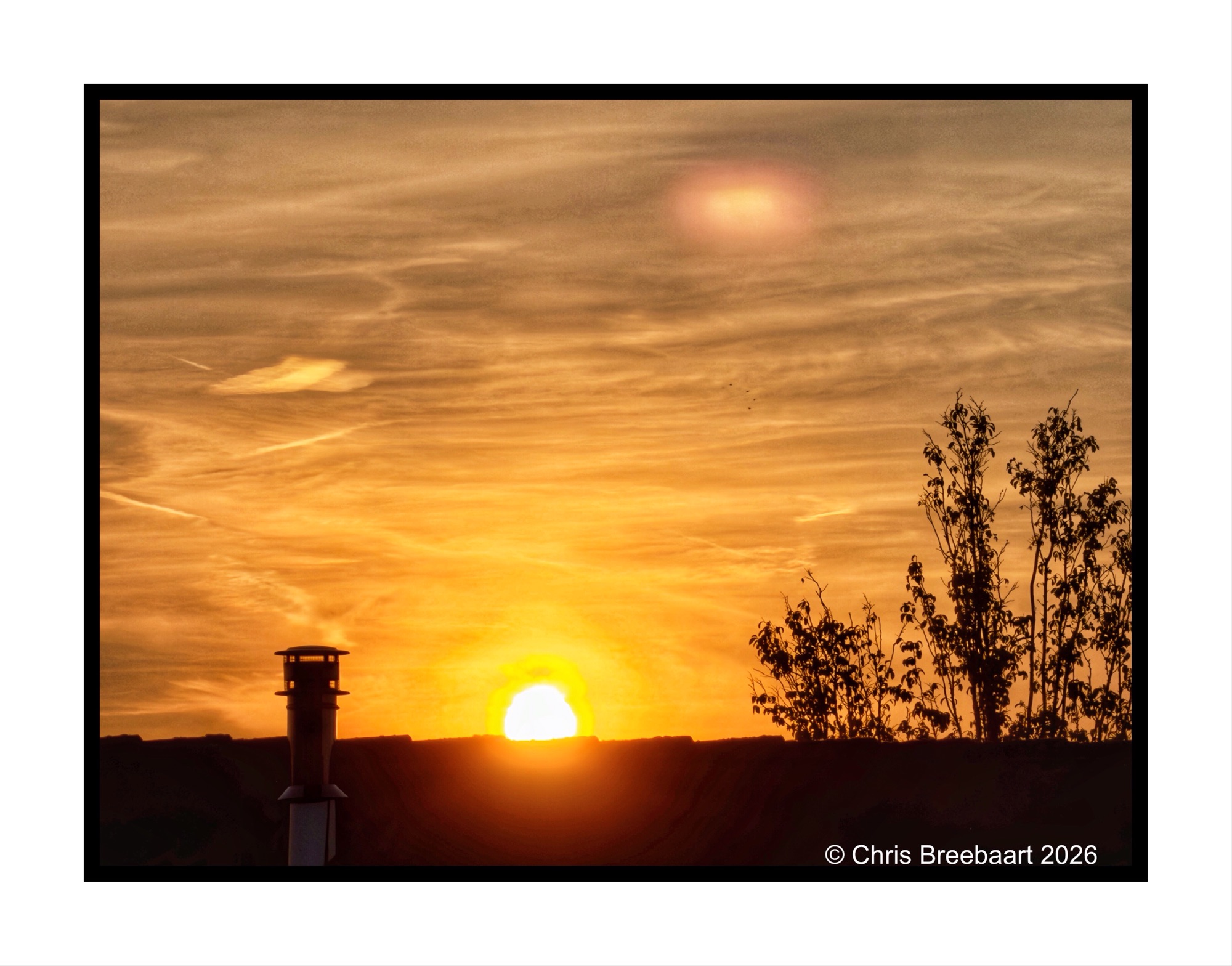
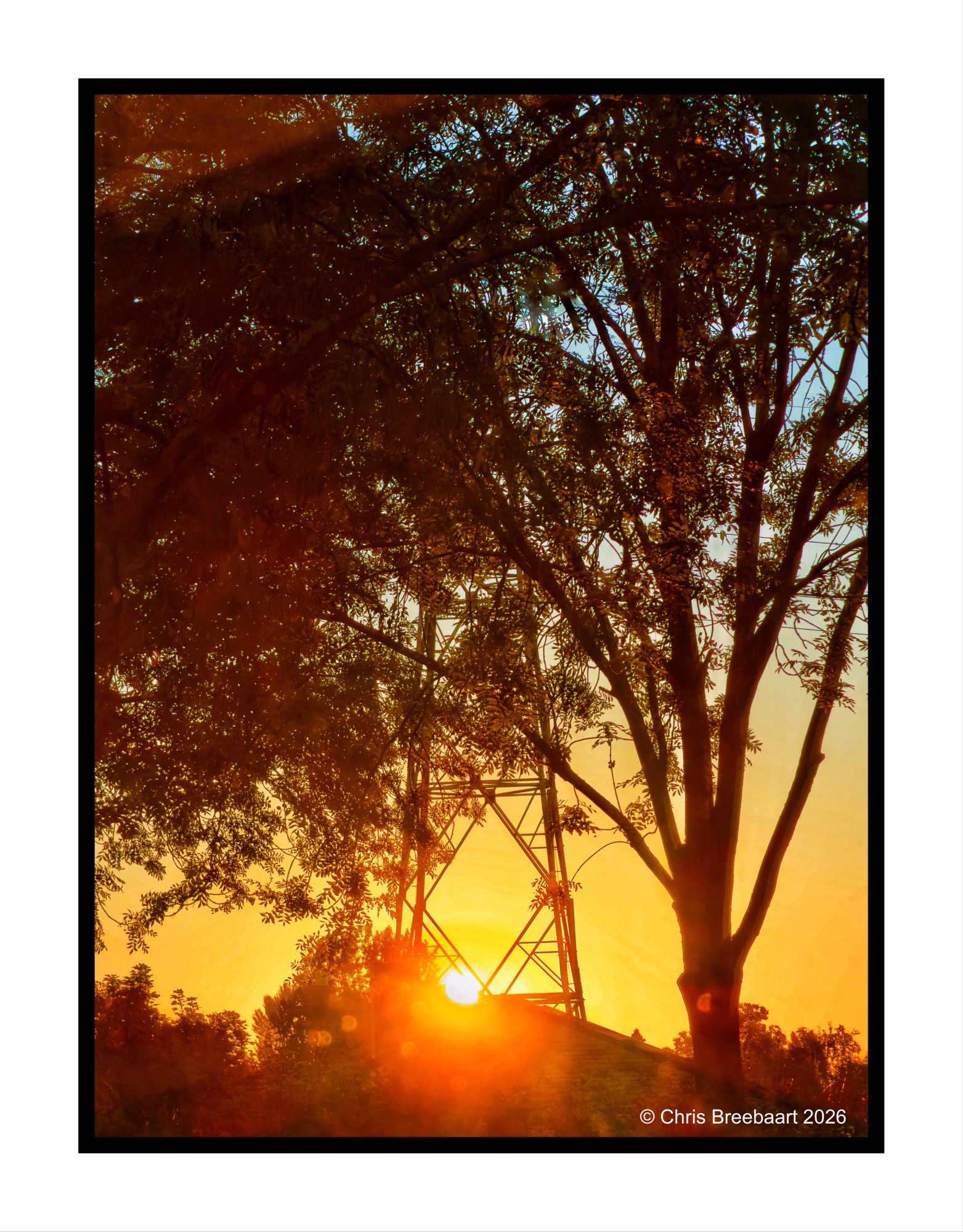
The sun beaming through as it rises.
Shot with iPhone 17 Pro Max edited using Snapseed and Marksta. Click the picture for a larger version
A monochrome sunrise in black and greys.
Shot with iPhone 17 Pro Max edited using Snapseed and Marksta. Click the picture for a larger version
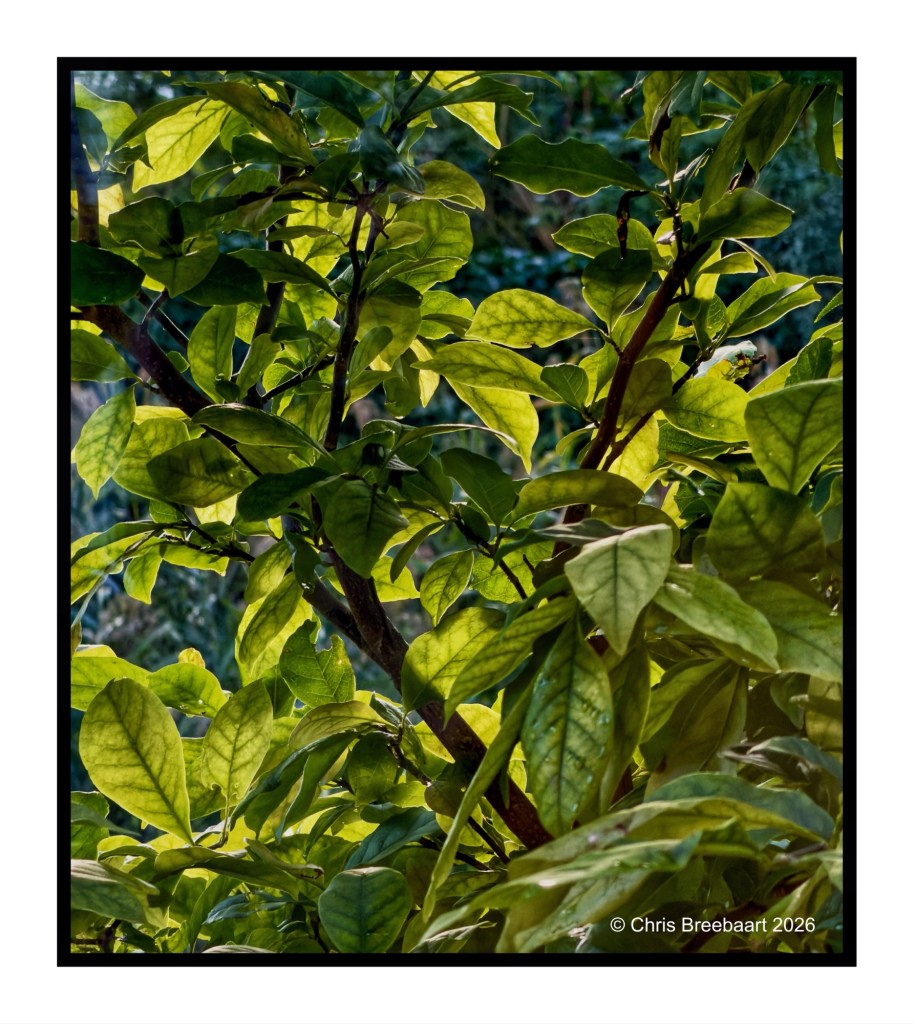
The Magnoliaa few weeks ago, ready to burst out into Spring.
The foreground is here the show stealer, the background adds just context to the frame. For this week’s LAPC (#392) ‘foreground, middle and background’.
Shot with iPhone 17 Pro Max edited using Snapseed and Marksta. Click the picture for a larger version
A shower of Spring rain with sun lighting up the drops. Setting the scene in the middle ground as the foreground and background form the stage setting. The theme of this week’s LAPC (#392) is ‘foreground, middle and background’.
Shot with iPhone 17 Pro Max edited using Snapseed and Marksta. Click the picture for a larger version.
The Magnolia against the upcoming sunlight for this week’s LAPC theme week (#391) ‘Phone photography’.
Shot with iPhone 17 Pro Max edited using Snapseed and Marksta. Click the picture for a larger version


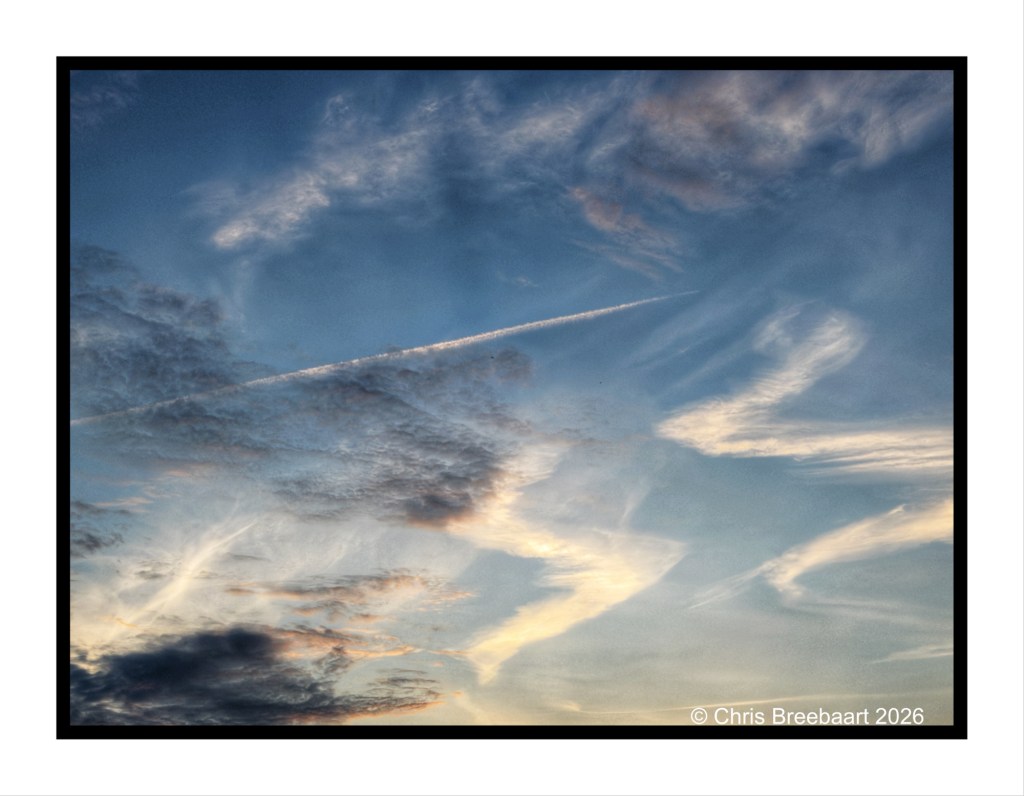
Clouds for this week’s LAPC theme week (#391) ‘Phone photography’.
Shot with iPhone 17 Pro Max edited using Snapseed and Marksta. Click the picture for a larger version


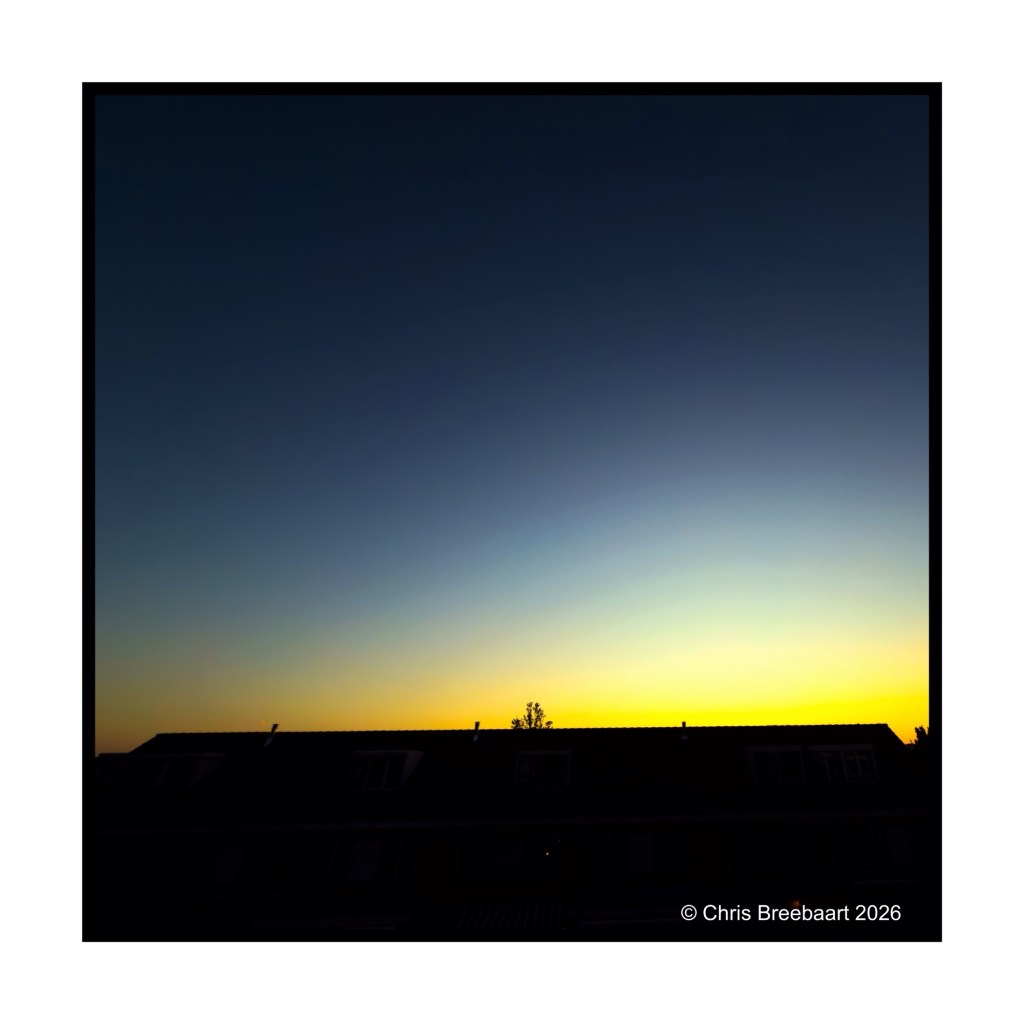
Dusk for this week’s LAPC theme week (#391) ‘Phone photography’.
Shot with iPhone 17 Pro Max edited using Snapseed and Marksta. Click the picture for a larger version
A quiet morning.
Shot with iPhone 17 Pro Max edited using Snapseed and Marksta. Click the picture for a larger version


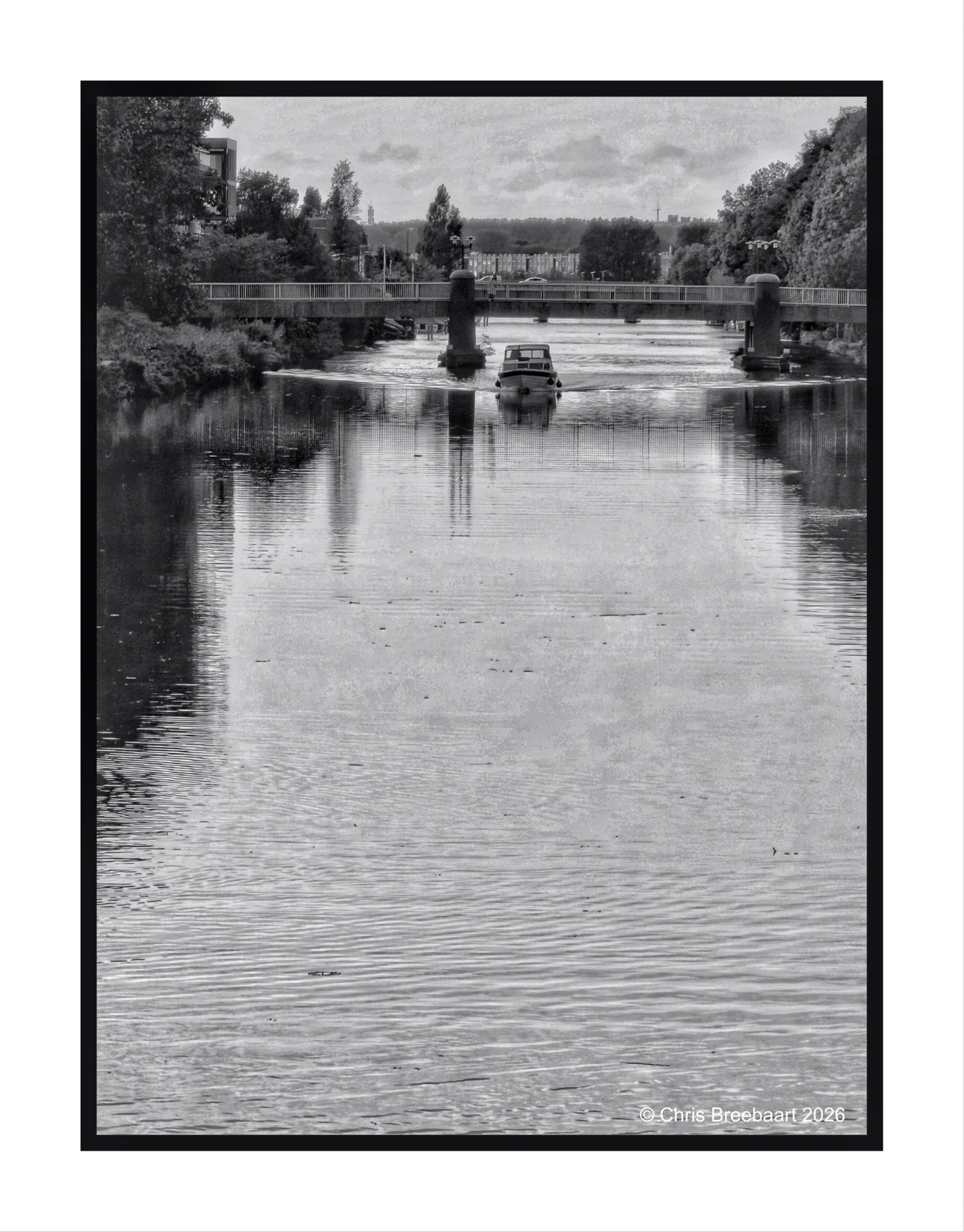
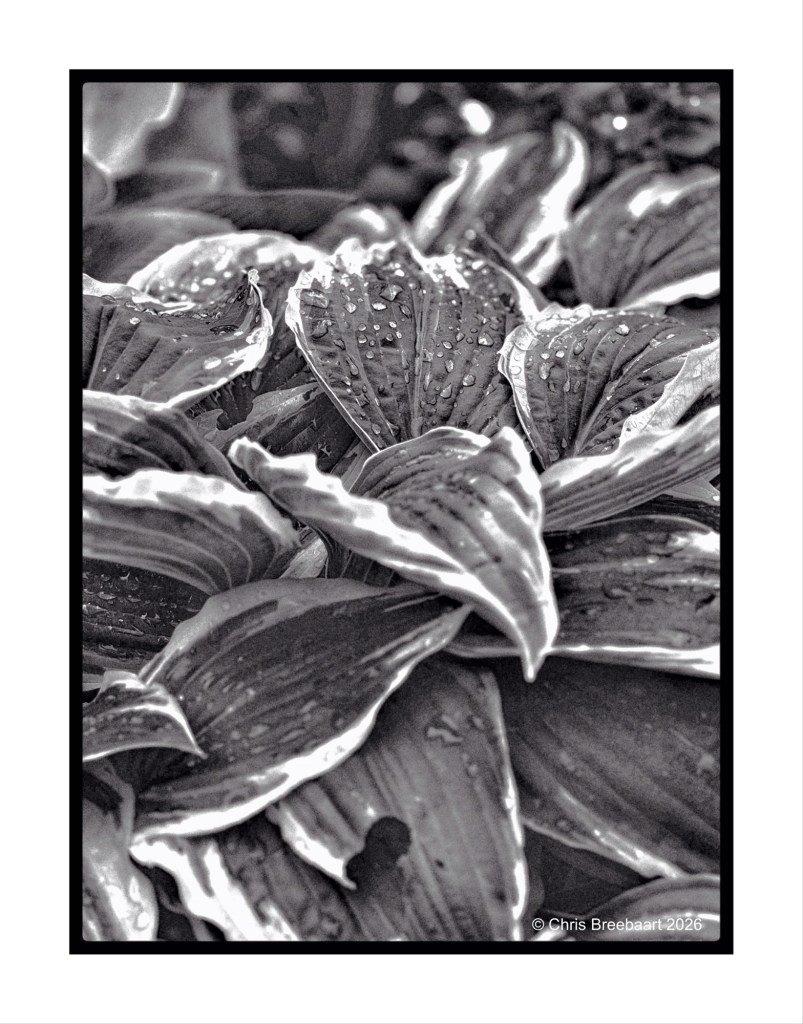
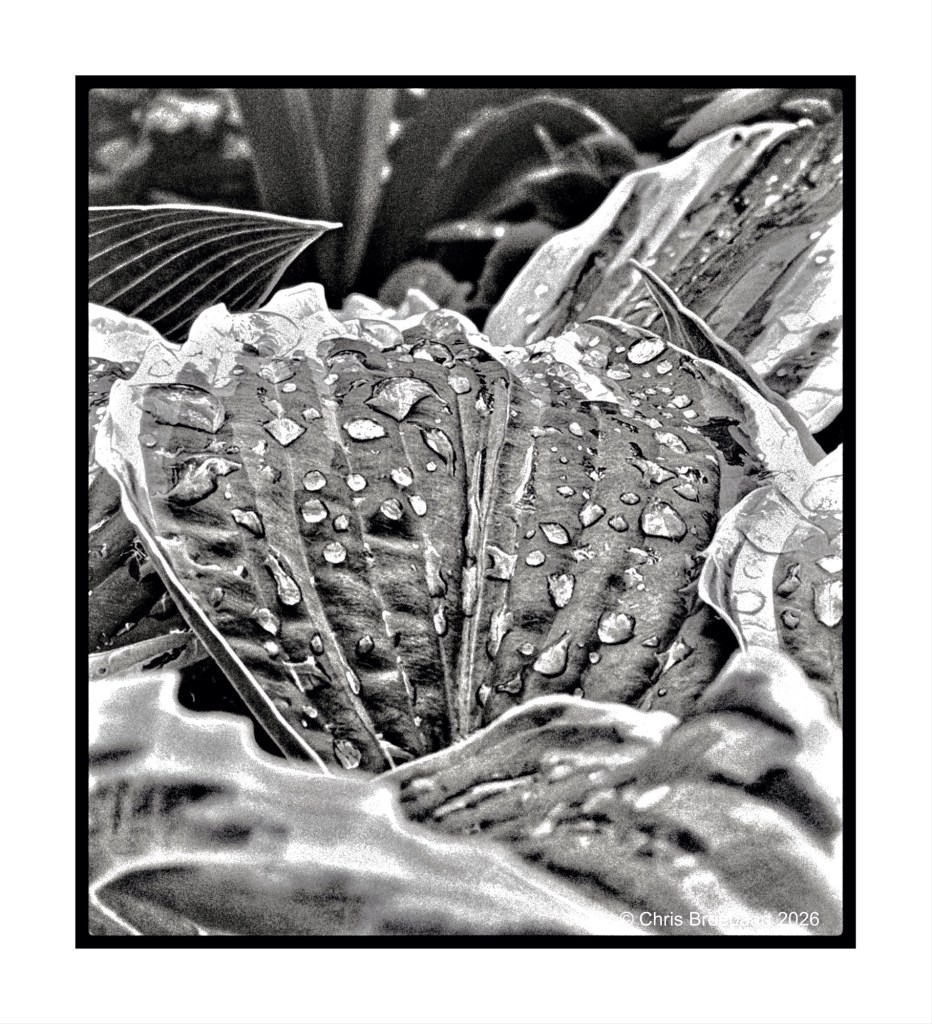
This week’s theme #390 is ‘color in black and white’. The theme focuses on the cognitive fact that our brains still know a color, even if it is in a grey tone. So the sky is blue, the grass green etc. Here you can see what colors do in greys, and if that is appealing or not to your taste pallet. For me this challenge is a bit of fun: most of the time I am looking at the world translating colors straight into grey tones, seeing if a photo is working in monochrome or not. Thanks Egidio for this challenge.
If you visit my blog – like I hope you do or from now start to do – you must have recognized my ‘old’ love for monochrome. When I started this hobby, mono was fashionable and a standard for news photography. And it was cheaper. In this series I offer you two versions of a photo. And you can prefer one over the other, or not.
Shot with iPhone 17 Pro Max edited using Snapseed and Marksta. Click the picture for a larger version
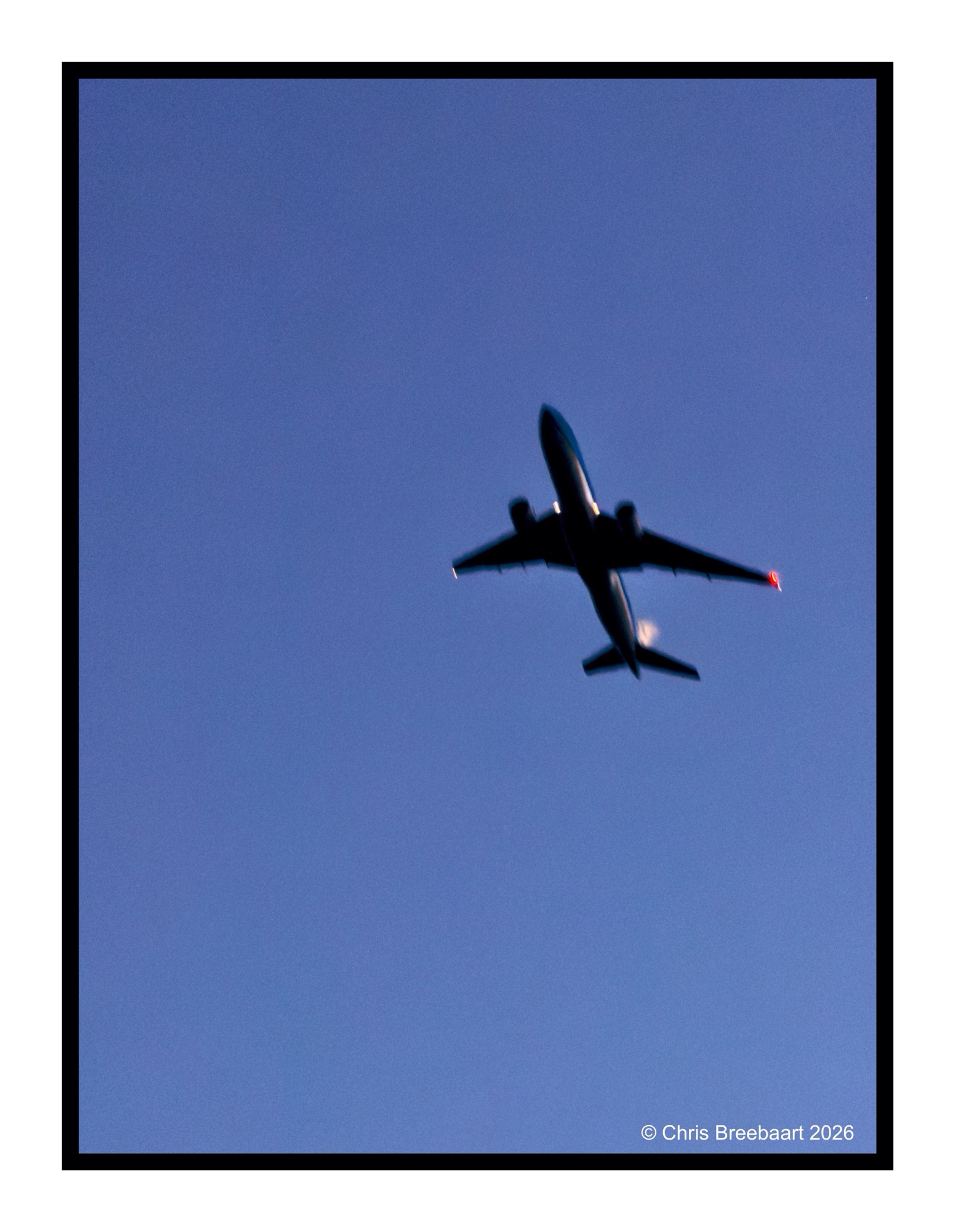
A subtle fly by.
Shot with iPhone 17 Pro Max edited using Snapseed and Marksta. Click the picture for a larger version
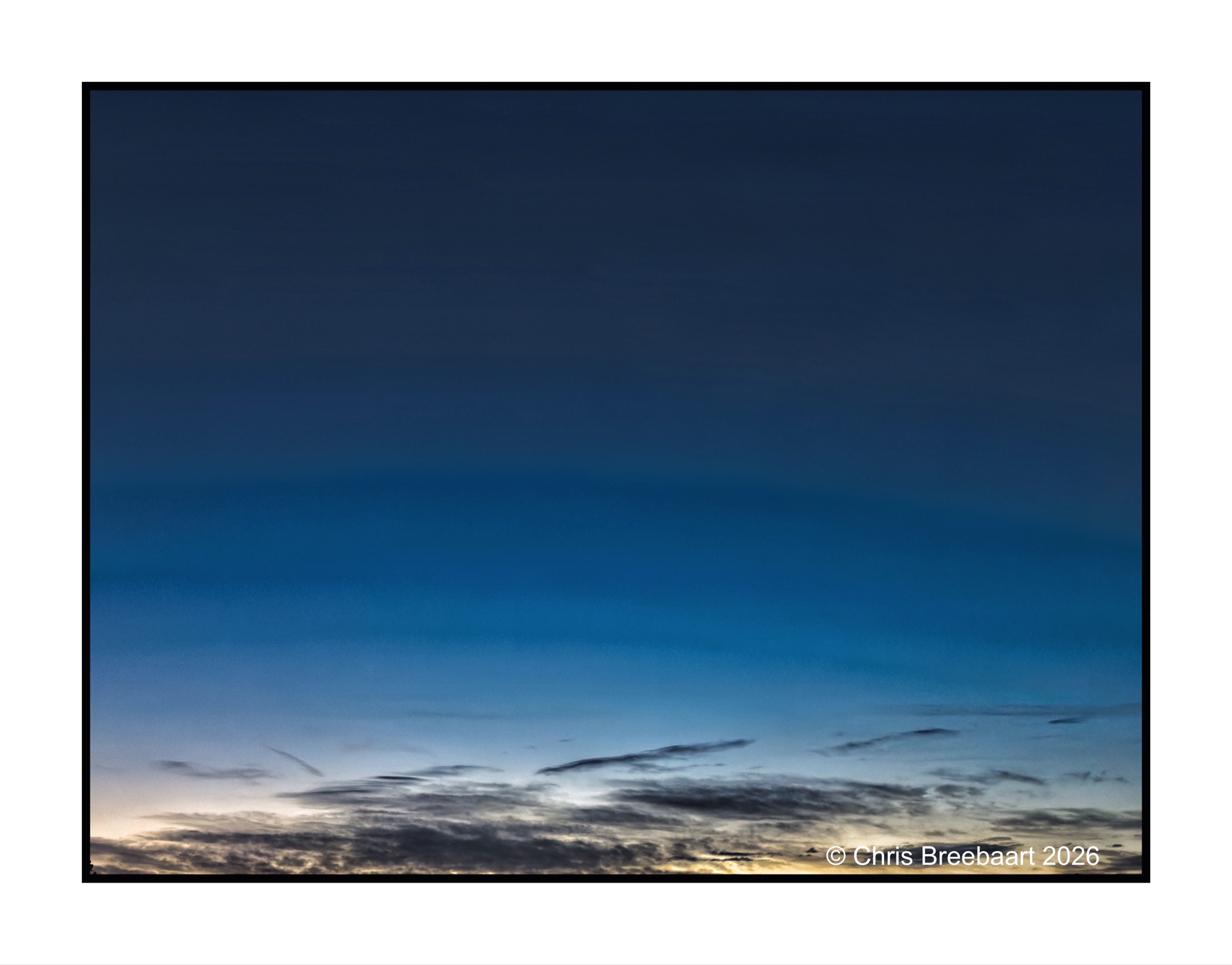
A view created by the panorama setting of the iPhone. It is what you can see, but not as you see it in real.
Shot with iPhone 17 Pro Max edited using Snapseed and Marksta. Click the picture for a larger version


If you visit my blog – like I hope you do or from now start to do – you must have recognized my ‘old’ love for monochrome. When I started this hobby, mono was fashionable and a standard for news photography. And it was cheaper. In this series I offer you two versions of a photo. And you can prefer one over the other, or not.
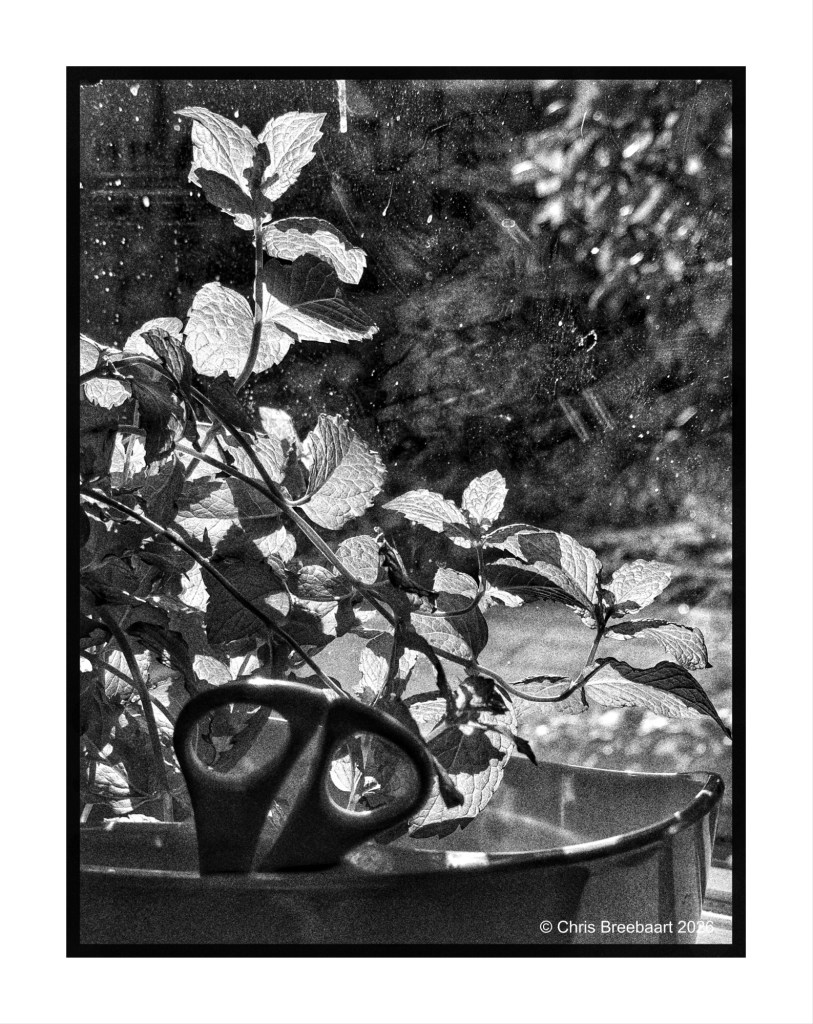
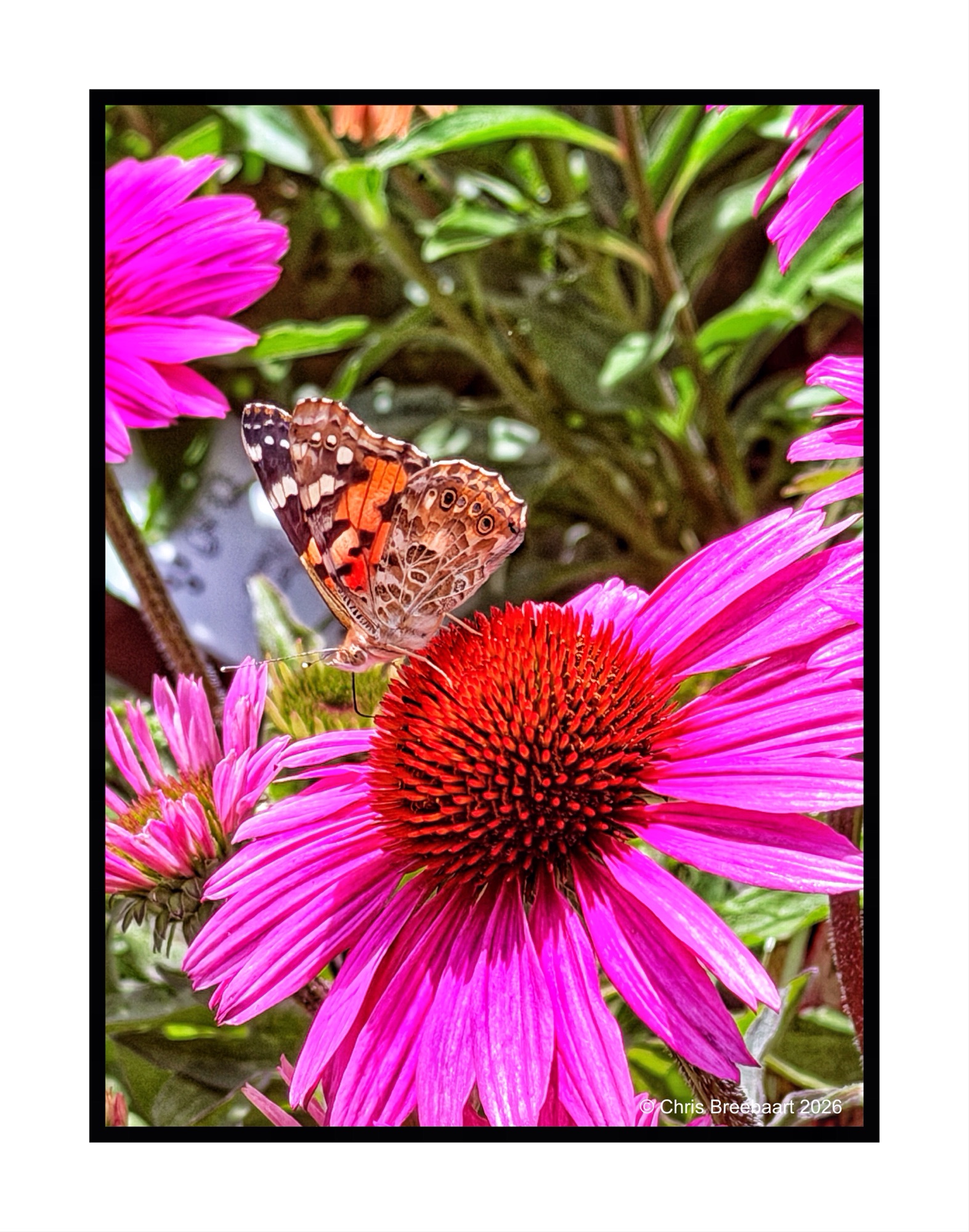
This week’s theme #390 is ‘color in black and white’. What an appropiate theme, to show the last of the series. A view out of the window. Egidio’s theme focused on the cognitive fact that our brains still know a soccer pitch is green, even in grey tones. Here you can see what colors do in greys, and if that is appealing or not to your taste pallet.
Shot with iPhone 17 Pro Max edited using Snapseed and Marksta. Click the picture for a larger version


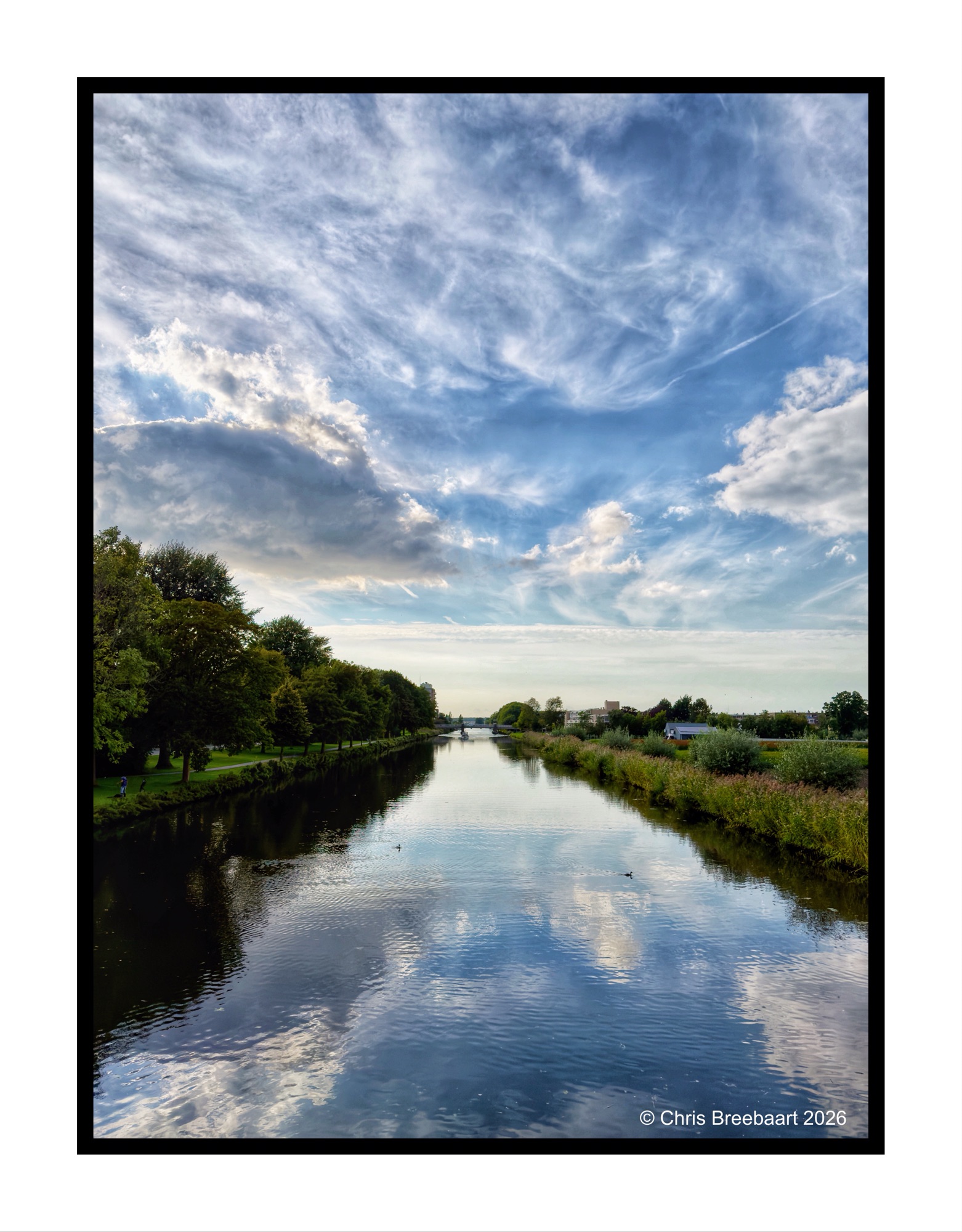
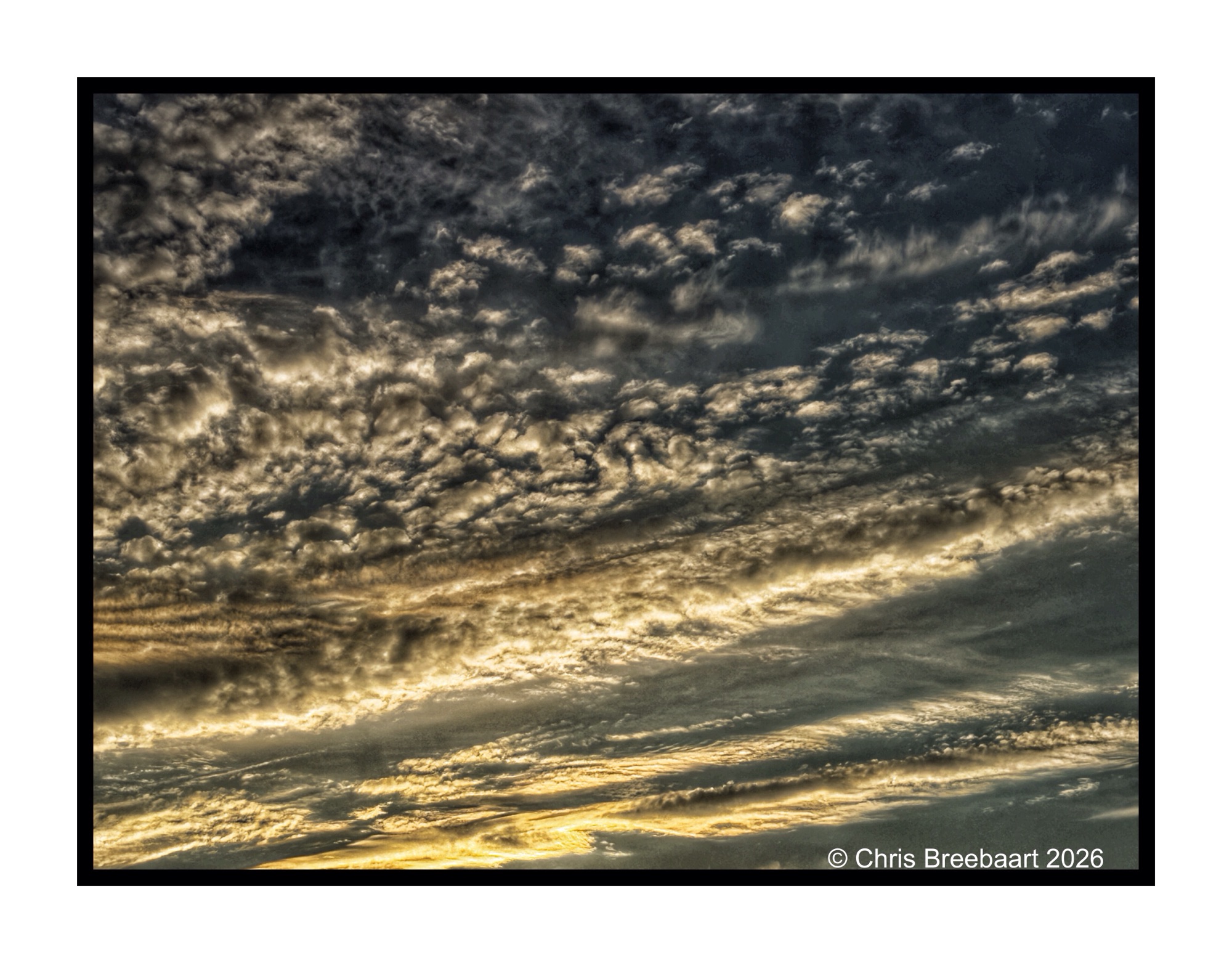
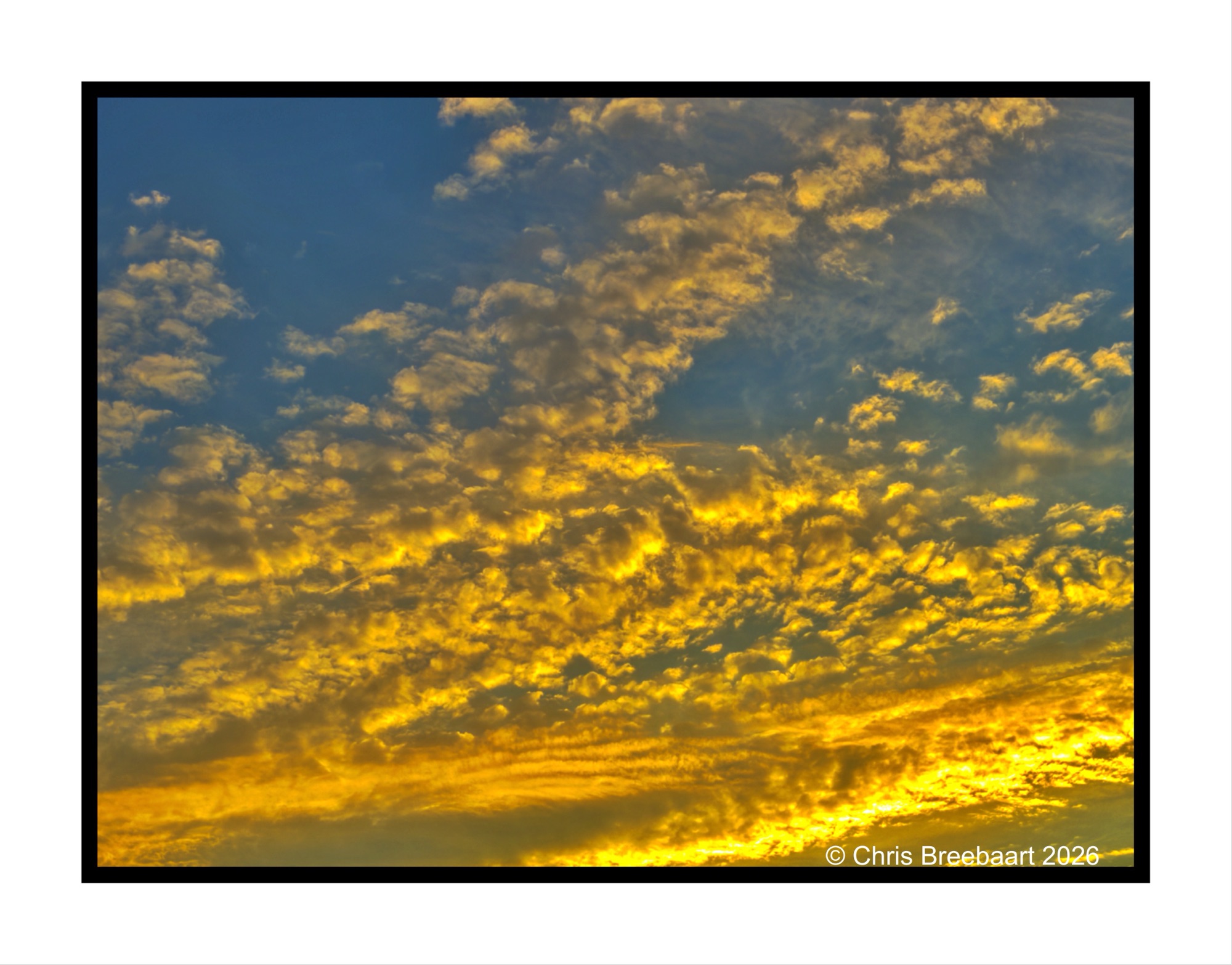
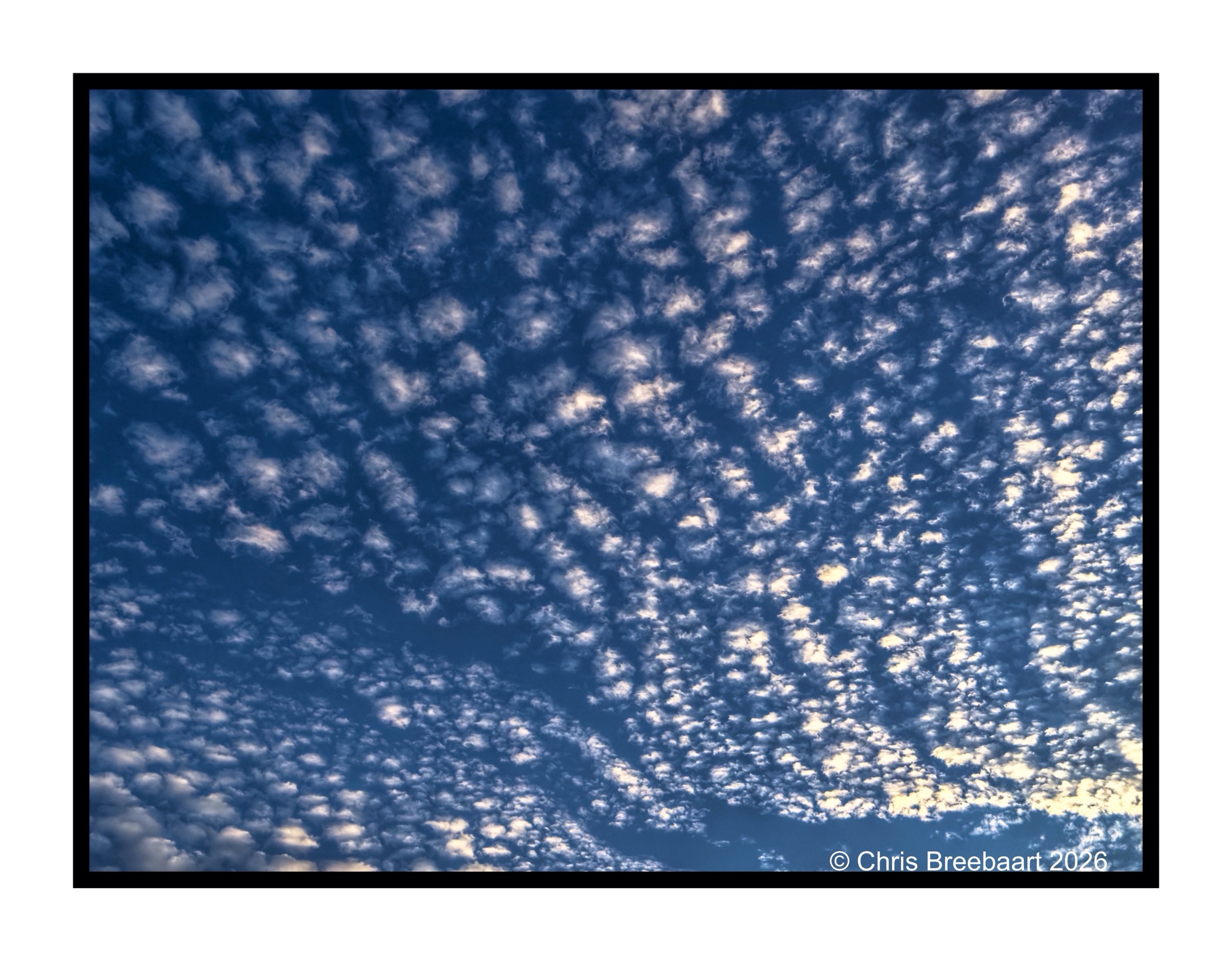
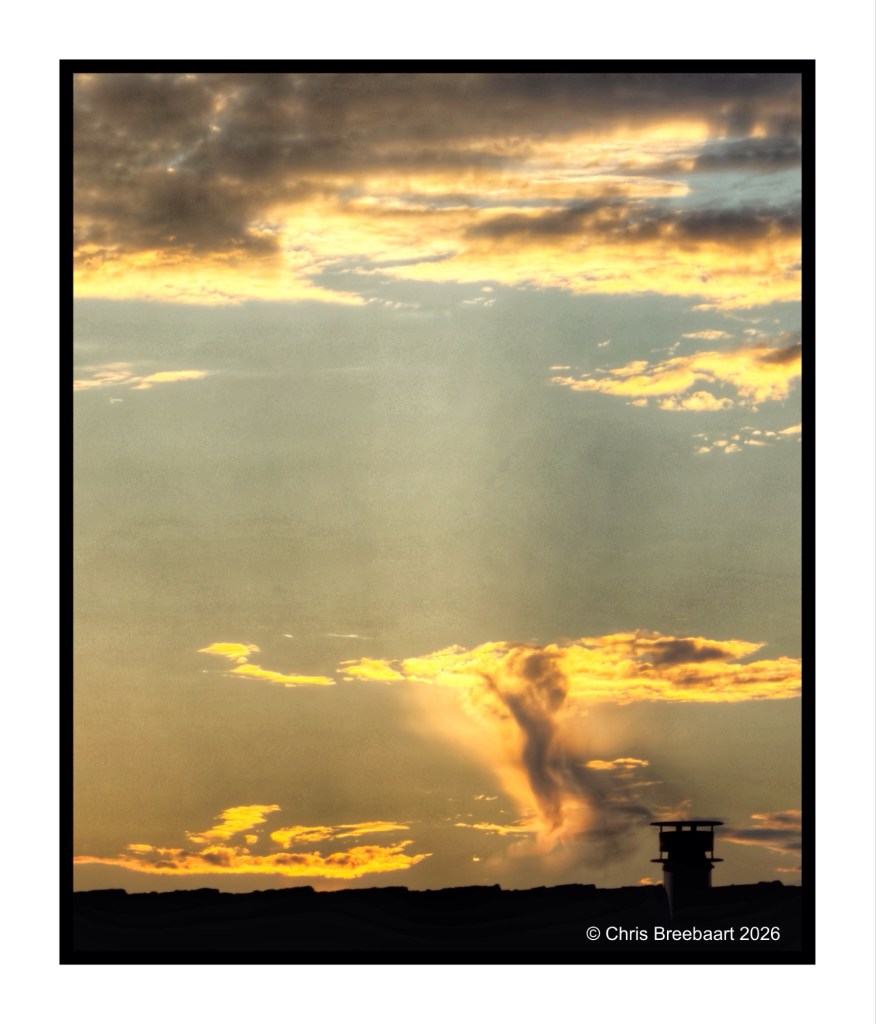
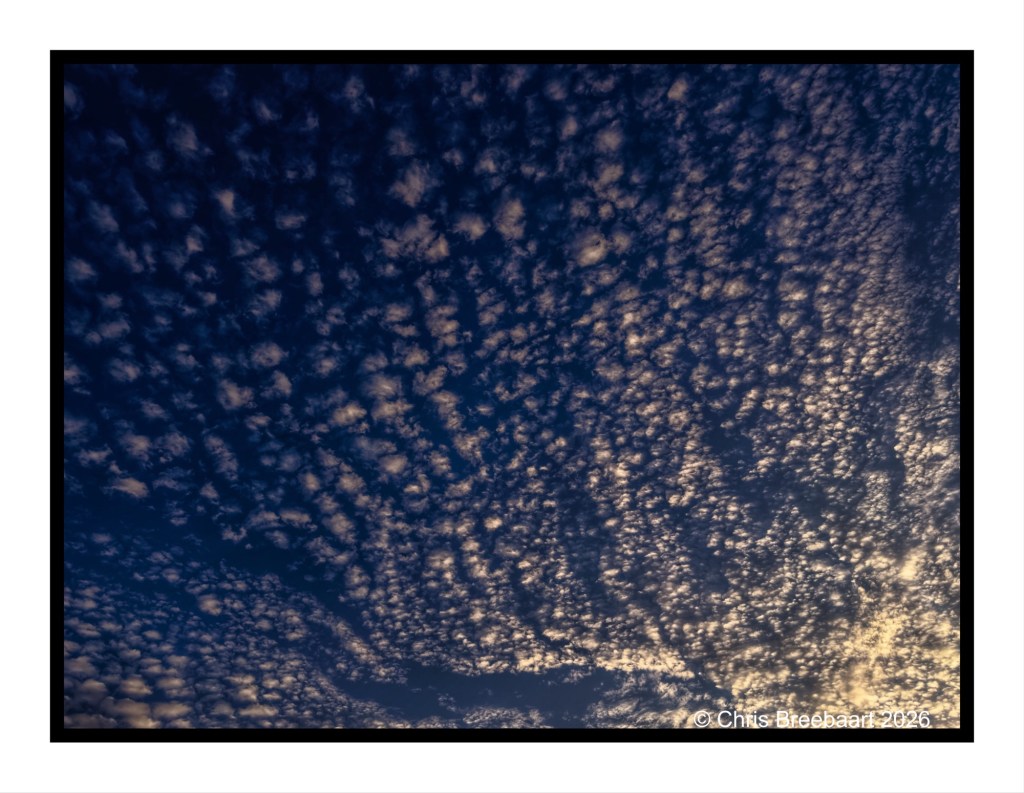
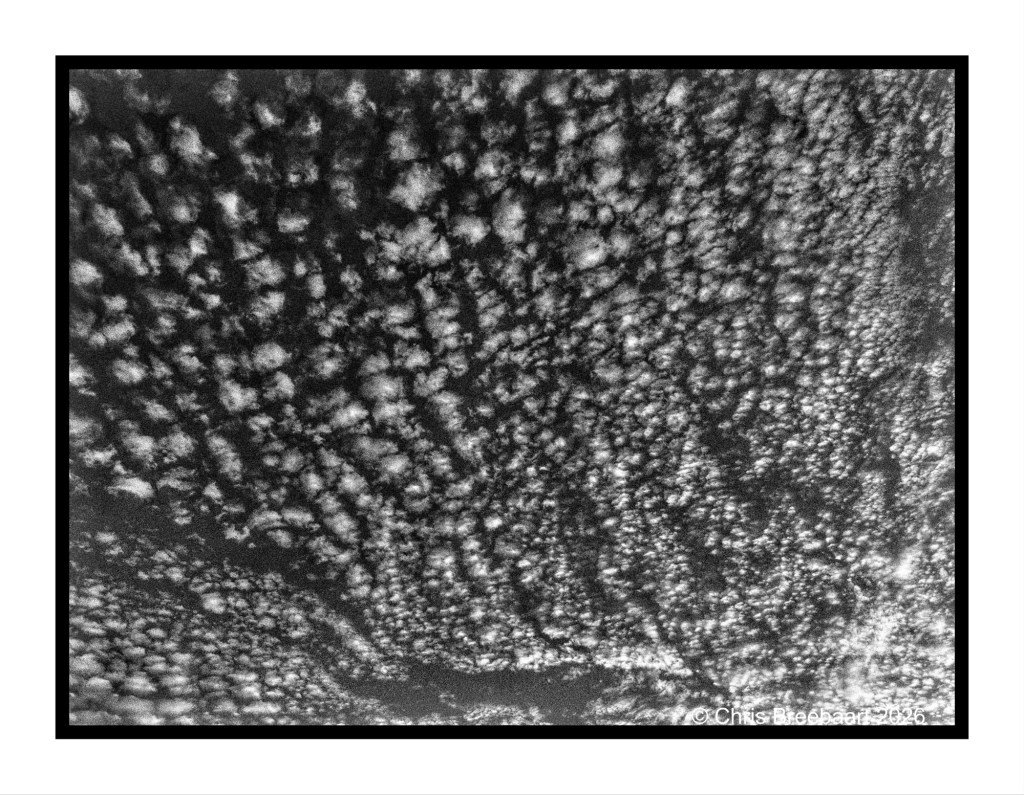
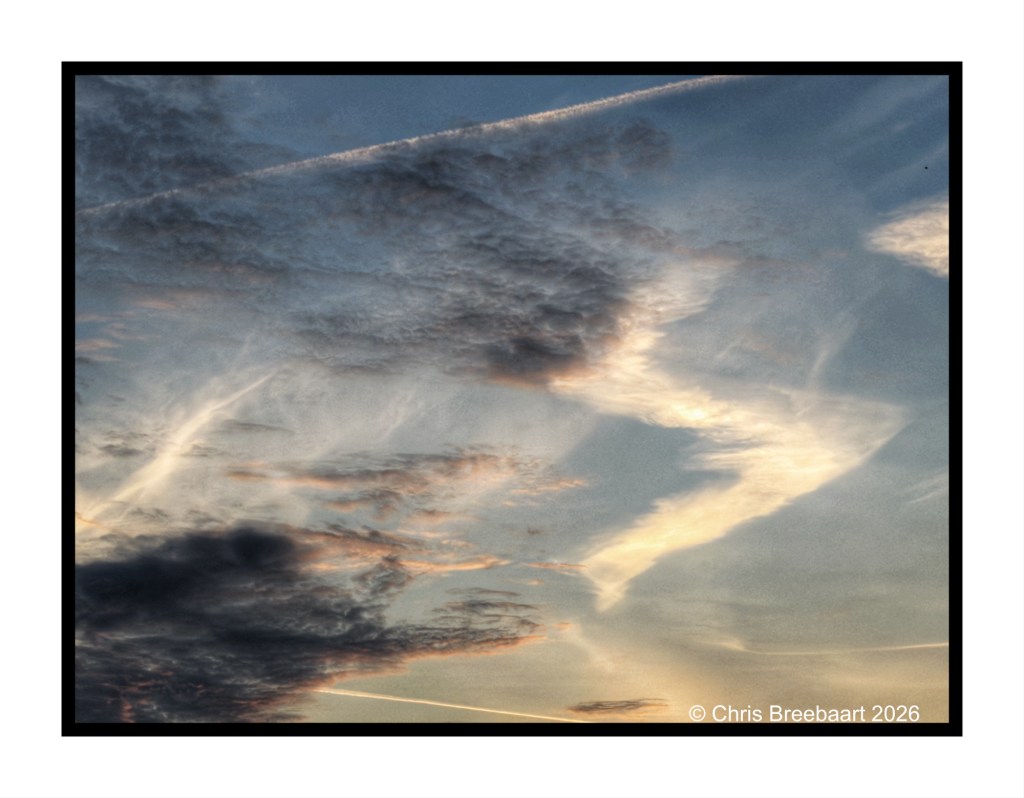
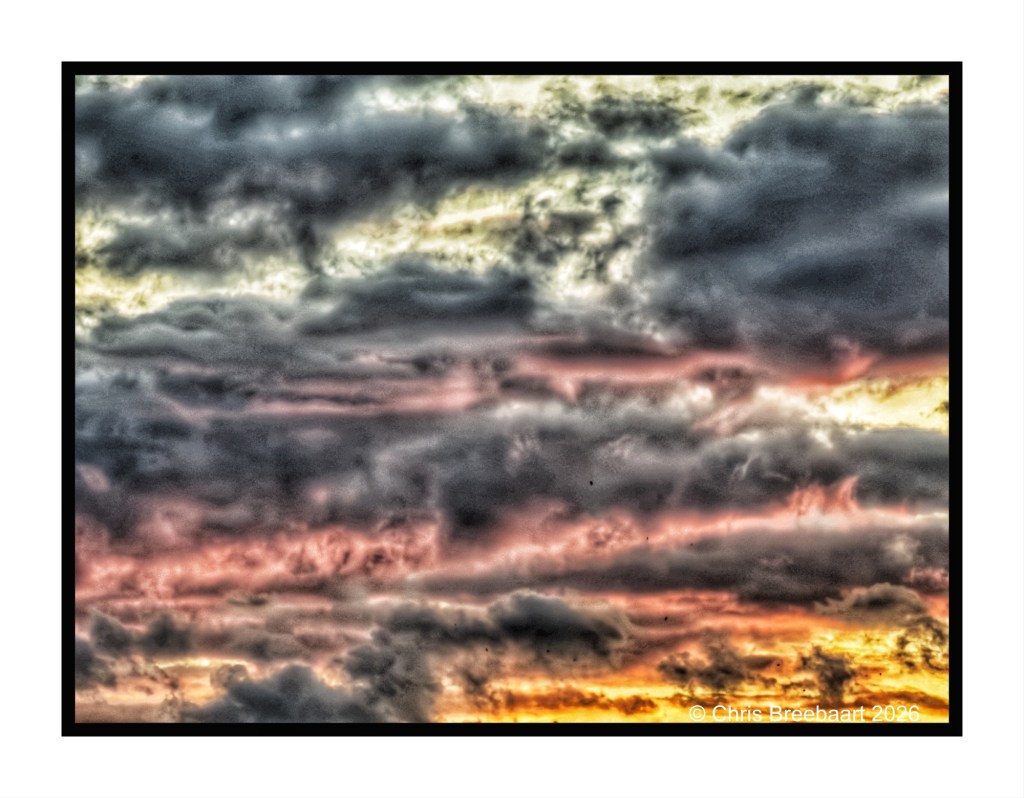
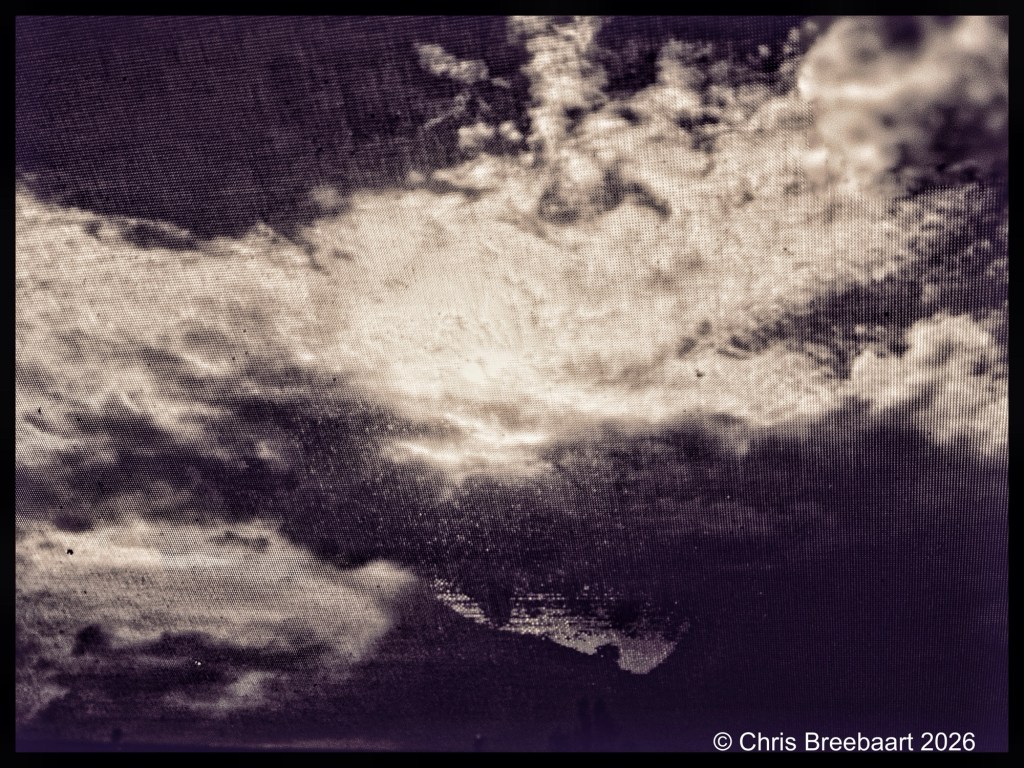
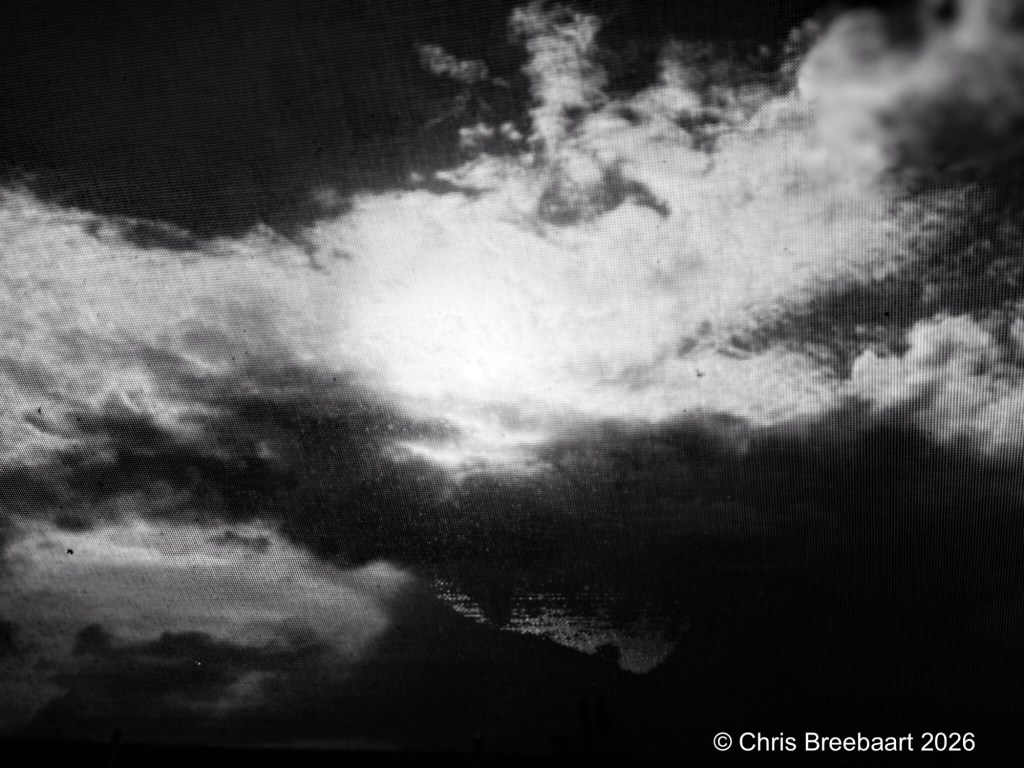
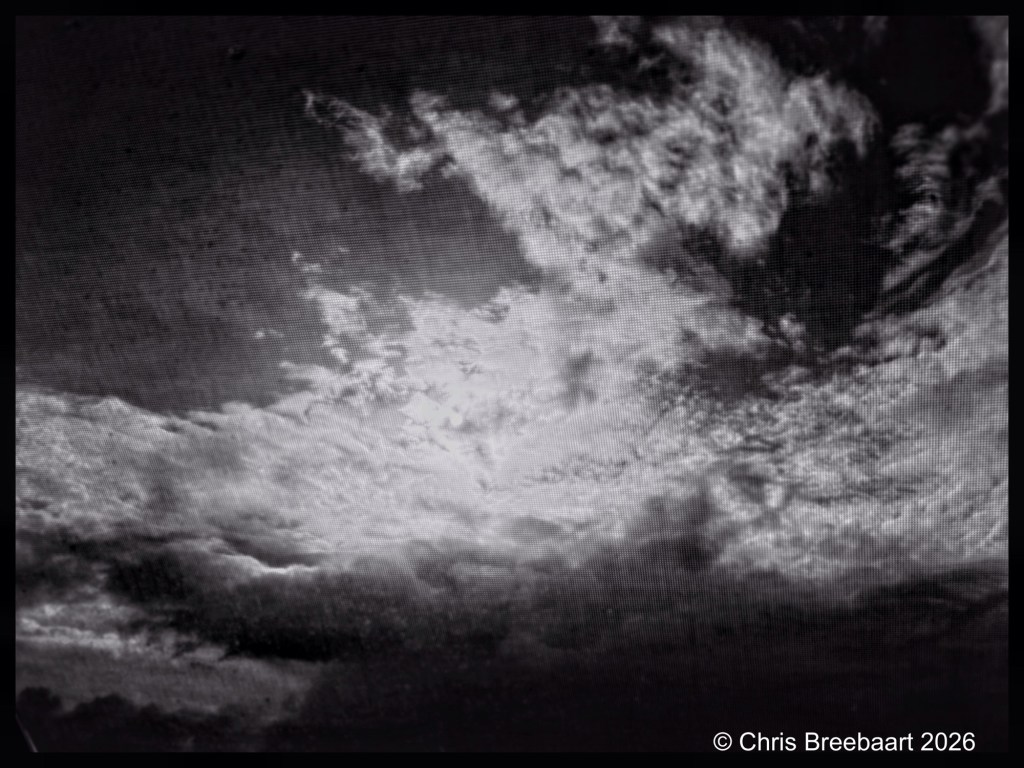
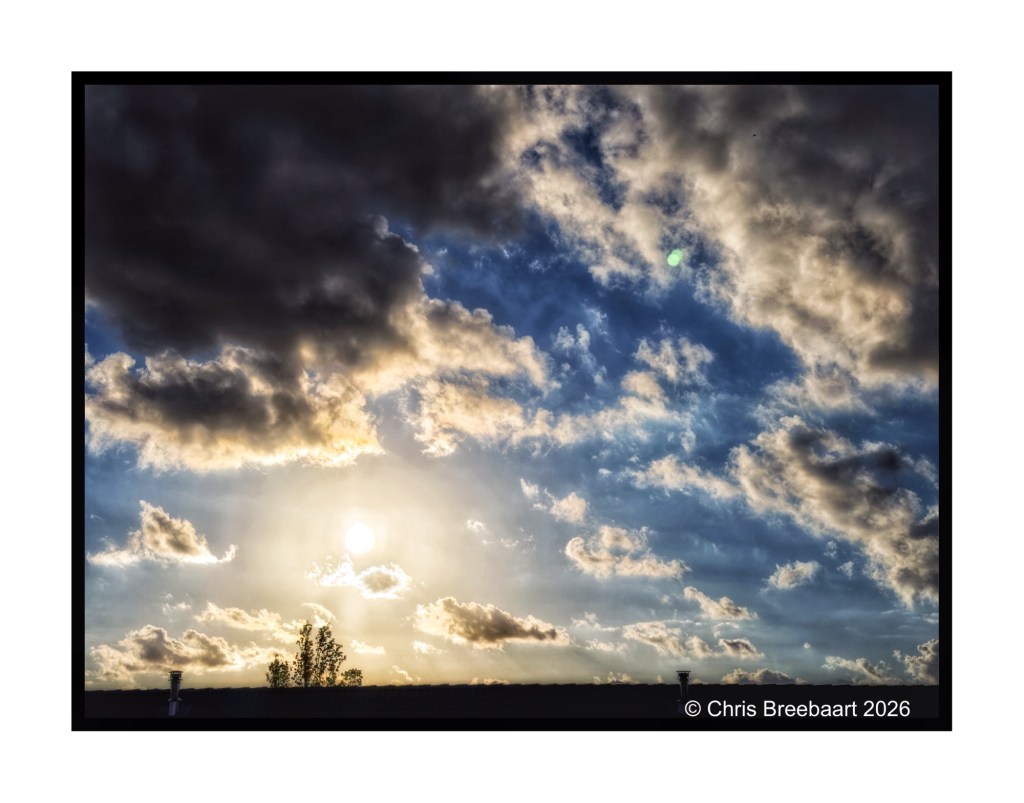
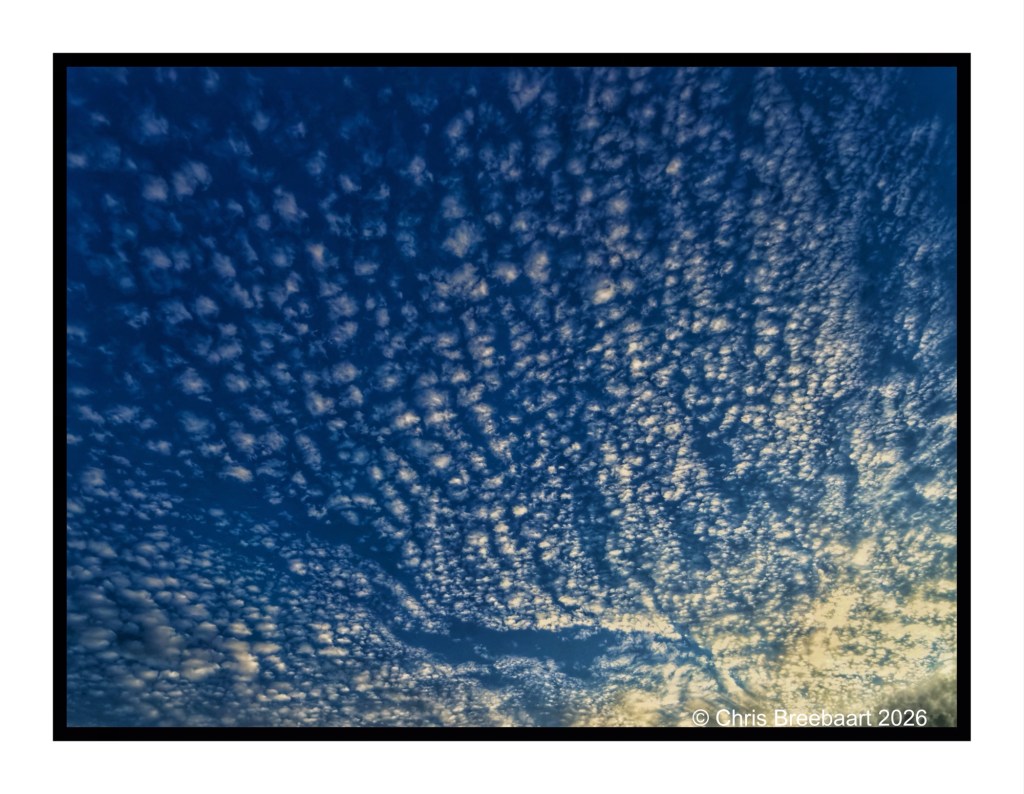
The sky is always inspirational and a place of imagination. Just clouds in shapes, and light settings.
Shot with iPhone 15 Pro Max edited using Snapseed and Marksta. Click the picture for a larger version.
Long ago each season had its own indicators: vegetables, flowers, products. But nowadays in a world economy you can eat vegetables all year round. And now you can have lavender all year round as well. Not the whole year but starting from Spring.
Lavender for me is a ride through the Provence, with the scent in the air as you oversee fields of purple. In Summer.
Shot with iPhone 17 Pro Max edited using Snapseed and Marksta. Click the picture for a larger version
Daffodils are among the first bulbflowers to pop up in Spring.
Shot with iPhone 17 Pro Max edited using Snapseed and Marksta. Click the picture for a larger version.
Spring knocks on the door. Sunrises through young leaves, creating a fabric of soft gold in the tree against the sunlight.
Shot with iPhone 15 Pro Max edited using Snapseed and Marksta. Click the picture for a larger version.
Spring knocks on the door. Sunrises through young leaves, creating golden slumbers in the early sunlight. Vanishing as the sun climbs higher in the sky.
Shot with iPhone 15 Pro Max edited using Snapseed and Marksta. Click the picture for a larger version.
Spring is coming. even when we are still in Winter.
Shot with iPhone 15 Pro Max edited using Snapseed and Marksta. Click the picture for a larger version.
A Winter sunrise. This weeks Lens-Artists Photo Challenge #387 is Shadowed. How do you use shadows in photography.
Shot with iPhone 15 Pro Max edited using Snapseed and Marksta. Click the picture for a larger version.
A Winter sunrise. This weeks Lens-Artists Photo Challenge #387 is Shadowed. How do you use shadows in photography.
Shot with iPhone 15 Pro Max edited using Snapseed and Marksta. Click the picture for a larger version.
Spring is around the corner. The garden wakes up slowly, with the Forsythia claiming the first flowering spot.The Netherlands, Oegstgeest – February 2026
This weeks Lens-Artists Photo Challenge #387 is Shadowed. How do you use shadows in photography.
Shot with iPhone 15 Pro Max edited using Snapseed and Marksta. Click the picture for a larger version.
This weeks Lens-Artists Photo Challenge #387 is Shadowed. How do you use shadows in photography. I am not sure if this fits the brief, the silhouettes of a tree through a rain covered window.
Shot with iPhone 15 Pro Max edited using Snapseed and Marksta. Click the picture for a larger version.
The last of snow – so far – this Winter. Just a little cover at the start of the evening.
Shot with iPhone 15 Pro Max edited using Snapseed and Marksta. Click the picture for a larger version.
Streetlights.
Shot with iPhone 15 Pro Max edited using Snapseed and Marksta. Click the picture for a larger version.


LAPC #386 invites to use the power of juxtaposition. I give the brief a bit more room for experiment, and put two pictures next to another. They both have a narrative of their own. It is basically the same subject (trees) but framed in a different way.
Shot with iPhone 15 Pro Max edited using Snapseed and Marksta. Click the picture for a larger version.
LAPC #386 invites to use the power of juxtaposition. Basically put two objects in a frame to create a narrative or reaction about their relation. A street lamp and two poles.
Shot with iPhone 15 Pro Max edited using Snapseed and Marksta. Click the picture for a larger version.
LAPC #386 invites to use the power of juxtaposition. Basically put two objects in a frame to create a narrative or reaction about their relation. Here the story of two sunflowers.
Shot with iPhone 15 Pro Max edited using Snapseed and Marksta. Click the picture for a larger version.
The LAPC theme #385 is ‘unusual crop’. Geese in a pretty big V.
Shot with iPhone 15 Pro Max edited using Snapseed and Marksta. Click the picture for a larger version.
The LAPC theme #385 is ‘unusual crop’. Sky shots of clouds are mostly abstract. Framing them in a way that makes sense is a challenge at times.
Shot with iPhone 15 Pro Max edited using Snapseed and Marksta. Click the picture for a larger version.


The LAPC theme #385 is ‘unusual crop’. Here the cropping process in-camera using a zoom.
Shot with iPhone 15 Pro Max edited using Snapseed and Marksta. Click the picture for a larger version.


The sky through ice on a window.
Shot with iPhone 15 Pro Max edited using Snapseed and Marksta Click the picture for a larger version.
Theme for Lens-Artists Photo Challenge #380 is ‘what’s around the corner’.
Shot with iPhone 15 Pro Max edited using Snapseed and Marksta Click the picture for a larger version.
Theme for Lens-Artists Photo Challenge #380 is ‘what’s around the corner’. A grey Heron in falling snow.
Shot with iPhone 15 Pro Max edited using Snapseed and Marksta Click the picture for a larger version.
Theme for Lens-Artists Photo Challenge #380 is ‘what’s around the corner’. Snow, no ice.
Shot with iPhone 15 Pro Max edited using Snapseed and Marksta Click the picture for a larger version.
Theme for Lens-Artists Photo Challenge #380 is ‘what’s around the corner’. Last week we had snow in the village.
Shot with iPhone 15 Pro Max edited using Snapseed and Marksta Click the picture for a larger version.
Sometimes a photo goes wrong. Instead of a short shutter speed, the iPhone comes up with night mode. And occasionally an ‘accident’ creates an image that is quite appealing. Creativity by accident. I happen to like this one.
The image reminds me of the work of Sietse Goverts, a dutch painter.
Shot with iPhone 15 Pro Max edited using Snapseed and Marksta. Click the picture for a larger version.
Even in Winter there is blossom. Like Spring is already here.
Shot with iPhone 15 Pro Max edited using Snapseed and Marksta Click the picture for a larger version.
Even in Winter there is blossom. And in monochrome it looks like snow :-).
Shot with iPhone 15 Pro Max edited using Snapseed and Marksta Click the picture for a larger version.
Traces in the sky, passing by and fleeting.
Shot with iPhone 15 Pro Max edited using Snapseed and Marksta Click the picture for a larger version.

Even in Winter there is blossom.
Shot with iPhone 15 Pro Max edited using Snapseed and Marksta Click the picture for a larger version.
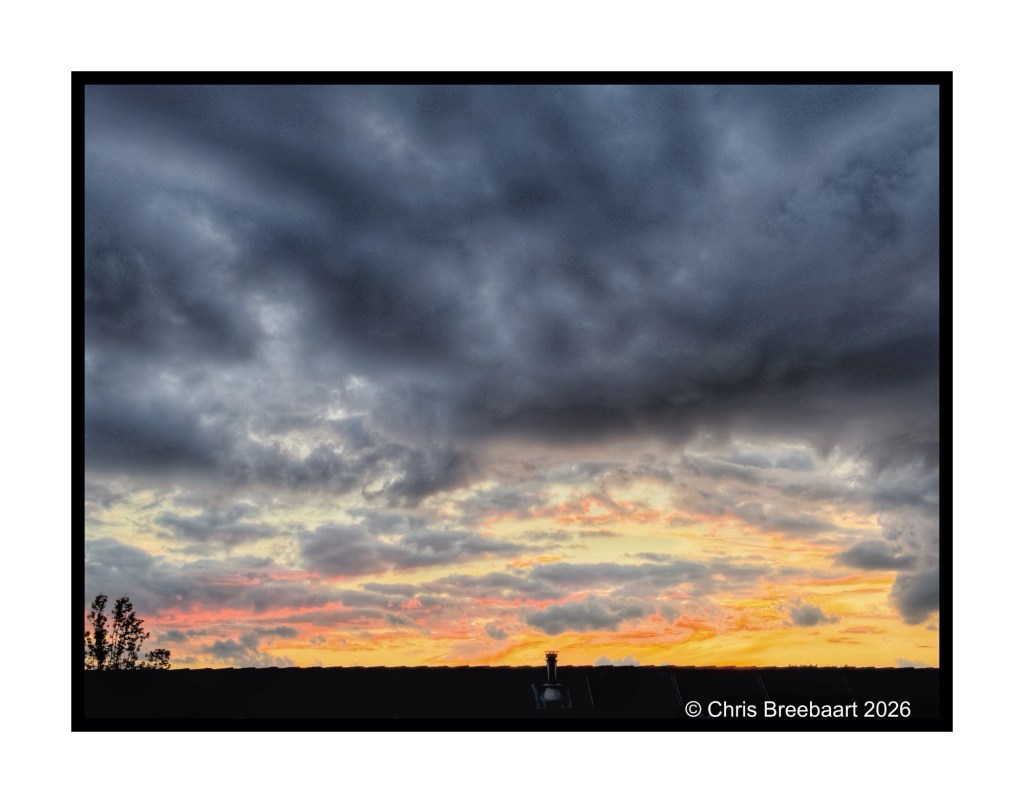
The sky at dusk is a nice canvas to play with.
Shot with iPhone 15 Pro Max edited using Snapseed and Marksta Click the picture for a larger version.
At dusk, a beautiful Winter sky.
Shot with iPhone 15 Pro Max edited using Snapseed and Marksta Click the picture for a larger version.