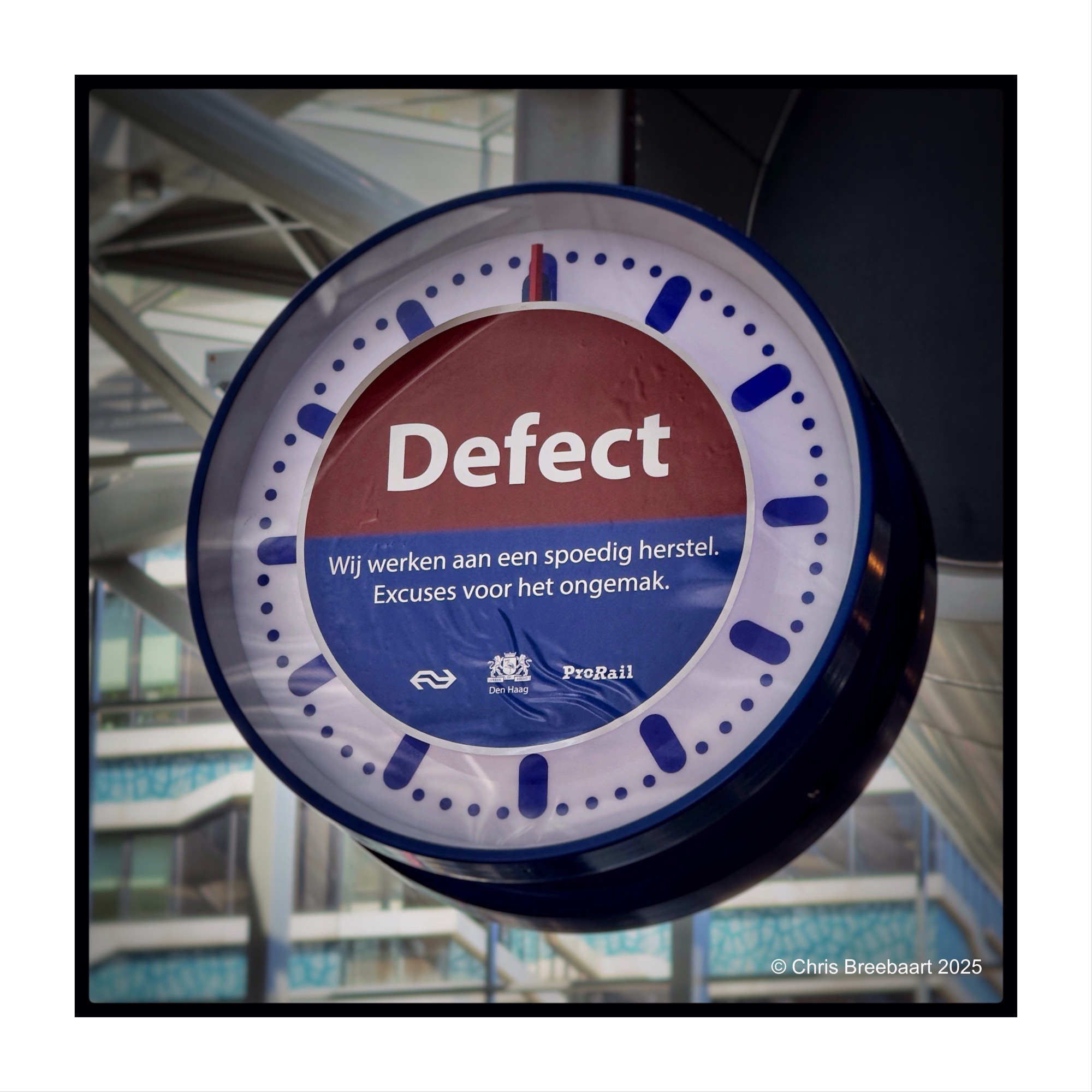
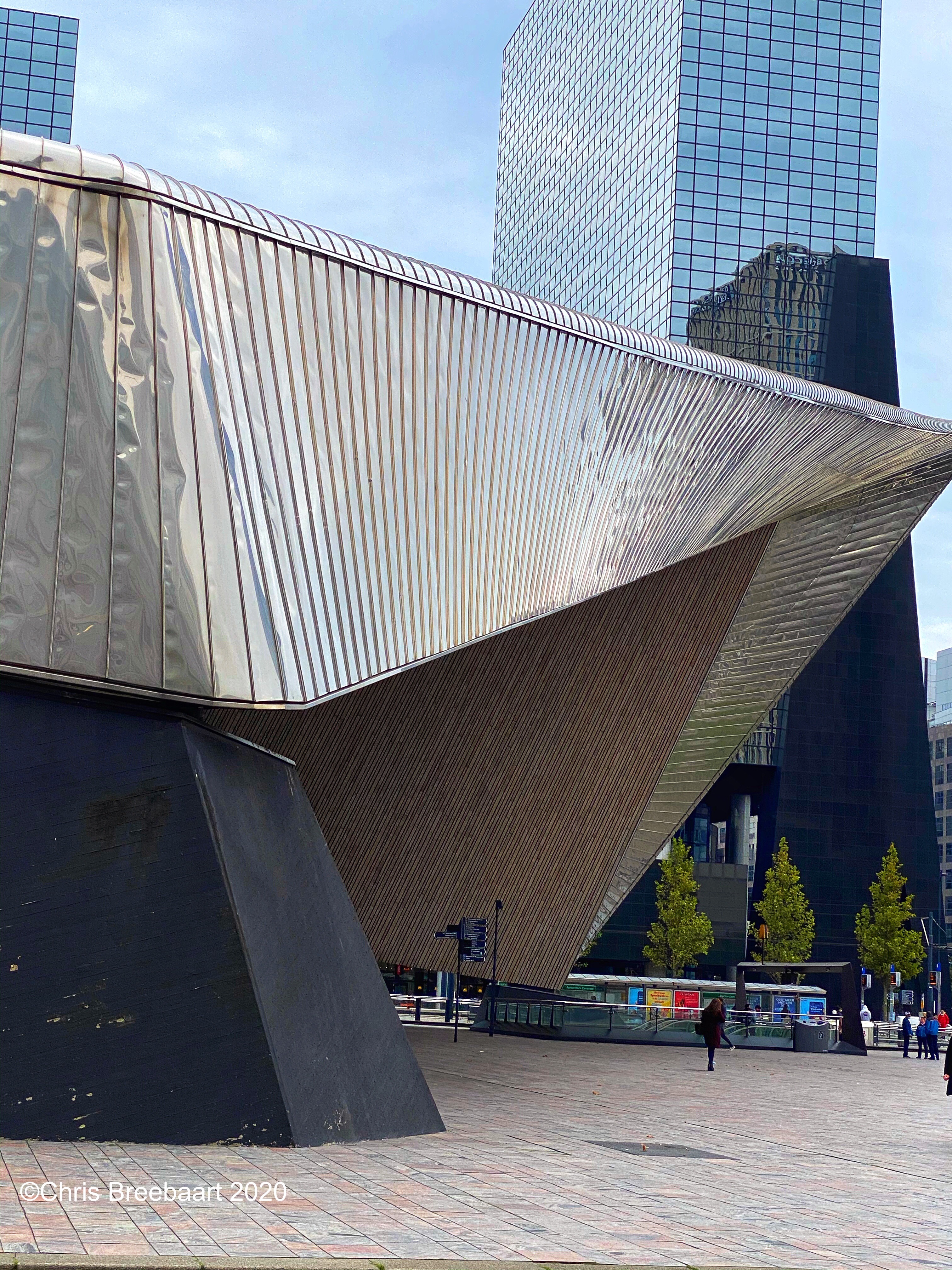
Haarlem Station
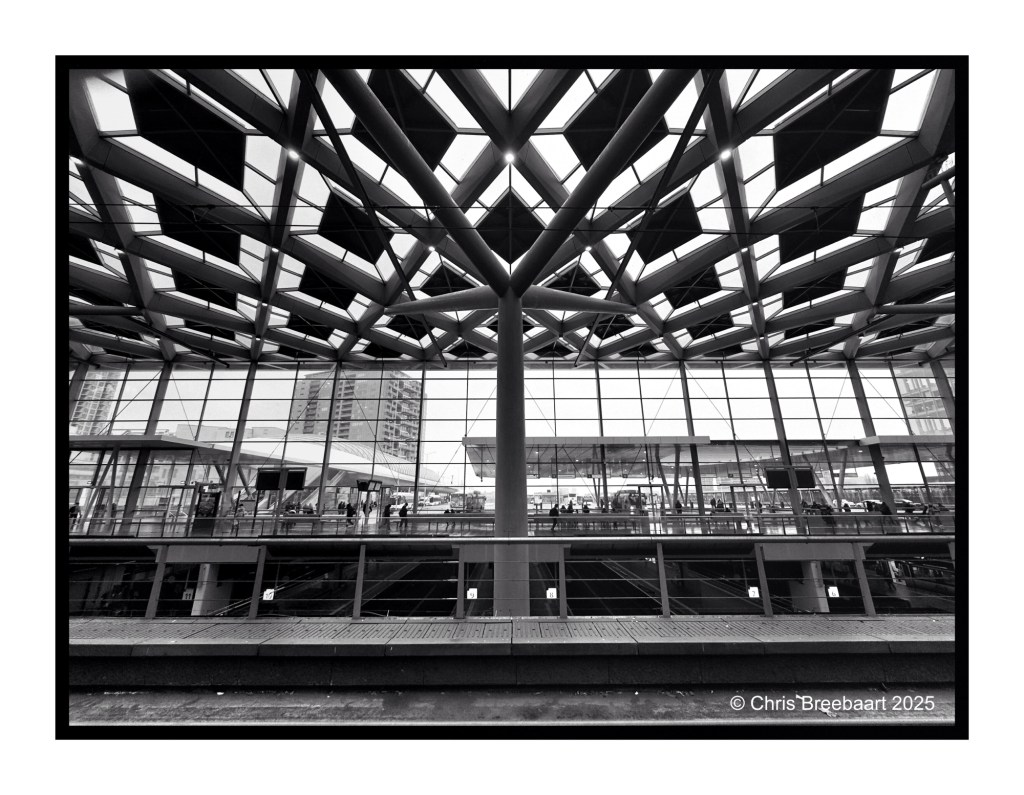
Shot with iPhone 17 Pro Max edited using Snapseed and Marksta. Click the picture for a larger version.
Shot with iPhone 17 Pro Max edited using Snapseed and Marksta. Click the picture for a larger version.
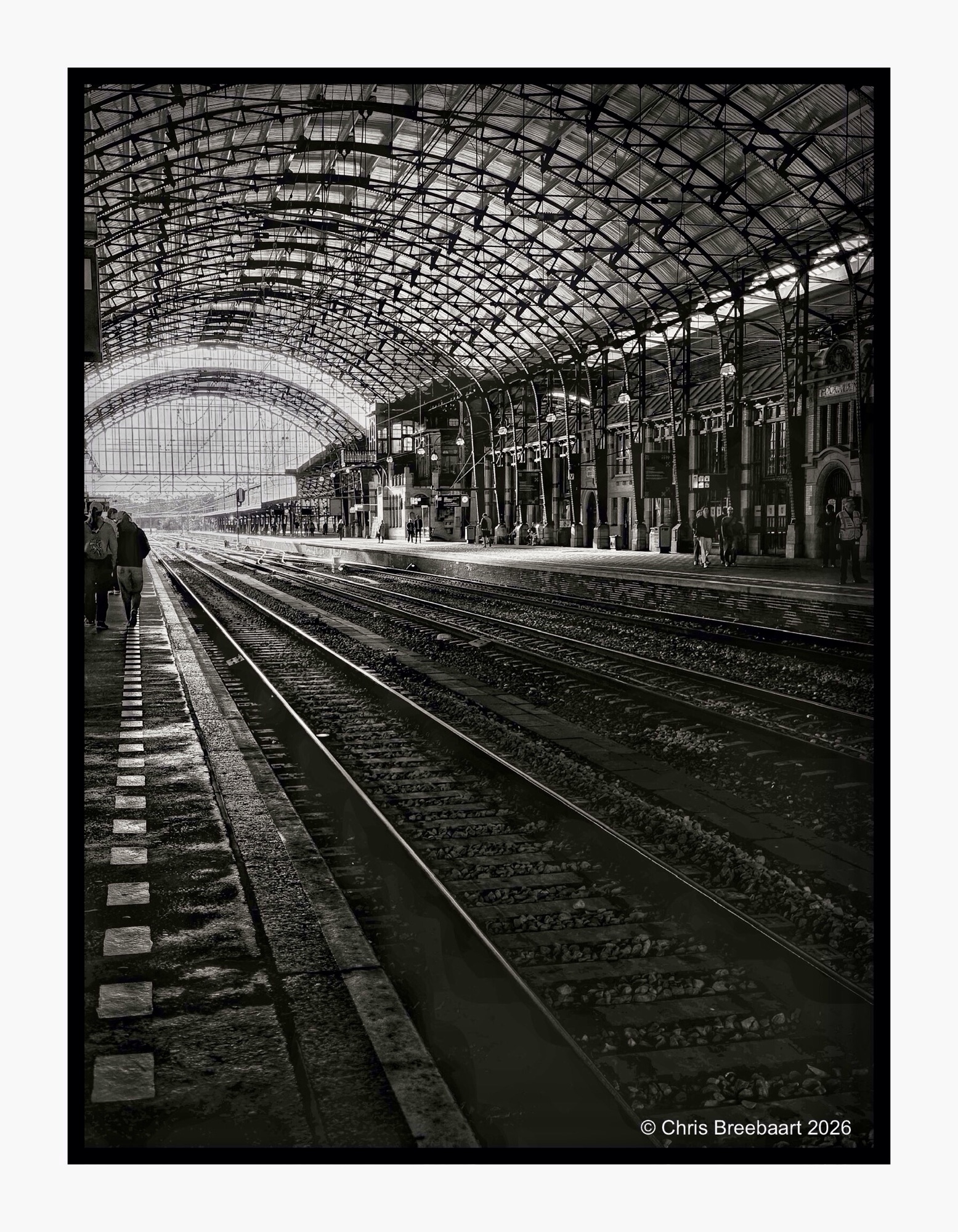
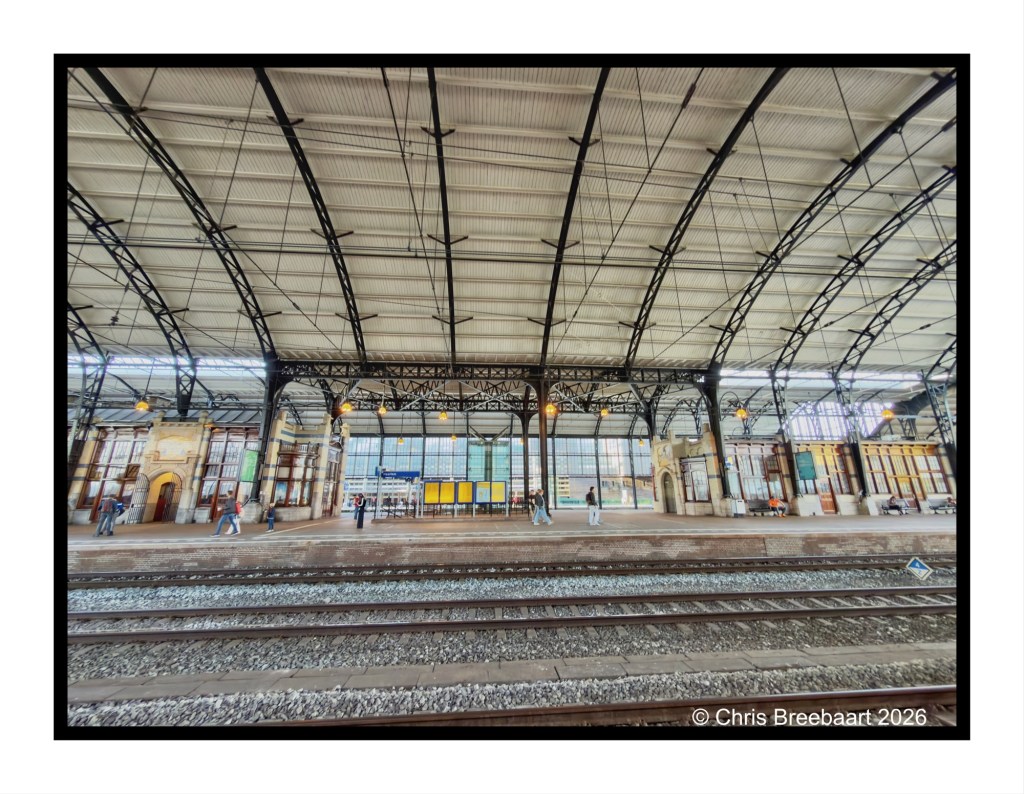
One of the first questions I had buying my first digital DSLR was ‘how do I shoot monochrome photos from now?’. In the past it was just choosing what film I put in a camera. Going digital implied using editing to revert from color to monochrome. More recently black and white modes came back on devices. Not only on iPhone. My choice for Nikon Zf was influenced by it. But it all is a question of taste.
The same photo of the station of Haarlem in color and (edited) monochrome. Pick one or both.
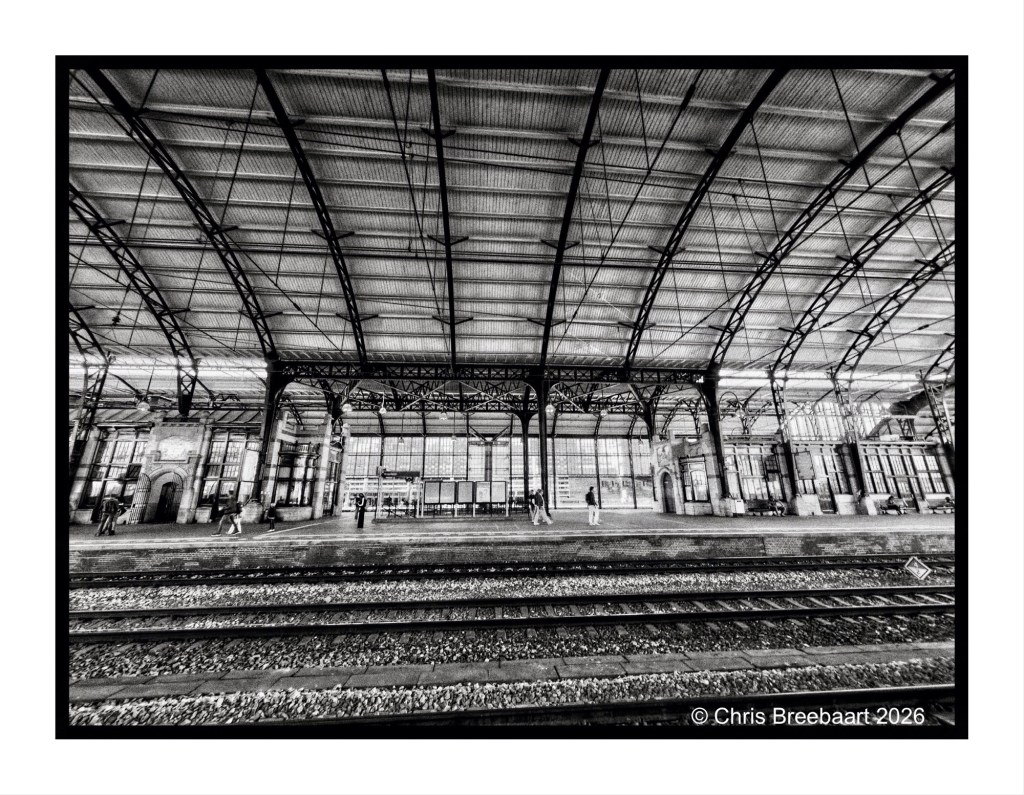
Shot with iPhone 17 Pro Max edited using Snapseed and Marksta. Click the picture for a larger version.
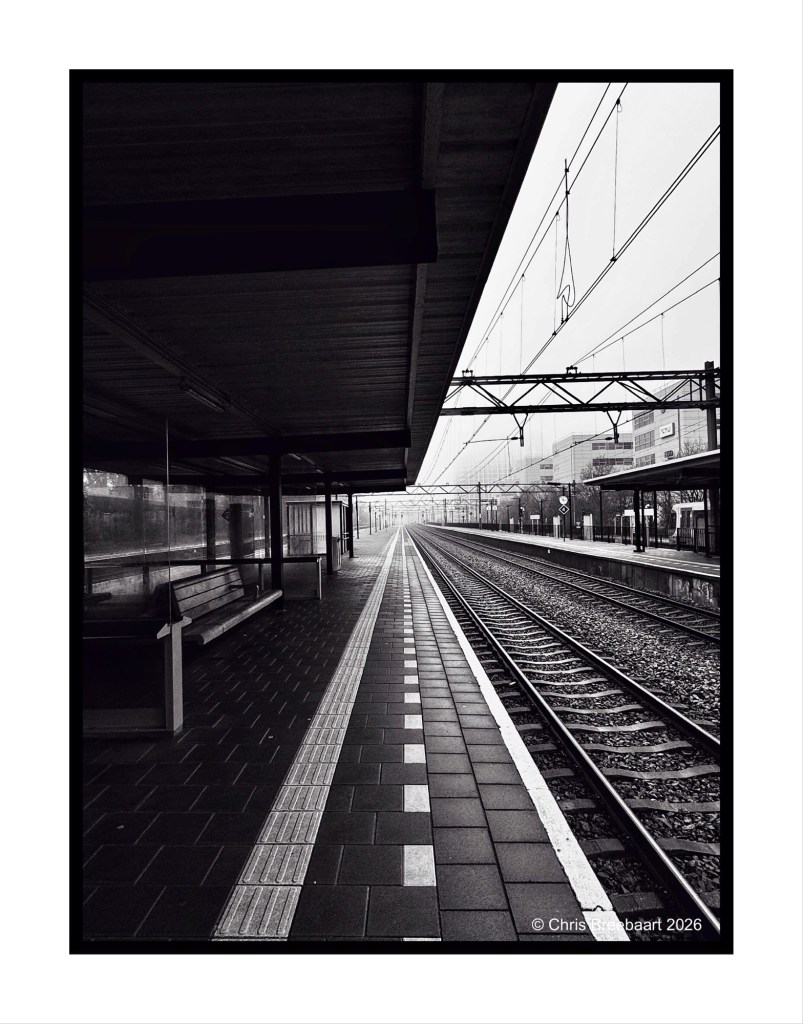
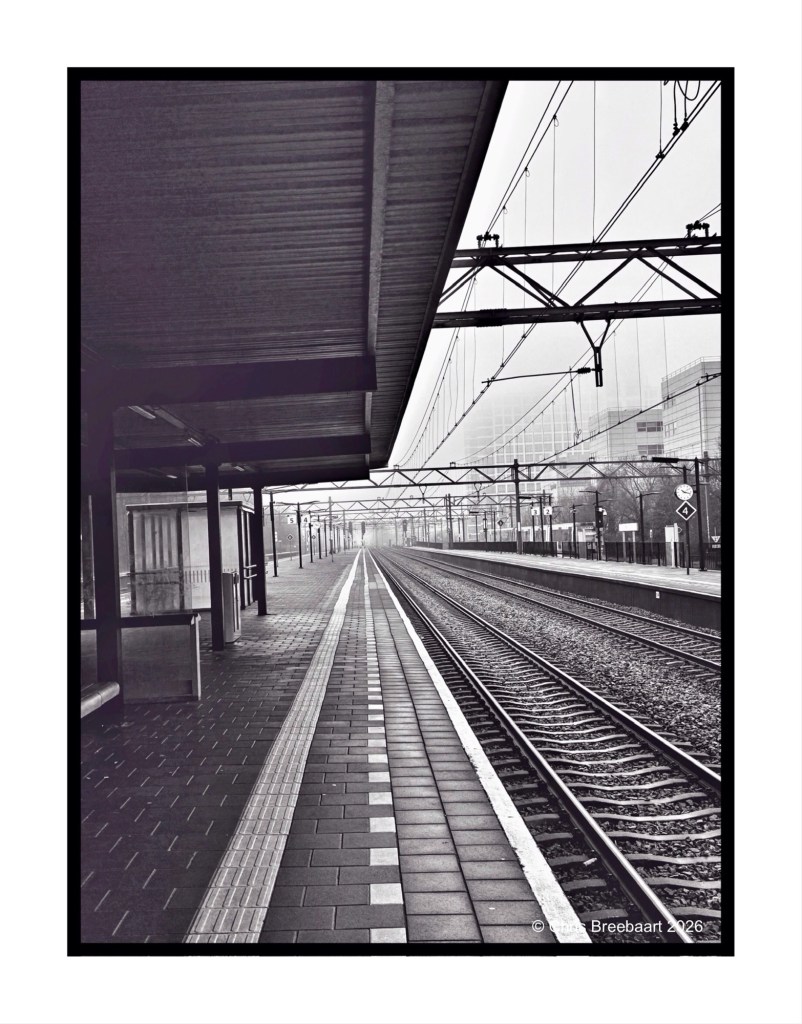
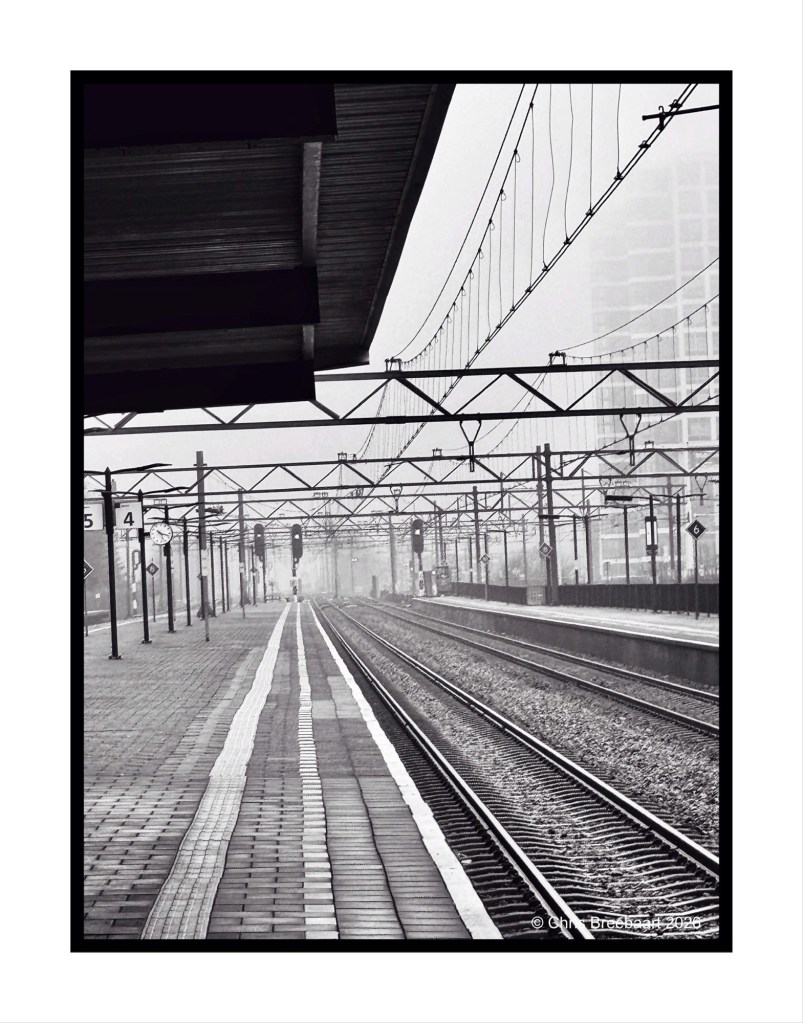
The LAPC theme #385 is ‘unusual crop’. Station Den Haag – Laan van Nieuw Oost-Indië (that is a throat breaker for most of you non-Dutch speakers). Tracking the tracks.
Shot with iPhone 15 Pro Max edited using Snapseed and Marksta. Click the picture for a larger version.
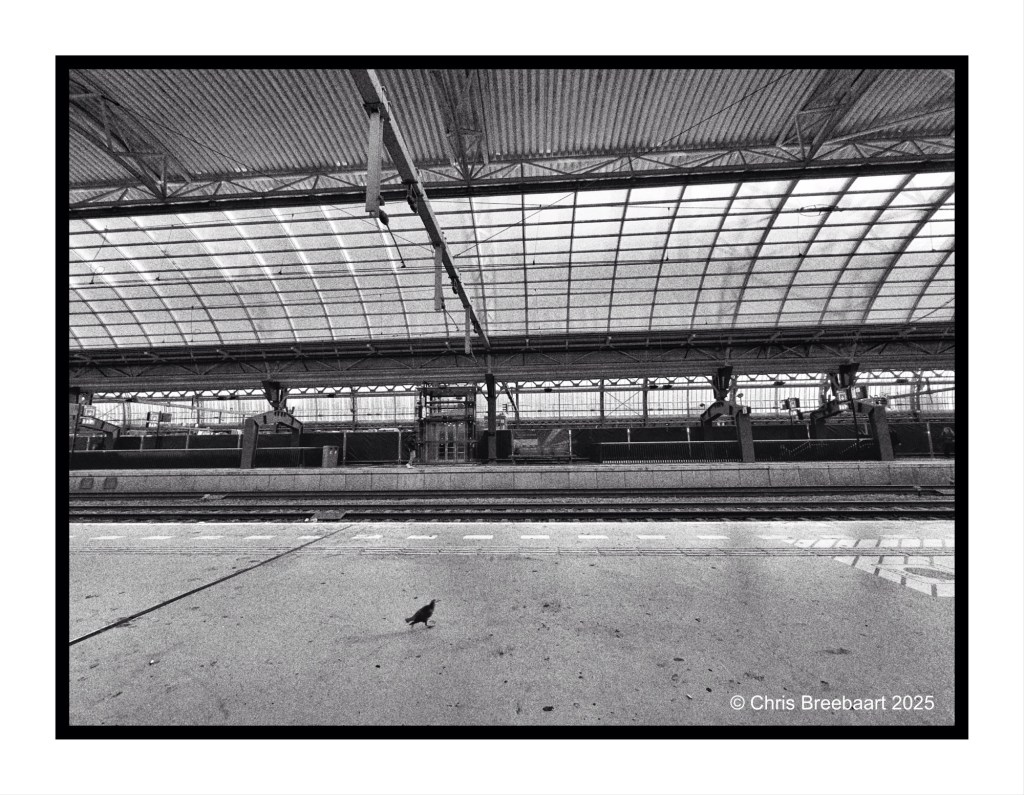
A small bird in a big Amsterdam Central Station. The things you see while waiting for a train.
Shot with iPhone 15 Pro Max edited using Snapseed and Marksta. Click the picture for a larger version.
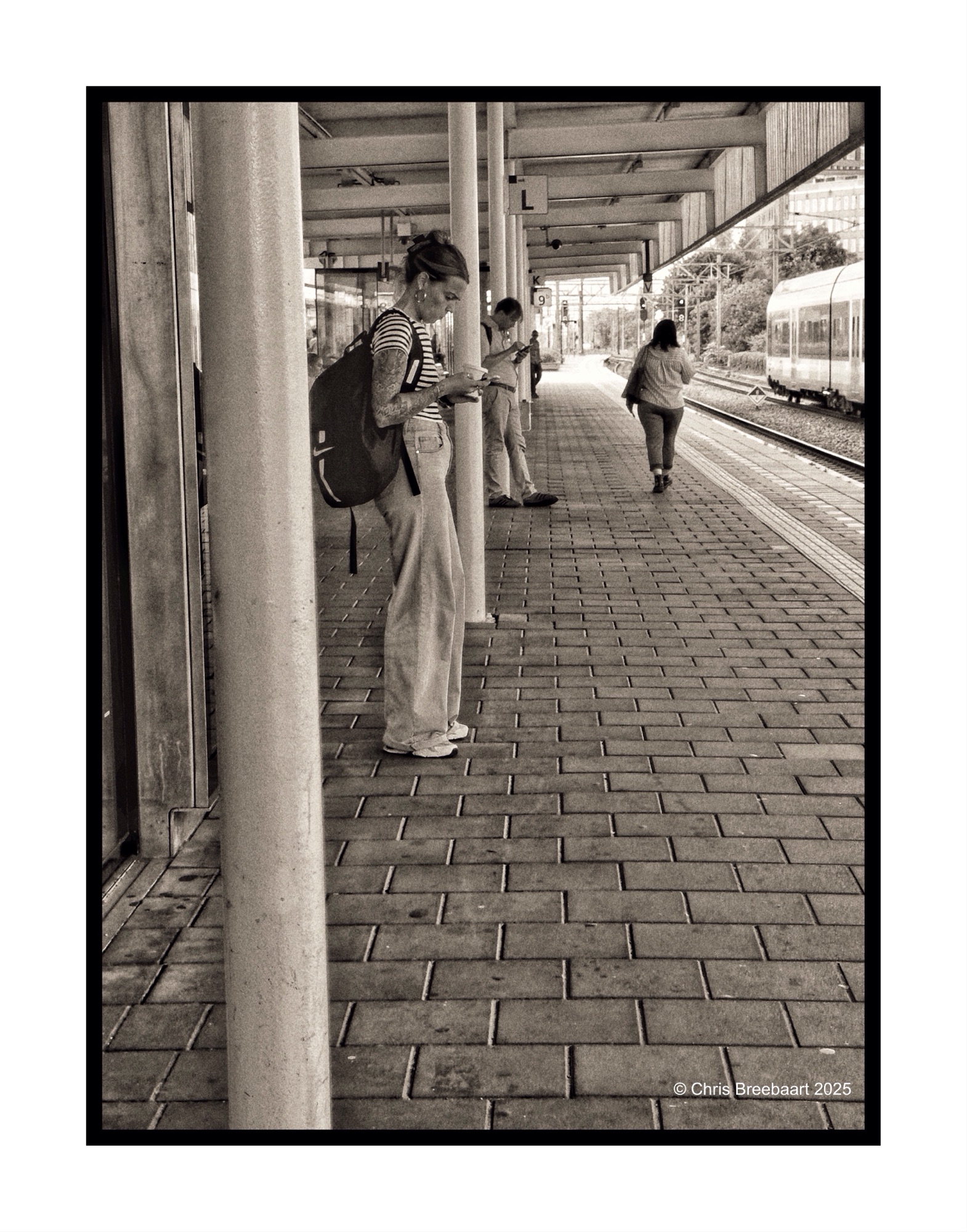
On the platform waiting for a connection being connected by mobile phone.
Shot with iPhone 15 Pro Max edited using Snapseed and Marksta. Click the picture for a larger version.
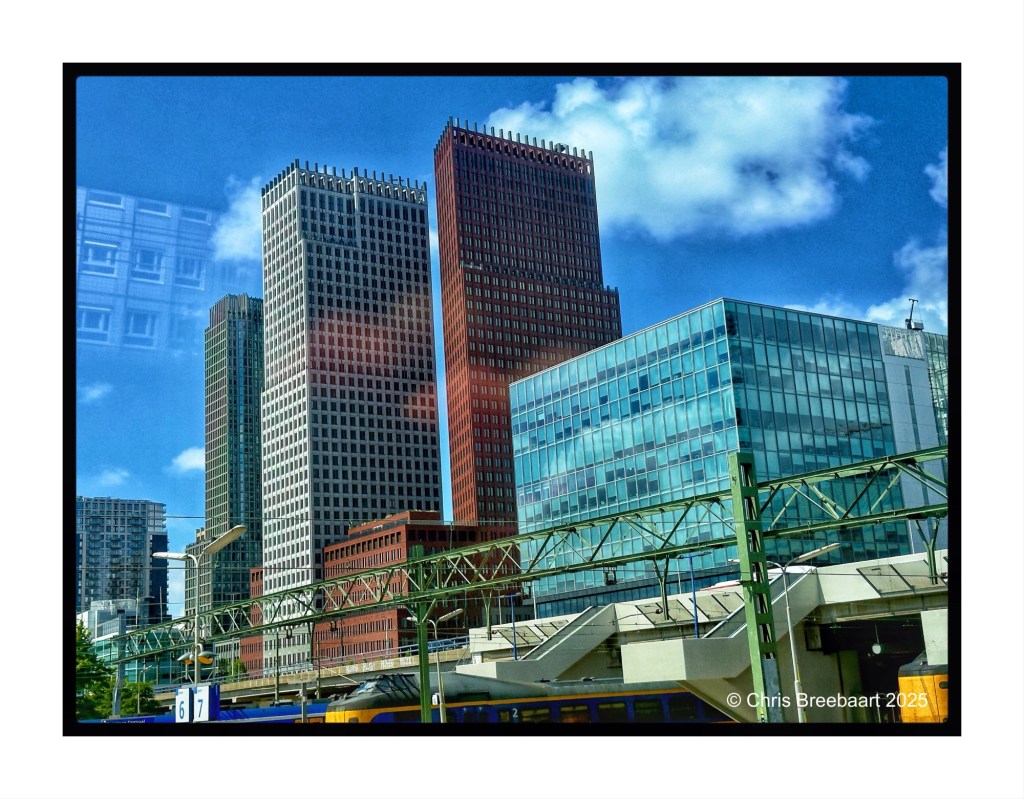
The LAPC challenge for this week (#354) is ‘reflections’. Reflecting can be visual but also in a way of contemplating. On the photo three Dutch government policy departments.
Shot with iPhone 15 Pro Max edited using Snapseed and Marksta. Click the picture for a larger version.
Den Haag Central Station.
Shot with iPhone 15 Pro Max edited using Snapseed and Marksta. Click the picture for a larger version.
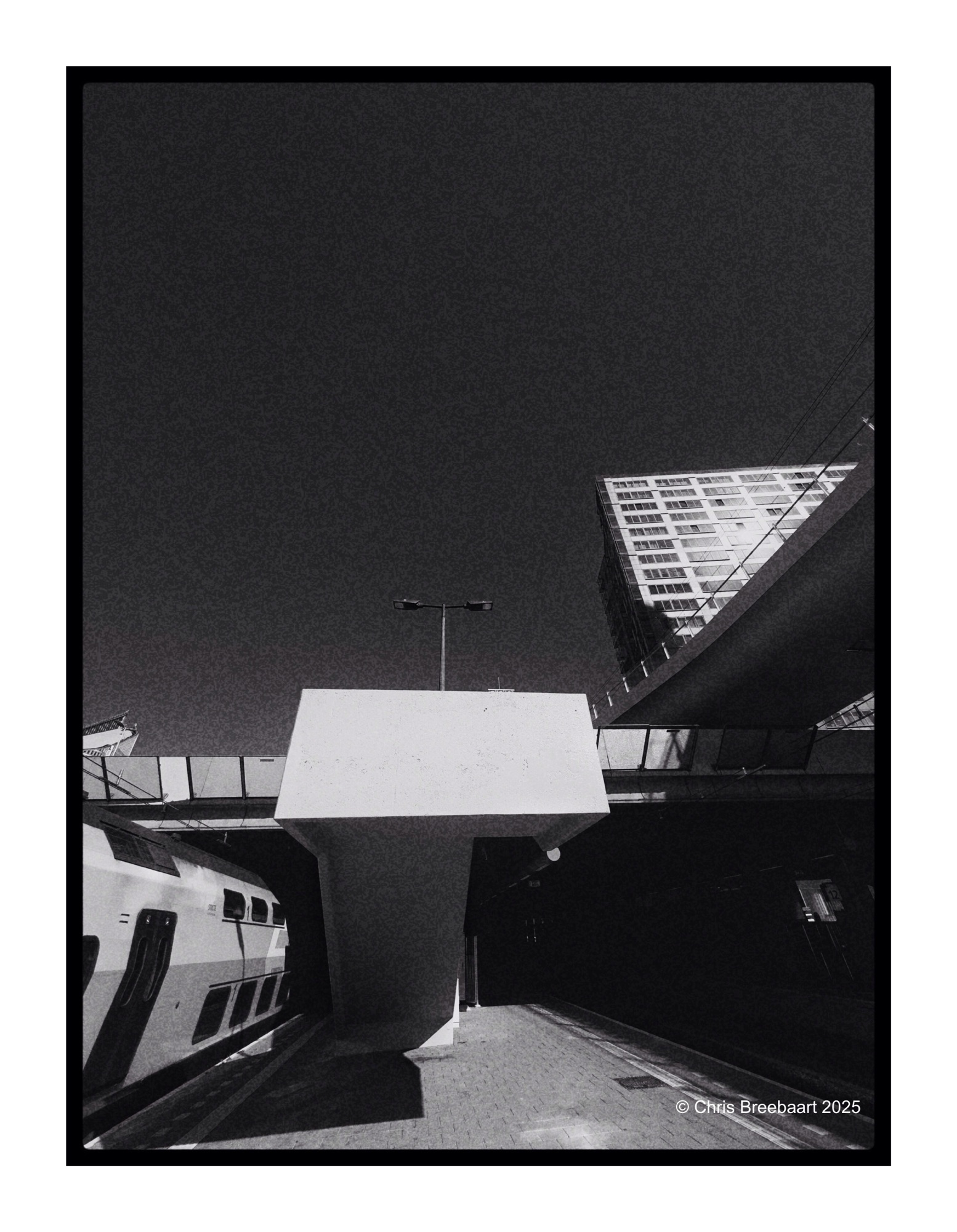
Den Haag Central Station.
Shot with iPhone 15 Pro Max edited using Snapseed, GrainLab and Marksta. Click the picture for a larger version.
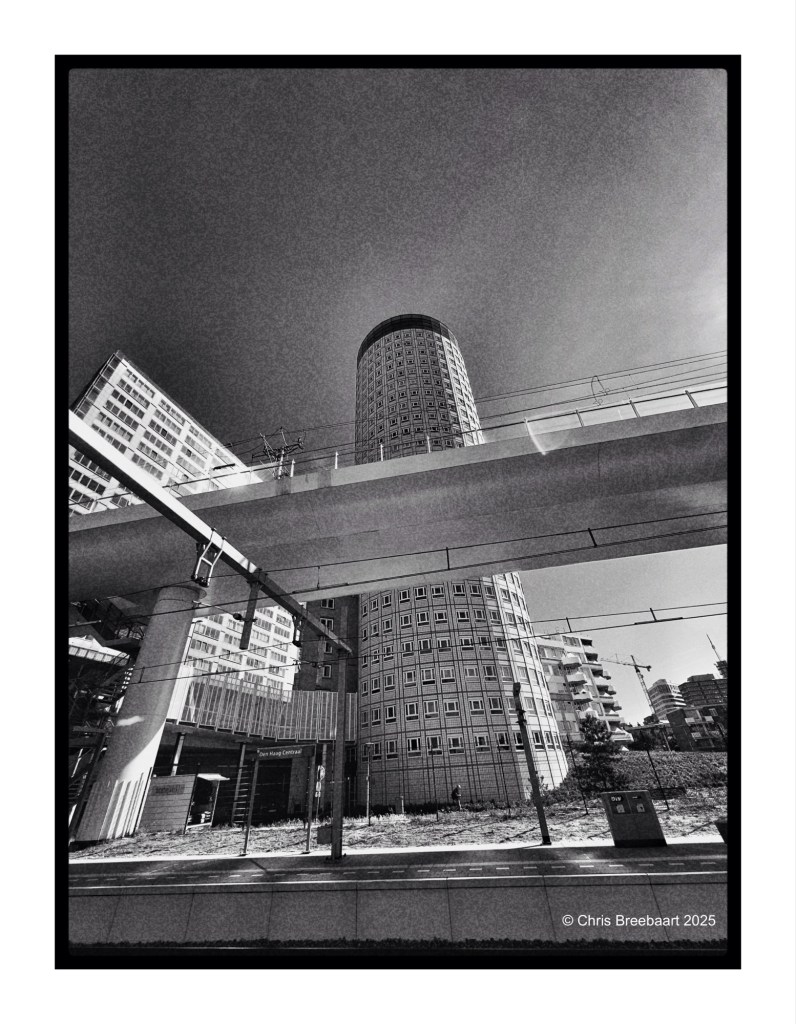
Den Haag Central Station.
Shot with iPhone 15 Pro Max edited using Snapseed, GrainLab and Marksta. Click the picture for a larger version.

Shot with iPhone 15 Pro Max edited using Snapseed, GrainLab and Marksta. Click the picture for a larger version.
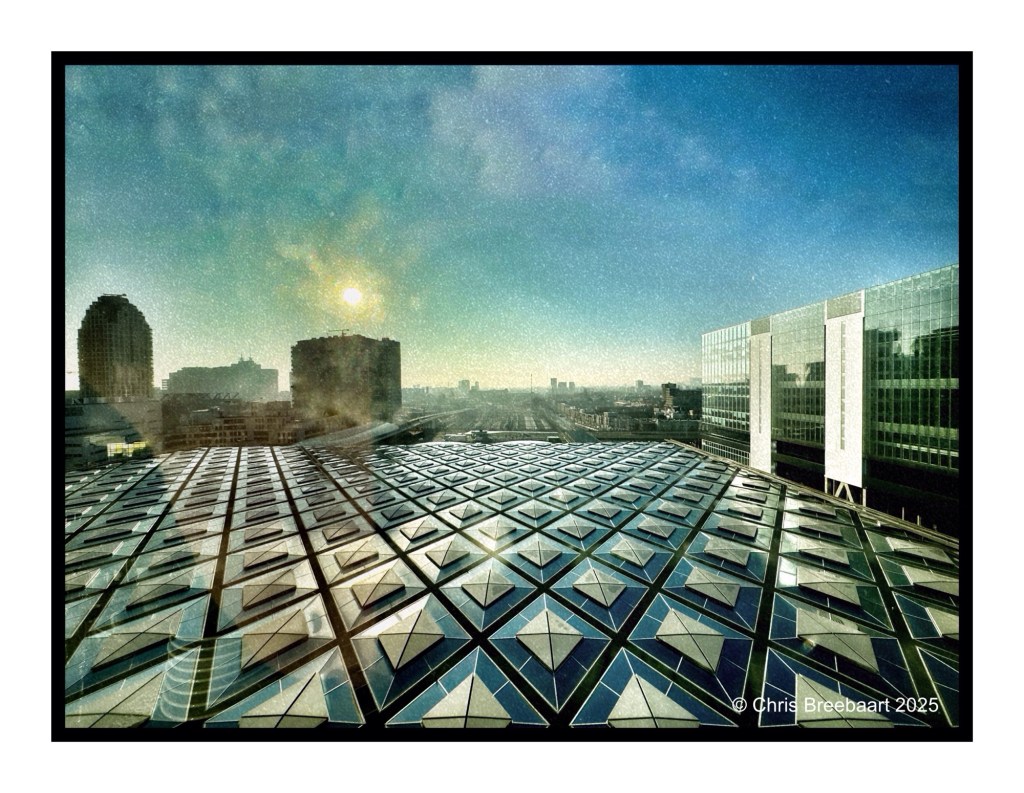
Over looking Den Haag Central Station. Yesterday in mono, today in the original colors.
Shot with iPhone 15 Pro Max edited using Snapseed, GrainLab and Marksta. Click the picture for a larger version.
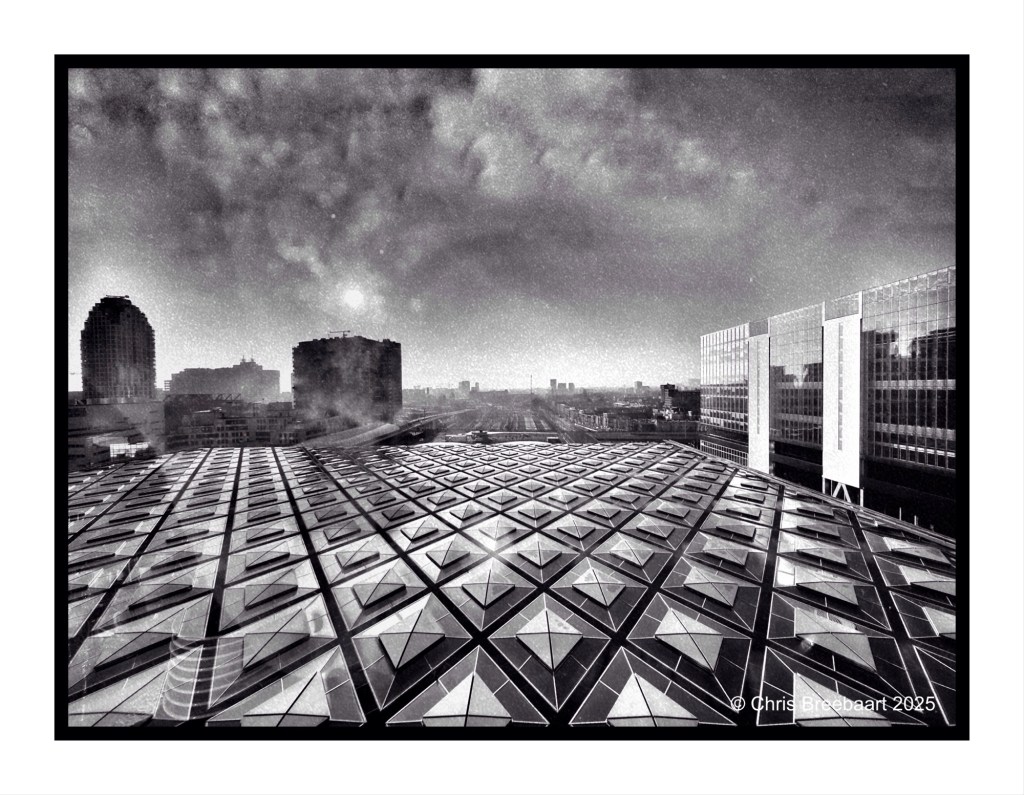
Over looking Den Haag Central Station.
Shot with iPhone 15 Pro Max edited using Snapseed, GrainLab and Marksta. Click the picture for a larger version.
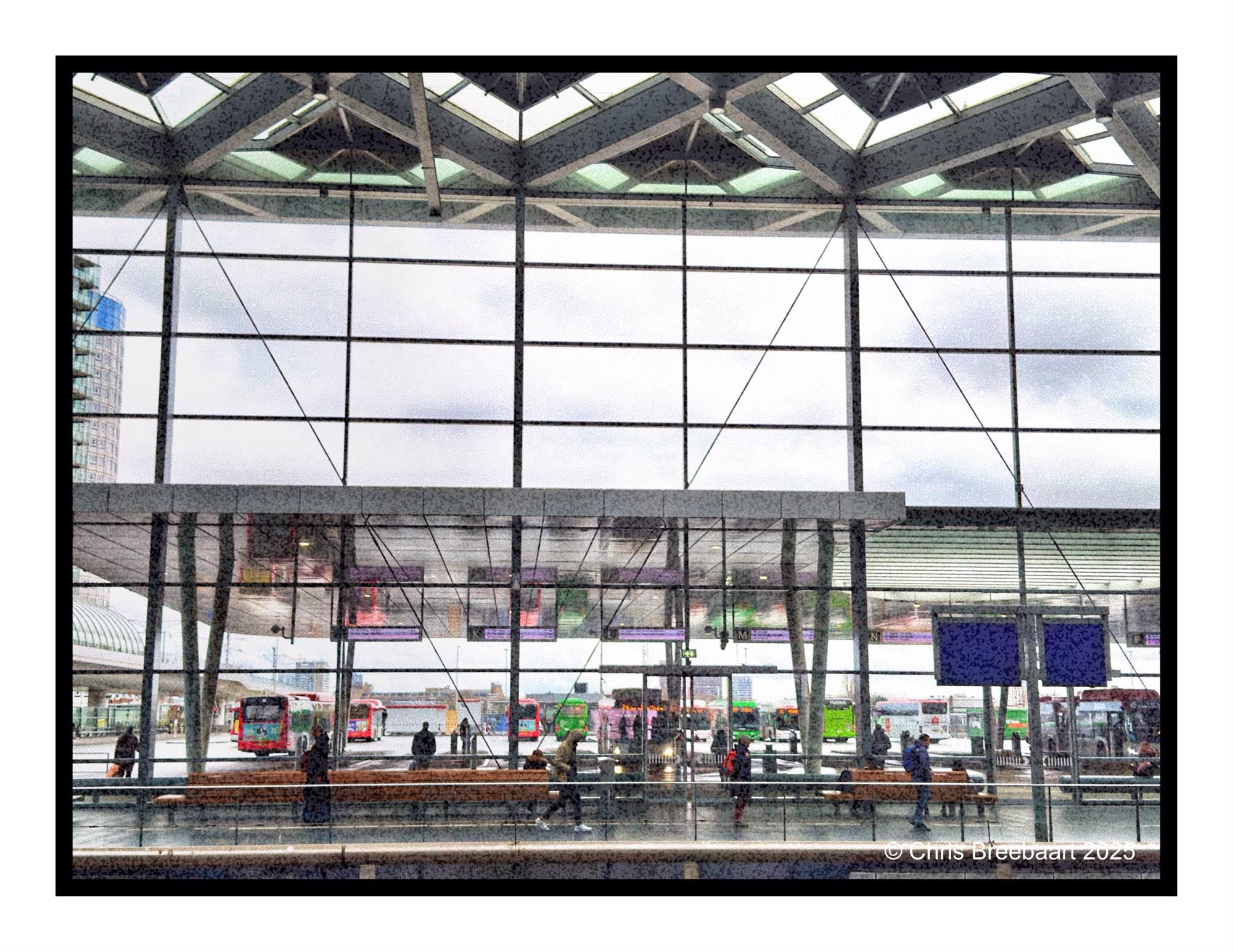
The mobility hub above Den Haag Central Station.
Shot with iPhone 15 Pro Max edited using Snapseed, GrainLab and Marksta. Click the picture for a larger version.
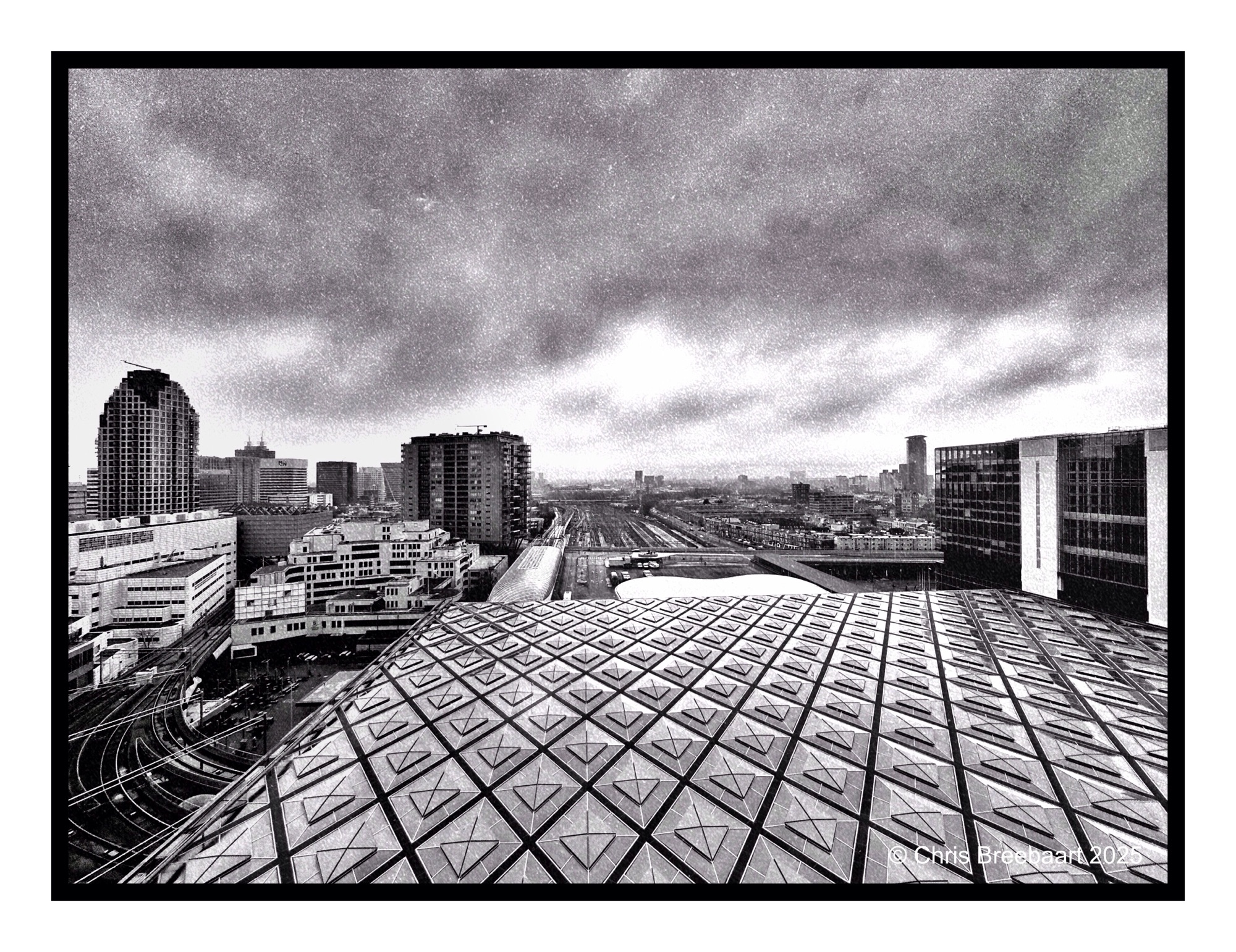
The mobility hub above Den Haag Central Station.
Shot with iPhone 15 Pro Max edited using Snapseed, GrainLab and Marksta. Click the picture for a larger version.
Shot with iPhone 15 Pro Max edited using Snapseed, GrainLab and Marksta. Click the picture for a larger version
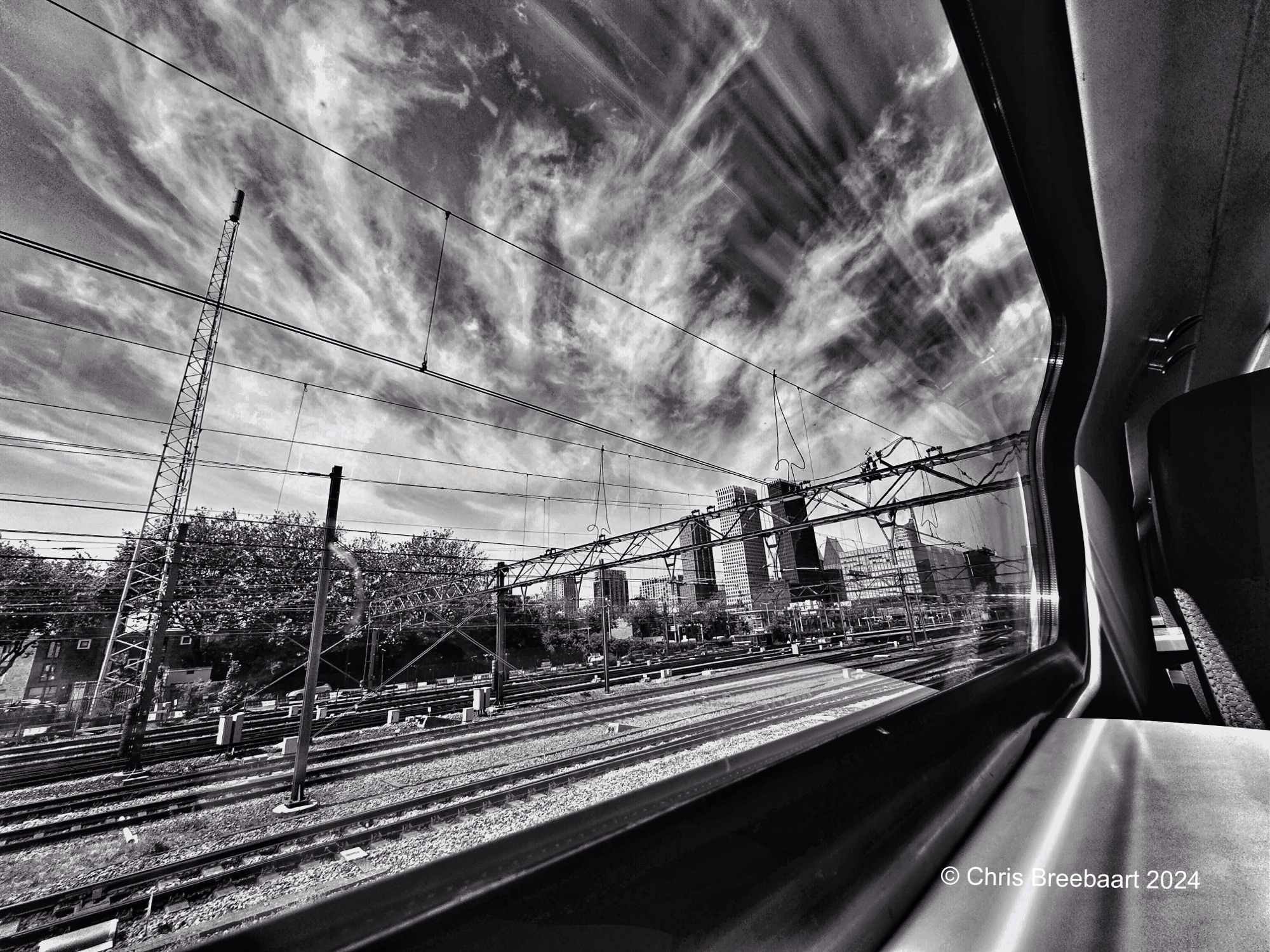
Lines in the sky seen from one of the most beautiful frames for pictures in The Netherlands: a train window offering a beautiful frame with always changing content in it.
Shot with iPhone 15 Pro Max edited using Snapseed and Marksta Click the picture for a larger version

Shot with iPhone 15 Pro Max edited using Snapseed and Marksta Click the picture for a larger version

Shot with iPhone 15 Pro Max edited using Snapseed and Marksta Click the picture for a larger version

This week’s Lens Artists Photo Challenge #292 is ‘People here, there and everywhere’. One of the stations in Den Haag, Laan van Nieuw Oost-Indië.
Shot with iPhone 15 Pro Max edited using Snapseed and Marksta Click the picture for a larger version
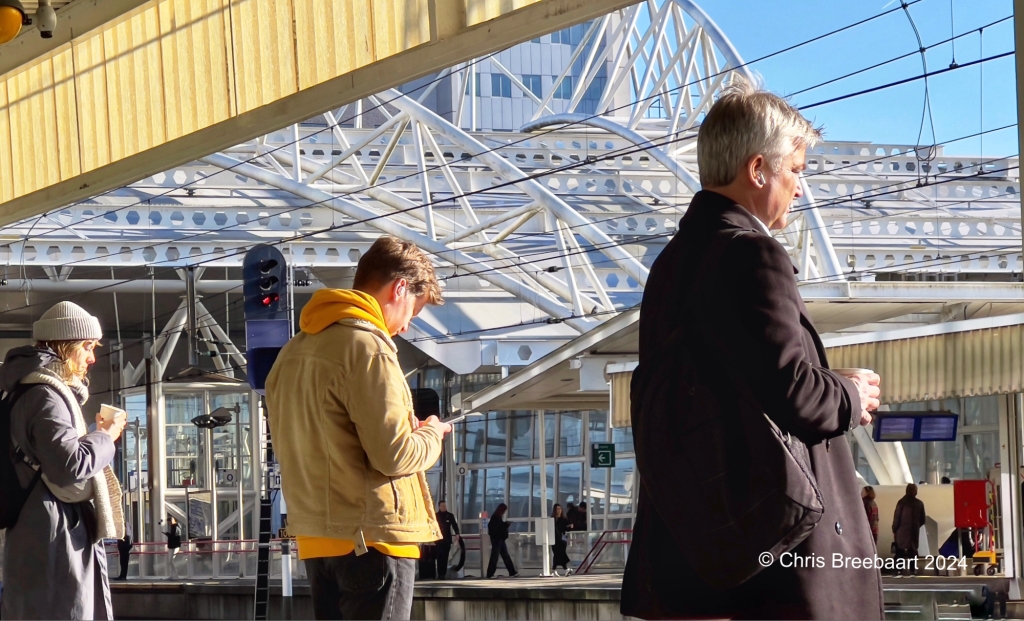
The theme for the weekly Lens-Artists Photo Challenge #289 is ‘tools of photo composition’. Waiting for a train, enjoying the sun.
Shot with iPhone 13 Pro Max edited using Snapseed and Marksta Click the picture for a larger version
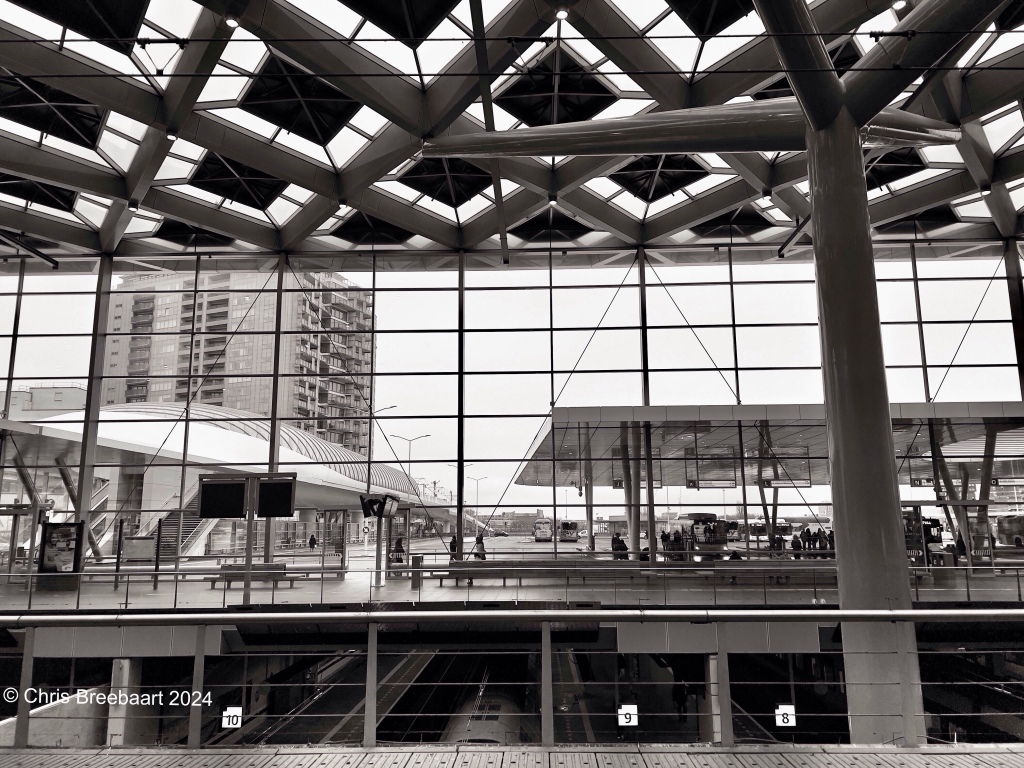
Central Station Den Haag, a busy mobility hub. This week’s Lens Artists Challenge #287 is ‘Sound’
Shot with iPhone 13 Pro Max edited using Snapseed and Marksta Click the picture for a larger version
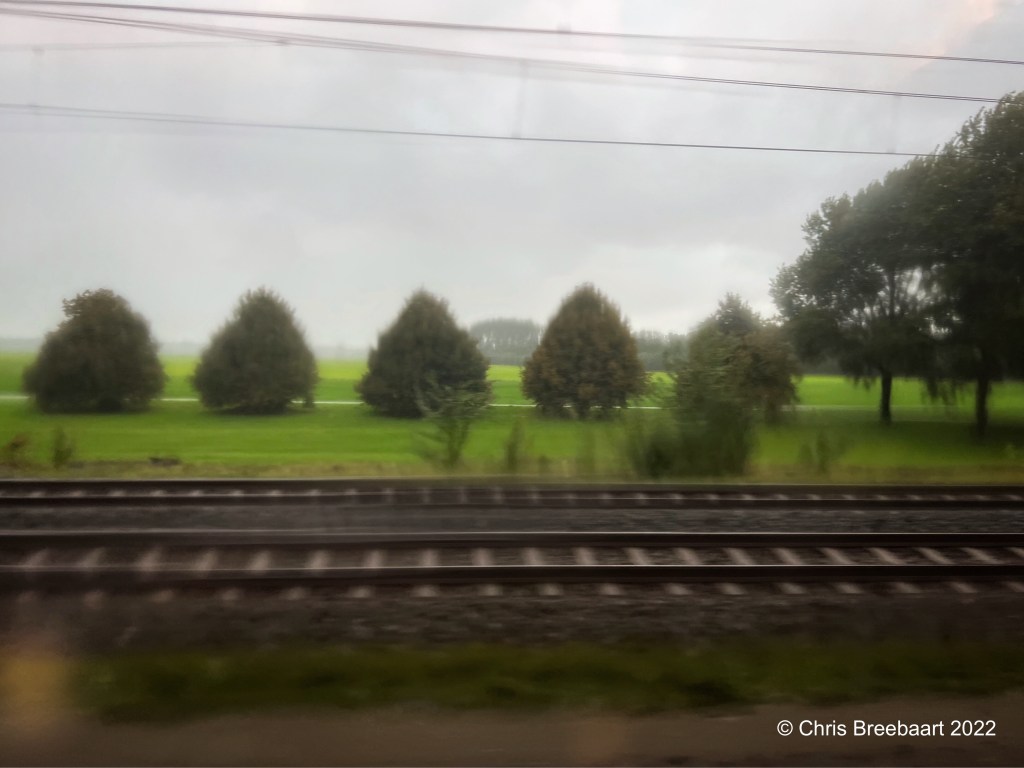
Shot with iPhone 13 Pro Max edited using Snapseed and Marksta Click the picture for a larger version
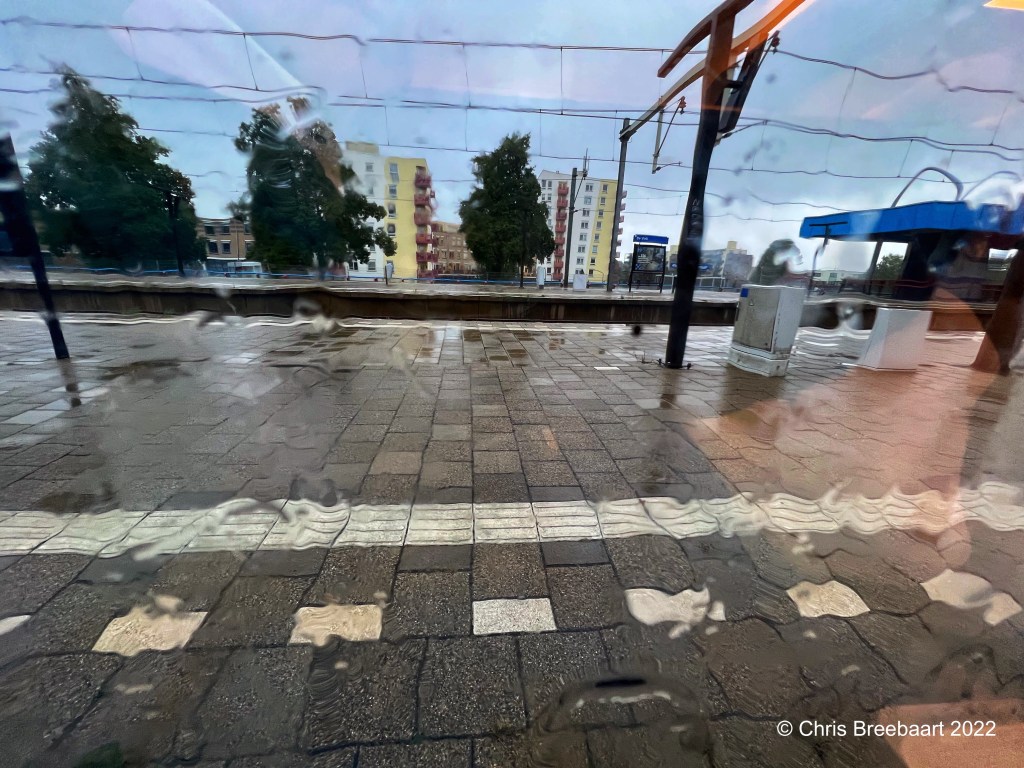
Shot with iPhone 13 Pro Max edited using Snapseed and Marksta Click the picture for a larger version

Shot with iPhone 13 Pro Max edited using Snapseed and Marksta Click the picture for a larger version
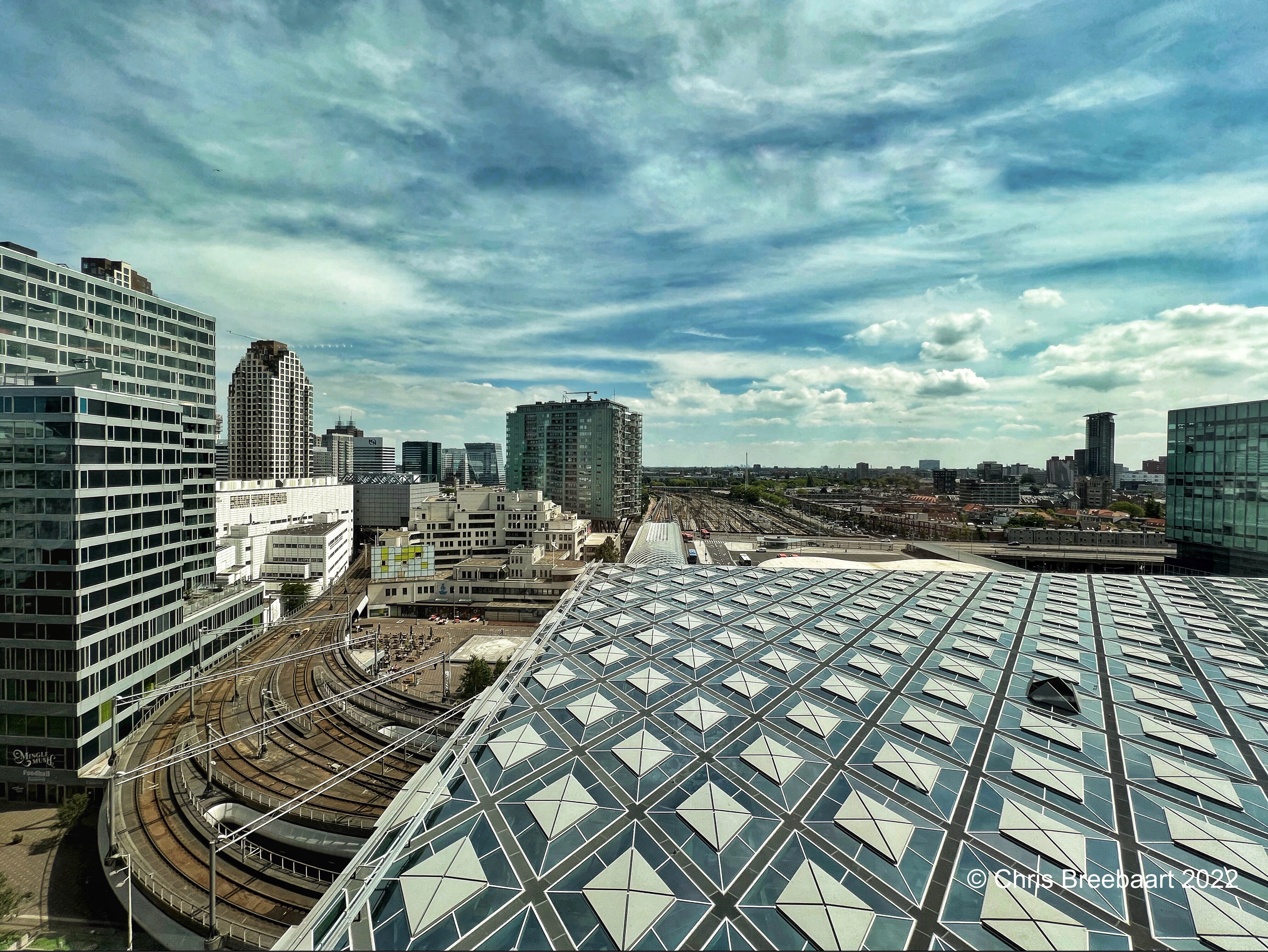
This week’s Lens Artists Photo Challenge is #206 ‘Treasures’.
Shot with iPhone 13 Pro Max edited using Snapseed and Marksta Click the picture for a larger version
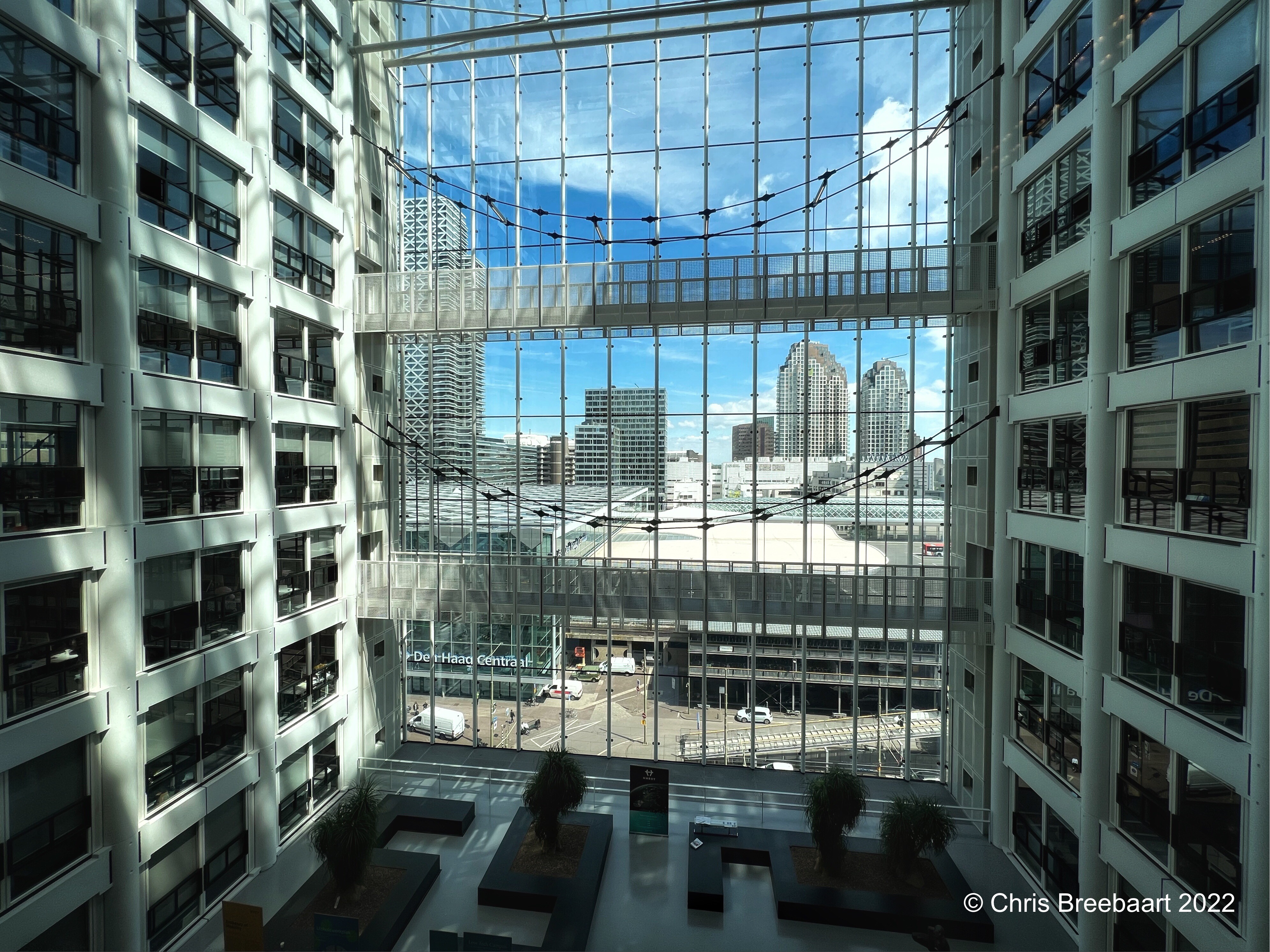
The view from the departement of Infrastructure and Water-management on Central Station Den Haag.
Shot with iPhone 13 Pro Max edited using Snapseed and Marksta Click the picture for a larger version
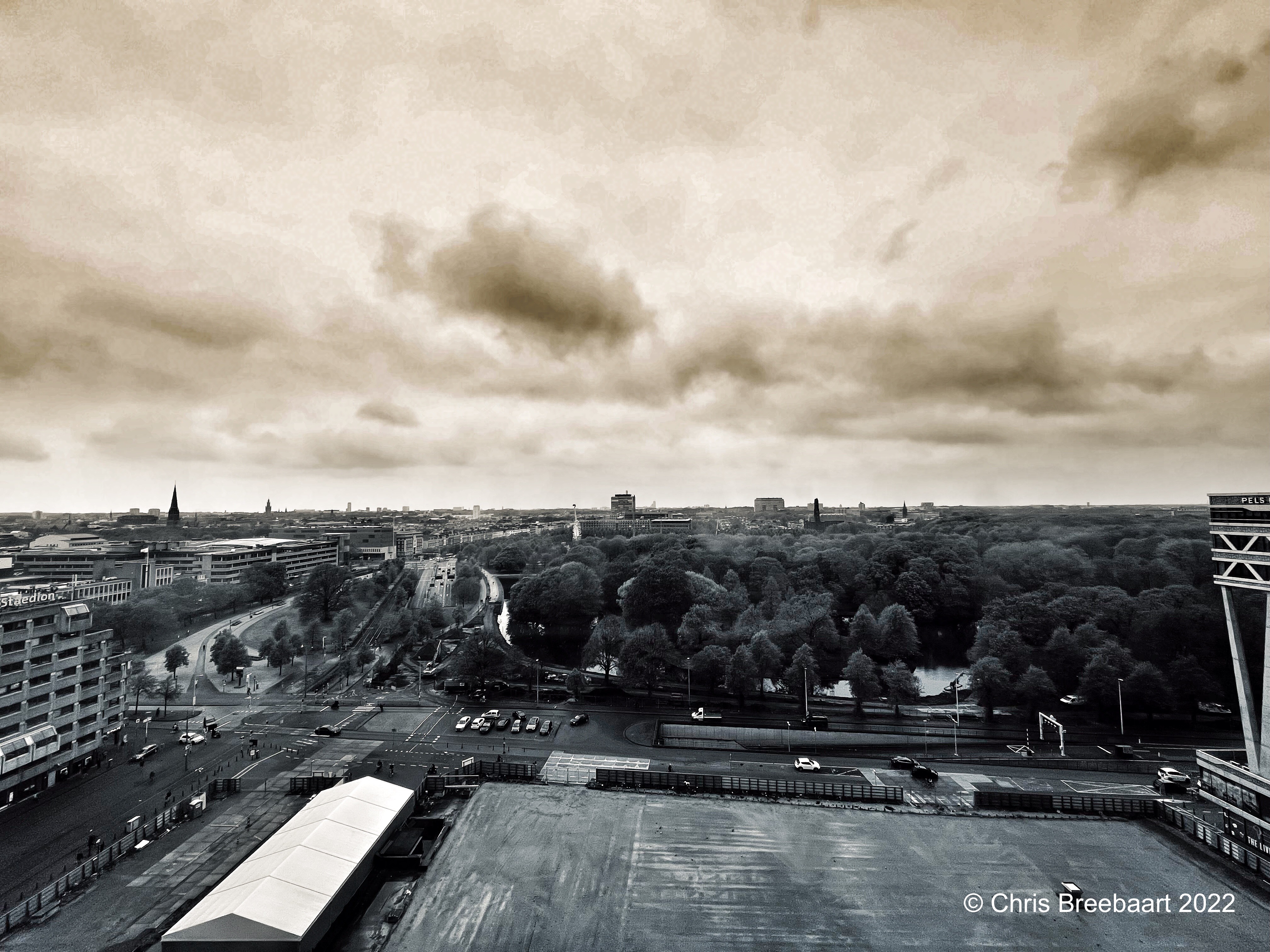
The Lens-artists challenge #197 is ‘rule of thirds’. The rule of thirds is a rule of thumb how to compose images. But a photo that creates a journey of the eye can also be made by using lines and colors. This is the view from Den Haag Central Station to Scheveningen.
Shot with iPhone 13 Pro Max edited using Snapseed and Marksta Click the picture for a larger version

Hybrid working is part of the new normal: so some days at home, some at the office. It is nice to see Den Haag again.
Shot with iPhone 13 Pro Max edited using Snapseed and Marksta Click the picture for a larger version

A picture that does not fit in a category has to fit in ‘odds and ends’, lens artists photo challenge #189.
Shot with iPhone 11 Pro Max edited using Snapseed and Marksta. Click the picture for a larger version
The theme for Lens-artists Weekly Photo Challenge #117 is ‘A photo Walk’.
Last week I had to kill some time in Rotterdam near the Central Station. It was the first time I saw it close. A fourth impression.
Shot with iPhone 11 Pro Max edited using Snapseed and Marksta. Click the picture for a larger version
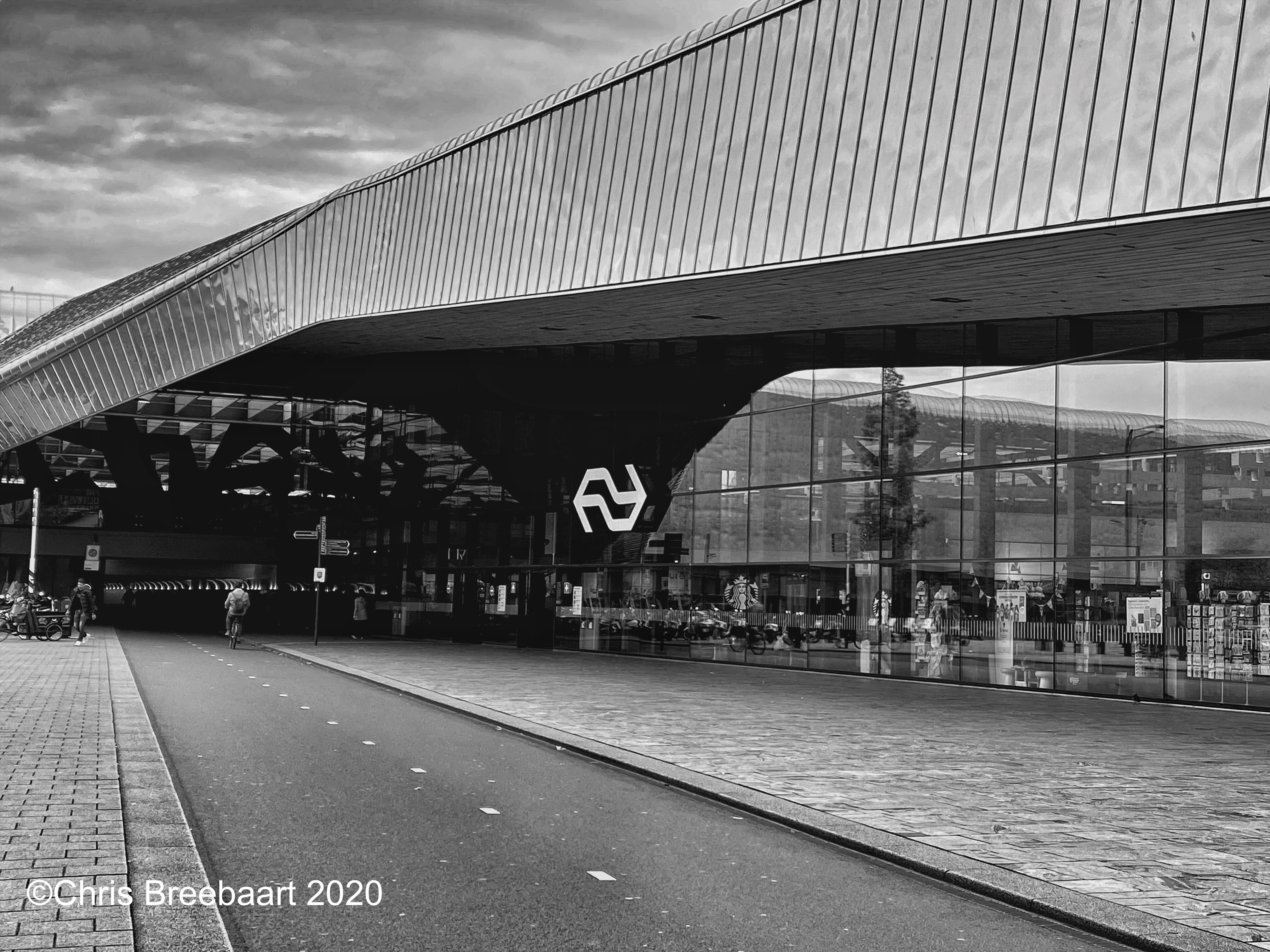
The theme for Lens-artists Weekly Photo Challenge #117 is ‘A photo Walk’.
Last week I had to kill some time in Rotterdam near the Central Station. It was the first time I saw it close. A third impression.
Shot with iPhone 11 Pro Max edited using Snapseed and Marksta. Click the picture for a larger version
The theme for Lens-artists Weekly Photo Challenge #117 is ‘A photo Walk’.
Last week I had to kill some time in Rotterdam near the Central Station. It was the first time I saw it close. A second impression.
Shot with iPhone 11 Pro Max edited using Snapseed and Marksta. Click the picture for a larger version

The theme for Lens-artists Weekly Photo Challenge #117 is ‘A photo Walk’.
Last week I had to kill some time in Rotterdam near the Central Station. It was the first time I saw it close. The coming days I will post some impressions.
Shot with iPhone 11 Pro Max edited using Snapseed and Marksta. Click the picture for a larger version
 The Netherlands, Leiden – February 2020
The theme for the weekly Lens-Artists Photo Challenge #85 is ‘a change of perspective’
Shot with iPhoneX edited using Snapseed and Marksta Click the picture for a larger version
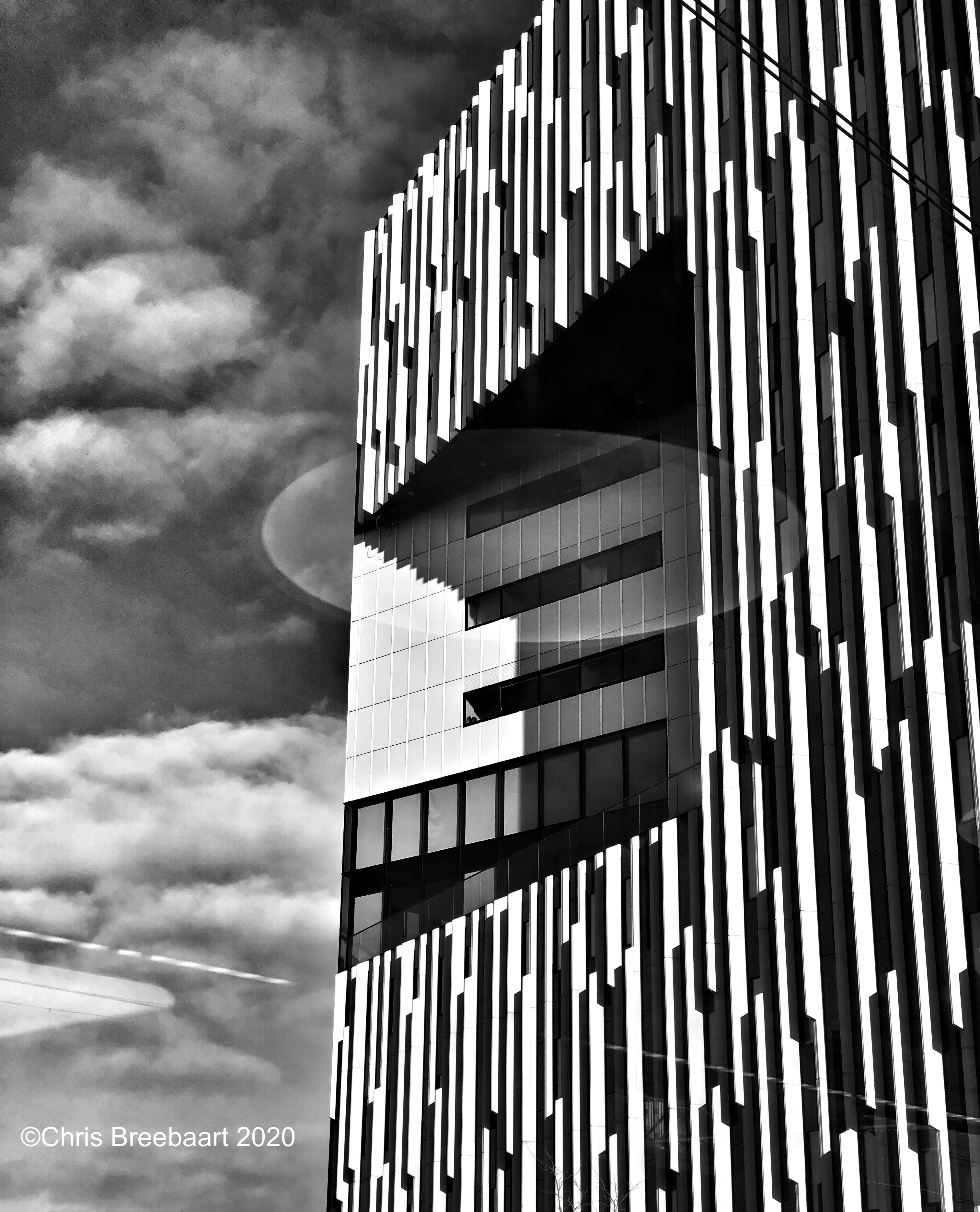
The Netherlands, Leiden – February 2020
The theme for the weekly Lens-Artists Photo Challenge #85 is ‘a change of perspective’
Shot with iPhoneX edited using Snapseed and Marksta Click the picture for a larger version
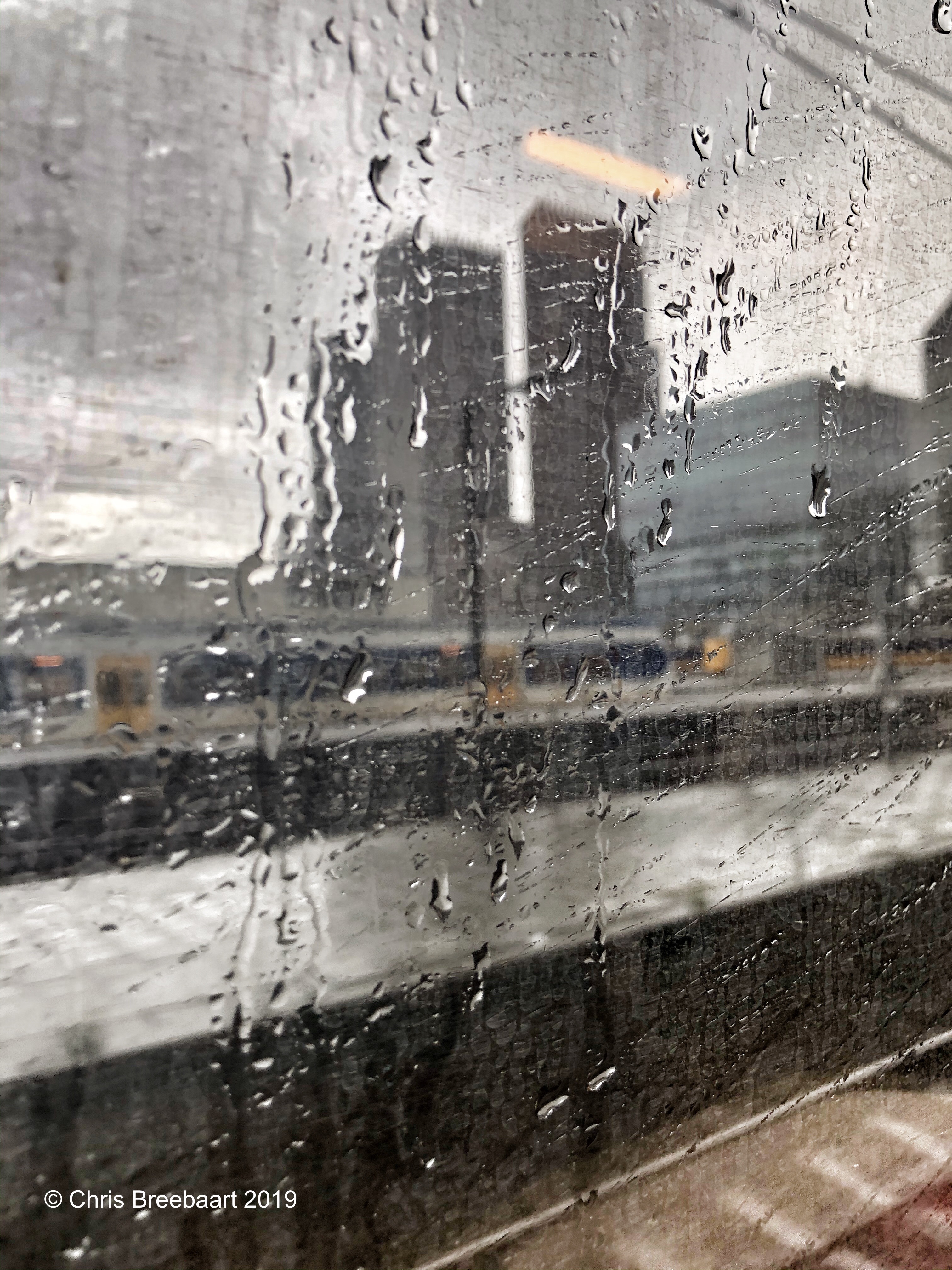
The Netherlands, Den Haag – December 2019
Shot with iPhoneX edited using Snapseed and Marksta. Click the picture for a larger version
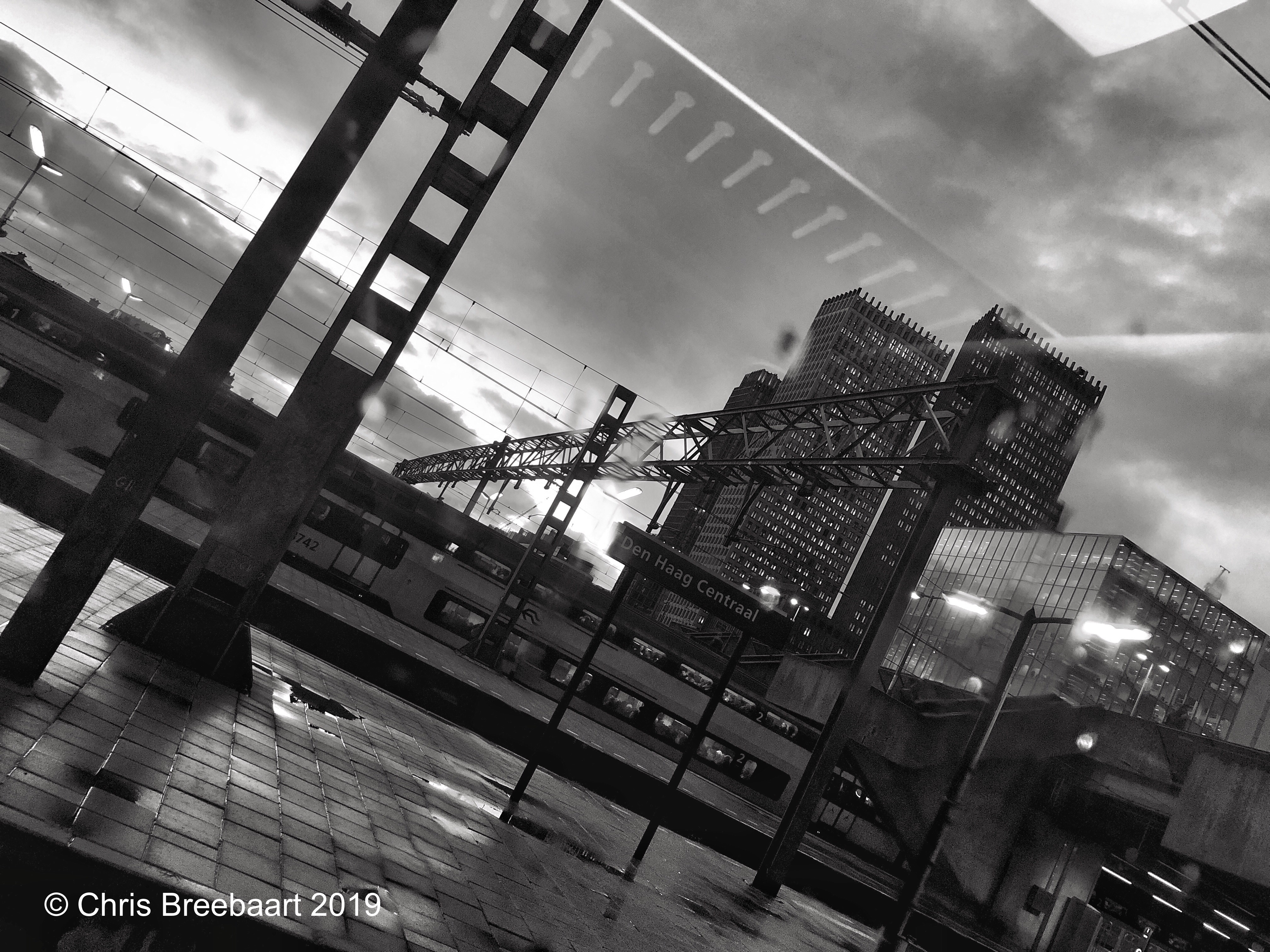
The Netherlands, Den Haag – December 2019
Shot with iPhoneX edited using Snapseed and Marksta Click the picture for a larger version

The Netherlands, Den Haag – November 2019
Shot with iPhoneX edited using Snapseed and Marksta Click the picture for a larger version
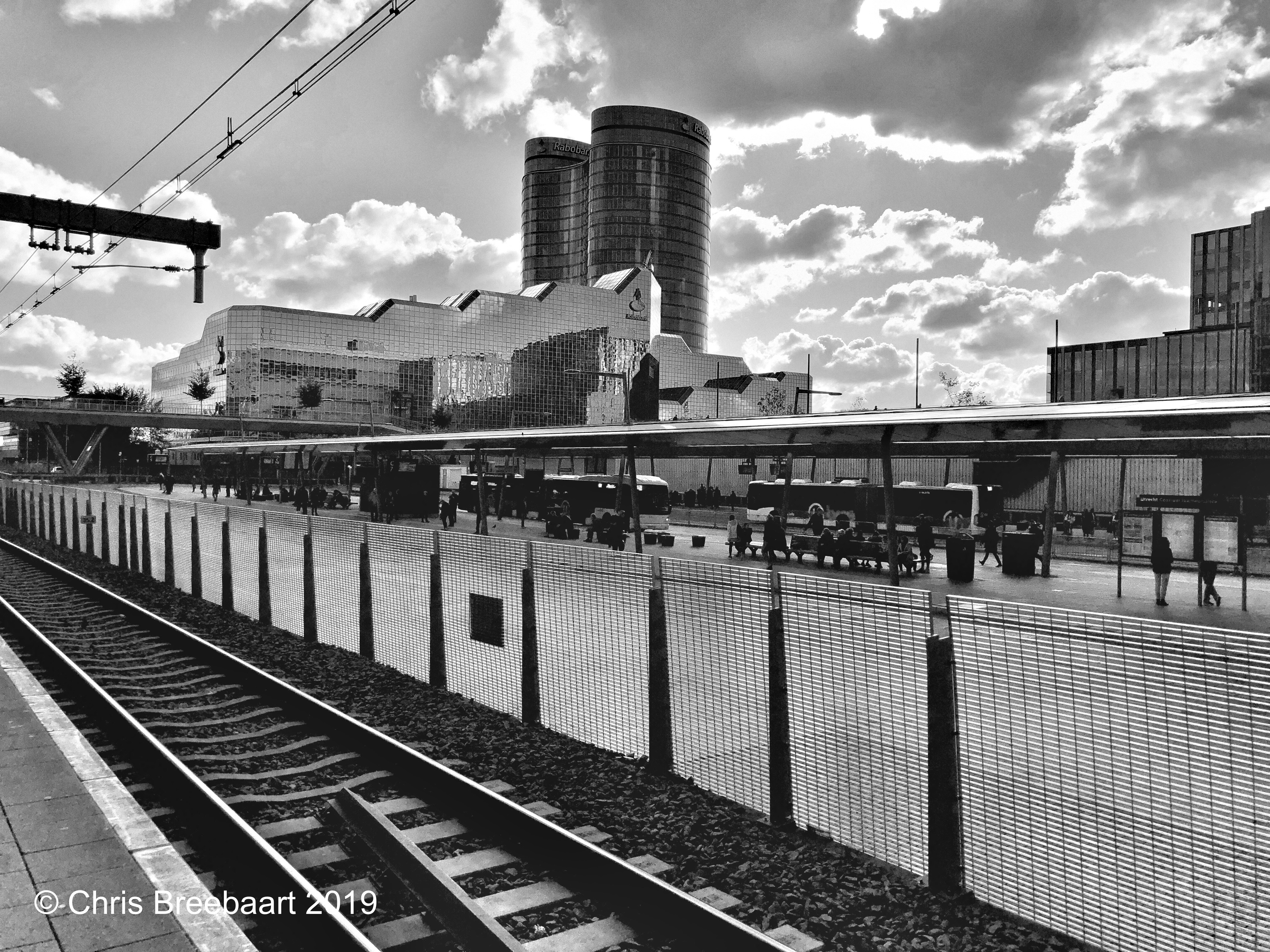
The Netherlands, Utrecht – October 2019
The theme for the weekly Lens-Artists Photo Challenge #70 is ‘monochrome’.
The main office of the Rabobank in Utrecht, The Netherlands.
If you want to join or participate the weekly Lens-Artists Photo Challenges, just follow the link above.
Shot with iPhoneX edited using Snapseed and Marksta Click the picture for a larger version

The Netherlands, Den Haag – October 2019
The theme for the weekly Lens-Artists Photo Challenge #69 is ‘seeing double’.
If you want to join or participate the weekly Lens-Artists Photo Challenges, just follow the link above.
Shot with iPhoneX edited using Snapseed and Marksta Click the picture for a larger version

The Netherlands, Den Haag – June 2019
shot with iPhone X, edited using Snapseed and Marksta, click the picture for a larger version

The Netherlands, Vleuten – April 2019
Shot with iPhoneX edited using Snapseed and Marksta Click the picture for a larger version
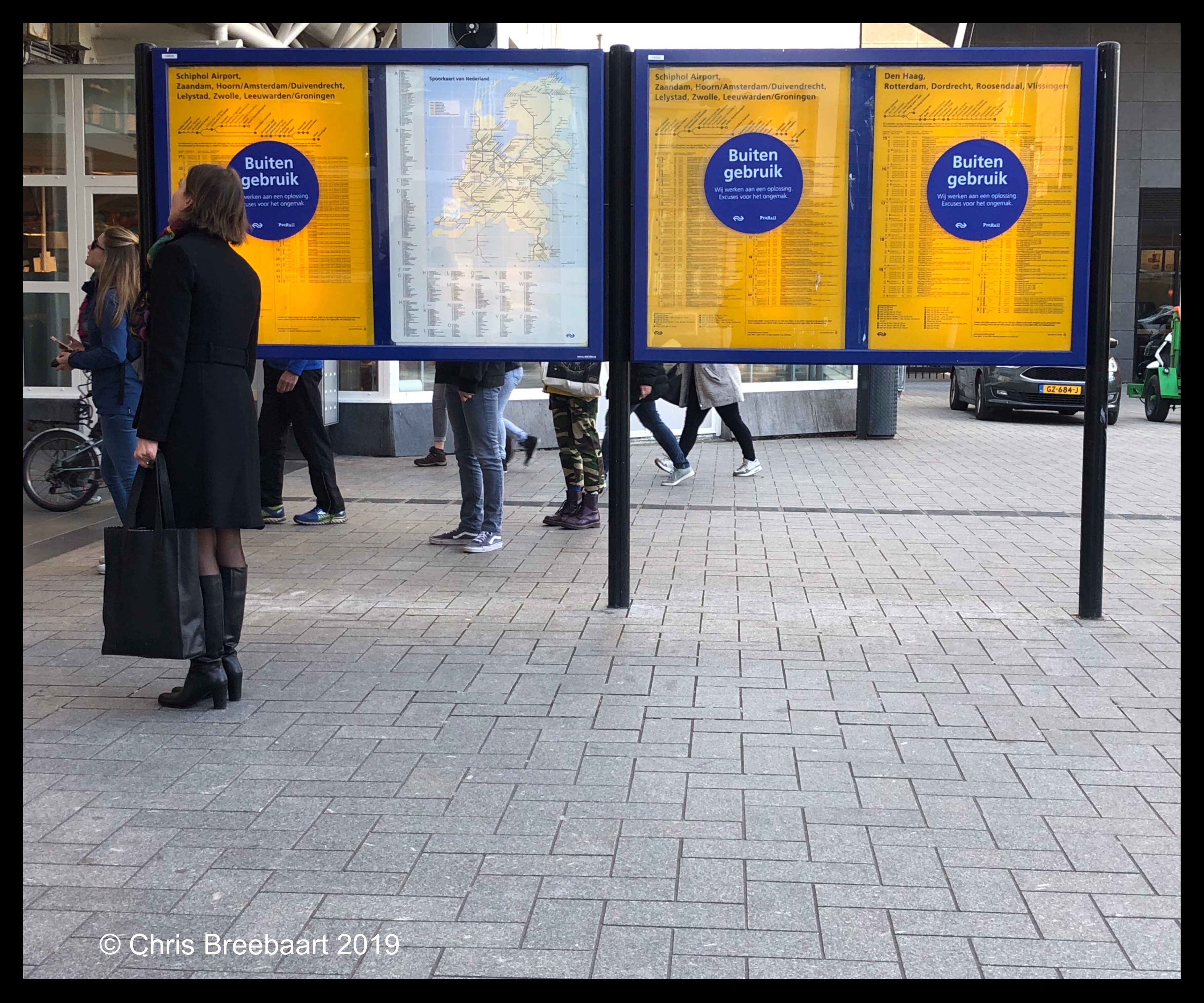
The Netherlands, Leiden – April 2019
This is a Dutch language tongue in cheek photo. Buiten gebruik means out of order. But buiten in Dutch can mean outside and gebruik means to use. Use outside? We are outside!
shot with iPhone X, edited using Snapseed and Marksta, click the picture for a larger version
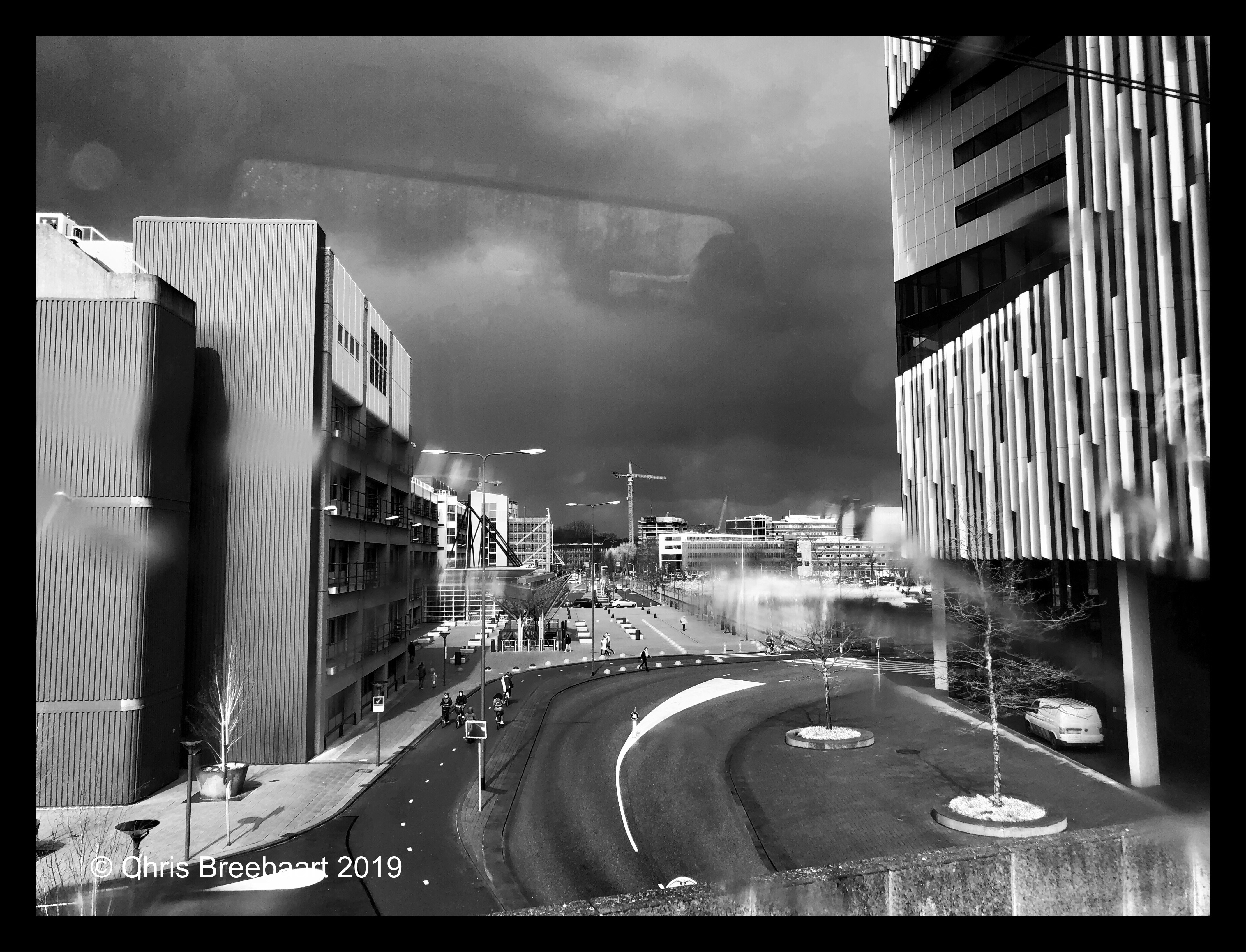
The Netherlands, Leiden – April 2019
shot with iPhone X, edited using Snapseed and Marksta, click the picture for a larger version
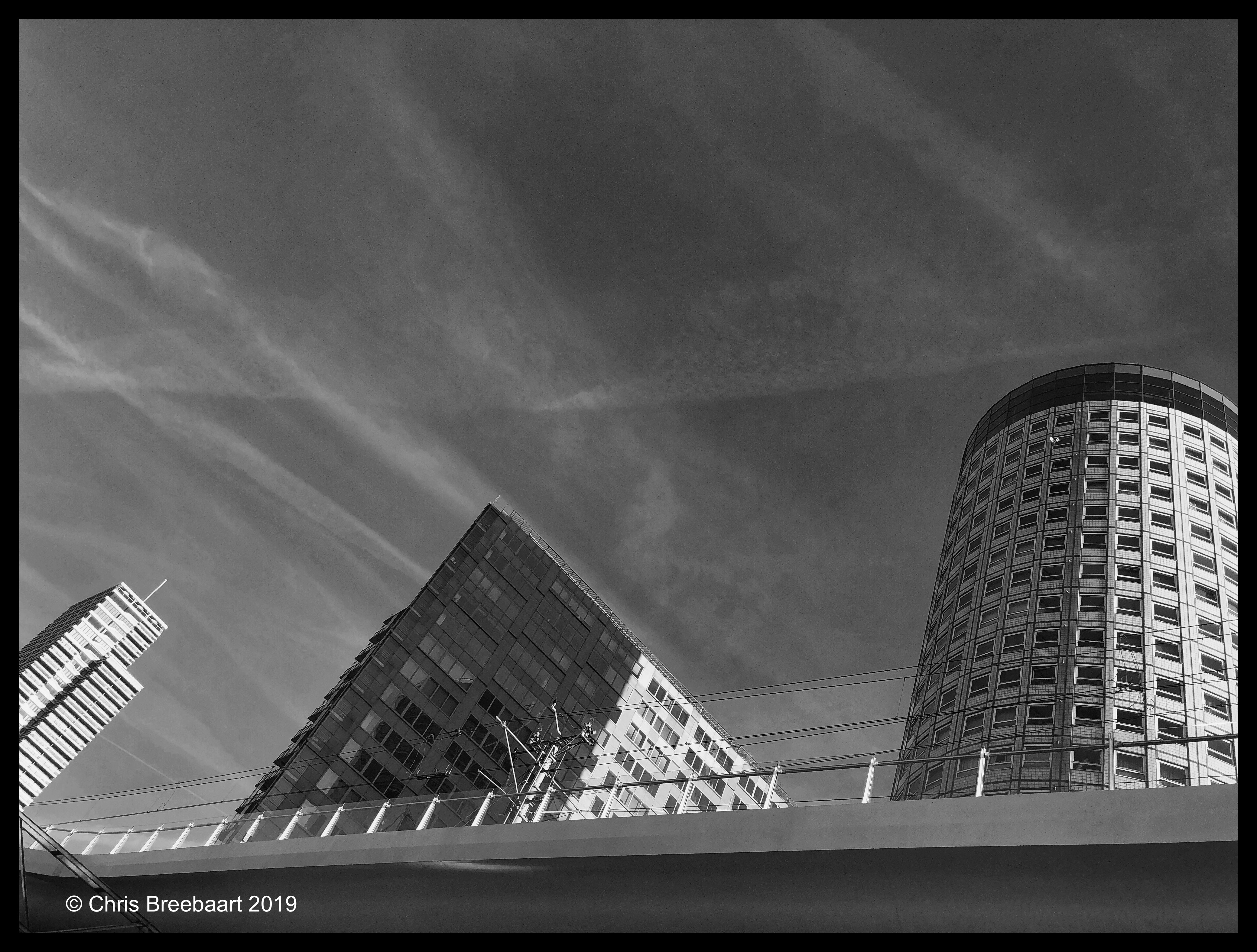
The Netherlands, Den Haag – February 2019
shot with iPhone X, edited using Snapseed and Marksta, click the picture for a larger version

The Netherlands, Delft – January 2019
Shot with iPhoneX edited using Snapseed and Marksta Click the picture for a larger version
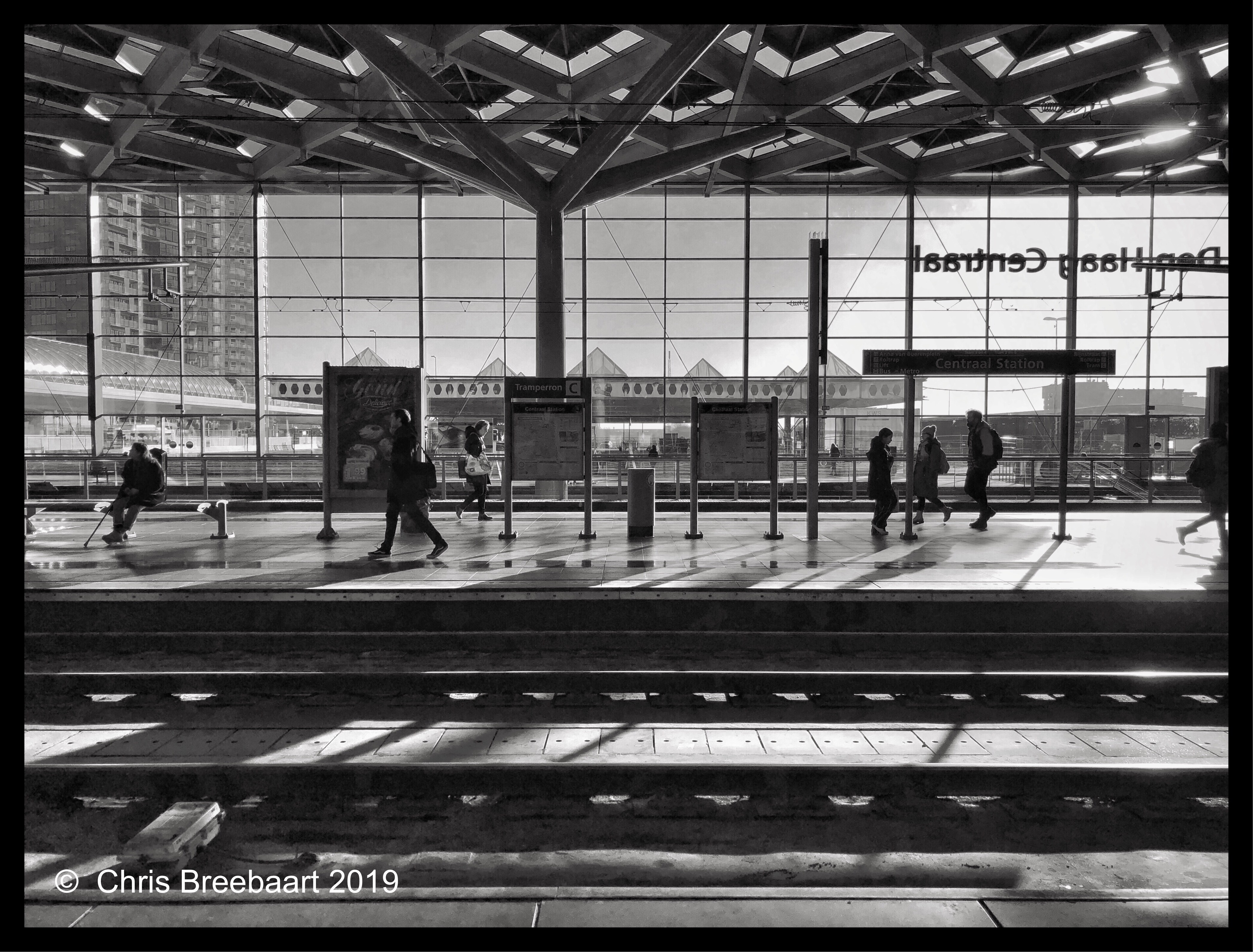
The Netherlands, Den Haag – December 2018
Shot with iPhoneX edited using Snapseed and Marksta. Click the picture for a larger version

The Netherlands, Leiden – November 2018
It is back to work after leave for Christmas and New Year.
shot with iPhone X, edited using Snapseed and Marksta, click the picture for a larger version
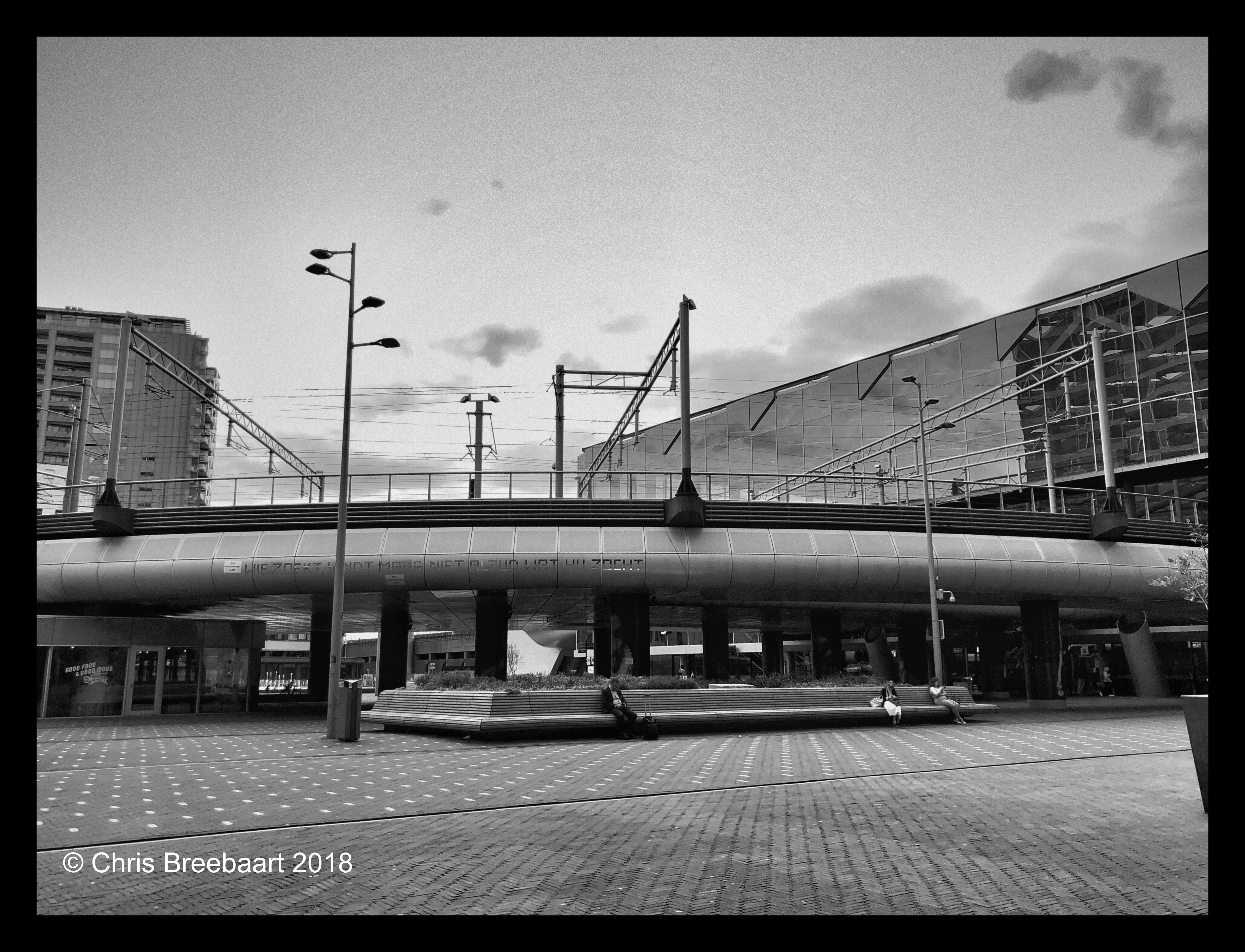
The Netherlands, Den Haag – August 2018
Shot with iPhoneX edited using Snapseed and Marksta. Click the picture for a larger version
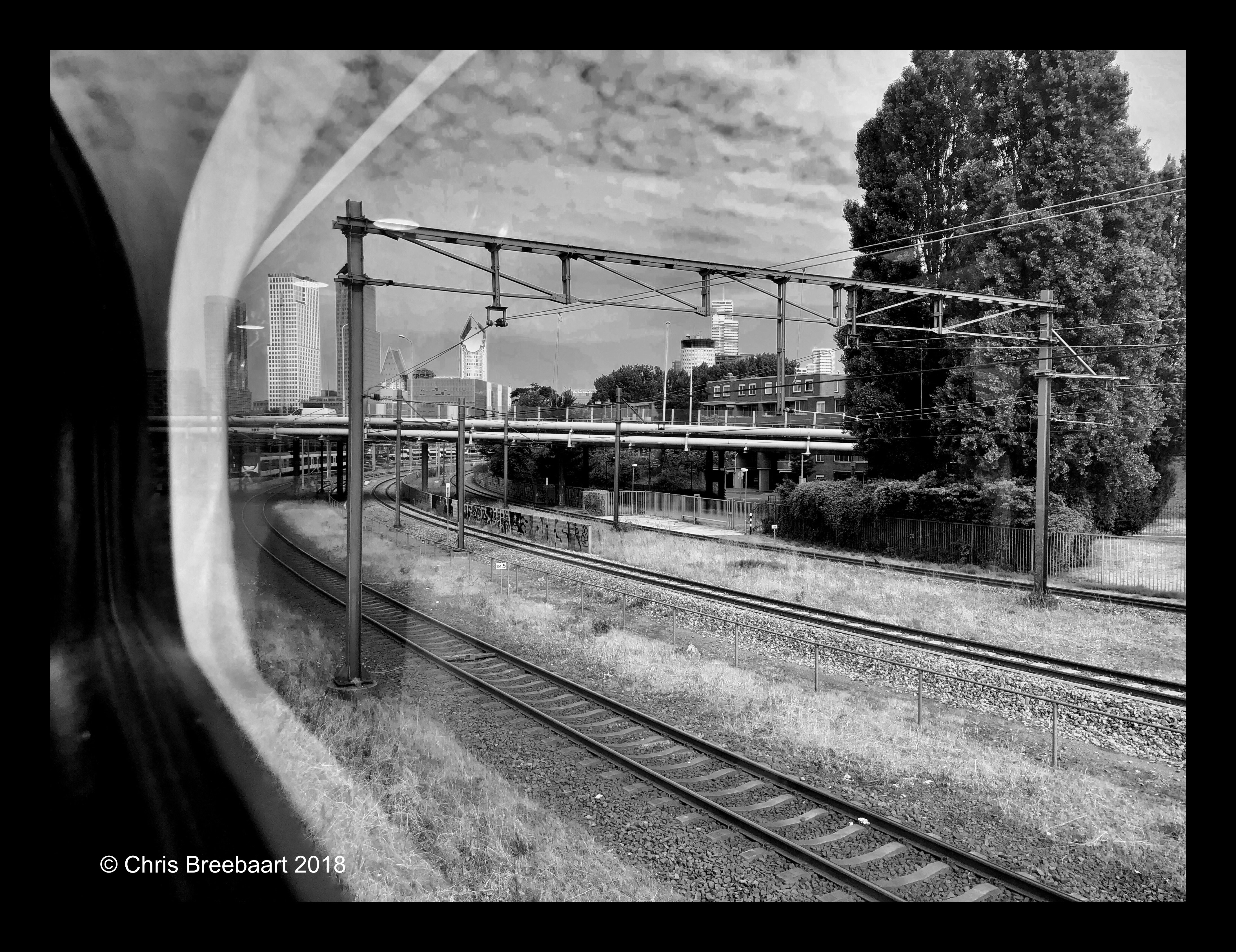
The Netherlands, Den Haag – July 2018
Shot with iPhoneX edited using Snapseed and Marksta. Click the picture for a larger version
L